Reindeer Stables

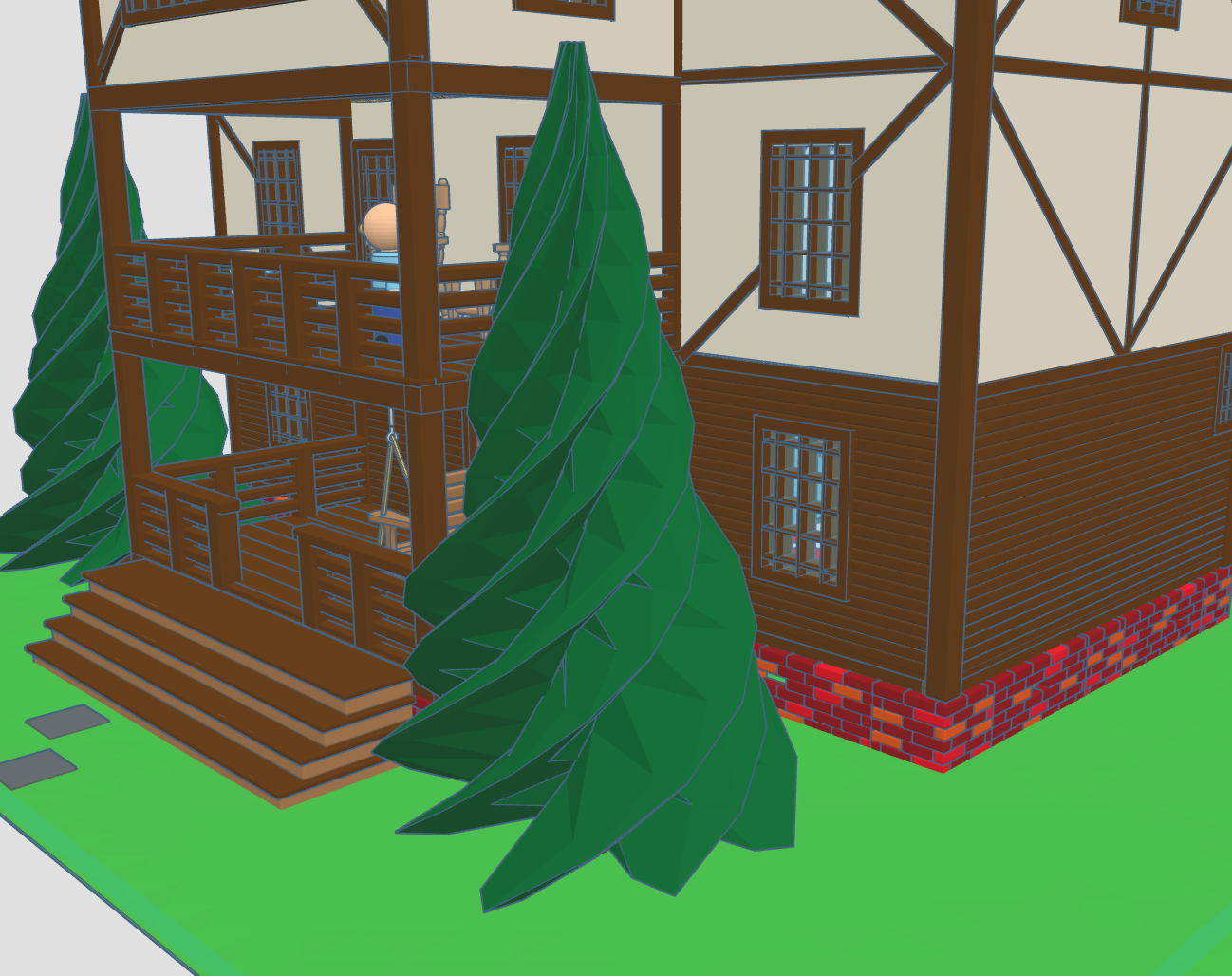
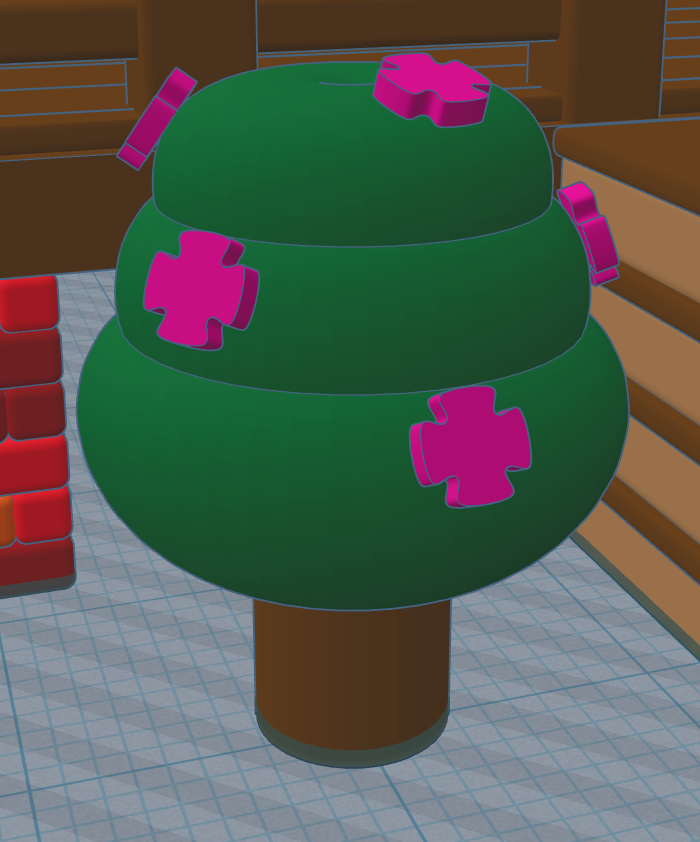
In 2020, I created Santa’s Workshop using Tinkercad. This year, 2025, I decorated one of the trees. Maybe next year, I will decorate the other tree. This is how the Santa’s Workshop looks 5 years later.

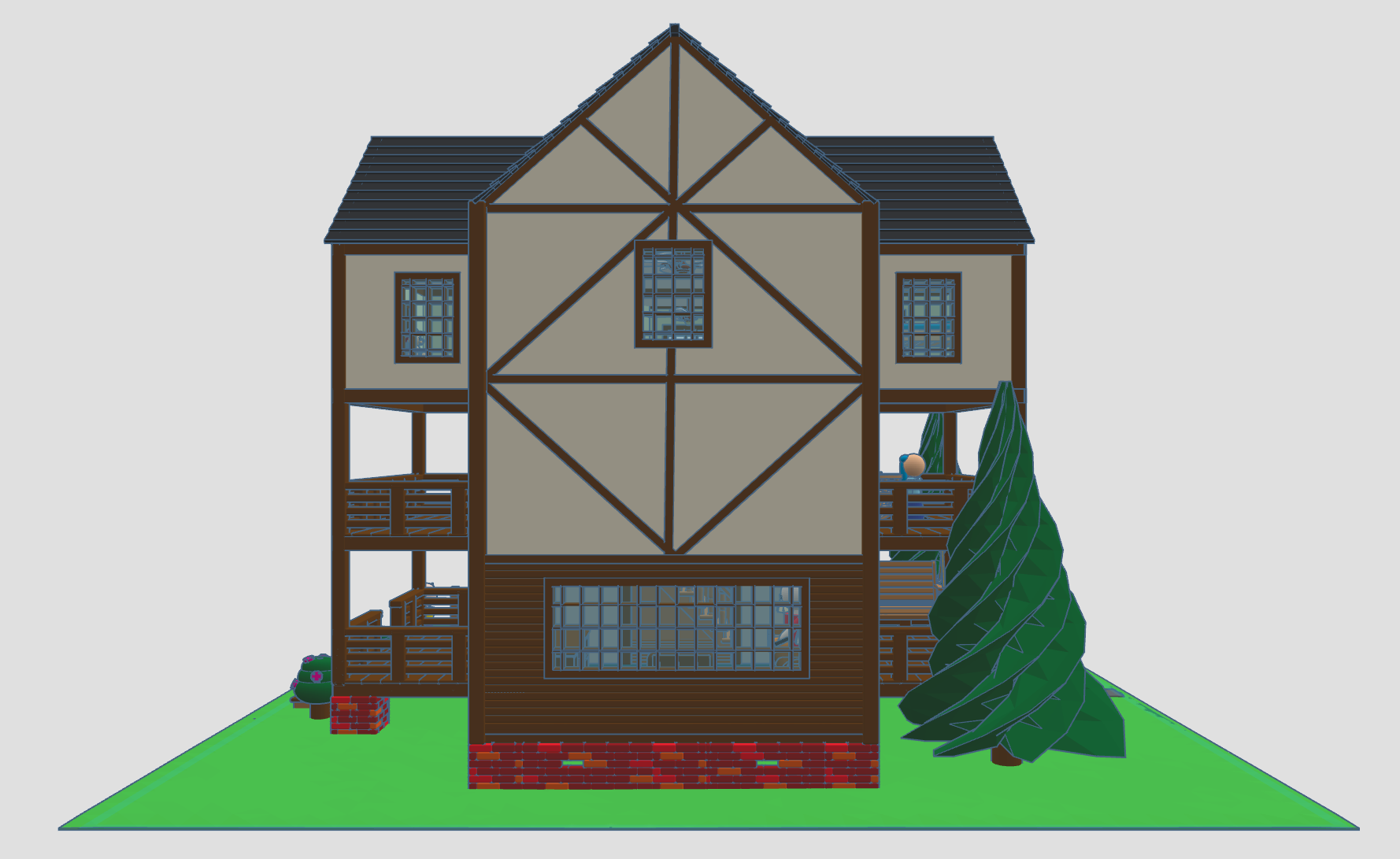
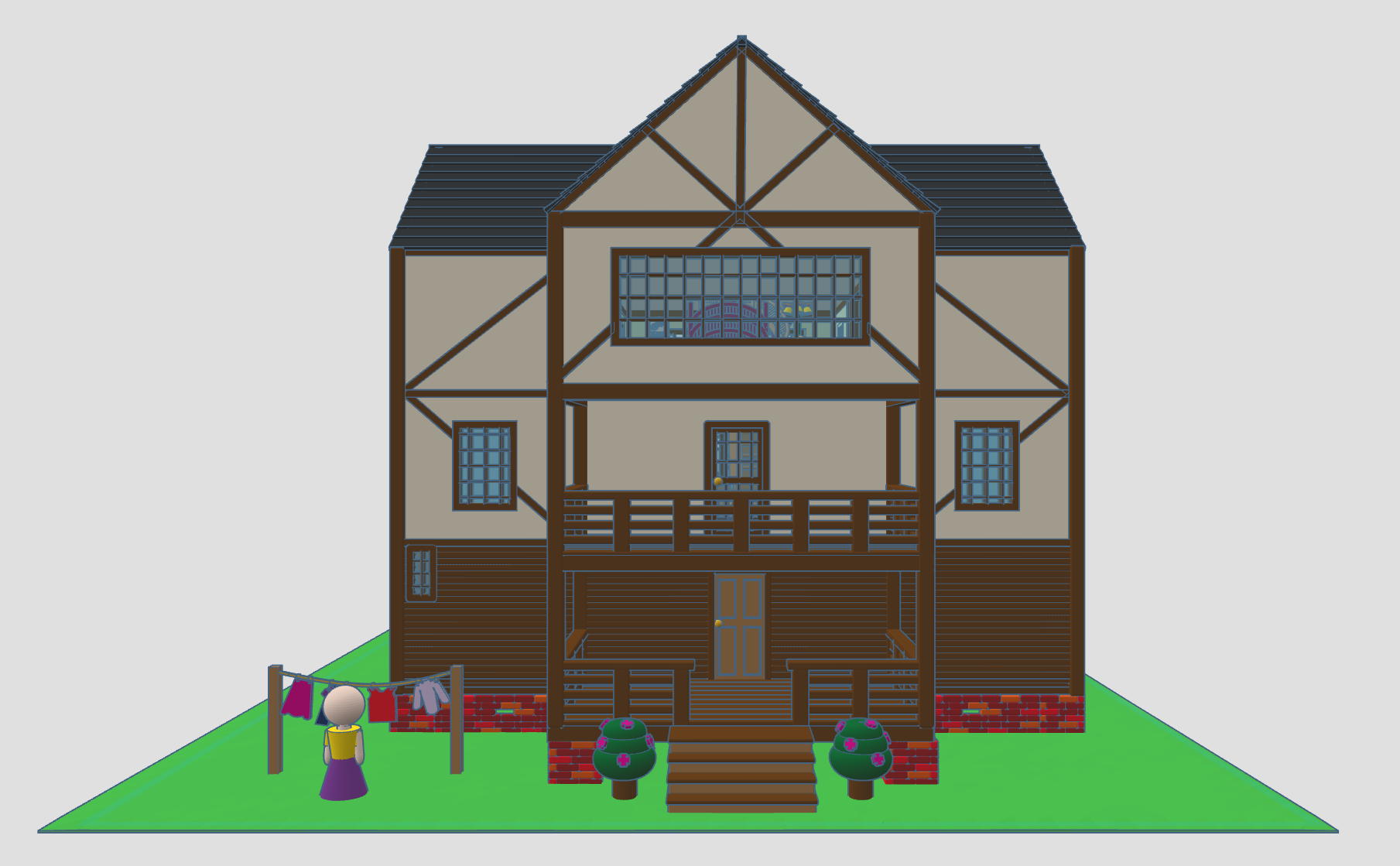
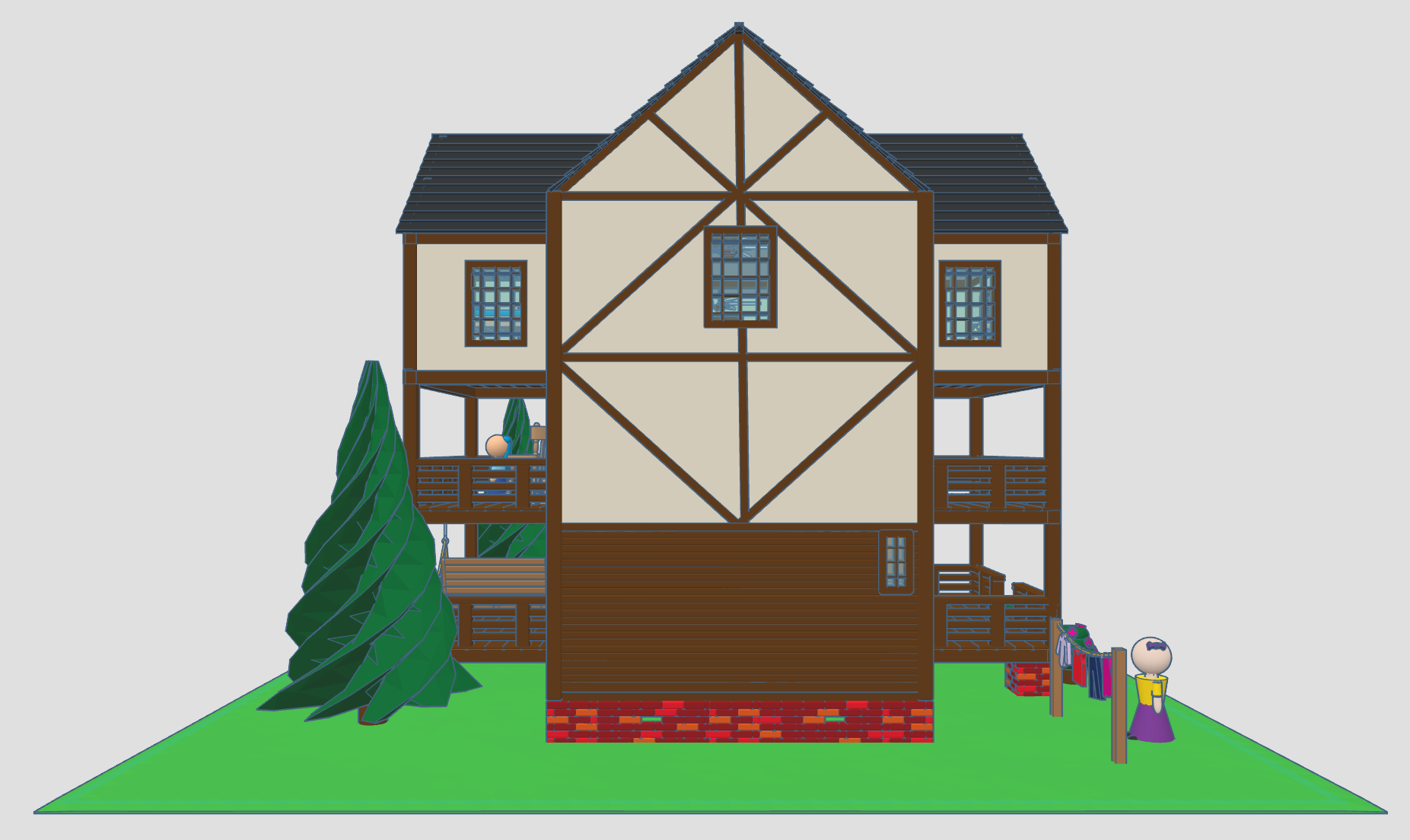
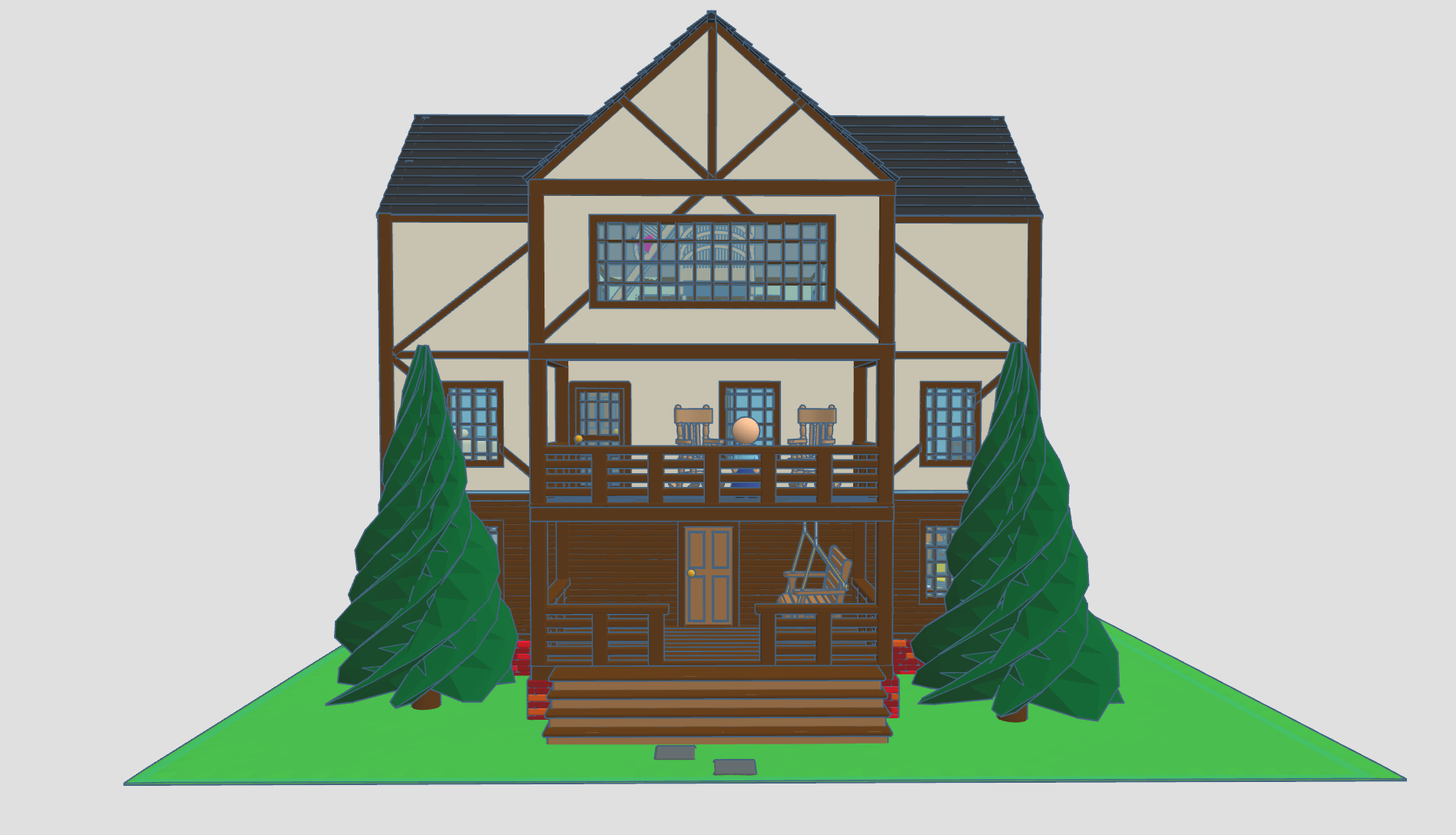
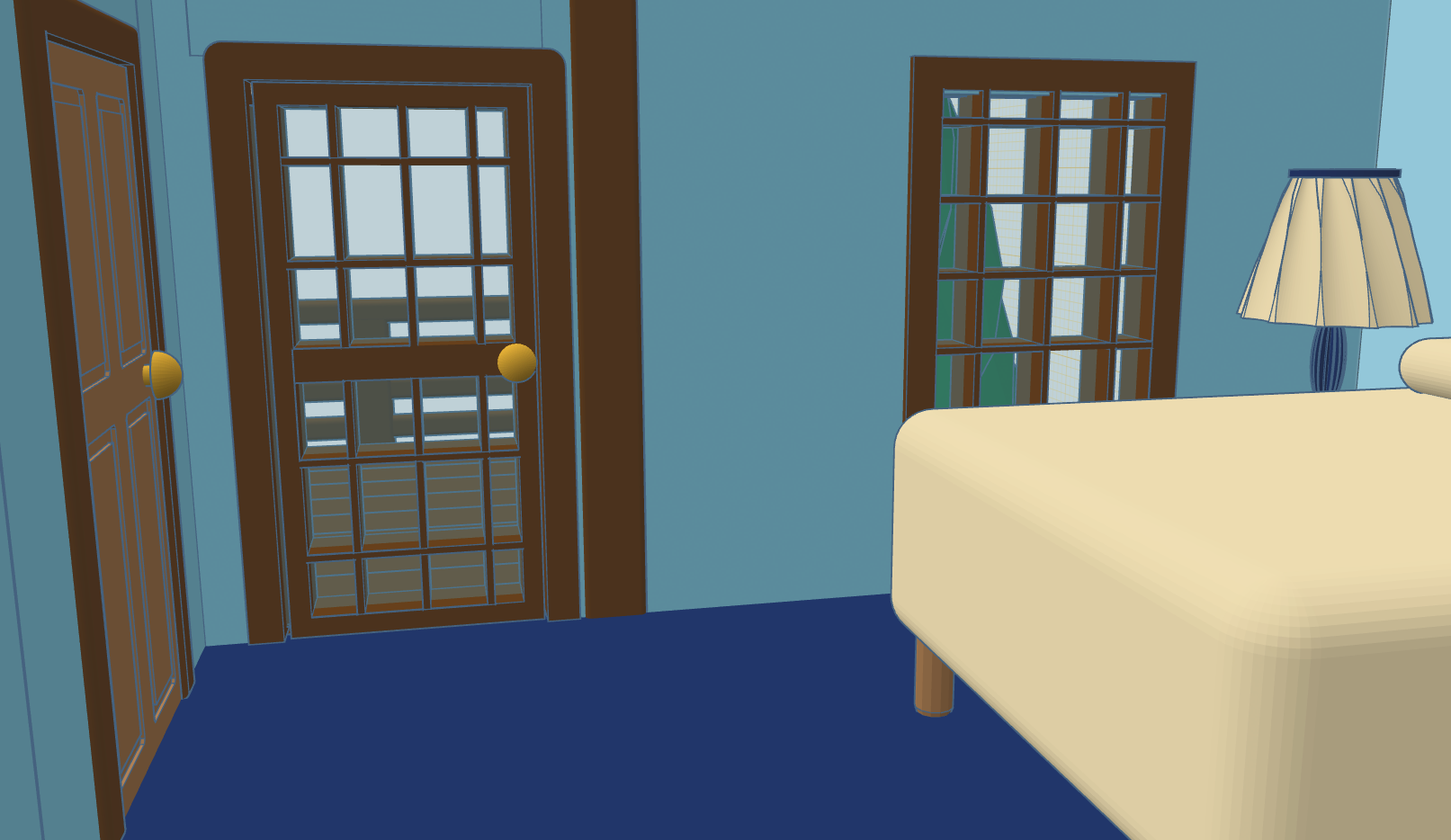
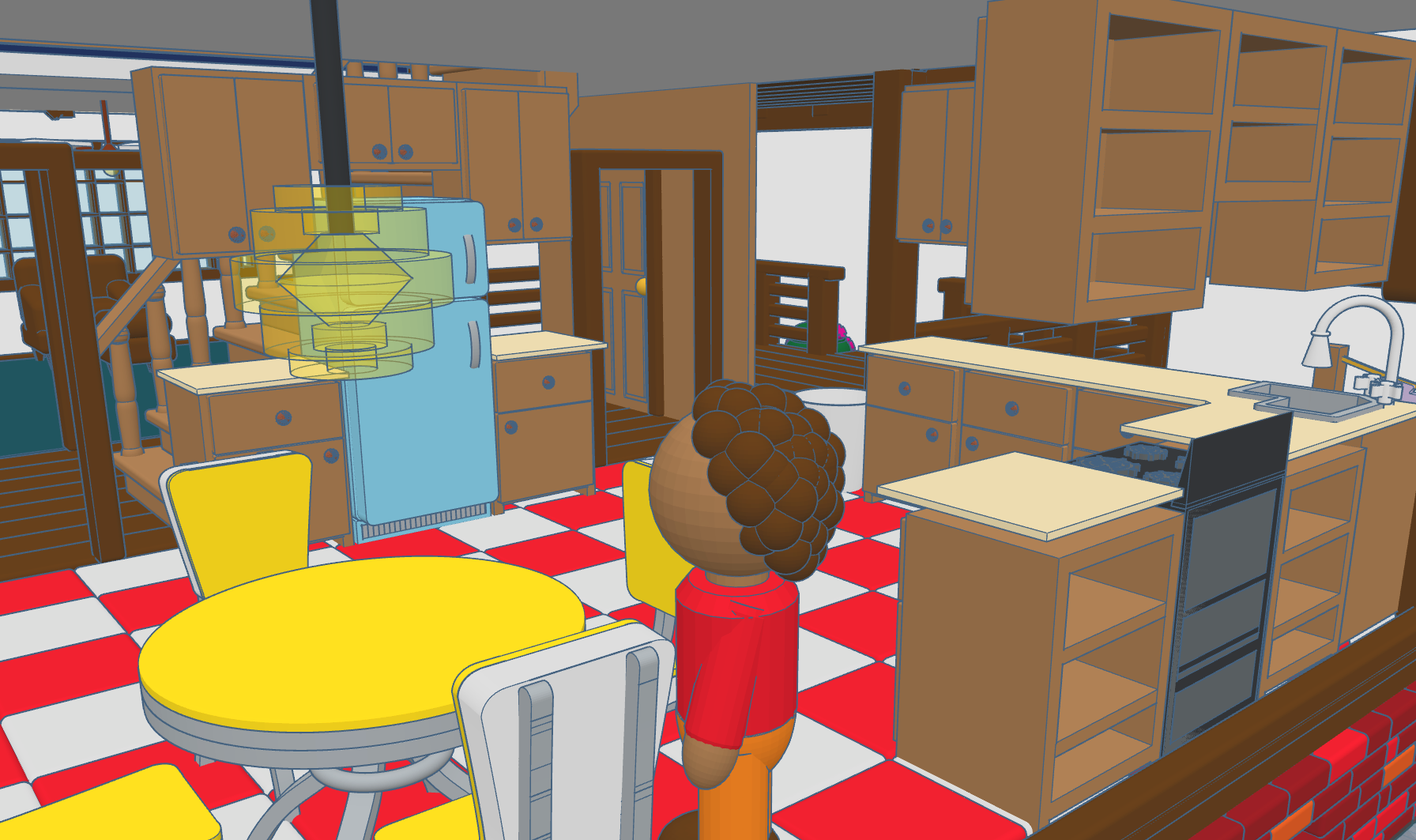
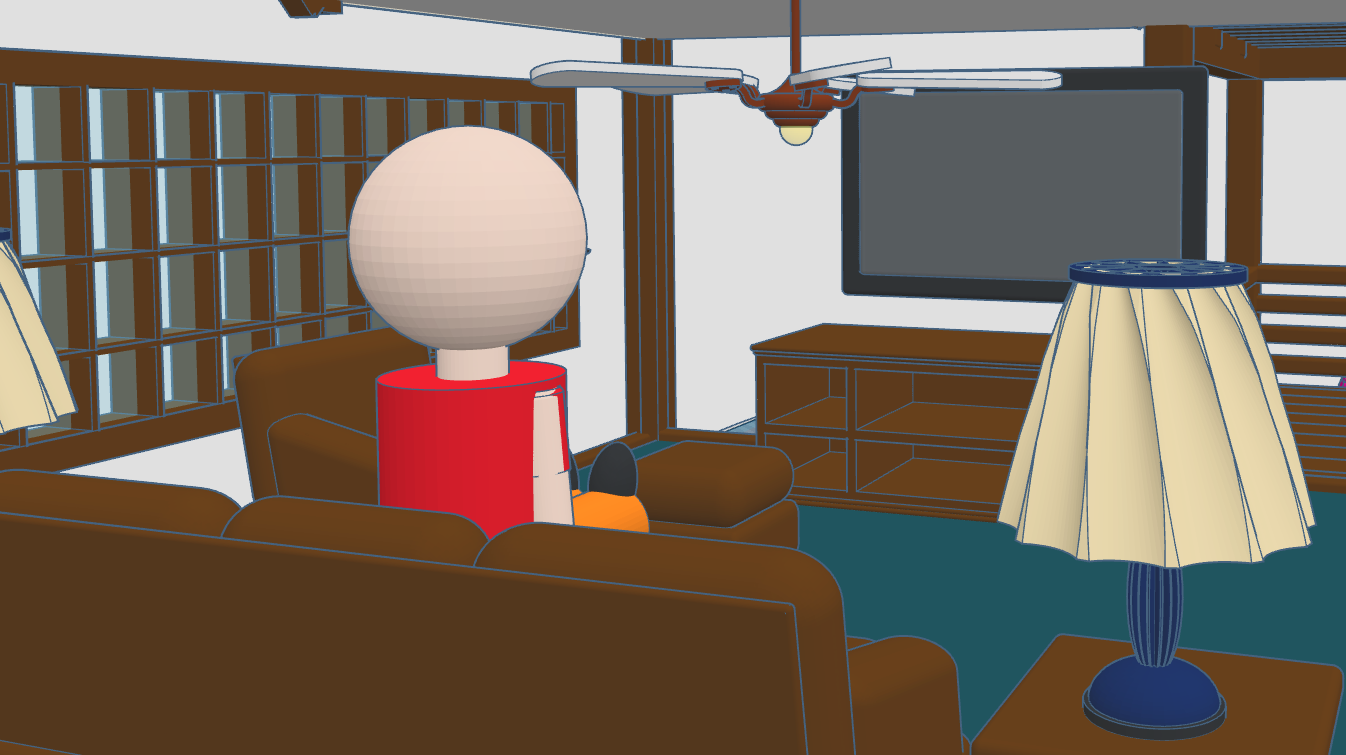
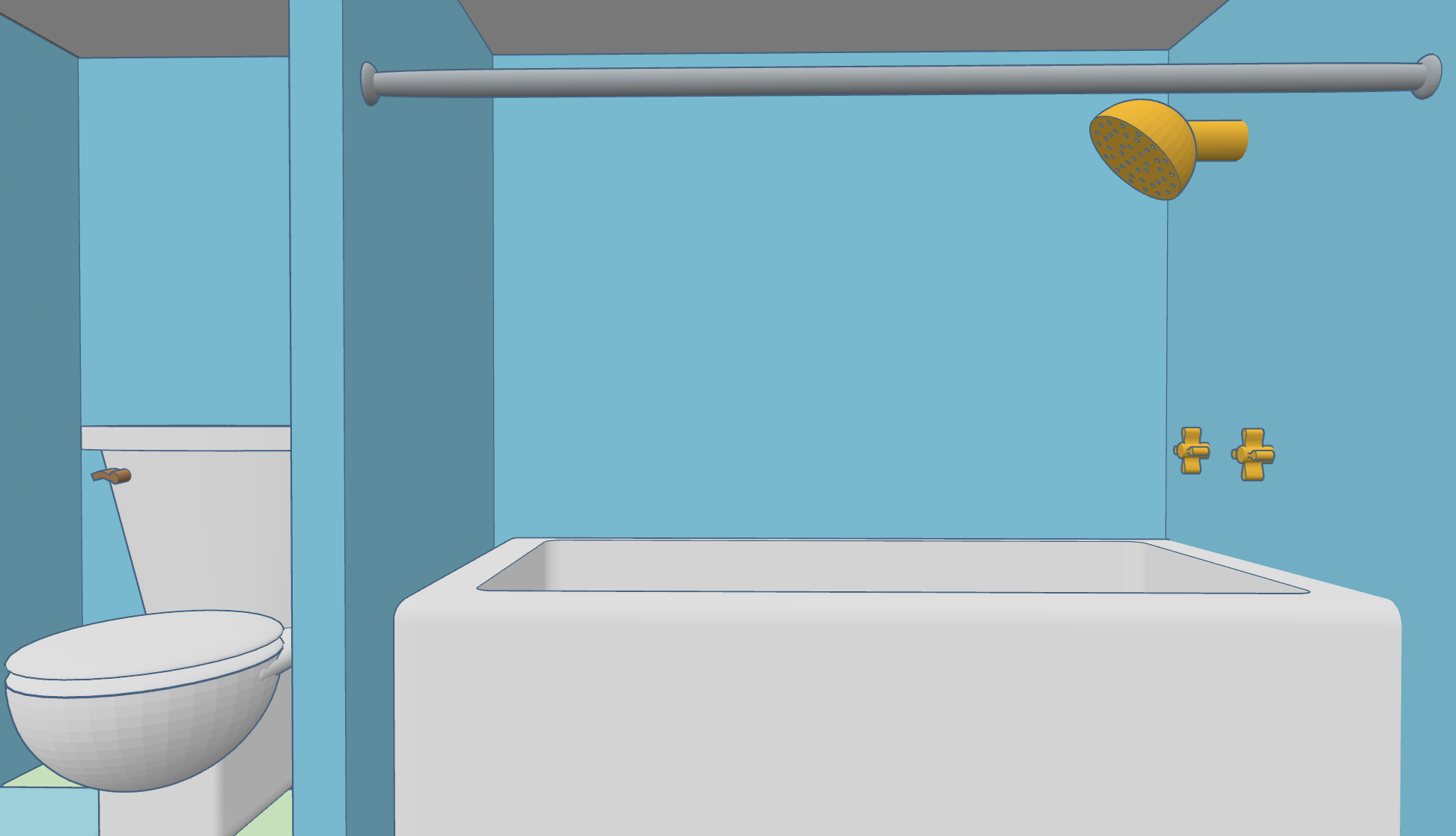
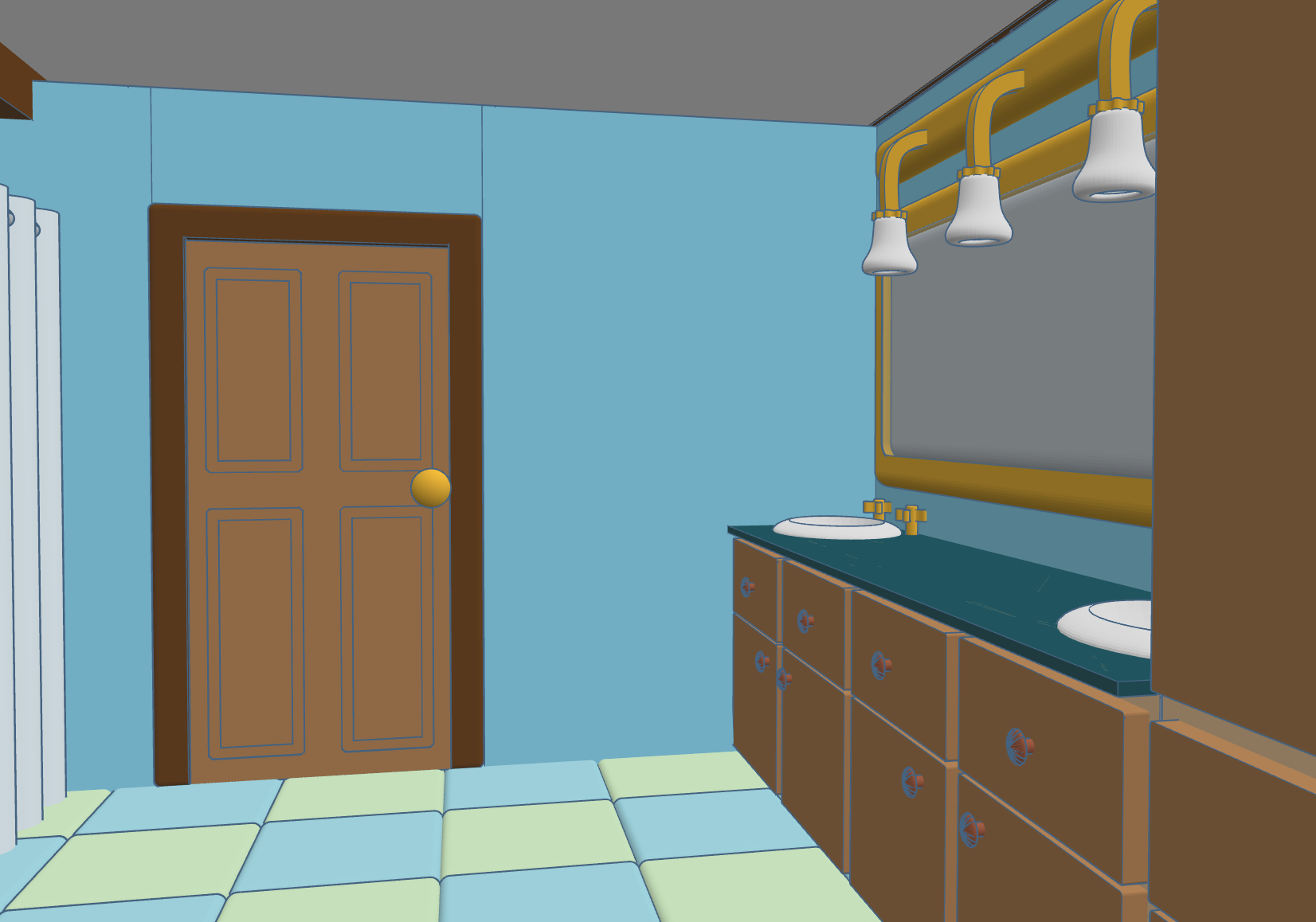
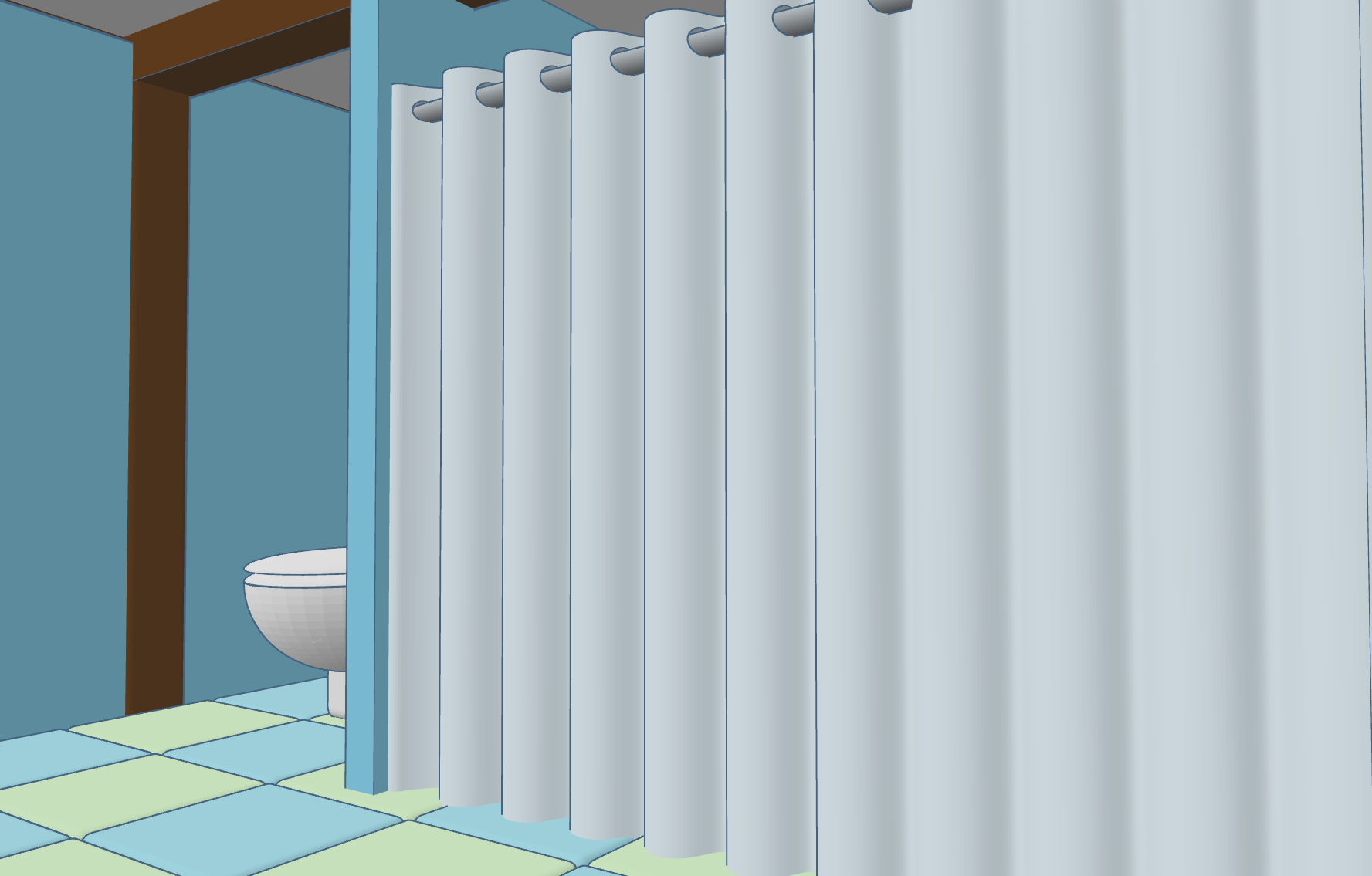
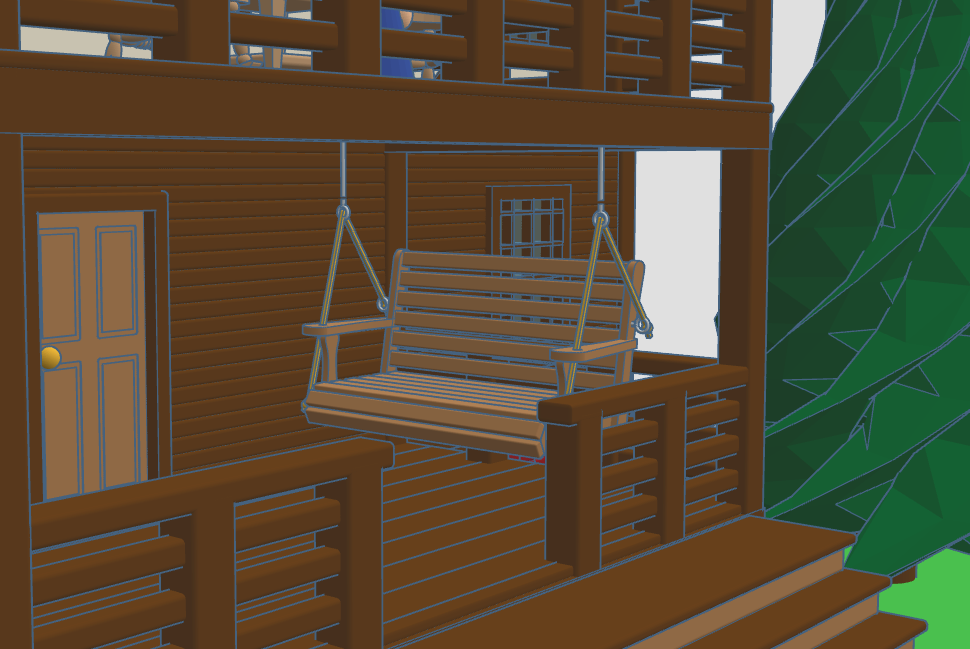
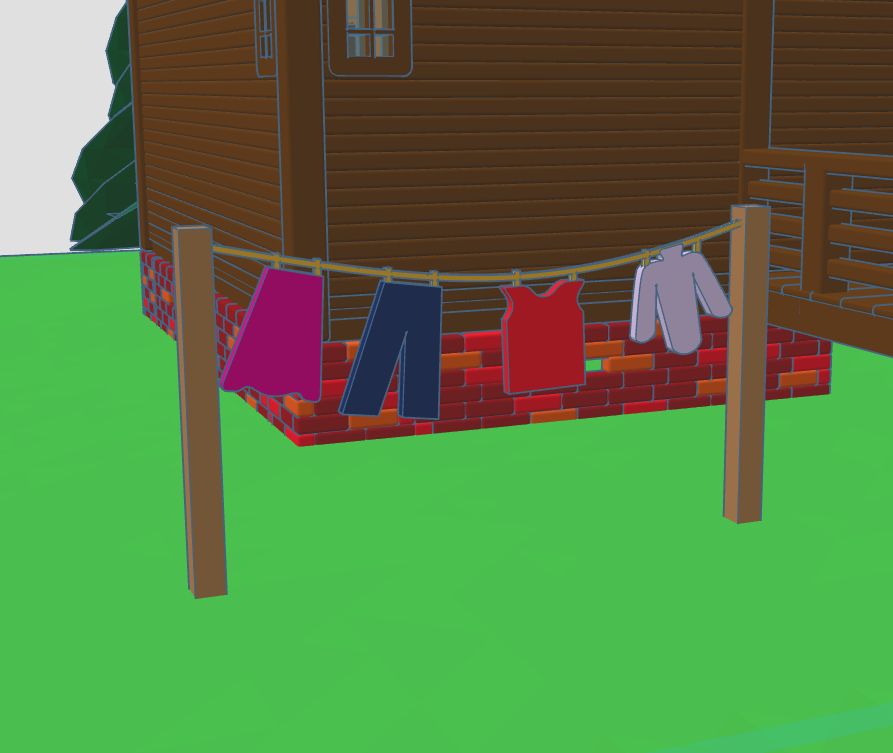
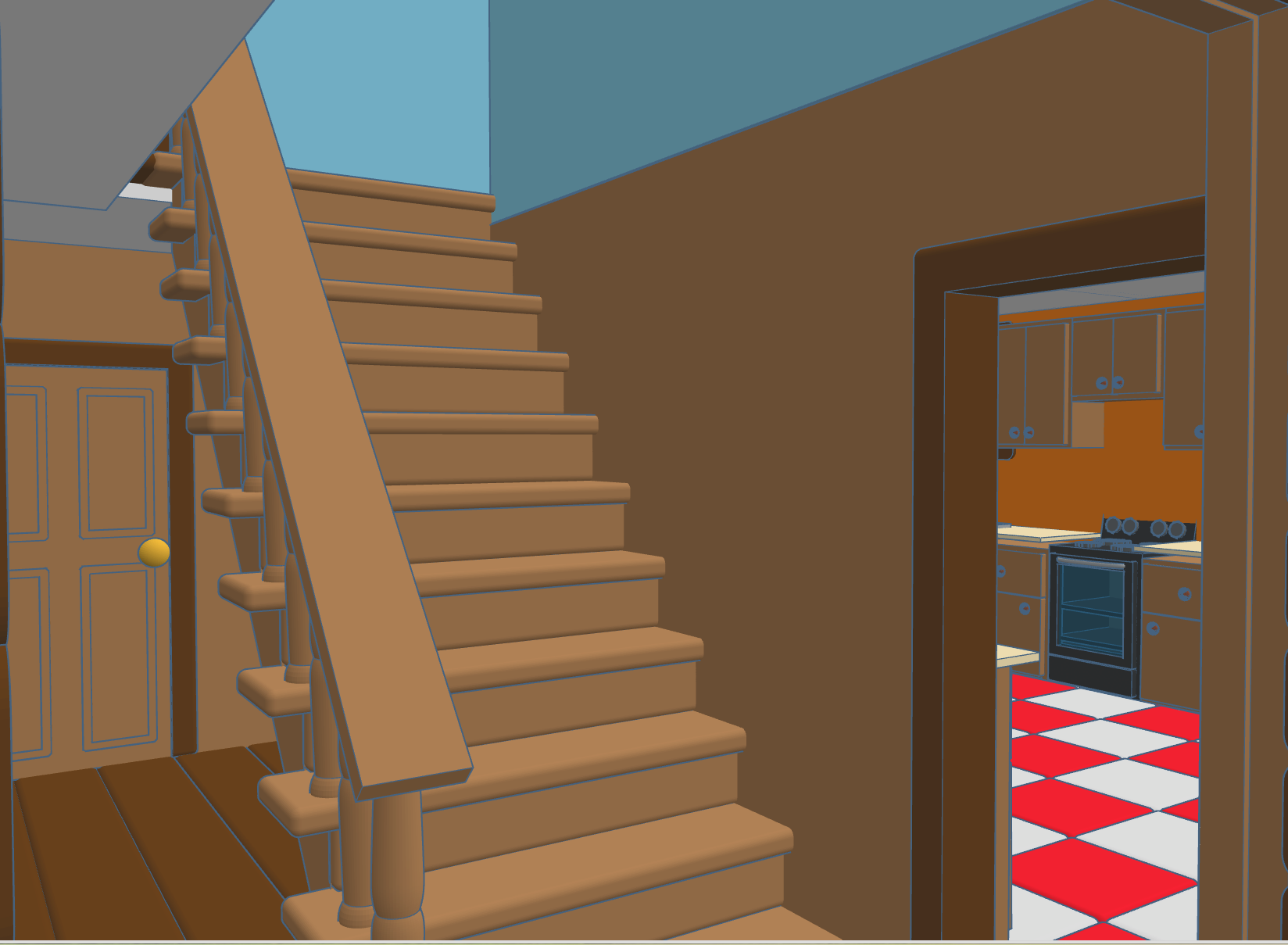
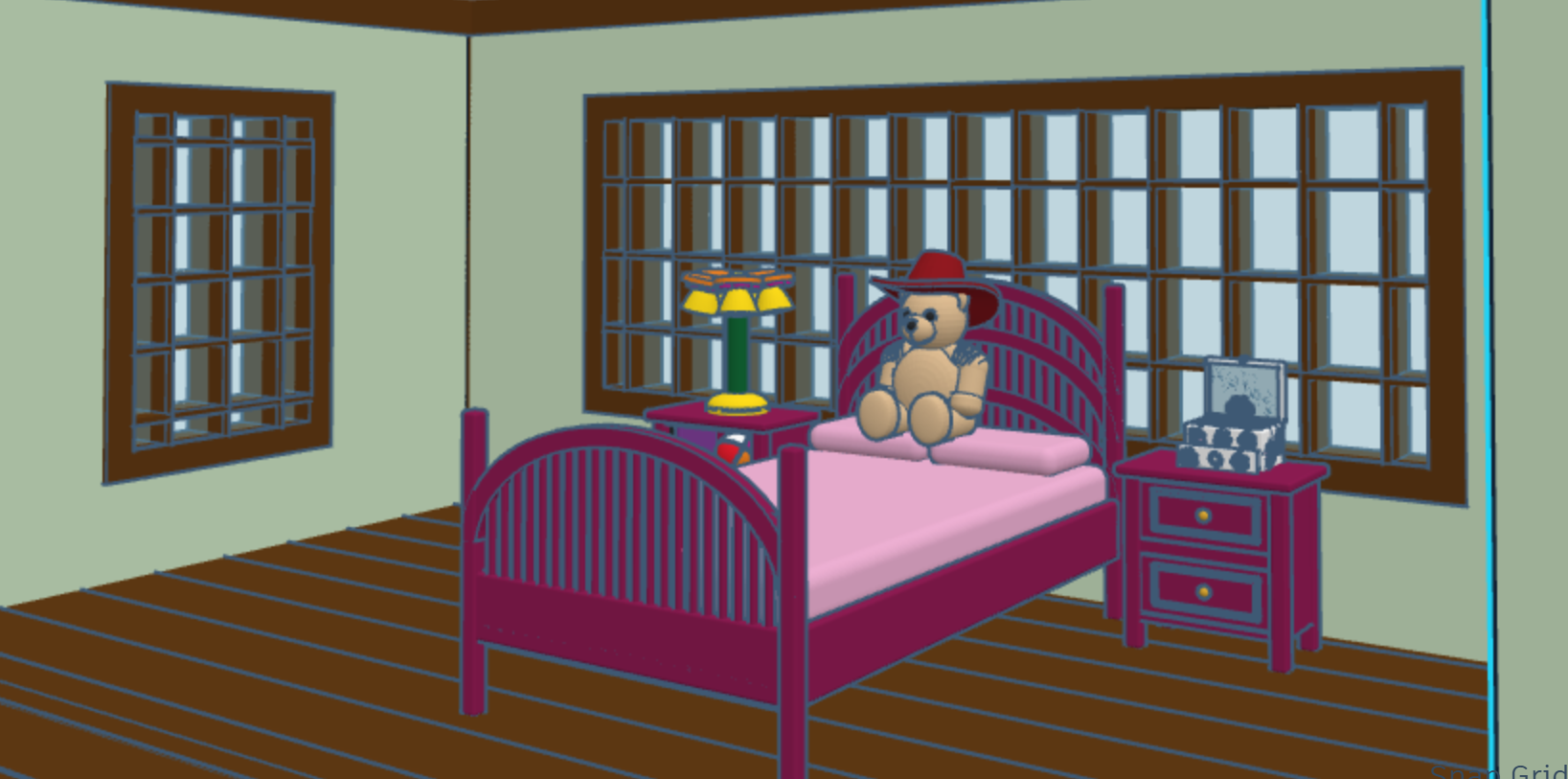
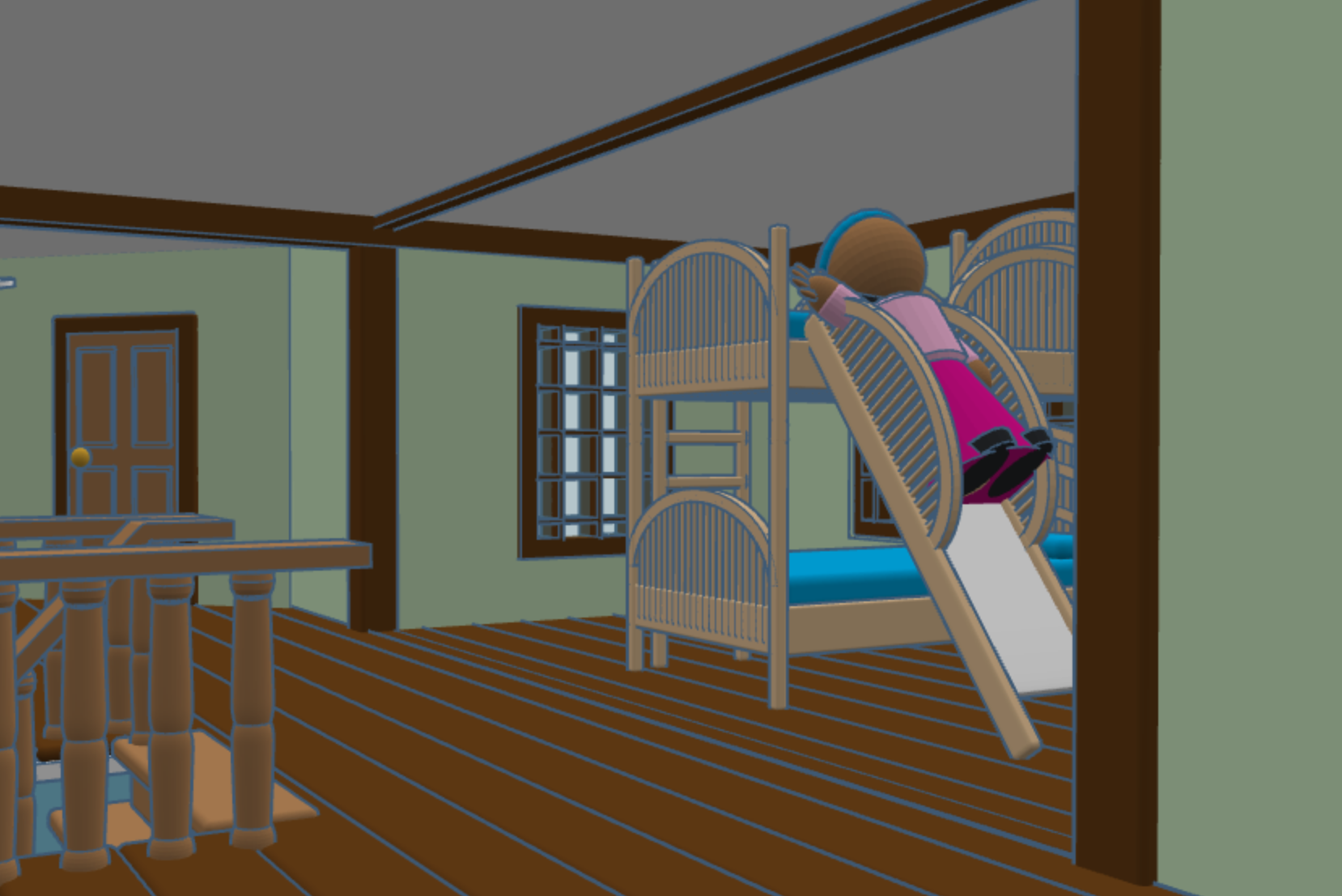
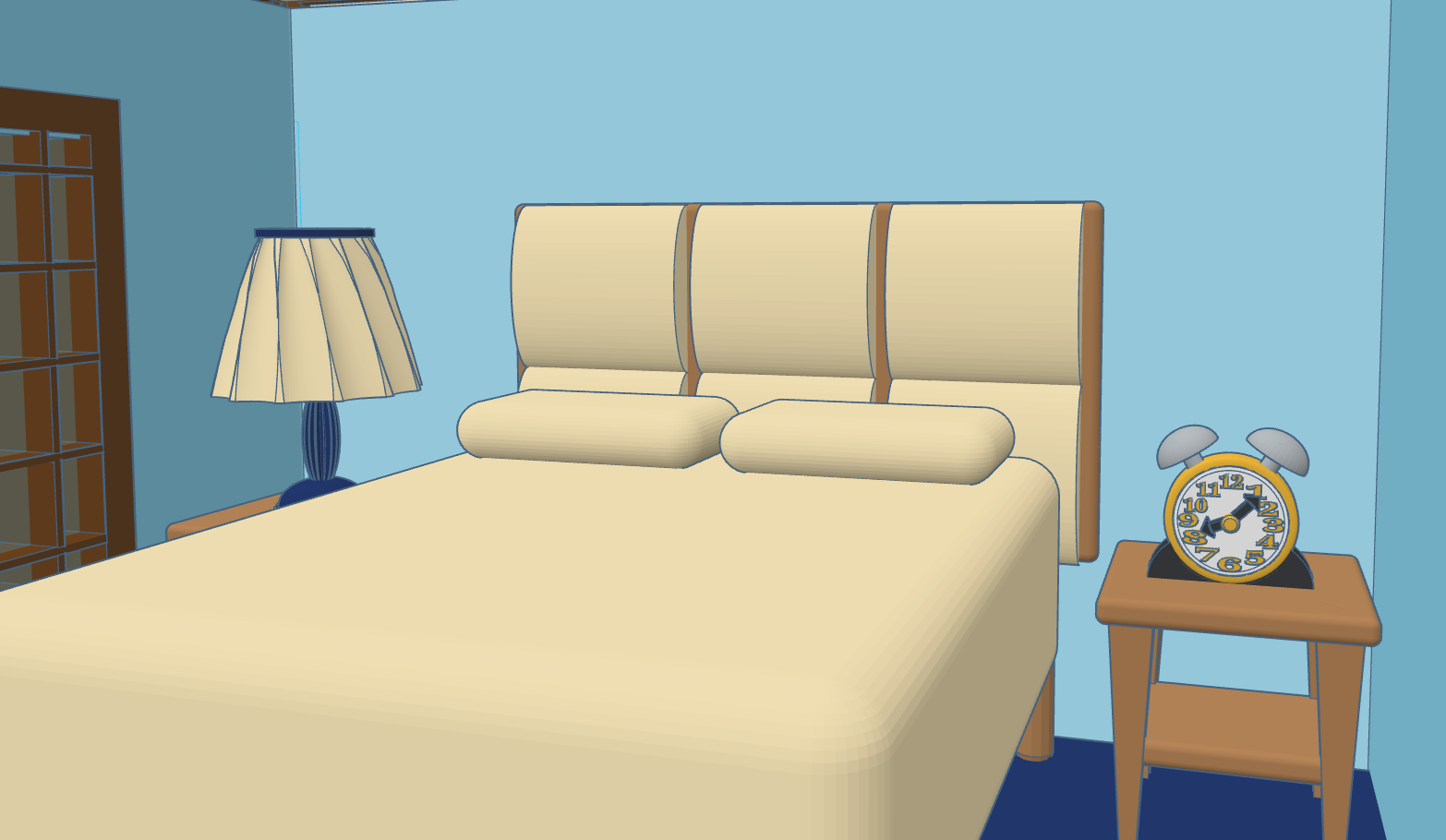
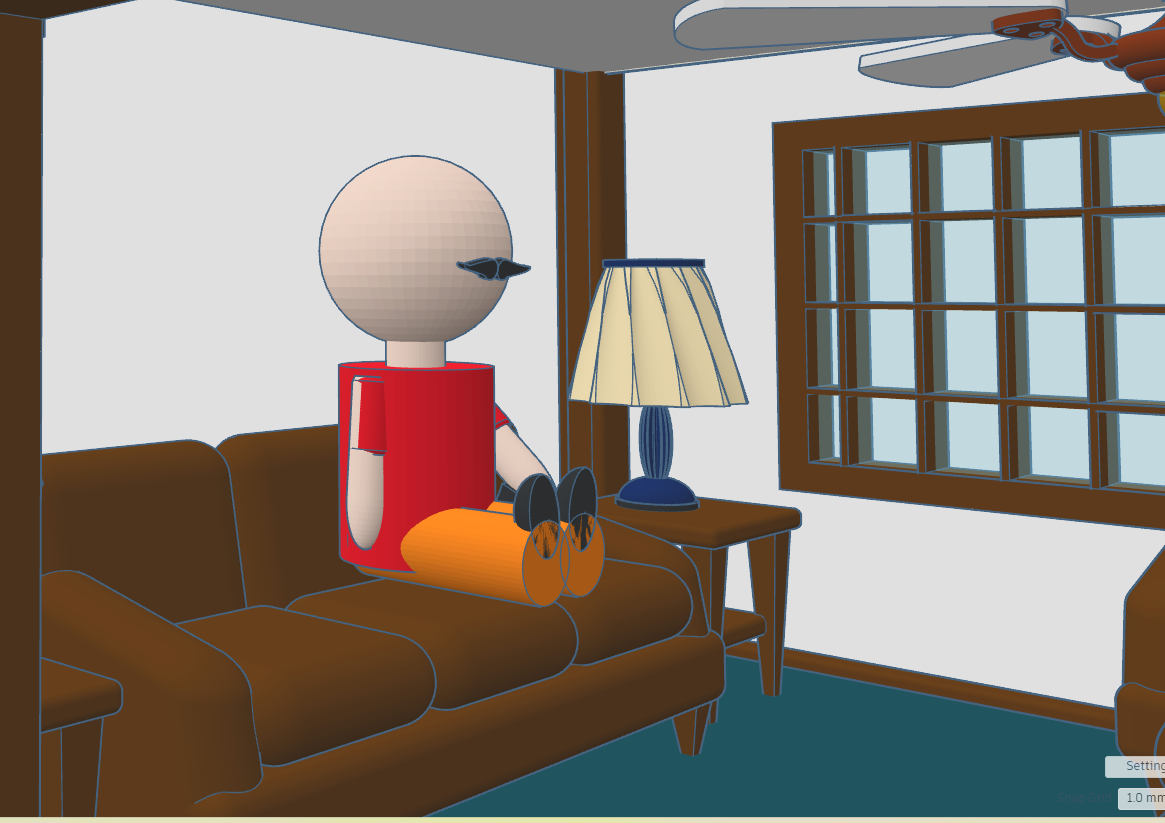
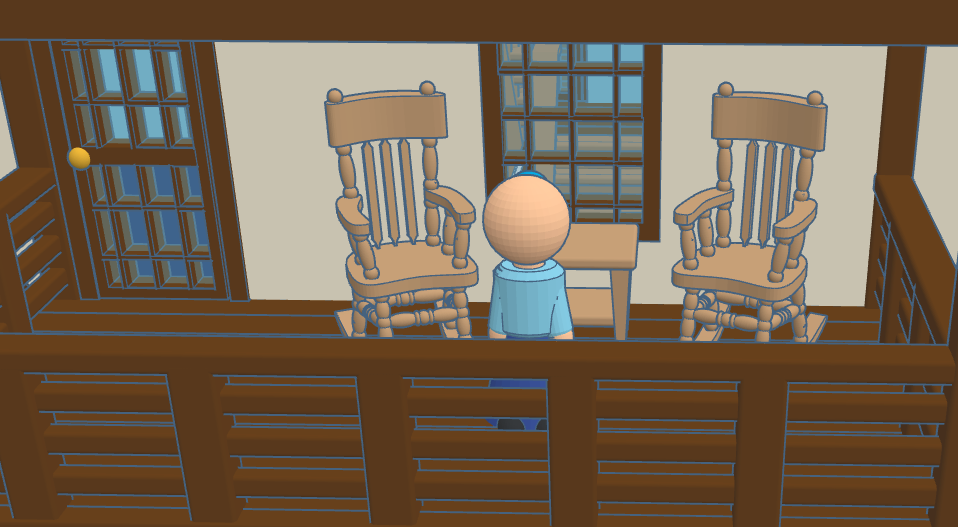
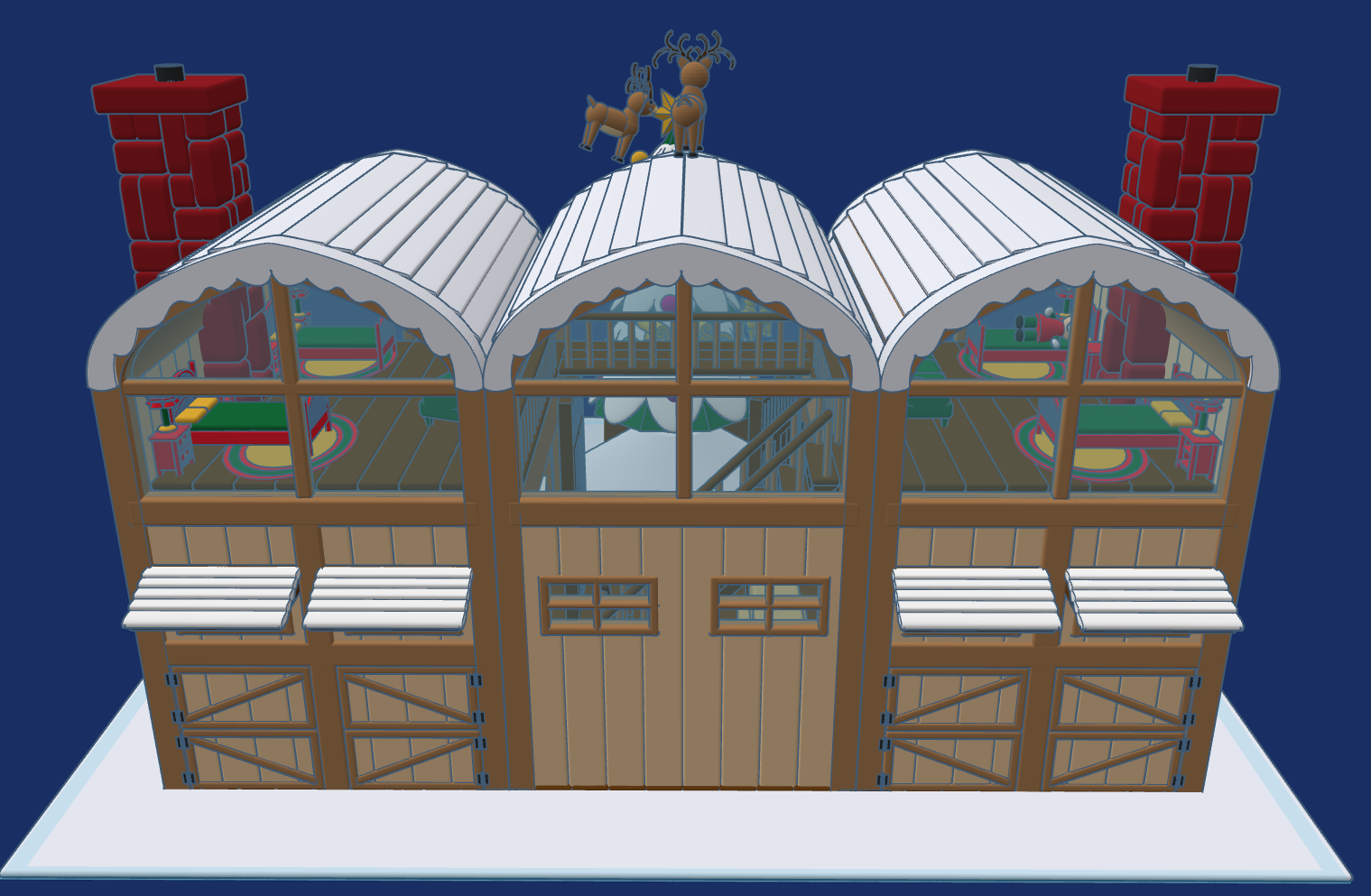
This year, 2025, after much thought I created Reindeer Stables. Every reindeer needs a place to rest. It has been a busy year for Tinkercad, they introduce the Extrude Sketch shape. Several of the objects you will see in the design was created using this feature.

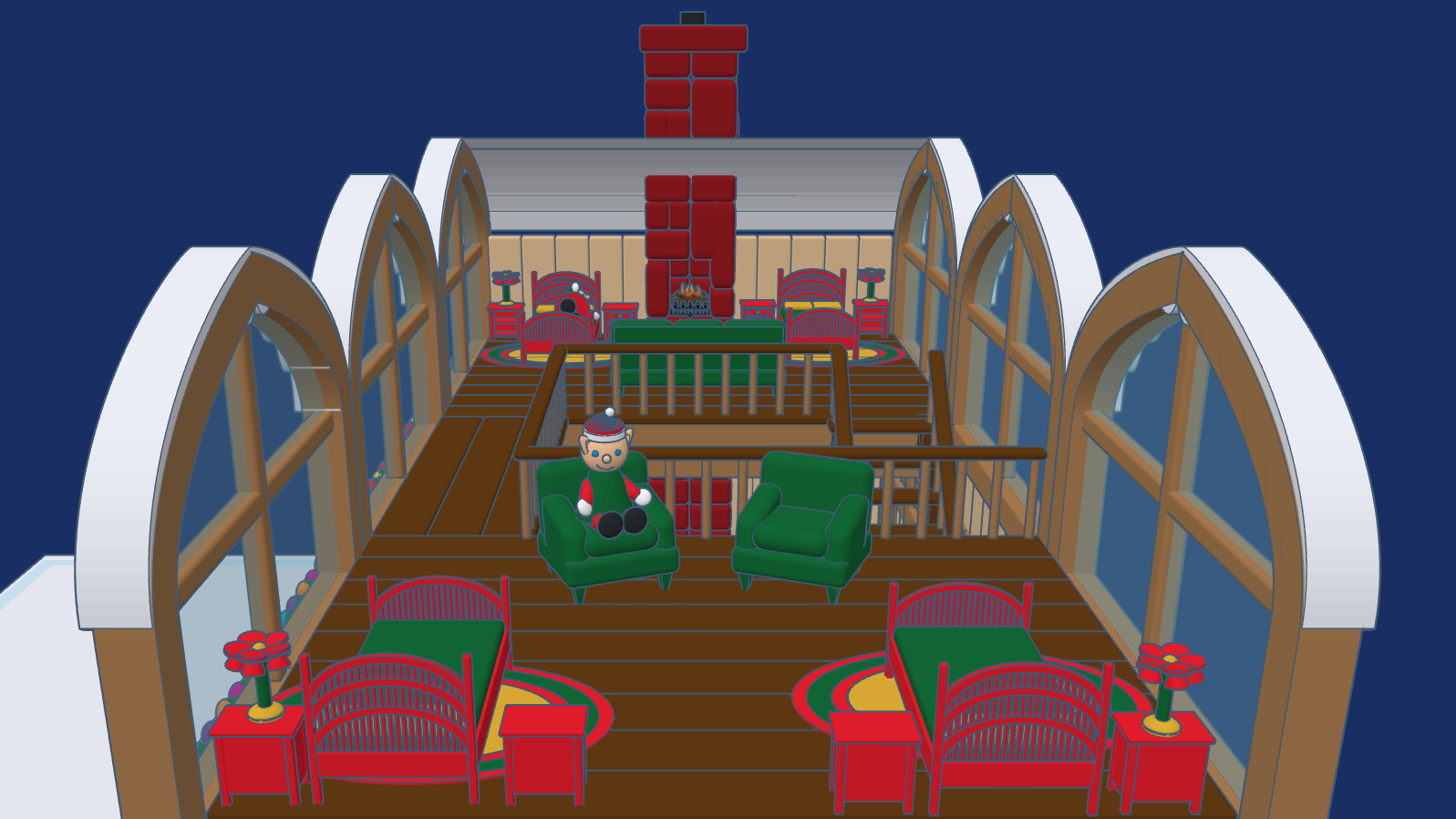
The Stables are designed for the reindeer to freely come and go. Above the stables, is where some of the elves, who take care of the reindeer rest. The loft has large windows to so the elves can watch the reindeer play their games.

This design, Reindeer Stables, is available to the public to copy and tinker with.

Don’t forget while are in Tiwww.tinkercad.comnkercad to check out my other Christmas related designs.

Wood Crafts 2025

Since there probably will not be any more painting done until 2026, I thought I would share some of my wood craft projects from the year.

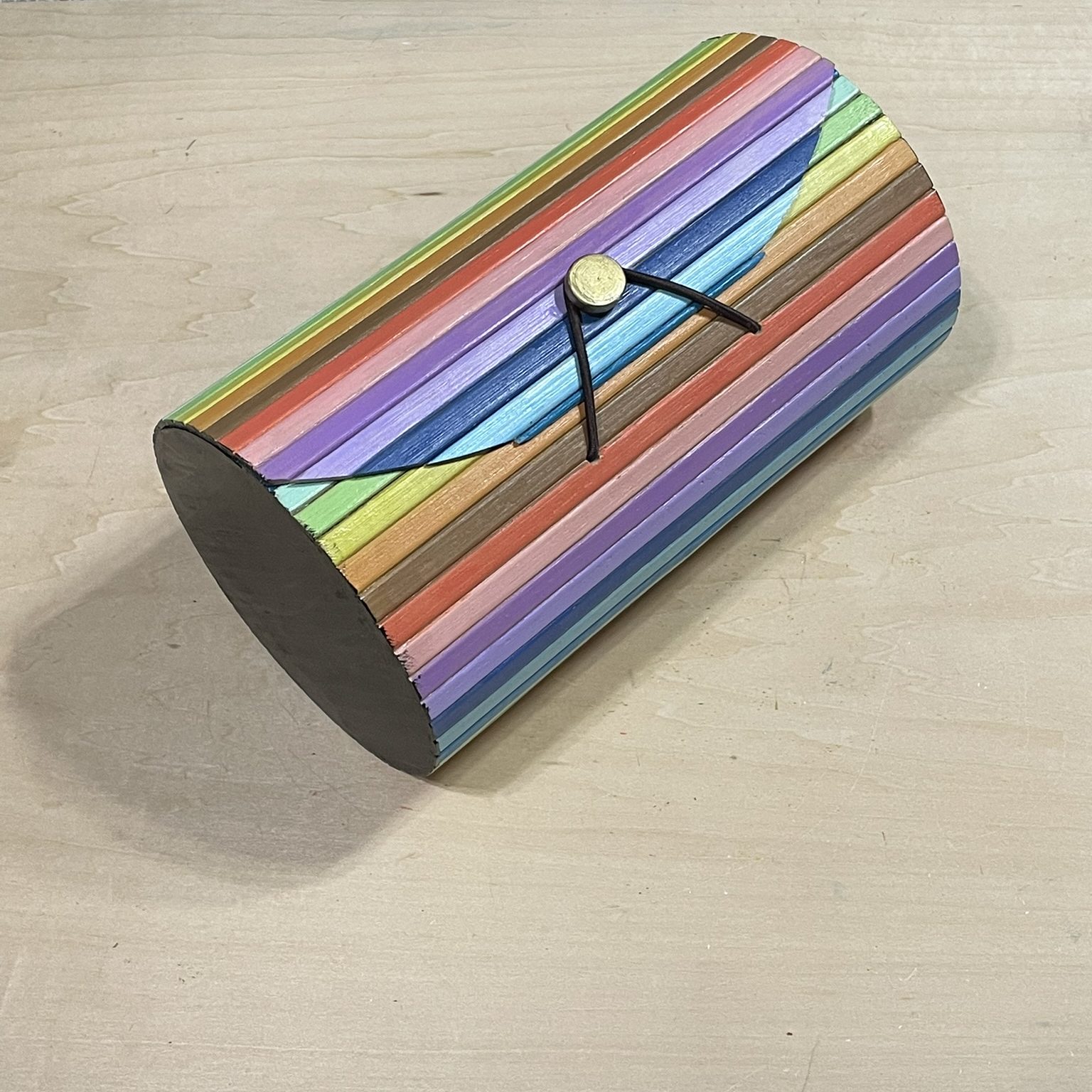
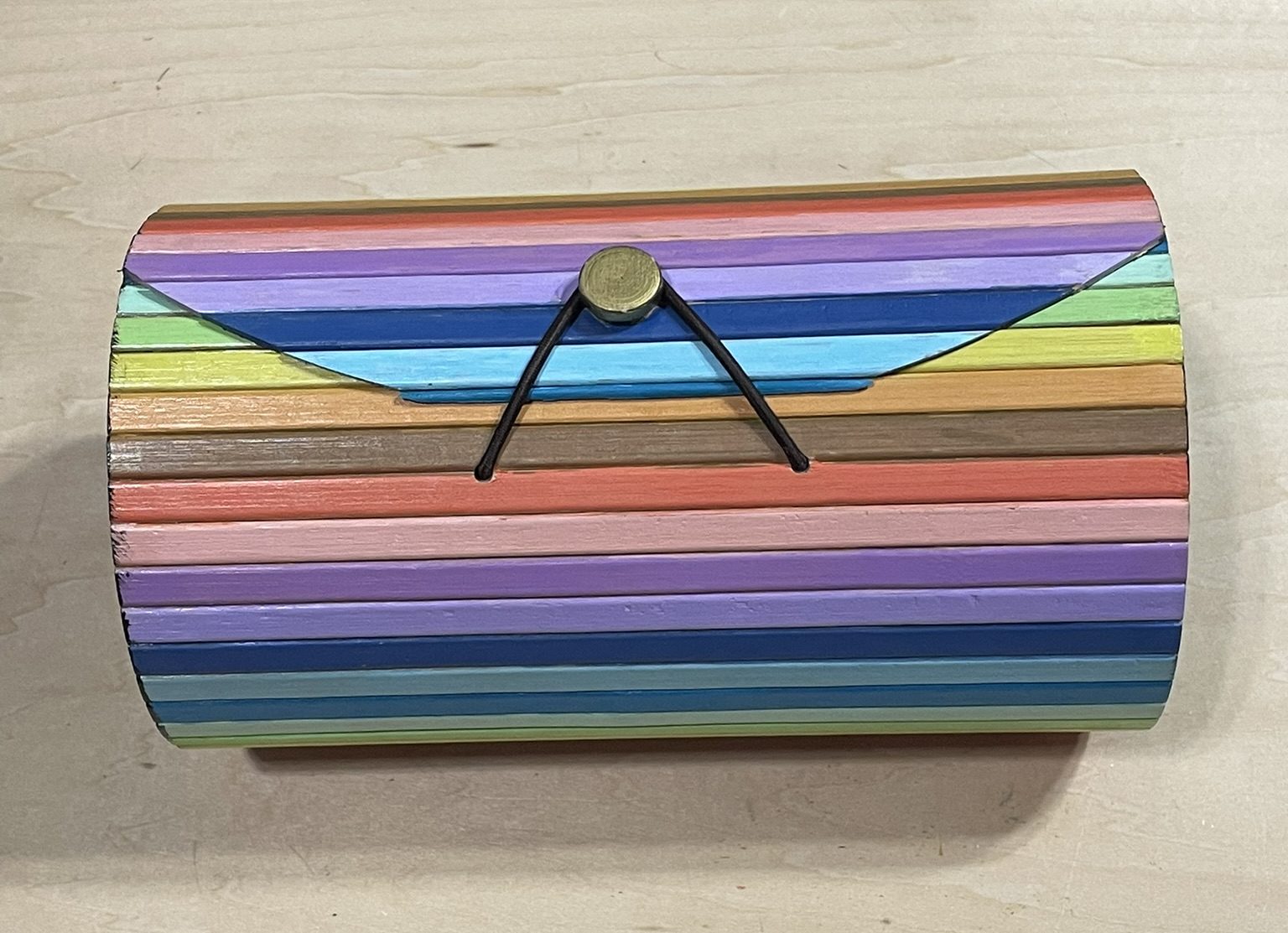
I found this bamboo box at Hobby Lobby. I thought each striped needed its own color. I used the Sharpie Creative Color Marker to paint the outside, and Americana Craft Paint to paint the sides and inside. I am still deciding what to do with it.

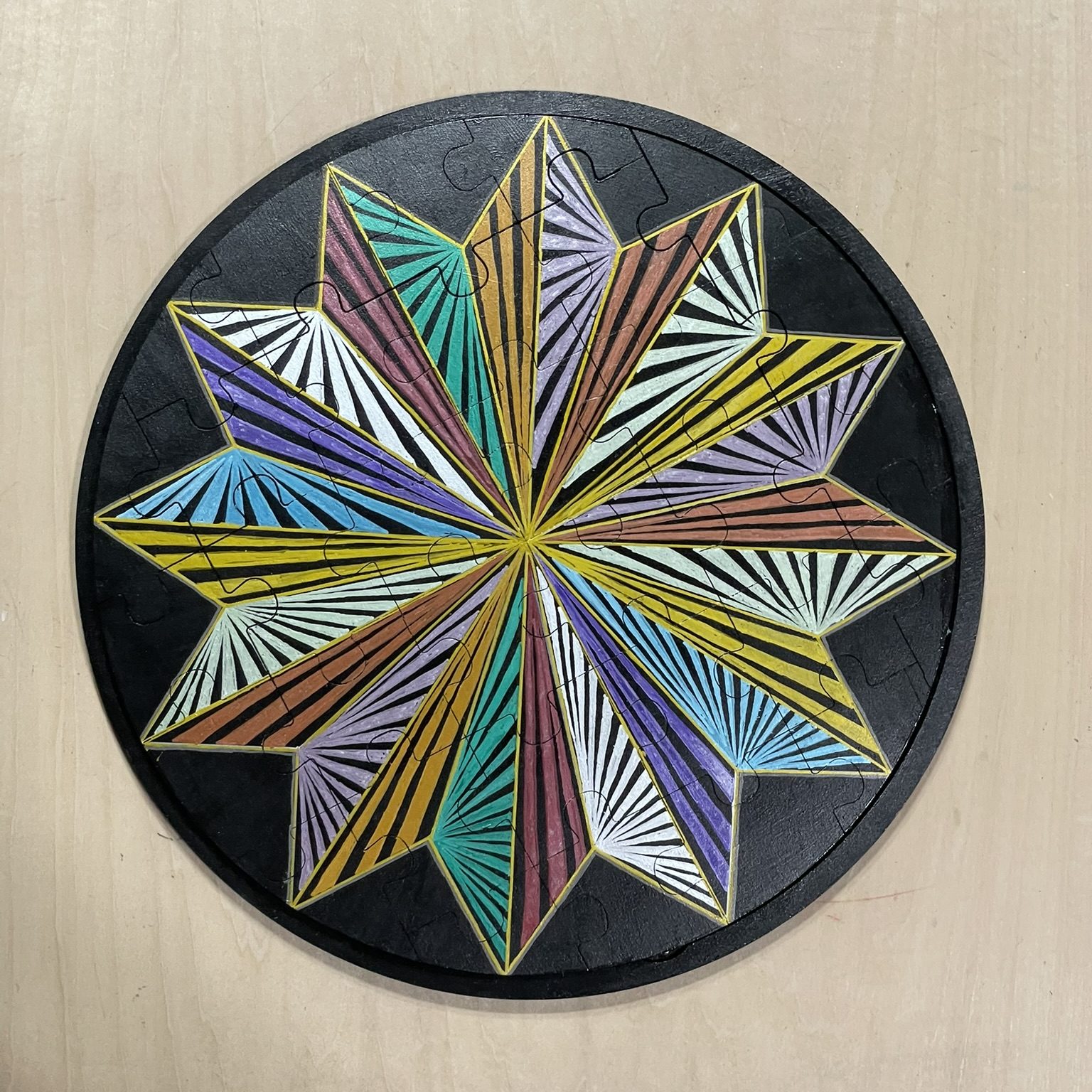
2025 Puzzle – This originally was just a blank puzzle. I use black gesso to paint both pieces, the puzzle and the base. The I used paint markers to design the piece.

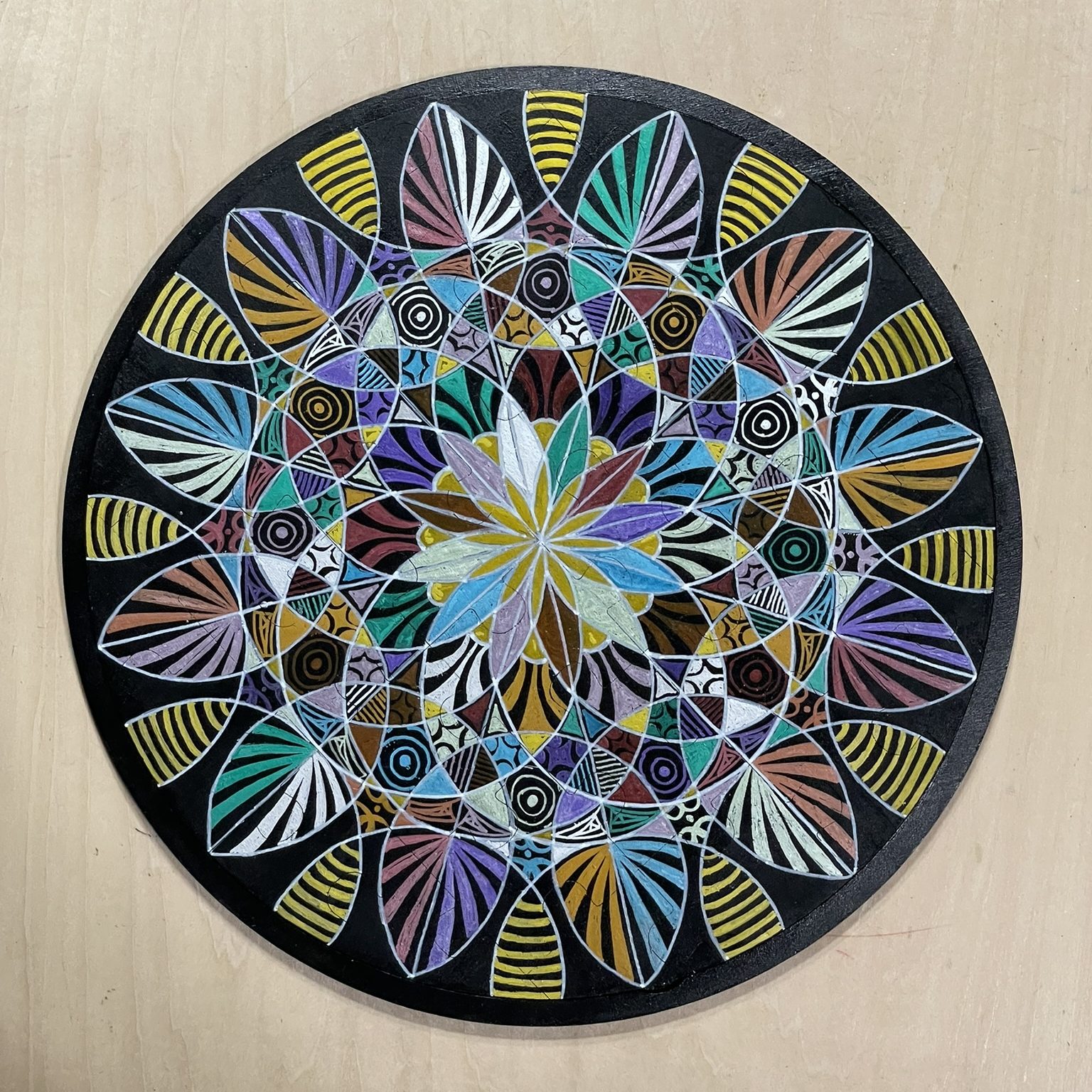
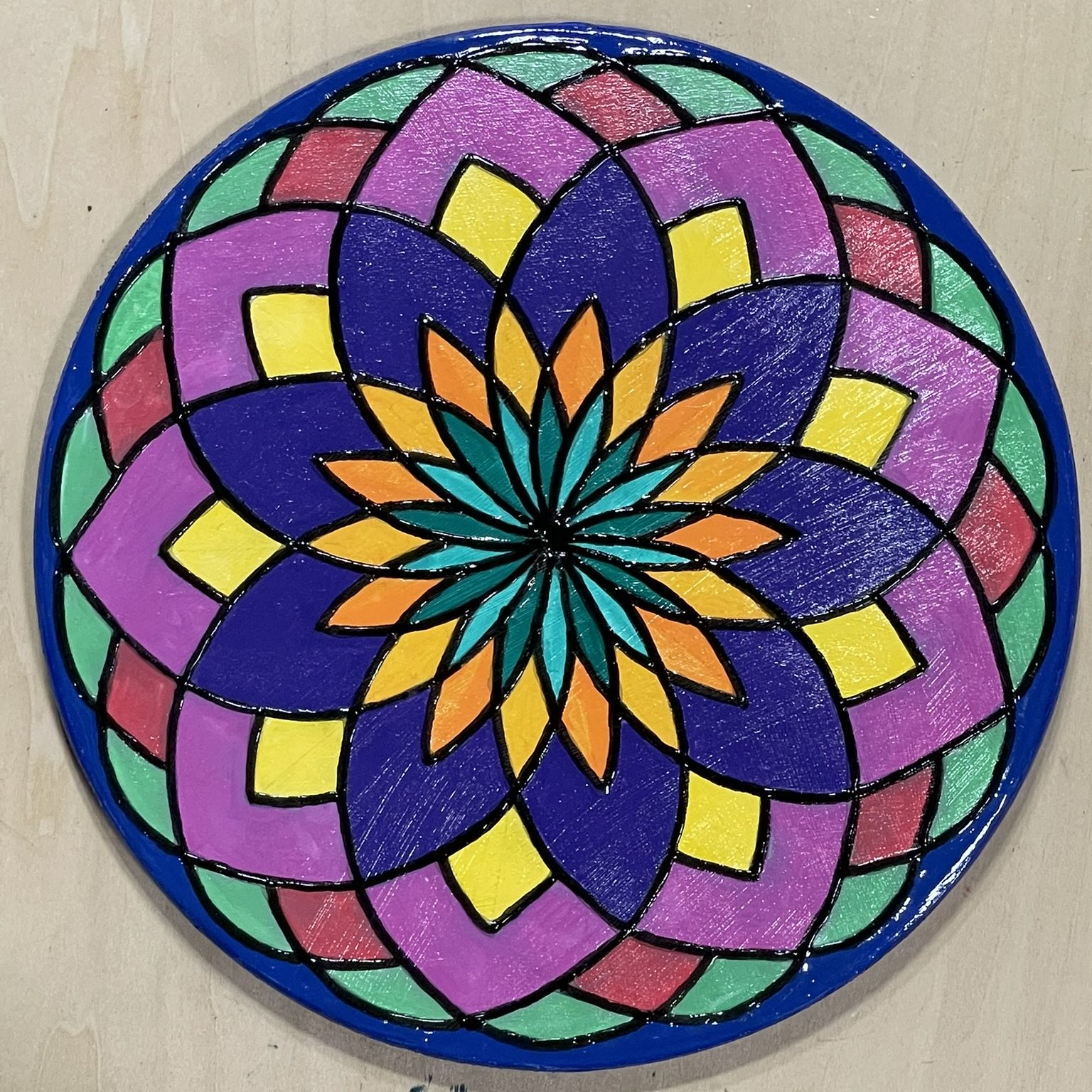
A couple of round wood blanks:

Another item painted with Sharpie Creative Markers

This was my first attempt at creating my own diamond art piece. Just an experiment to learn how to create one.

Plastercraft Houses – 2025

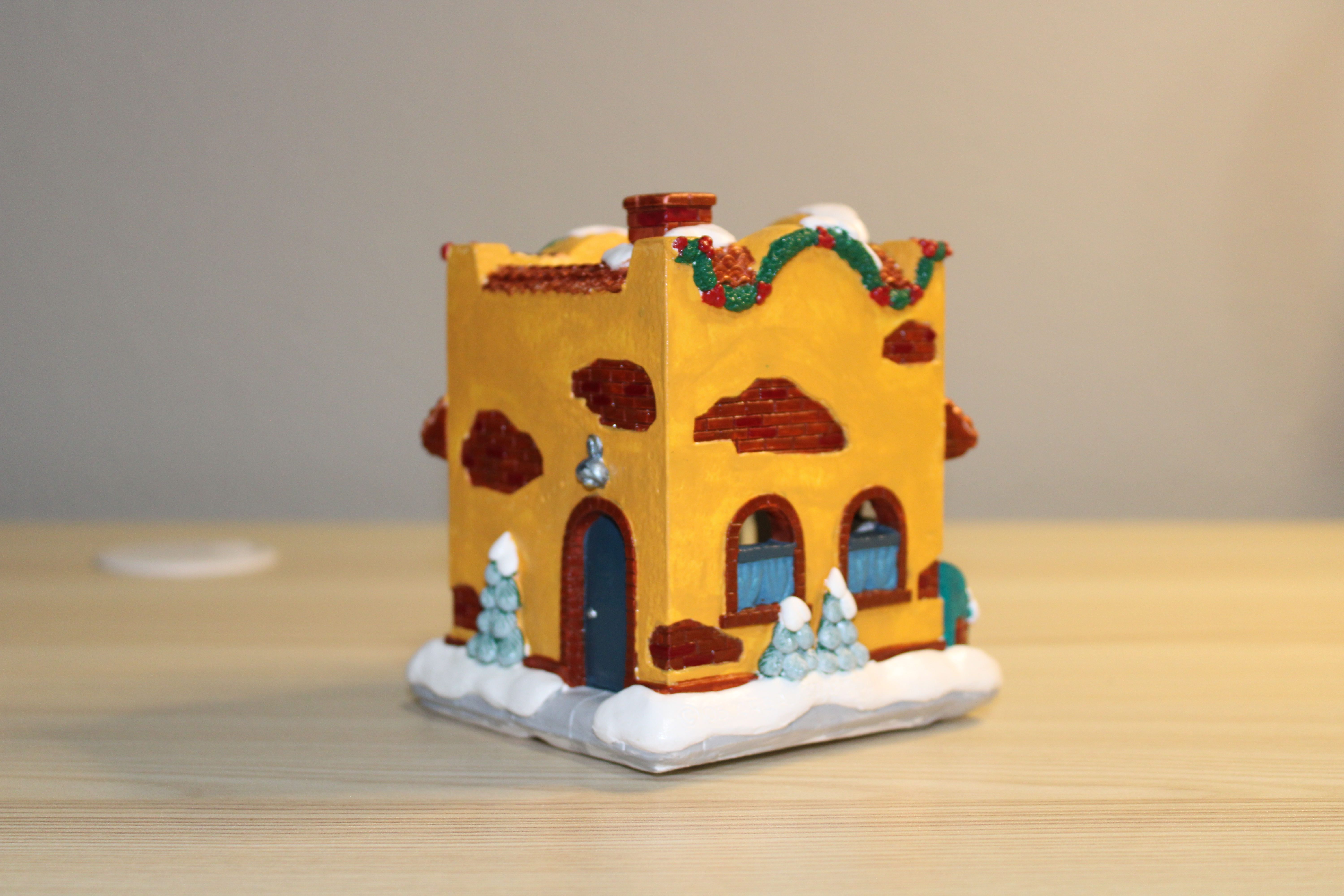
I did not finish a lot of houses this year, only four. Below are last three I finished. Only the Chocolate Shop is California Creations. The other two are labeled Creative Craft. They are very similar to California Creations making me think that when California Creations when out of business, they may have sold the molds to this company. I have no evidence, but all the houses have the same feel.

Chocolate Shop by California Creations:

This is one of the houses I placed in the category of Rescued Houses. In 2016, south Louisiana Flooded, the Rescued House sat in water for a few days. You can read about the rescued houses in my blog, Rescued Houses – Part One. There is some damage to the houses that were rescued and the paint cards our gone. I painted this house with the colors associated with chocolate: Dark Chocolate, Buttercream, Reds, Pink….

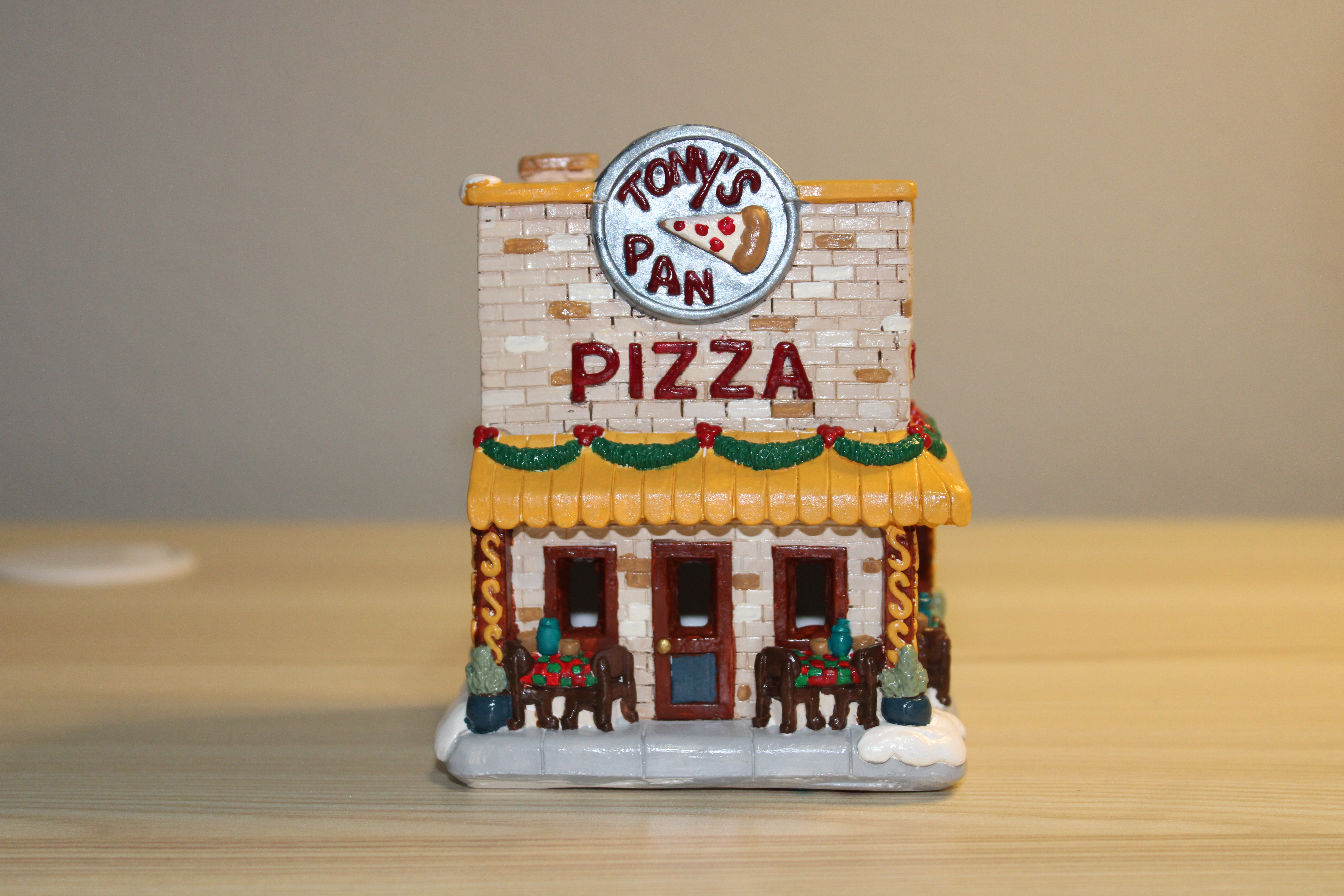
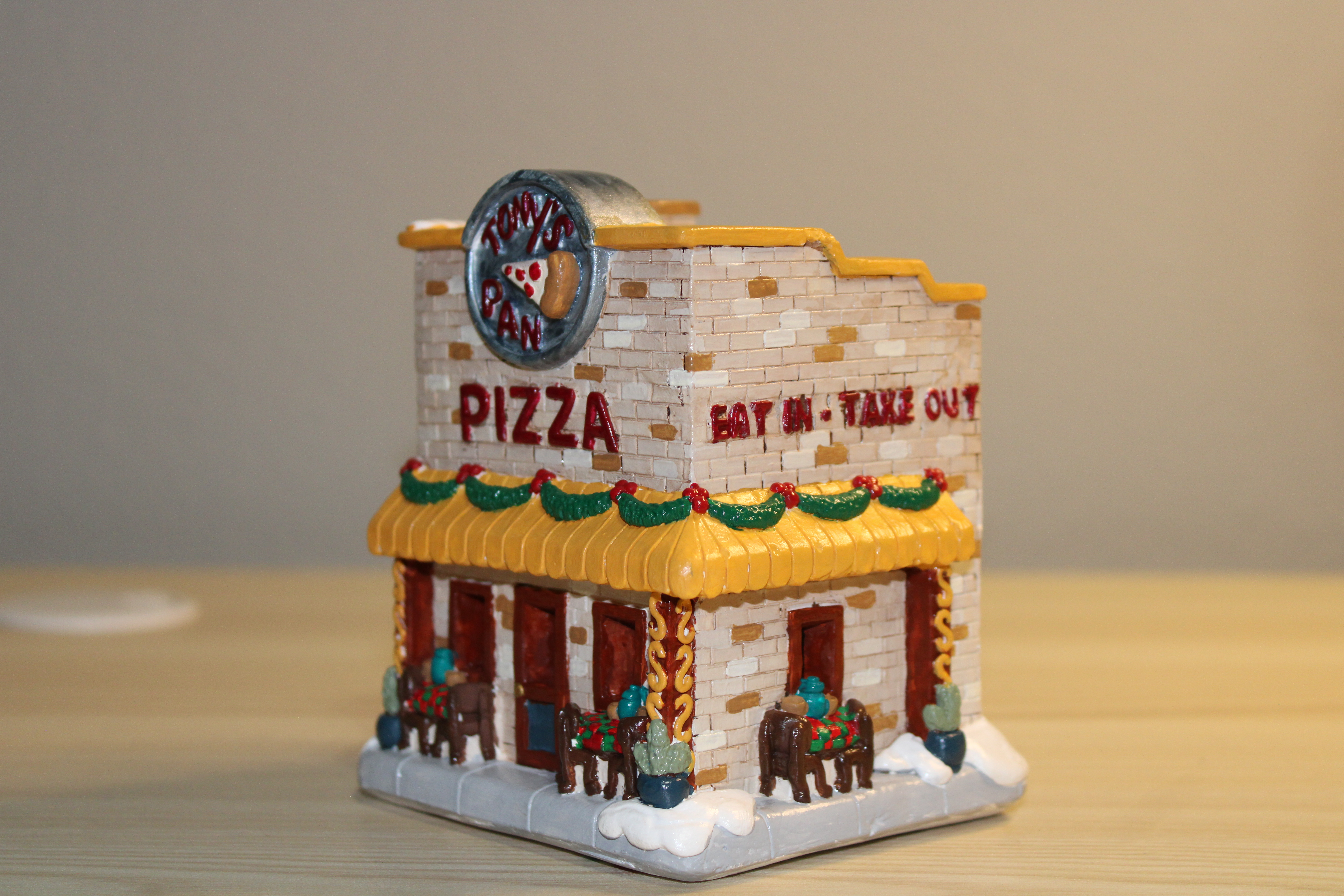
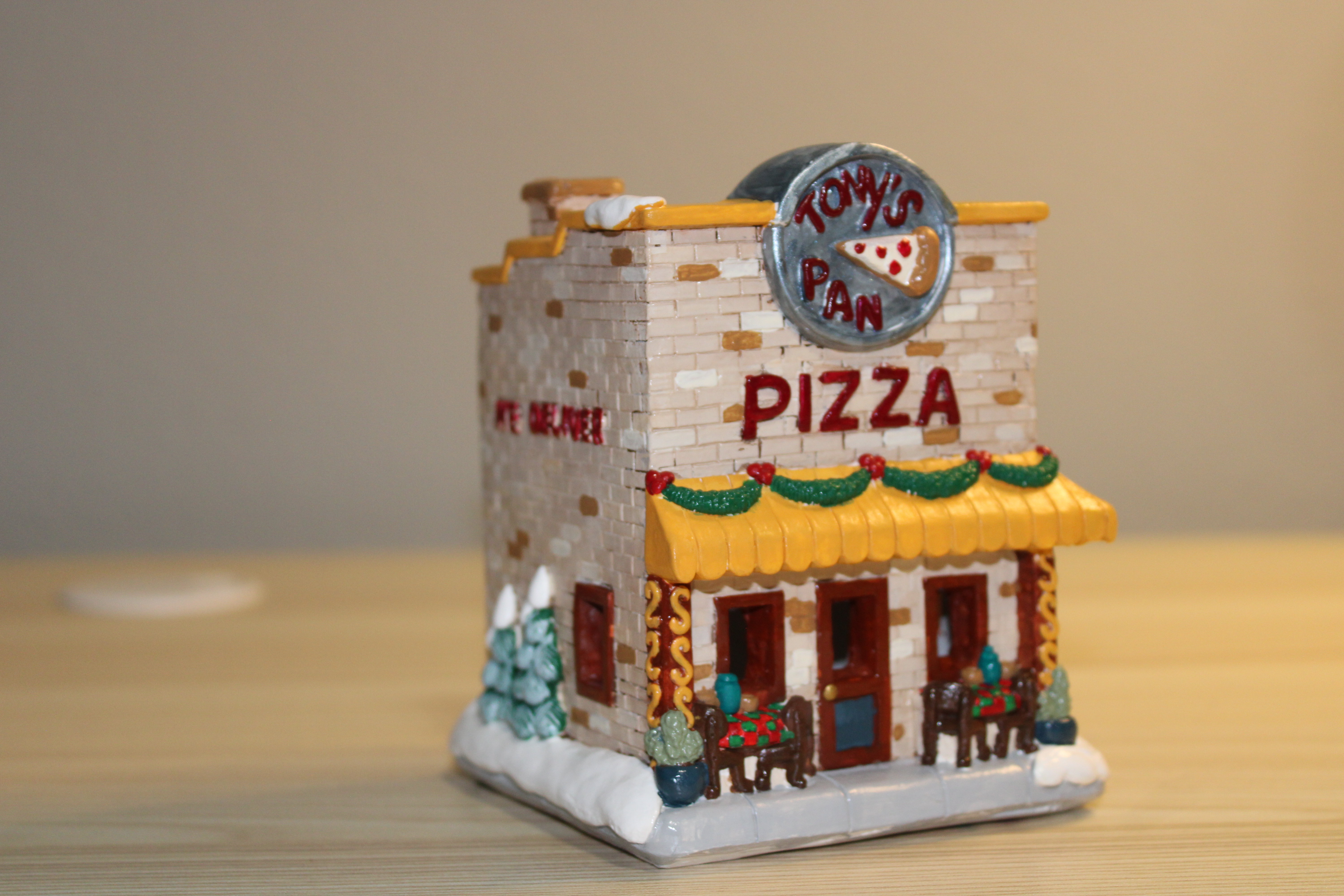
Tony’s Pizza by Creative Crafts:

This is another Rescued House. There was a little bit more damage than the Chocolate Shop, so I decided to make the building look old and worn.

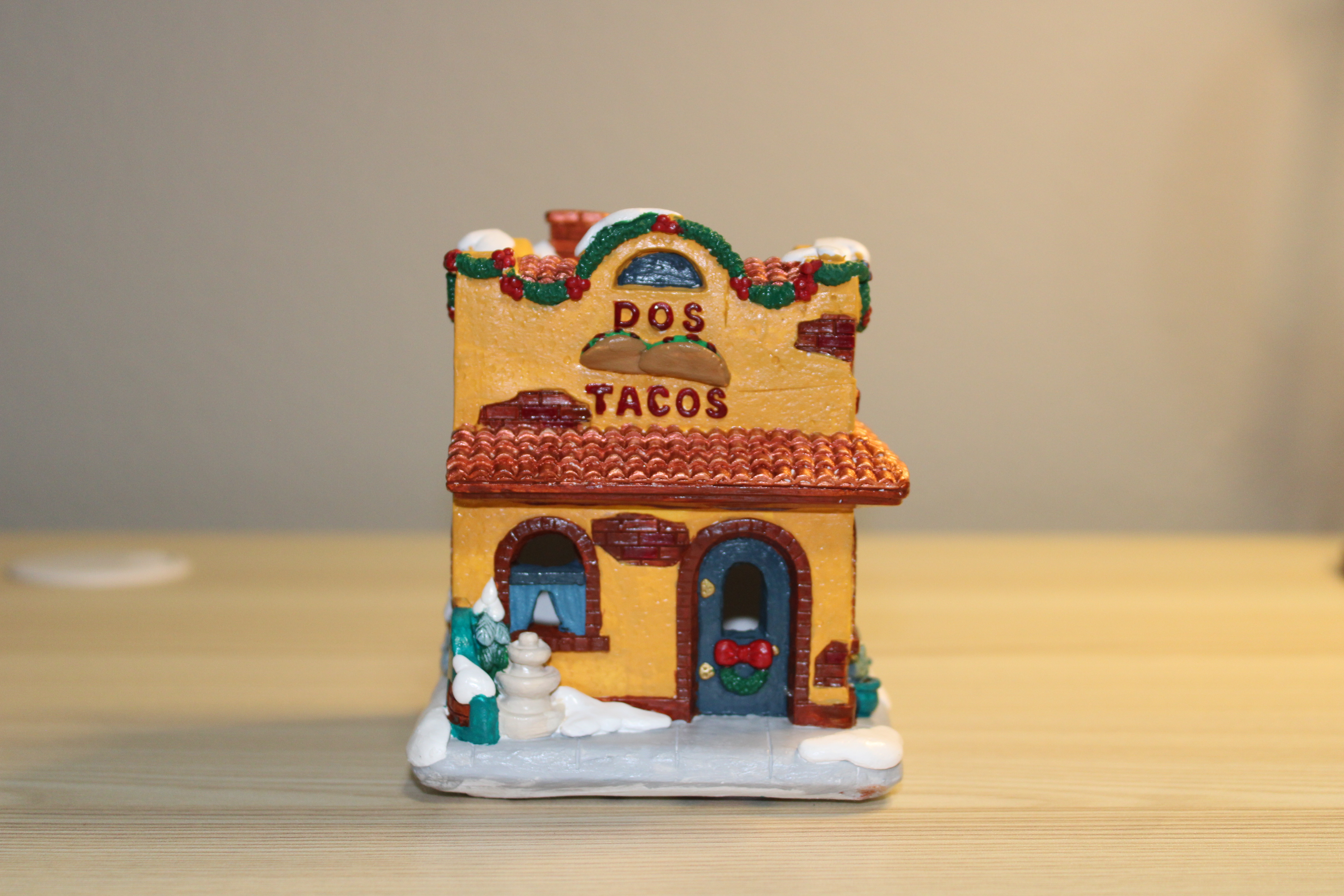
DOS Taco by Creative Crafts:

I had the paint card for this house, but I did not like the lime green curtains shown on the paint card. I went in my own direction.

Audiobooks Recommendations – June 2025

Below are my latest Audiobooks recommendations. This list maybe short but some of the books were nearly 30 hours long.

Dakota Krout – His “Cooking with Disaster” series was fun and different. And it appears his “Damsels in Distress” series will be a fun listen.

  • Grilled Armageddon: Cooking with Disaster, Book 1
  • Sewer Skewers: Cooking with Disaster, Book 2
  • Omelet Endgame: Cooking with Disaster, Book 3
  • Thunderplump: An Epic Fantasy LitRPG Adventure (The Completionist Chronicles, Book 11)
  • Thesaurize: The Completionist Chronicles, Book 10
  • Tenacity: The Completionist Chronicles, Book 9
  • Red X Wolf: Damsels of Distress, Book 1

The Southern Book Club’s Guide to Slaying Vampires, by: Grady Hendrix: Not my typical book. I only picked it for the title. At times the book went on and on, but the ended made it worth finishing.
David Petrie

  • Revelations: Necrotic Apocalypse, Book 6

Scott Meyer

  • That’s Not Right

Yahtzee Croshaw

  • Will Leave the Galaxy for Good: Jacques McKeown, Book 3

Shirtaloon

  • He Who Fights with Monsters: A LitRPG Adventure: He Who Fights with Monsters, Book 1
  • He Who Fights with Monsters: A LitRPG Adventure: He Who Fights with Monsters, Book 2
  • He Who Fights with Monsters: A LitRPG Adventure: He Who Fights with Monsters, Book 3
  • He Who Fights with Monsters: A LitRPG Adventure: He Who Fights with Monsters, Book 4

Luke Chmilenko

  • Threads of Fate: Ascend Online, Book 5

Dennis E. Taylor: Even though I listened to Book 5 in the Bobiverse series, sorry Dennis it not making my list. I felt the book spent most of the time describing gadgets.

Around Snow

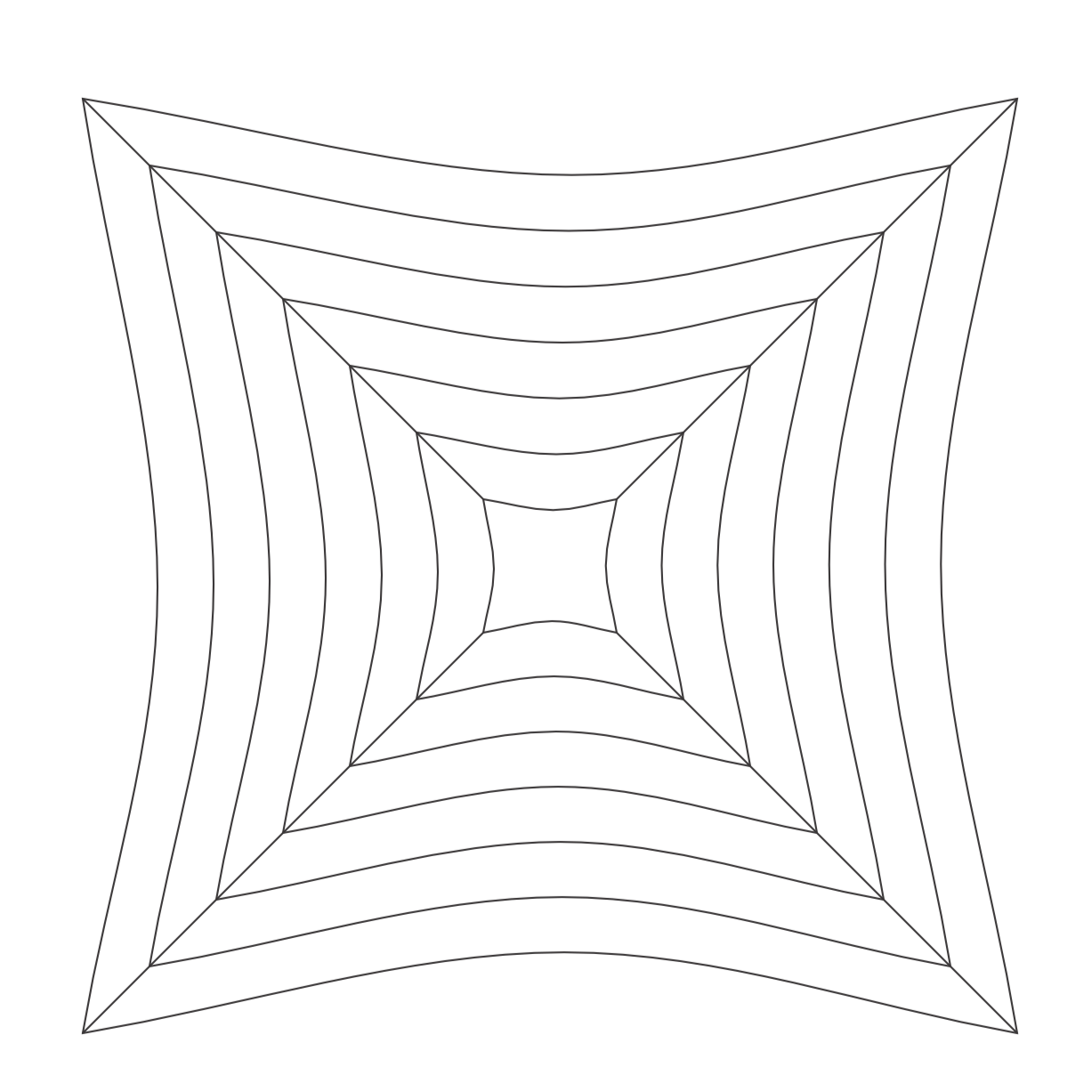
I believe this drawing will be placed onto the list as one of my favorite drawings. I created this design using CorelDraw. It all started with a square with curved sides. The squares were duplicated and some lines added, and I had the object to start my design.

After duplicating, rotating, and arranging the objects, I had a very confusing outline to start adding color. That is not a circle in the middle of the drawing. I looked at the file and it just an illusion.

After filling in the some of the spaces with color, duplicating the new object again. I decided to set a transparency and added some shading. Then I added a black background. This is the final result.

Around Snow:

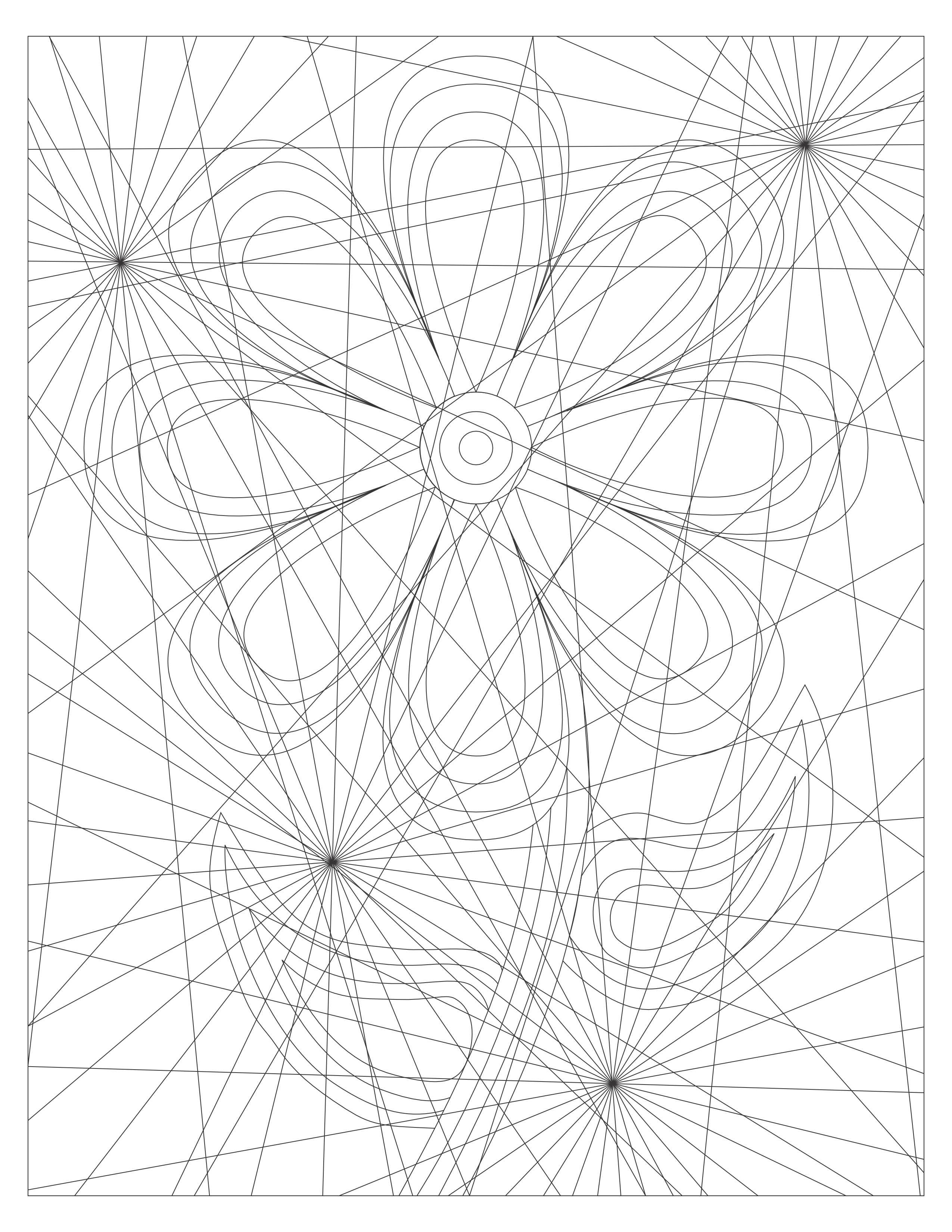
After staring at the original outline of the artwork, I decided to make the outline into two coloring pages named Art of Confusion. One coloring page is a full page of the outline I used. The other coloring page shows the full design.

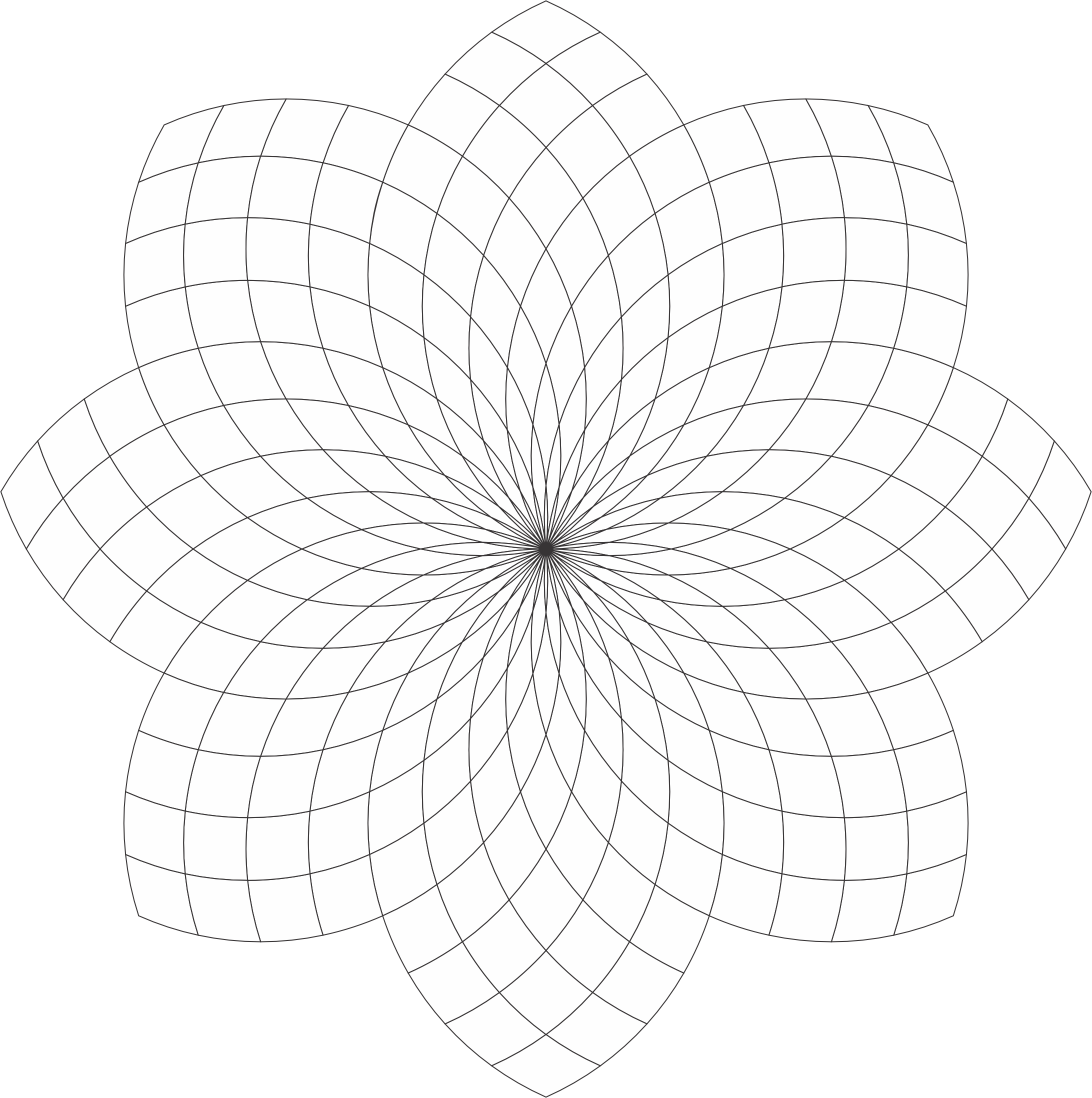
Checker Flower – Coloring Page

The Checker Flower coloring page has a lot of potential to be beautiful. You are welcome to download it from the link or my Coloring Page. Color it! Or, use it as a template for a tangle.

I created this coloring page using CorelDraw and here are some examples of how I colored it.

Checker Flower:

Checker Flower: With Awesome Background. The shading really brings out the flower.

Checker Flower: Shades of Gray

Checker Flower: Example of the Template being tangled. With Zentangle and other tangles. Remember the shading really bring out the art.

Playing Around with CorelDraw

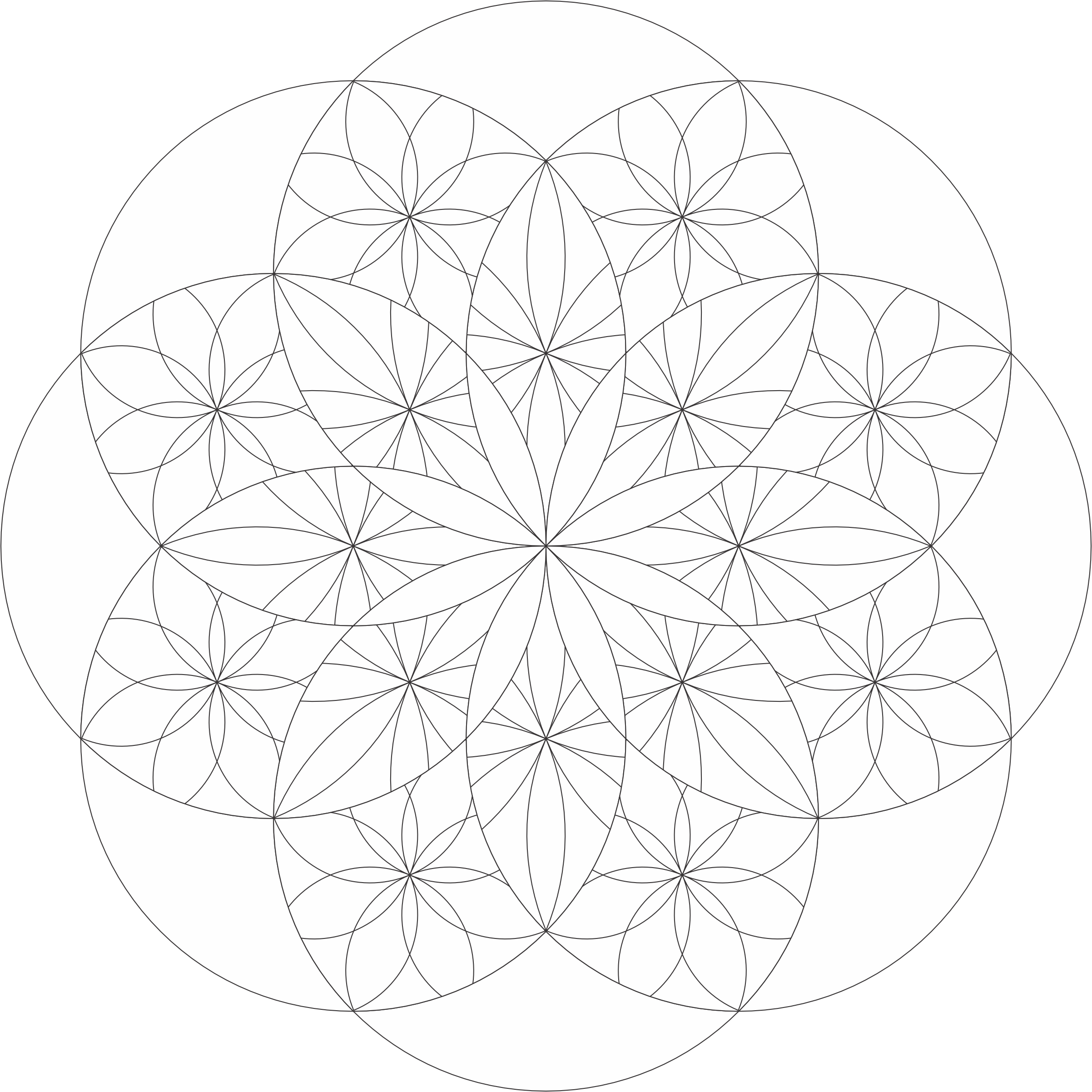
These are the designs I created with CorelDraw. I started by creating a shaped and transforming the single shape into a design.

First was Around Flowers: Drew some lines, added some coloring and shading, now very busy design.

Second was Around Pink: A single flower design in the front with others peeking out from the background.

Third was Around Hearts: Just a bunch of heart shapes repeated and shaded.

Last, for now, was Around Burst: Same design was repeated but it was overlayed with the transparency effect.