Here is the drawing I did for 2026 Inktober using the Zentangle method.

Here is the drawing I did for 2026 Inktober using the Zentangle method.
A new coloring page is available. I named it Fragments because when colored it looks broken.
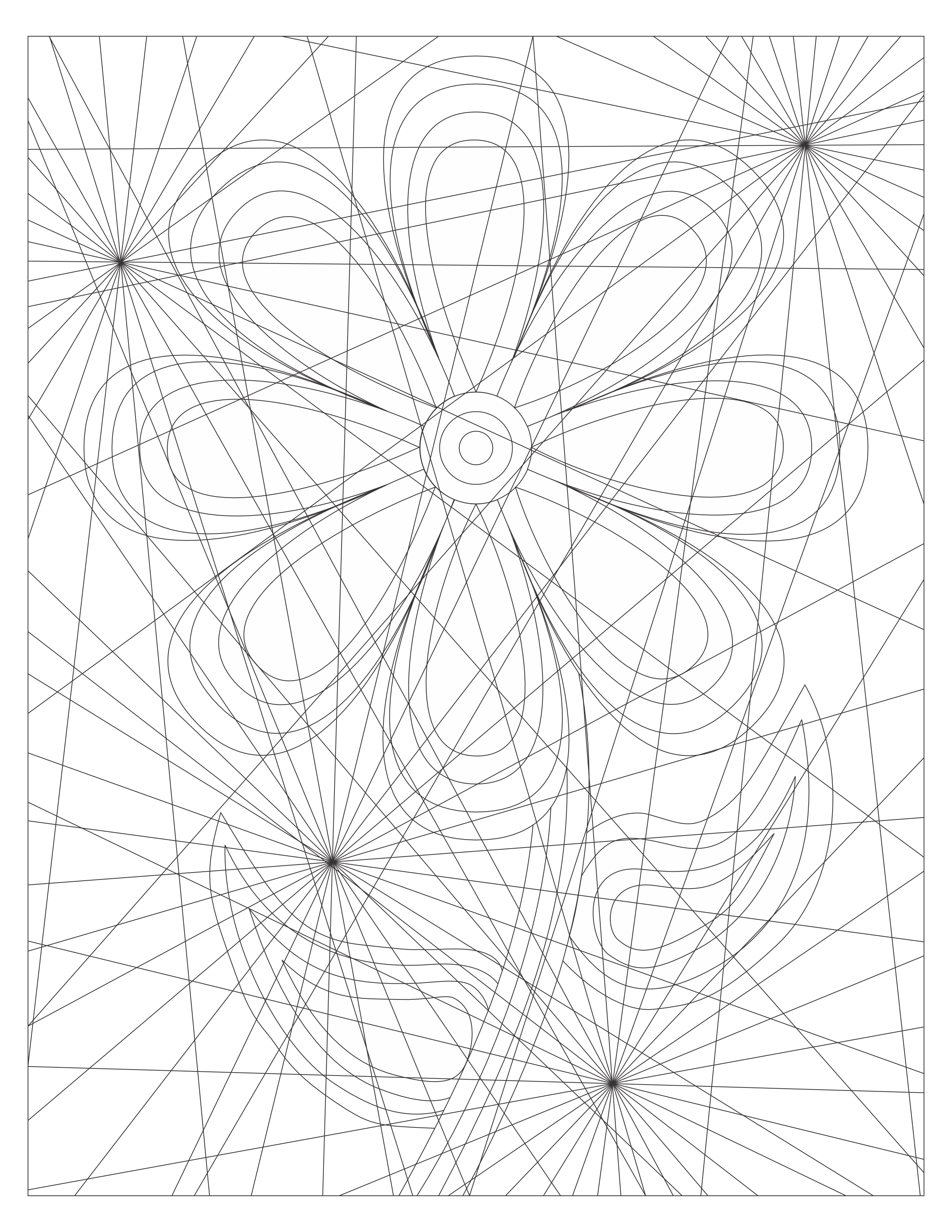
Below are a few examples of how I colored Fragments using CorelDraw.


You can download and color Fragments from my Coloring Page. There are other coloring pages available at this link.
I believe this drawing will be placed onto the list as one of my favorite drawings. I created this design using CorelDraw. It all started with a square with curved sides. The squares were duplicated and some lines added, and I had the object to start my design.
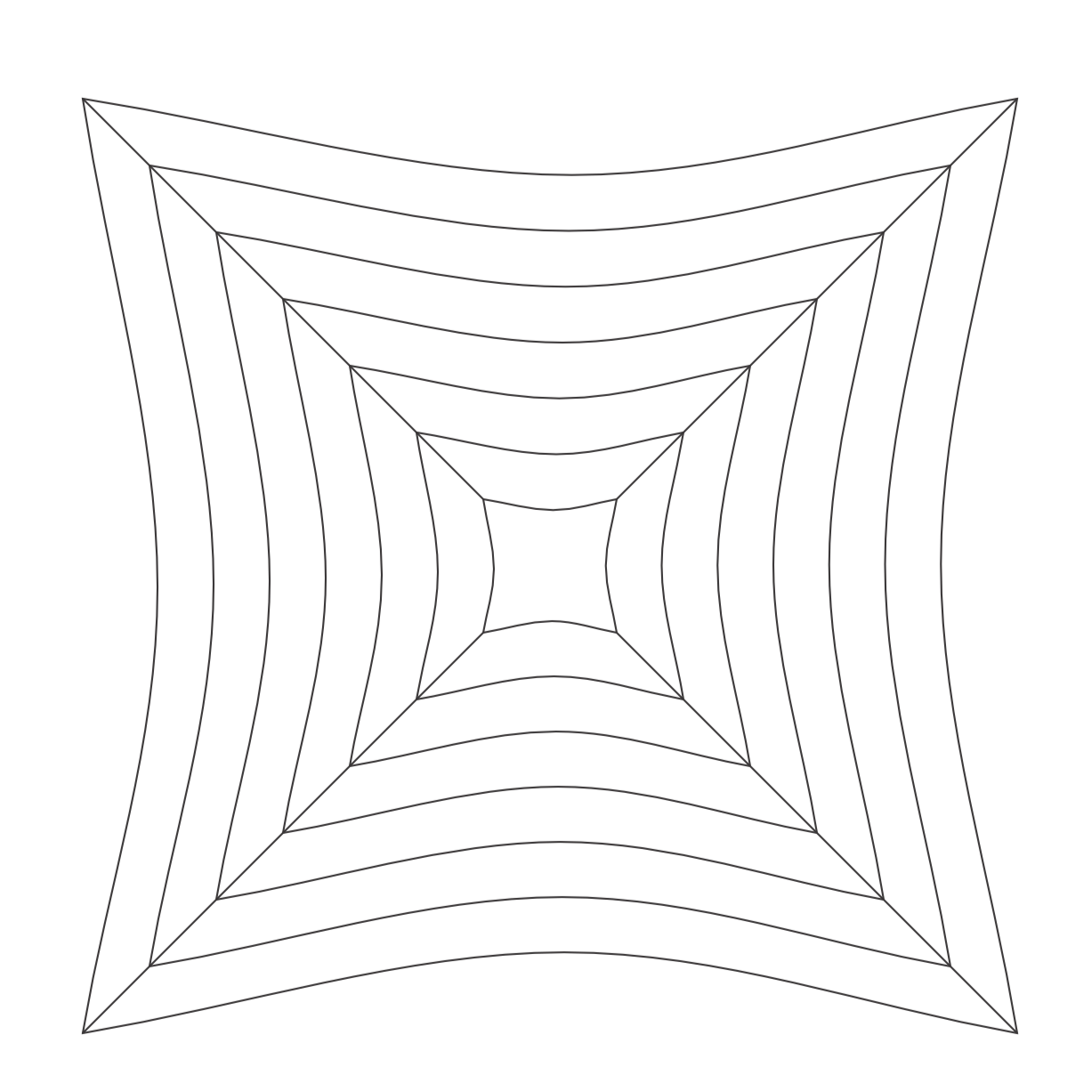
After duplicating, rotating, and arranging the objects, I had a very confusing outline to start adding color. That is not a circle in the middle of the drawing. I looked at the file and it just an illusion.

After filling in the some of the spaces with color, duplicating the new object again. I decided to set a transparency and added some shading. Then I added a black background. This is the final result.
Around Snow:

After staring at the original outline of the artwork, I decided to make the outline into two coloring pages named Art of Confusion. One coloring page is a full page of the outline I used. The other coloring page shows the full design.
The Checker Flower coloring page has a lot of potential to be beautiful. You are welcome to download it from the link or my Coloring Page. Color it! Or, use it as a template for a tangle.
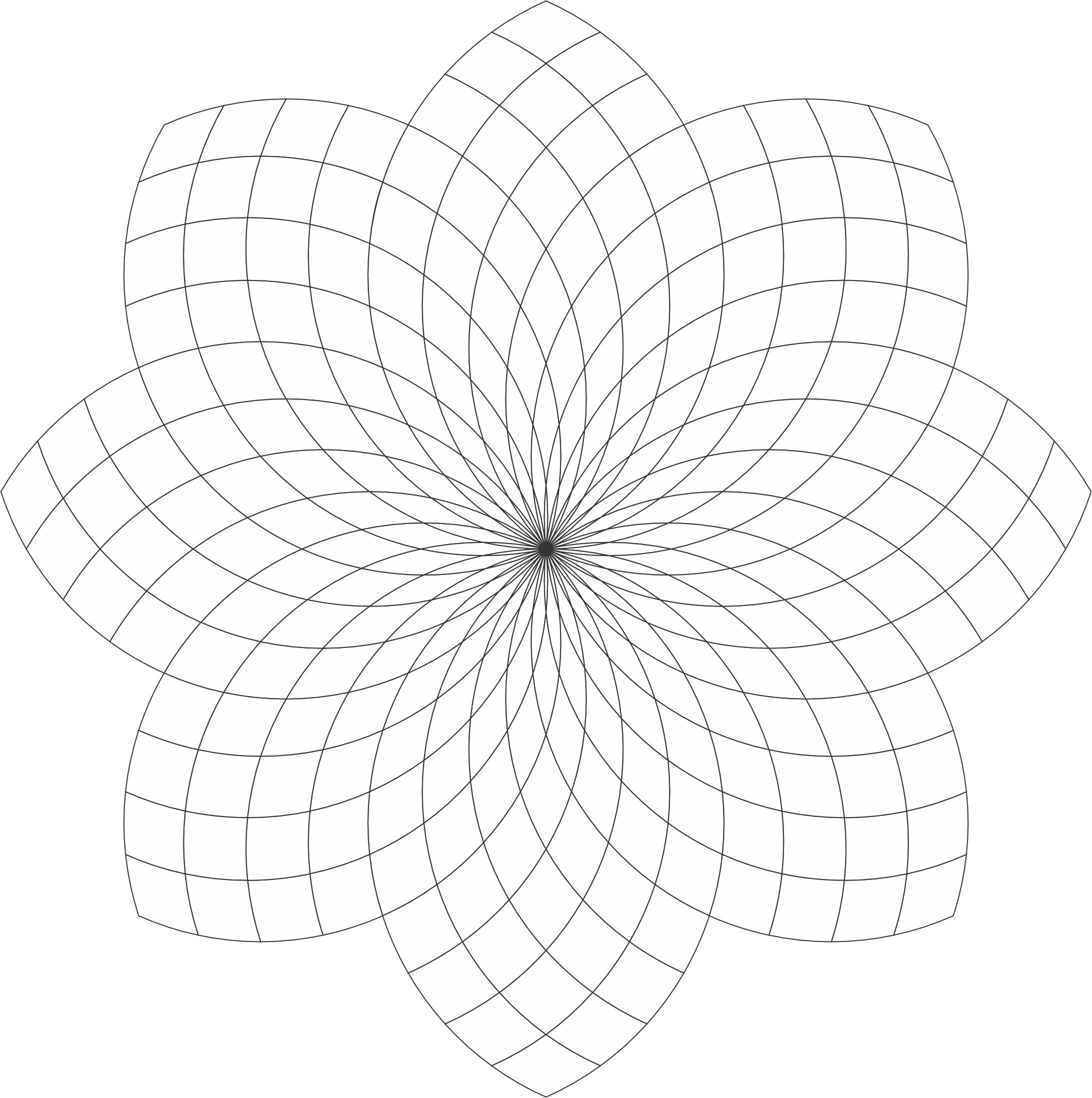
I created this coloring page using CorelDraw and here are some examples of how I colored it.
Checker Flower:

Checker Flower: With Awesome Background. The shading really brings out the flower.

Checker Flower: Shades of Gray

Checker Flower: Example of the Template being tangled. With Zentangle and other tangles. Remember the shading really bring out the art.

I named this coloring page “Stars at 45” because each circle is at a 45-degree angle. Below is an example how I colored the “Stars at 45” template using CorelDraw.

Stars at 45 Template: You can download the template from the coloring page or click the link. Coloring it or tangle it. I know you can make it beautiful.
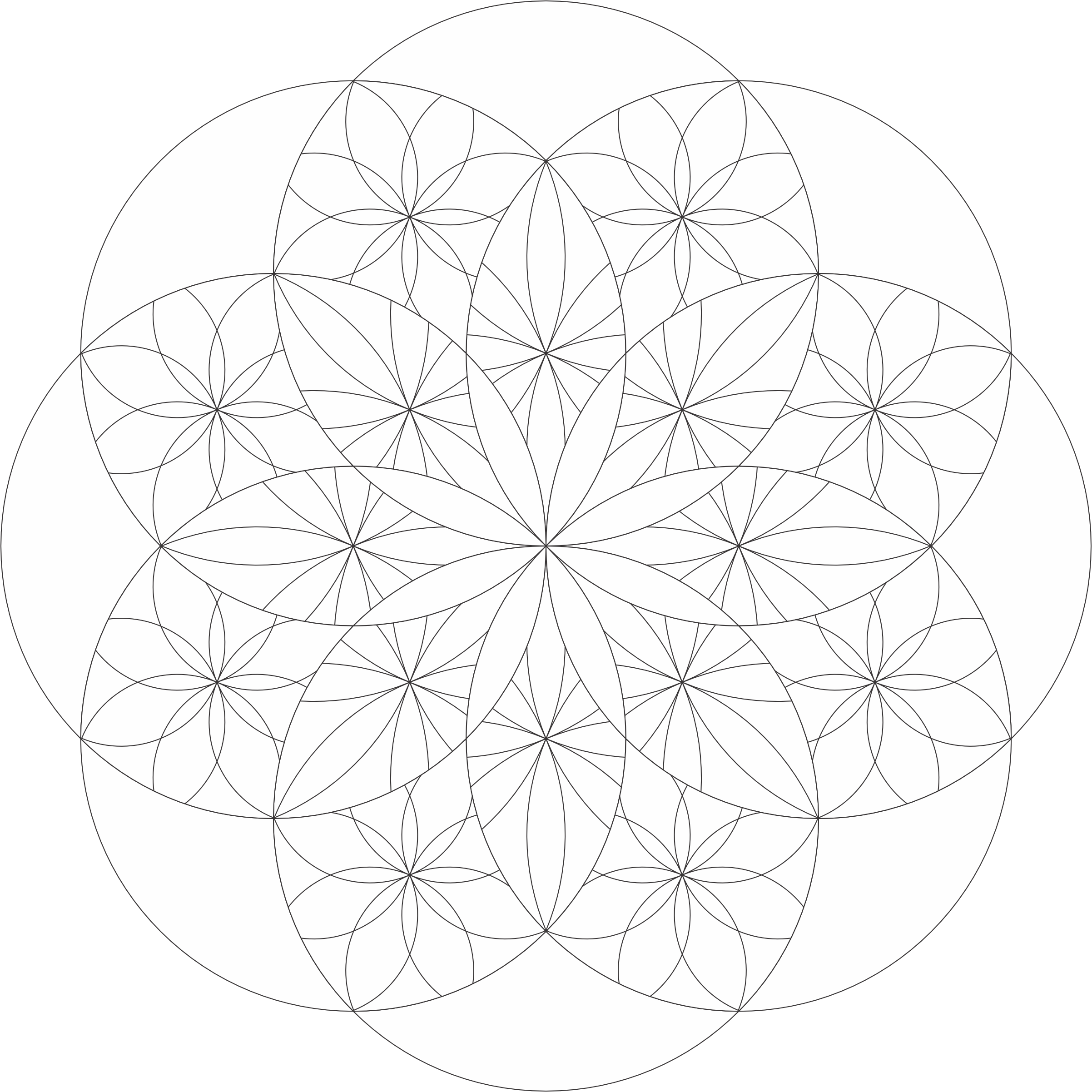
A new coloring page is available. I named it Color Contour because of the way I colored the original drawing.

You can download a pdf version of the drawing from the Coloring Page.
Color Contour – Coloring Page:

These are the designs I created with CorelDraw. I started by creating a shaped and transforming the single shape into a design.
First was Around Flowers: Drew some lines, added some coloring and shading, now very busy design.

Second was Around Pink: A single flower design in the front with others peeking out from the background.

Third was Around Hearts: Just a bunch of heart shapes repeated and shaded.

Last, for now, was Around Burst: Same design was repeated but it was overlayed with the transparency effect.

A new coloring page is available for downloading. The Color Not Coloring Page would be good for coloring or as a string for Zentangle designs.

Below is an example of how I colored the Color Not.

The Curves and Swirls Coloring Page is available to download. It started out as just a potential outline for a drawing, but once it was done, I decided it would make an interesting Coloring Page.

Below is one example of how I decided to color the design.

Six new coloring pages are available for download. All of the new pages are based on flowers. Below are the links to the PDF files, and examples of how I colored each of the designs.
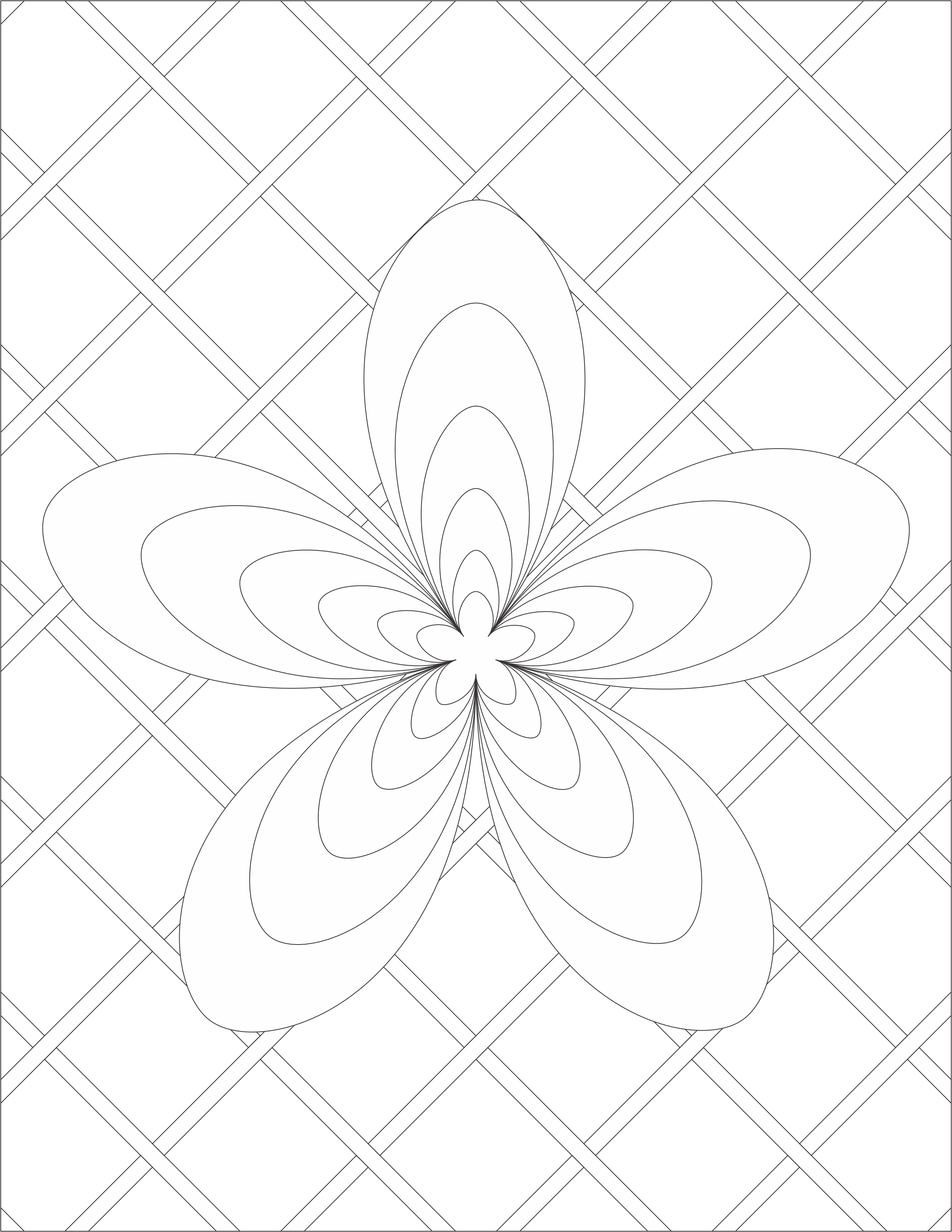
Being Single by Sarah:


Flower Explosion Coloring Page:

Flower Explosion by Sarah:

Flowers on Flower Coloring Page:

Flowers on Flower by Sarah:


Leaf Burst by Sarah:


Simple Flower by Sarah:

Spin Flower

Spin Flower by Sarah:


