Amazon Echo Show Privacy Shield

I do not believe that Amazon is spying on us, but there are a numerous hackers in the world.  And, getting dressed in front of a camera….

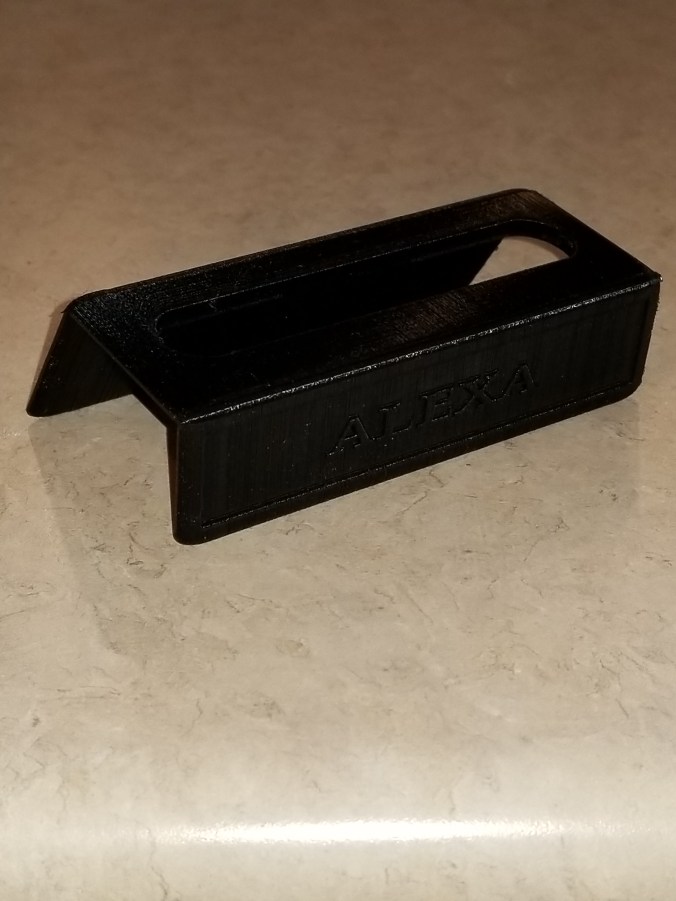
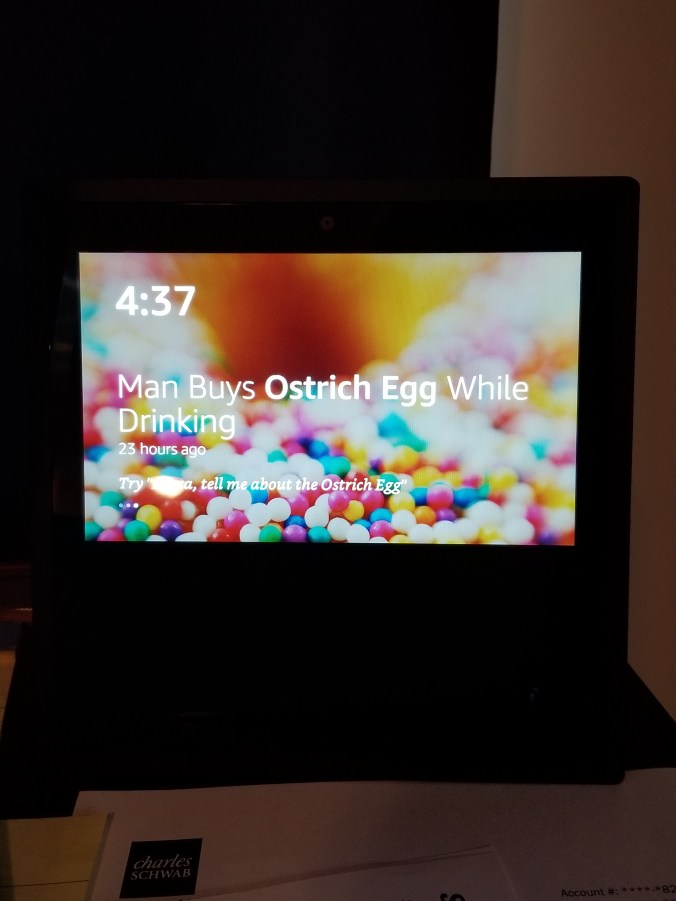
This privacy shield is for the Amazon Echo Show to cover the camera.  It will put the device to sleep because it can not detect movement in the room.   You can still access the three buttons on top of the device with the shield installed.

20180306_072005.jpg

20180306_072014.jpg

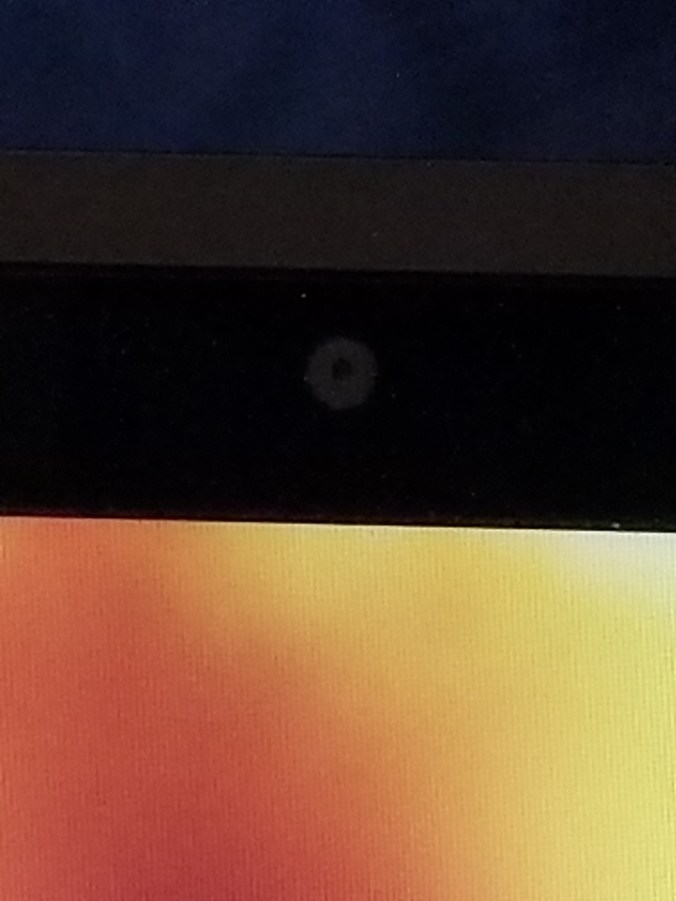
The Camera is in the top center of the device.

20180305_163757.jpg20180305_163735.jpg

I put “Alexa” on the shield because that is the wake up word for the AI.

20180305_163839.jpg

This gadget was made with Tinkercad, and is published on Thingiverse and YouMagine.

Tinkercad, the free, online 3D design and 3D printing app.

Clackers

It all started on Facebook and someone saying “Do you remember…”  Yes, I do remember Clackers, they were fun to play with, but dangerous (will at least in today’s world.)  We would get hit with one or both of the glass balls and go ouch or whoops.  However, in today’s world, they are safer than the Tide Pod challenge.

My 3D printer and I were not getting along, so we both took a break from each other.  After the Facebook posting, I decided it was time to put the print back to work.  And, one of the simplest thinks to design and print would be a ball with at hole in the middle.

I used Tinkercad to design it.  5cm ball with a hole in the middle.  I then did the thing I been regretting for a while, I cleaned, oiled and balanced the printer.  The first print failed, the item was not adhering to build plate.  Failure.  I rebalanced the build plate.  Failure.  I removed the build plate and cleaned it with soap and warm water and rebalanced the build plate.  Success, I had one ball for my clackers, so I printed a second one.

The string is only nylon string with a loop tied at the top and a knot at the end of each ball.

My family have official declared me weird.


Stand For Fluid Painting

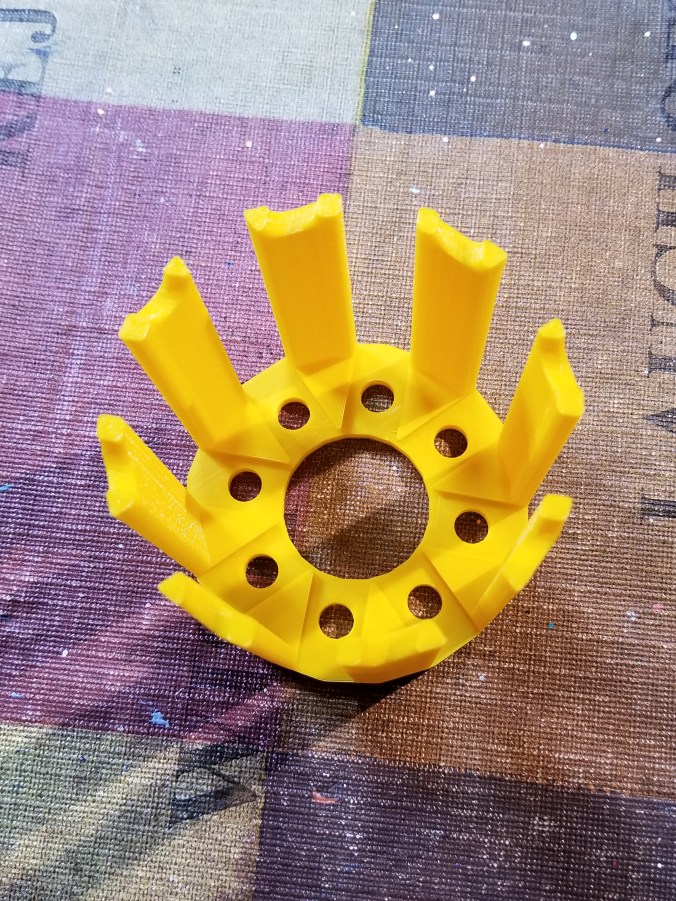
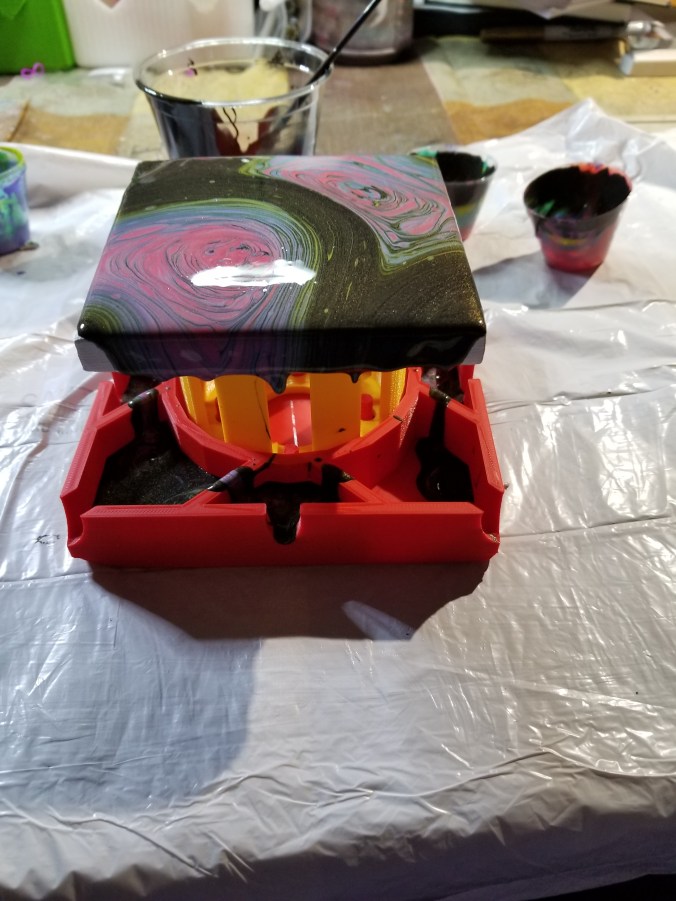
Fluid Painting can be messy.  You pour paint over the canvas and it drips over the edges.  What a mess!  I am not a clean freak, just a person working in limited space and I need my table to draw and do other things.  So far, I have limited myself to 4″ canvases, and I have a 3D printer sitting right next to my work table… I decided I would design and print a stand for my pour paintings.

The maximum print size of my Ultimaker 3d printer is around 8 inches, width and length.  The height can go up to around 12 inches.  So, this project was perfect.

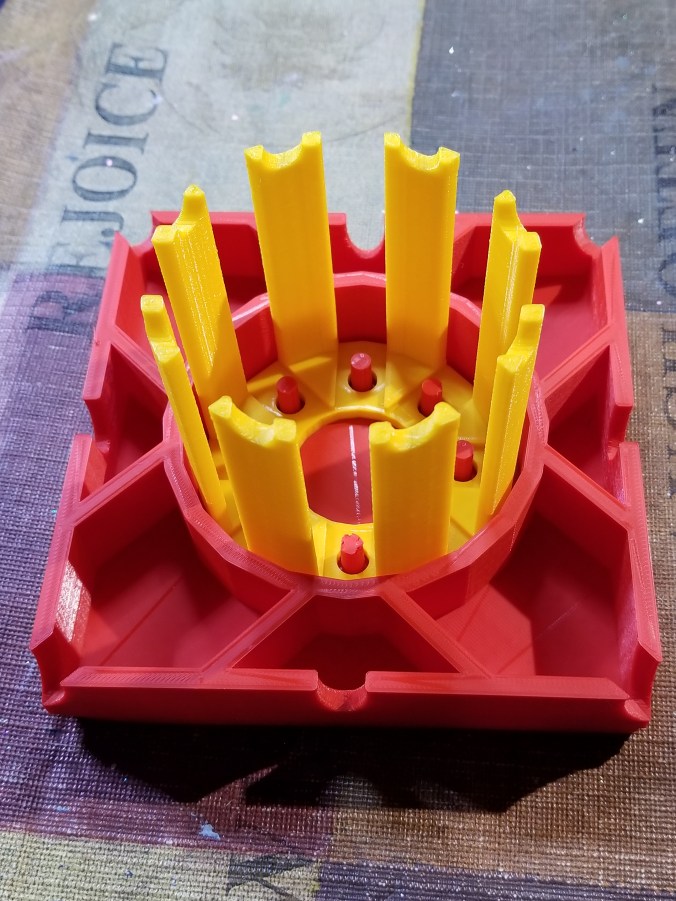
The catch basin is 5″ square, or in my design world 127mm, and 1″ (25.4mm) high.  Just in case different colors dropped from the different edges of the canvas, I divided off the catch basin and add drain notches.  It didn’t need it, but I placed pegs to hold the stand, and divided off this compartment to keep paint off of the stand.  It took around 11 hours to print.

20180228_134813.jpg20180228_134849.jpg

The design was done in Tinkercad and export as a STL file.  The file was imported into Cura and where a .gcode file was made.  I used the “normal” setting because the “fine” setting indicated it would take 23 hours to print.  Therefore, some warping occurred because of the setting and because I select not to add a Brim support.

The stand was also designed in Tinkercad.  It is 3 inches high.  The break in the structure allows for air to flow under the canvas.  It took around 4 hours to print.

20180228_134859.jpg

The notches on top of the stand, allows me to put some other type of support under the canvas to lift off, in case I want to reuse the stand before drying is complete.

20180228_135052.jpg

The finished product.

20180228_135154.jpg20180228_135305.jpg20180228_135345.jpg

The colors, yes I used Color Shift paint by Folk Art and grab the black and 4 other colors.

20180228_150626-2.jpg

The test.

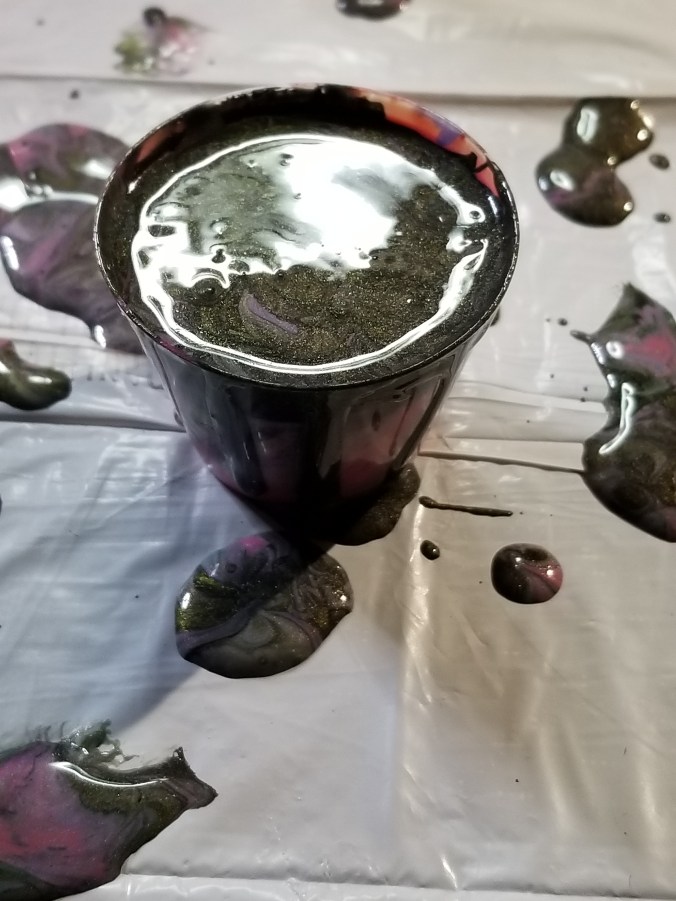
Ok, some of the holes leaked.  The center dividers should have been larger and I did not pour out of the basin as I expected.  I do not know if I am going to tweak the design and reprint it or not.  Probably.

20180228_153210.jpg

I did get a cup (one ounce) out of the basin.  It should go nicely with another pour.

20180228_154257.jpg

2017 Christmas Card

It is the Christmas Season!  All the presents are wrapped and all the cards have mailed; it is time that I share with you my Christmas Card of 2017.

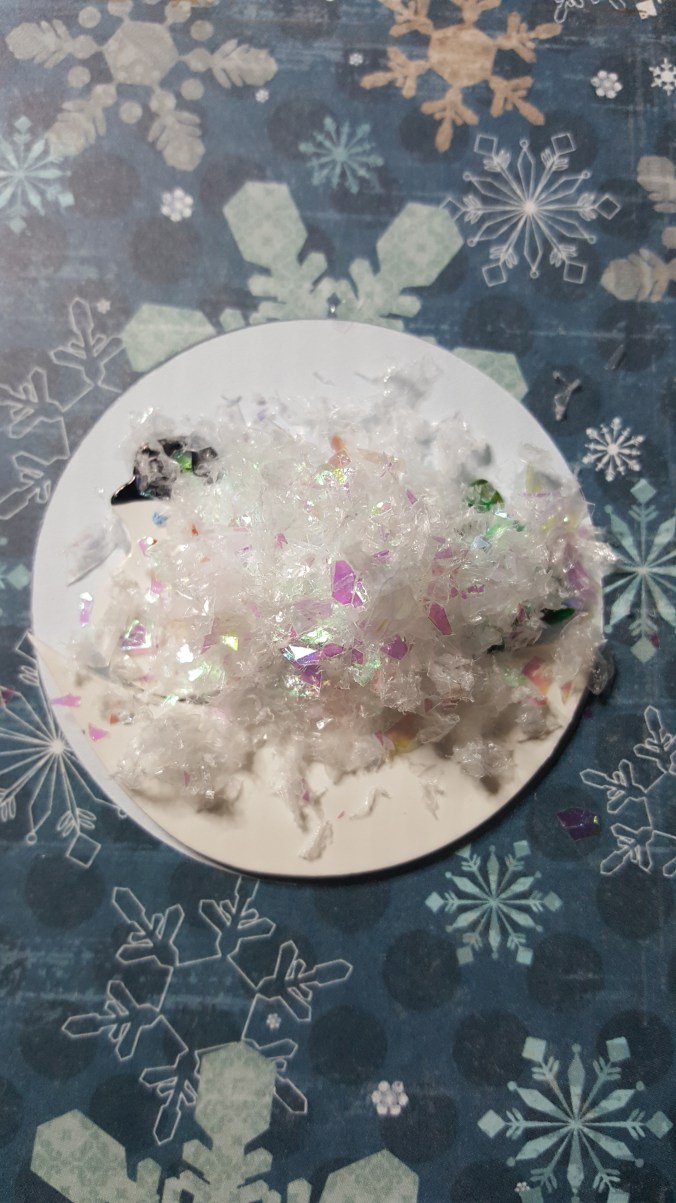
I usually start thinking about my Christmas Cards around July.  If I wait until Thanksgiving, I sure that disasters will strike and I would be force into buying Christmas cards from the store.  This year the ideal was a Snow Globe Christmas card.  I researched the ideal and knew it was possible.

But, I didn’t really want to put a piece of plastic wrap or it’s equivalent on the card.  And, than I found Jullibean Soup’s Large Circles by Hampton Art.  It was a quick Click and Order from Amazon.  Once the circles came in, I started to work on the card.

I thought about designing a village scene to put inside the snow globe, but I wanted a little deep.  Then it occurred to me; I have polymer clay, I have cutters for snowman and trees.  The card was coming together.

The snowman, trees, and snow were made with Sculpey Polymer Clay using a setting of 3 in the pasta machine and cut with “cookie” cutters, bake and covered with sparkle varnish.  (Which was the first mistake.)  However, I need to draw the face and buttons, and color the hats on the snowman.  I got out may Sharpie pens and colored the hats.  They looked awful.  I should not have varnished the snowmen first.  What was I going to do, paint all the snowmen?  Nooooo!  I had just recent purchase a set of Chameleon Pens, which worked with beautiful results.  It even covered where I used a Sharpie.
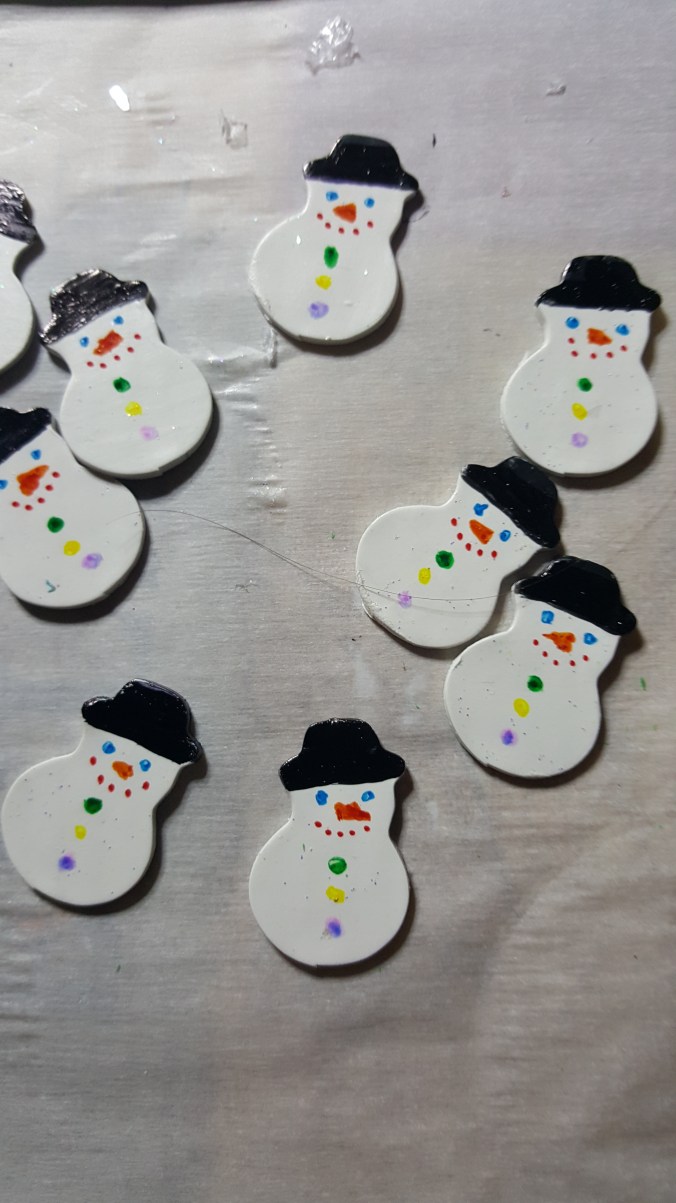
20171102_15362220171102_15362920171102_153709

Since the Snowman were coming together, I could now design the inside of the card.  This was done using Corel Draw.  I probably spend too much time making snowflakes, but I was having so much fun.  I hope the shading on the snowman gives it some dimension.

2017 Card Snowman

At Office Depot, I found dual color cardstock.  It was light blue on one side and white on the other side.  This was perfect for my card.  It would give me the blue sky I wanted behind the snowman scene on the front and white on the inside.  I found the snowflake paper at Hobby Lobby.  I found some nice light blue glitter paper at JoAnn’s and had the silver paper left over from last year.

The Jullibean Soup circle comes with adhesive around the circle, so it was not necessary to stick it through the first layer of paper and glue everything down.  I used Silhouette Studio to design the silver snow globe and the cut for the top paper layer.   Everything was cut using my Silhouette Curio.   I was really dreading gluing it all together.

More research.  I found this wonderful blog that talked about ways to glue paper together.  Did you know you can put cheap plastic wrap between two piece of paper and use a hot iron to fix them together.  I didn’t use plastic wrap.  The blog also talk about Xyron Creative Station for sticking paper together.  This is the best machine I have bought all year.  It did exactly what I expected.  It basically creates stickers when you roll your paper through the machine.  Afterwards, you just peel it off and stick it where you want it.  It even handled the delicate “Merry Christmas”.

To assemble the card:

First step: print the inside of the card on cardstock on the correct side of the paper and cut everything.  Run the snowflake paper, the silver snow globe, and the Merry Christmas through the Xyron Creative Station.

Second step: stick the snowflake paper to the correct side of the card.20171102_153614

Third step:  Use glue dots to fix the snowman, trees, and snow to the card.  Top with snow.  (Second mistake.)  After sitting in a box for several weeks, the trees and snowman started to come loose.  The problem was I did not use permanent glue dots for those items.  I had to gently open up at least half of the cards and redo the inside.  I am glad I switched glue dots during the assembly.

20171102_15391620171102_153942

Fourth step:  Place plastic circle on tope of snowman and snow.

20171102_154018

Fifth step:  Place silver globe around circle and add Merry Christmas.
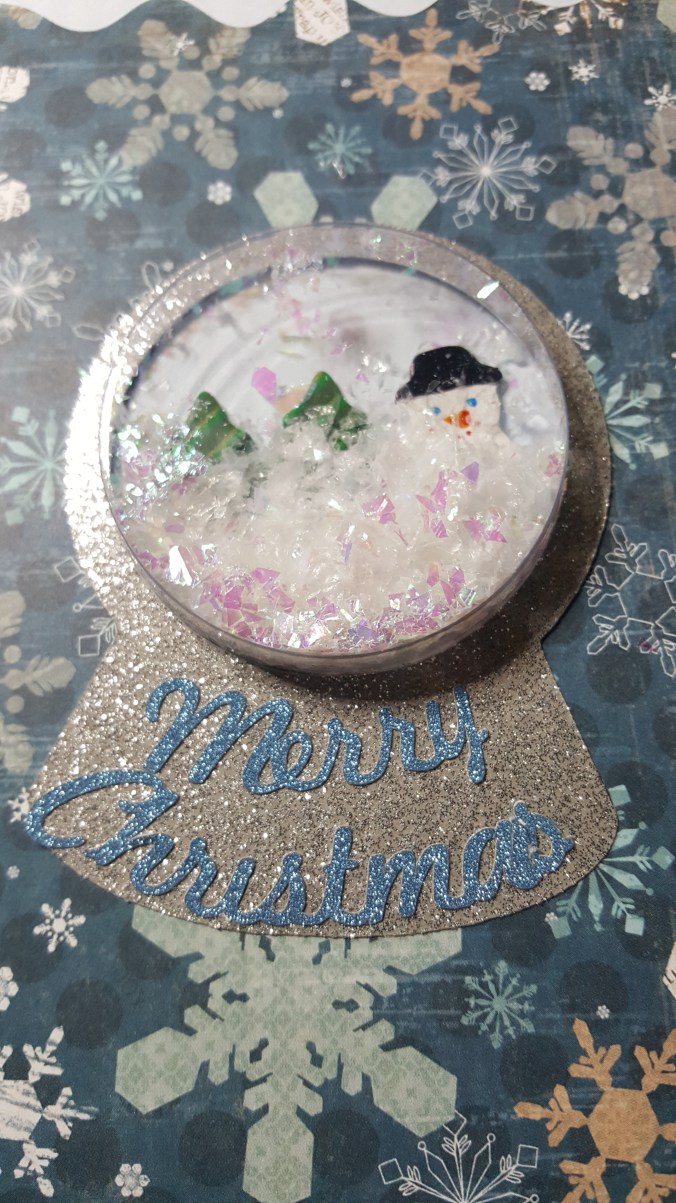
20171102_154833

We have a finished card.  Well, almost.  It needed something else.  I used glitter glue to around the border to give it more sparkle.
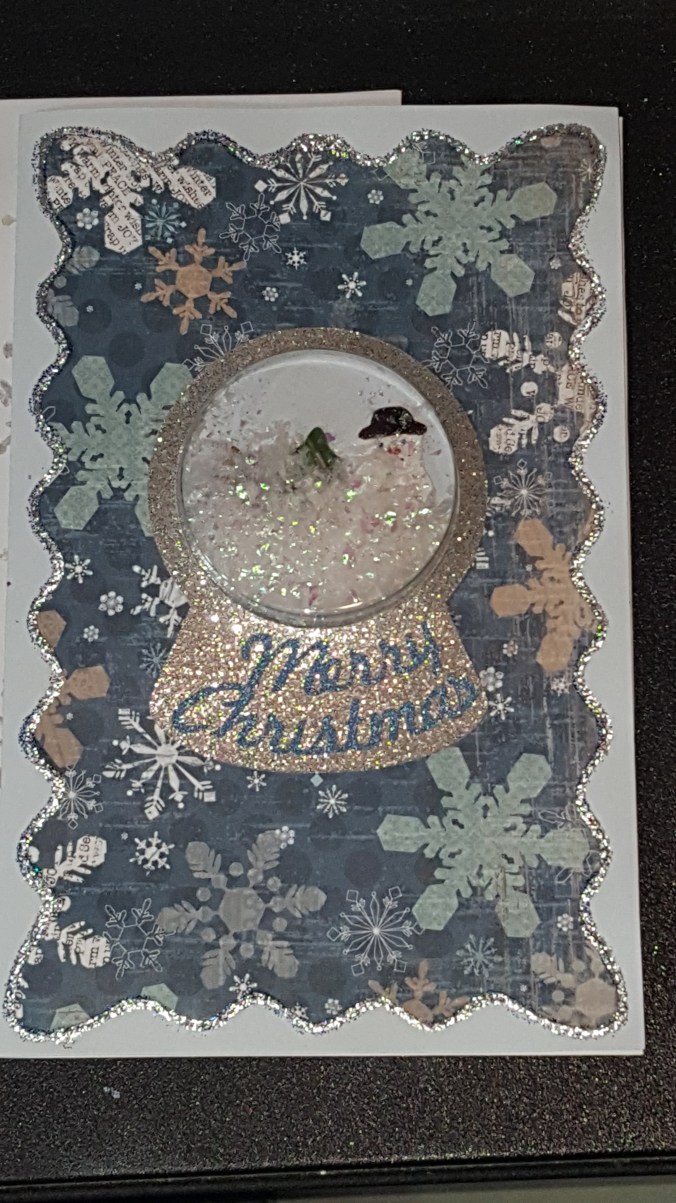
20171215_134056

I put the card in an envelope that I stamped with snowflakes.  Both, envelope and card was mail in a bubble mailer.  Any thicker and the card could not be sent First Class mail.

Christmas Antique Shop

I found some Christmas gift ideas at the antique shops.

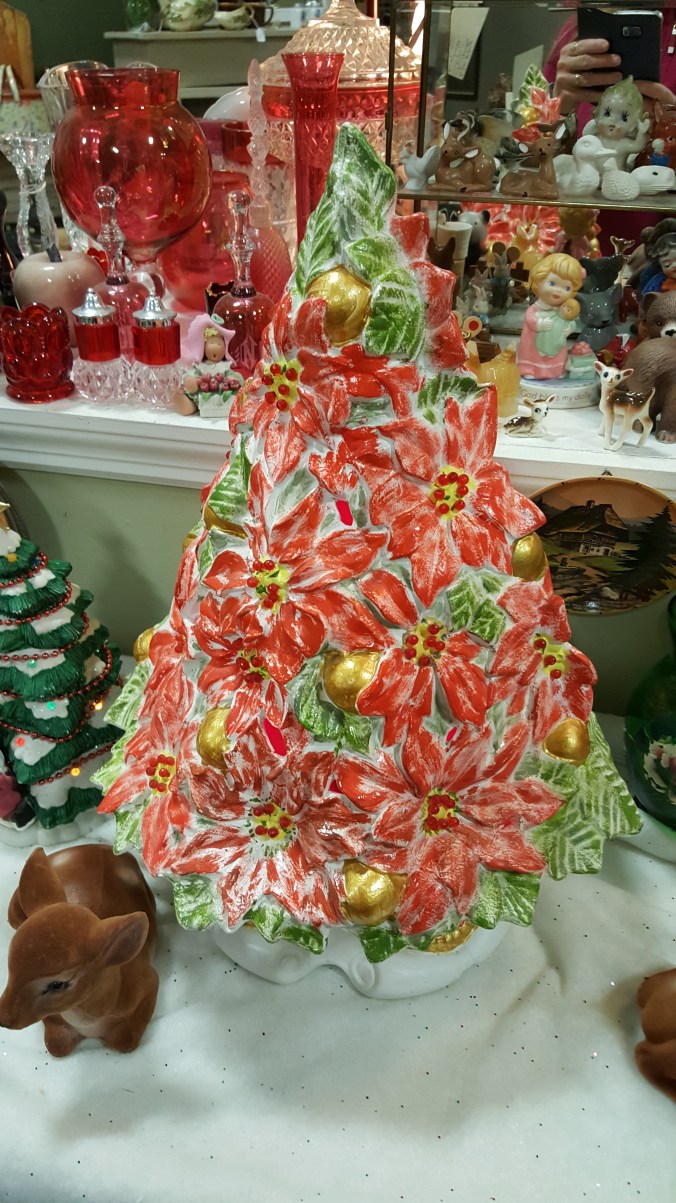
A Christmas Tree everyone needs.

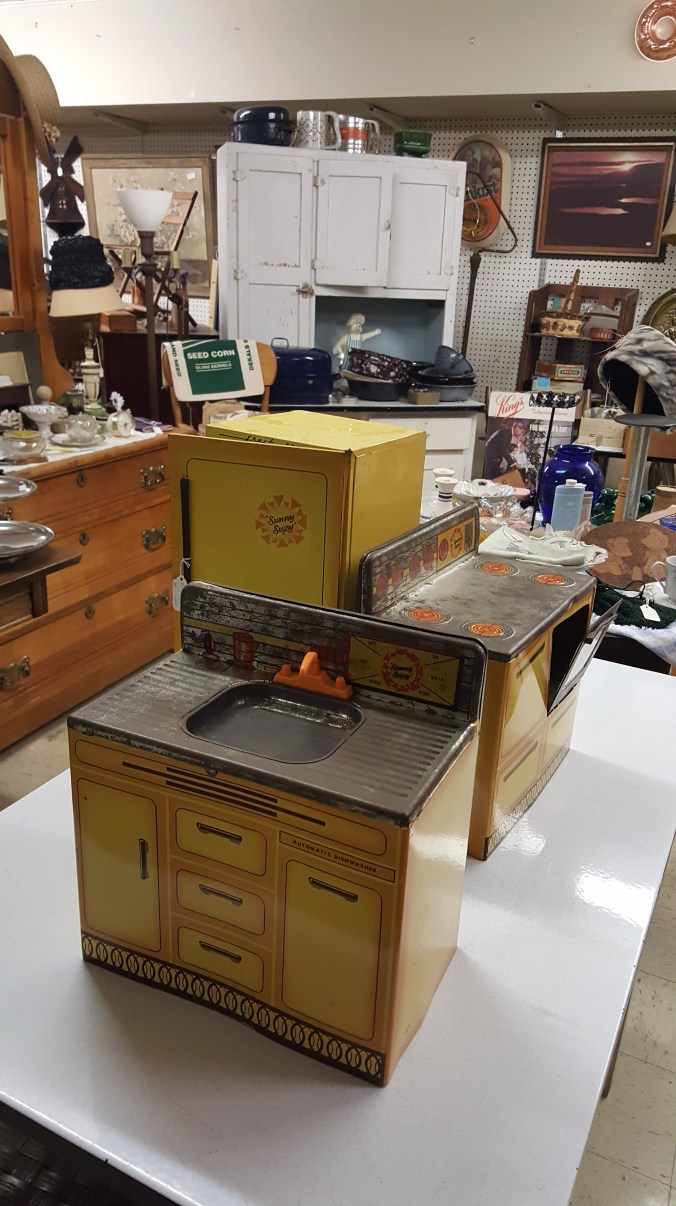
Toy refrigerator, stove, and sink for those budding cooks.

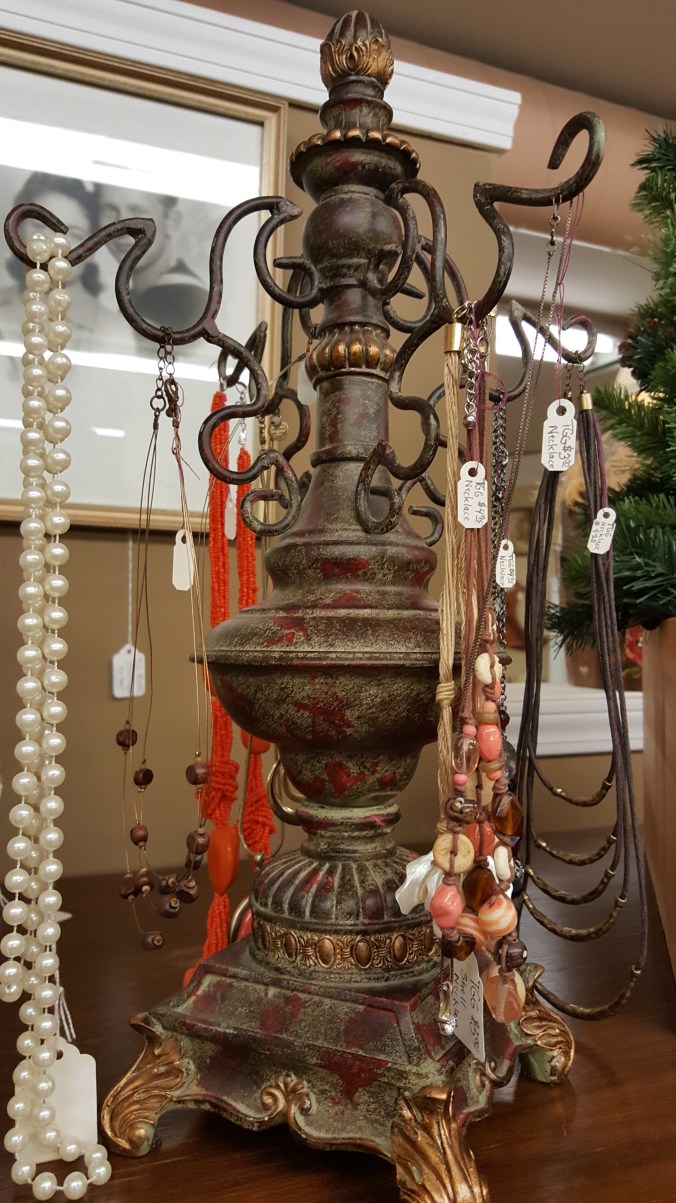
Jewelry hanger. Yeah, I think it had another purpose originally.

A piggy bank that weighs about 20 pounds without the coins.

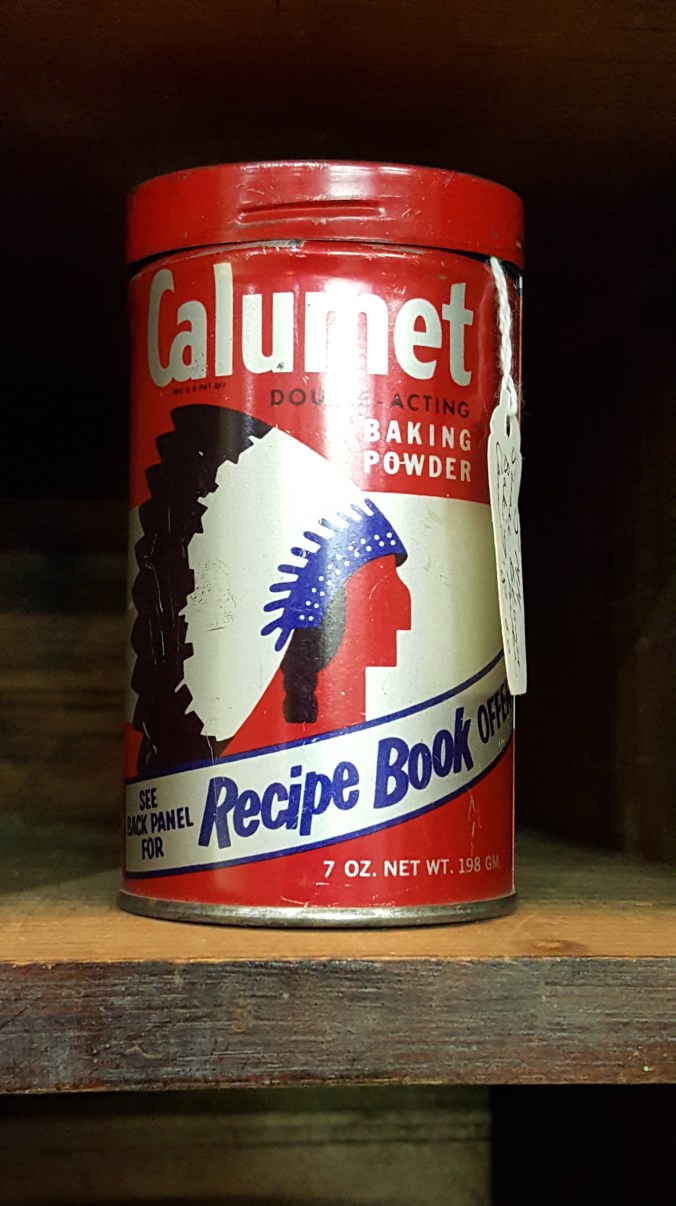
A can for your baking needs.

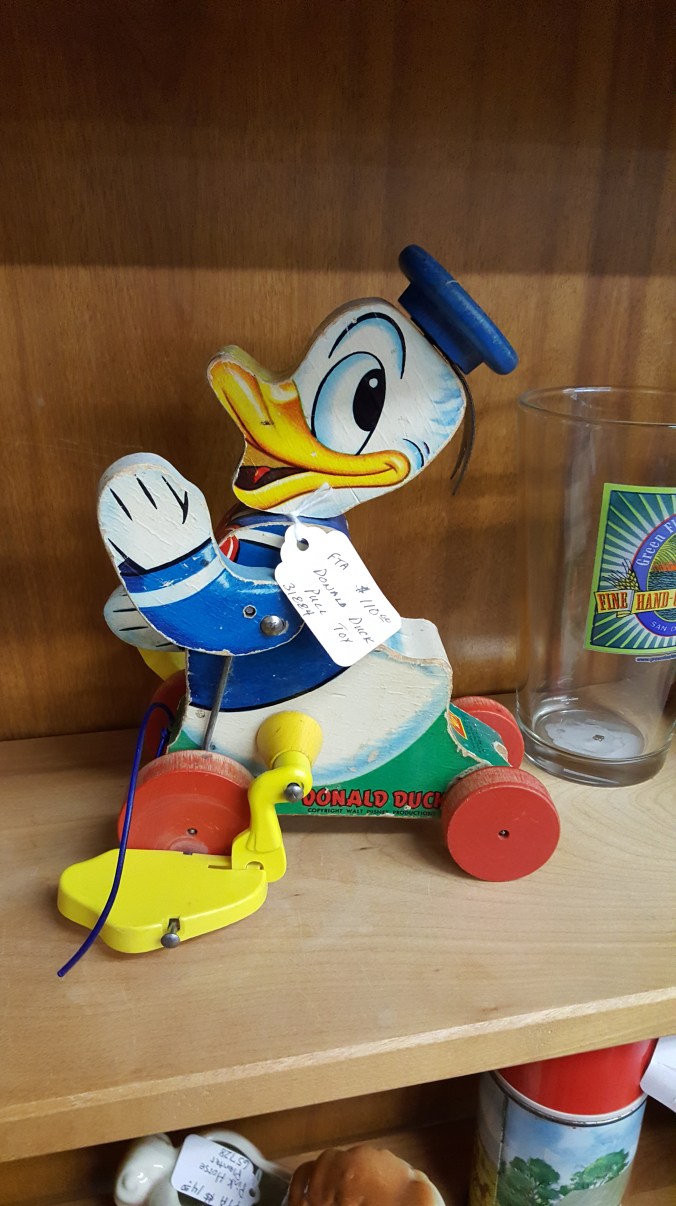
Donald Duck pull toy.

Where’s the chips?

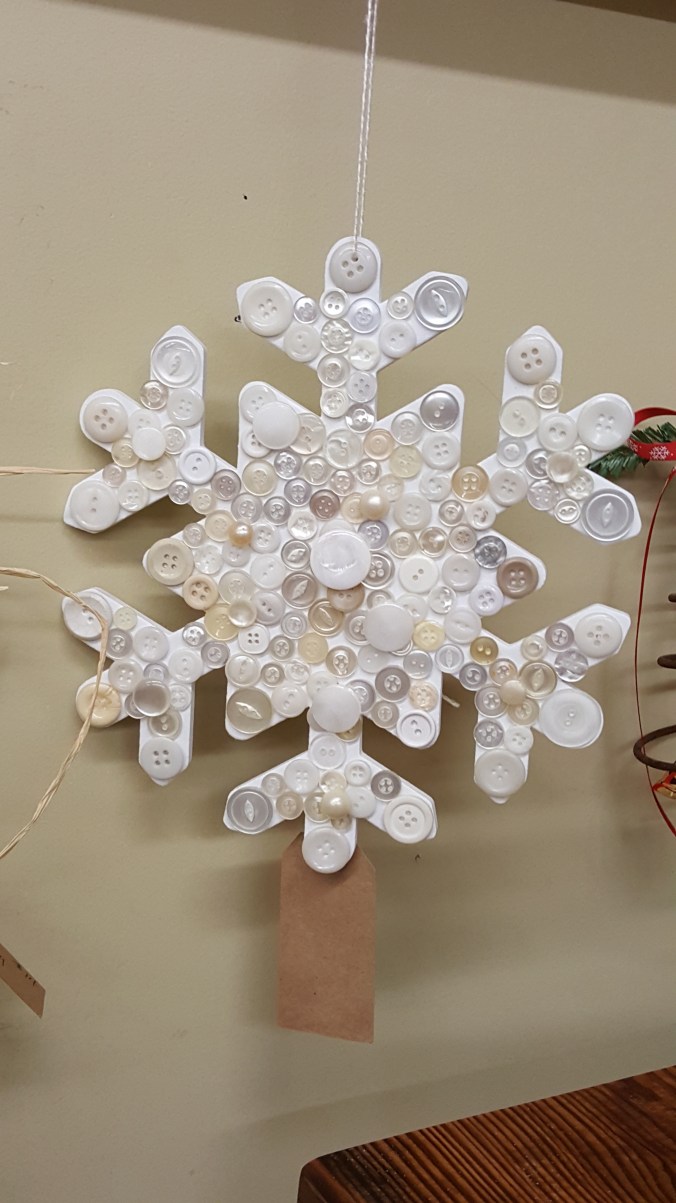
A button snowflake. They had at least 6. They must be popular.

Memphis, Tennessee

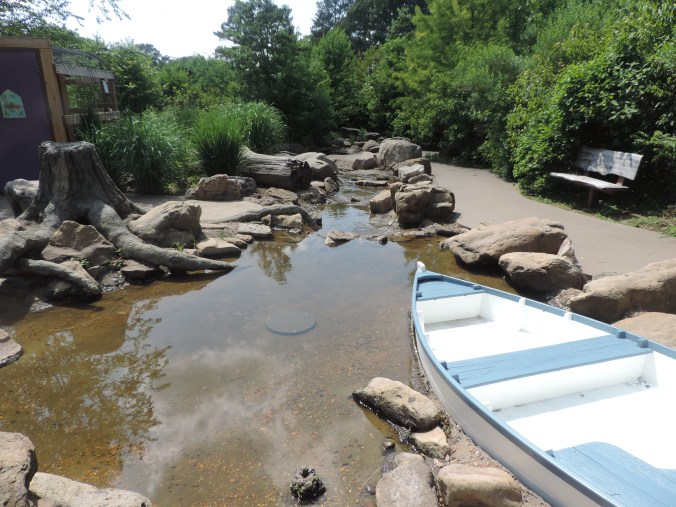
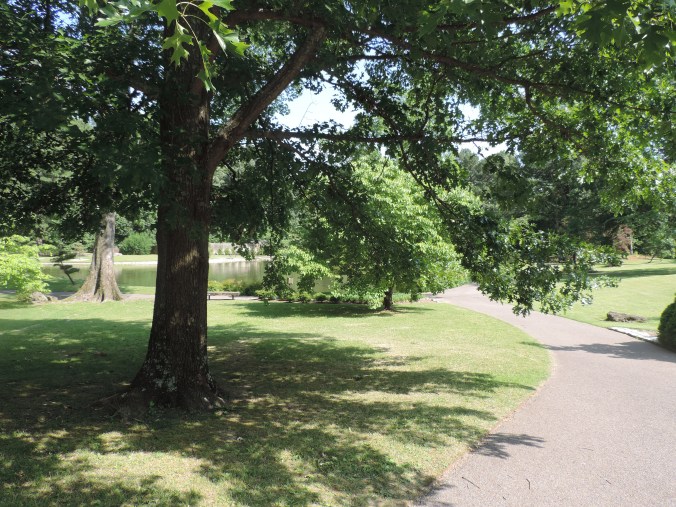
What is there to do in Memphis, Tennessee that doesn’t involve music, where you can take picture and be outside on a summer day?  After many web searches, I found it!  The Memphis Botanical Gardens.

This place was huge, several different gardens, lots of plants, and plenty of photos opportunities.  And, it was hot, but very quiet and relaxing.  There is plenty to see in the gardens.

DSCN3873DSCN3899DSCN3911DSCN3914DSCN3915DSCN3916DSCN3927DSCN3928DSCN3929DSCN3939DSCN4021DSCN4012DSCN402720170518_162707


Things You Find on the Side of the Road

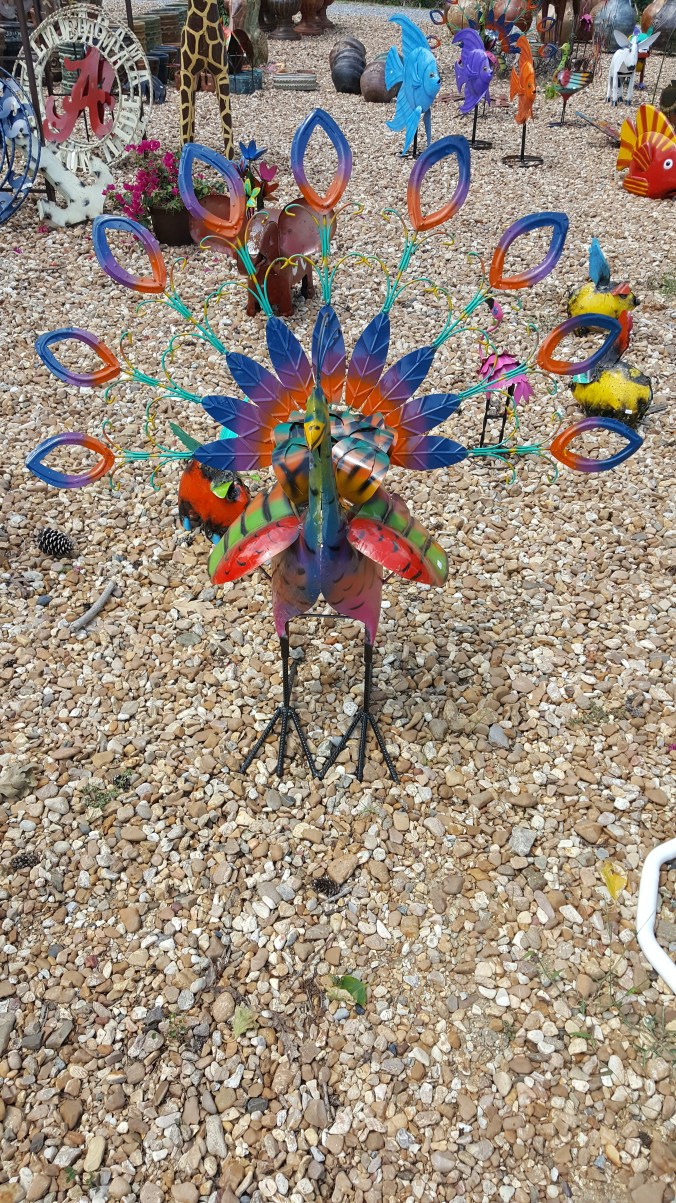
This summer I traveled through most, if not all, of the States in the center of the country.  During these travels I found some interesting places.  First there was the Beef Jerky Outlet, my travel companion was in heaven.   Second interesting stop was Pickle Gap, AK.  If you need a Belly Button Lint Brush, they have it.

The third stop was a fruit stand on the side of US 49, somewhere in Mississippi.

20170519_105509

The coffee cups do not belong to me.

20170519_105513

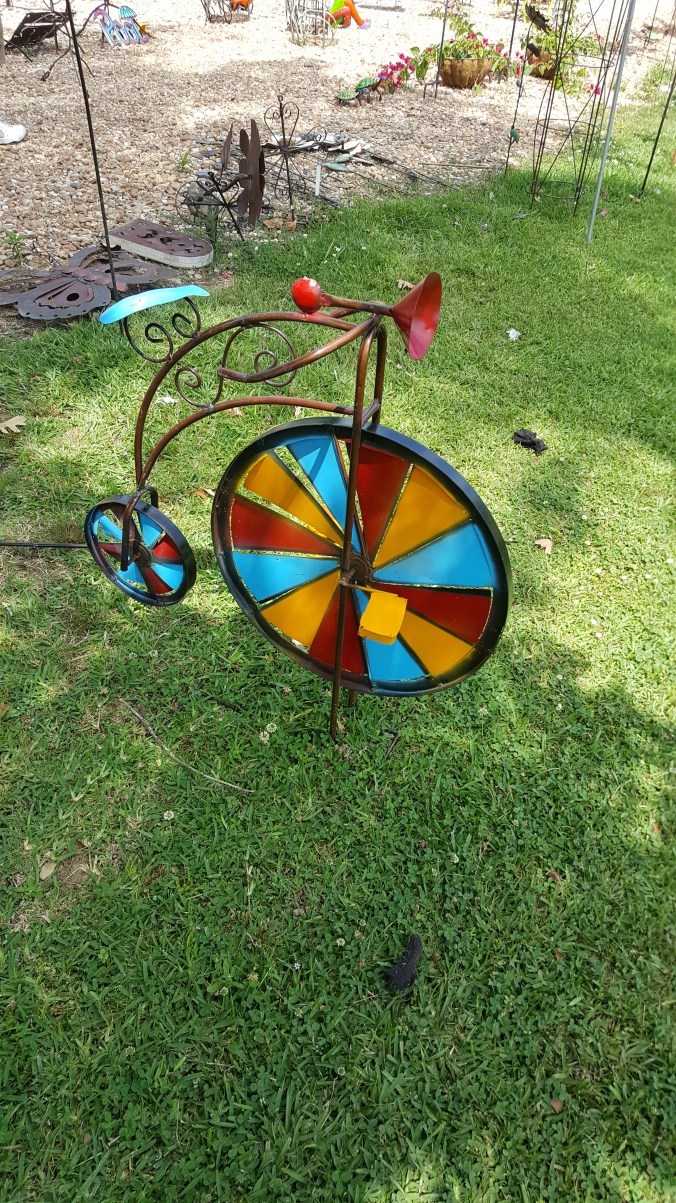
A fake flying duck, is what everyone needs.

20170519_105519

20170519_105648

20170519_105700

20170519_105849

20170519_110008

Alas, I could not purchase anything because my car was full of stuff.

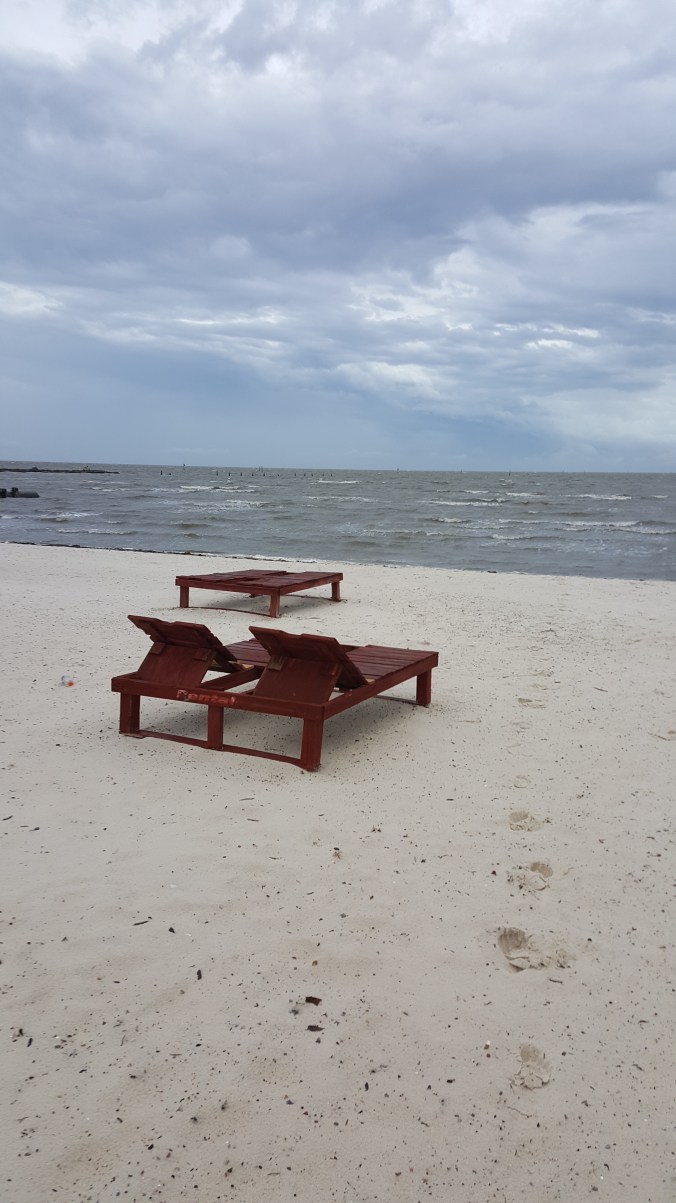
While is Mississippi, I did stop by the beach.  It was cloudy, dreary day.  I did find sand and a few grains are probably in the car.

20170521_121401

20170521_121404

Branson, Missouri

I spent less than 24 hours in Branson, Missouri.  It was a stop as I headed south.  Even though, I did not see any shows I did see some interesting items.

The first stop was the wax museum. Why is Jeannie so interesting? I just spent the last nine months with the TV tuned to I Dream of Jeannie to keep the morning news from ruining the day.

20170517_141203

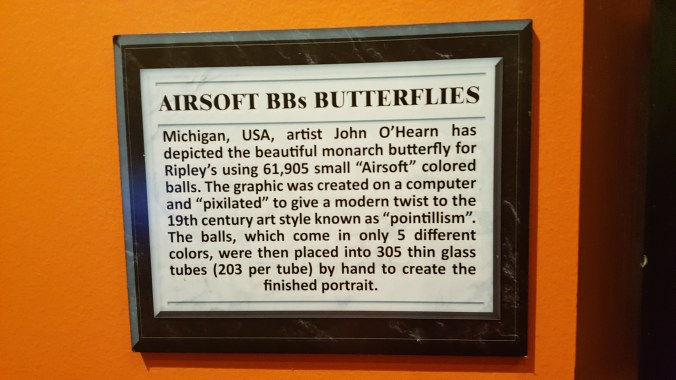
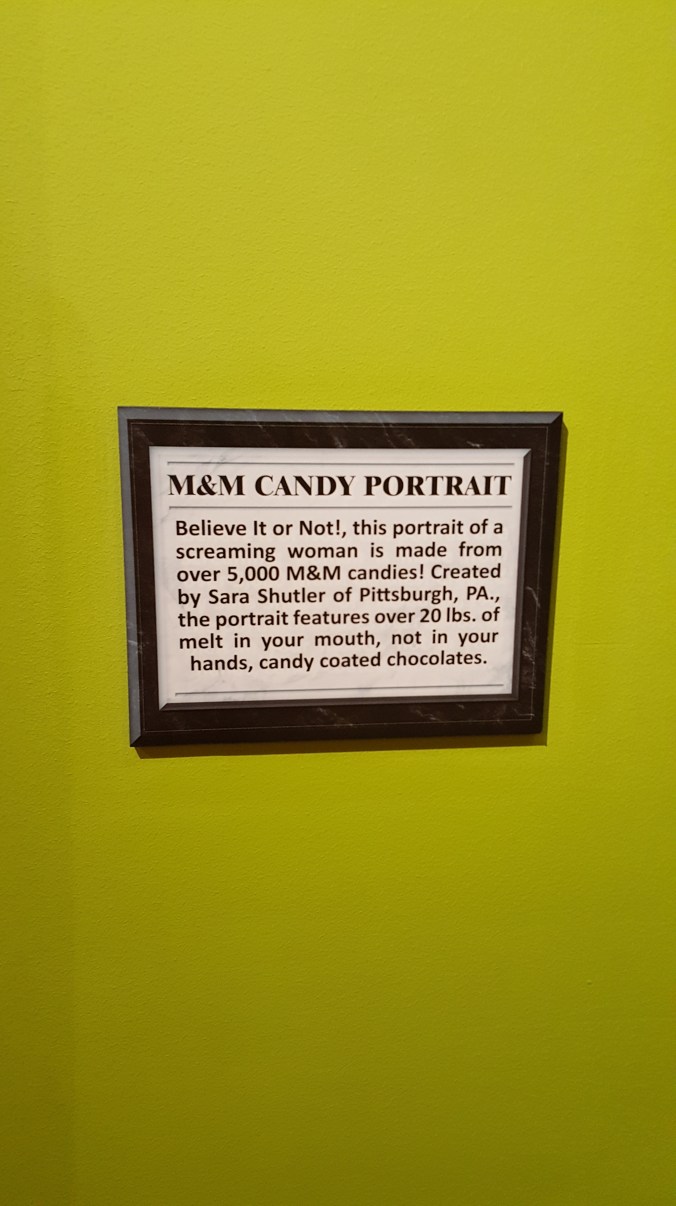
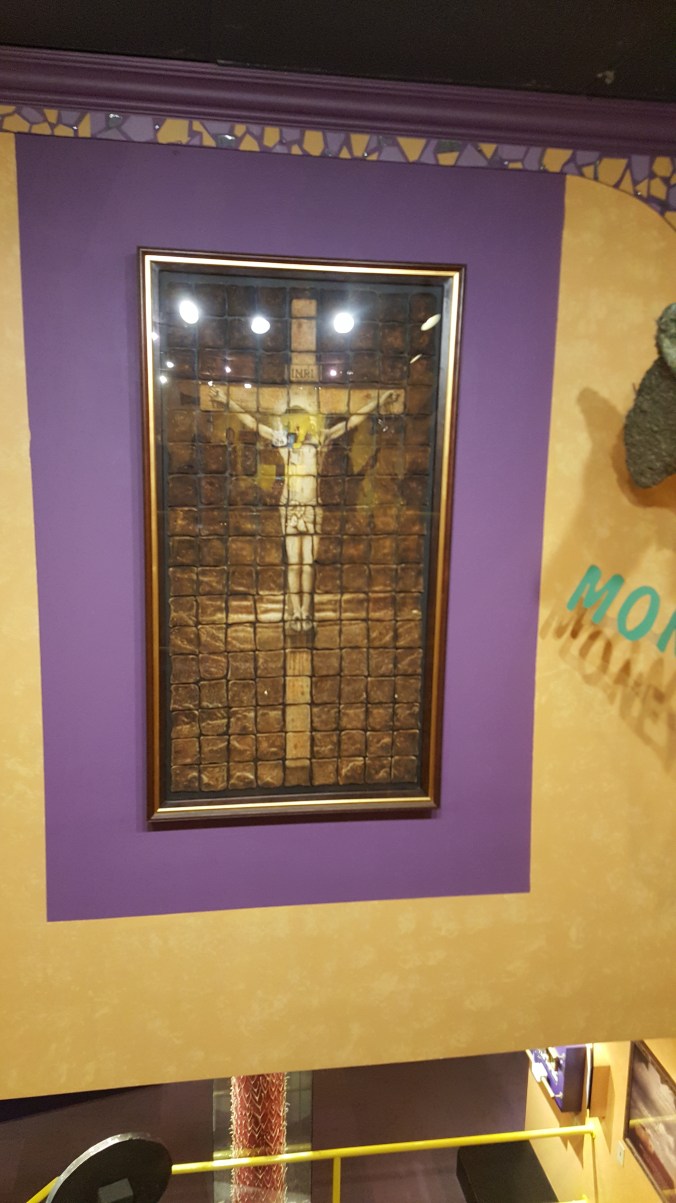
I did find some interesting items at Ripley’s Believe It Or Not.

20170517_164118

20170517_164126

20170517_164155

20170517_164201


20170517_165500

20170517_165505

20170517_164440

The fountain at the Branson Landing were entertaining. A relaxing ending to a busy day.

DSCN3864

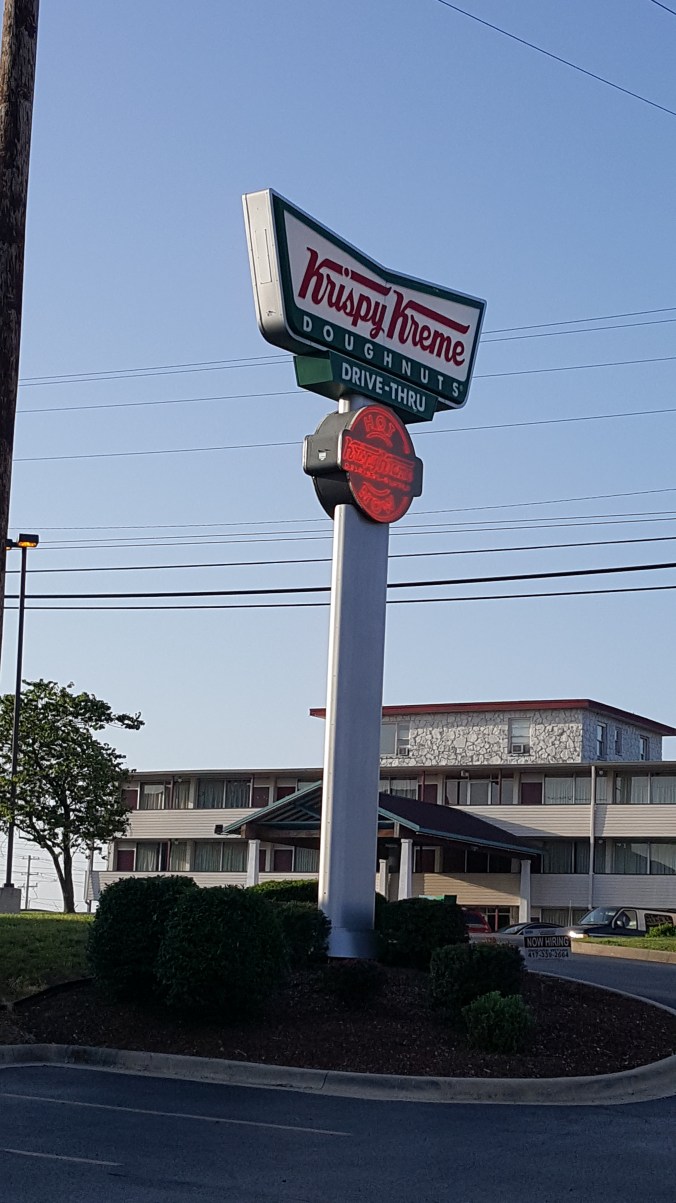
Krispy Kreme Donuts!!!! Notice the sign that indicated HOT Donuts. As soon as I walked in the door the worker handed me a HOT donuts. That was the best donut that I have eaten in the past decade.

20170518_071702