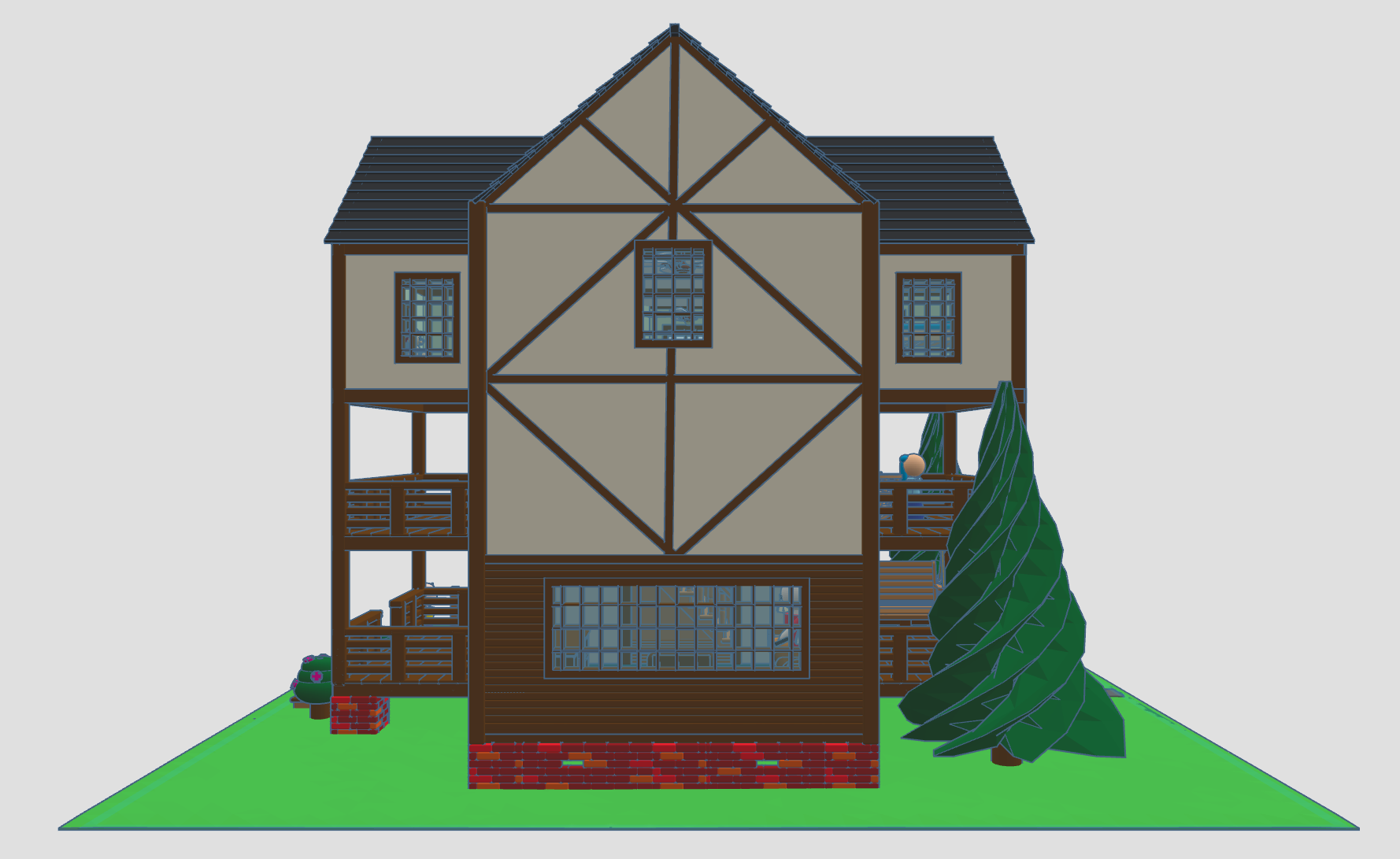
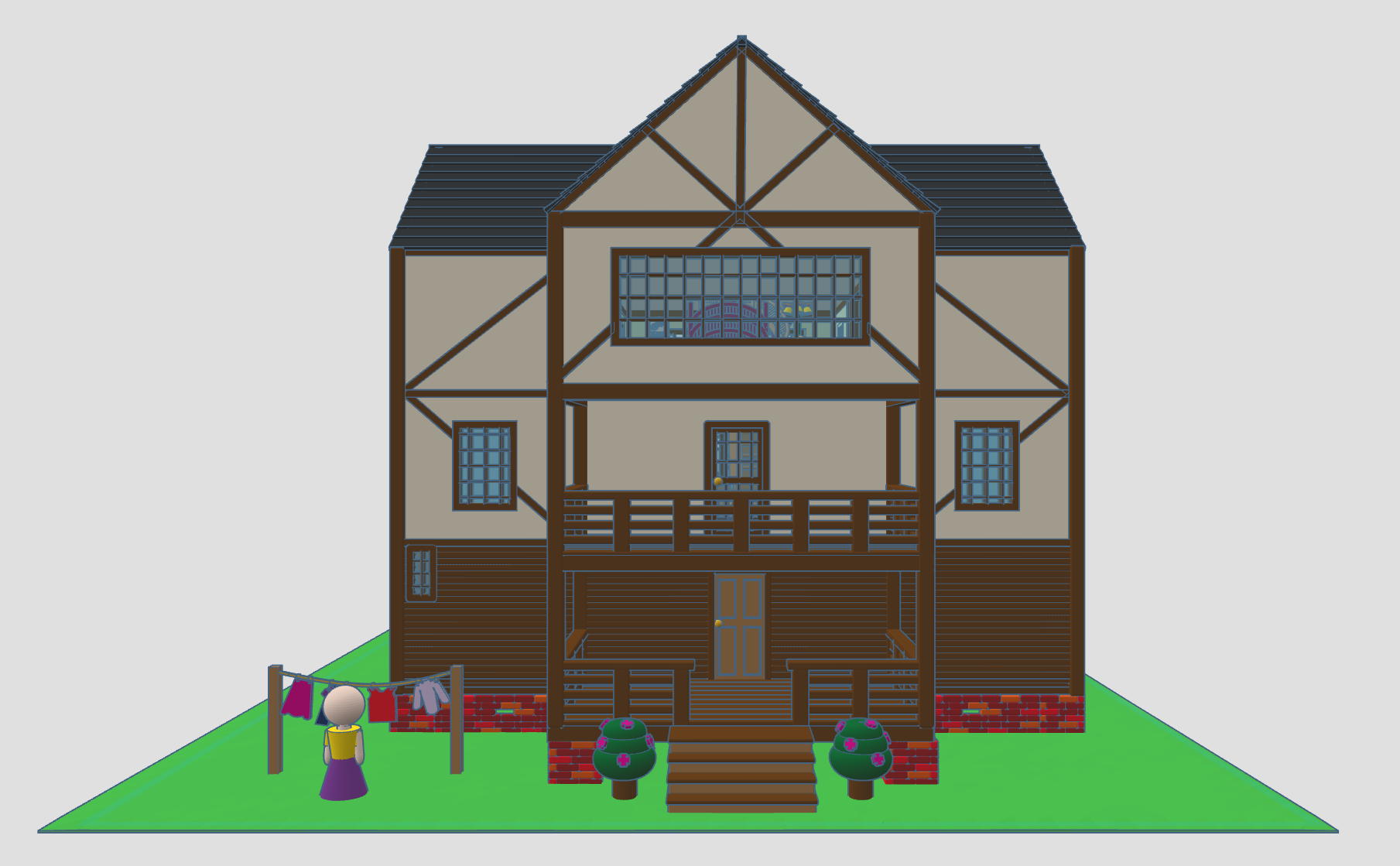
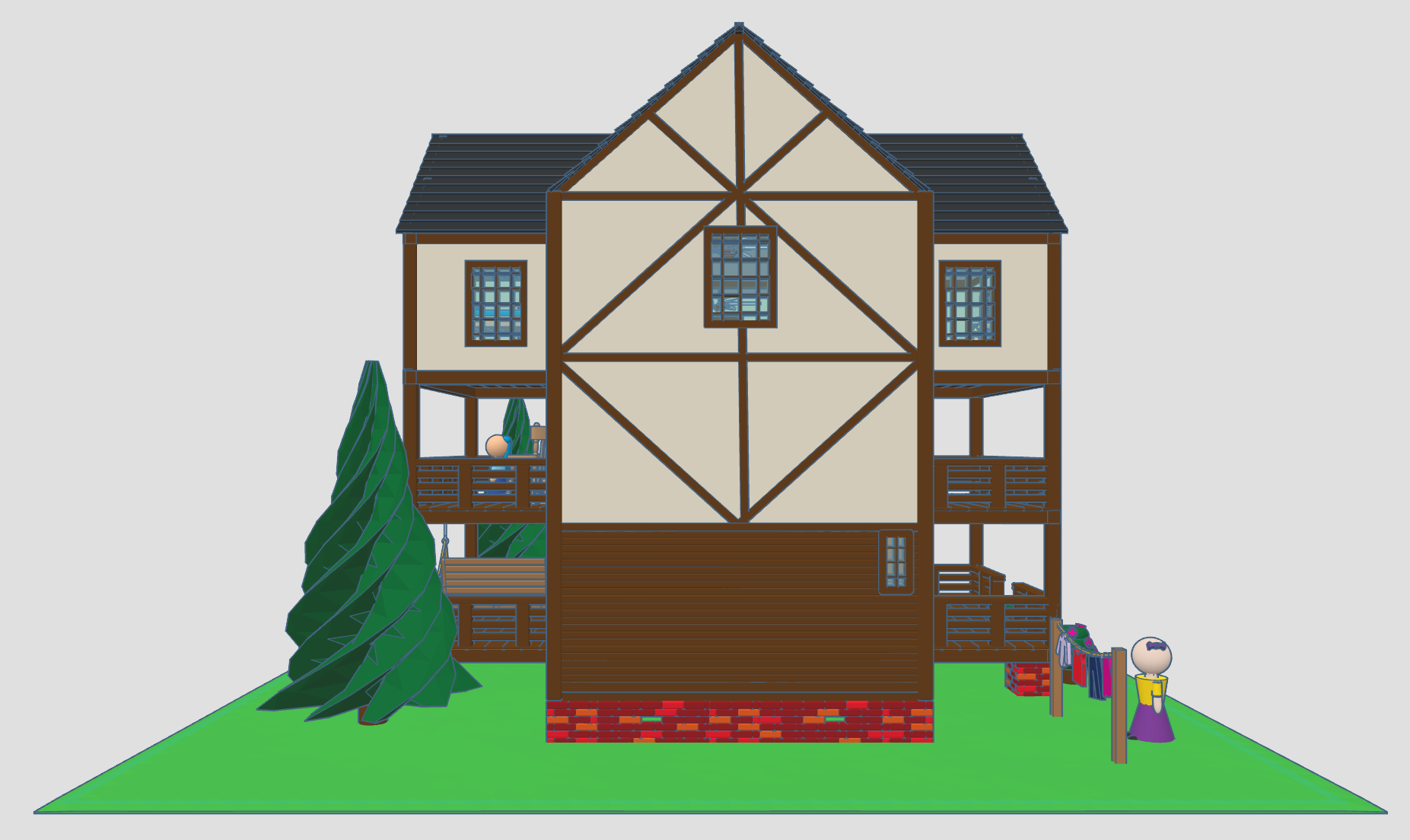
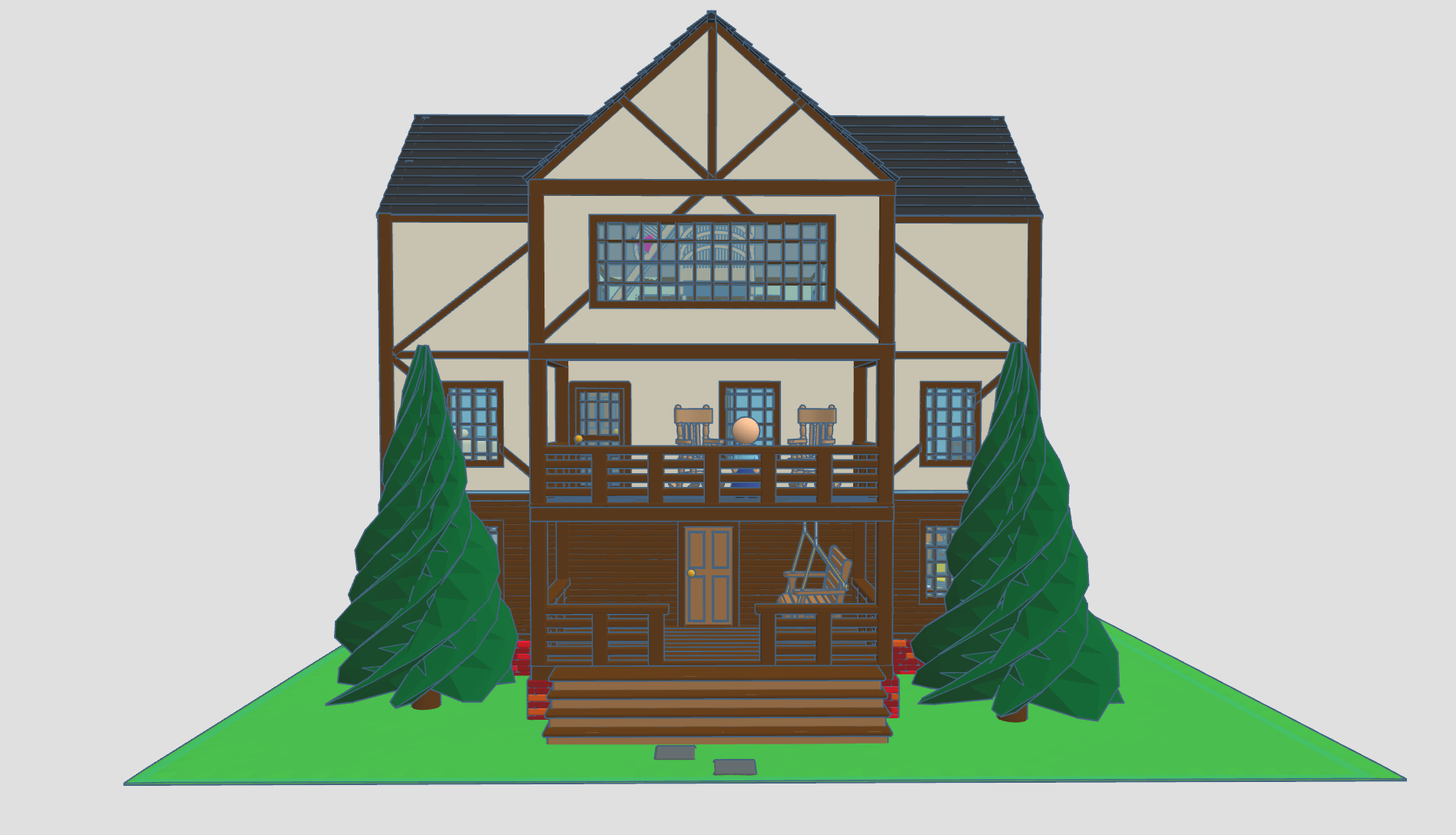
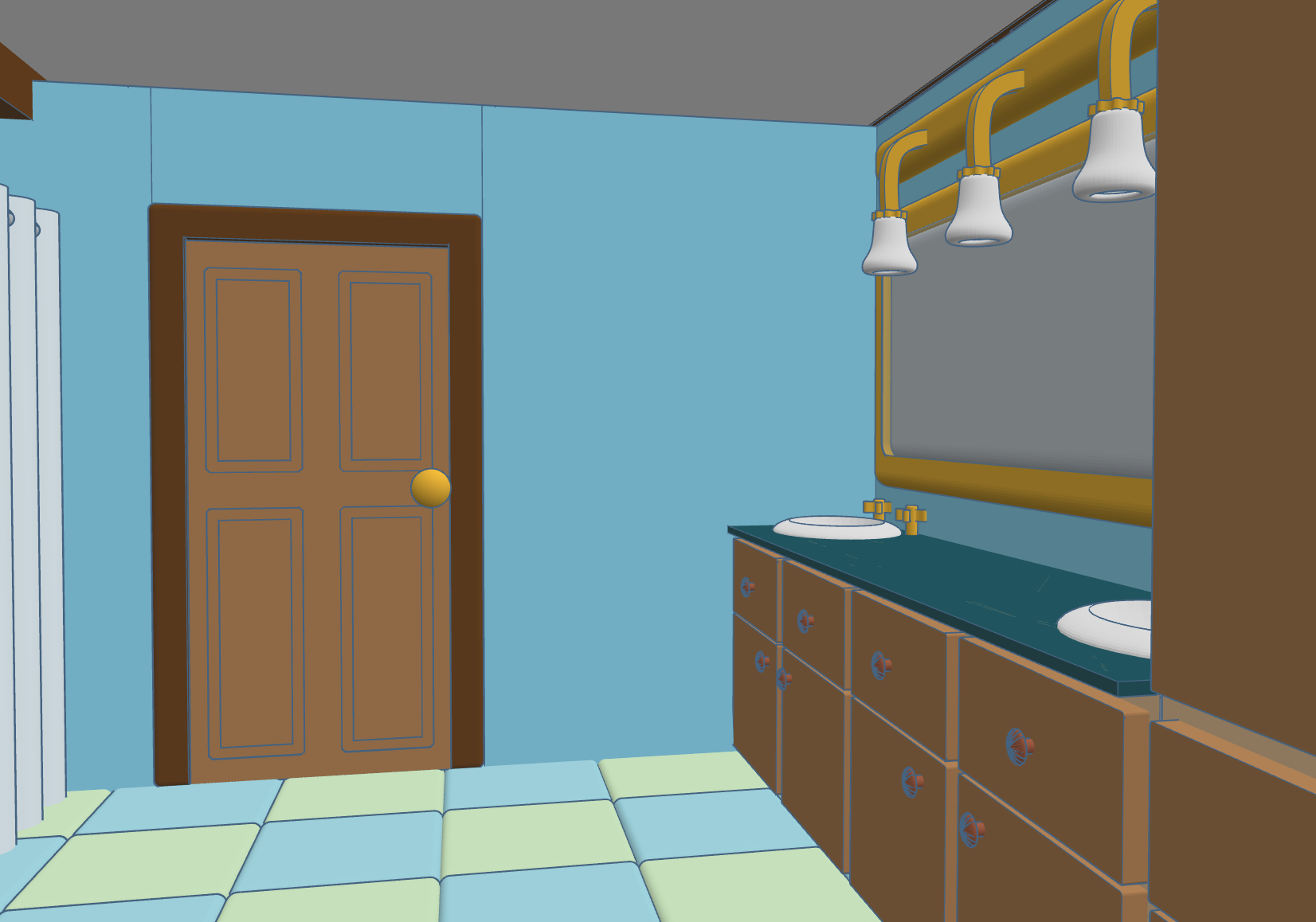
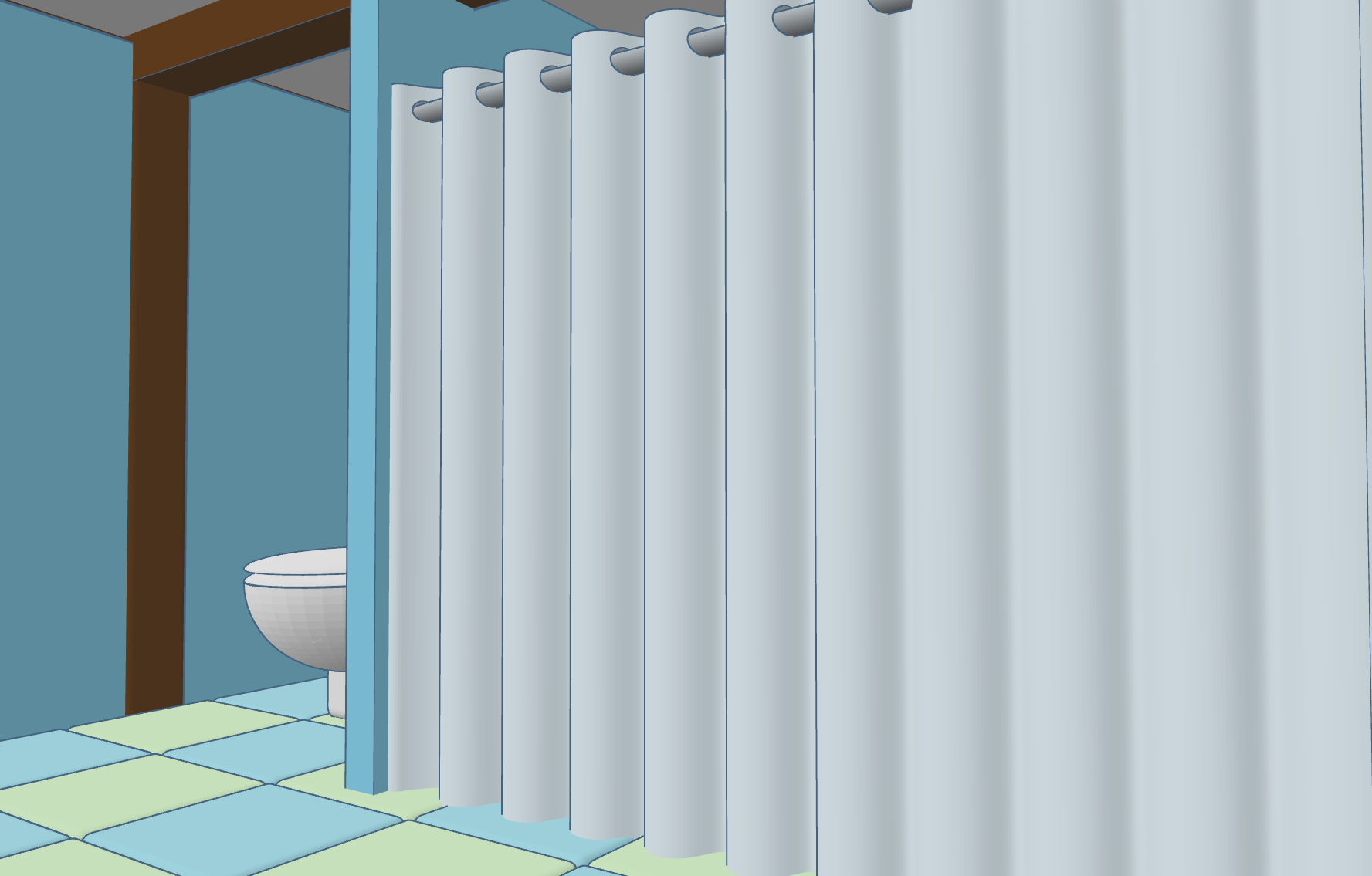
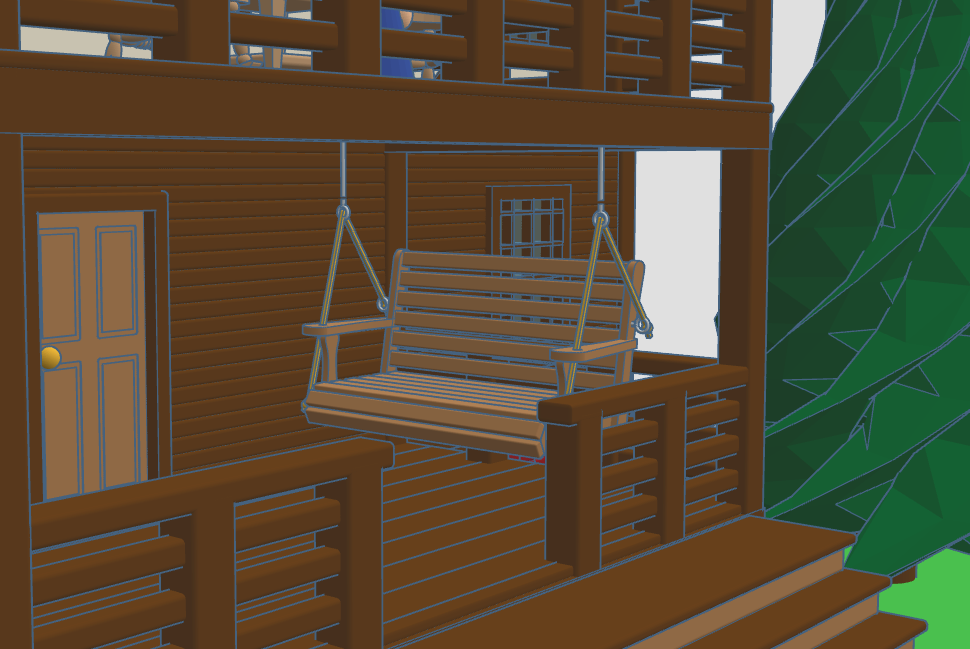
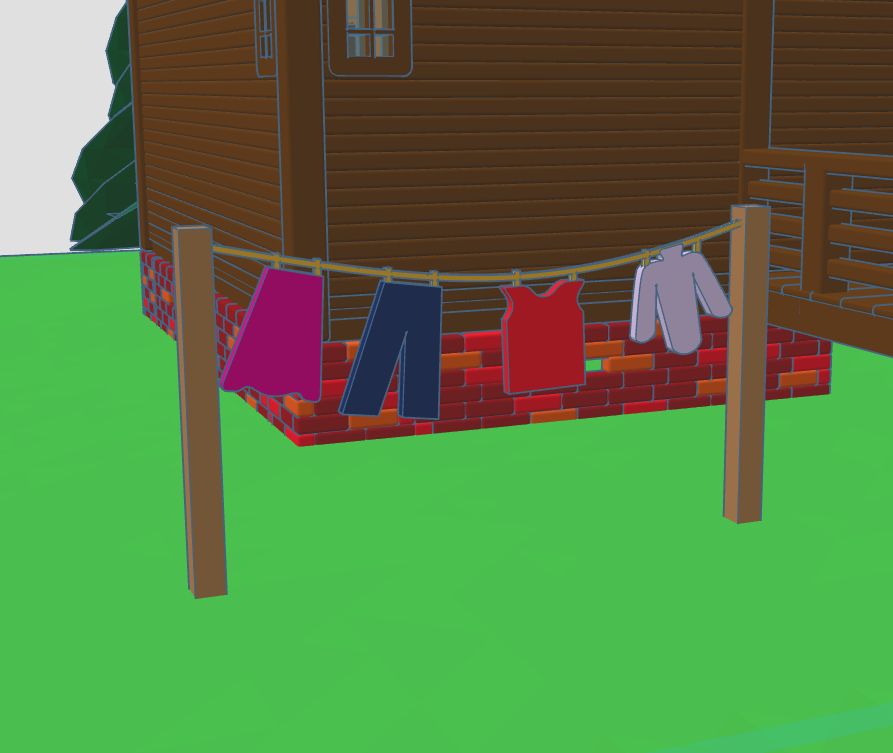
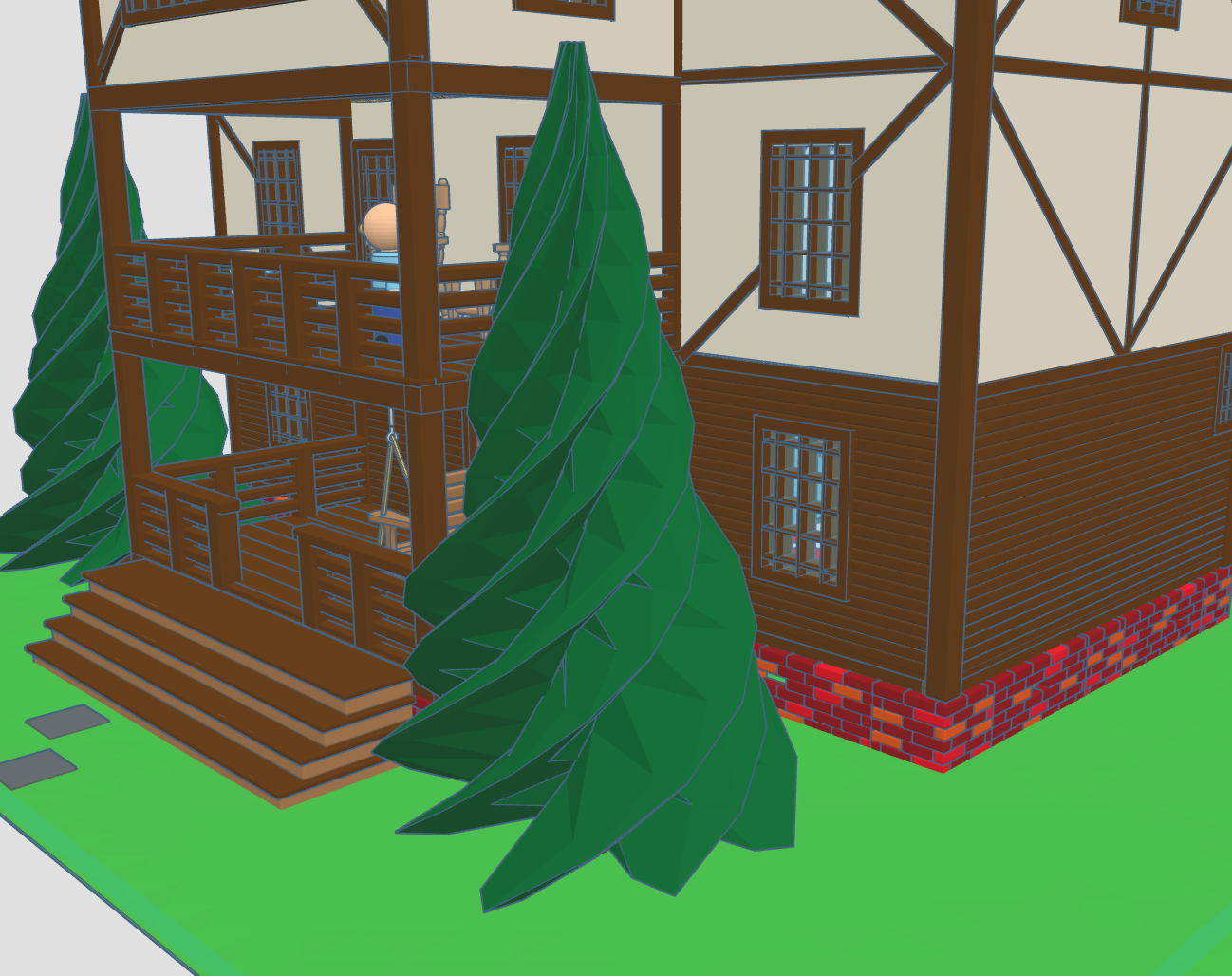
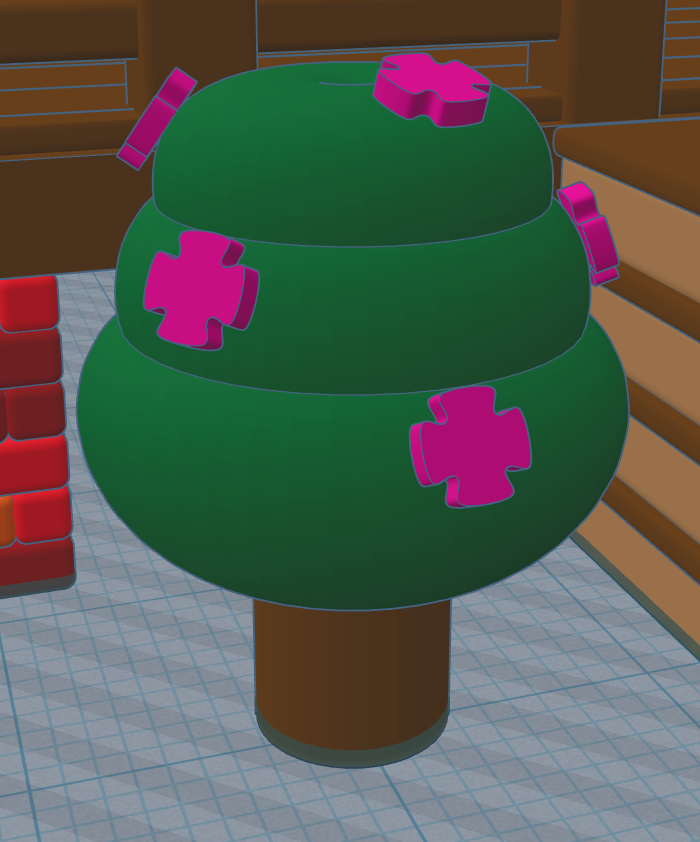
In 2020, I created Santa’s Workshop using Tinkercad. This year, 2025, I decorated one of the trees. Maybe next year, I will decorate the other tree. This is how the Santa’s Workshop looks 5 years later.
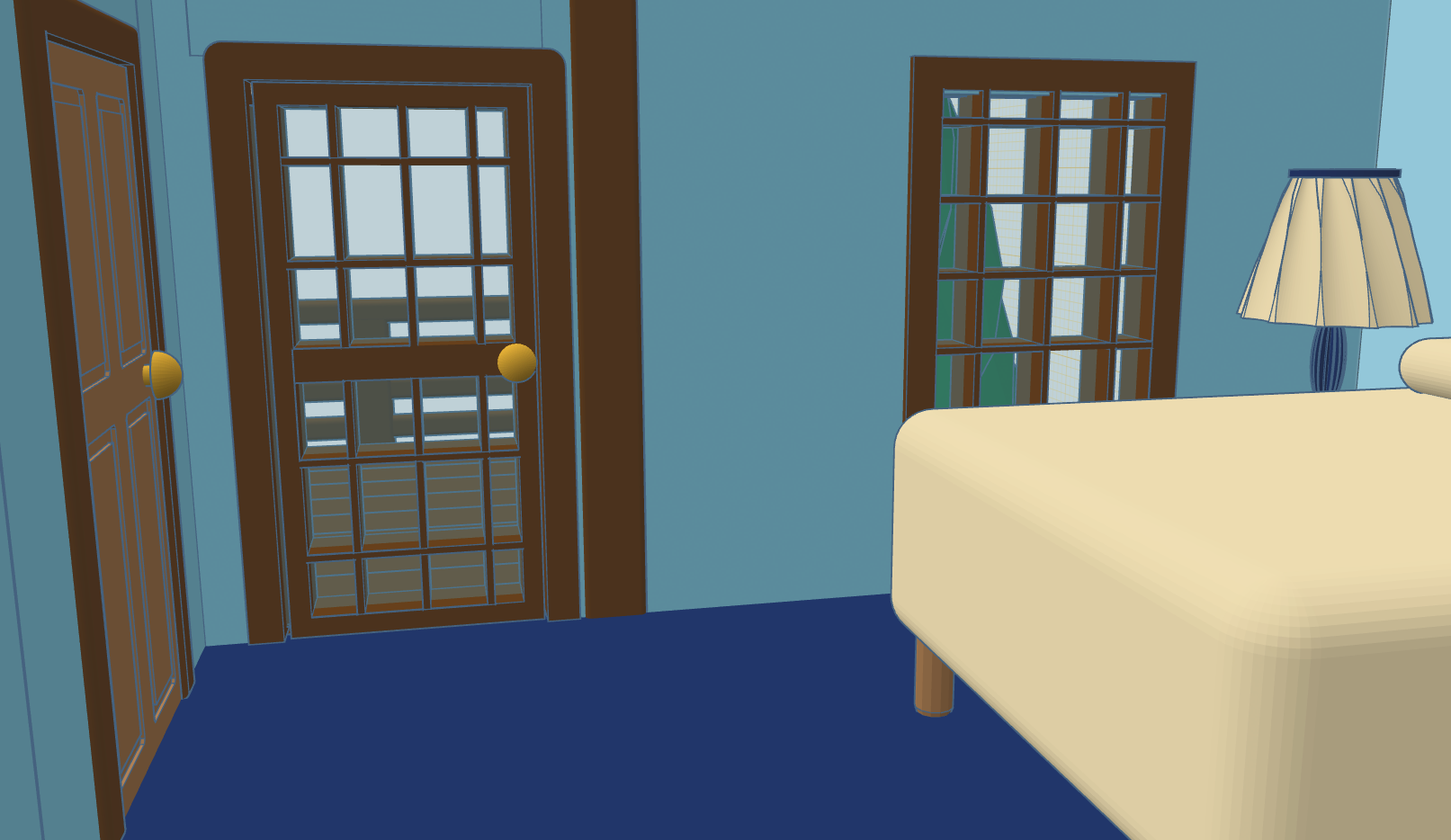
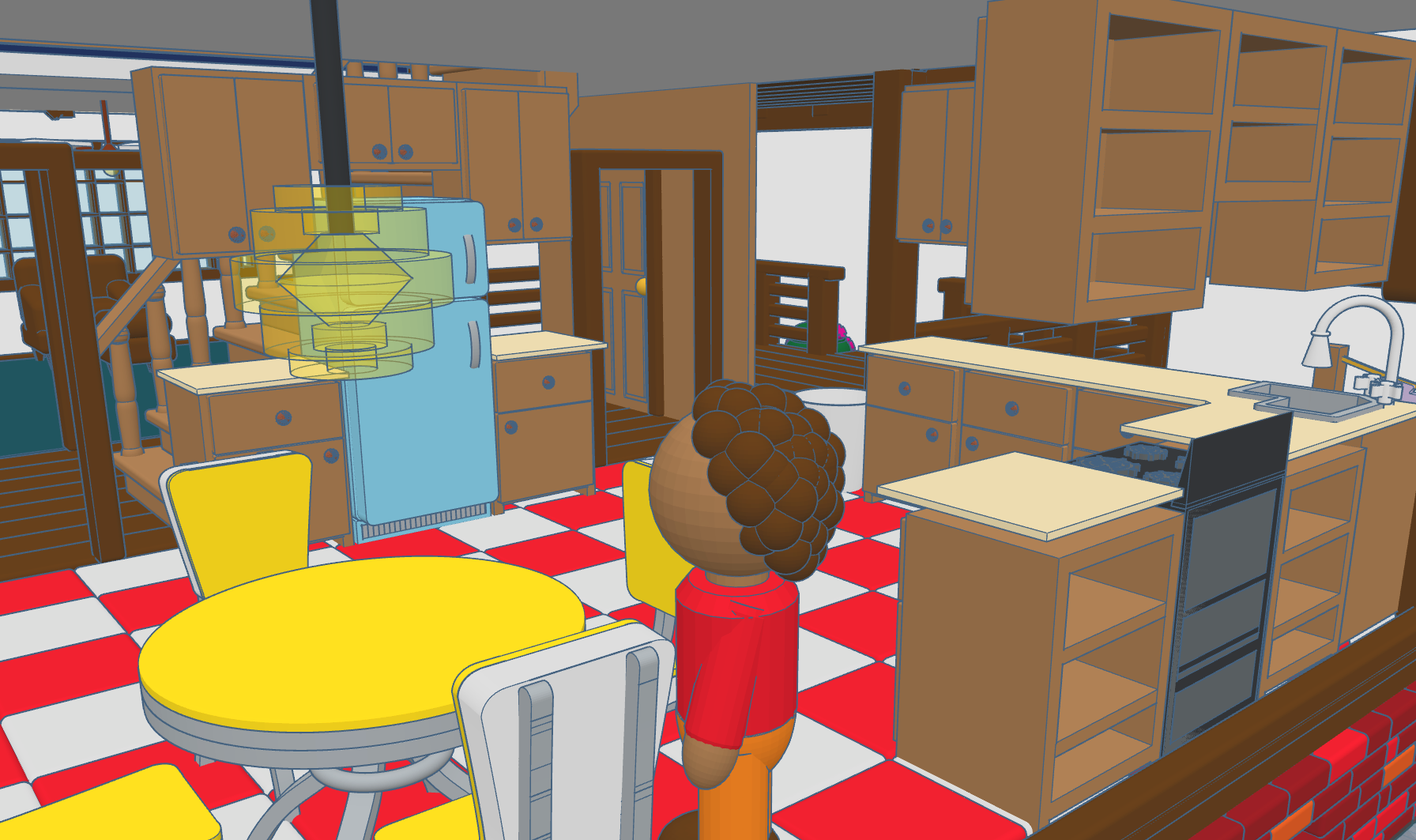
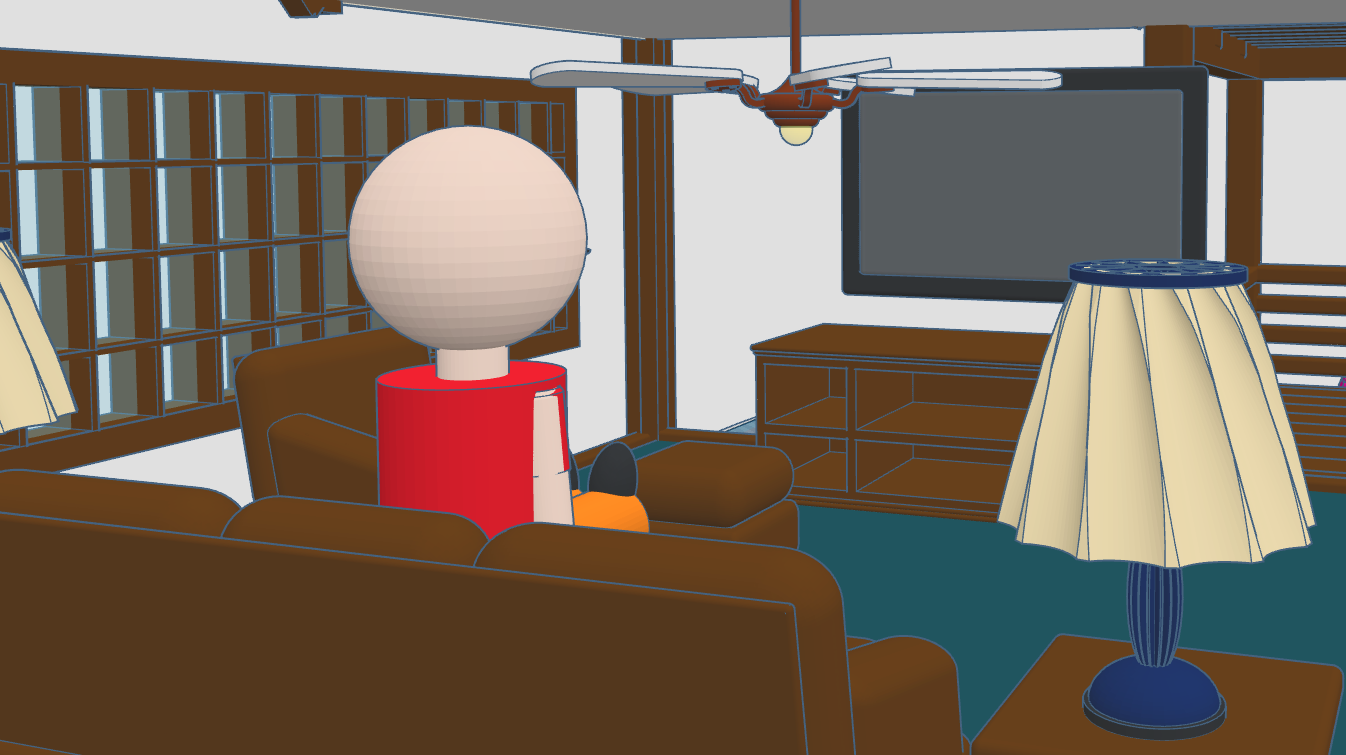
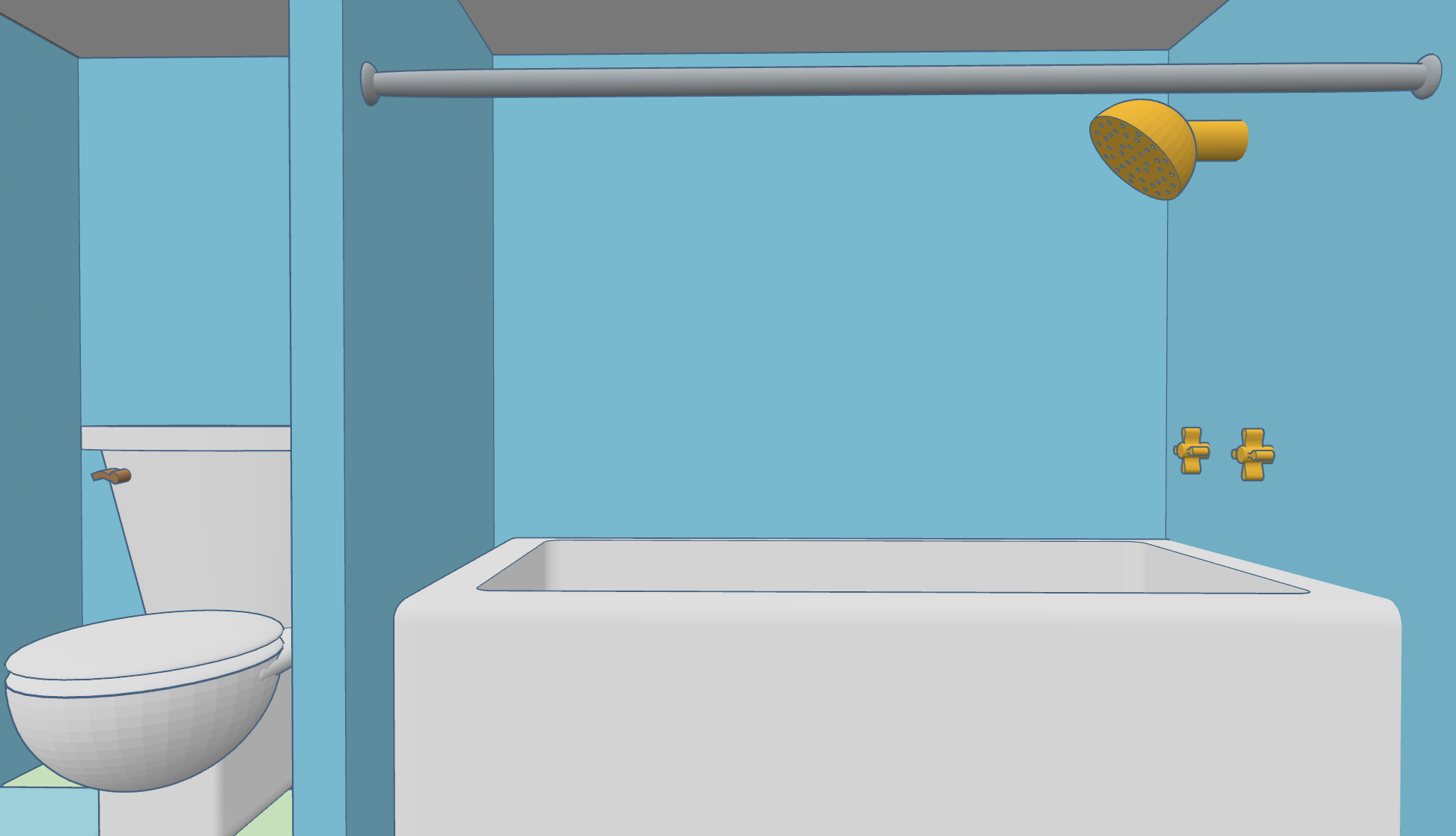
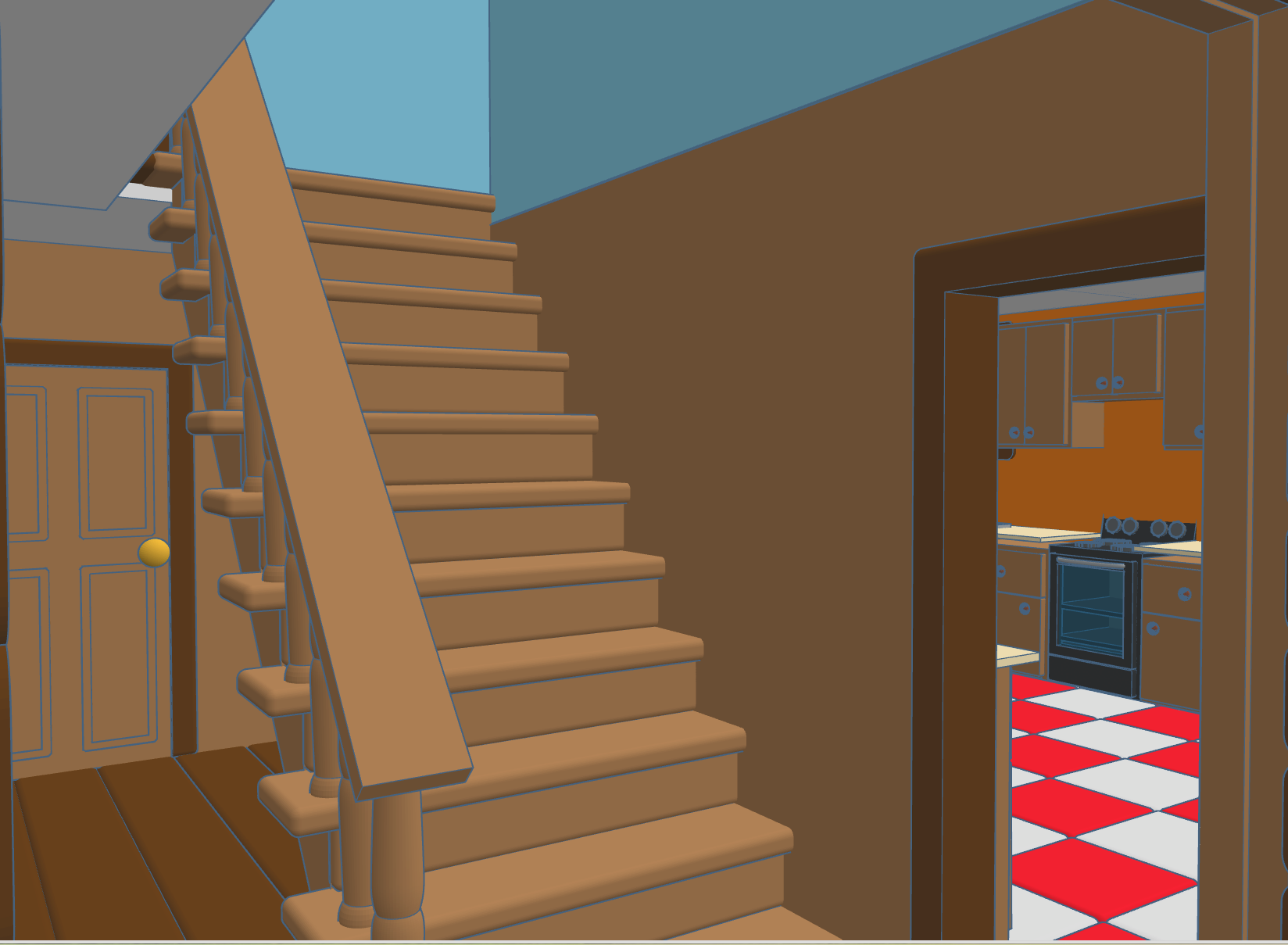
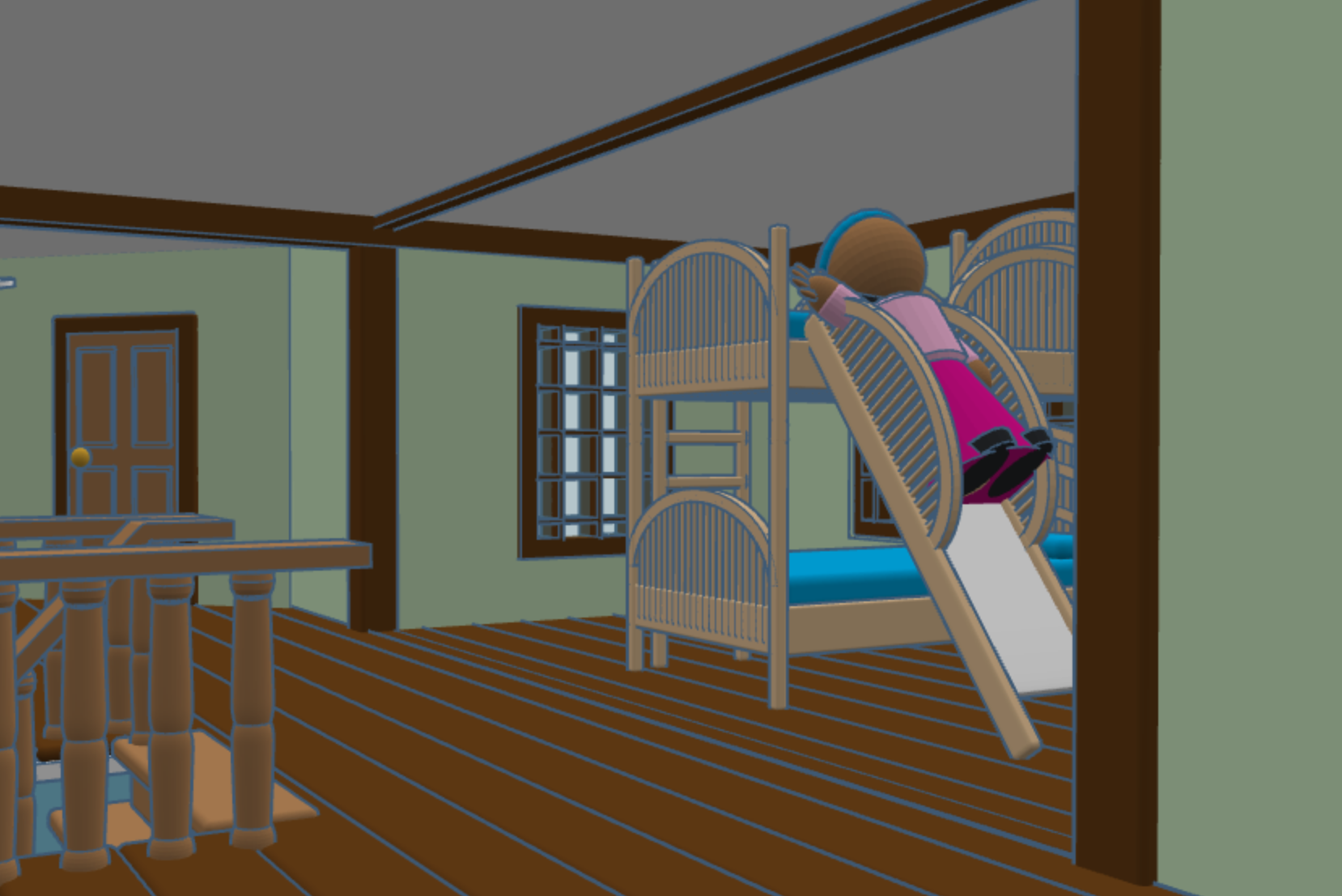
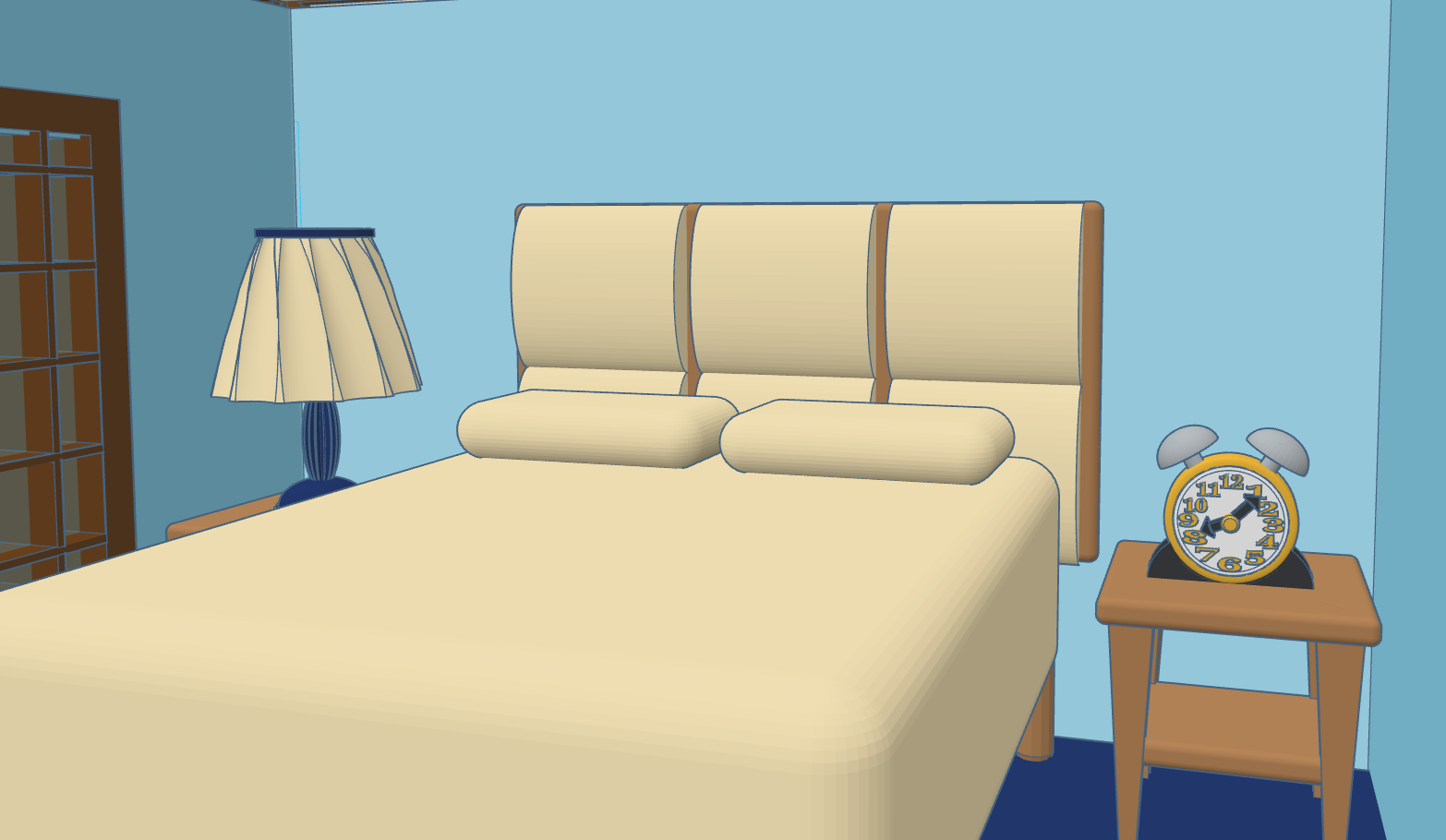
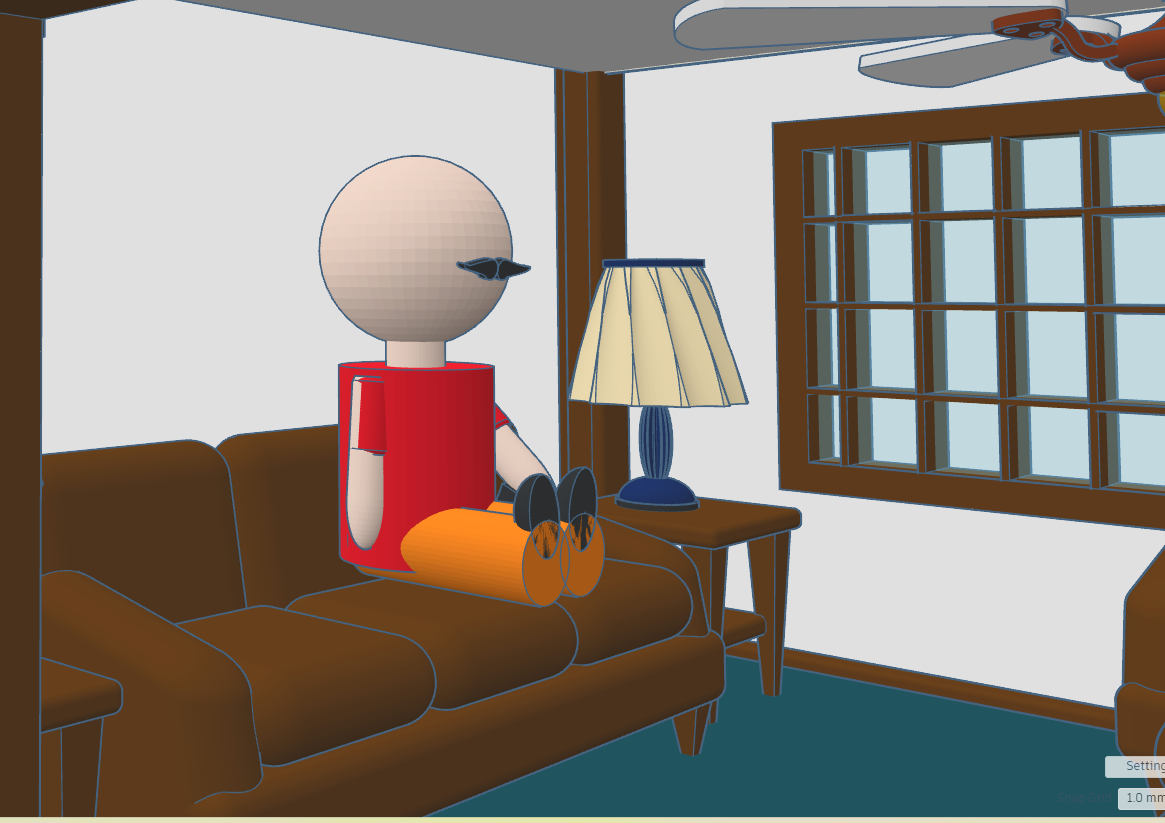
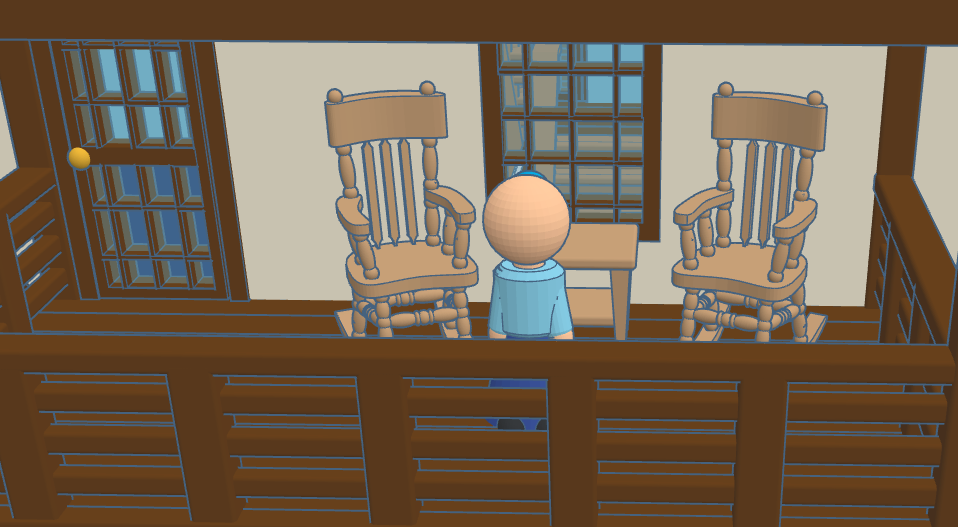
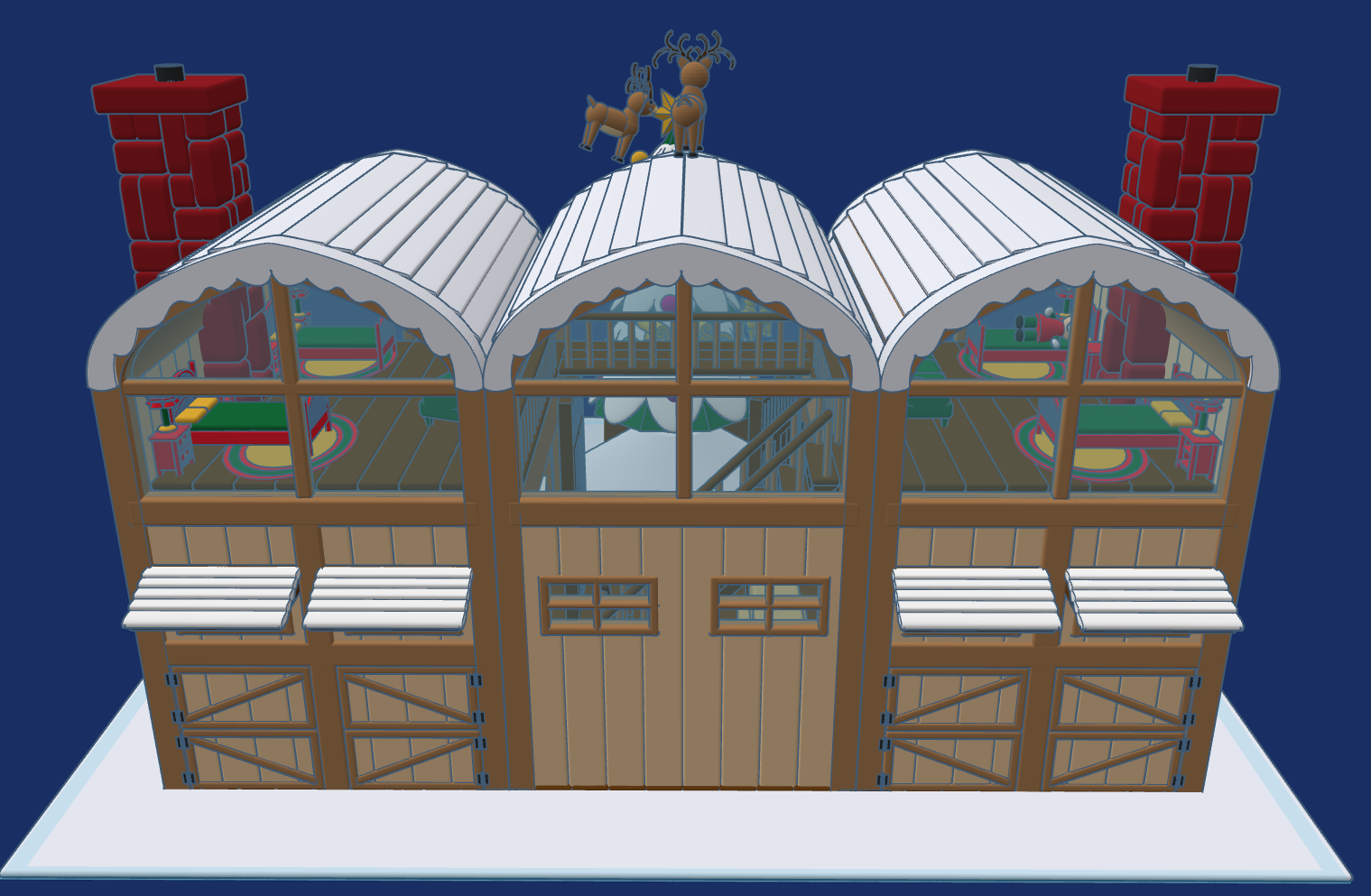
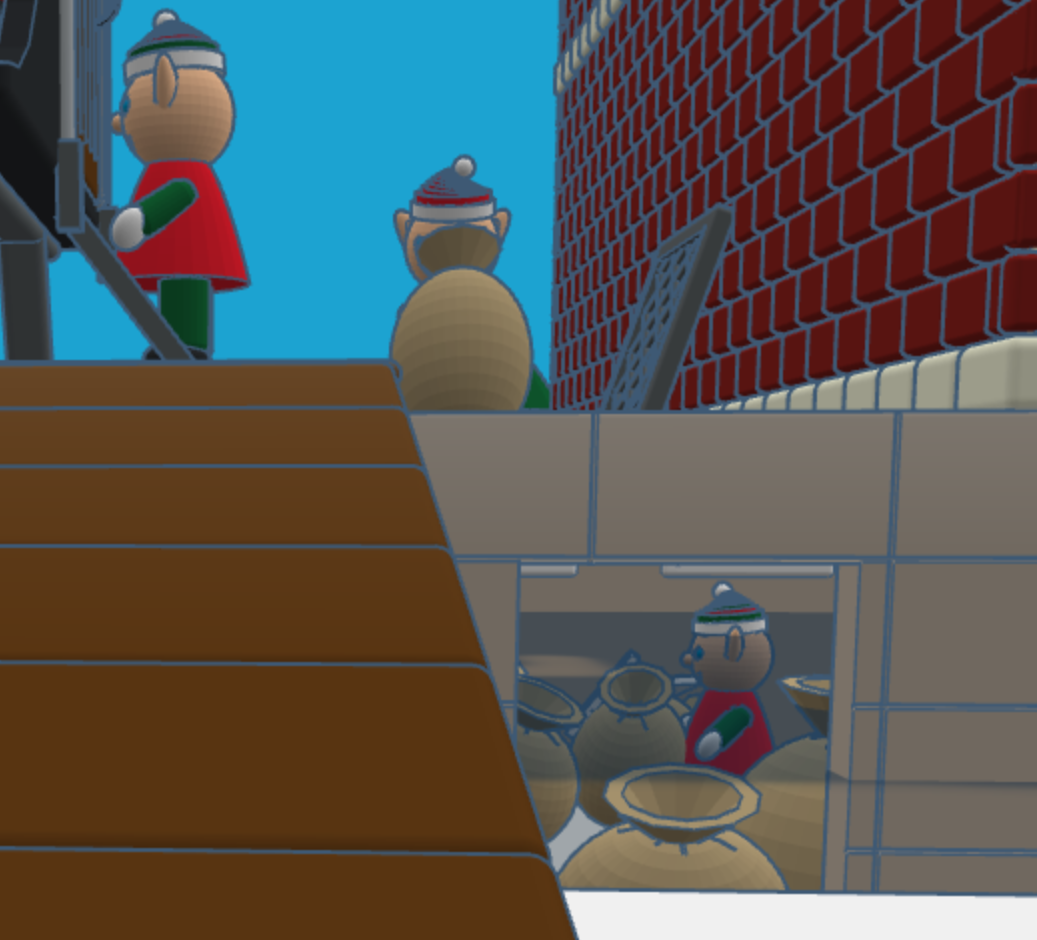
This year, 2025, after much thought I created Reindeer Stables. Every reindeer needs a place to rest. It has been a busy year for Tinkercad, they introduce the Extrude Sketch shape. Several of the objects you will see in the design was created using this feature.
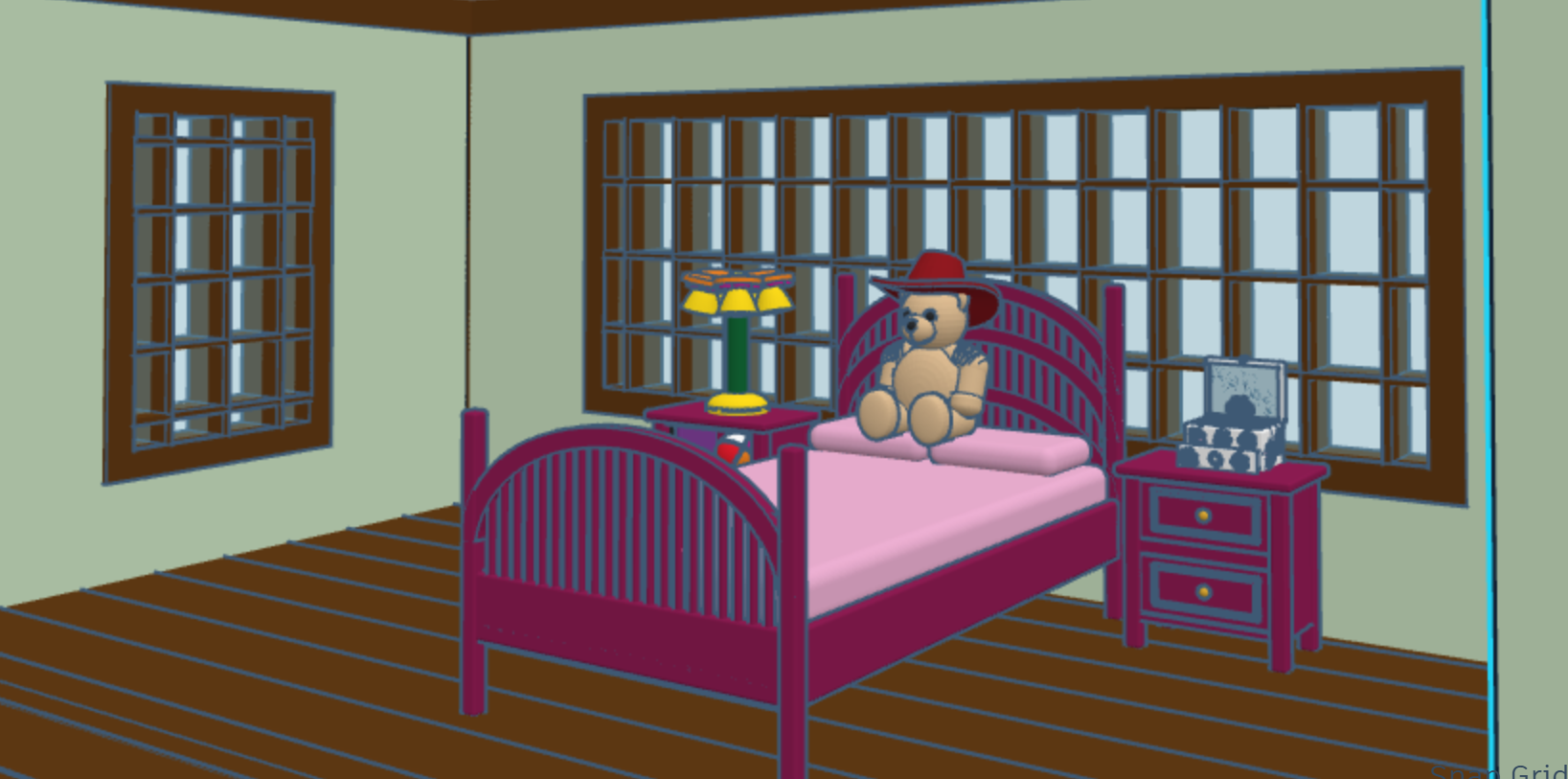
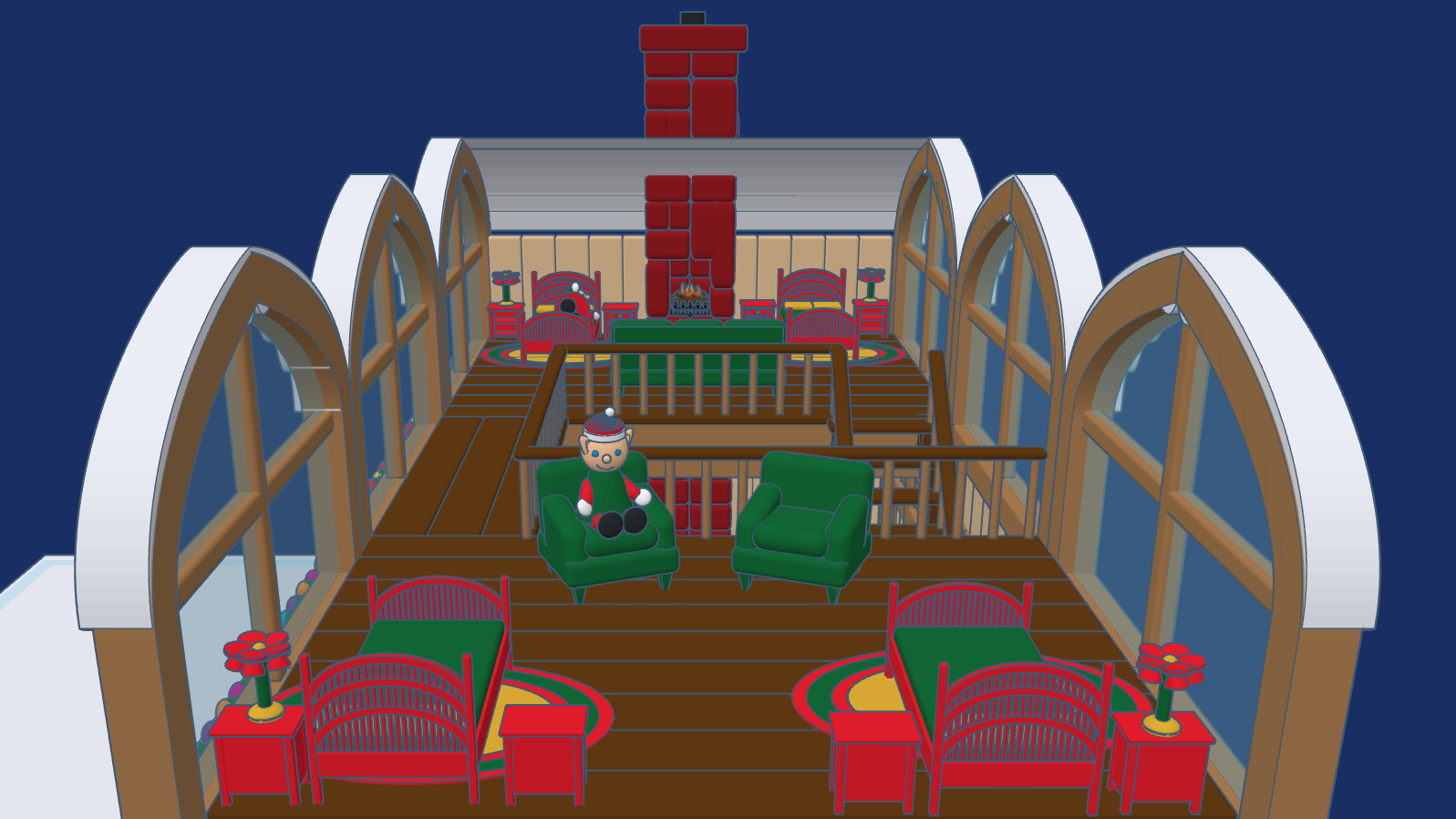
The Stables are designed for the reindeer to freely come and go. Above the stables, is where some of the elves, who take care of the reindeer rest. The loft has large windows to so the elves can watch the reindeer play their games.
This design, Reindeer Stables, is available to the public to copy and tinker with.
Don’t forget while are in Tiwww.tinkercad.comnkercad to check out my other Christmas related designs.
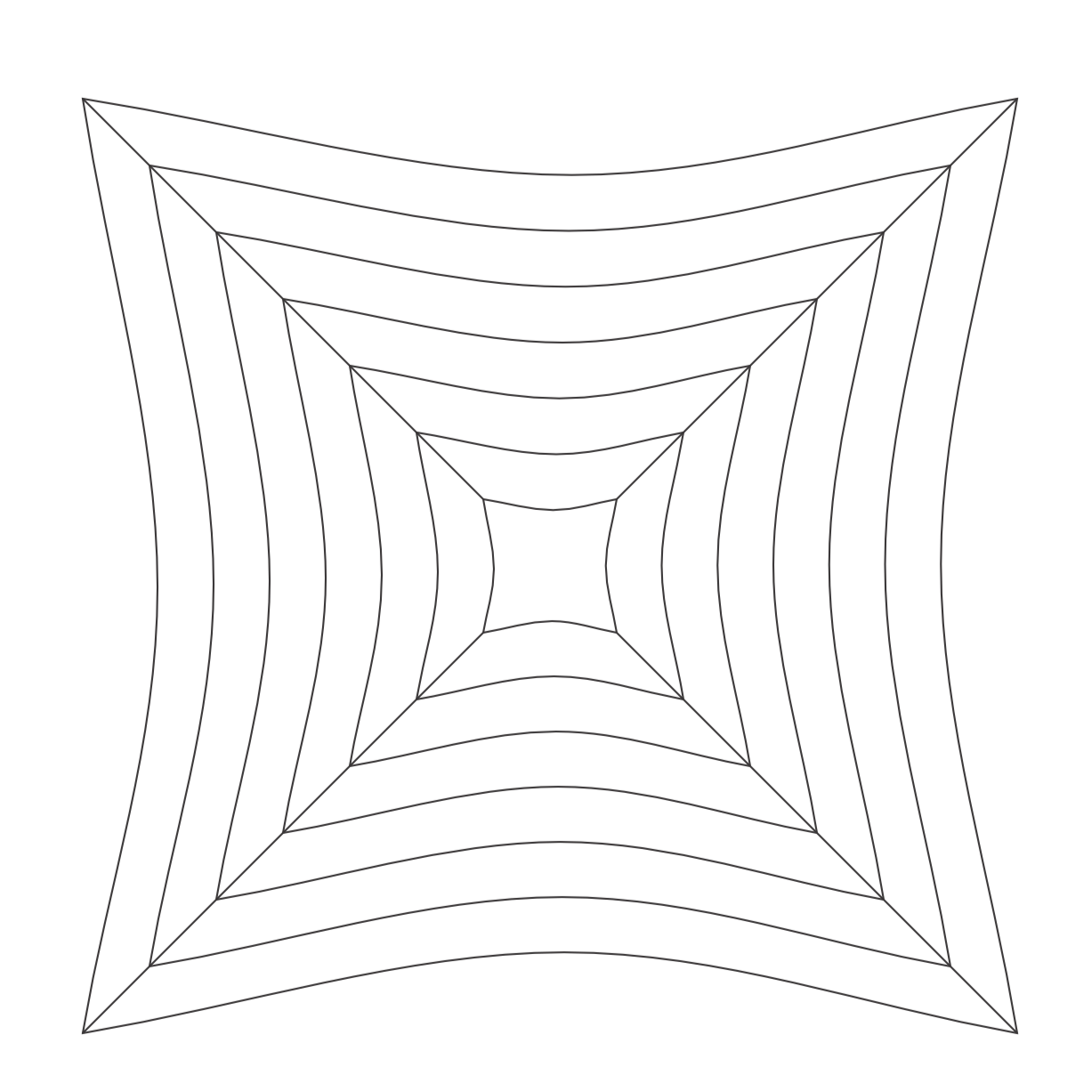
I believe this drawing will be placed onto the list as one of my favorite drawings. I created this design using CorelDraw. It all started with a square with curved sides. The squares were duplicated and some lines added, and I had the object to start my design.
After duplicating, rotating, and arranging the objects, I had a very confusing outline to start adding color. That is not a circle in the middle of the drawing. I looked at the file and it just an illusion.
After filling in the some of the spaces with color, duplicating the new object again. I decided to set a transparency and added some shading. Then I added a black background. This is the final result.
Around Snow:
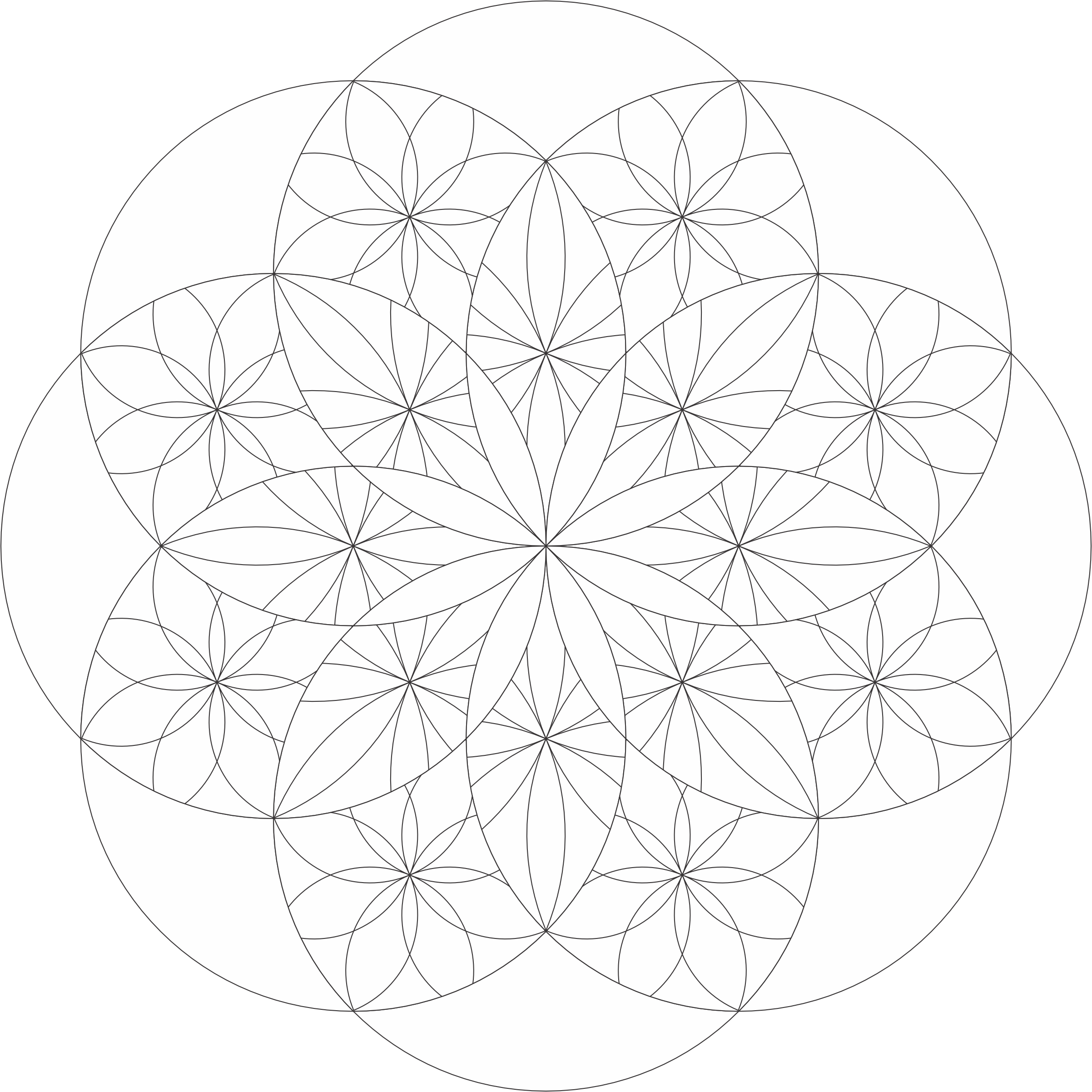
After staring at the original outline of the artwork, I decided to make the outline into two coloring pages named Art of Confusion. One coloring page is a full page of the outline I used. The other coloring page shows the full design.
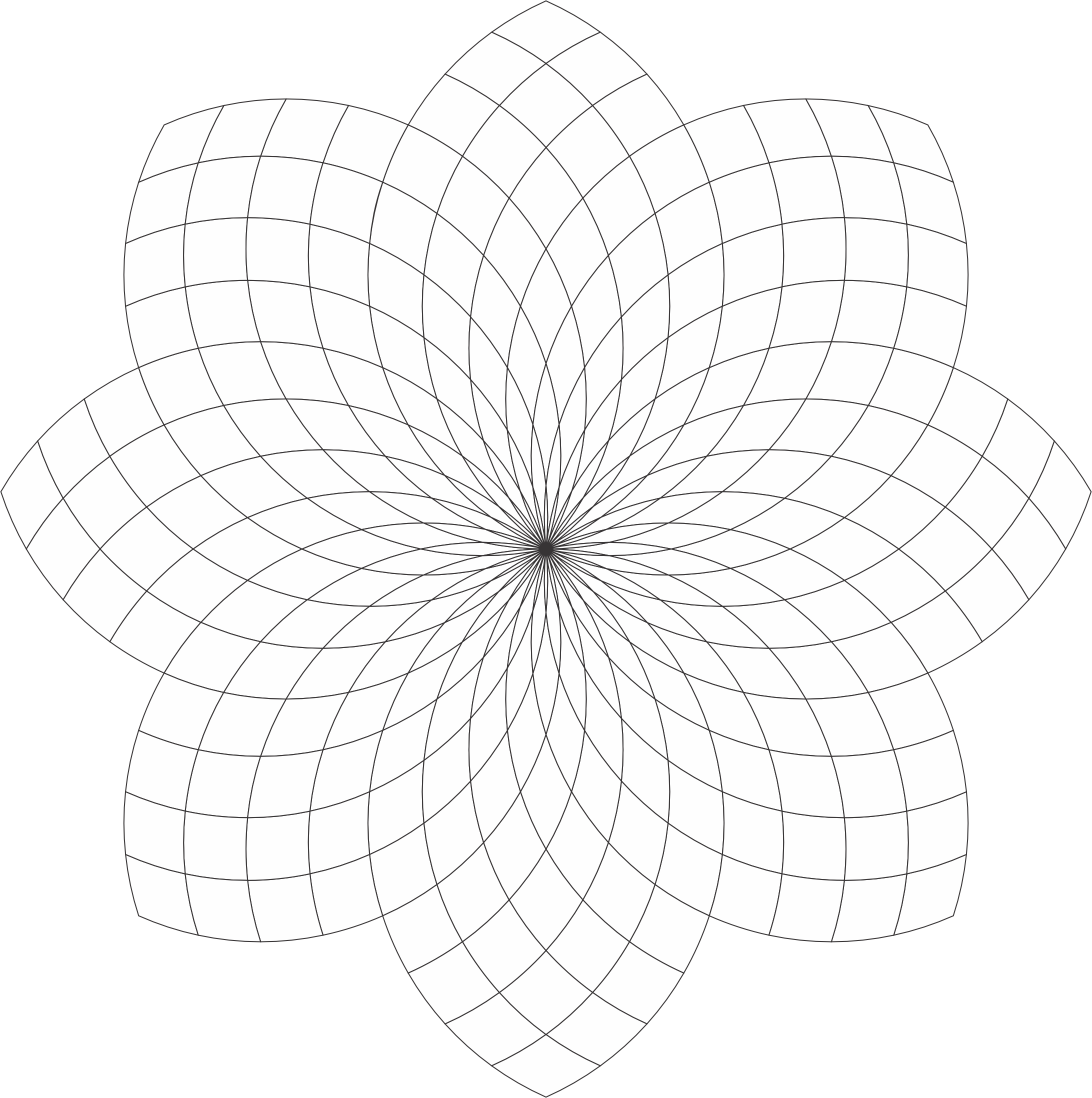
The Checker Flower coloring page has a lot of potential to be beautiful. You are welcome to download it from the link or my Coloring Page. Color it! Or, use it as a template for a tangle.
I created this coloring page using CorelDraw and here are some examples of how I colored it.
Checker Flower:
Checker Flower: With Awesome Background. The shading really brings out the flower.
Checker Flower: Shades of Gray
Checker Flower: Example of the Template being tangled. With Zentangle and other tangles. Remember the shading really bring out the art.
I named this coloring page “Stars at 45” because each circle is at a 45-degree angle. Below is an example how I colored the “Stars at 45” template using CorelDraw.
Stars at 45 Template: You can download the template from the coloring page or click the link. Coloring it or tangle it. I know you can make it beautiful.
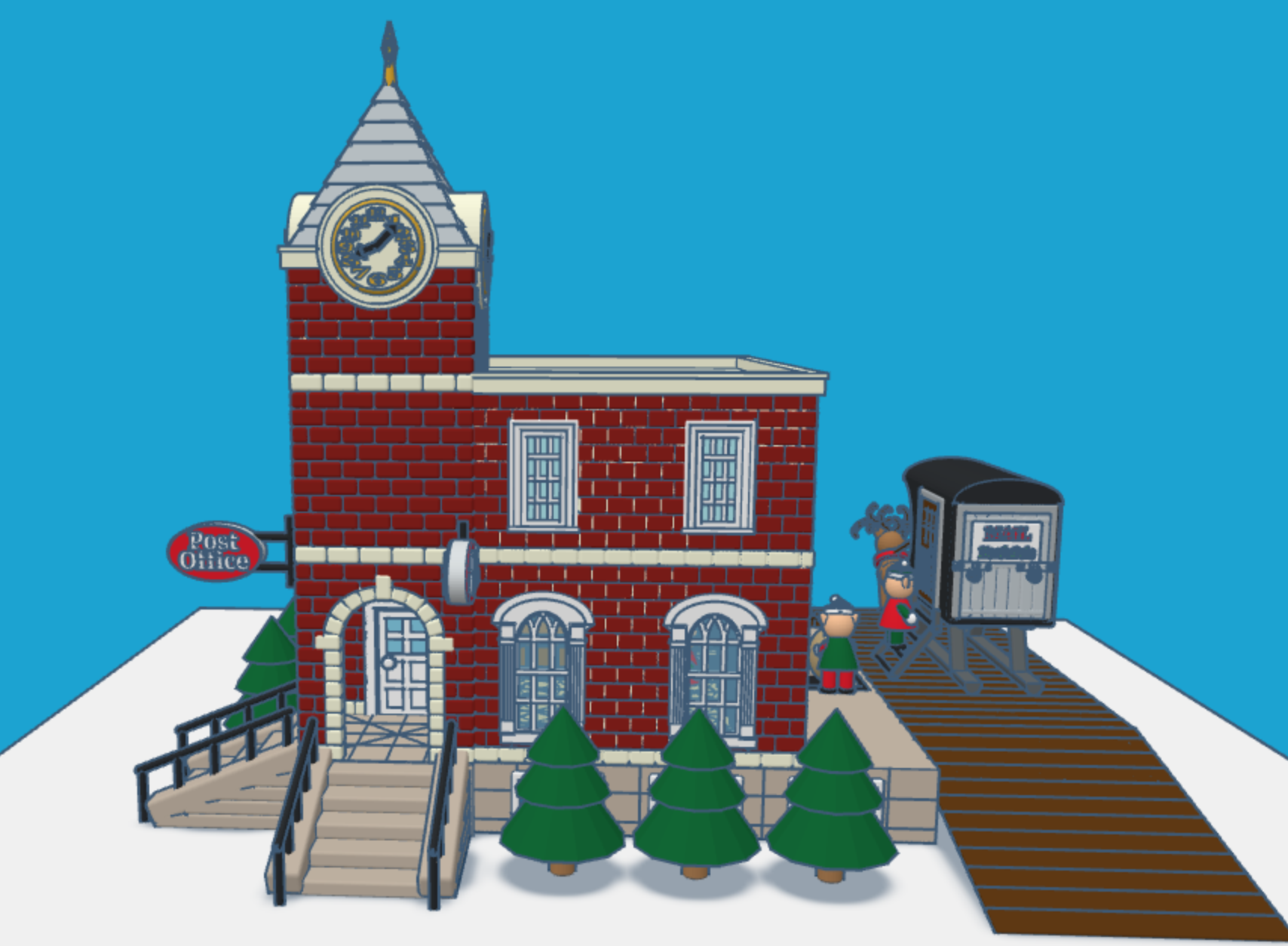
It is that time of the year again. Children all over the world are putting pencil, pen, or crayon to paper and writing a letter to Santa. This year I envisioned what Santa’s North Pole Post Office would look like. Looking at pictures of old-fashioned post offices I decided on the design and used Tinkercad to create a Post Office.
You can get a 3D view of the North Pole Post Office at this link: North Pole Post Office.
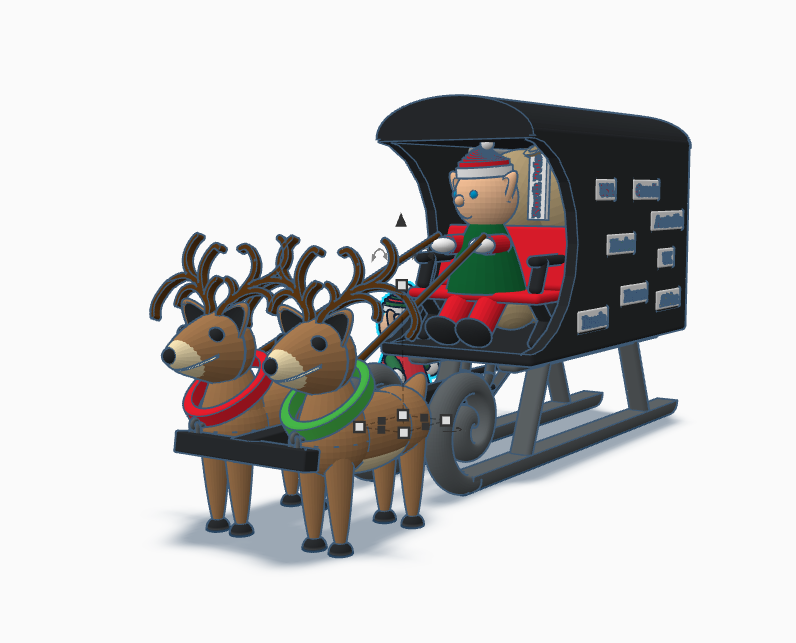
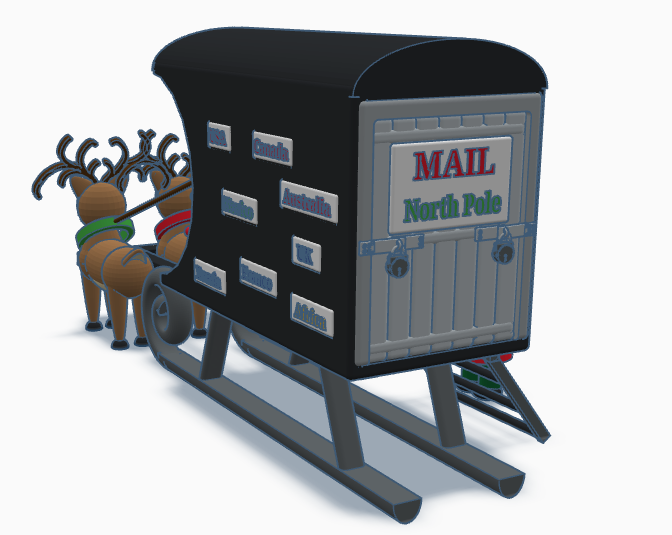
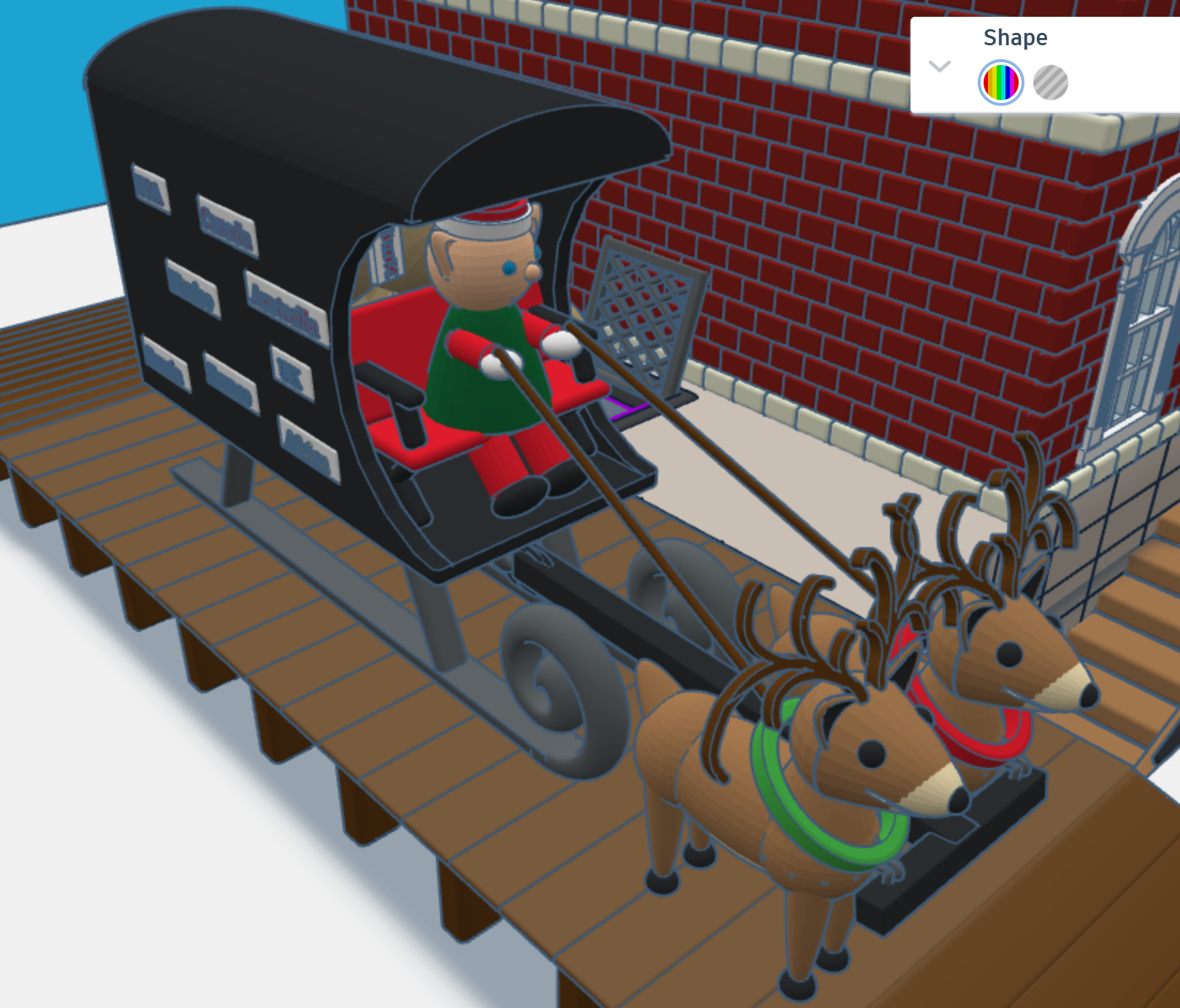
First, I needed a mail truck to deliver mail to the North Pole. A truck with wheels would have trouble delivering mail in the snow. I needed some reindeer and a converted sled to deliver the mail. One the side of the mail carrier, you will see signs from different countries. If you create a sign for your country, just make your sign design public/copyable and tag #sarahcath. I will put the sign on the mail carrier and give you credit. You can get a 3D view of the mail carrier at this link: North Pole Mail Carrier
For the design of the post office I decided on a corner building, with two entrances/exits and a clock tower. Plus, I wanted the post office to have a basement, where the elves would place the sacks of mail.
After the mail is delivered, a sack is sent upstairs for sorting by country. Santa typically delivers mail by country. The first floor also allows the elves to ship letters and packages.
After the mail is sorted, it is sent to the second floor to be opened and read by Santa. The second floor also has mailboxes for the elves. Yes, elves do get mail.
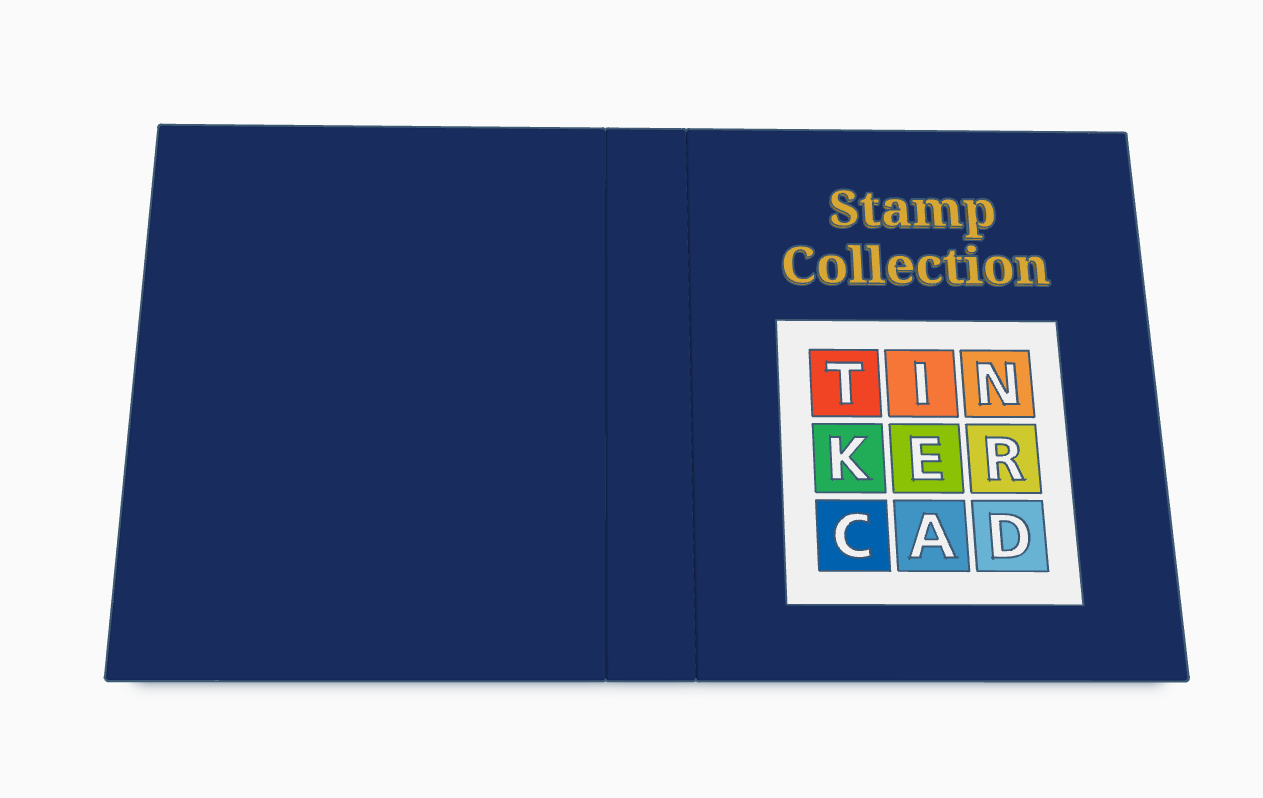
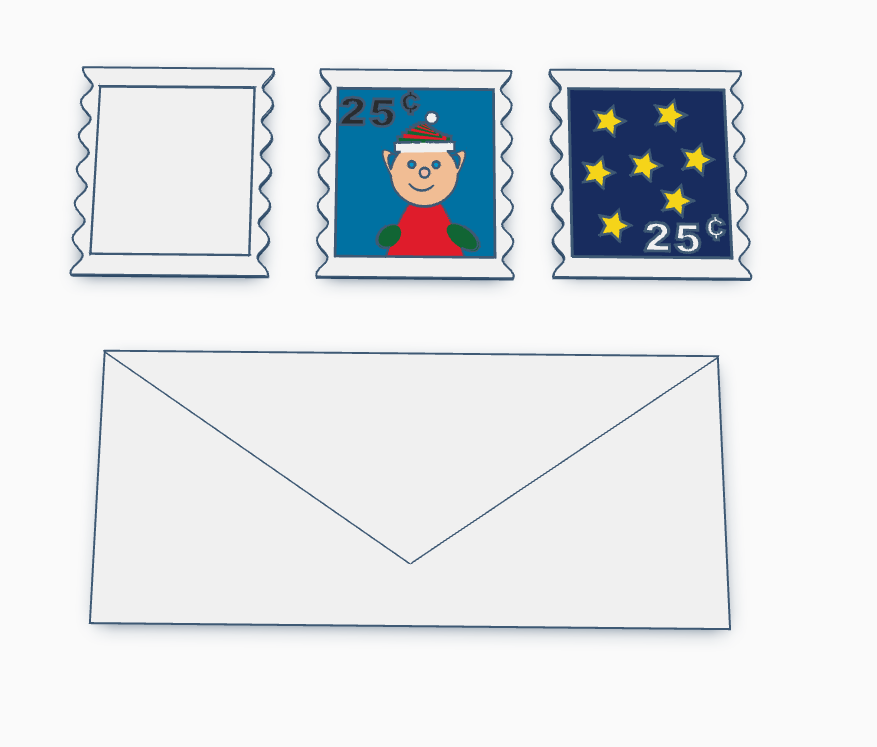
Santa’s Elves are collecting stamps. If you create a stamp, using Tinkercad, and I will paste it into the Stamp Collecting Book and give you credit for your stamp. You can either create the stamp from scratch or use my stamp template. Just make the stamp design copyable/public and tag #sarahcath when you are done. The scribble shape in Tinkercad maybe great for making a stamp.
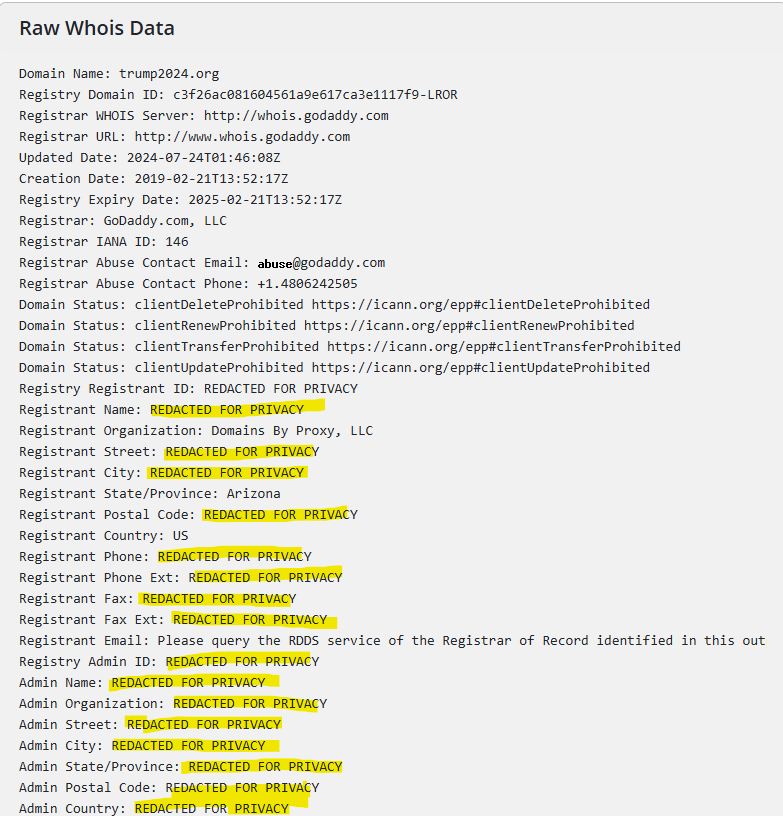
Why do I believe this? By, looking at the domain registration on https://www.whois.com/whois. Most reputable sites would not have all of its data “REDATED FOR PRIVACY”.
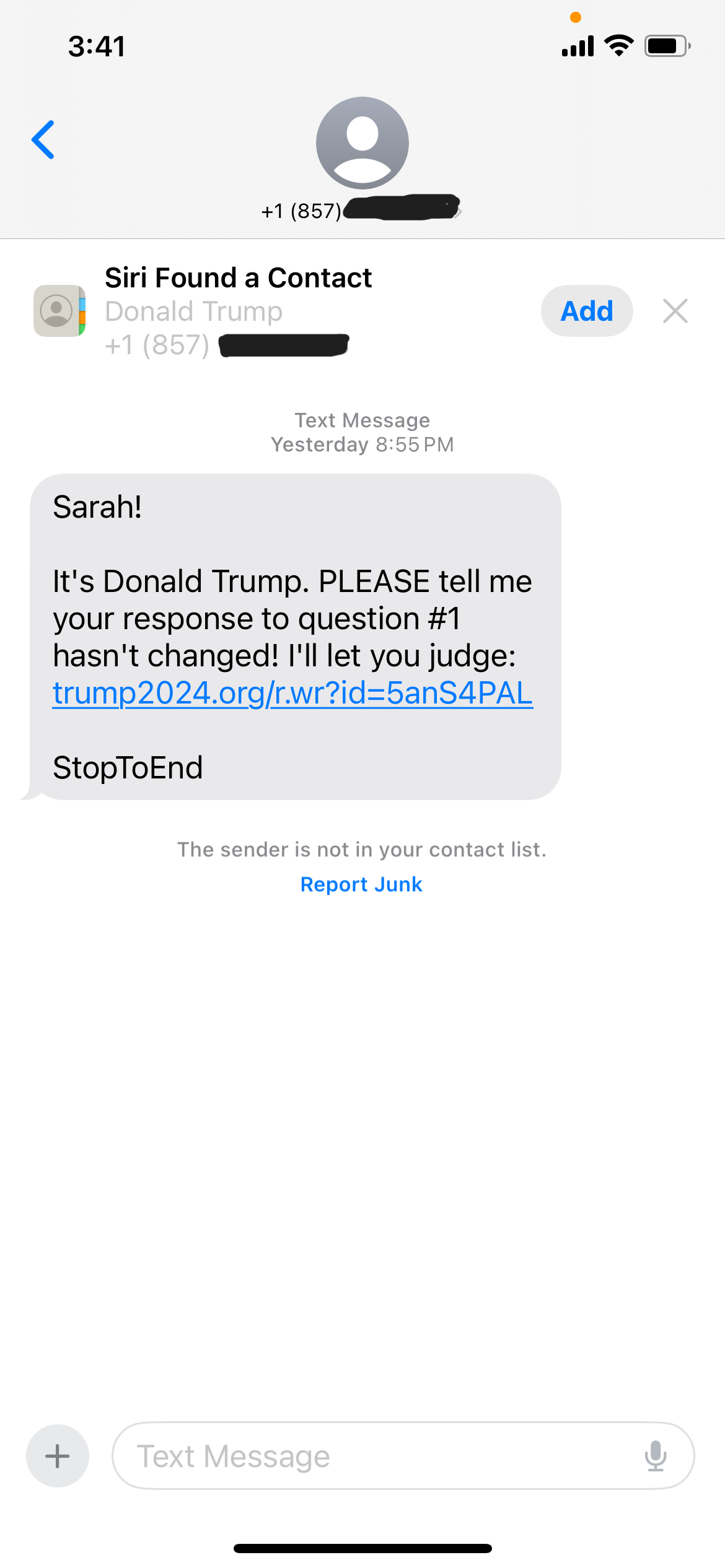
They made the text message look very legit, by referencing my name, including a Contact card for a “Donald Trump”. From media reports he lives in Florida, after moving there from New York. Why would he have a cellphone for a Massachusetts area code?
Lastly, the text message makes little sense. “PLEASE” and “I’ll let you judge.”? Let me judge what? I would have to answer a survey for my answer to a question to change. Surveys, just want to gather more data about you to sell to other entities.
The Curves and Swirls Coloring Page is available to download. It started out as just a potential outline for a drawing, but once it was done, I decided it would make an interesting Coloring Page.
Below is one example of how I decided to color the design.
When I am designing in Tinkercad, I mainly design using millimeters (mm), because most of the time I am using a .04 mm nozzle on my 3D Printer. If I want to make a cover for something, like my Alexa Device, I will measure it in millimeters.
I made this ruler in Tinkercad so it would be easier to measure items in millimeters.
First, I can place the ruler on top of an object and see the object through the ruler.
Second, I can place an object on top of the ruler and against the left side and get a measurement.
I printed three rulers in different colors, because every time I changed the filament in the printer for another project, I used the ruler to make sure the printer was calibrated correctly. If I got a good print on the ruler, there was a high chance that the next print would come out good.
The ruler is available for copying and tinkering in Tinkercad.