This year Tinkercad is hosting a #tinktober event to provide design prompts to their tinkers. Here are the designs I have created for days 11 through 20. Not all days have designs.
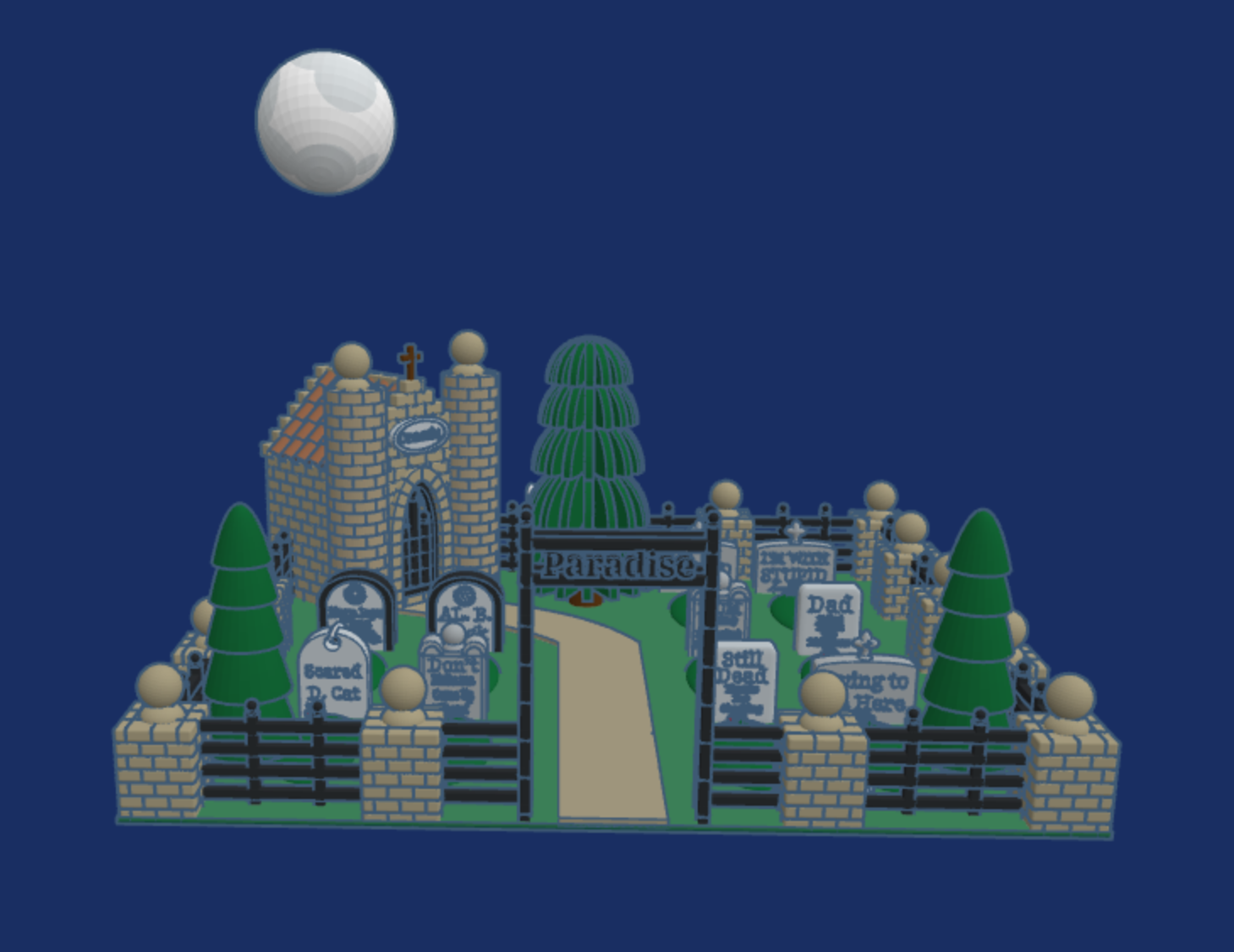
Day 17: Cemetary – Click the link to read the tombstones.
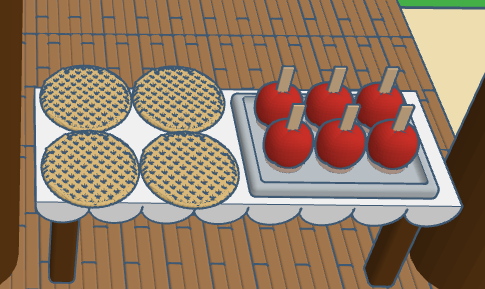
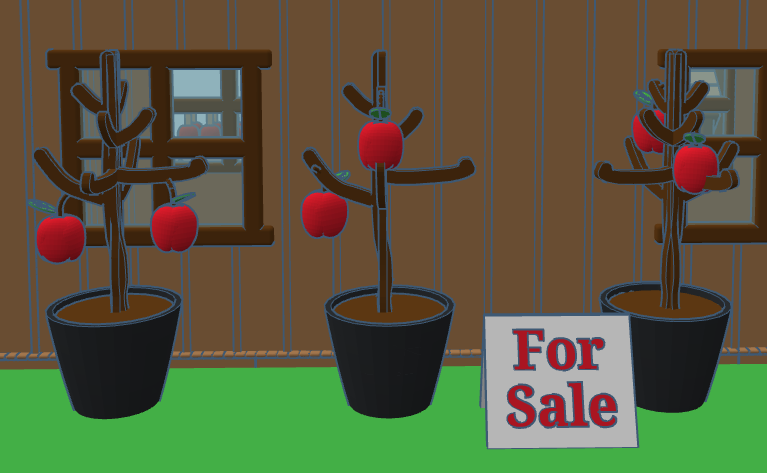
Day 15: Apples – The Apple Store sells all things apple.
Day 14: Skeleton – The skeleton come up from out of the grave to witness the solar eclipse on October 14. He protected his eye sockets by wearing appropriate black out glasses.
Day 13: Friday the 13th – When I think of Friday the 13th, I do not think of the scary movie, I think of my sister who was born on Friday the 13th.
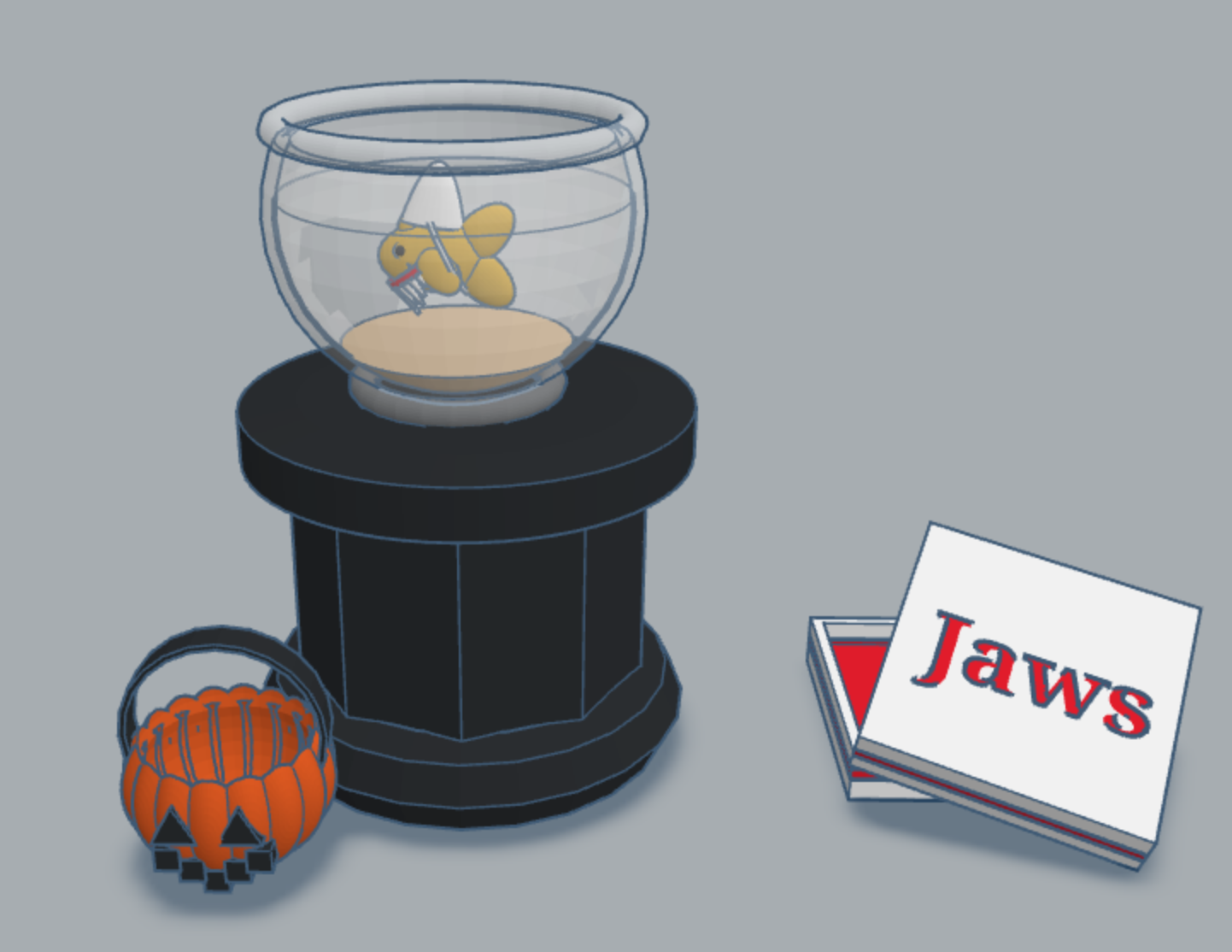
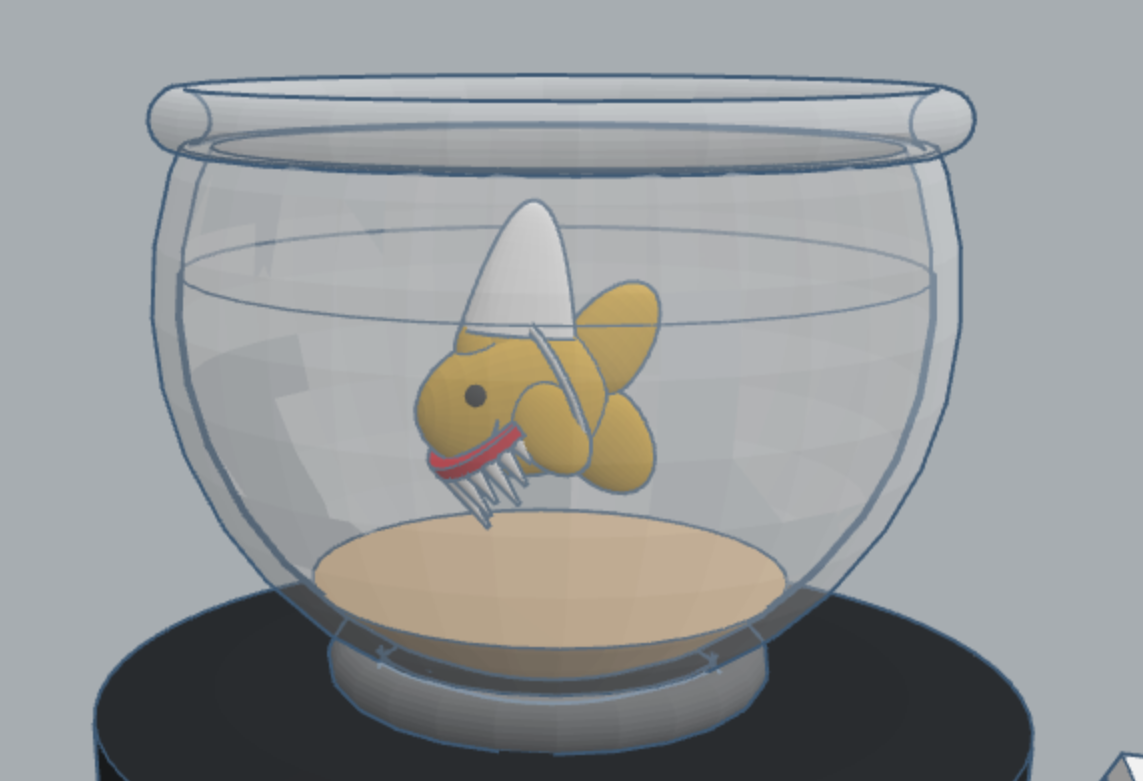
Day 11: Pet Costume – last year I created a fish in Tinkercad. This year I created a pet costume for the fish.
This year Tinkercad is hosting a #tinktober event to provide design prompts to their tinkers. Here are the designs I have created in the first ten days.
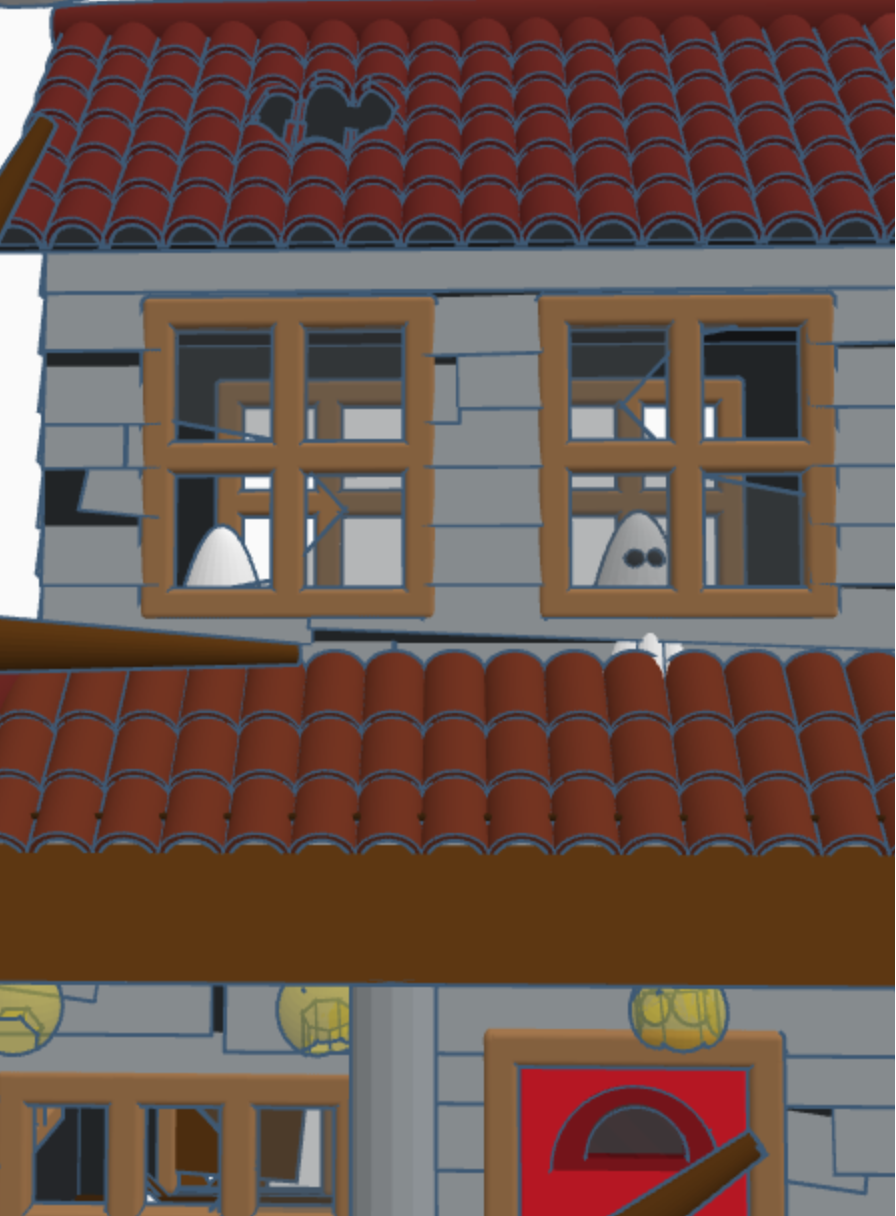
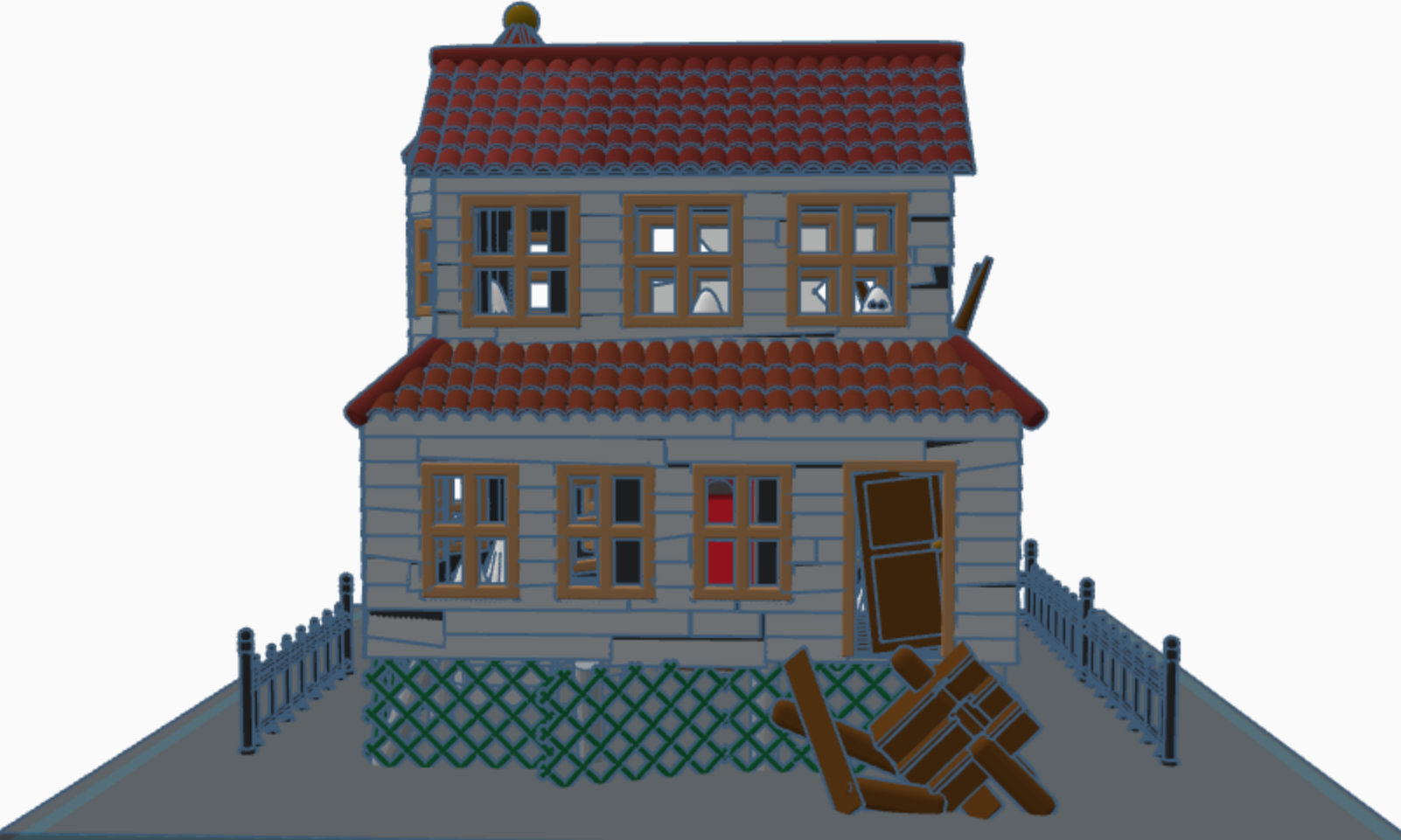
Haunted House – Day 10: Notice the ghosts in the windows. If someone really wanted to, they could fix up the house and rid it of the ghosts. Or, they could make it scarier.
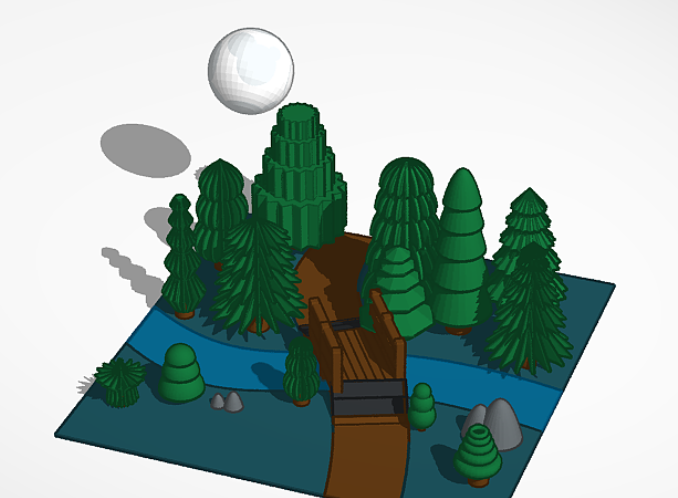
Full Moon – Day 6: Each of the trees are made with at different basic Tinkercad shapes.
Pumpkin Carving – Day 4: Check out Day 2 to see where I got the idea for the carving. I also placed a candle on the inside of the pumpkin.
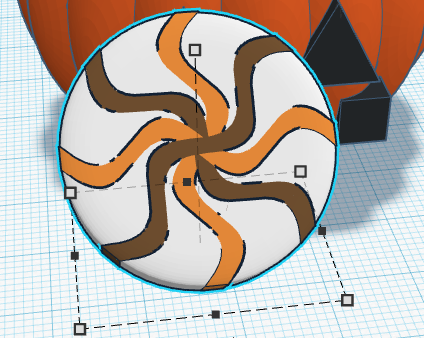
Candy – Day 3: Don’t forget to dump out the candy so you can see what types are inside.
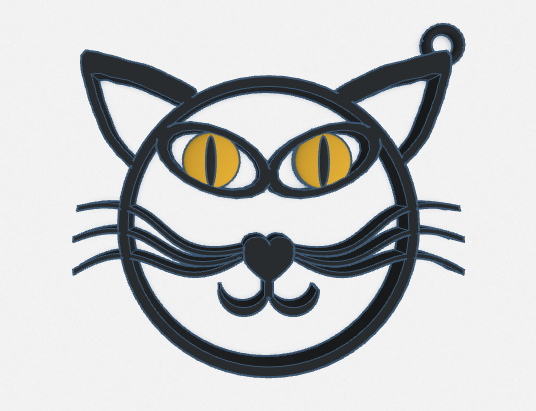
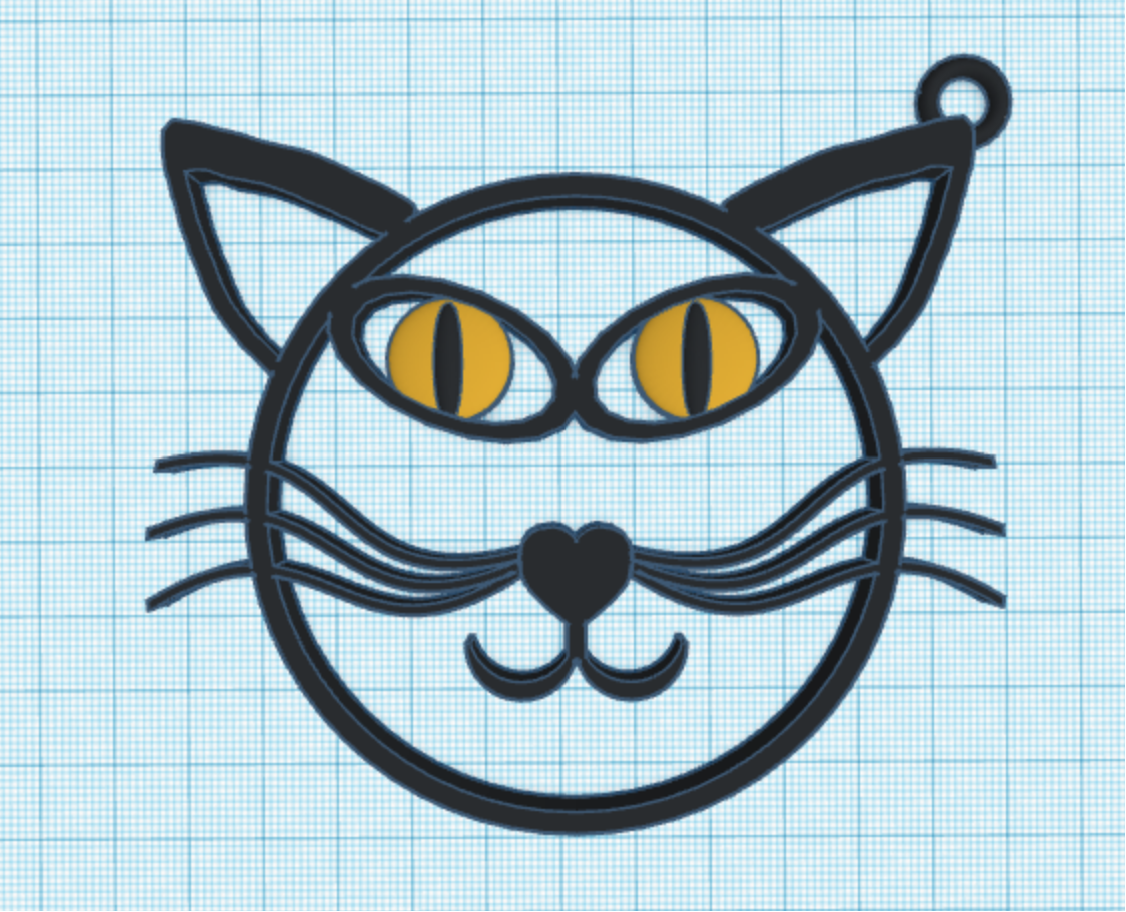
Black Cat – Day 2: Okay, it is just an outline of a black cat, but I added a loop so it can be used as a keychain or a charm. You can easily print this design. The others would be a little bit tricky.
Costume – Day 1: I decided to design a fairy costume. Since my fairy lives in a forest, the costume was made out of leaves.
I did not participate in all 10 days, because there were some prompts that I wasn’t interested in recreating, like bugs.
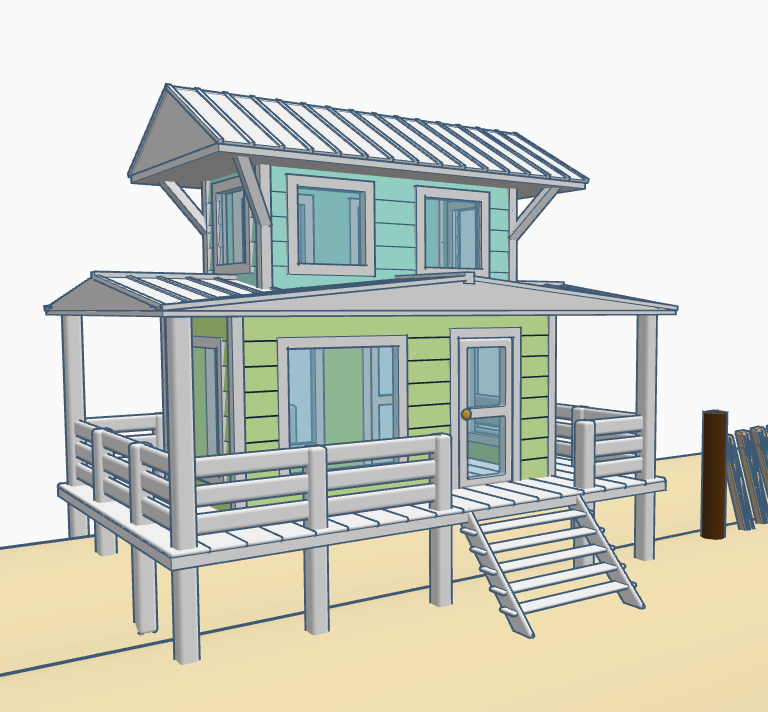
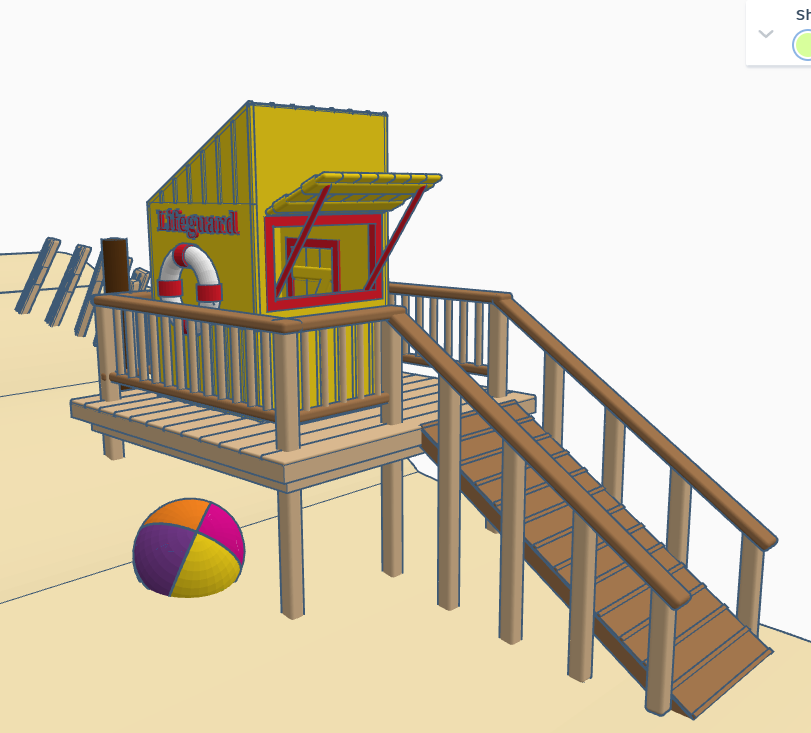
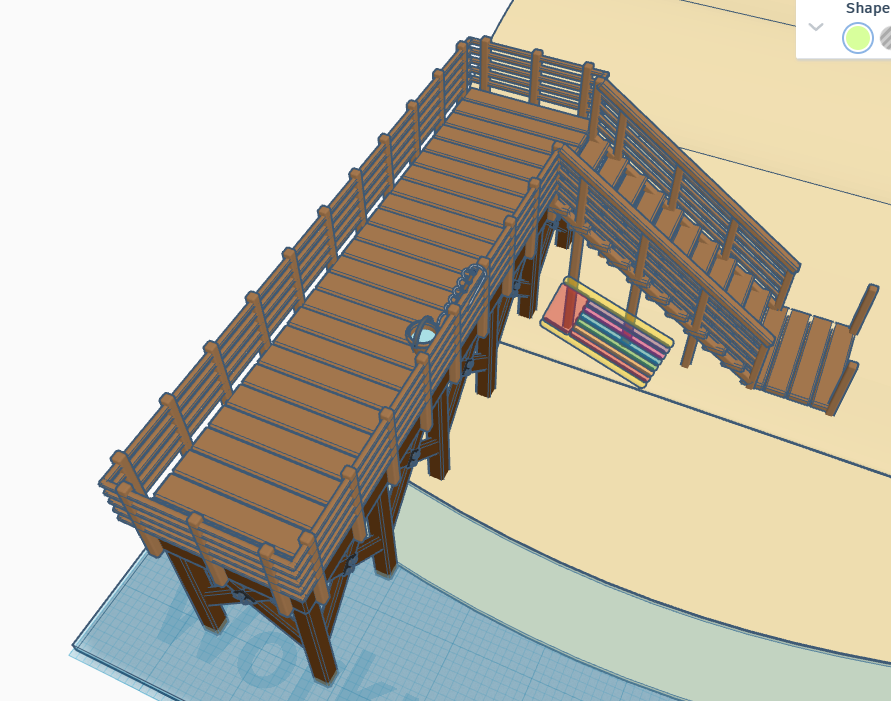
Summer is dwindling down. All the kids are headed back to school. Let’s enjoy summer a little longer and head to the beach without leaving our rooms. Below is a beach scene I made in Tinkercad. It has a house, lifeguard station, pier, changing rooms and a sandcastle, with a moat. There is so much more that this beach needs. Where are the boats, the people, the beach chairs? Looking inside the beach house, there is no furniture. Looking at the lifeguard station, the first aid kit is missing. There are no chairs on pier and nor fish in the water. How are the missing people supposed to catch fish?
Solution: I have made this design available so anyone that has a Tinkercad account can go an edit this design. For instructions on how to edit this design, check out my posting on Instructables – Let’s Go to the Beach.
For those experienced with Tinkercad, here are the links your will need.
To edit the design: Let’s Go to the Beach – Please add a note to any changes you make. I would like to give you the credit.
To copy the design for personnel or classroom use: Beach Scene
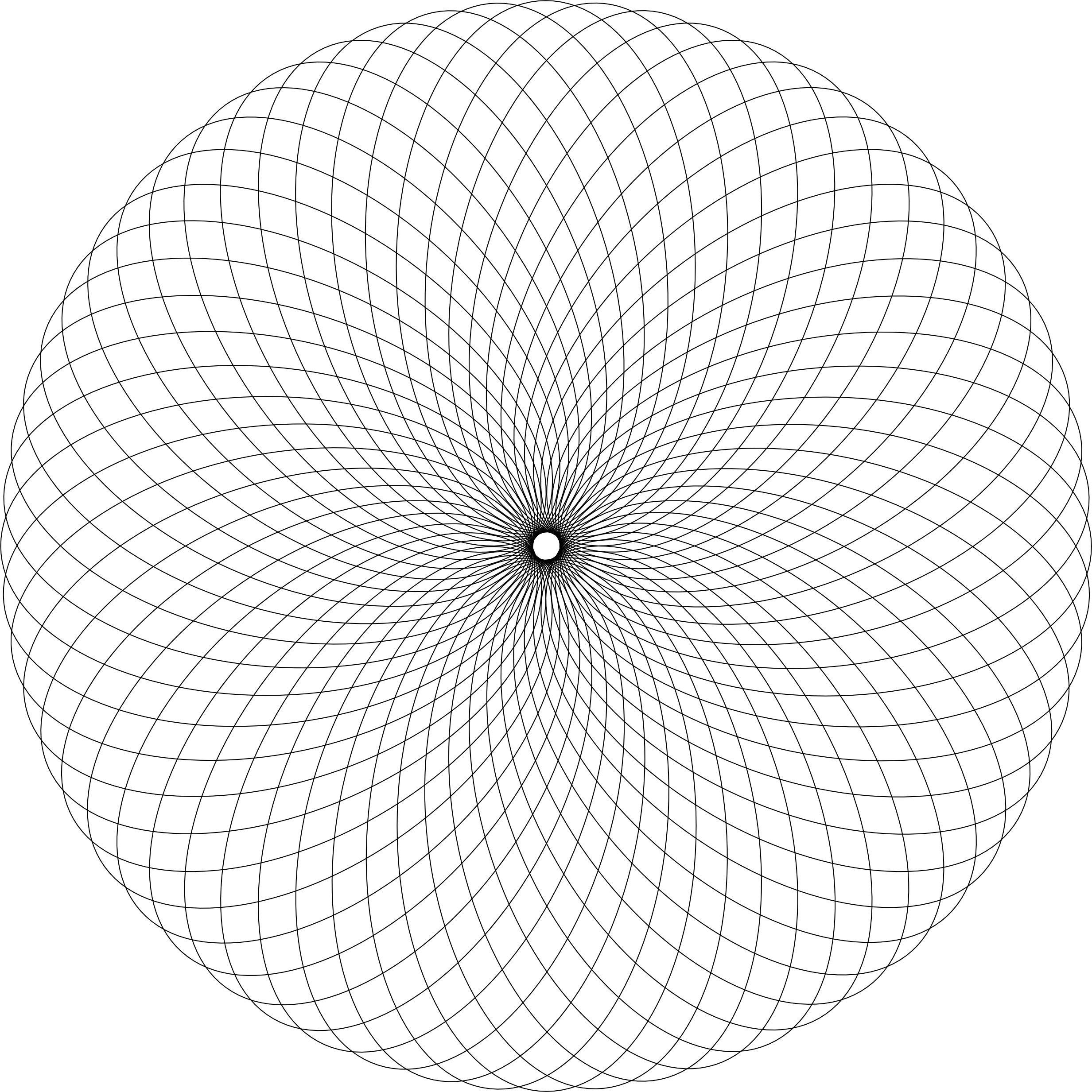
There is so many ways the new coloring page “One Piece at a Time” can be colored. I can easily see stars and flowers in the design. How would you color this page?
One Piece at a Time
Below is my first coloring attempt of this page:
One Piece at a Time
This is my third attempt. The second attempt, I did not like so I deleted it and started over. Warning, when you are doing art, you are your worst critic. I named it “Wheel of Color” because it shows the use of a lot of colors on the color wheel, starting with yellow and ending with yellow.
A new Coloring Page is available! I named this page Circles and Squares. This coloring page allows you to color something simple or color something complex. I am sure whatever it is, it will be beautiful.
Below are two of my final artworks using the Circles and Squares template. Note: Everything was drawn and colored using CorelDraw.
Simply Circles and Squares
Color Blocks
I named this Color Blocks, because I used the primary colors to color the squares; Yellow, Red, and Blue. As the blocks overlapped each other, the secondary colors appeared; Orange, Green, and Purple.
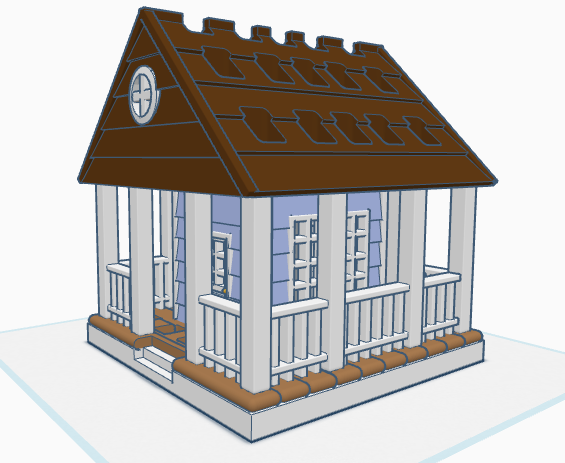
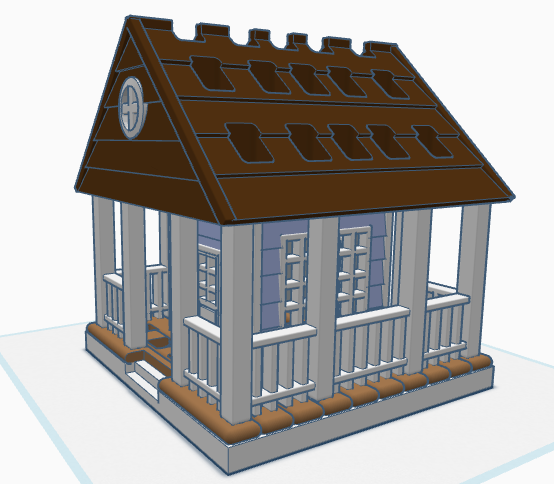
If you have seen some of my previous posts, you know that I paint little plaster houses. While I was painting a new set of houses, I decided it would be nice if I had a paintbrush holder. Yes, I could have purchased one on Amazon, but what is the fun in that. I decided to design a paintbrush holder that looked like a house. The size was not important as long as I could print the design on my 3D printer. The base is 120 mm or 4.724 inches x 120 mm x 8 mm. It provided the design with enough weight and support to prevent it from tipping over. This is the final version of the design in Tinkercad. It was tweaked several times for printing. Paintbrush Holder – Tinkercad
If I printed the design as shown in the picture, it would require a lot of support. My first attempt to print, I split the design into two pieces; roof and building. The roof I selected the Support Type of Tree. There is a lot that can go wrong with printing something for hours and hours, however the roof printed beautifully, and the supports detached easily.
The next print was the bottom piece. Again, a lot can go wrong when something prints for hours and hours and hours. First, after 12 hours the printer would not allow me to pause the print. Second, when the print finished the build plate did on return to its lower position, so extra filament built up on its final print location. Third, the support around the railing was impossible to remove without damaging the railing, which was 2mm in diameter. I went back to Tinkercad and tweaked the design.
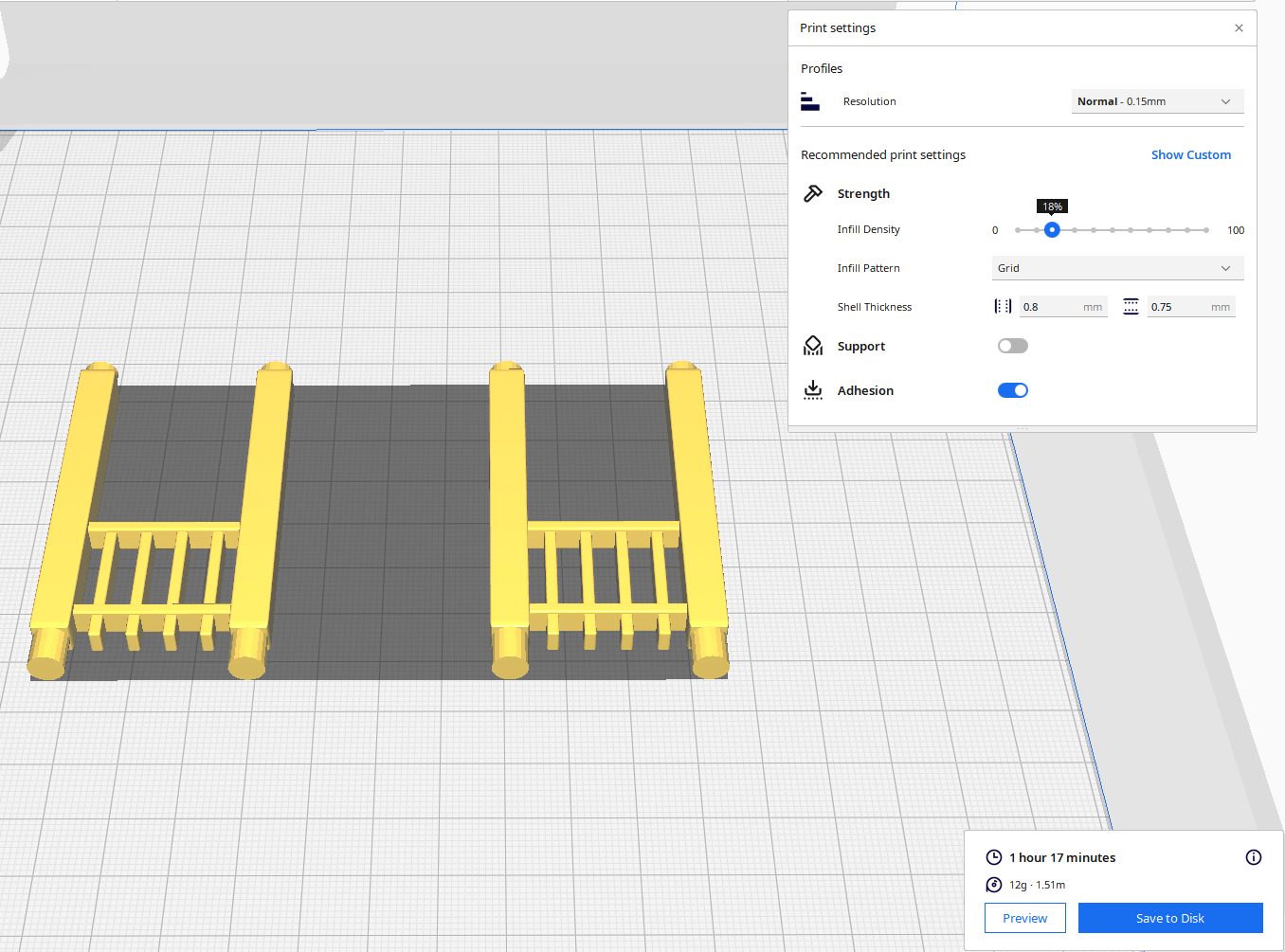
For the second attempt, I made the railing detachable. With detachable railing, I could lay it flat on the print bed and not use any supports. After it was printed, I could assemble the design.
Front and Back Railing – I printed two copies. Note, I went from round to square railing.
Side Railing – I printed two copies.
Structure – I printed one copy with Normal Supports.
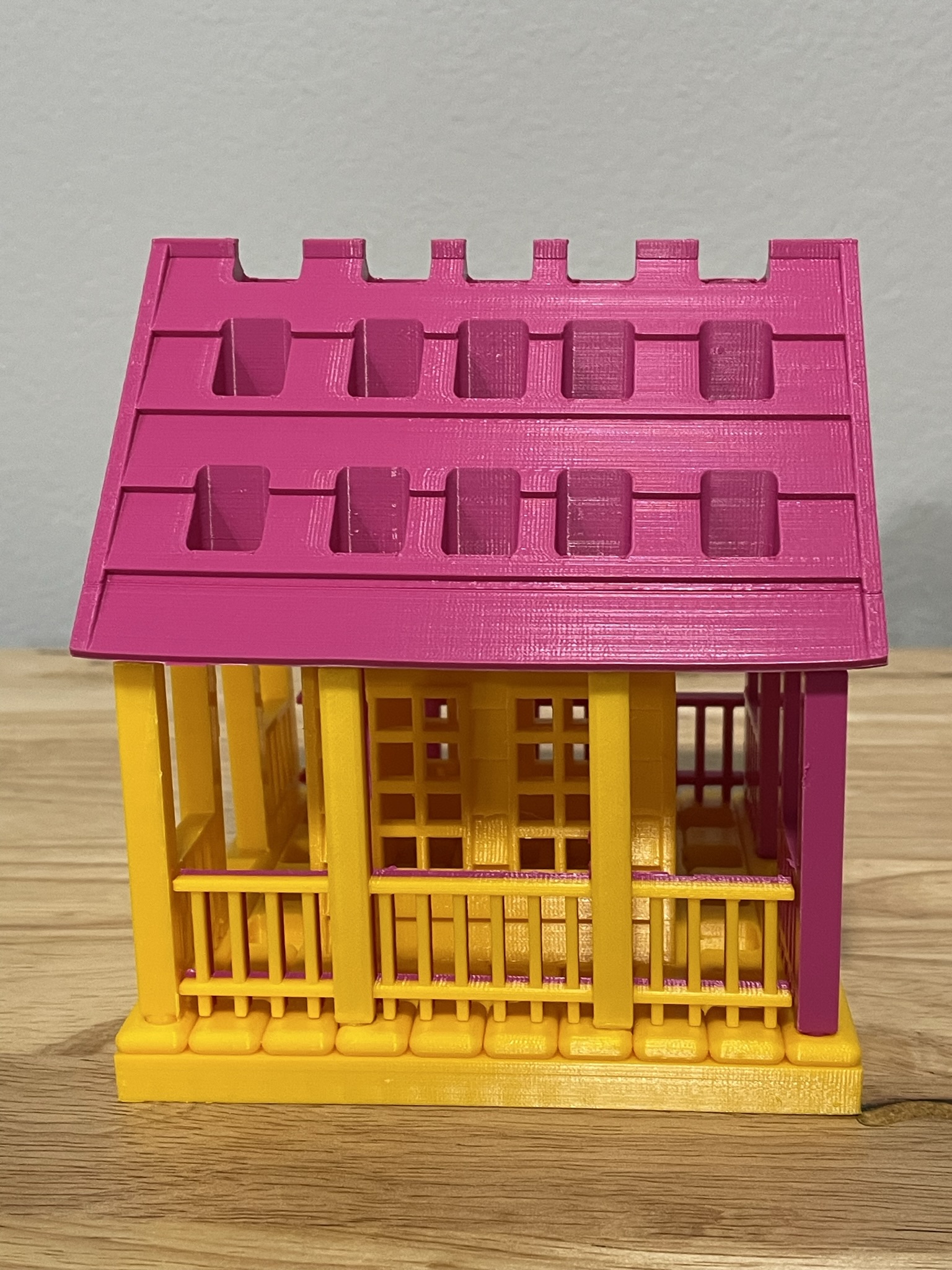
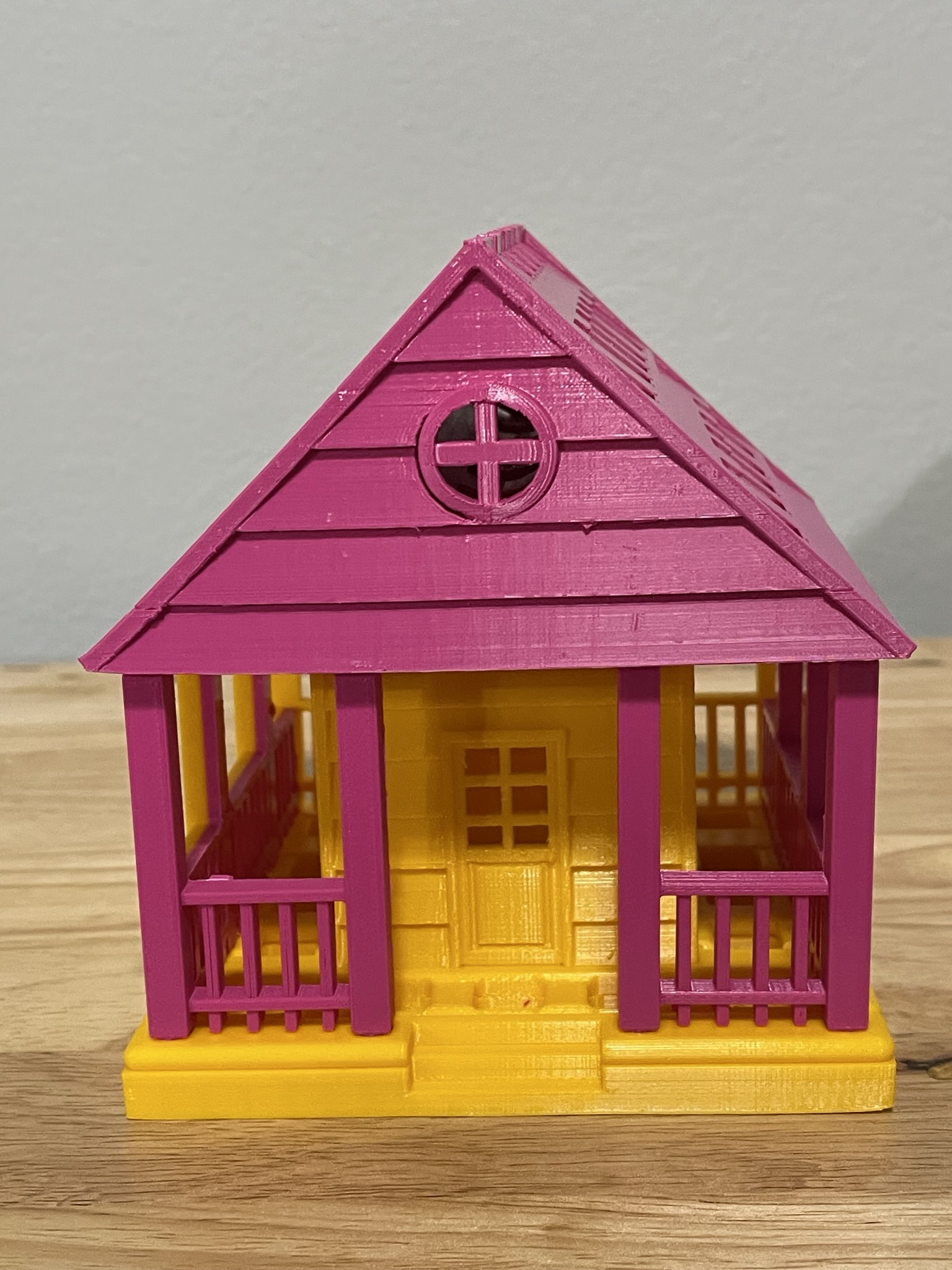
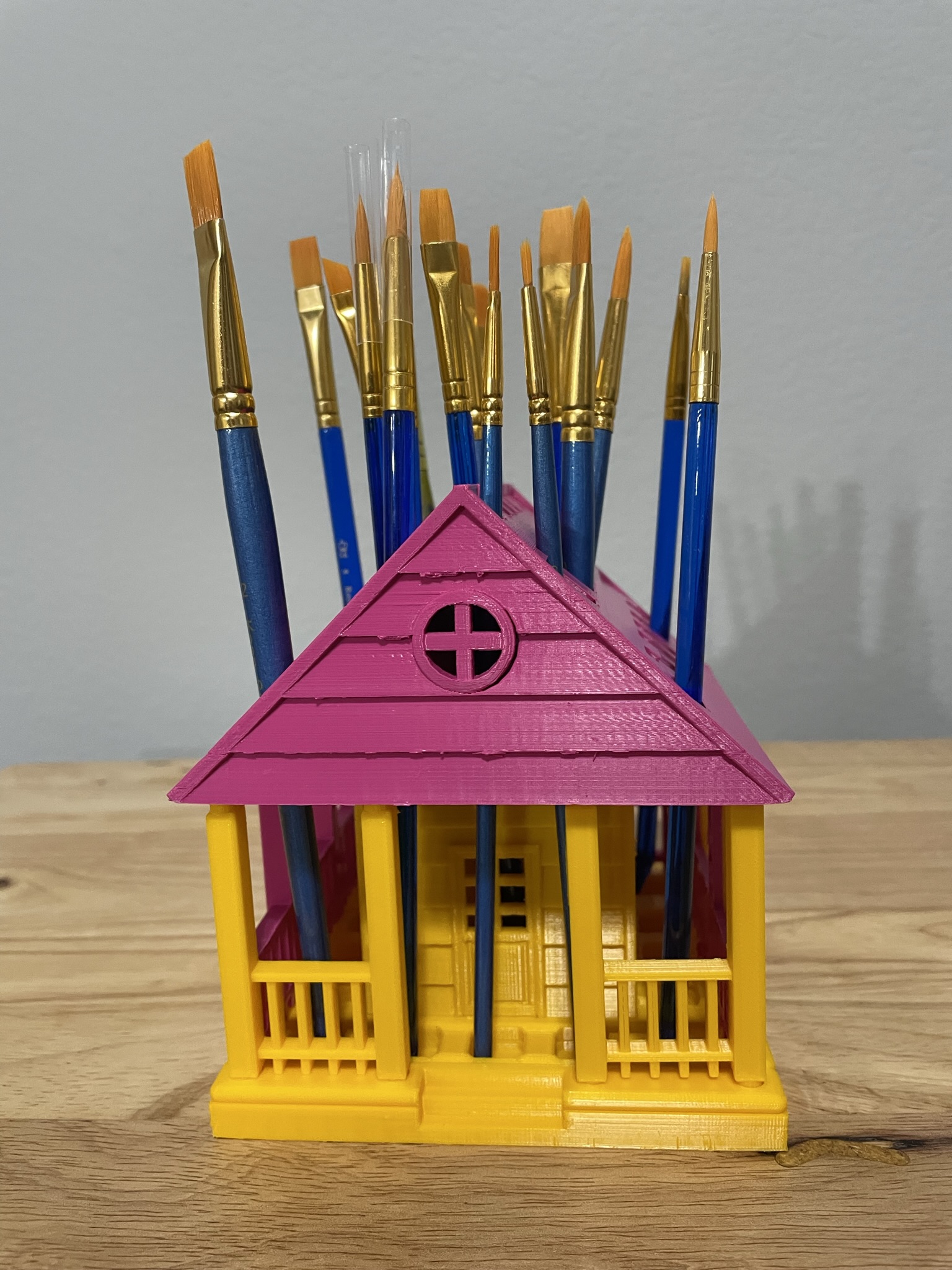
Below is the printed version of my new paintbrush holder. It was printed in two different colors because I ran out of the pink filament. The design was easy to assemble, and gluing was not required.
No not the luncheon meat, but hackers. People wanting to get a hold of your data to cause you harm.
Occasionally, I looked through my junk mail and report the spammer. Today, there was one spammer that announced from the very first word they were a spammer. Here is the heading of the email.
Do you see the problem with it? Okay, I did highlight it. Amazon never ever refers to anyone as “Dear”. They are always blunt and to the point. Also, that red exclamation mark is another indicator. I did open the email (shame on me) to see how many times the spammer announced they were a spammer.
My name is not SARAHCATH.
What is “Command n & deg”? – probably something they forgot to program.
Appears they can not type in Mixed Case.
Oh, what is up with that date “Today , 2023.04.02 -“
“Your commands” – missed something else in the program.
This was my giggle for the day. Giggle, giggle, giggle.
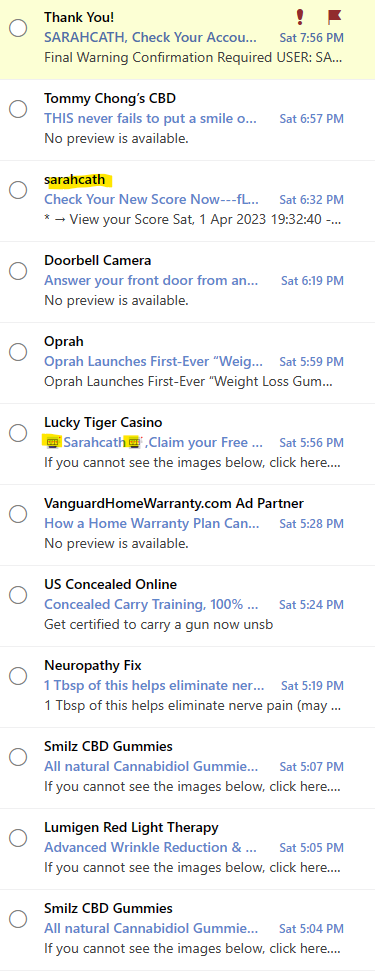
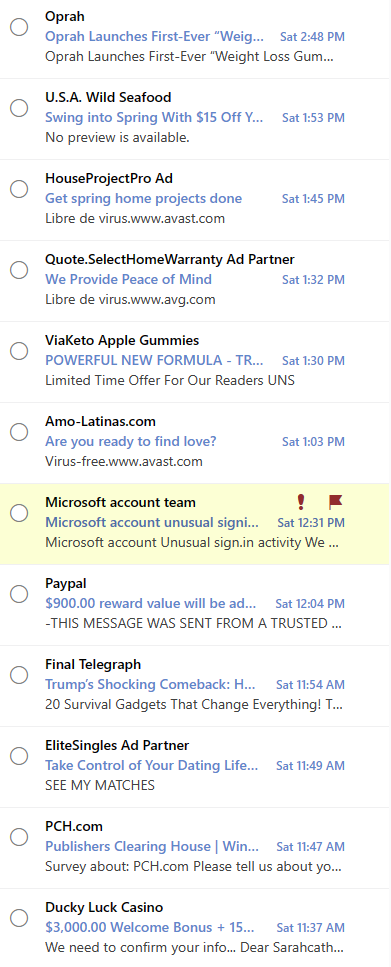
Seriously, the majority of my junk mail is from spammers. A small percent is actually from businesses I have contacted in the past. Below are just a few of the emails I have received from spammers.
How do I know they are spam without even opening the emails?
Most of the companies listed I have never done business with.
Again, my name is not SarahCath
If is highlighted it is spam.
If it has a cute little character or text, treat it like spam.
Ad Partner – spam – someone pretending to be someone else.
You may wonder why I consider the apparent email from Paypal and Microsoft Account Team to be spam. Simple explanation; Paypal is not affiliated with this account. Now, the Microsoft look legit, however…
I have two-factor identification setup on my Microsoft account. But, I wanted more security on this account, so I set up the Microsoft Authenticator. It will notify me anytime someone tries to log onto my account, and I can deny their access. I can approve my access, if I am trying to log into the account from a different device. I no longer receive these emails from Microsoft, and if I did it would go directly to my inbox.
During the last week, there has been 14 attempts, from all over the world, to sign into my Microsoft account. They were all stopped from the start because they were attempting to use a very, very old password.
I have multiple email accounts. I use one, Outlook, for shopping. Why, because I can use the safe sender list to block most emails from getting to my inbox. Currently, in my Outlook Junk Mailbox, I had over 3200 emails in the Junk folder. Approximately, every 98 out of 100 emails in this box are from spammers.
This morning I woke up to numerous notifications on my phone. I did not see these notifications over night because I have “Do Not Disturb” active on my phone. But once the Do Not Disturb expired the beeping started. My Junk Mail was being routed to my Inbox.
This is a Microsoft Outlook problem. An update broke the Junk Mail routing. I don’t know what they were trying to fix, but now everyone who uses Outlook should be on guard, because Spammers and Hackers are rejoicing this morning. Their email is no longer being routed to Junk Mail and they are reaching more potential victims.
Now it is time to take precautions:
First, if you are sick of the notifications – Turn them off. On most devices you can find Notification under Settings.
Second, don’t open any email that are not from a friend, colleague, or a business where you signed up to receive emails. My security system blocked an URL this morning, because I opened an email that attempted cause havoc. Here are a few examples of Spam emails:
If it has Affiliate in the title.
If it has Associate in the title
If it has Gift Card in the title
Renewable by Anderson
Back Pain
AARP
ADT
You Won
Third, if you really want the special offer in an Email. Do not click on any links in the email (ever), go directly to company’s site and get the offer directly from their site. If the offer is not on their site, it is probably not a legit offer. Community Coffee is really good about sending emails about their offers. When I go to their site, the same exact offer is published on the top of their page.
Fourth, report the offending emails as phishing. I really hope the technology companies or working on stopping Spammers. I tracked a spammer down to a mailbox in Las Vegas. If I can do that, why can’t the tech companies?
To support all the tinkers that hosted contests during this holiday season and Tinkercad’s TinkerTogether, I created the following designs:
TinkerTogether Design Challenge #25: Winter
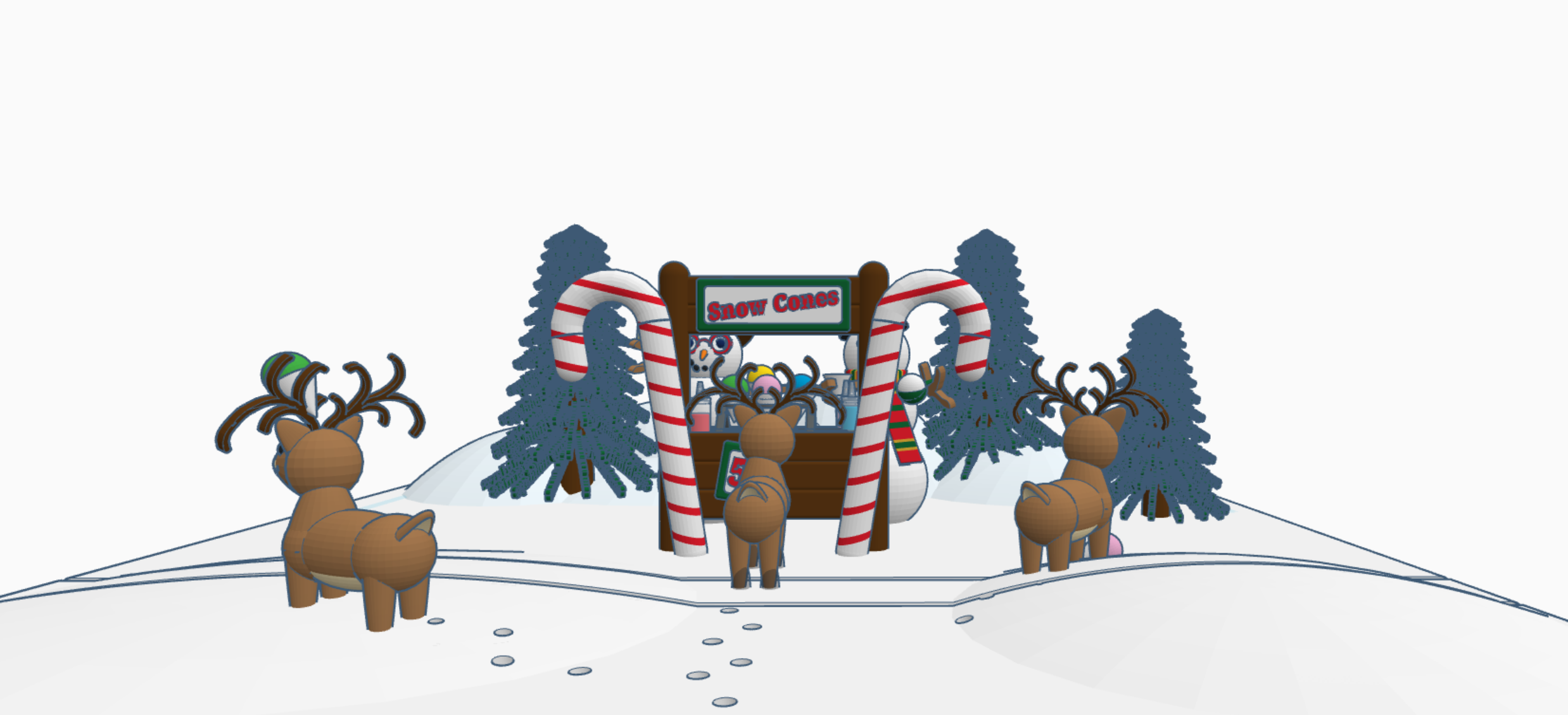
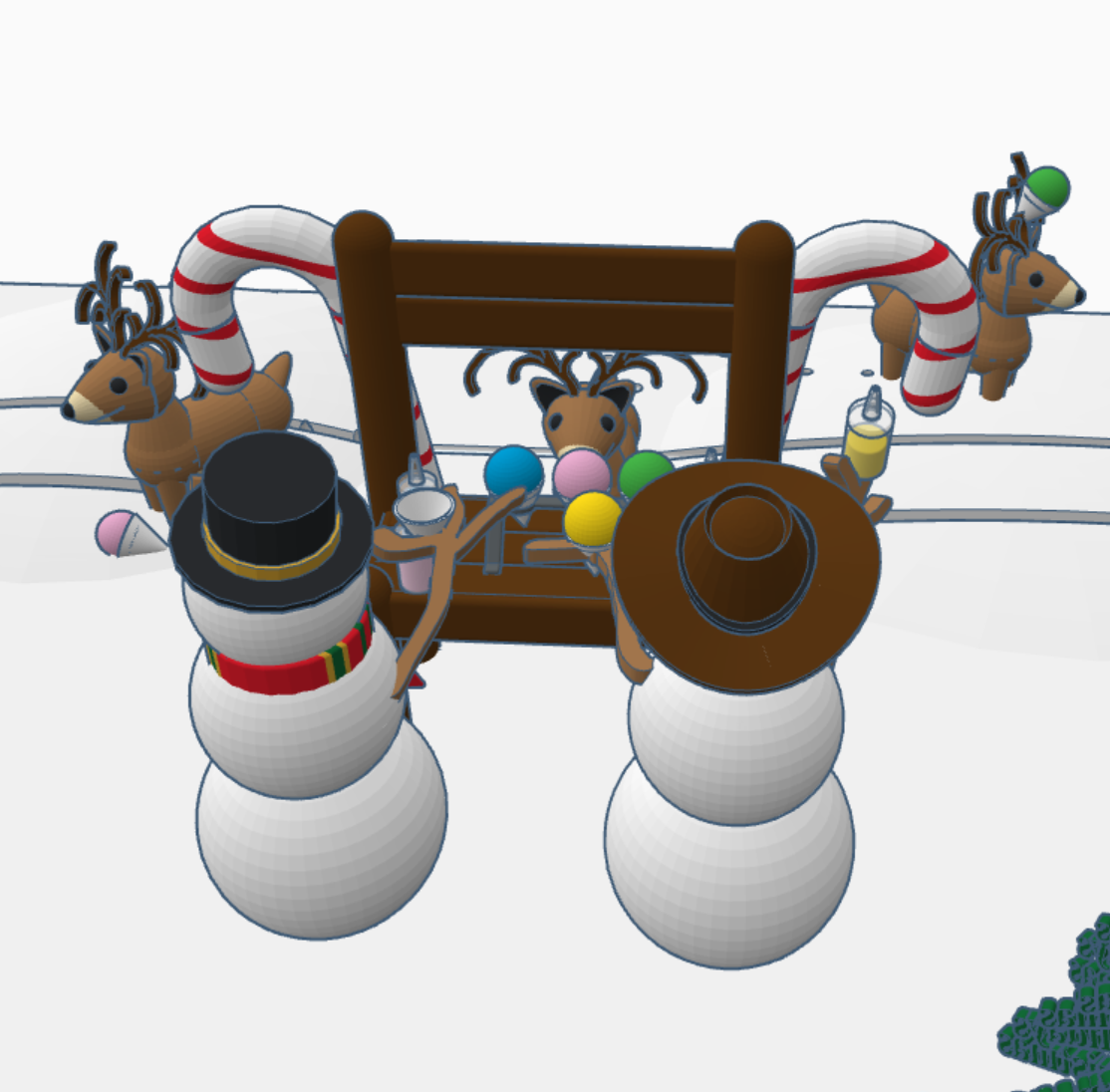
Snow Cones for Sell: In this design we have two snowman selling snow cones to a few reindeer. If you look closely at the ground, it appears that Santa Sled has been through. The hats, the reindeer and the candy cane are available in Tinkercad’s Shape Menu.
Contest: Design an Ornament – I could have created a typical ball ornament, but I wanted something that looked fragile. Do you see the snowflake inside?
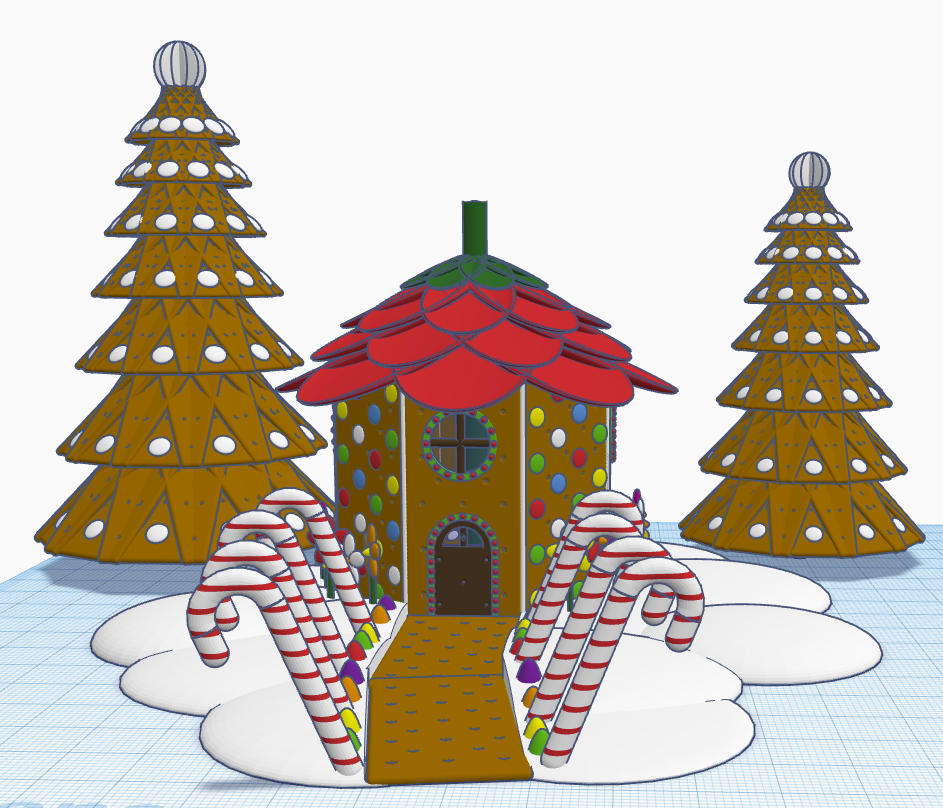
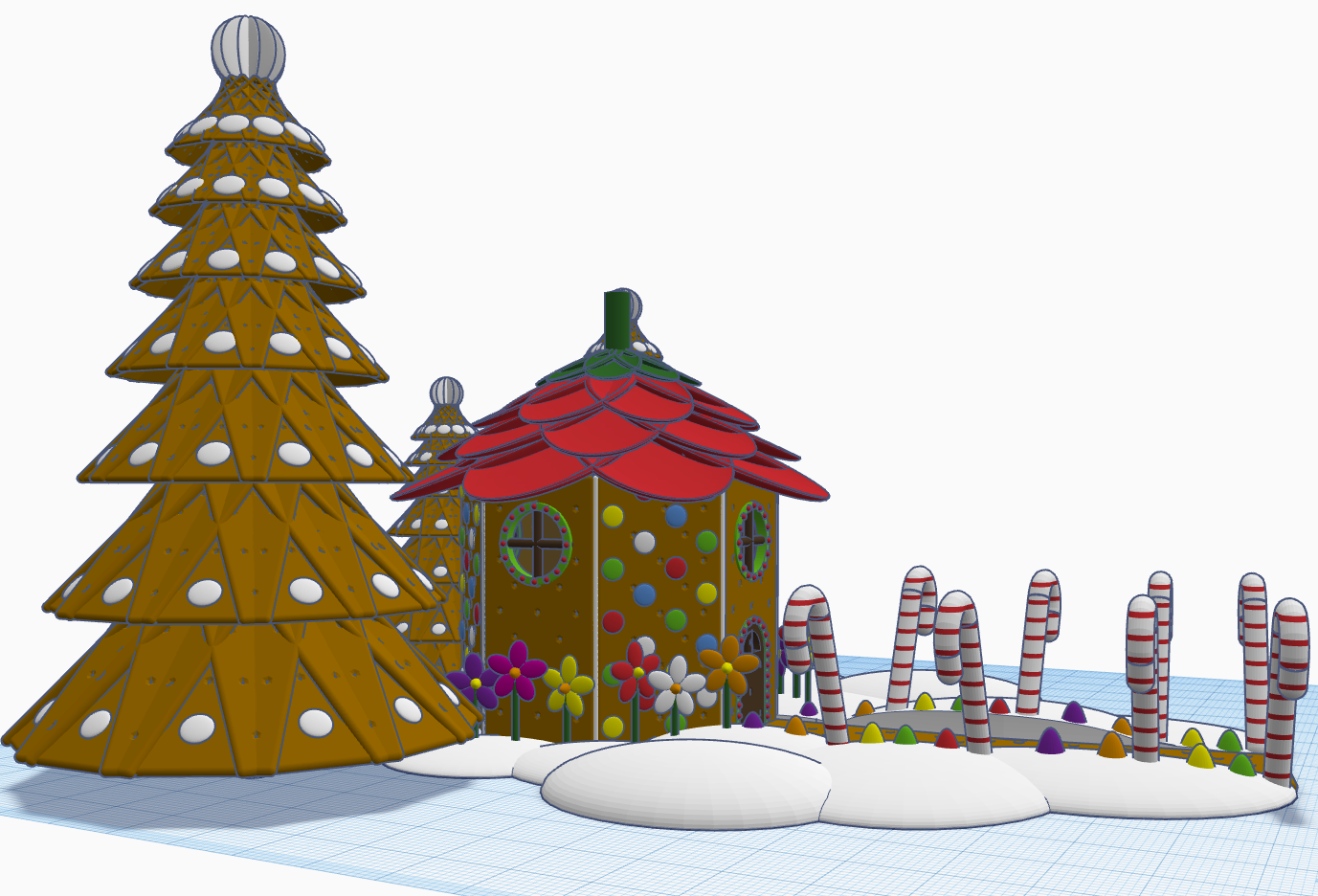
Contest: Create a Gingerbread House – I created a Gingerbread Fairy House. The roof of the house is a candy strawberry, and the path is lined with candy canes and gum drops.
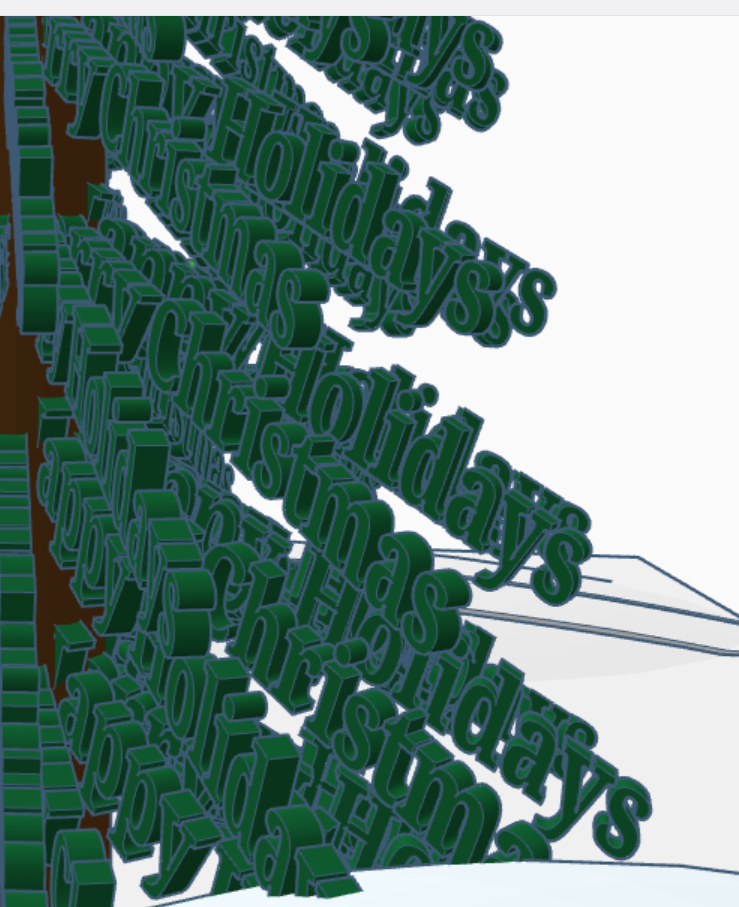
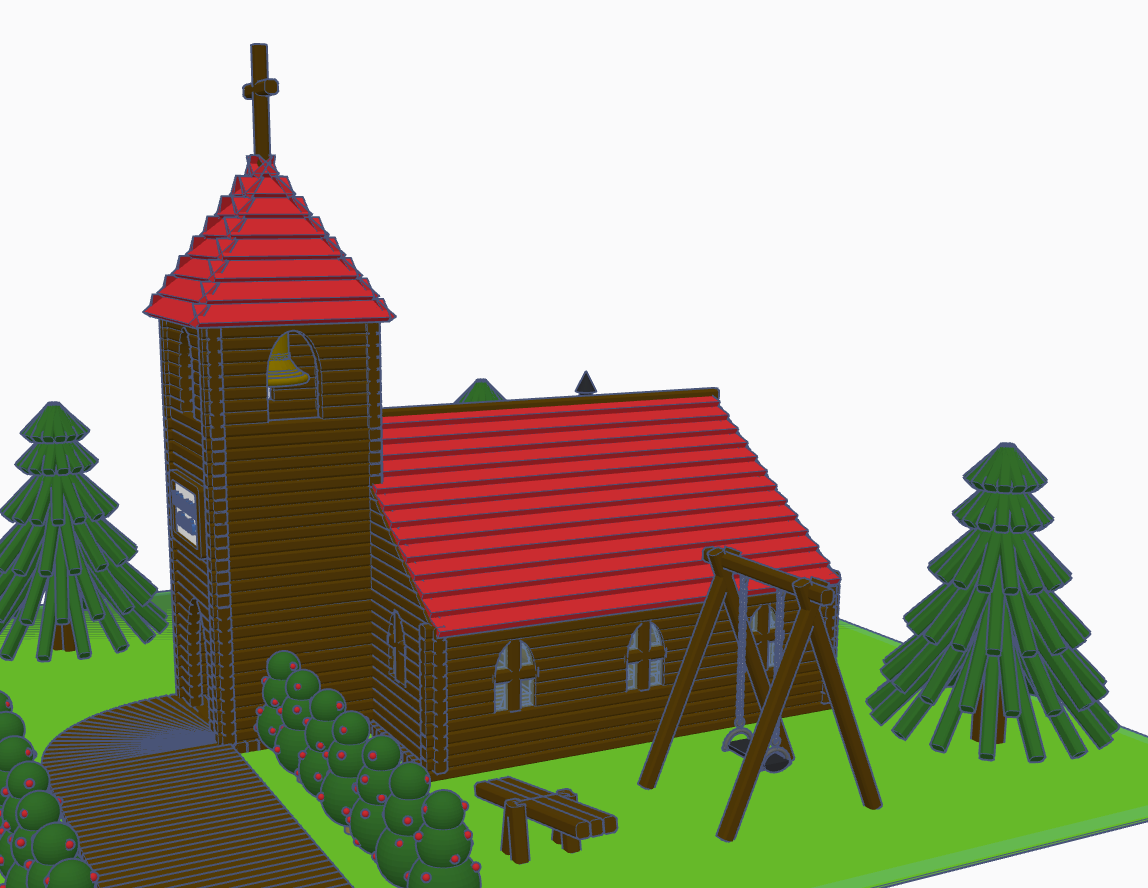
Contest: Create a Log Cabin using the TinkerLogs created by HLModTech – I created a TinkerLog Church. The building and most of the items, including the trees, were created using the TinkerLogs that HLModTech created. I kept the width and height of the TinkerLogs, and only change the length.
TinkerTogether Design Challenge #26 – Party: For this challenge, I created a Bouncy Castle and Balloon Animals. Can there be a party without these items?
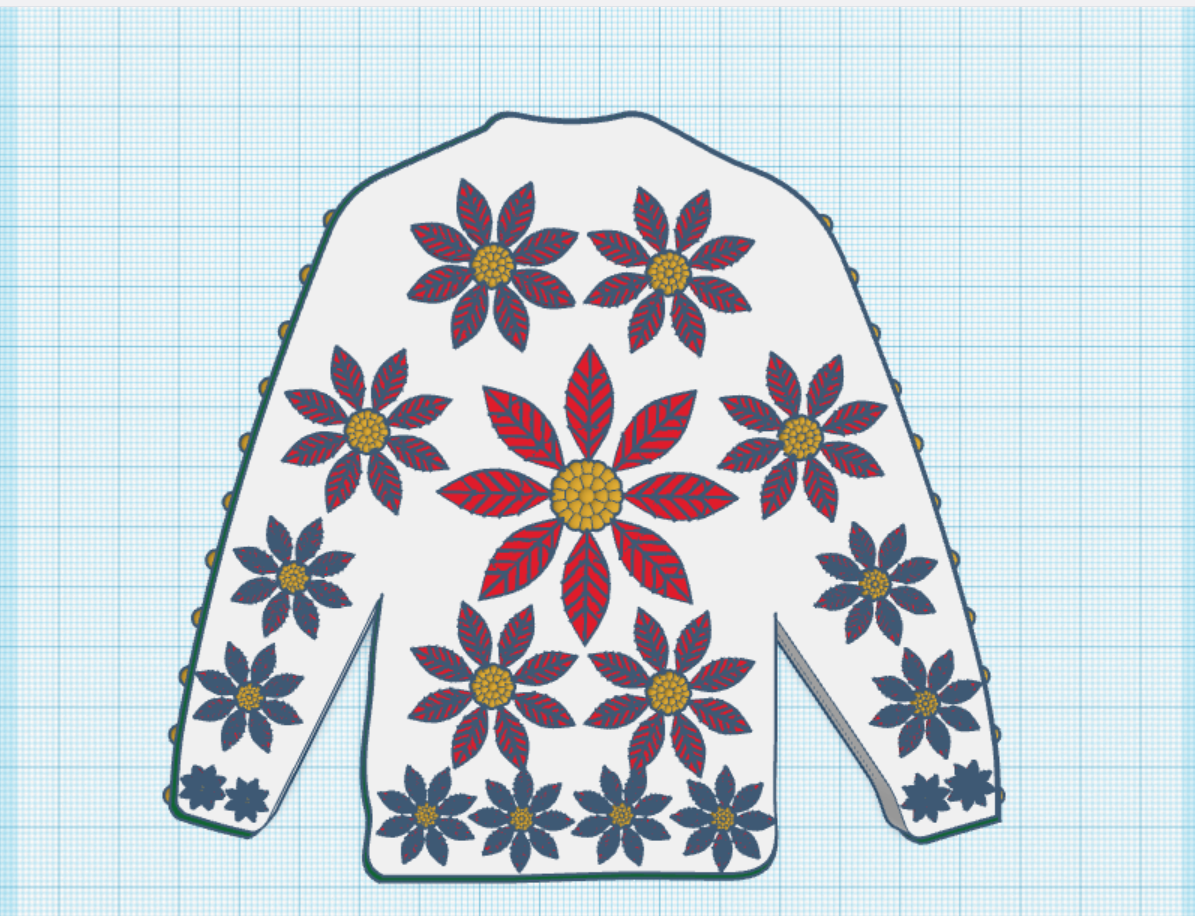
Contest: Create a Christmas Plushie – my contest entry was me. For years, I had a certain way of creating a stick figure of me. I decided for this contest I would create a Plushie of Me. Notice the Santa Hat, it came out looking pretty awesome.
You can see all these items in 3D view from my profile or clicking the links above: SarahCath






























 Sarah Cath's Adventures