Reindeer Stables

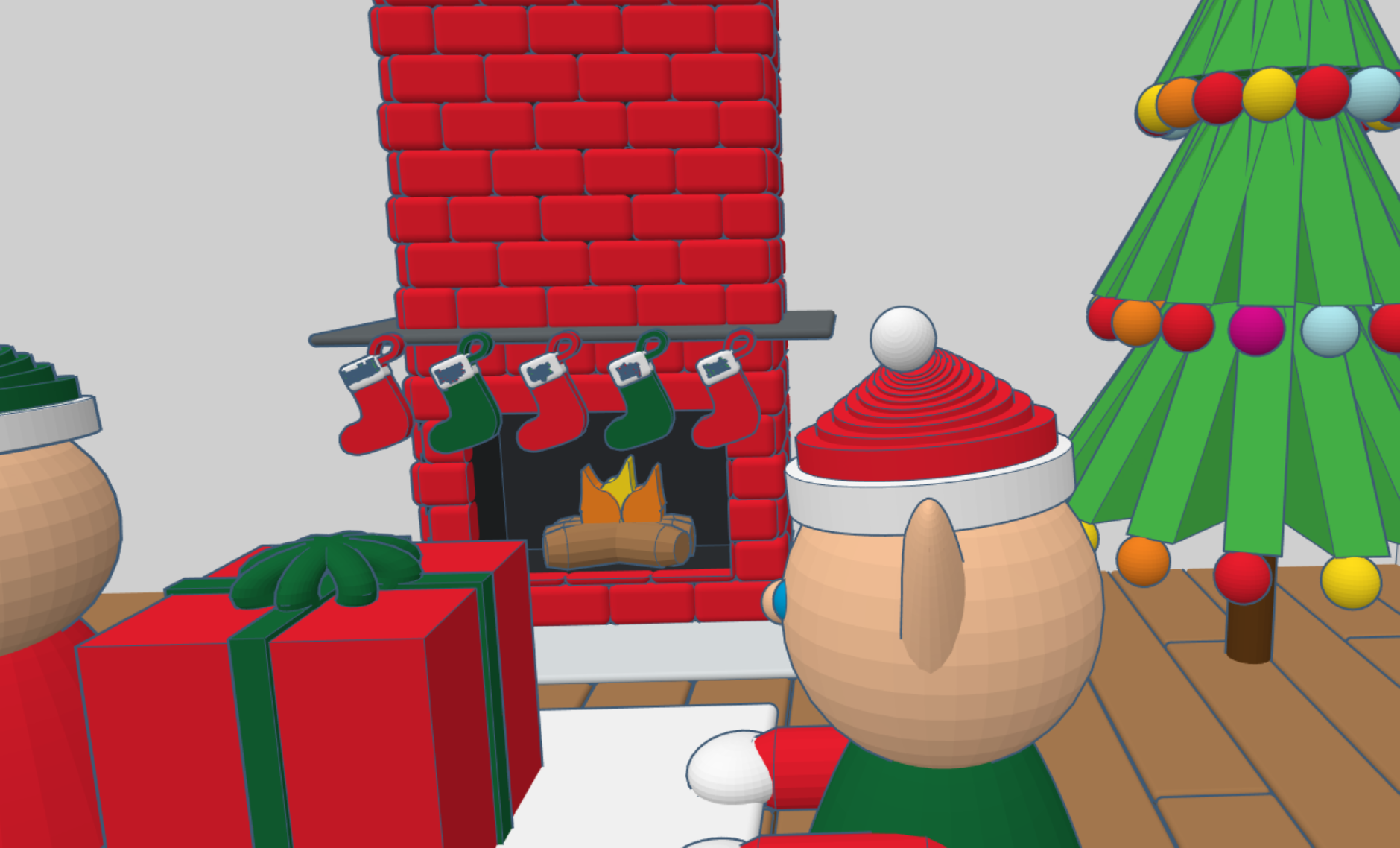
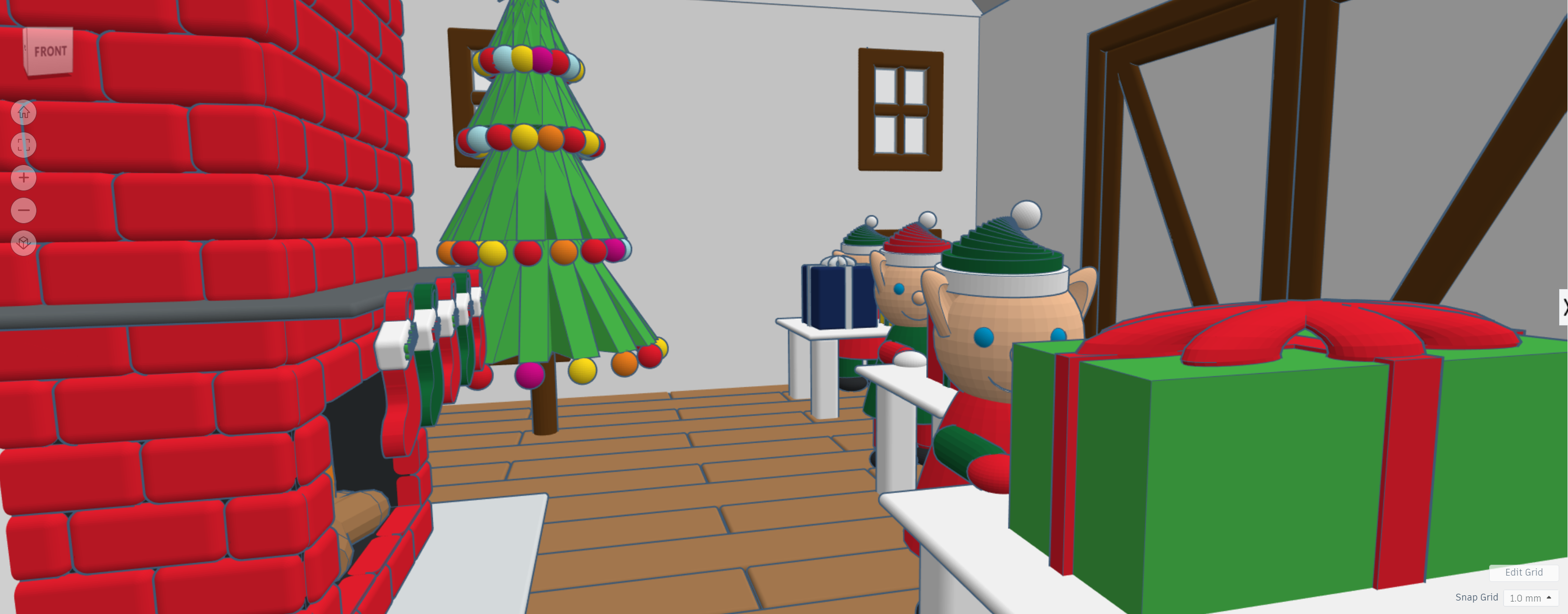
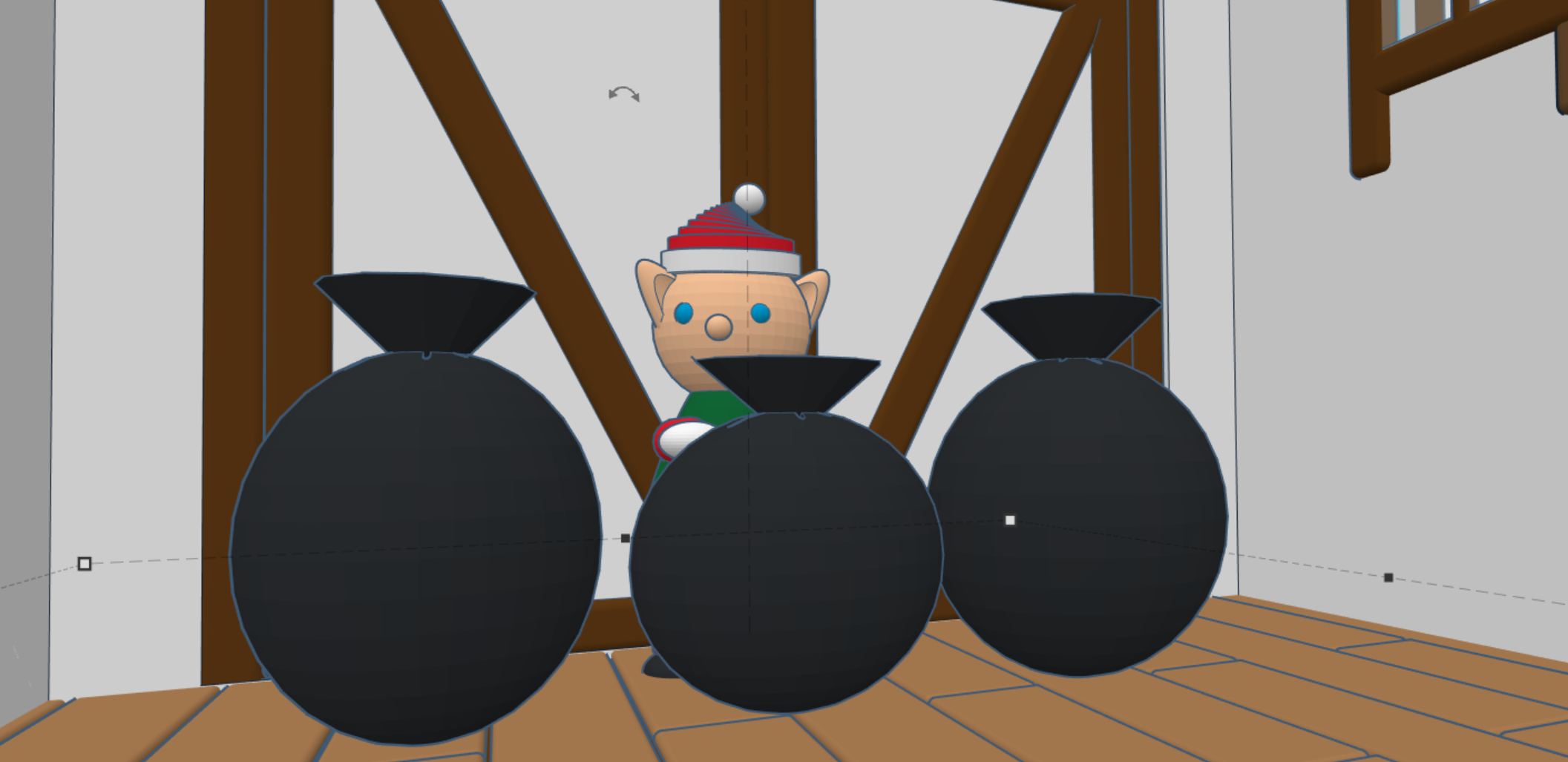
In 2020, I created Santa’s Workshop using Tinkercad. This year, 2025, I decorated one of the trees. Maybe next year, I will decorate the other tree. This is how the Santa’s Workshop looks 5 years later.

This year, 2025, after much thought I created Reindeer Stables. Every reindeer needs a place to rest. It has been a busy year for Tinkercad, they introduce the Extrude Sketch shape. Several of the objects you will see in the design was created using this feature.

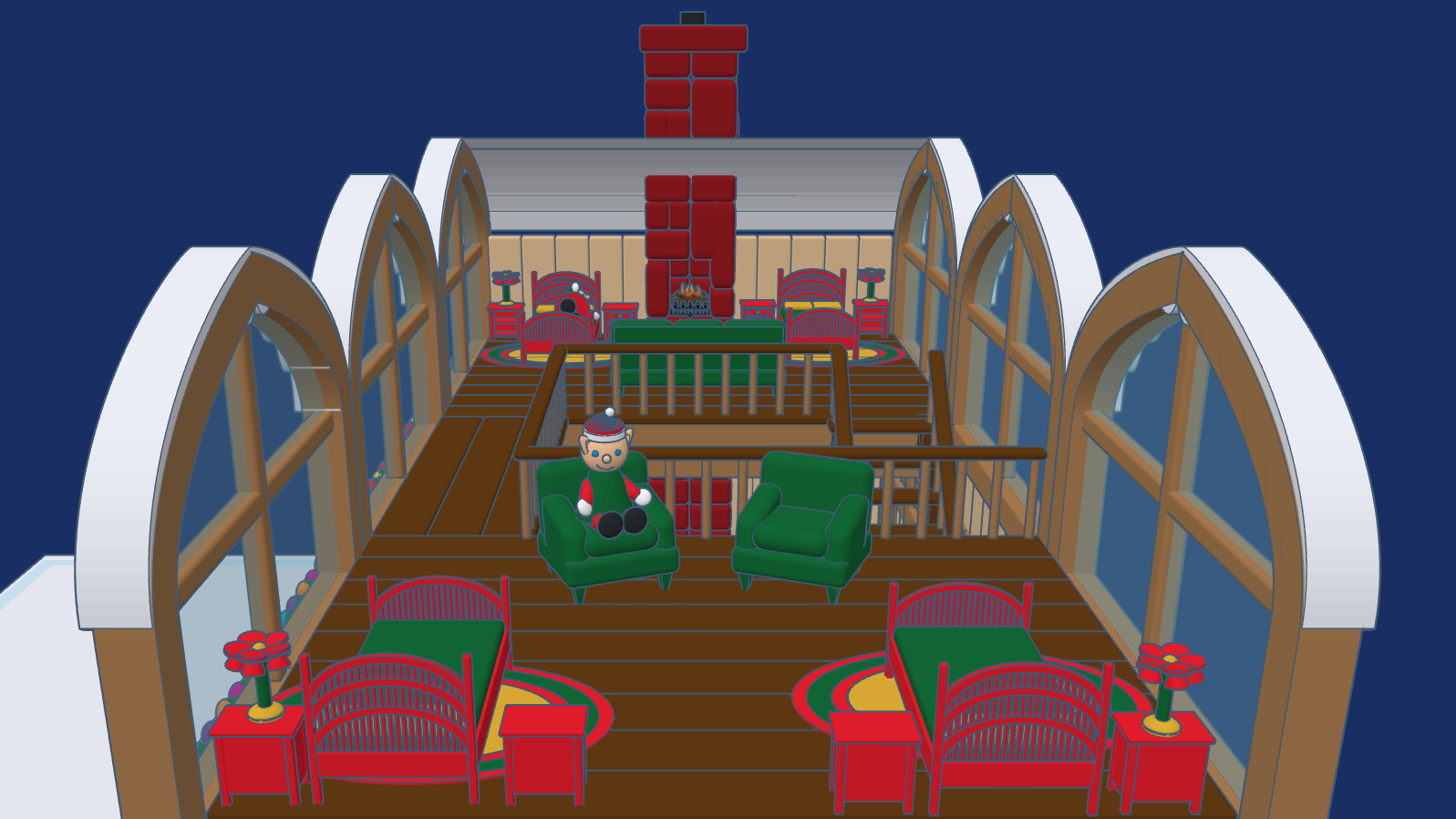
The Stables are designed for the reindeer to freely come and go. Above the stables, is where some of the elves, who take care of the reindeer rest. The loft has large windows to so the elves can watch the reindeer play their games.

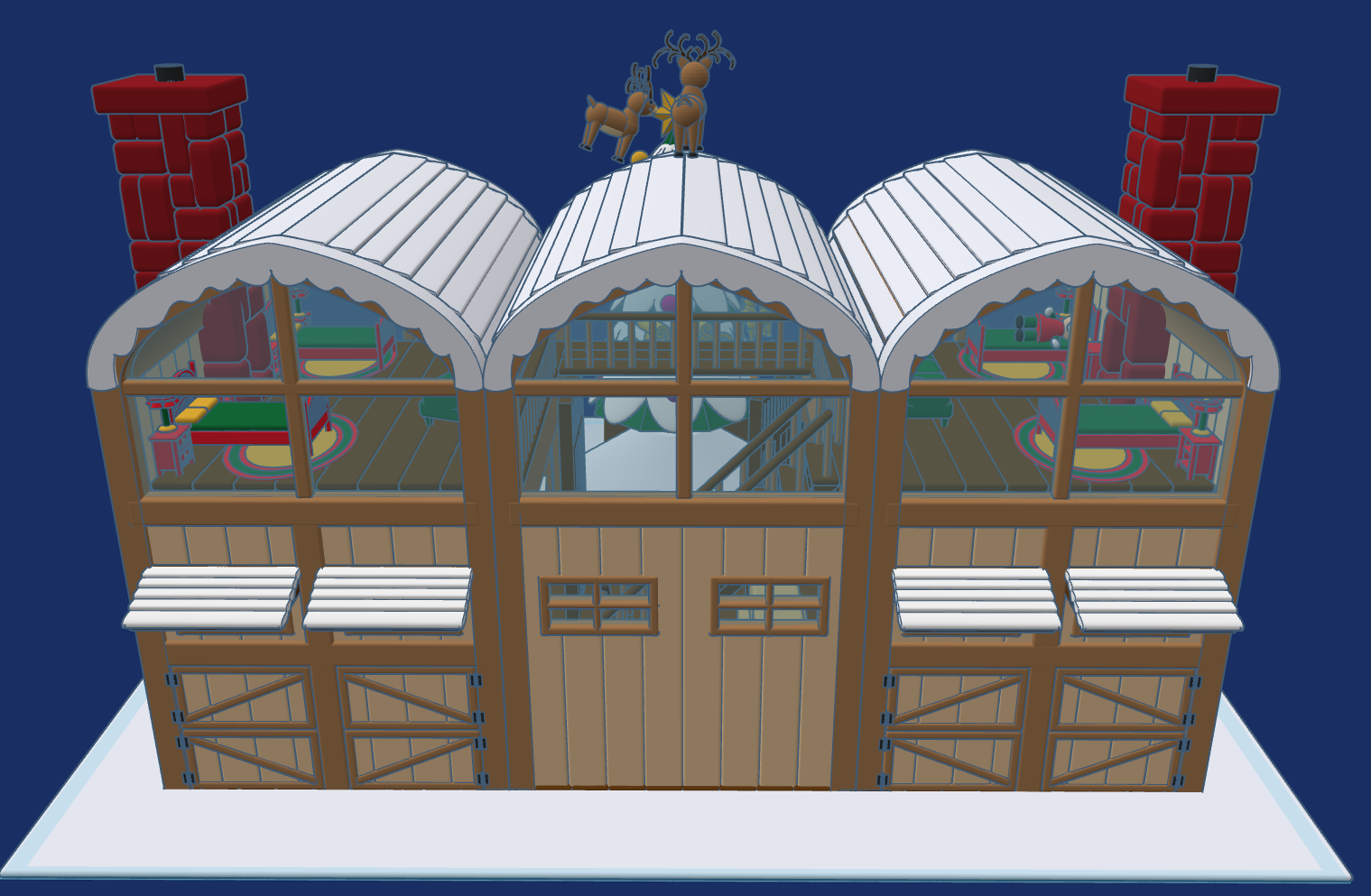
This design, Reindeer Stables, is available to the public to copy and tinker with.

Don’t forget while are in Tiwww.tinkercad.comnkercad to check out my other Christmas related designs.
North Pole Post Office

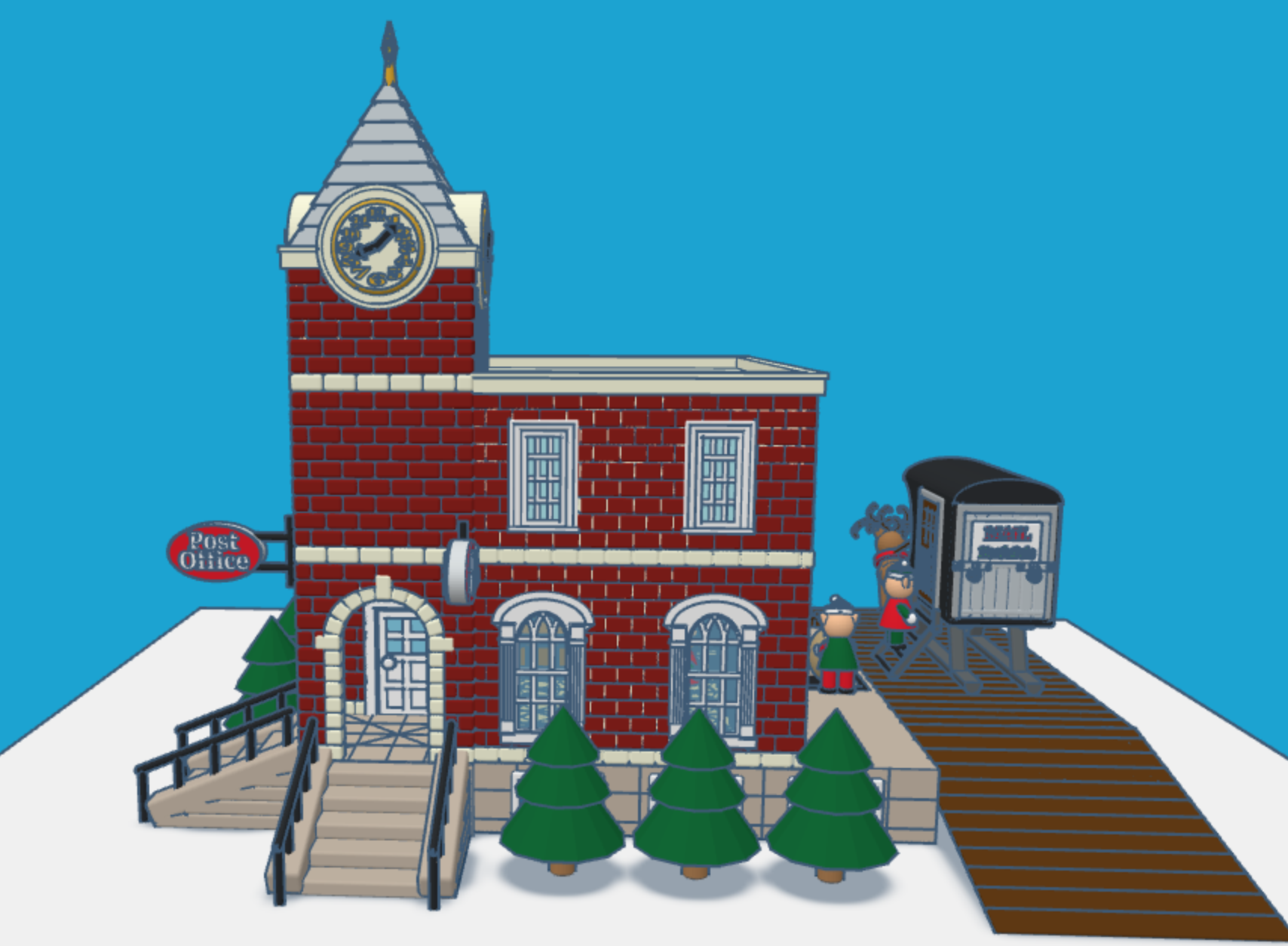
It is that time of the year again. Children all over the world are putting pencil, pen, or crayon to paper and writing a letter to Santa. This year I envisioned what Santa’s North Pole Post Office would look like. Looking at pictures of old-fashioned post offices I decided on the design and used Tinkercad to create a Post Office.

You can get a 3D view of the North Pole Post Office at this link: North Pole Post Office.

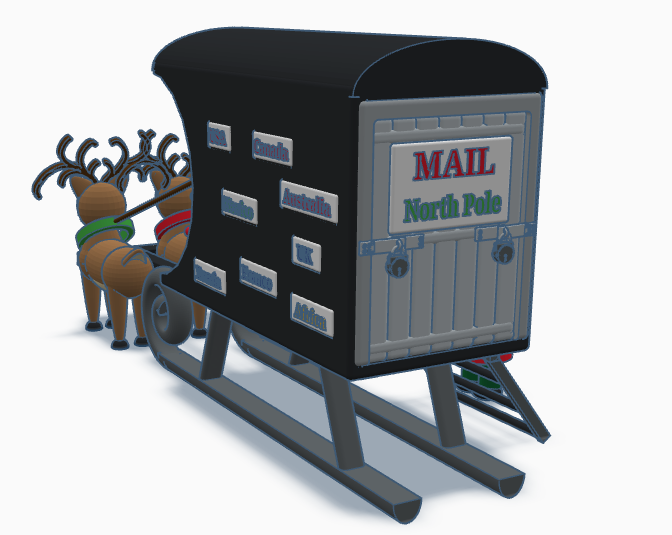
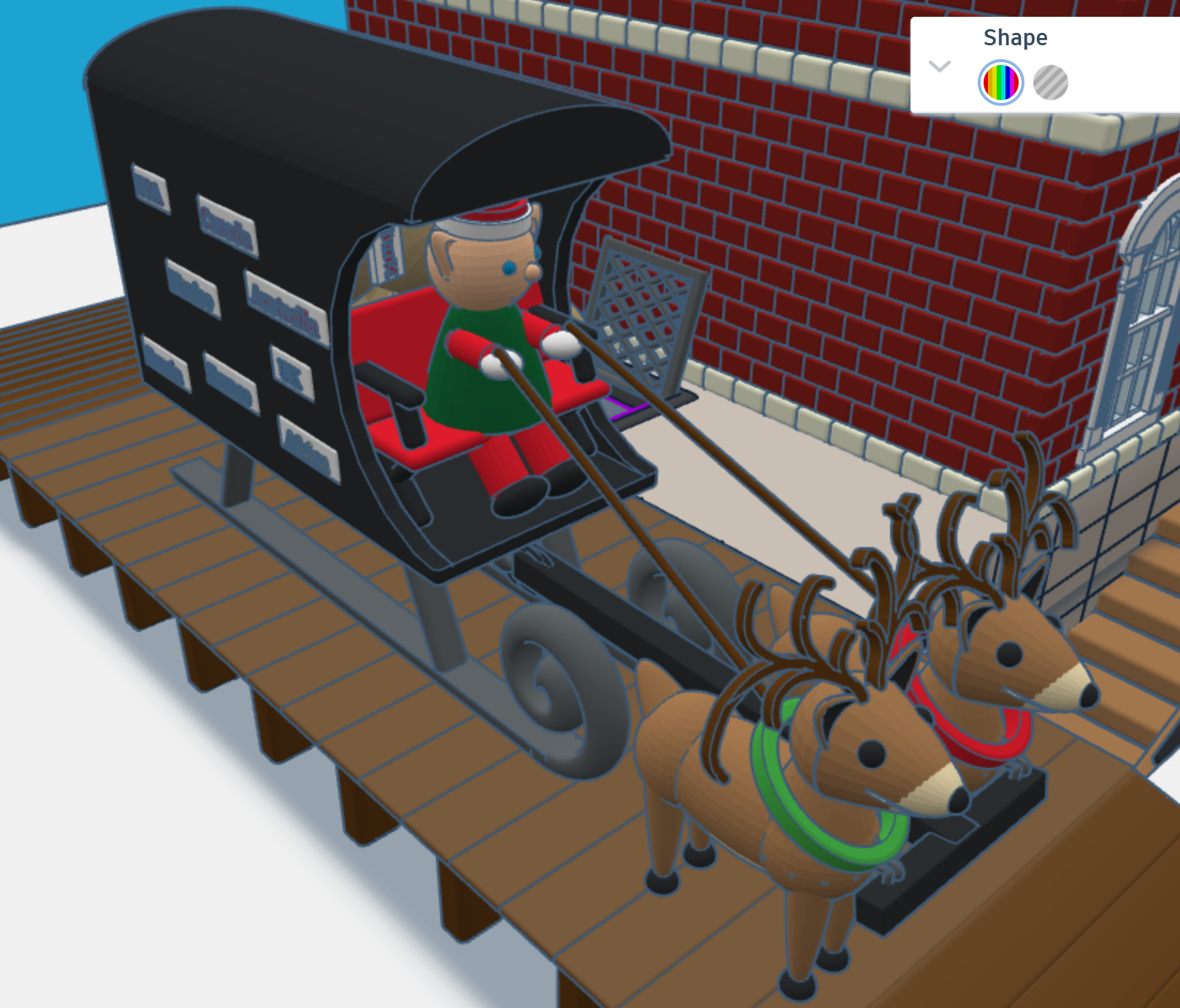
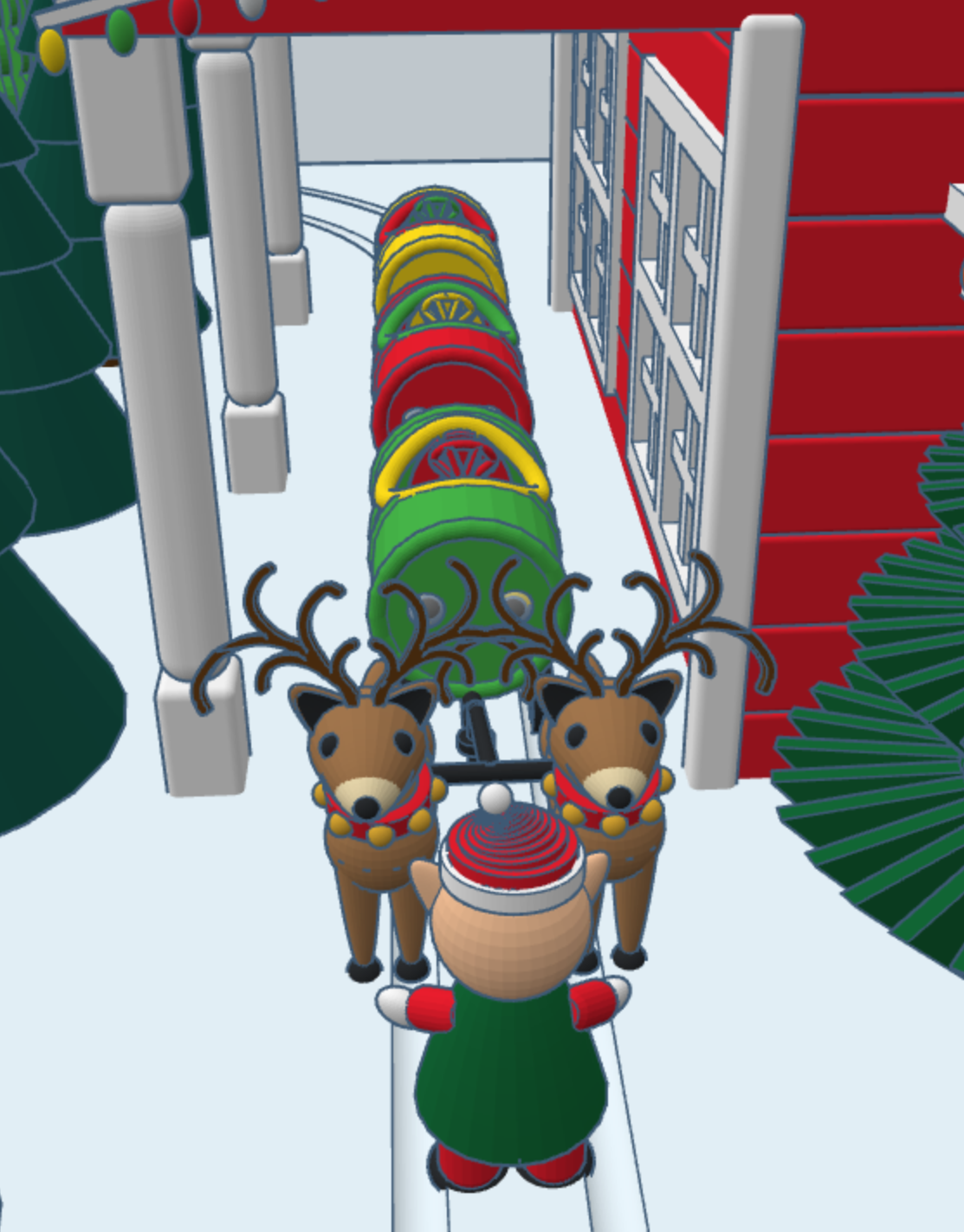
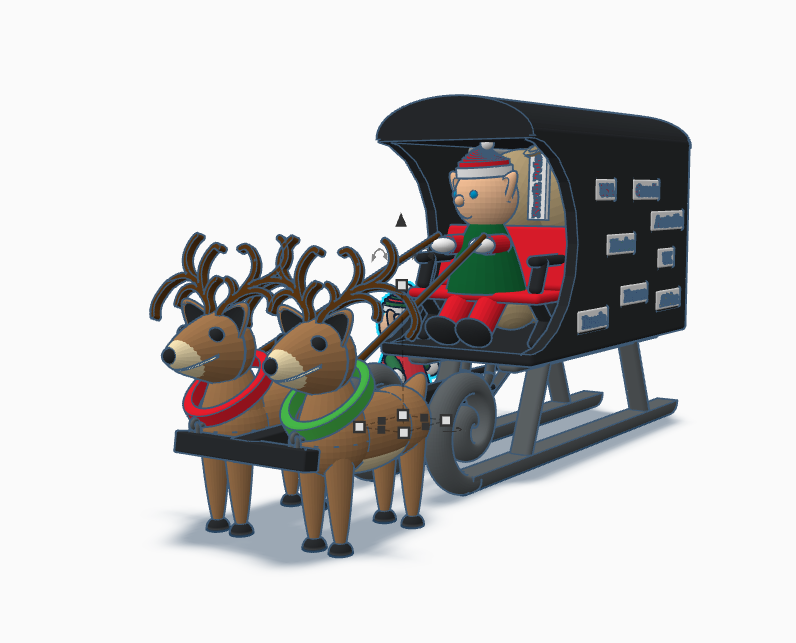
First, I needed a mail truck to deliver mail to the North Pole. A truck with wheels would have trouble delivering mail in the snow. I needed some reindeer and a converted sled to deliver the mail. One the side of the mail carrier, you will see signs from different countries. If you create a sign for your country, just make your sign design public/copyable and tag #sarahcath. I will put the sign on the mail carrier and give you credit. You can get a 3D view of the mail carrier at this link: North Pole Mail Carrier

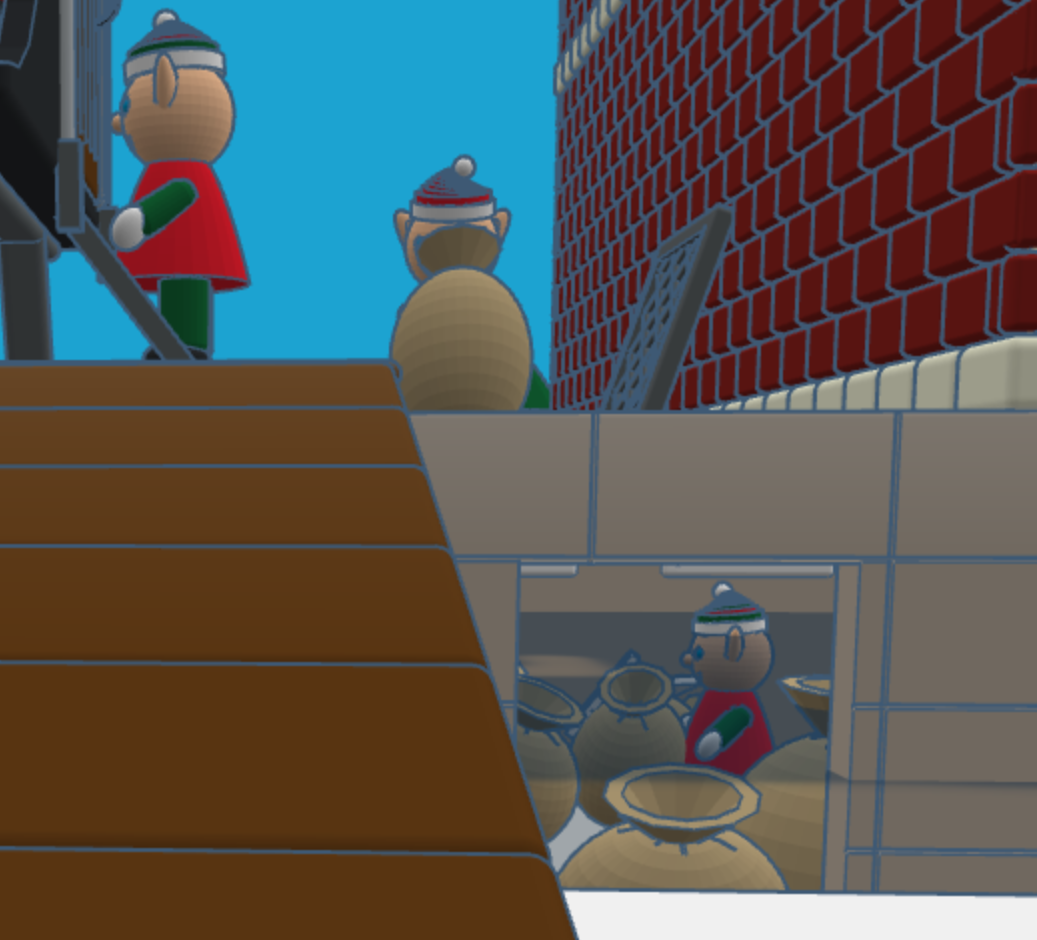
For the design of the post office I decided on a corner building, with two entrances/exits and a clock tower. Plus, I wanted the post office to have a basement, where the elves would place the sacks of mail.

After the mail is delivered, a sack is sent upstairs for sorting by country. Santa typically delivers mail by country. The first floor also allows the elves to ship letters and packages.

After the mail is sorted, it is sent to the second floor to be opened and read by Santa. The second floor also has mailboxes for the elves. Yes, elves do get mail.

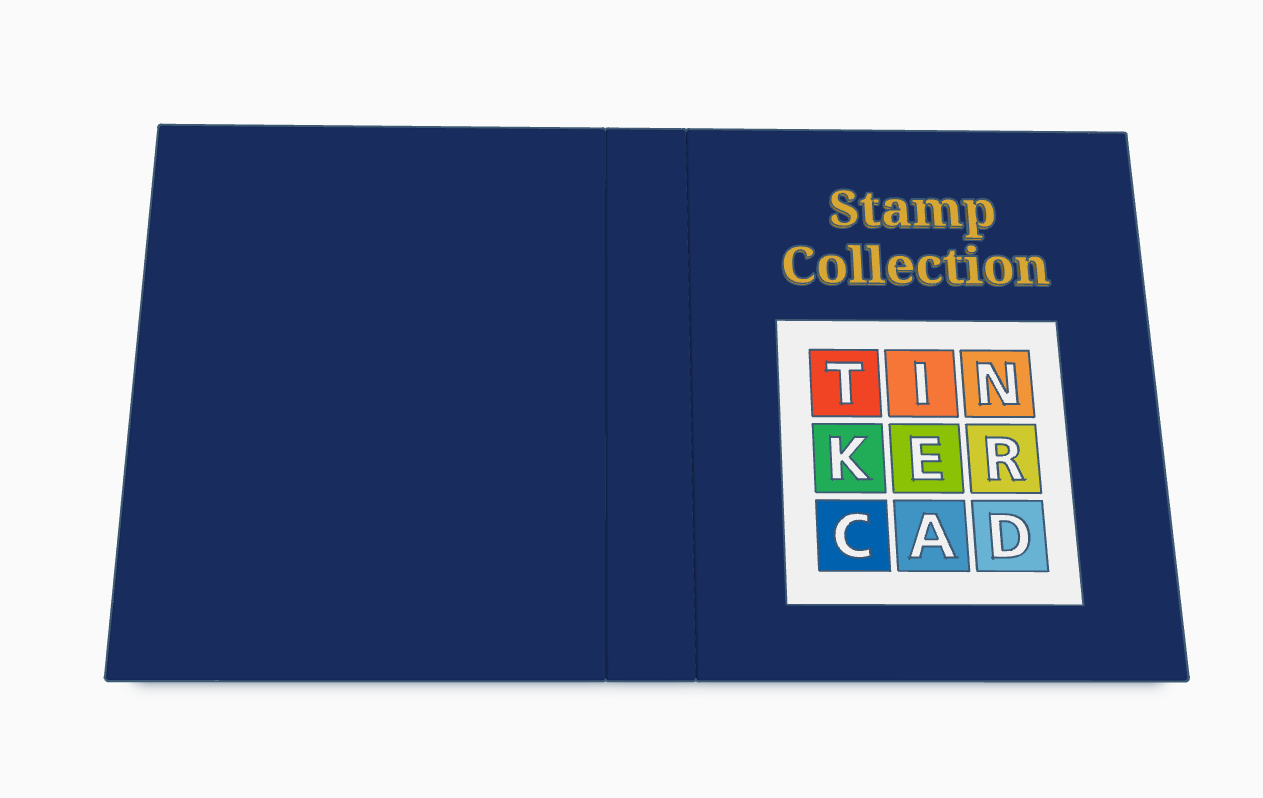
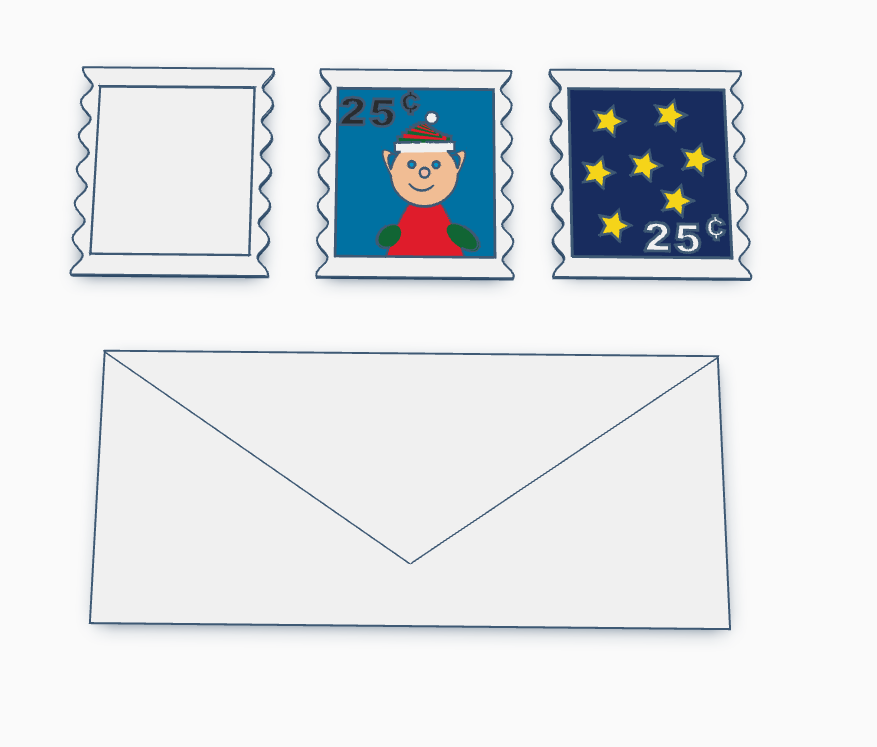
Santa’s Elves are collecting stamps. If you create a stamp, using Tinkercad, and I will paste it into the Stamp Collecting Book and give you credit for your stamp. You can either create the stamp from scratch or use my stamp template. Just make the stamp design copyable/public and tag #sarahcath when you are done. The scribble shape in Tinkercad maybe great for making a stamp.

Santa Workshop is also available to copy. For 2024, I added a mailbox.

Don’t forget while are in Tinkercad to check out my other Christmas related designs”

North Pole Christmas Tree Farm

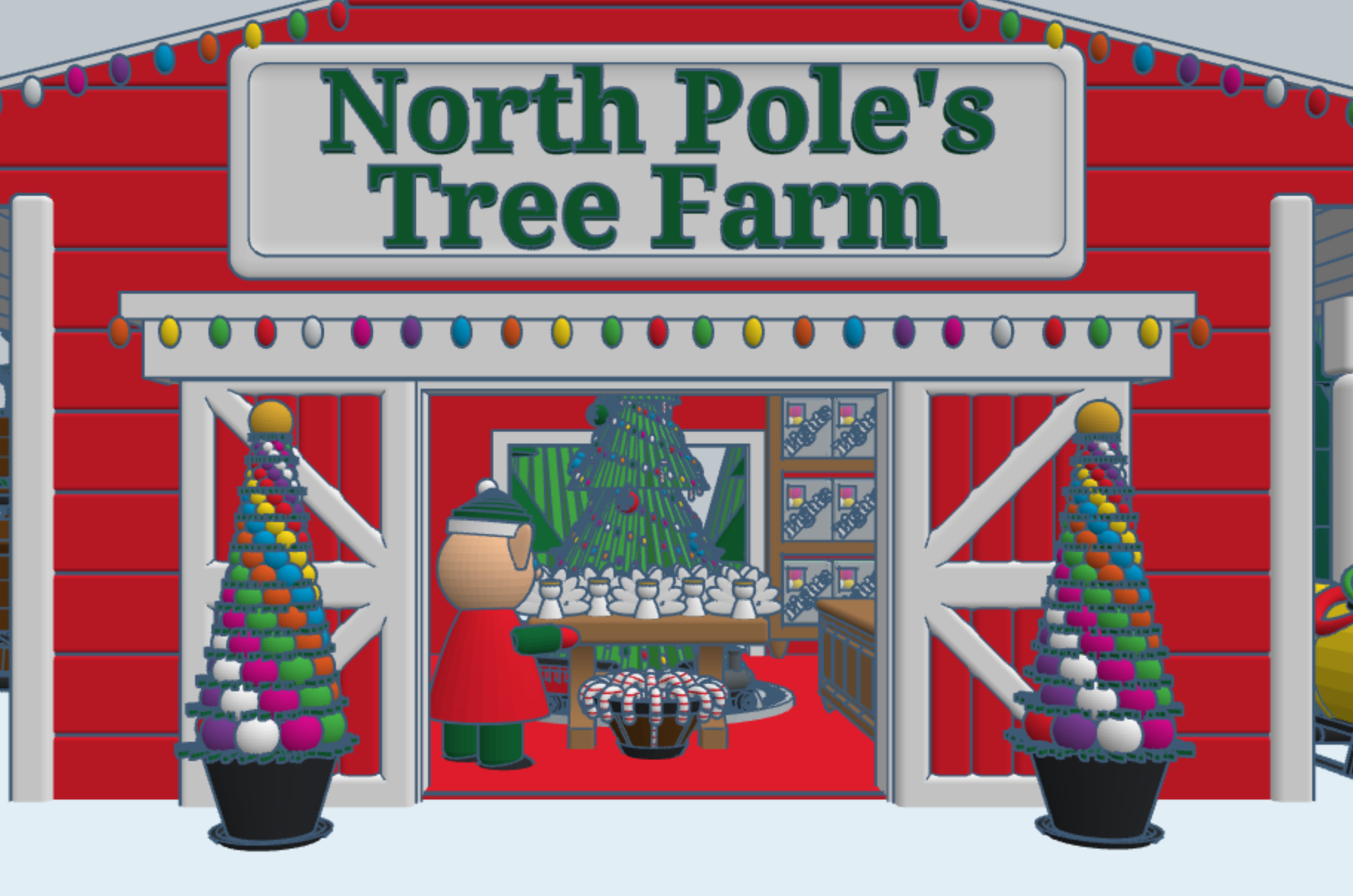
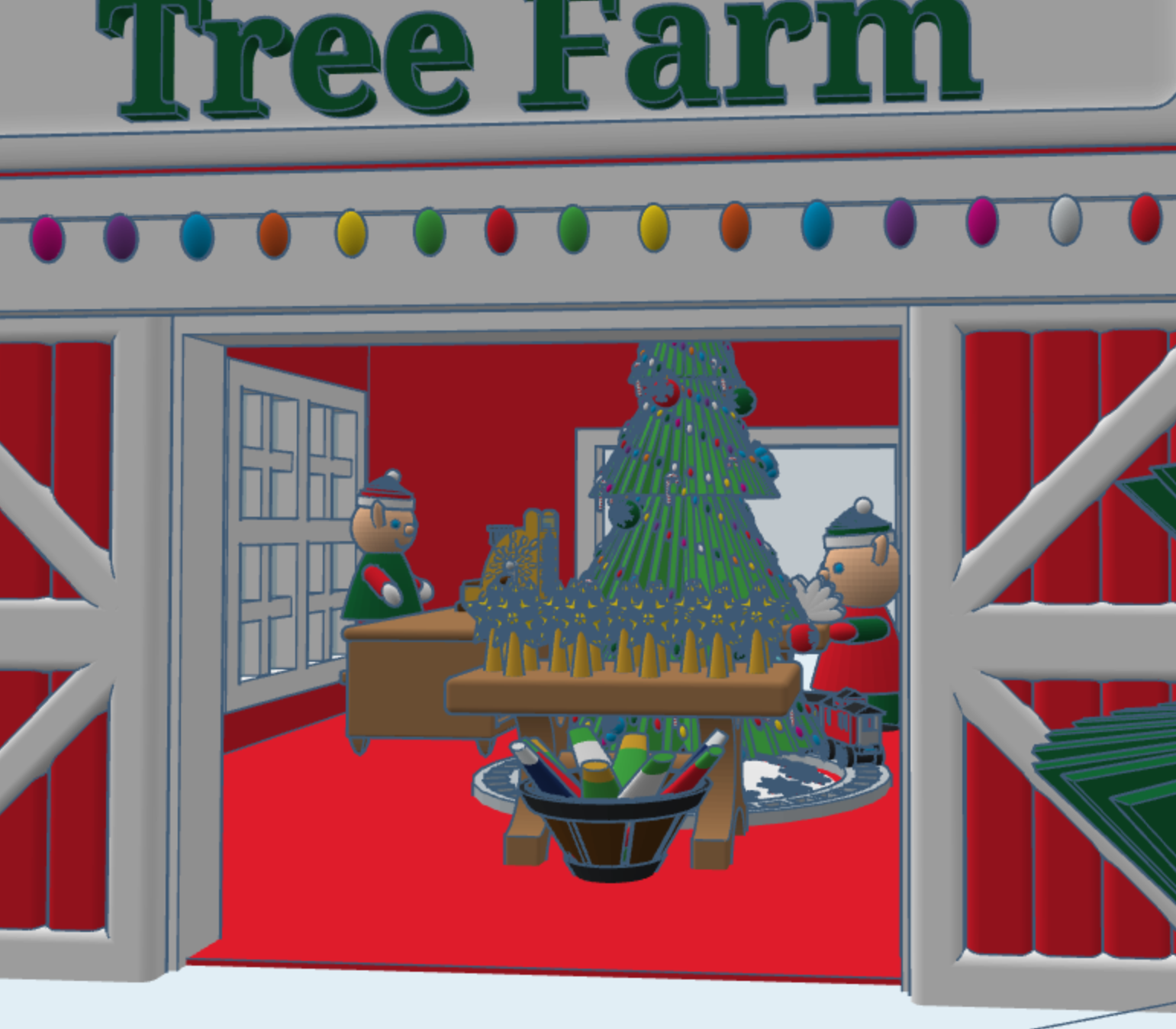
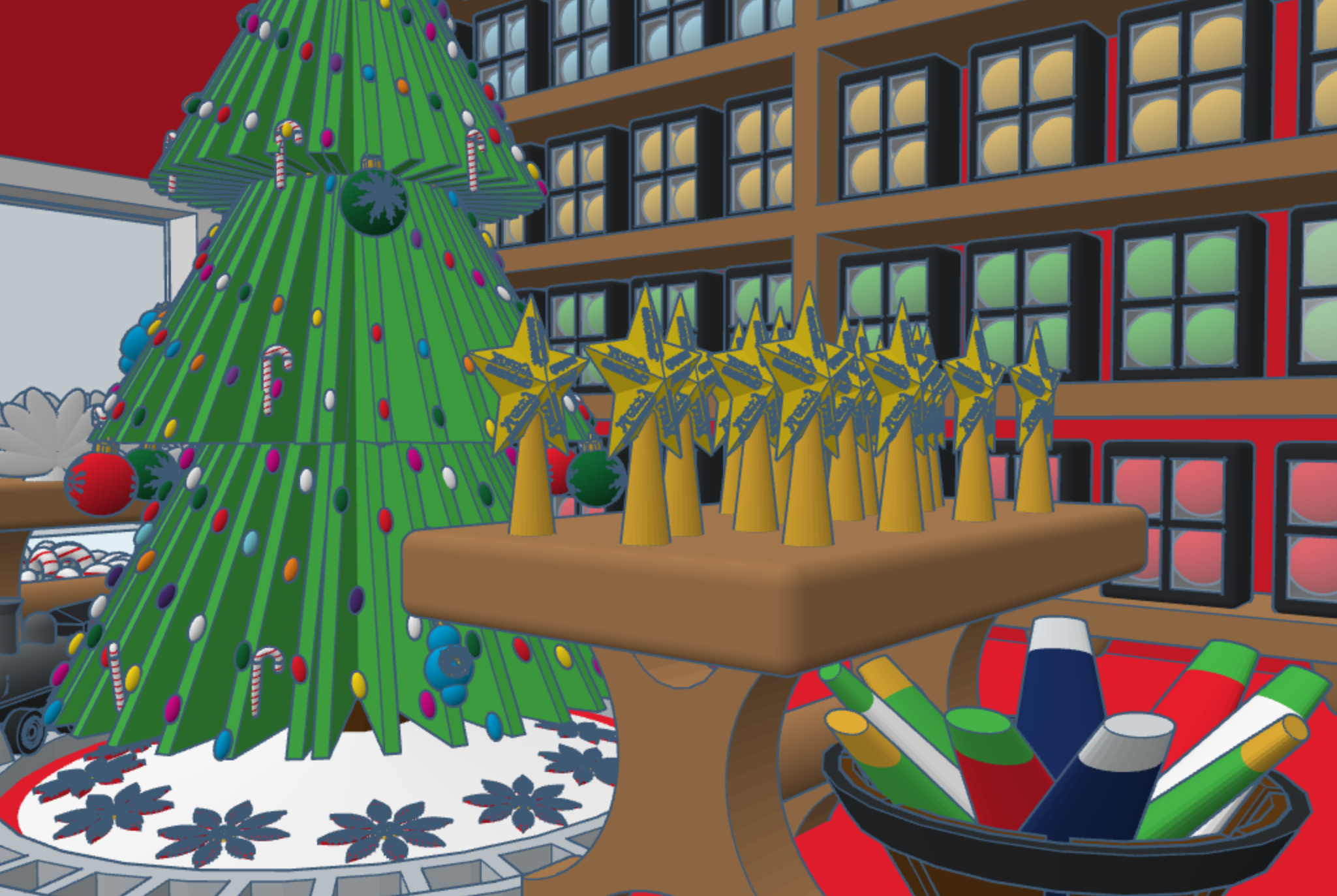
This year, for Christmas, I decided to design a North Pole Christmas Tree Farm in Tinkercad, with a barrel train to take visitors around the farm. I placed the shop inside the barn, I guess some of the reindeer gave up their lodging for the season. The shop sells tree decorations. You can copy this design and add your own objects to Tree Farms.
The barrel train was created in a different design. One train set has skids for use on snow, and another train set has wheels for use on the ground. You can copy the train, but you will have to design your own form of propulsion.
More Things I Painted

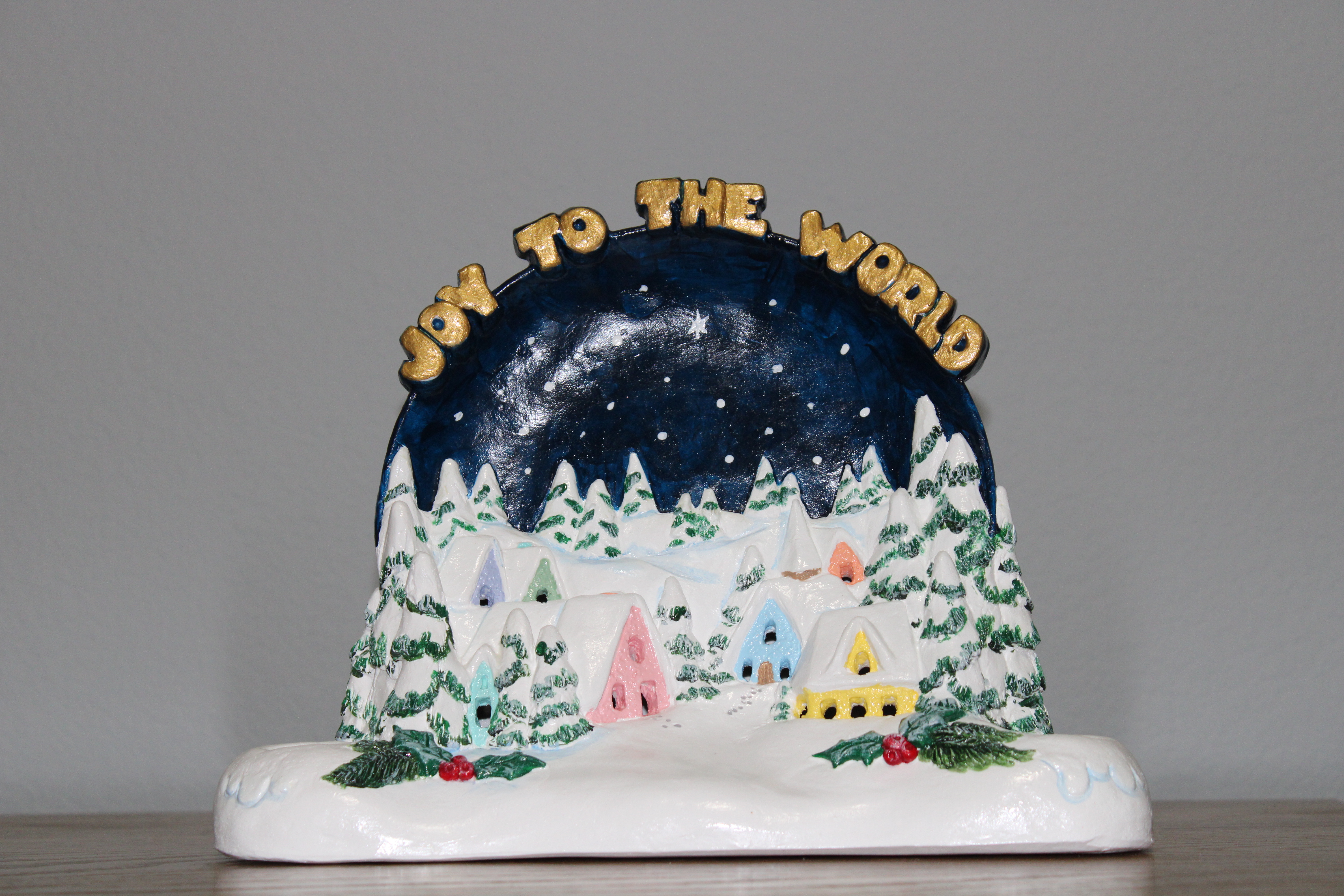
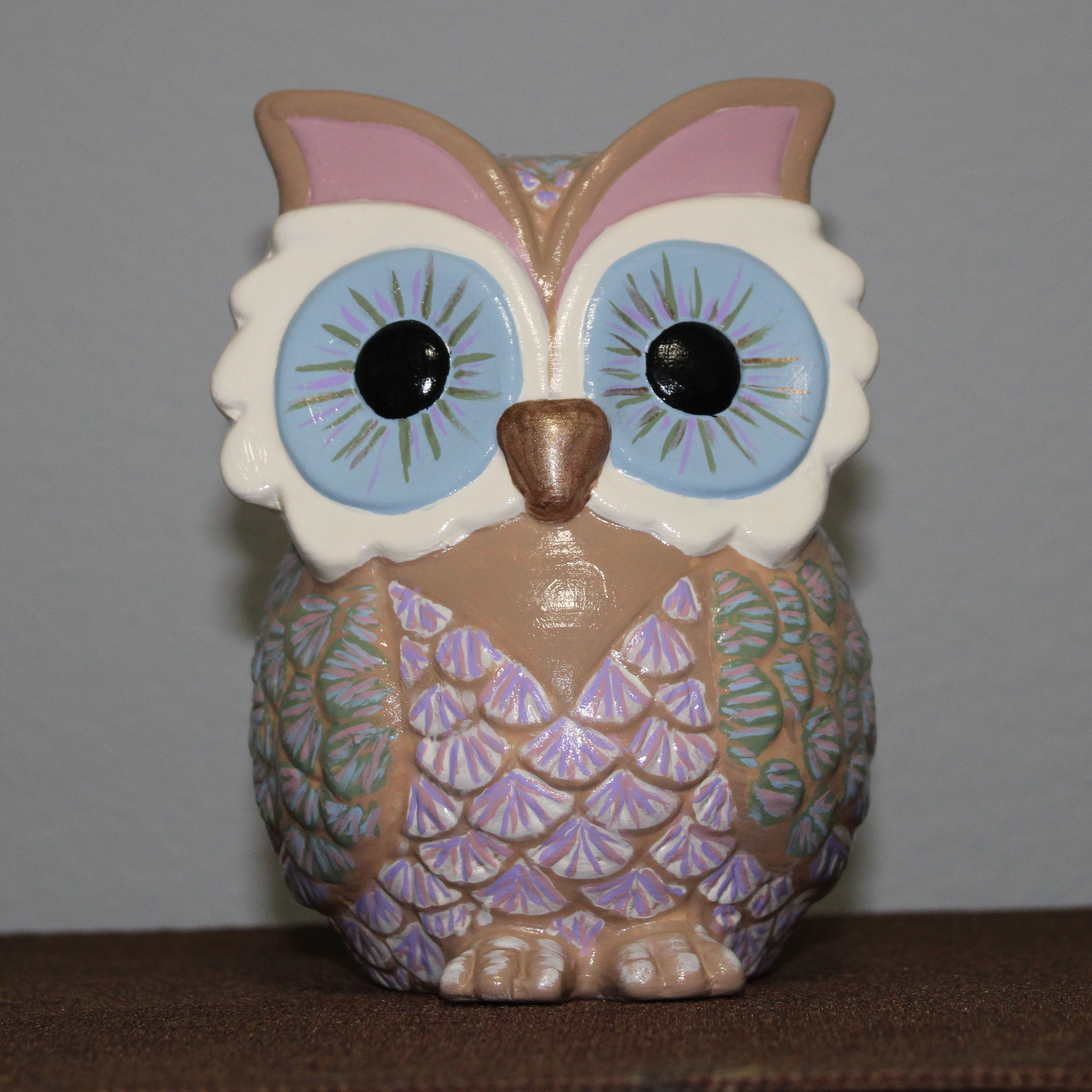
I spent August and September painting a few items I had in storage, but then I went to Hobby Lobby and found two other items in their Fall collection that I just had to paint.

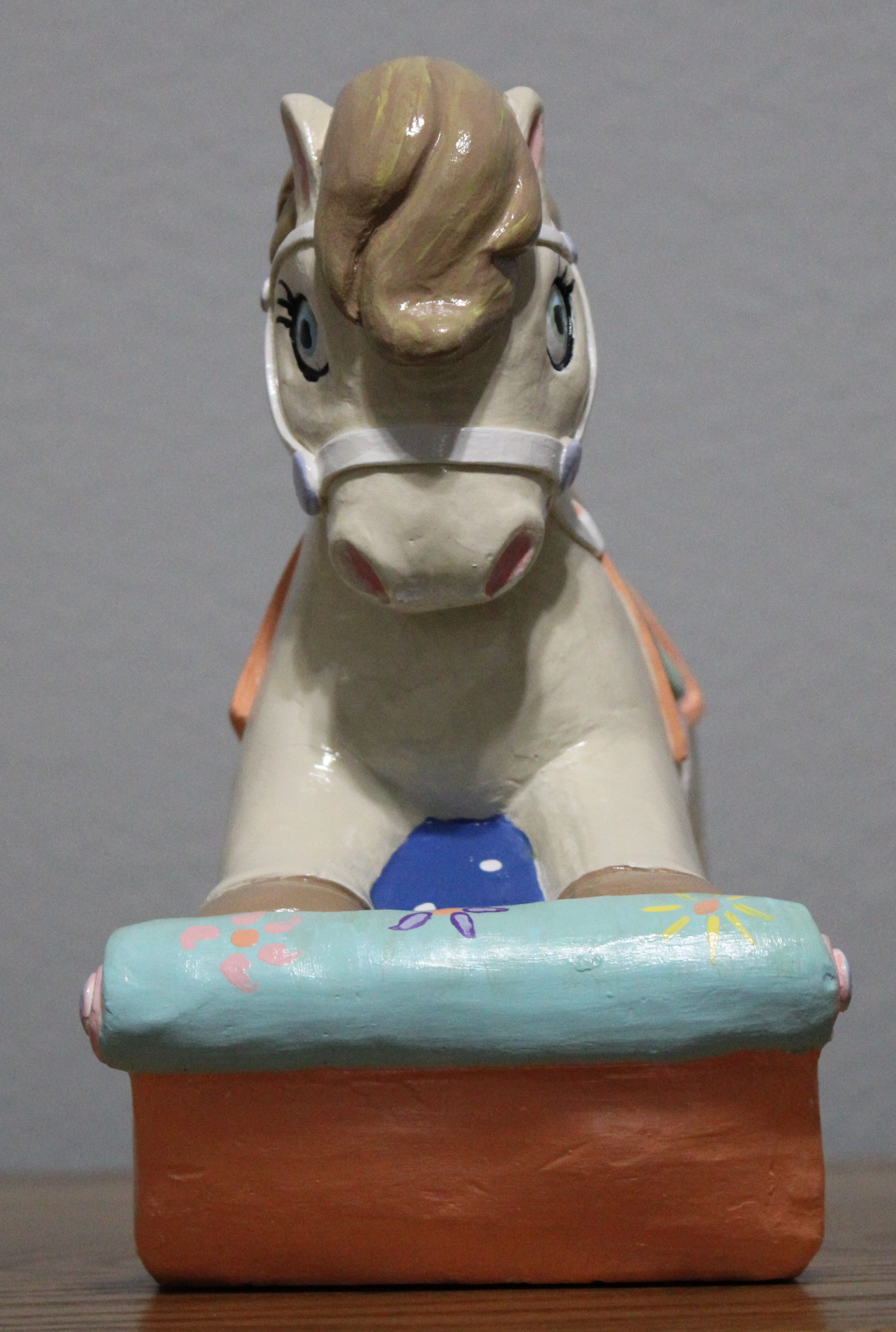
I have seventeen nieces and nephews. I purchased the horse to paint as a potential gift for one of them. It did not get painted, until now.

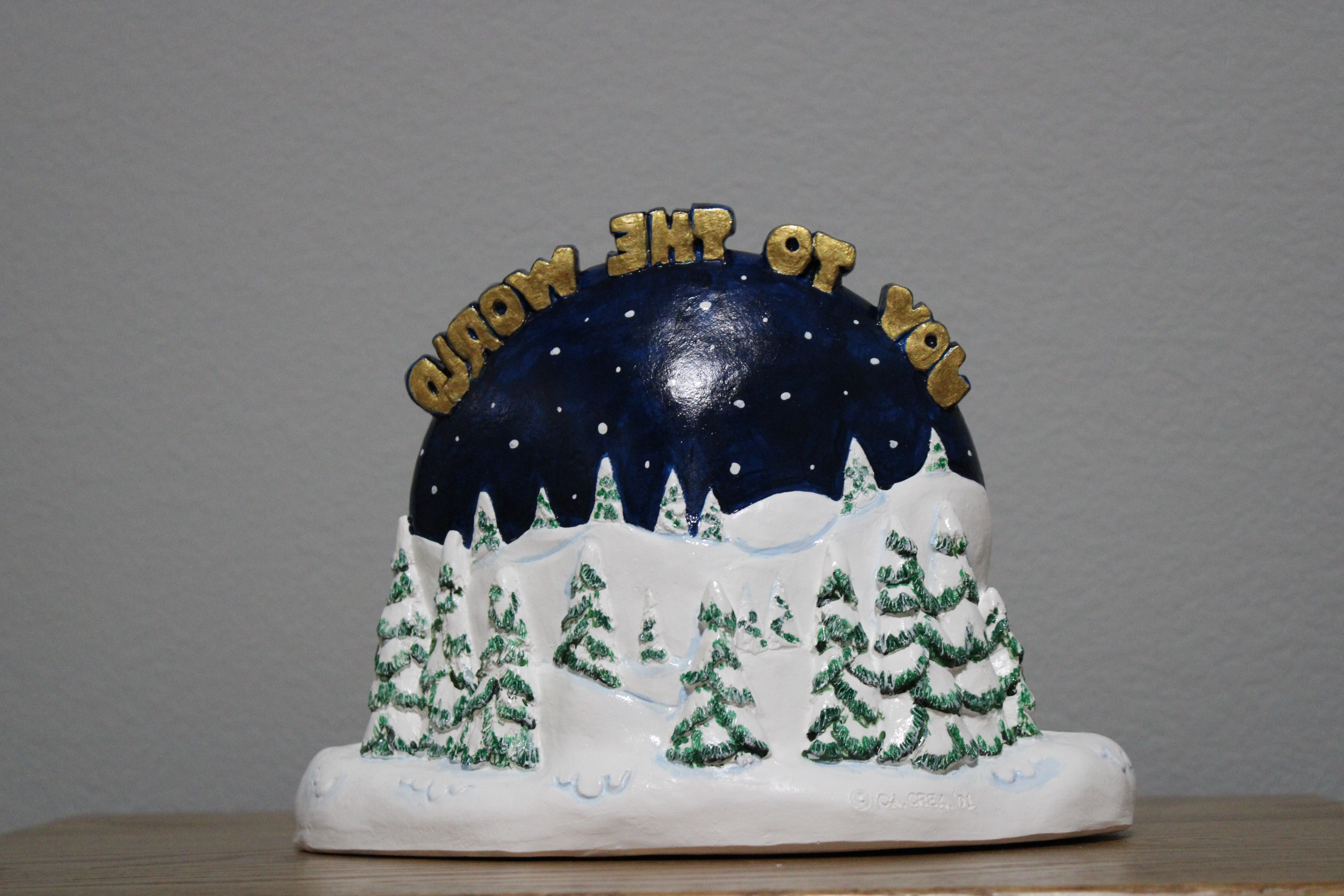
Its Christmas Time! No, it’s not! I like houses and a nice little Christmas Village to paint was the next item I selected; it was in stored for years. This piece is designed to hold candles.

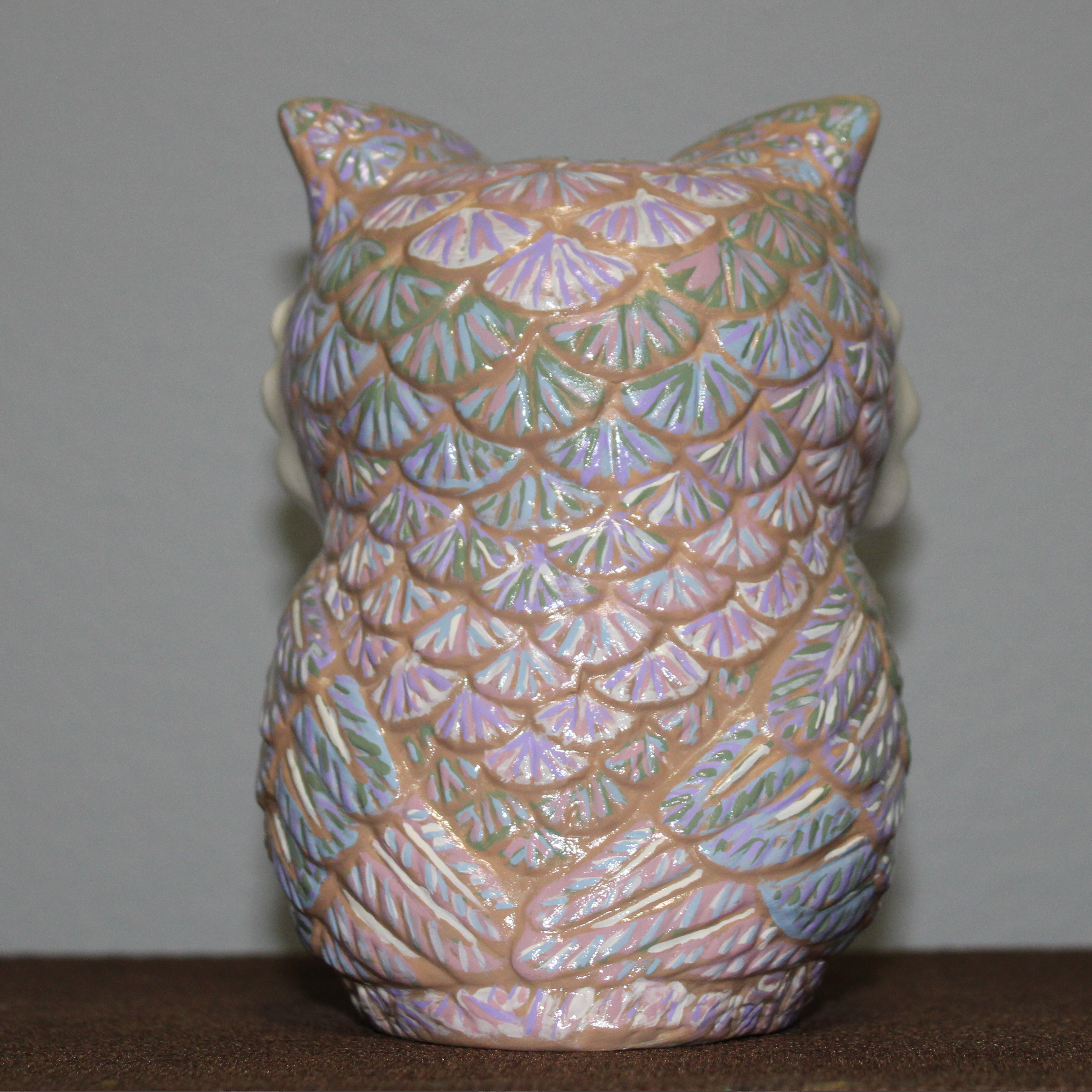
The next two piece were not in storage. They are the ones I found this year at Hobby Lobby. As you can tell I did not paint the owl in fall colors, instead I selected the colors that I used to paint the three angels. I did not paint the little white reflection in the eyes because after the gloss vanish was applied, it will allow the eyes to catch the light reflection.

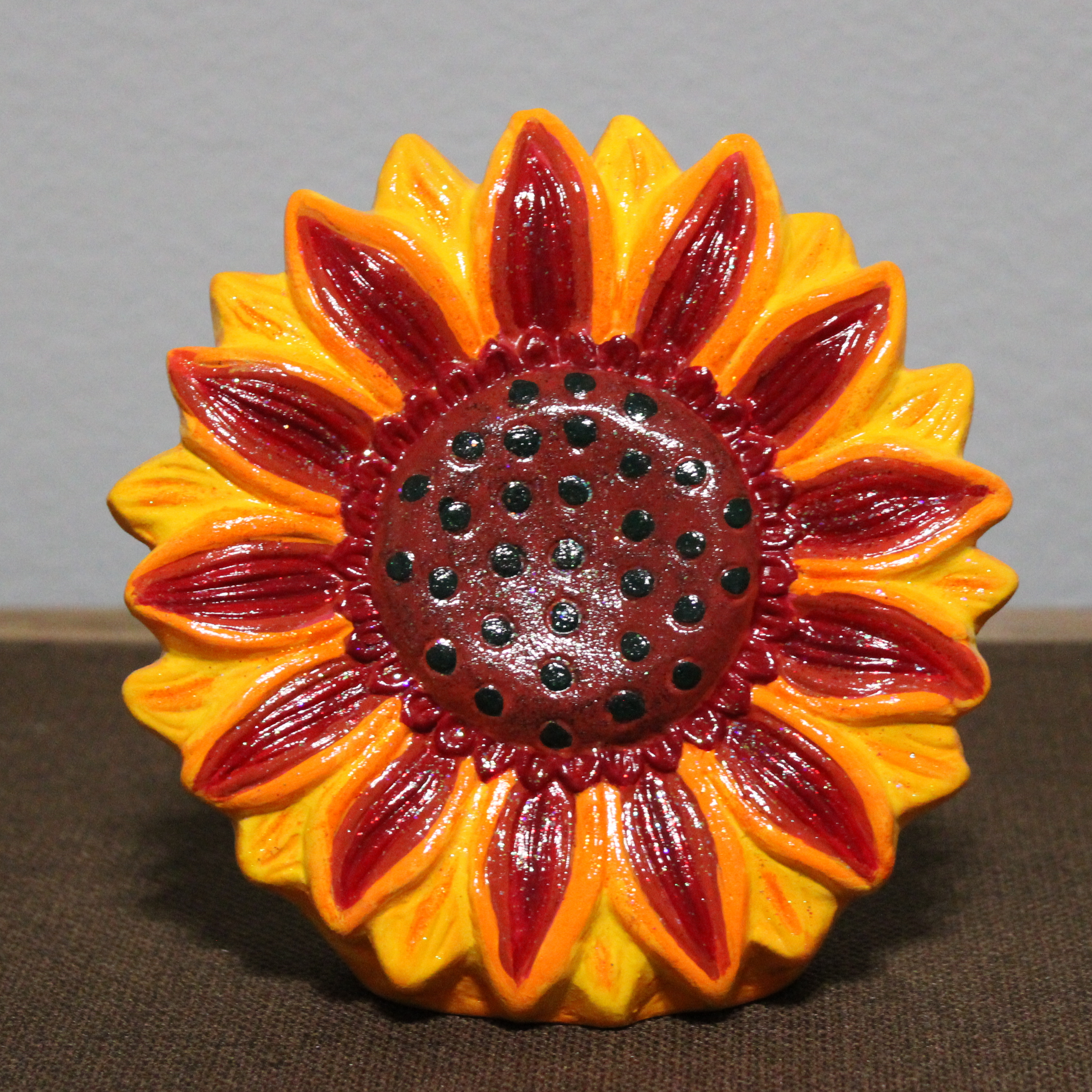
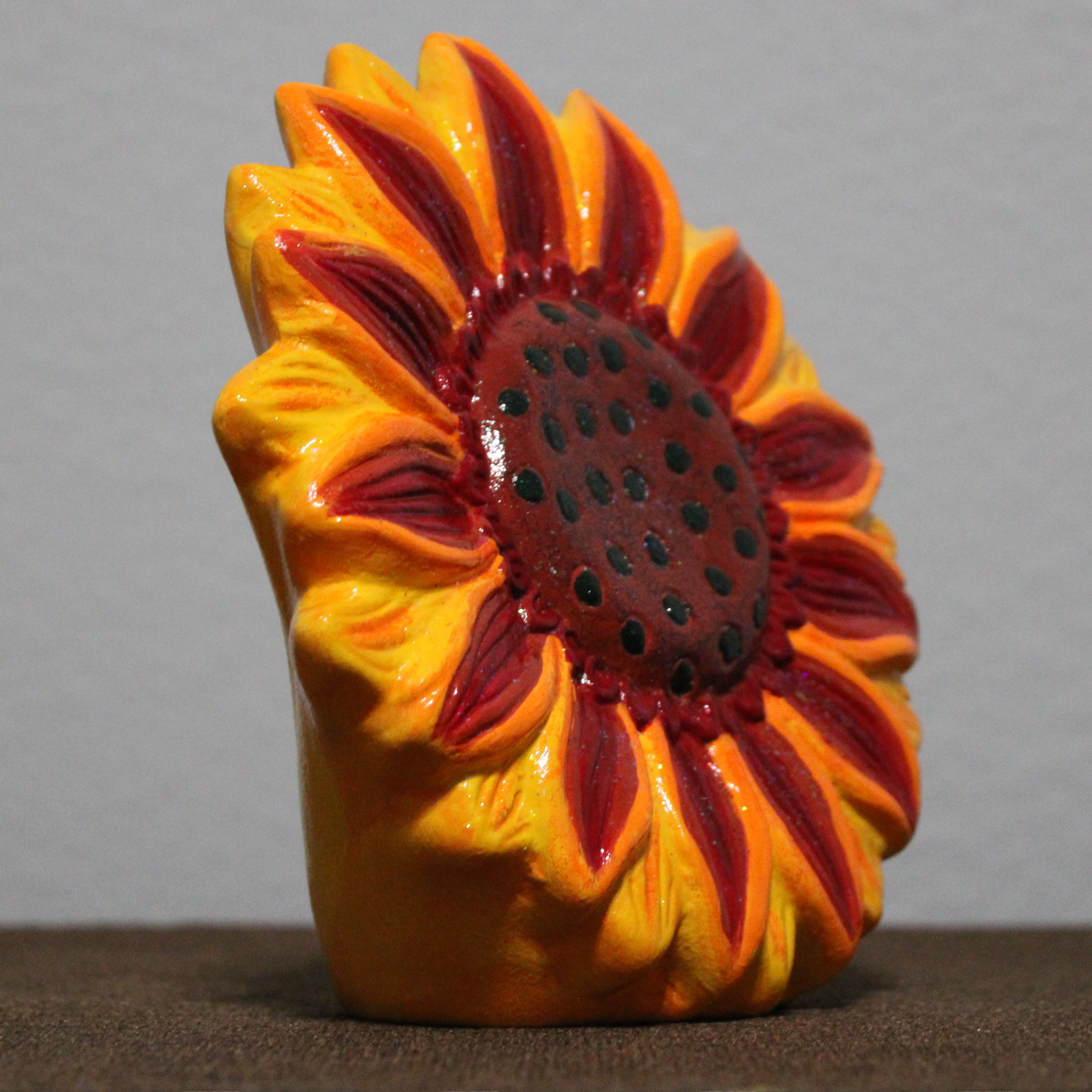
I did not want to paint the sunflower multiple shades of yellow. I wanted something a little different, so before I started painting it, I searched the internet to check if sunflowers did come in other colors besides yellow. I used multiple shades of red, orange, multiple shades of yellow, and dark green. After I was satisfied with the colors, I used yellow, red, and orange fine glitter paint. Then I used a sparkle glaze (glitter glaze) over the flower to give it a sparkle. To finish, I used gloss varnish.

Tinkercad Contest and more…

To support all the tinkers that hosted contests during this holiday season and Tinkercad’s TinkerTogether, I created the following designs:

TinkerTogether Design Challenge #25: Winter

Snowcones for Sell

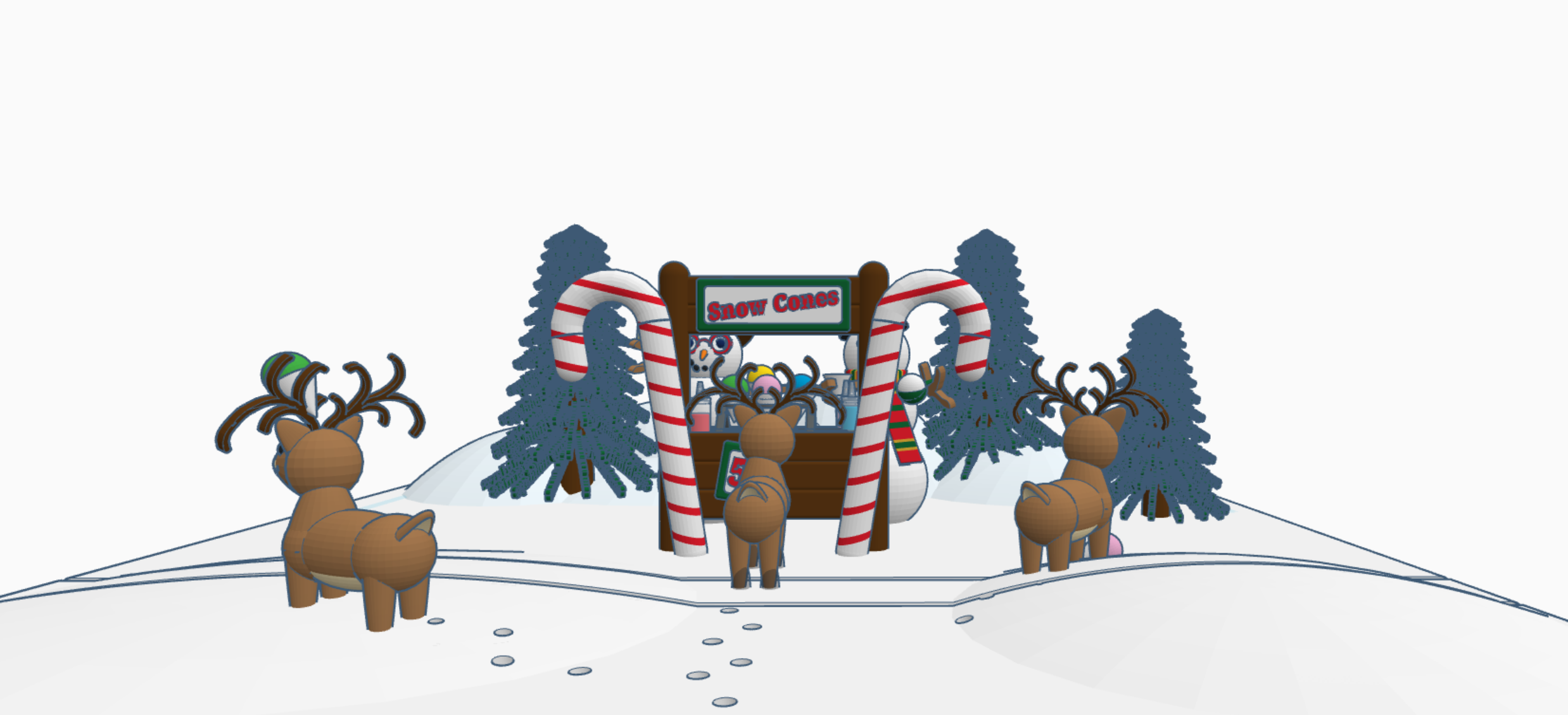
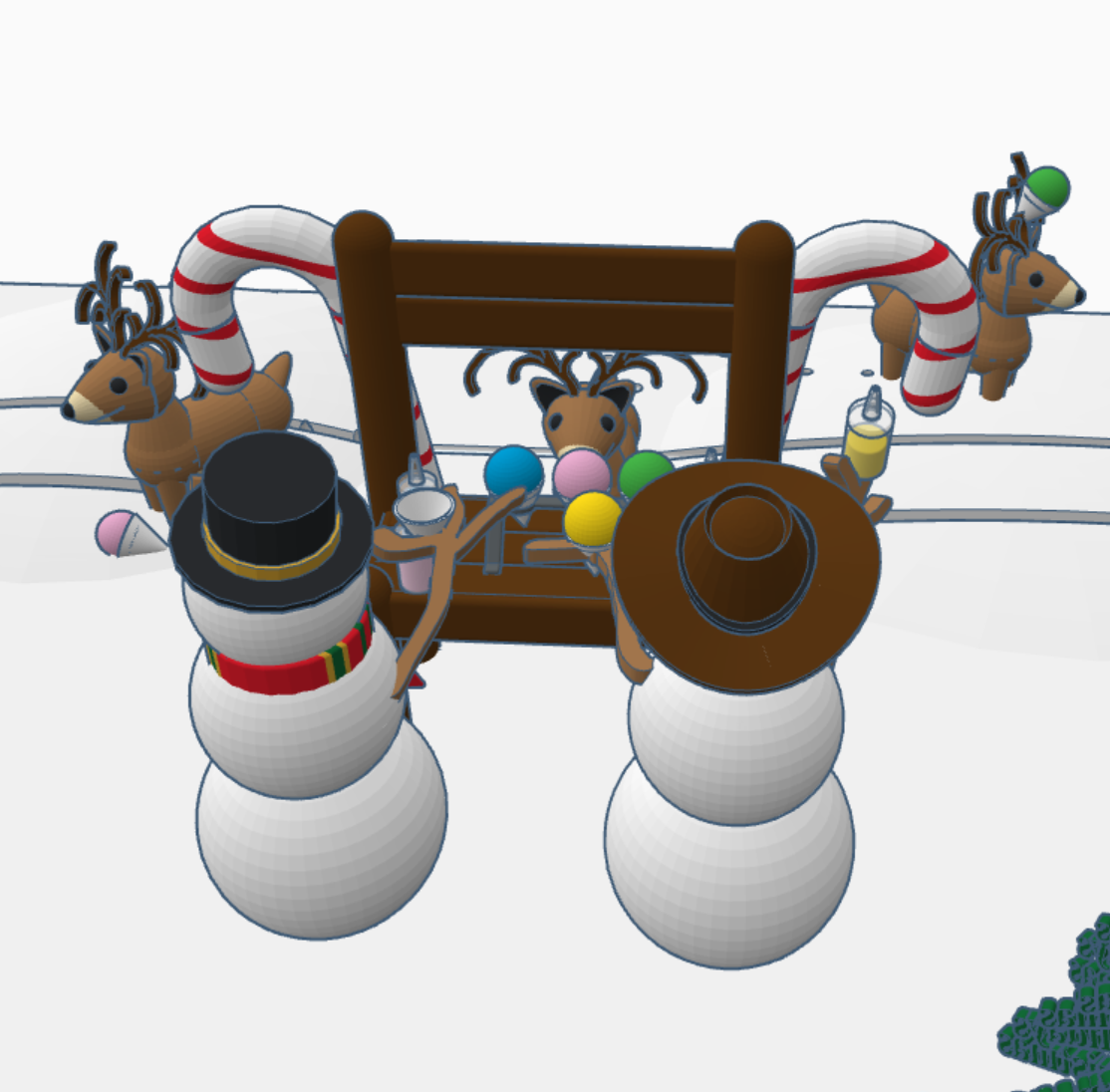
Snow Cones for Sell: In this design we have two snowman selling snow cones to a few reindeer. If you look closely at the ground, it appears that Santa Sled has been through. The hats, the reindeer and the candy cane are available in Tinkercad’s Shape Menu.

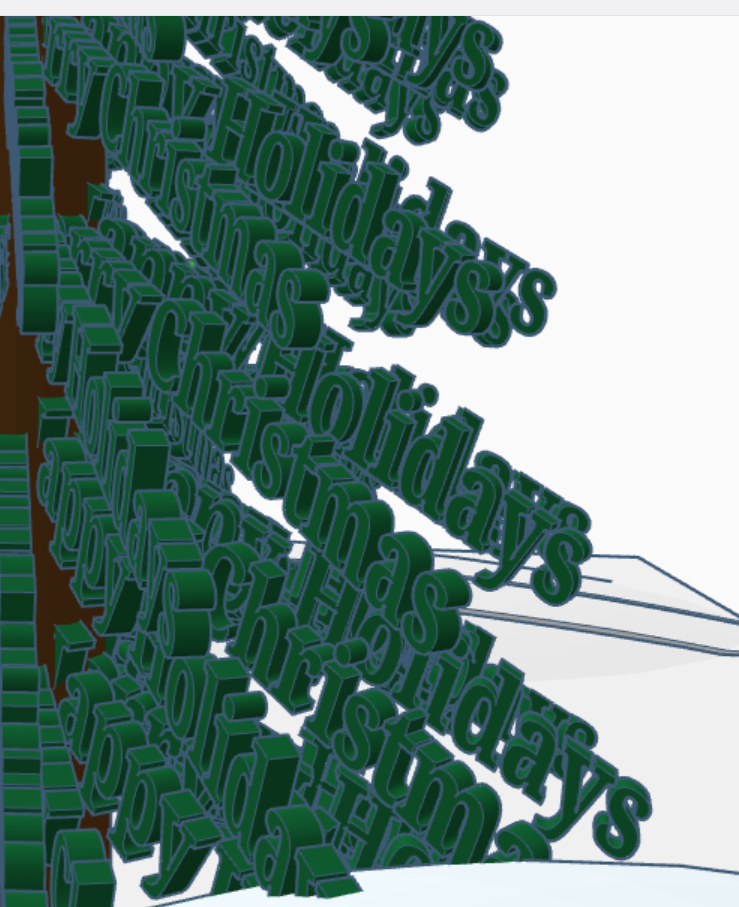
Take a close look at the trees, what do you see?

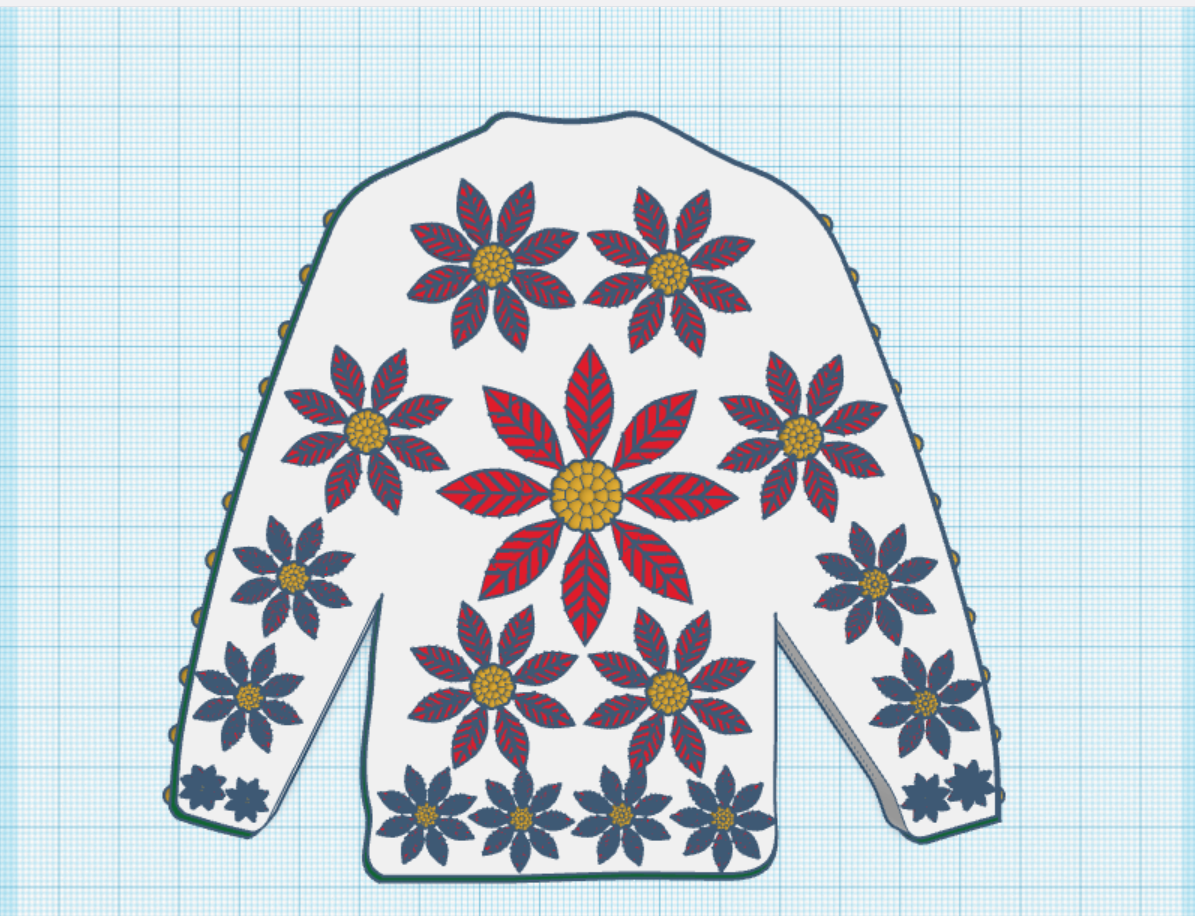
Create an Ugly Christmas Sweater: I used the template provided.

Contest: Design an Ornament – I could have created a typical ball ornament, but I wanted something that looked fragile. Do you see the snowflake inside?

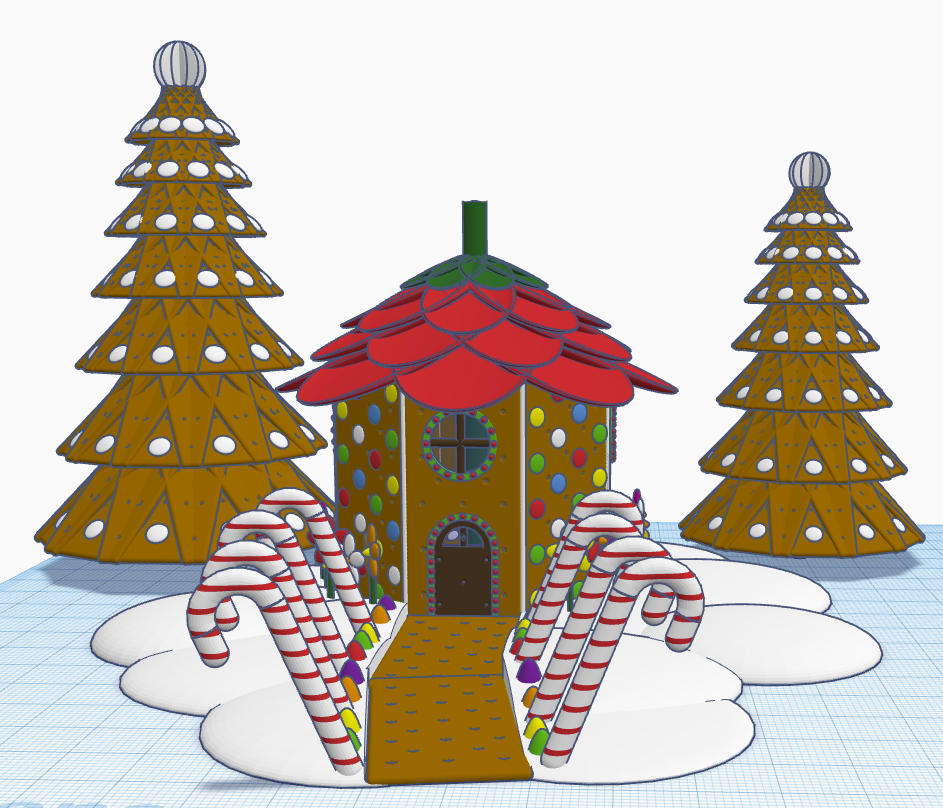
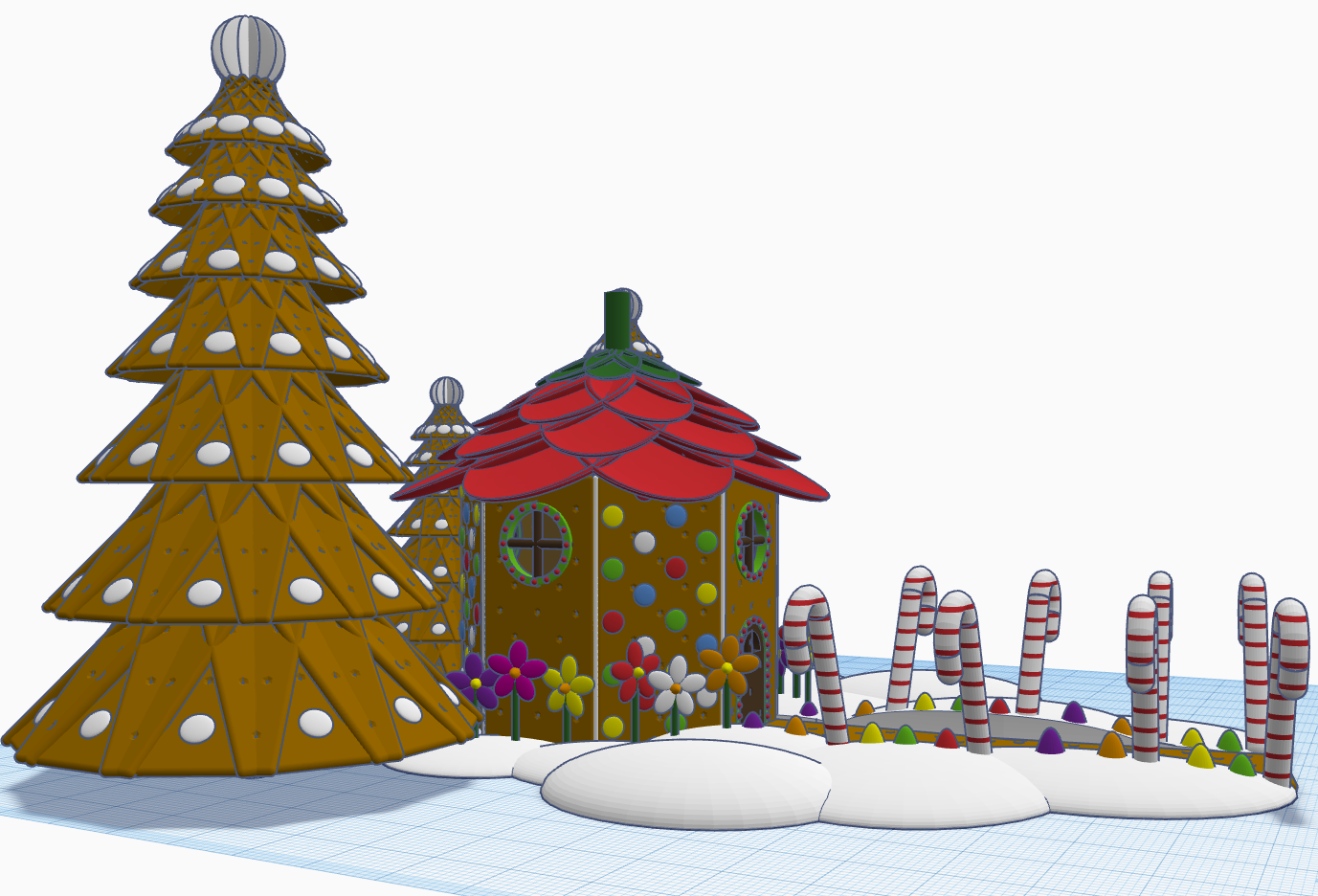
Contest: Create a Gingerbread House – I created a Gingerbread Fairy House. The roof of the house is a candy strawberry, and the path is lined with candy canes and gum drops.

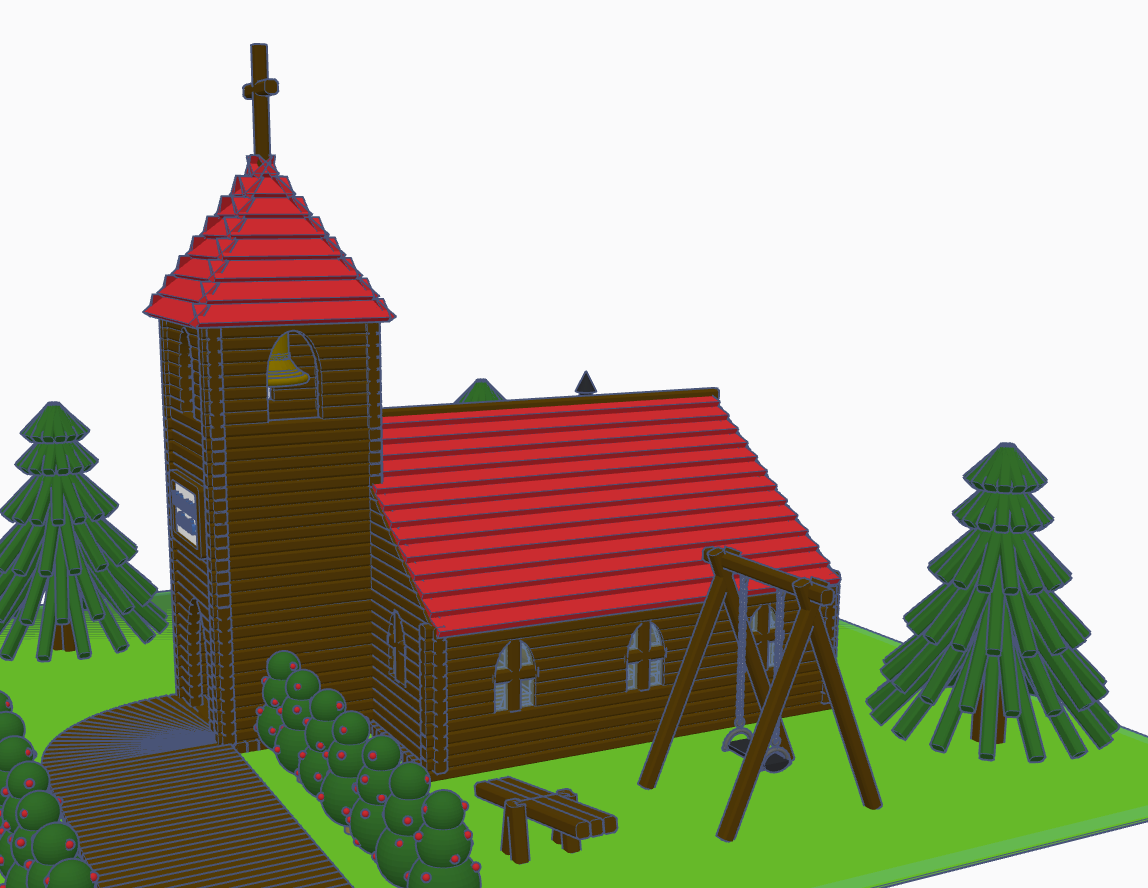
Contest: Create a Log Cabin using the TinkerLogs created by HLModTech – I created a TinkerLog Church. The building and most of the items, including the trees, were created using the TinkerLogs that HLModTech created. I kept the width and height of the TinkerLogs, and only change the length.

TinkerTogether Design Challenge #26 – Party: For this challenge, I created a Bouncy Castle and Balloon Animals. Can there be a party without these items?

Contest: Create a Christmas Plushie – my contest entry was me. For years, I had a certain way of creating a stick figure of me. I decided for this contest I would create a Plushie of Me. Notice the Santa Hat, it came out looking pretty awesome.

You can see all these items in 3D view from my profile or clicking the links above: SarahCath

Merry Christmas 2022

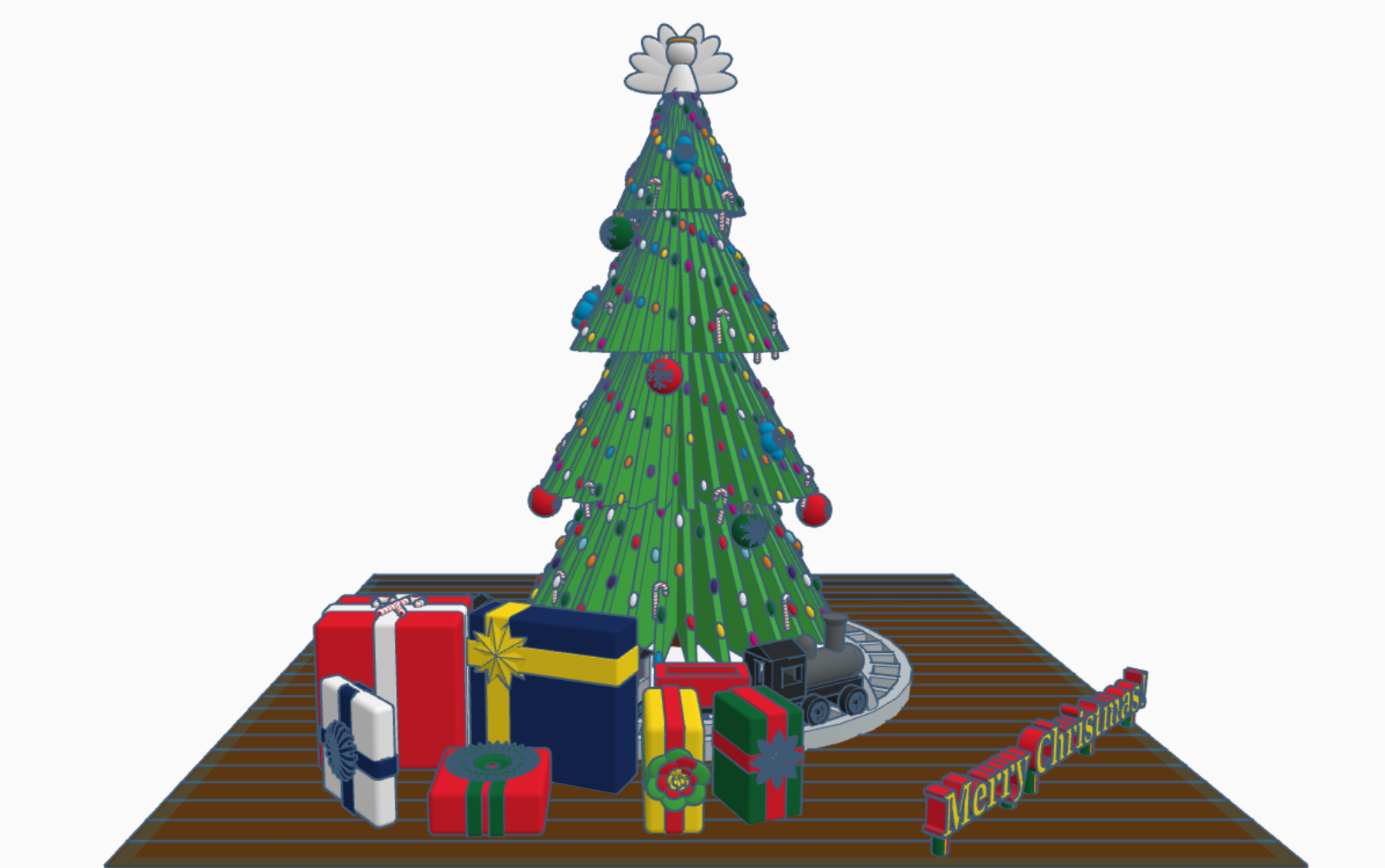
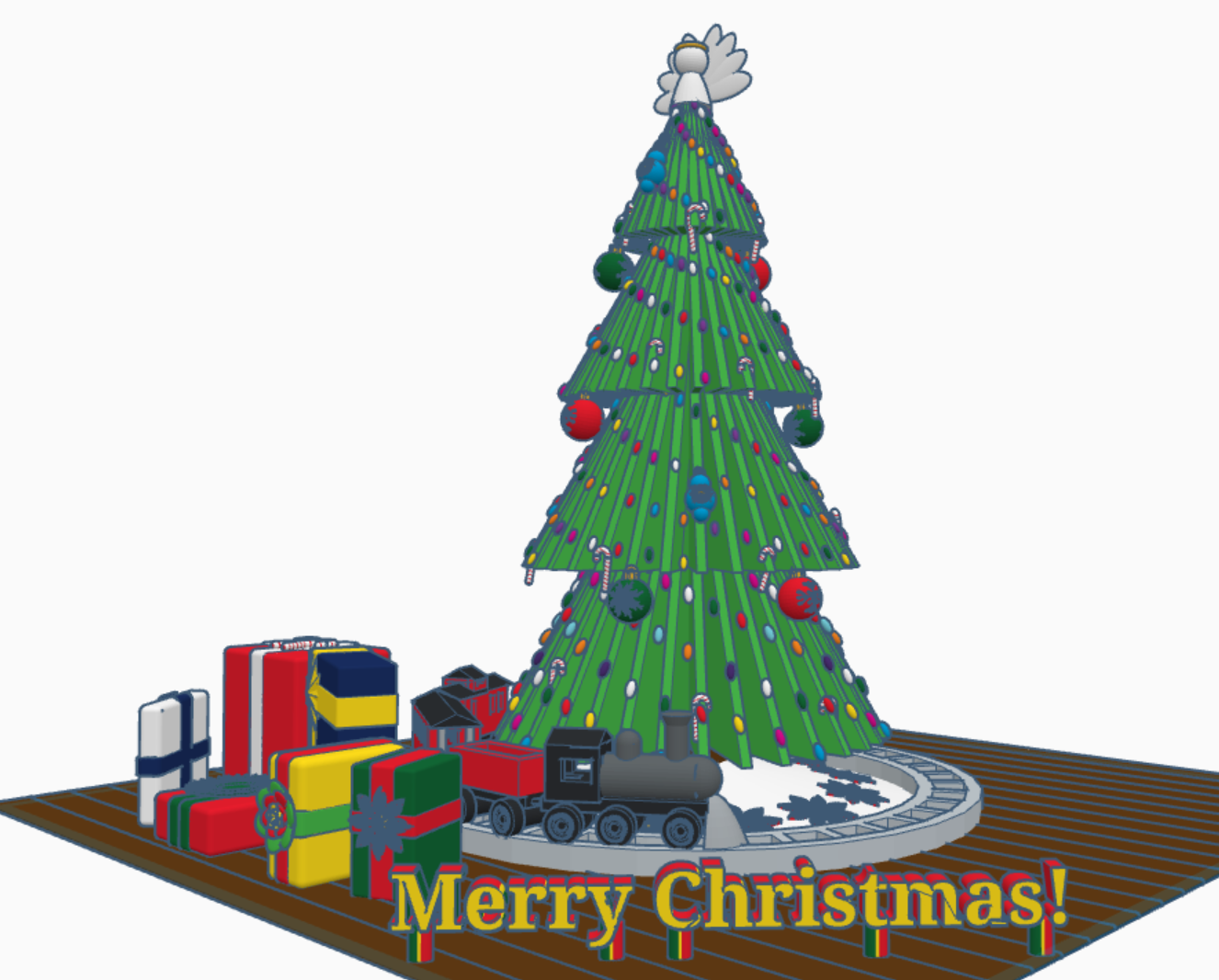
Merry Christmas from Sarah, or Sarahcath, as I use it a lot for my handle. Link: Merry Christmas 2022. For all the Tinkercad users; both past, present, and future; I created a Christmas 2022 scene with a tree, a train, and presents. Each present under the tree contain a gift. It is not just a pretty box. To open the gifts, you will need a Tinkercad account. Copy the design and ungroup the box from around the present. If the gift is too small, you are using Tinkercad, you can make the gift larger.

The tree came from my Instructable on Designing a Christmas Tree with Tinkercad. The train came from my 2016 Design We Wish You a Merry Christmas. The poinsettia I plucked off of last year Christmas Tree with Flowers. I created the Candy Cane, saved it as a shape, and uploaded into Tinkercad’s shape library. The big red, blue, and green ornaments are a work in progress.

I you would like to add a present to this tree. Either reach out to me and follow the directions in the design profile. Link: Merry Christmas 2022

Christmas with Tinkercad Codeblocks

My biggest adventure this year was moving. Not a move across town, but a move to a different State over 500 miles away. I cannot recommend moving. While I was sitting in front of the TV at night, during my breaks from unpacking boxes and organizing, I decided to relax with some coding in Tinkercad Codeblocks.

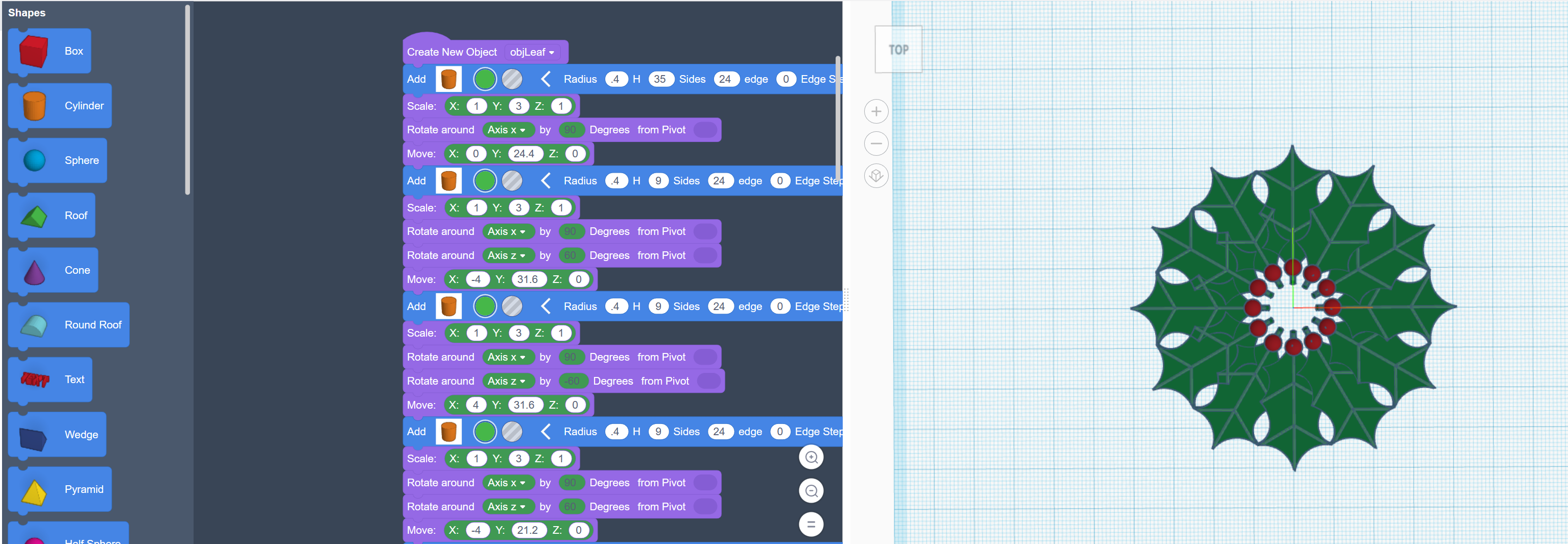
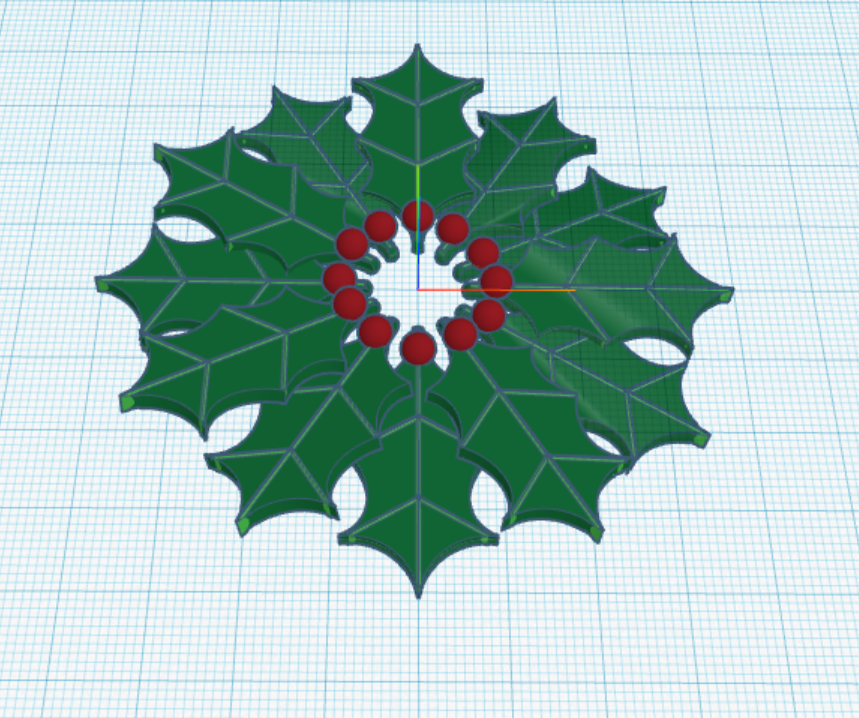
The first thing I coded was a Christmas Wreath:

First, I coded one holly leaf with all the details. Then I copied and rotated each leaf along the x, y and z axis.

The rotation around the x and y axis is random, so the wreath will look a little different every time the program in run.

You can copy and run the program on Tinkercad Codeblock: https://www.tinkercad.com/codeblocks/2ZZut9sL86G

The second Christmas design I created with code block, was Santa. https://www.tinkercad.com/codeblocks/hPyeQnEmdV5

He was coded from the feet up. The beard is randomly generated, so it will look different every time the program is run.

After you create a design using Codeblocks, you can export the design as a Shape and use it in Tinkercad 3D Design.

The Santa may have looked better if I used 3D Design, but he does have a level of cuteness to him.

Christmas Trees 2021

Stuhr Musuem

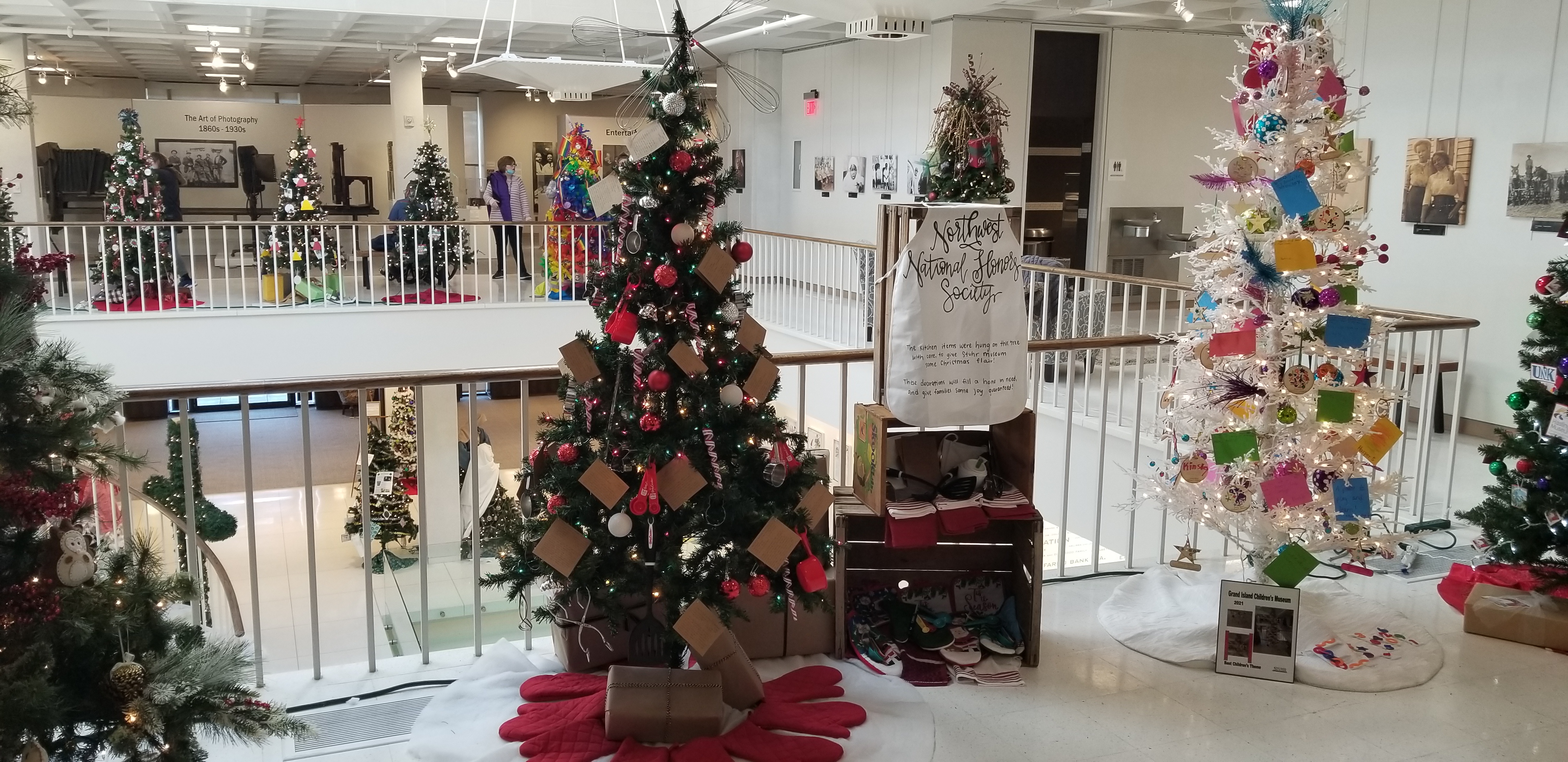
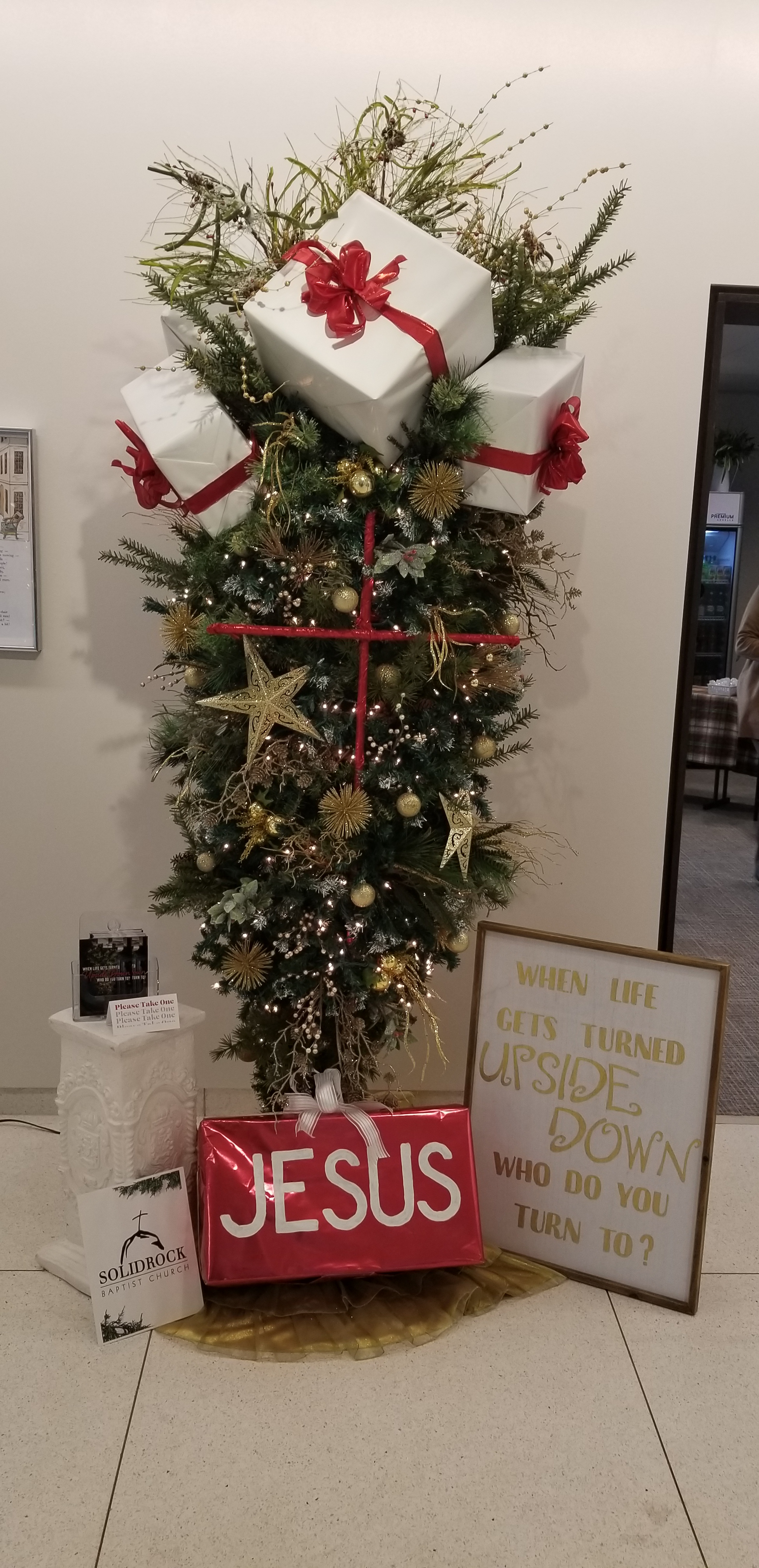
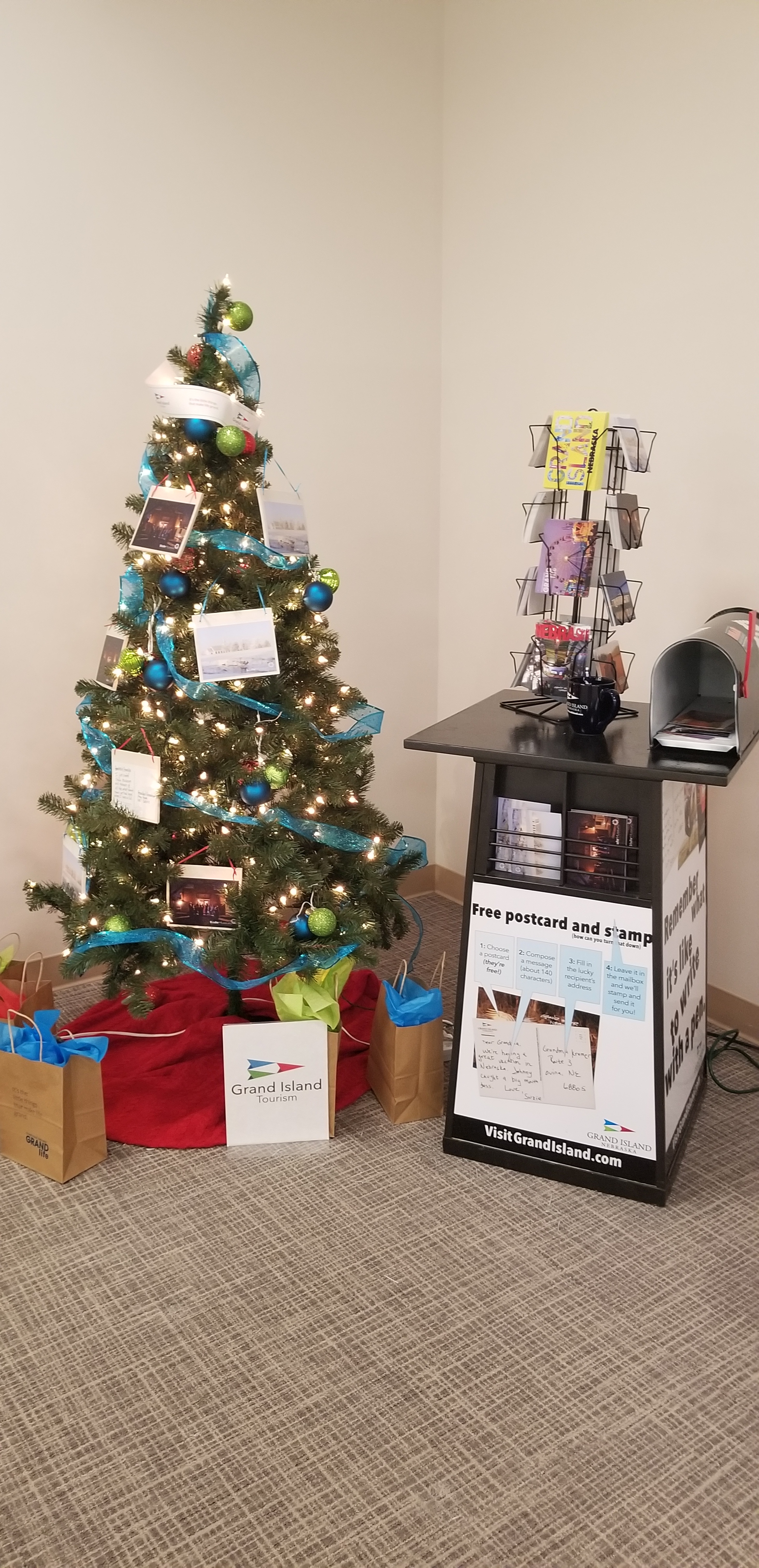
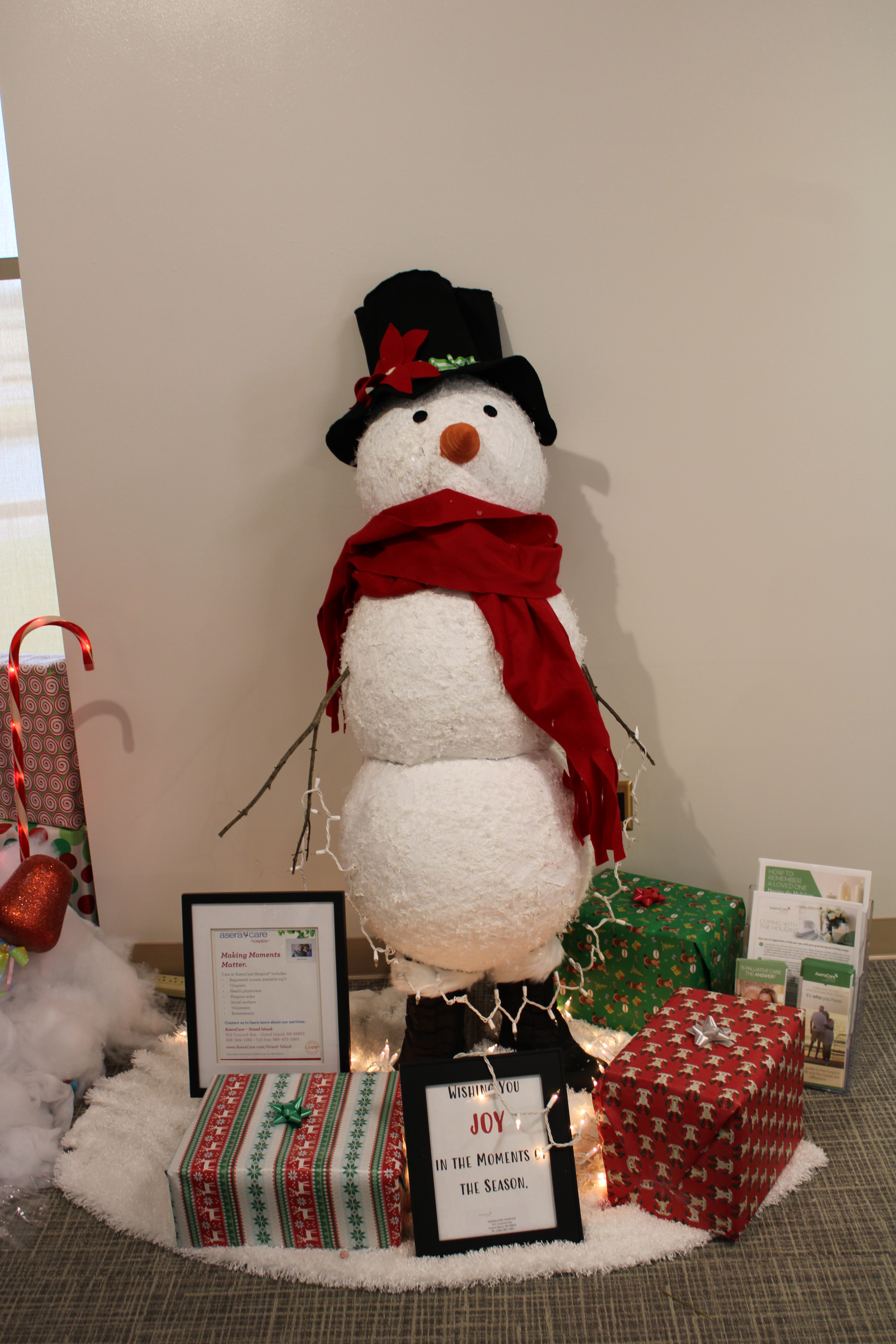
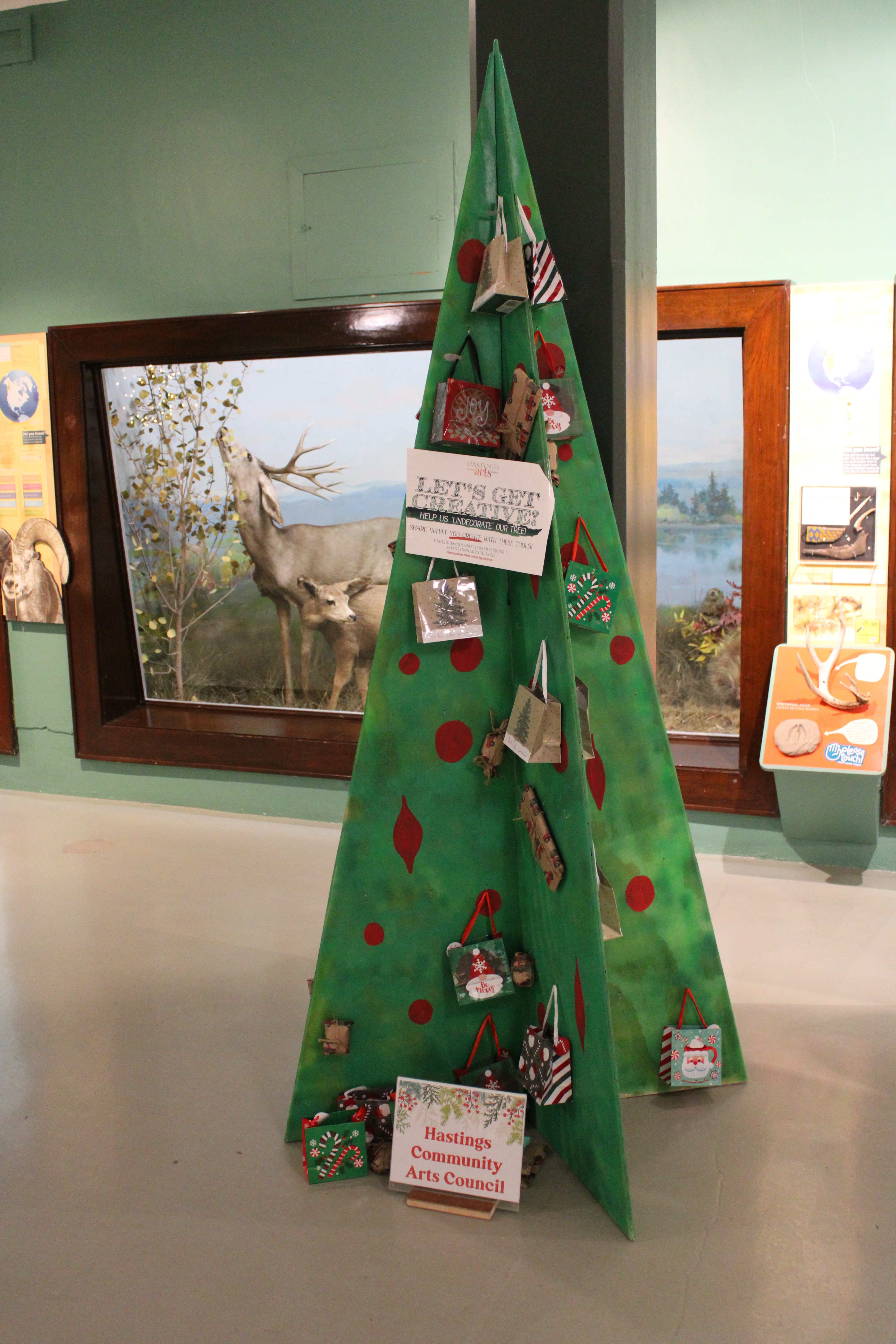
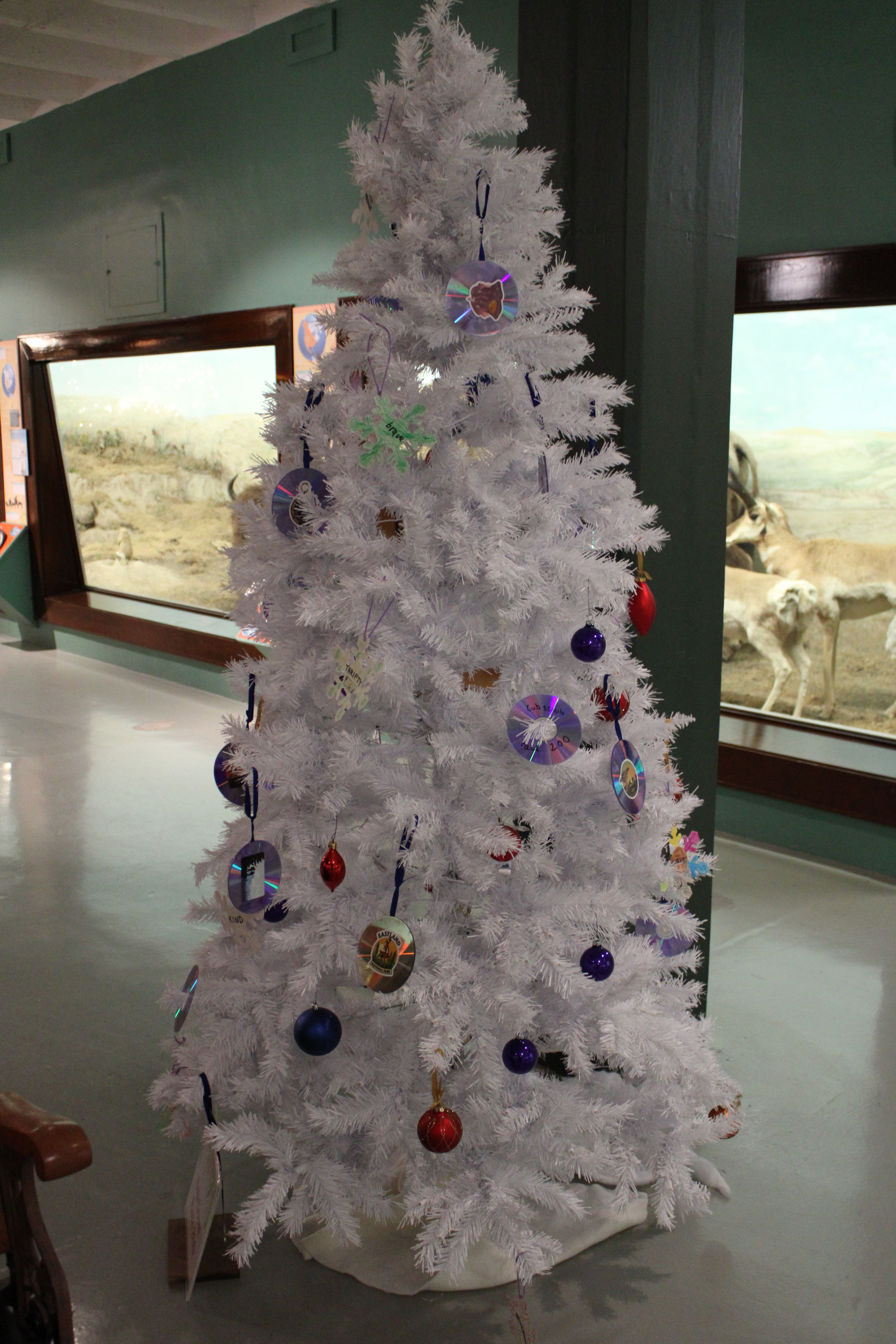
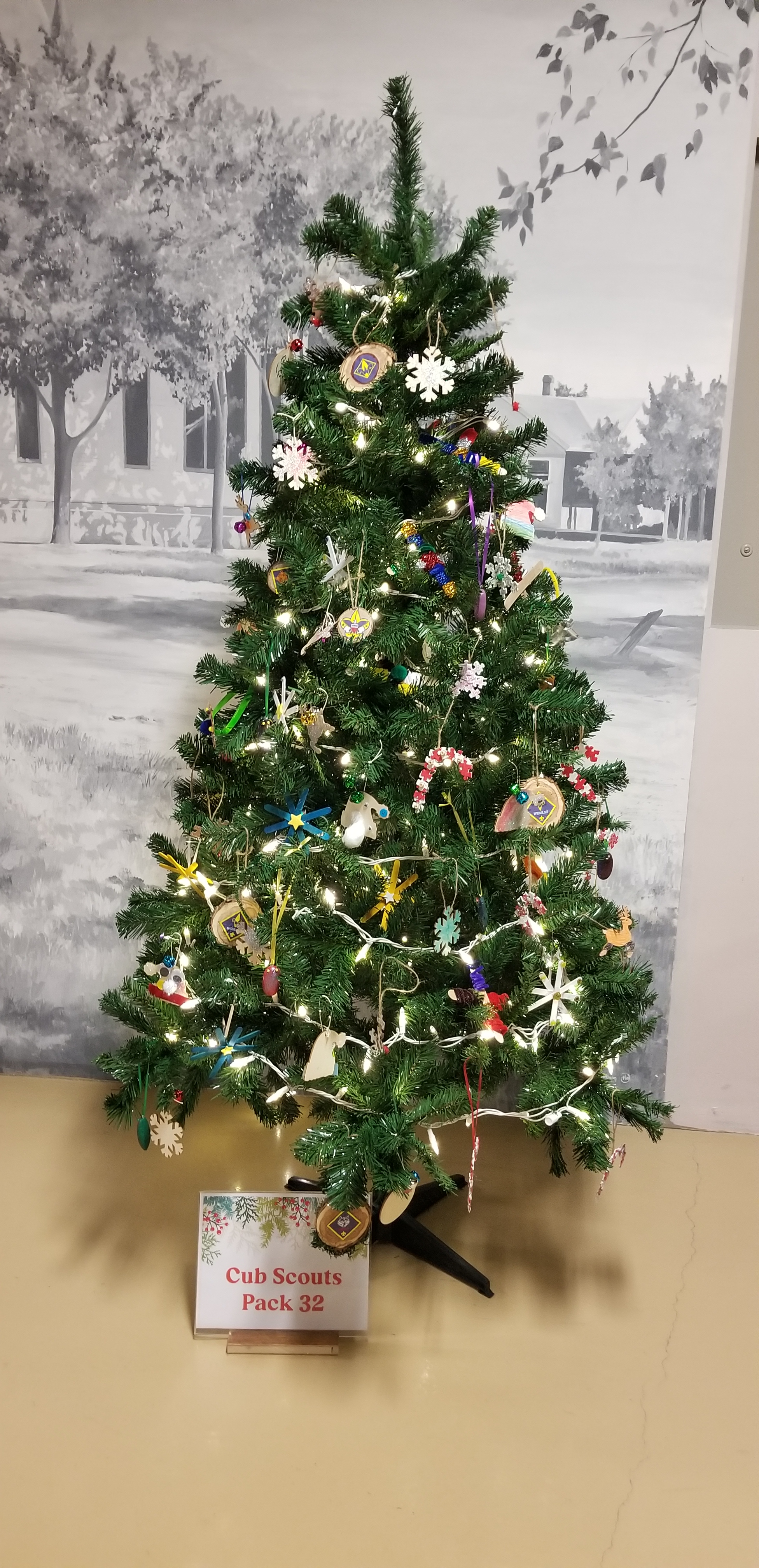
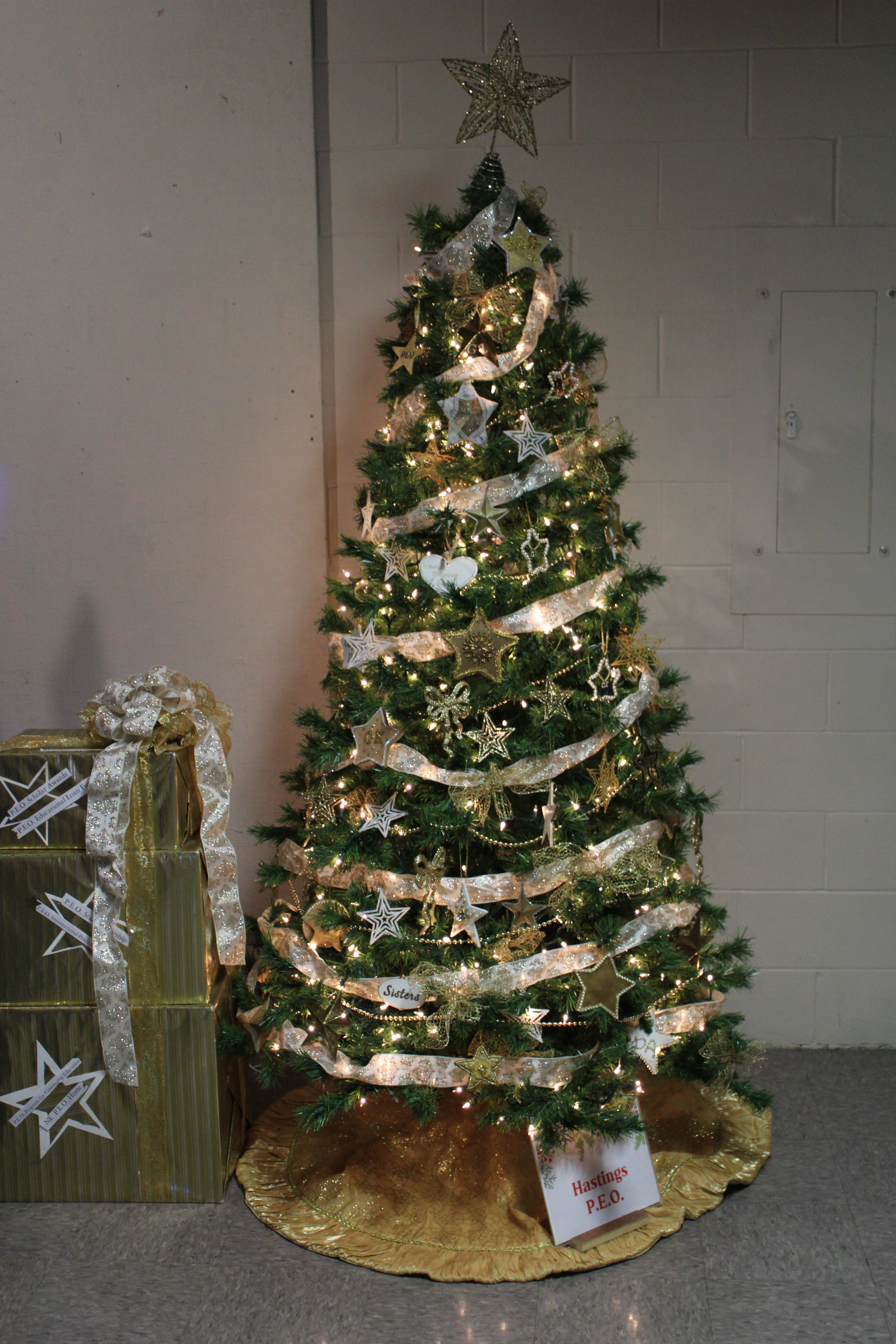
Every year, the Stuhr Museum in Grand Island, Nebraska and the Hasting Museum allows individuals and organizations to decorate and display a Christmas Tree in their museums. Below is a dozen of these trees.

Stuhr Museum

Stuhr Museum
Stuhr Museum
Stuhr Museum
Stuhr Museum
Stuhr Museum
Hasting Museum
Hasting Museum
Hasting Museum
Hasting Museum
Hasting Museum

Hasting Museum

Christmas Tree with Flowers

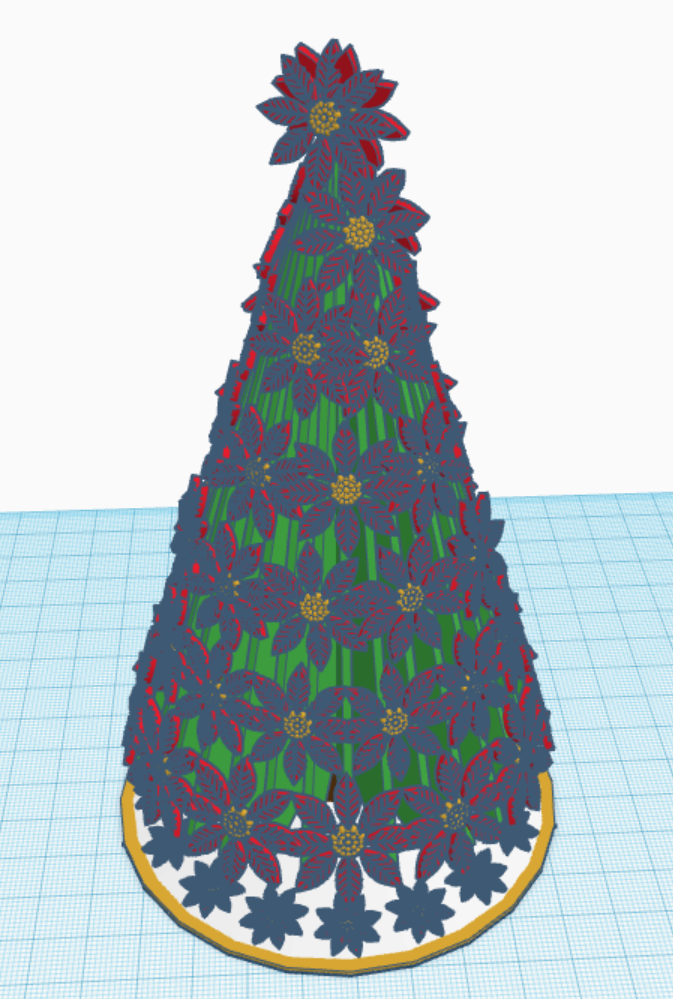
Merry Christmas! To celebrate I created a Christmas Tree with Flowers that is available for coloring. You may download the coloring page from this link Coloring Pages.

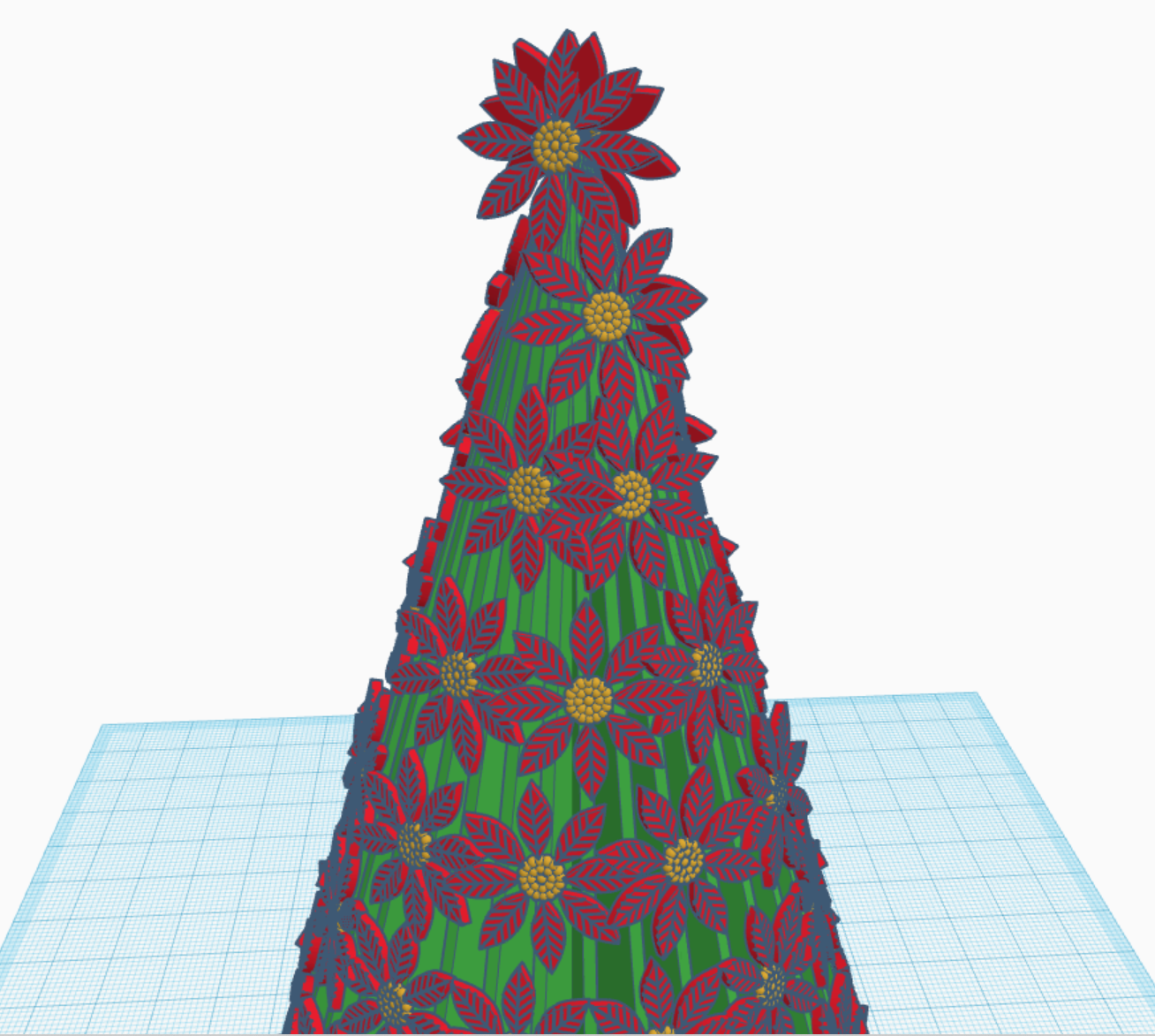
After the coloring page was completed. I decided it would be fun to recreate the tree in Tinkercad as a 3d Design. You may view, copy, change the 3D Design by using this link Christmas Tree with Flowers. If you have any question, please leave them in the comments.

Made with Tinkercad
Up close view of Christmas Tree with Flowers

Santa’s Workshop

During 2020, I have spent a lot of time in Tinkercad designing 3D buildings and other items to go with the buildings. Here is probably my final design for 2020, my version of Santa’s Workshop. I created the flooring first, then the decorating inside the building. Afterwards, I created the walls, windows, doors and finally the outside décor.

Yes, I made the elves, stockings, and presents too. You can view the 3D design on Tinkercad: https://www.tinkercad.com/things/hH70mNuXMGZ