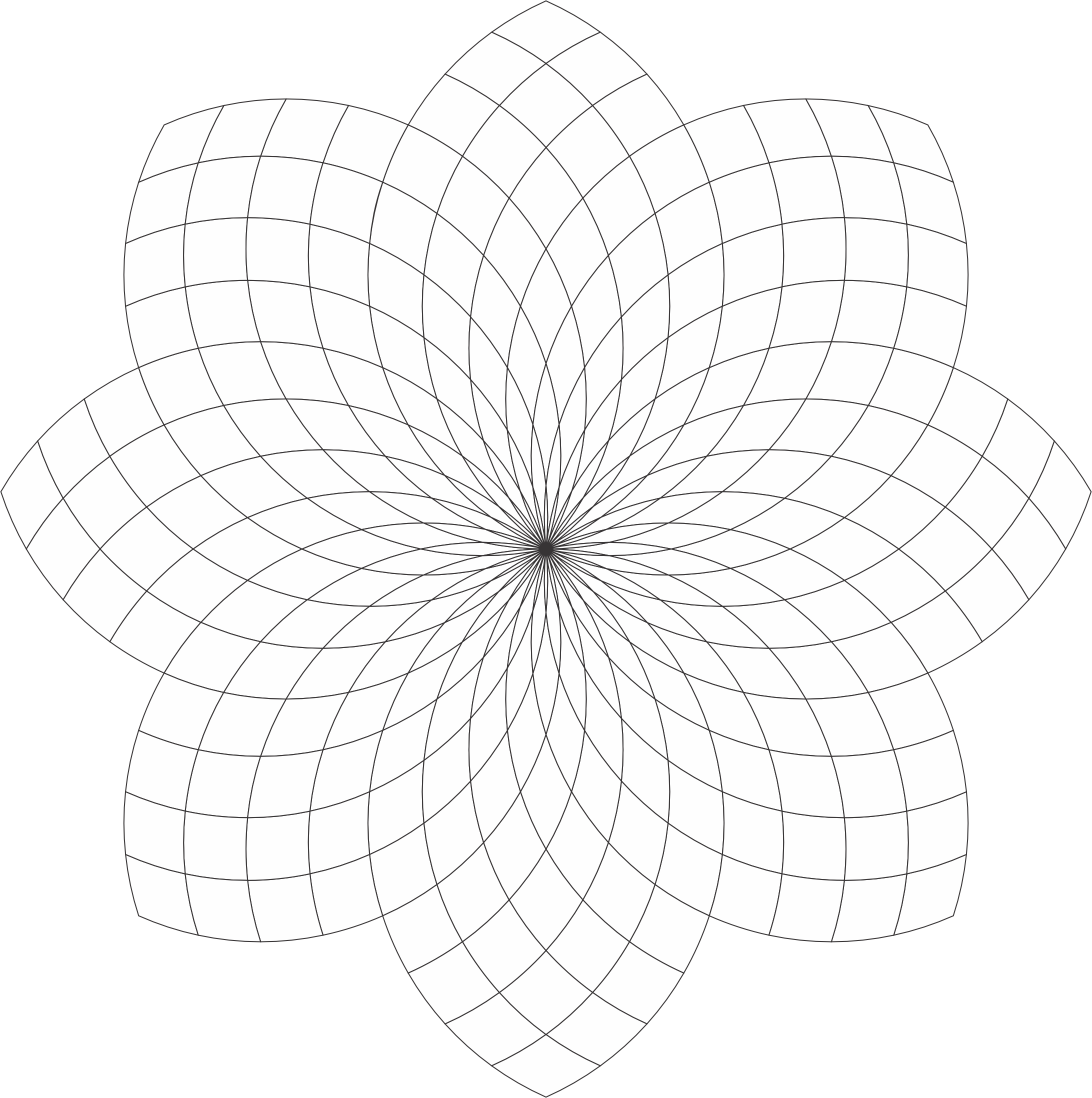
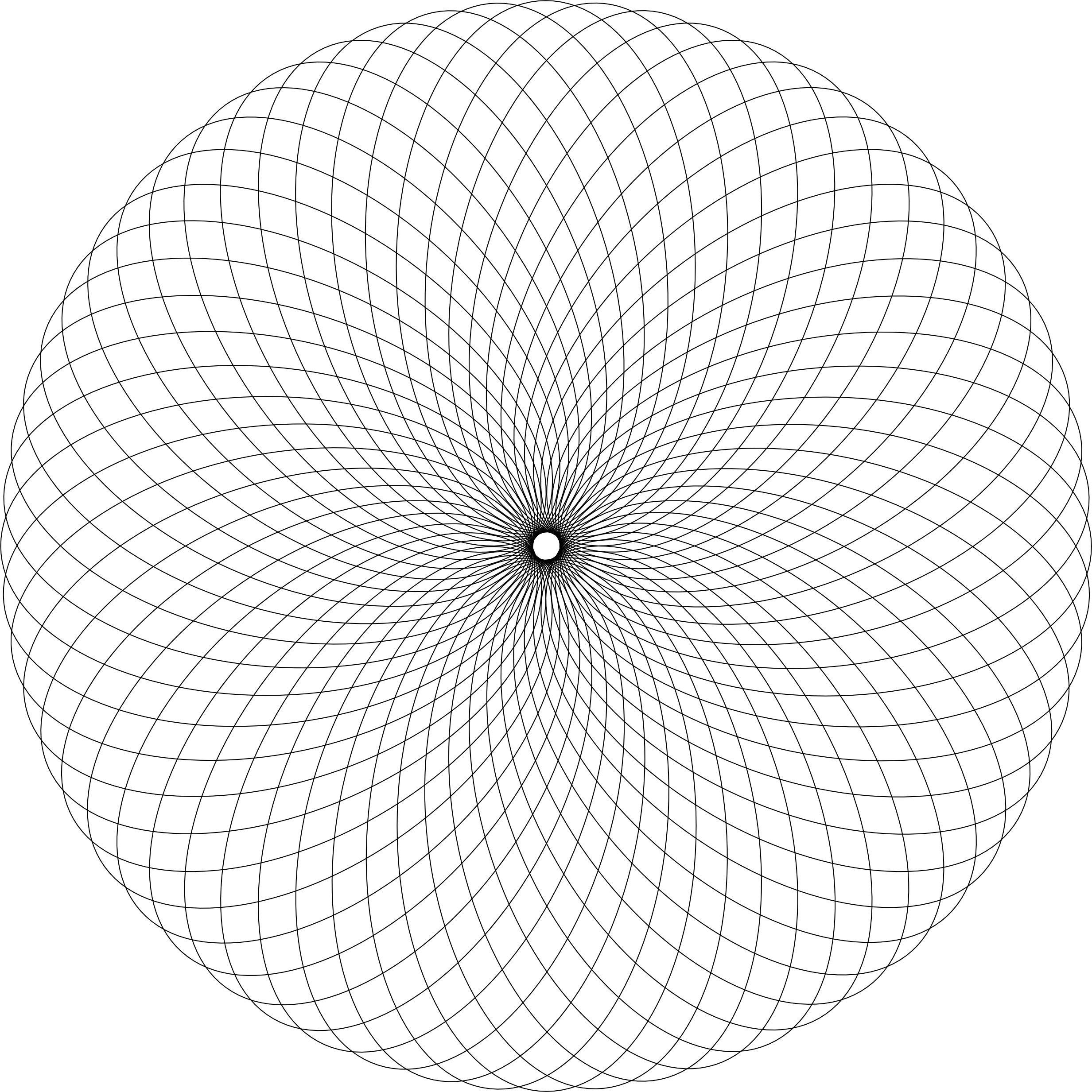
The Checker Flower coloring page has a lot of potential to be beautiful. You are welcome to download it from the link or my Coloring Page. Color it! Or, use it as a template for a tangle.
I created this coloring page using CorelDraw and here are some examples of how I colored it.
Checker Flower:
Checker Flower: With Awesome Background. The shading really brings out the flower.
Checker Flower: Shades of Gray
Checker Flower: Example of the Template being tangled. With Zentangle and other tangles. Remember the shading really bring out the art.
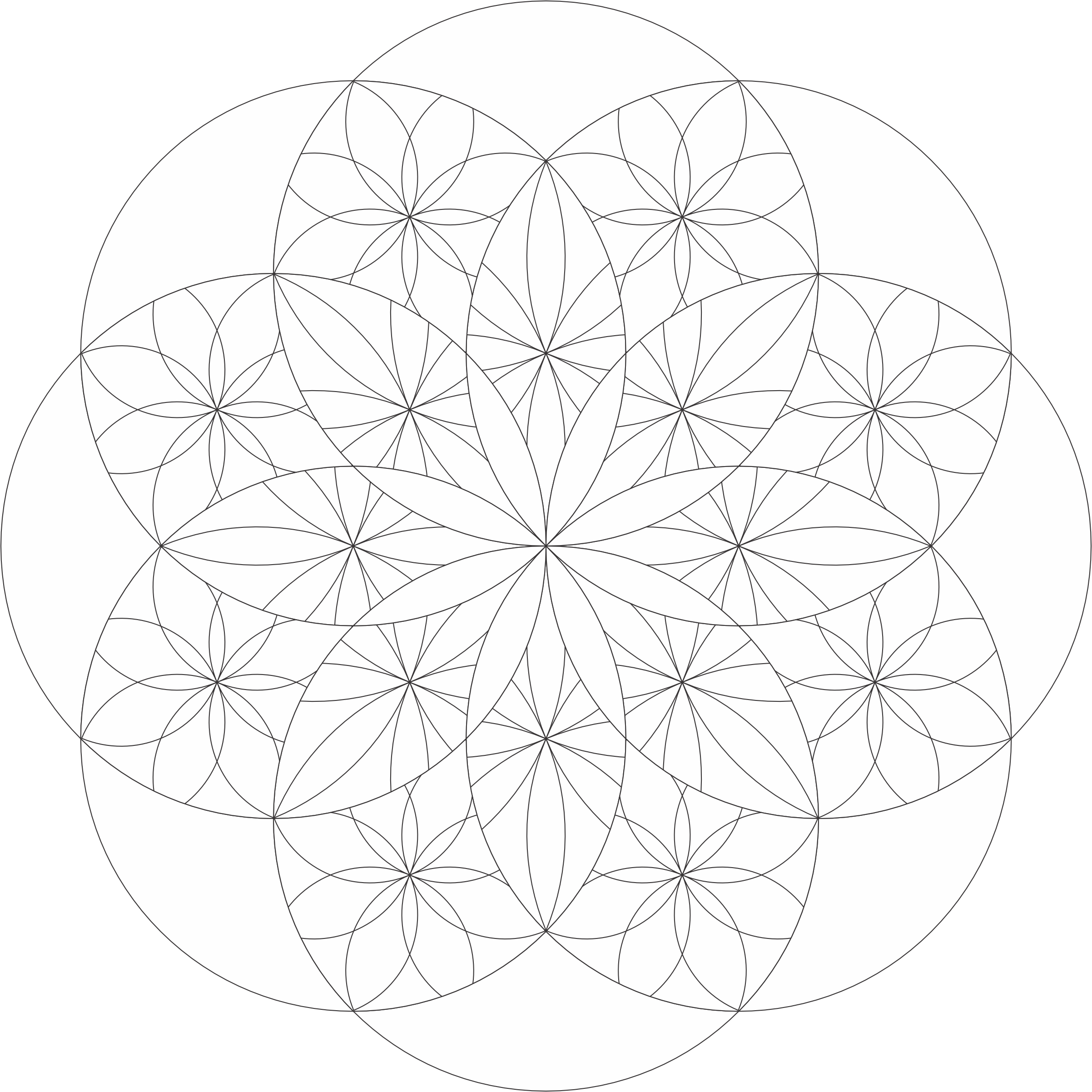
I named this coloring page “Stars at 45” because each circle is at a 45-degree angle. Below is an example how I colored the “Stars at 45” template using CorelDraw.
Stars at 45 Template: You can download the template from the coloring page or click the link. Coloring it or tangle it. I know you can make it beautiful.
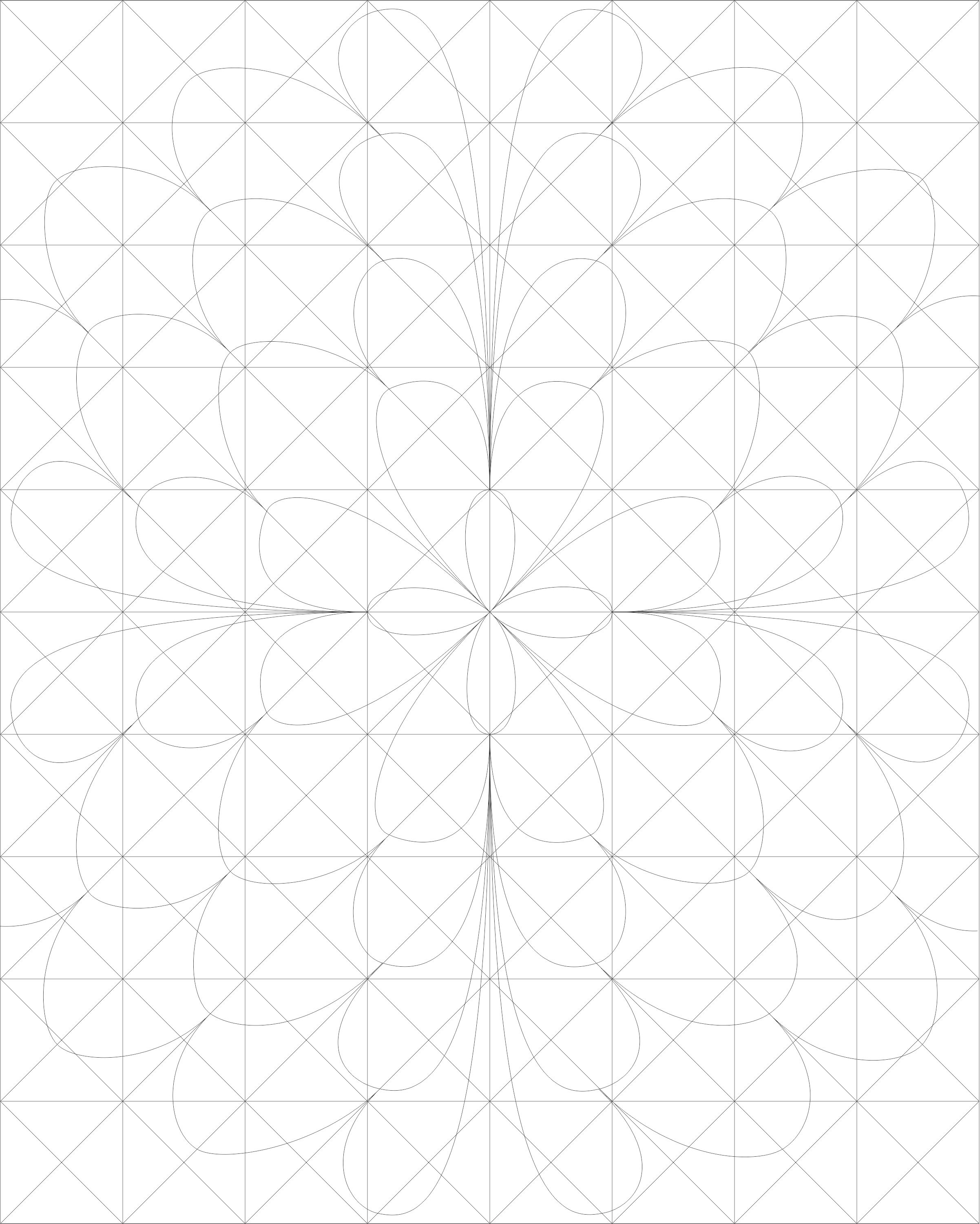
Here is another coloring page I created that is available on the Coloring Page. It’s title Five by Four because if you look closely, you can see a group of five petals going down and four petals going across. If shading is used, it will add dimension to the design.
Below are some examples of the designs I created using this coloring page.
The Swirls by Sarah – Coloring Page is available on my blog for download. It is a simple drawing, but there is so much that you can do with it. If you are familiar with the creating Zentangles, each section could be used for a different tangle.
Swirls by Sarah
It could also be used from the annual October Drawing Challenge, where you draw something every day. Below are some of the drawings I created with this template.
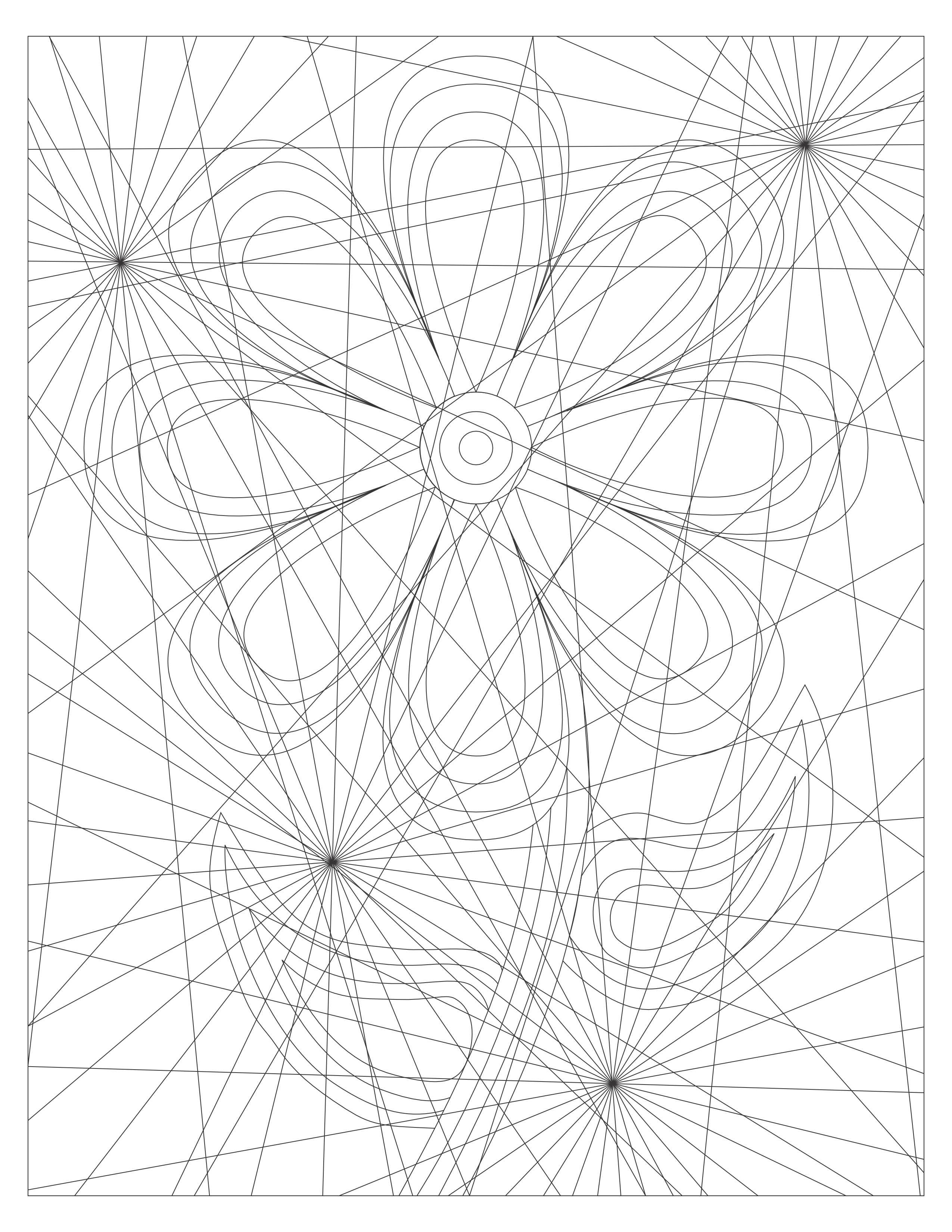
There is so many ways the new coloring page “One Piece at a Time” can be colored. I can easily see stars and flowers in the design. How would you color this page?
One Piece at a Time
Below is my first coloring attempt of this page:
One Piece at a Time
This is my third attempt. The second attempt, I did not like so I deleted it and started over. Warning, when you are doing art, you are your worst critic. I named it “Wheel of Color” because it shows the use of a lot of colors on the color wheel, starting with yellow and ending with yellow.
I know it looks like a star, but I named it Amazing Paradox because of drawing I created with CorelDraw. The entire drawing uses the Zentangle pattern Paradox. The black and white drawing turned out awesome.
Amazing Paradox – Black and White Version
But, once I added color, it became amazing. I thought the black background would emphasize the colors.
Amazing Paradox
My second drawing using the template was a little different. I used two Zentangle patterns. Before I colored it, I thought the drawing had a Native American feel to it. I researched some color palettes and selected colors from the Cherokee Color palette.
Star of Paradox
These are just examples of what I did. I sure your coloring page will turn out just amazing.
A new Coloring Page is available! I named this page Circles and Squares. This coloring page allows you to color something simple or color something complex. I am sure whatever it is, it will be beautiful.
Below are two of my final artworks using the Circles and Squares template. Note: Everything was drawn and colored using CorelDraw.
Simply Circles and Squares
Color Blocks
I named this Color Blocks, because I used the primary colors to color the squares; Yellow, Red, and Blue. As the blocks overlapped each other, the secondary colors appeared; Orange, Green, and Purple.
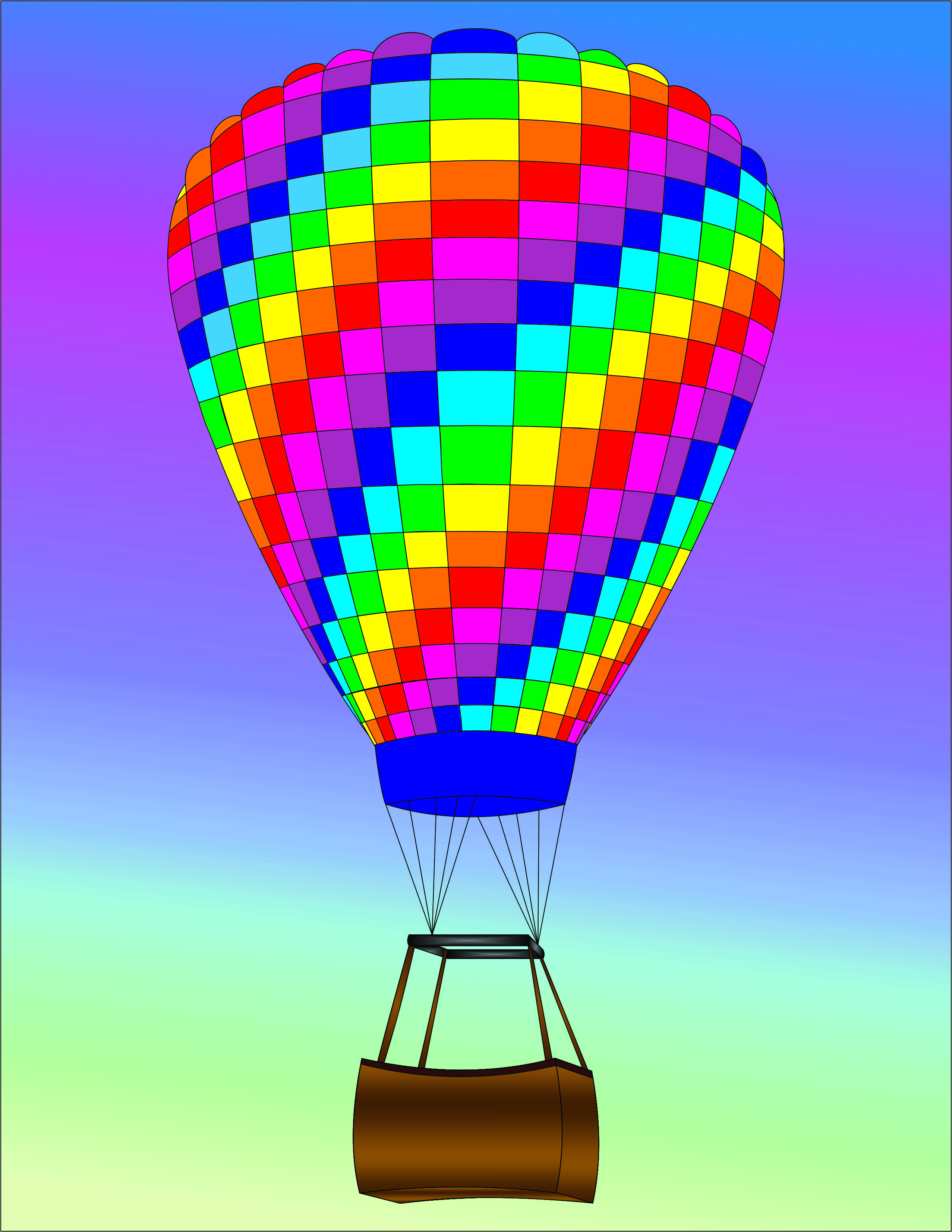
I have created four new Coloring Pages featuring Hot Air Balloons. Yes, it appears that I was in a Hot Air Balloons mood. They were all created and colored using CorelDraw and are available for download on my Coloring Page.















 Sarah Cath's Adventures