Railroad Town – Livery

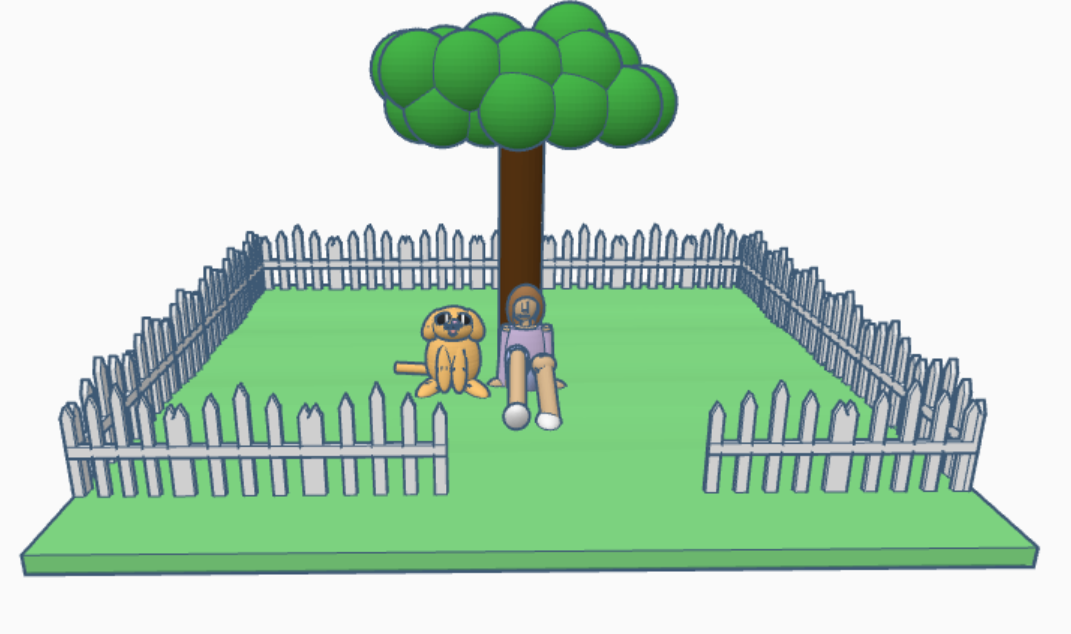
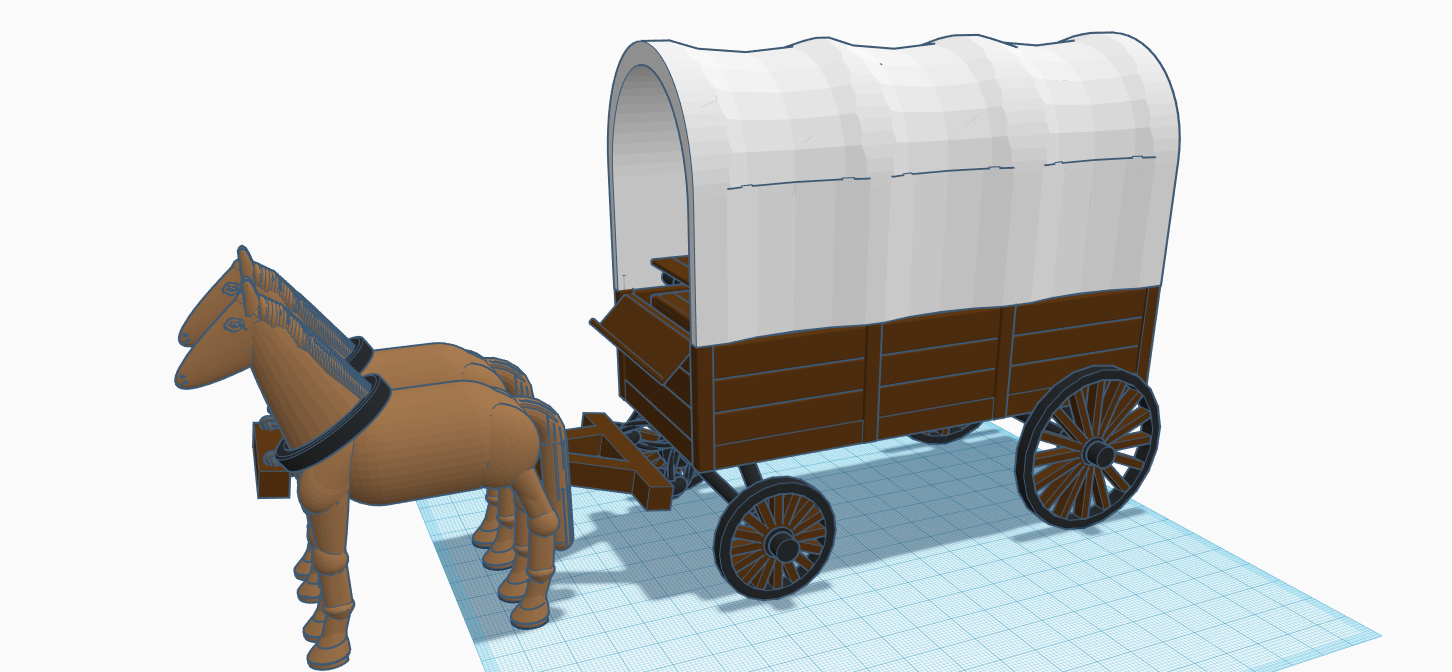
The next building I designed in my Railroad Town was the Livery. My thought were: I had the Train, the train dropped passengers for at the Train Station I designed. If the passengers wanted to travel or set up a farm, they would need some place to rent or purchase horses and wagons. So the Livery was created. But, it needed a horse, a wagon, and the building.

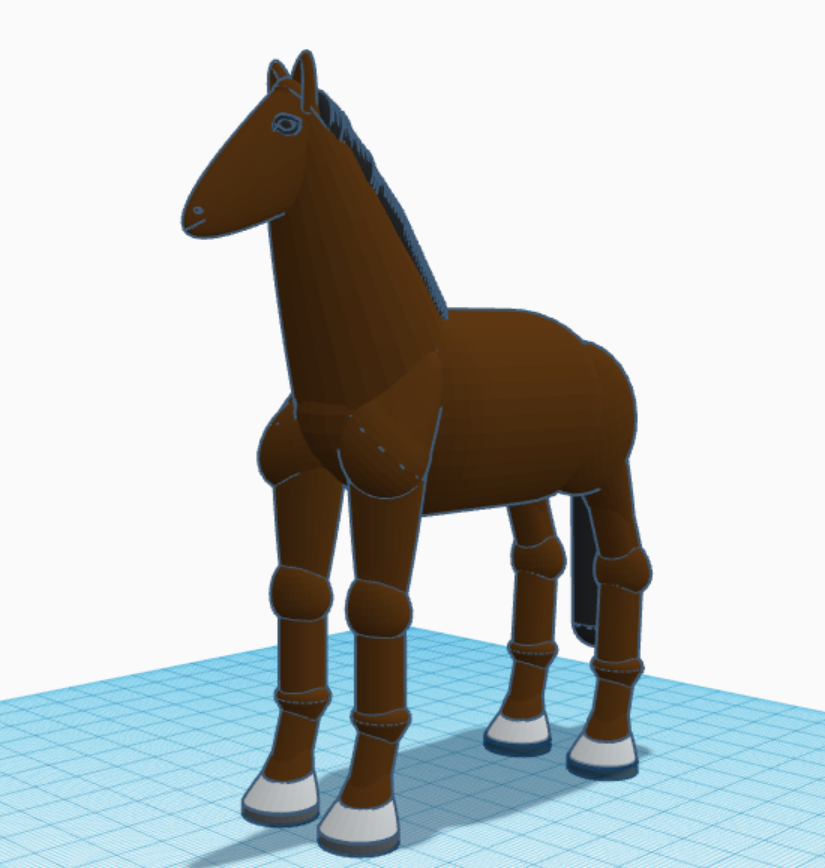
Yes, I made the horse a lot bigger than it needed. This helped with the details when I scaled it down. The joints are their in case I want to pose the horse in future designs. Link to view the horse in 3d: https://www.tinkercad.com/things/jTh69Npb1Eu

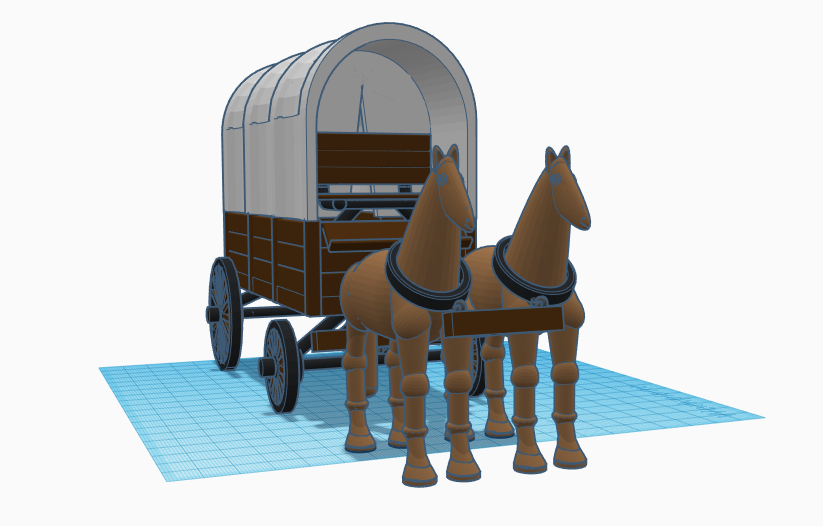
The horses were imported into this design as STL files. This allowed the design to load faster. Link to the wagon in 3D: https://www.tinkercad.com/things/1aXkcSkeSV0

The water troughs and hay was taken from other designs. Yes, the wagon was designed for the canopy on the wagon to be removed. Link to the Liver in 3d: https://www.tinkercad.com/things/lGqOUWemGMK

Railroad Town – Cow Depot

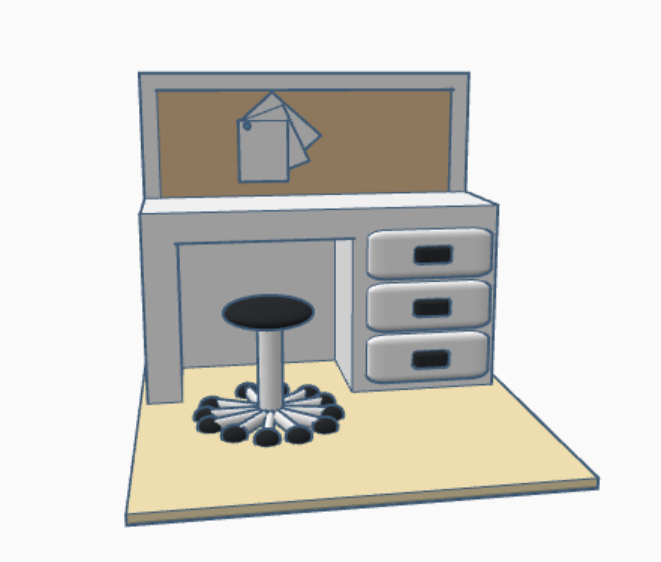
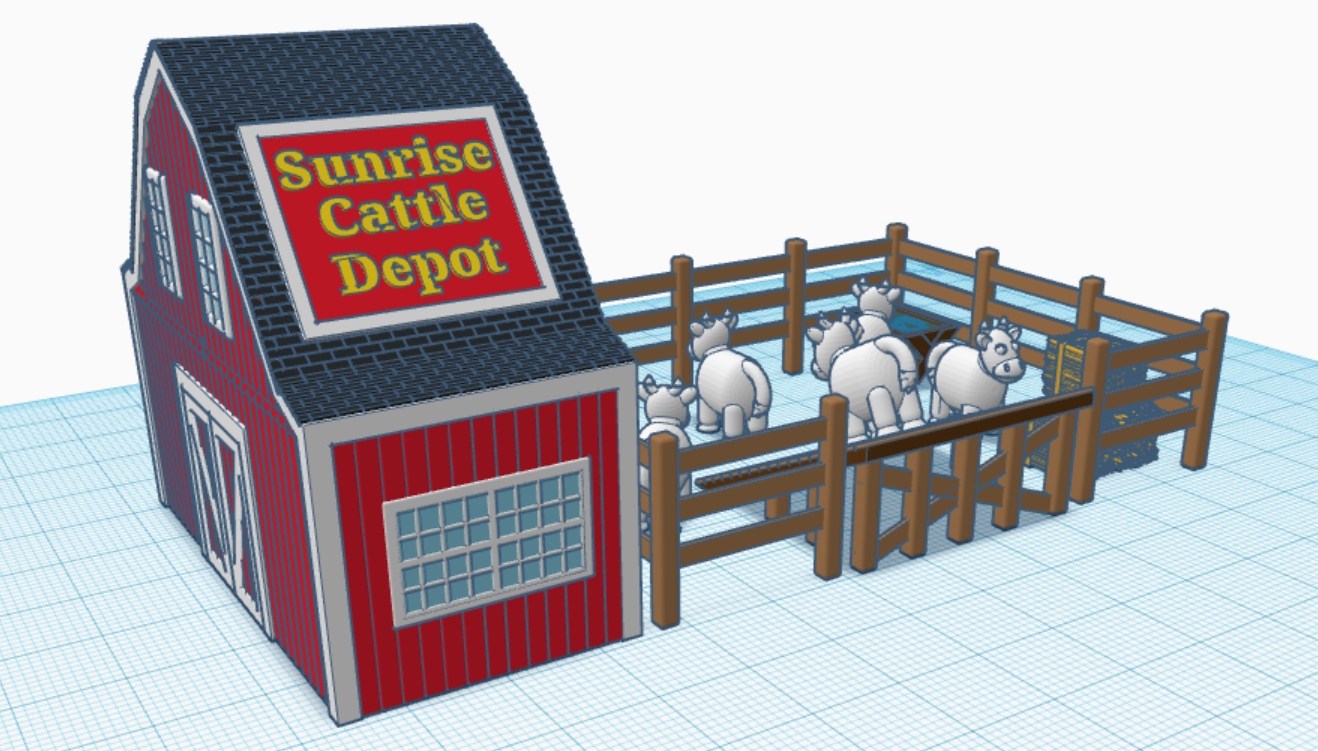
In 2016, I created a Train in Tinkercad. One of the train cars was a Livestock Car. My thoughts were: I now had a Railroad Station to drop off the passengers, therefore I needed a place to drop of the cows. The cow was created when as part of the livestock car. Here is the Cattle Depot I created. Link to 3d view: https://www.tinkercad.com/things/6m2hyWDzL7z.

The cow is one of my most popular designs. If you are wondering how I came up with the name for the Town, well the train is called “Midnight Express”.

Railroad Station

In 2016, I created a 3d design of a Train in Tinkercad. It came complete with the train engine, coal car, passenger car, cattle car, caboose and cows. Blog post: 3d Print – Train Engine | Sarah Cath’s Adventures. Since I was prevented in 2020 from having too many adventure outside, I started creating a Railroad Town for my train.

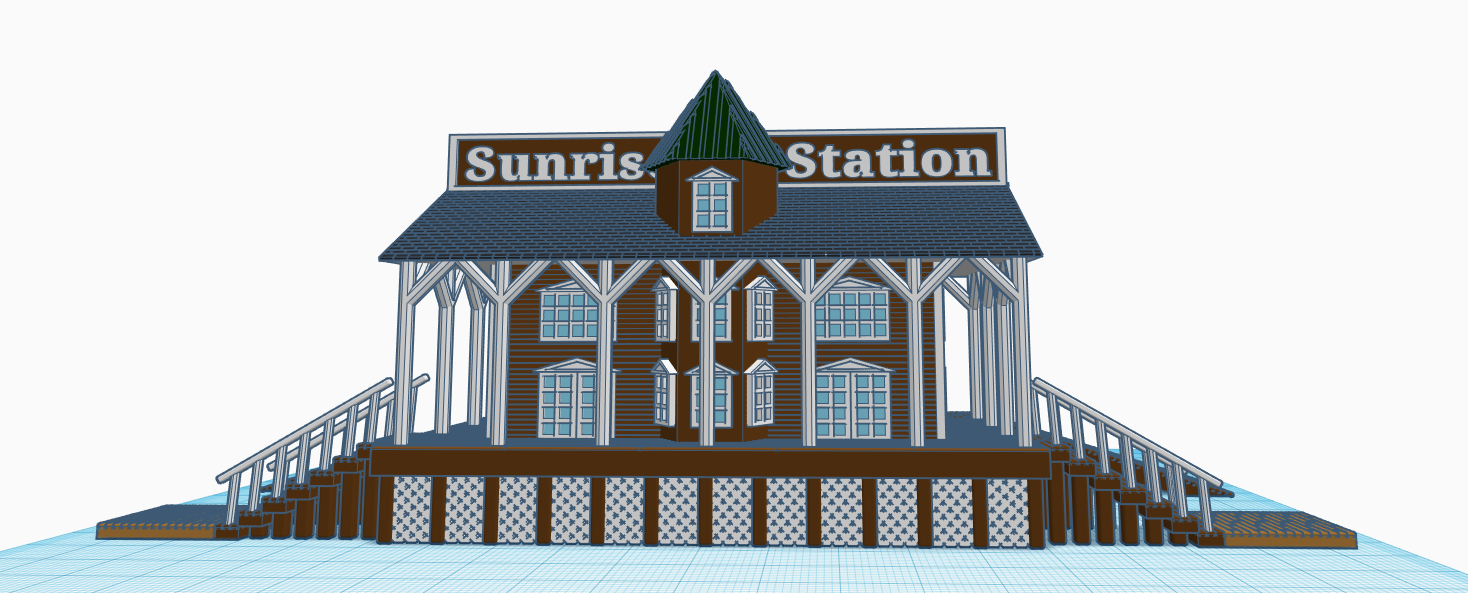
My train of thought was, if I have a train I need a Railroad Station. So I created a Railroad Station. Link to see 3D view: https://www.tinkercad.com/things/3iGbkrv0K2U

Front View – Street Side
Side View
Back – Train Side

Santa’s Workshop

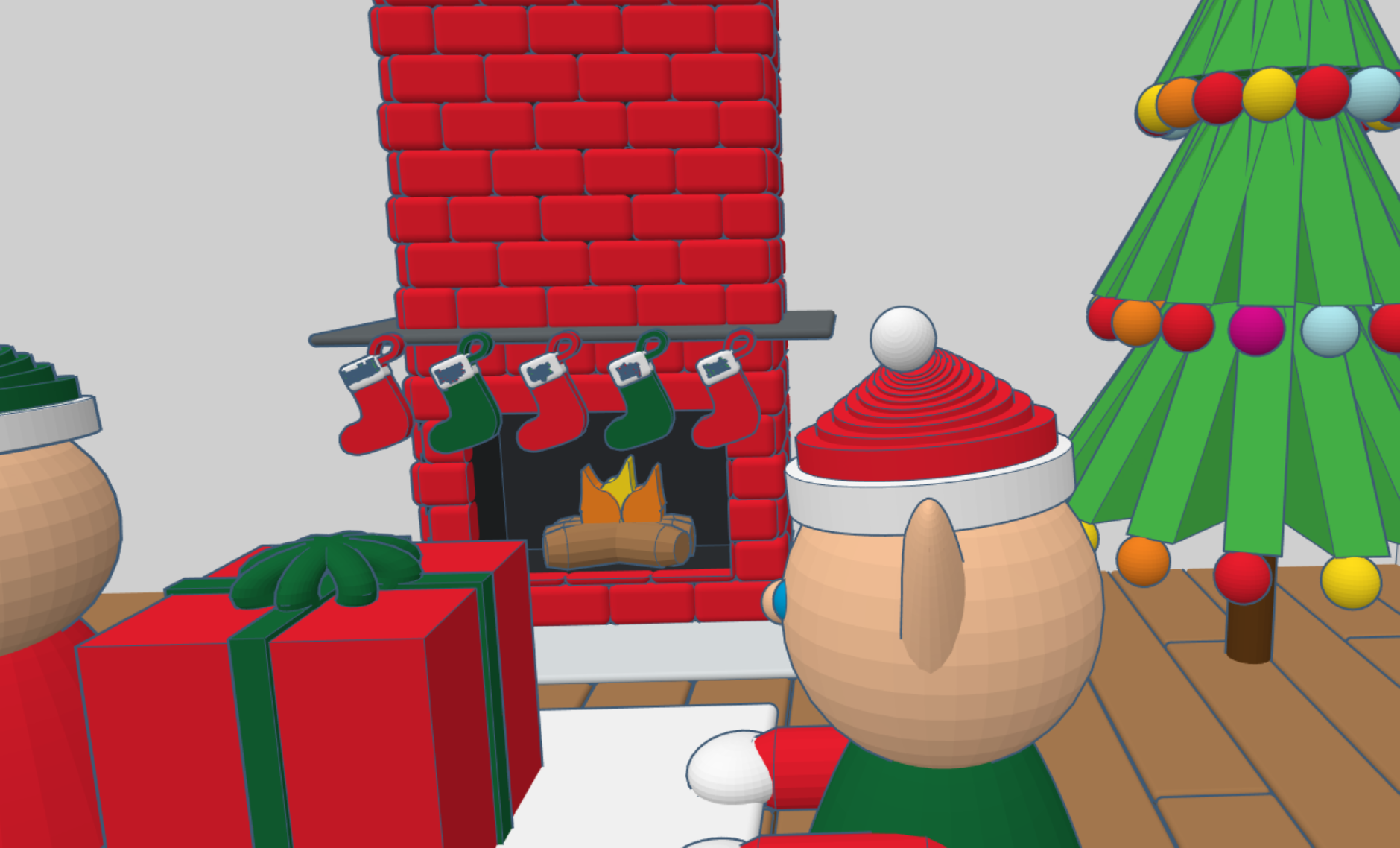
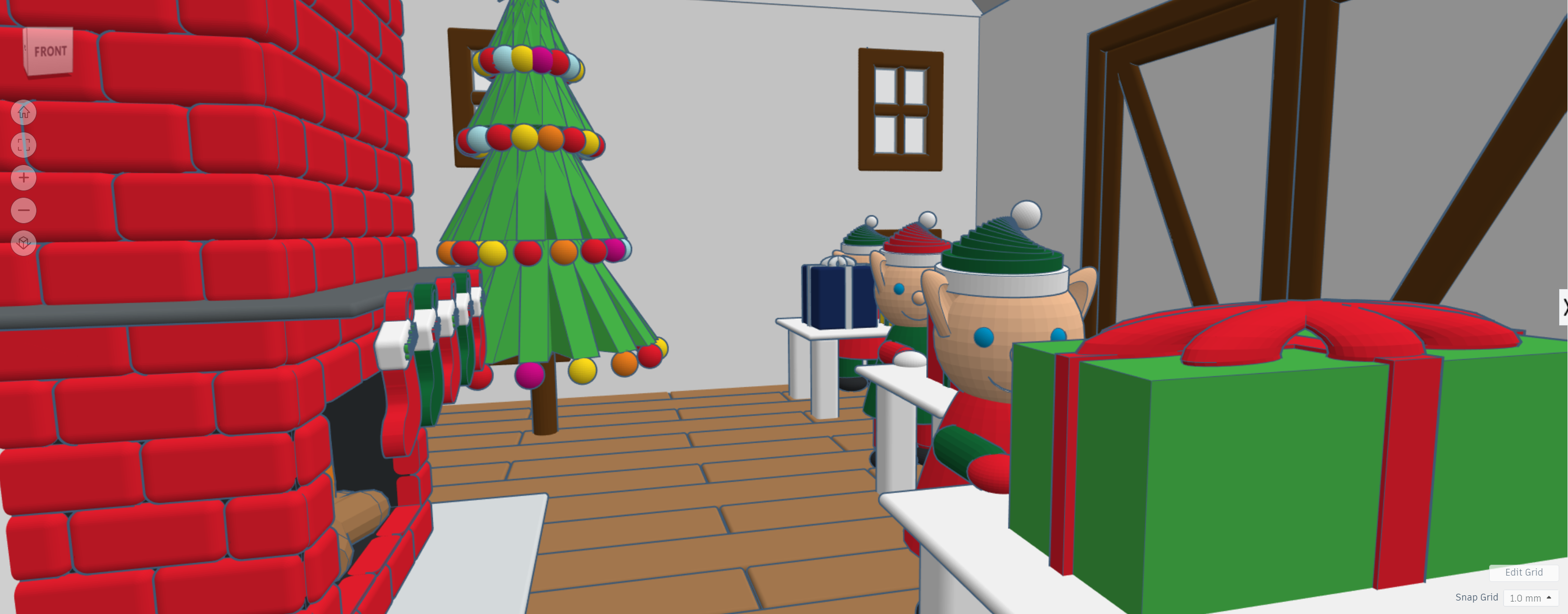
During 2020, I have spent a lot of time in Tinkercad designing 3D buildings and other items to go with the buildings. Here is probably my final design for 2020, my version of Santa’s Workshop. I created the flooring first, then the decorating inside the building. Afterwards, I created the walls, windows, doors and finally the outside décor.

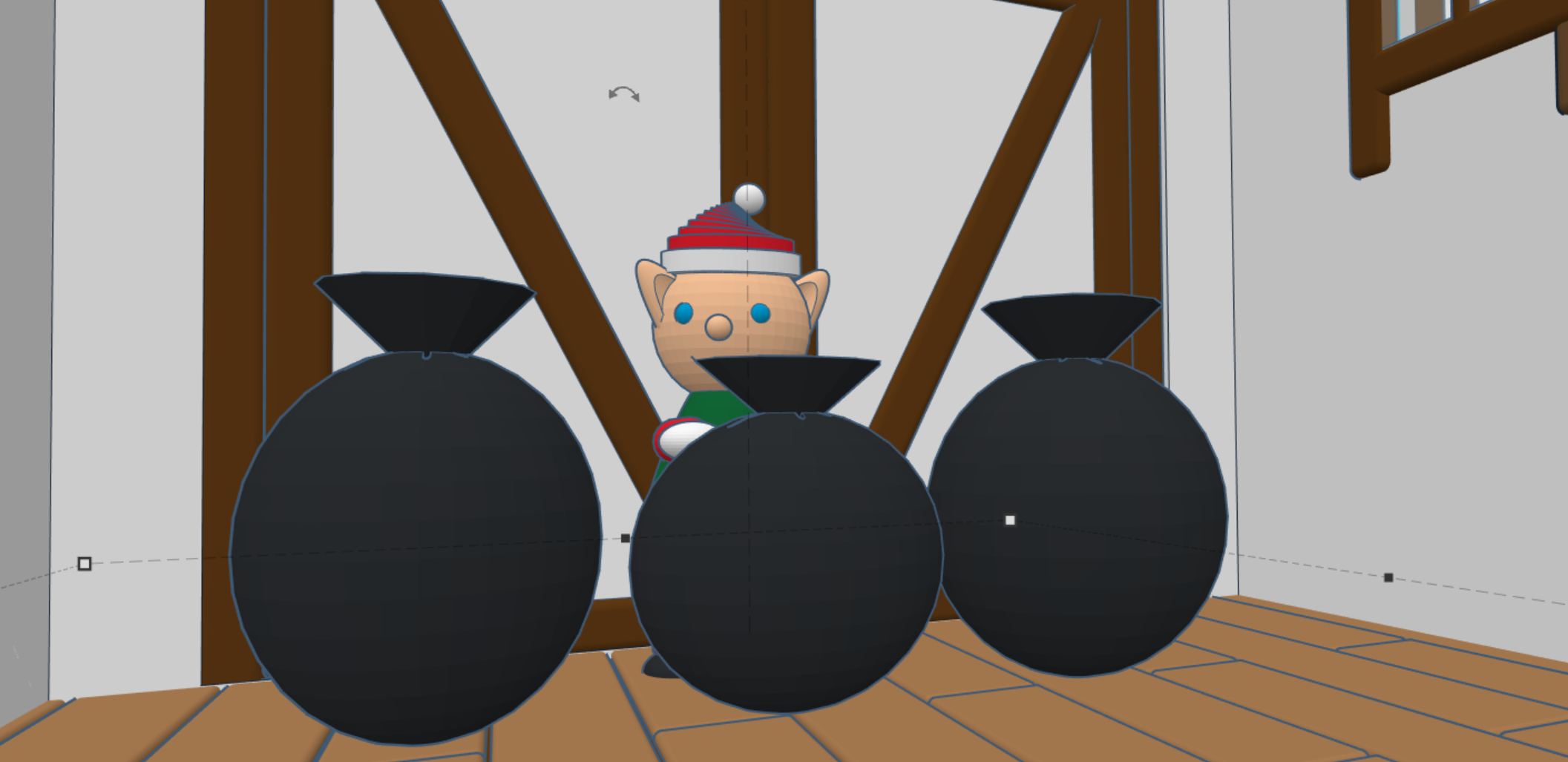
Yes, I made the elves, stockings, and presents too. You can view the 3D design on Tinkercad: https://www.tinkercad.com/things/hH70mNuXMGZ

Creating a Christmas Tree with Tinkercad

In 2020, I haven’t painted much, nor have I drawn much. Most of my time being creative was spent in Tinkercad. I used Tinkercad to create a replicate of the Houmas House. I have created many building for my Railroad Town. Other designers are asking “How?” or “Teach me!” Since it is Christmas Time, I decided to provide instructions on how I created a Christmas Tree using Tinkercad. The instructions on instructable: https://www.instructables.com/Designing-a-Christmas-Tree-With-Tinkercad/. Or you can watch the video:

Yes, I also created an angel to go on top of the tree.

You need to watch to video to see how I created the Angel.

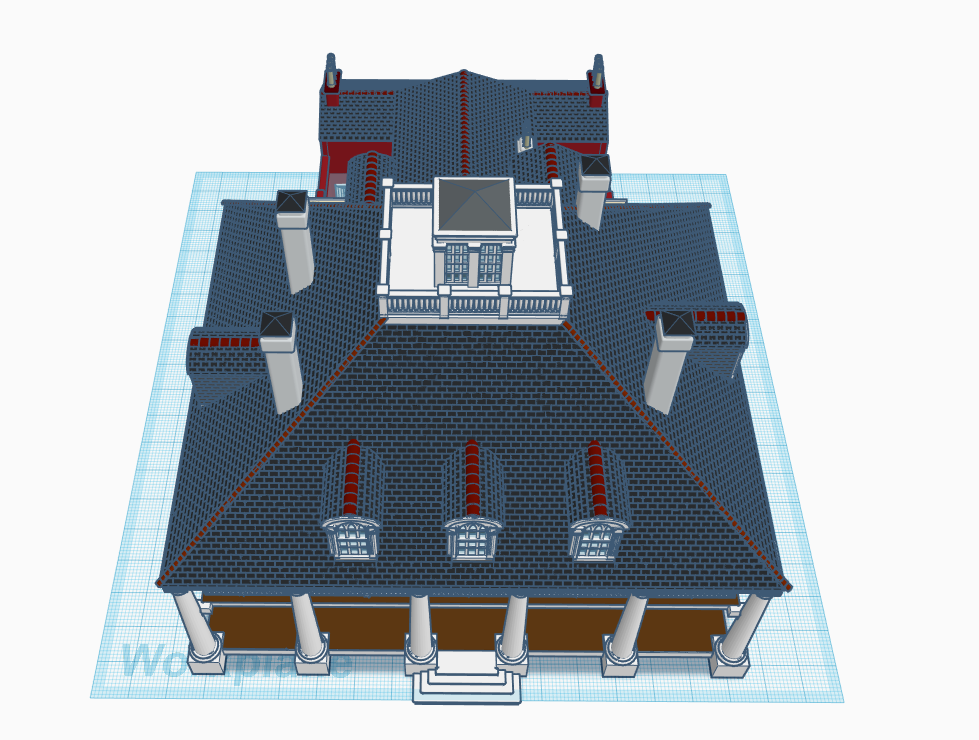
3D Design of Houmas House

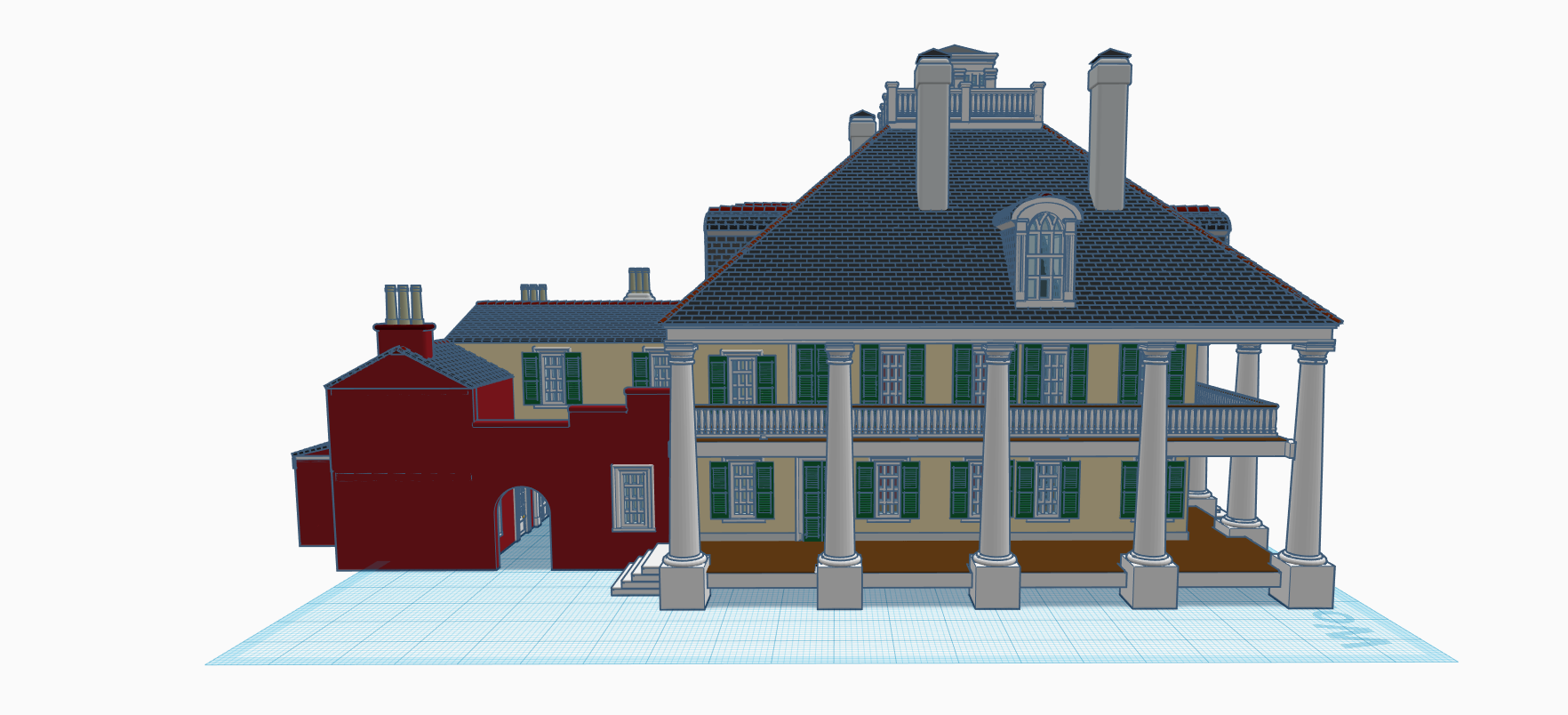
Here it is!  This is what I have been working on since May 14.

I selected the Houmas House in Louisiana because it is one of the most beautiful and peaceful areas in Louisiana, and because I had a bunch of pictures.

I worked on it about 20 minutes per day.  On July 3, disaster happened.  For some reason the image was locked.  I could not make any changes.  This event was very discouraging until I decided to see if I could “duplicate” the design in the program.  Success, I now had a copy of the original that I continued to develop.  I also decided to create parts of the design in other files and import them into the design so it would load faster.

I designed it so it could be 3D printed; each floor, the post and steps, the railing, the original building in the back.  One day soon, I may try to print it.   The stairs will not print, not enough support structure.  Everything in the design, is no smaller that .4 mm.

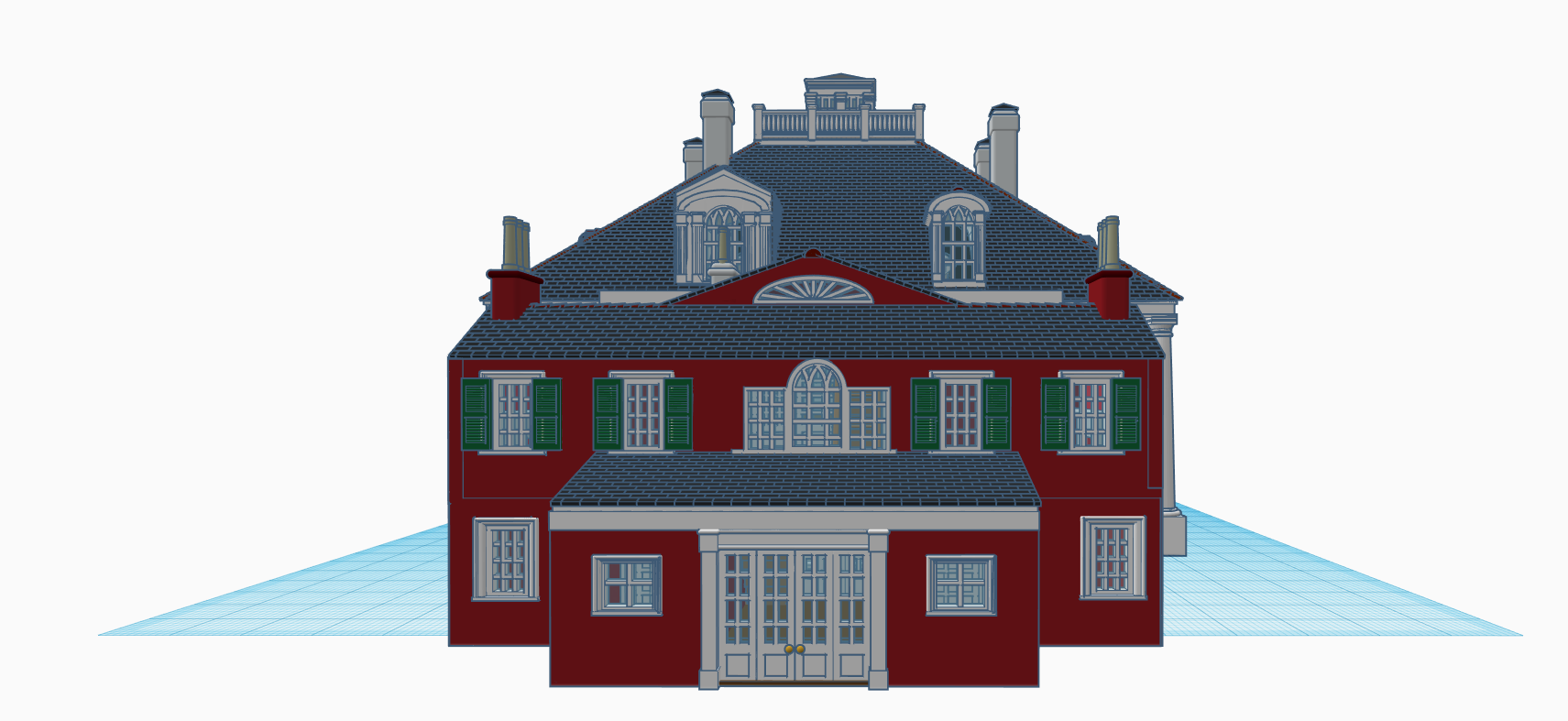
FrontRightLeftBackTopTop 2

This is the view from the front door.  I decided to make the windows panes transparent so the inside of the house could be viewed through the windows.

Front door

The house is not exacted.  I did not have pictures of some of the areas of the house.

This is the design in Tinkercad.  It will take a while to load because there are numerous parts. Houmas House

Here are a couple picture of the Houmas House.
DSCF6096DSCF6203

Vases with Polymer Clay

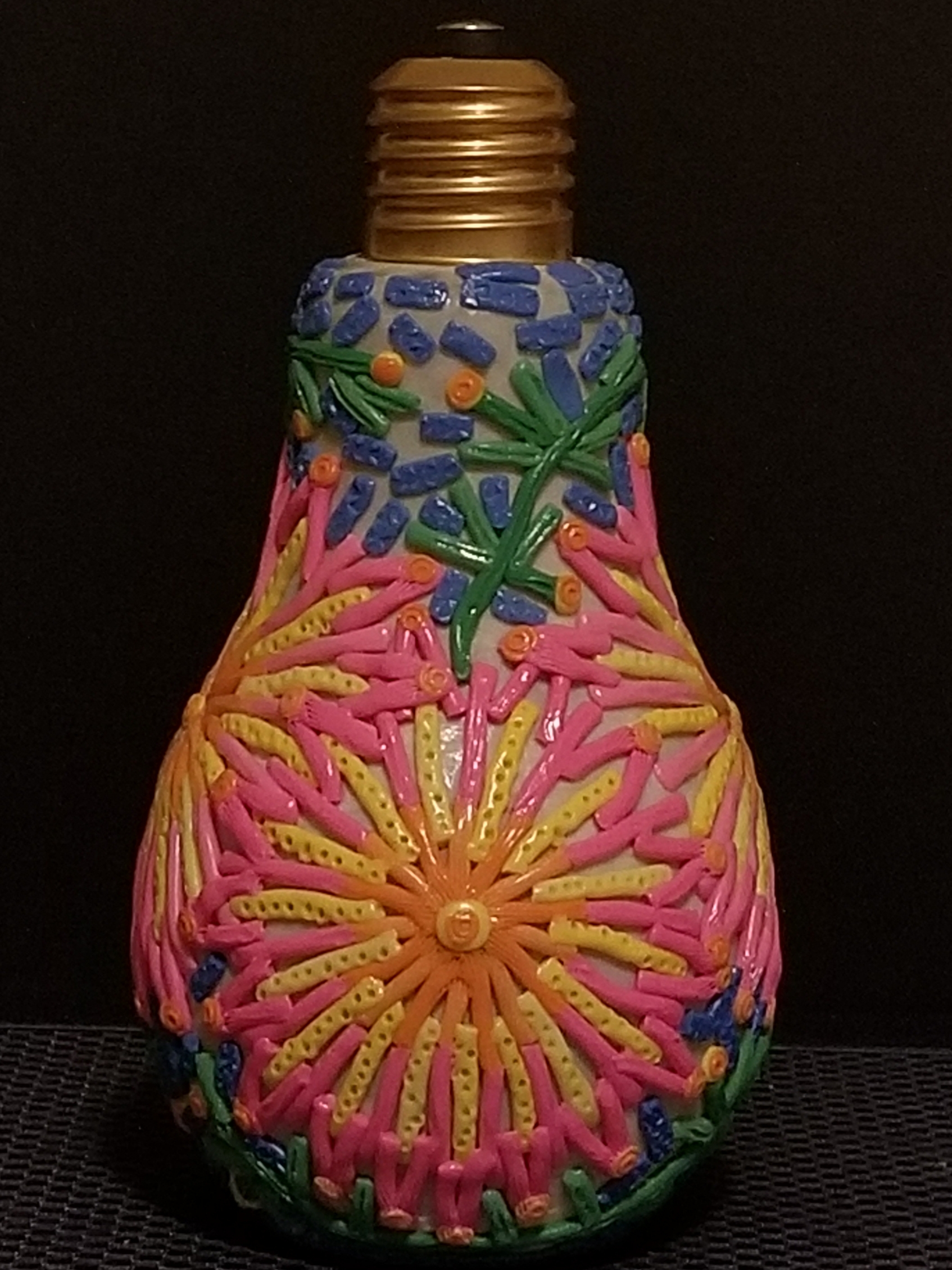
I wanted to see if I could put some polymer clay on a vase, bake it in the oven, and have the clay stick to the vase.  Below is my first vase experiment.  I had a bottle, shape like a light bulb, that was just sitting in a cabinet.

20190824_140114.jpg20190824_140048.jpg

I figured the best way to get it to stick to the vase, was to put a thin layer of polymer clay around the vase and then put the design on it.  Since it was an experiment, I didn’t want to waste a lot of time with the design.  However, it does glow in the dark.

Since it was a success, I did four other vases.

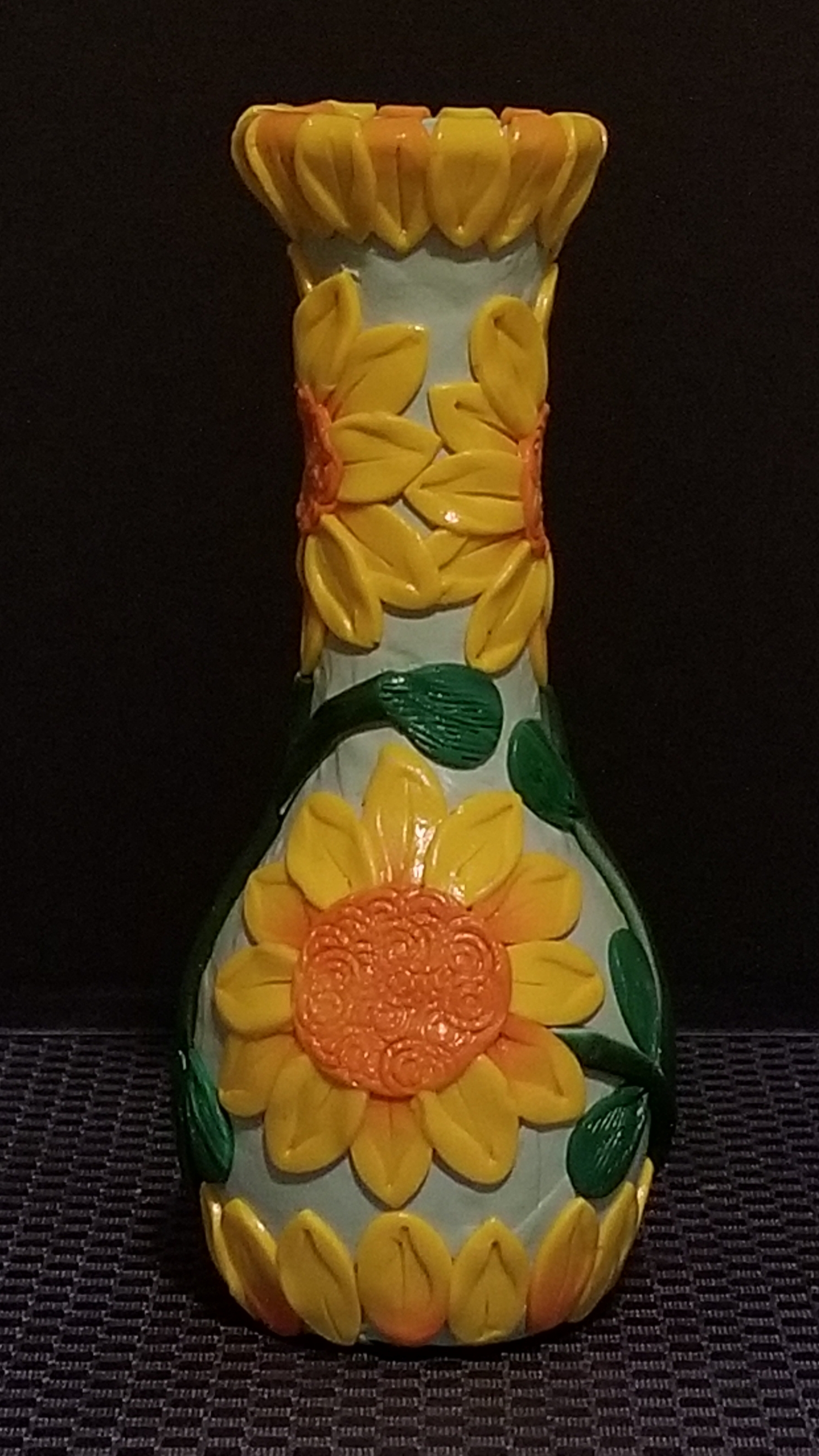
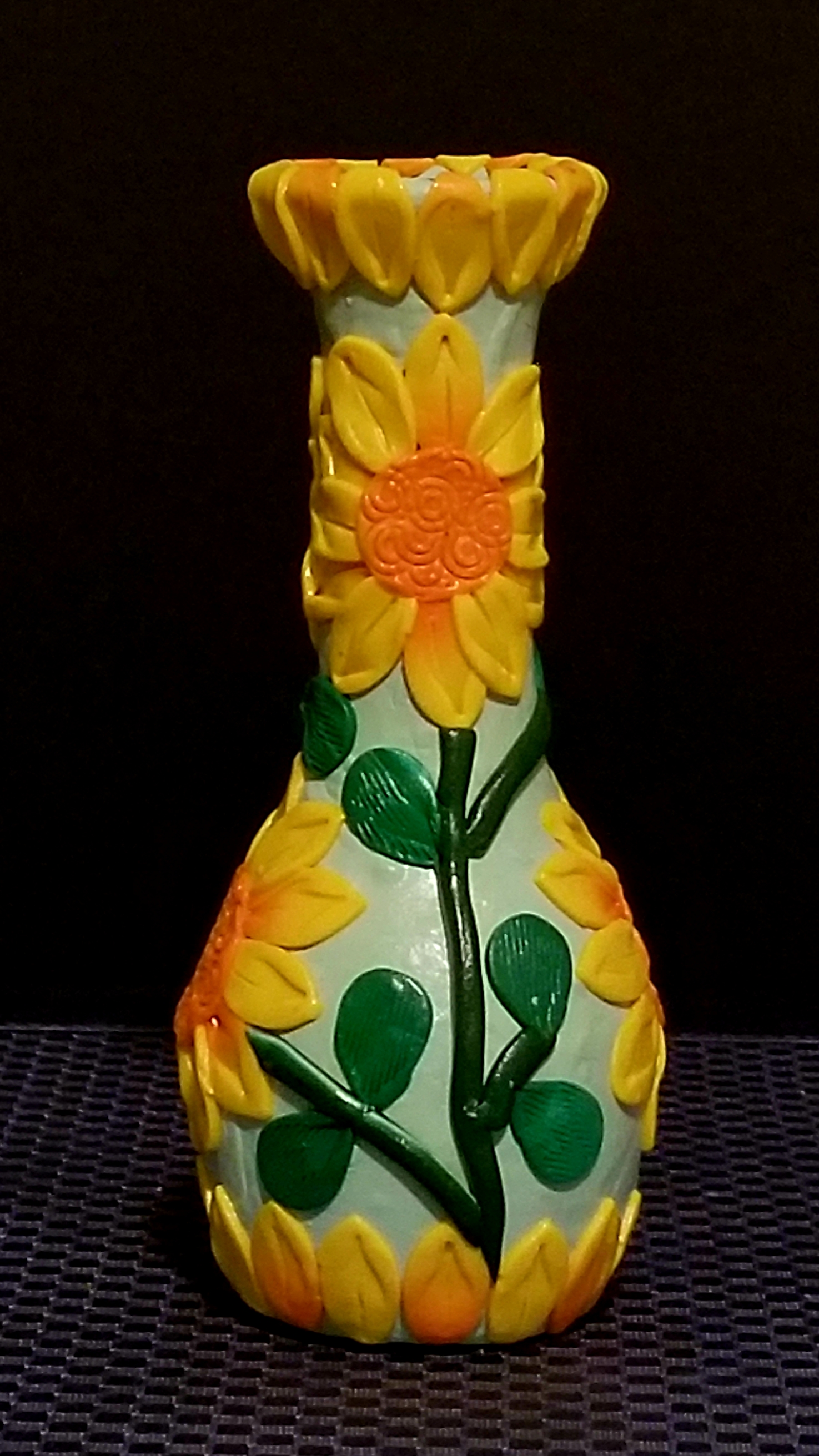
The Sunflower Vase:  I wanted the top and bottom of the vase to look like the petals were coming from the center of a sunflower.

20190824_140629.jpg

20190824_140656.jpg

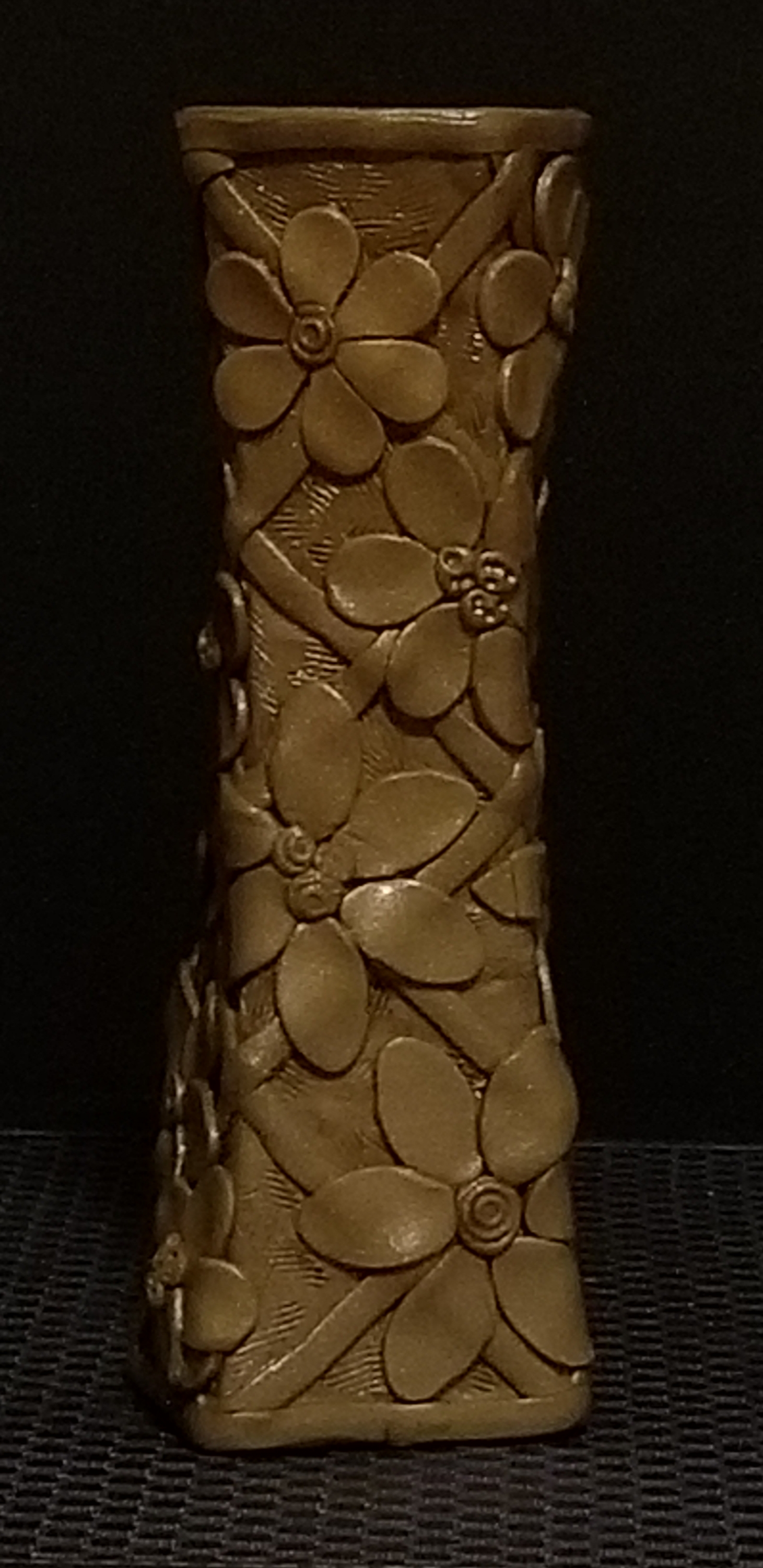
The Gold Flowery Vase:  From the beginning I wanted a gold lattice work around the vase.  The flower idea come later.   After it was baked, I applied paint to give it an antique look.

20190824_140241.jpg

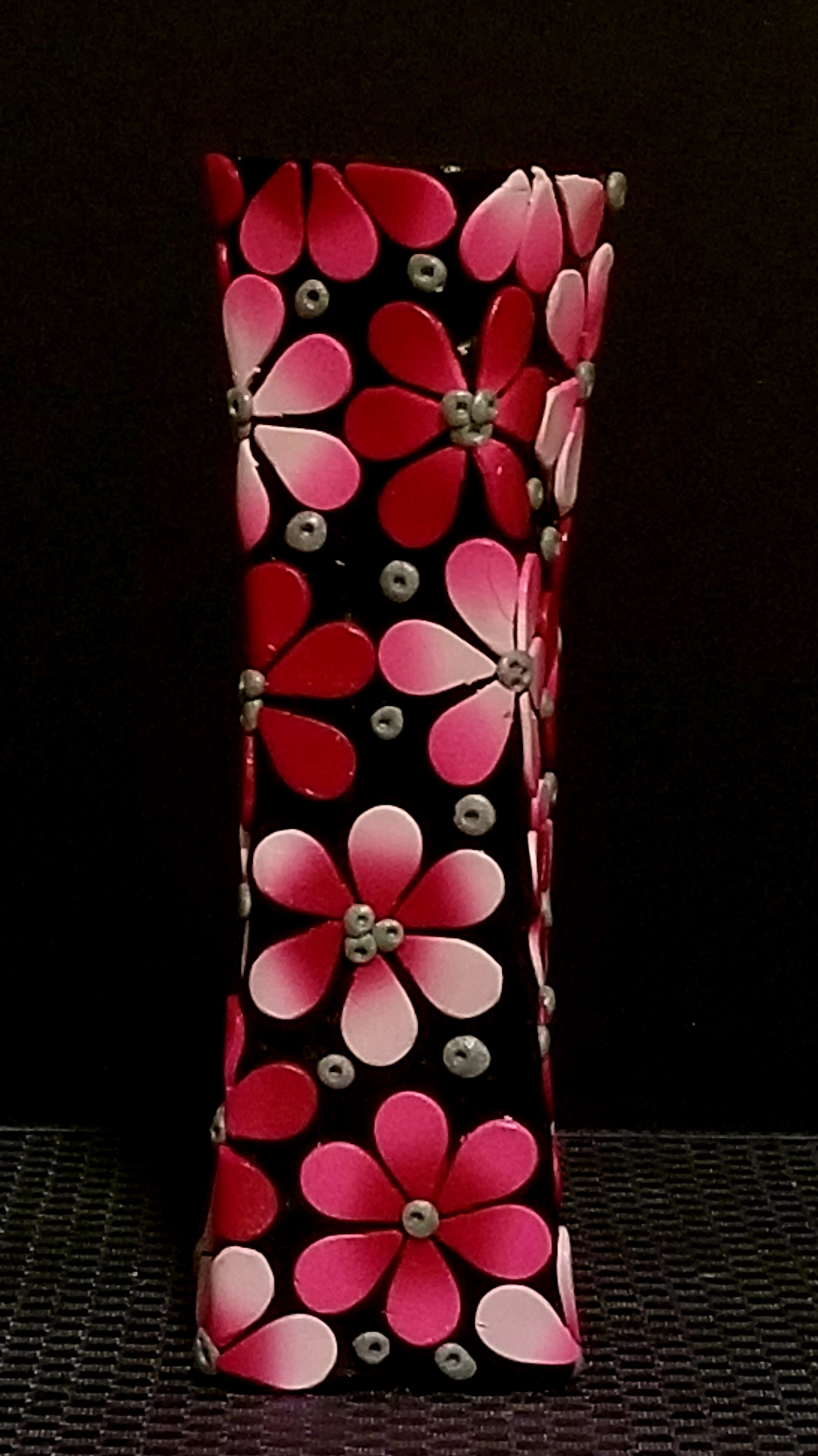
The Shades of Red Vase:  The original intent was to cover the vase in black, then give it a stain glass appearance.  That idea change when I saw how nice the reds and pinks looked against the black.

20190824_140551.jpg

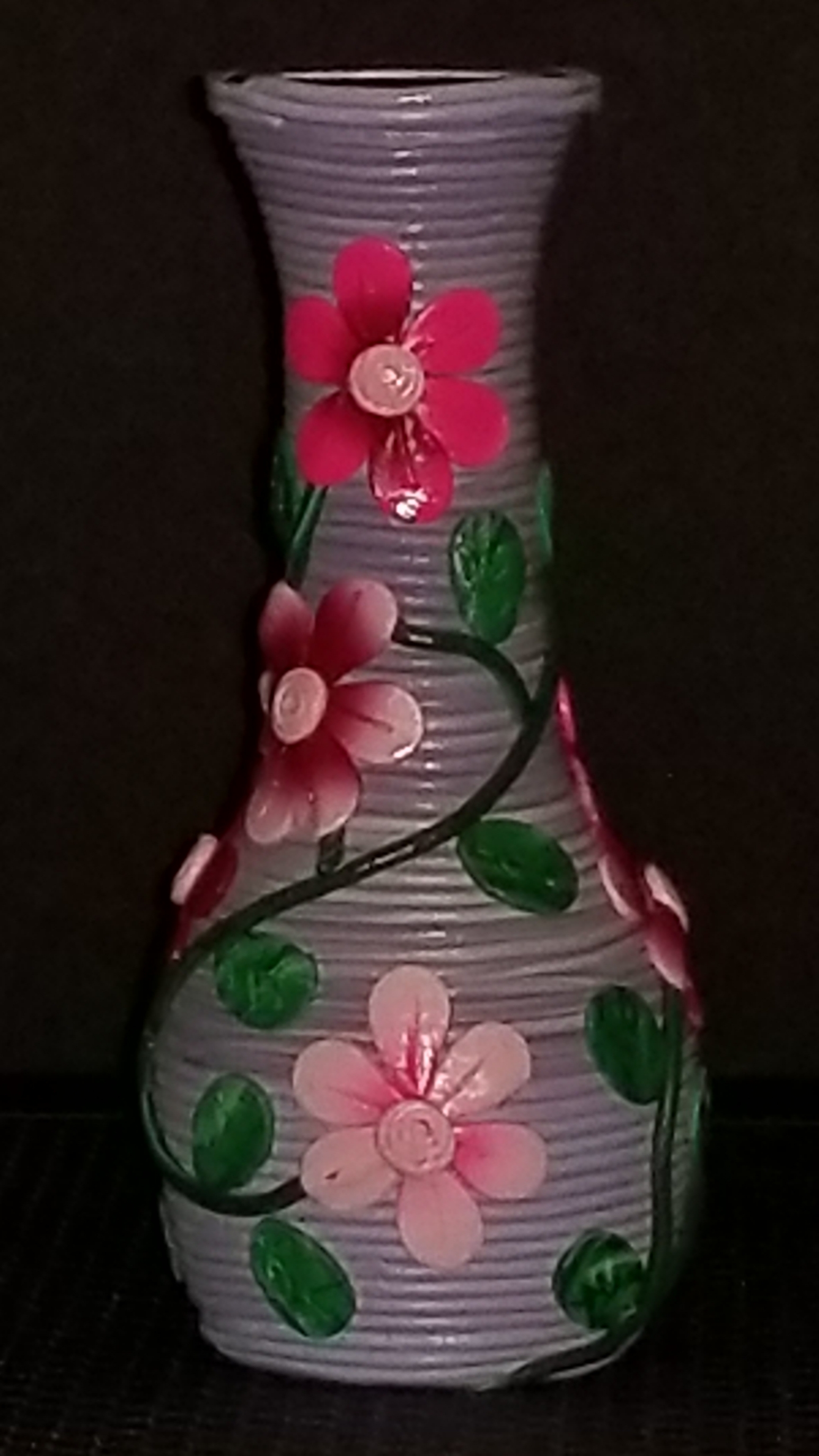
The Flower Vase:  I extrudes some blue/purple clay that was left over from other projects.  The intent for this vase was to have a delicate flowery pattern.

20190824_140401.jpg

After the vases were baked in the oven and cooled, I applied polyurentane to seal the clay.   Since the clay is not permanently stuck to the vase, I could probably take a sharp Exacto Knife to any vase that turns out poorly to remove the clay.

Polymer Clay Crosses

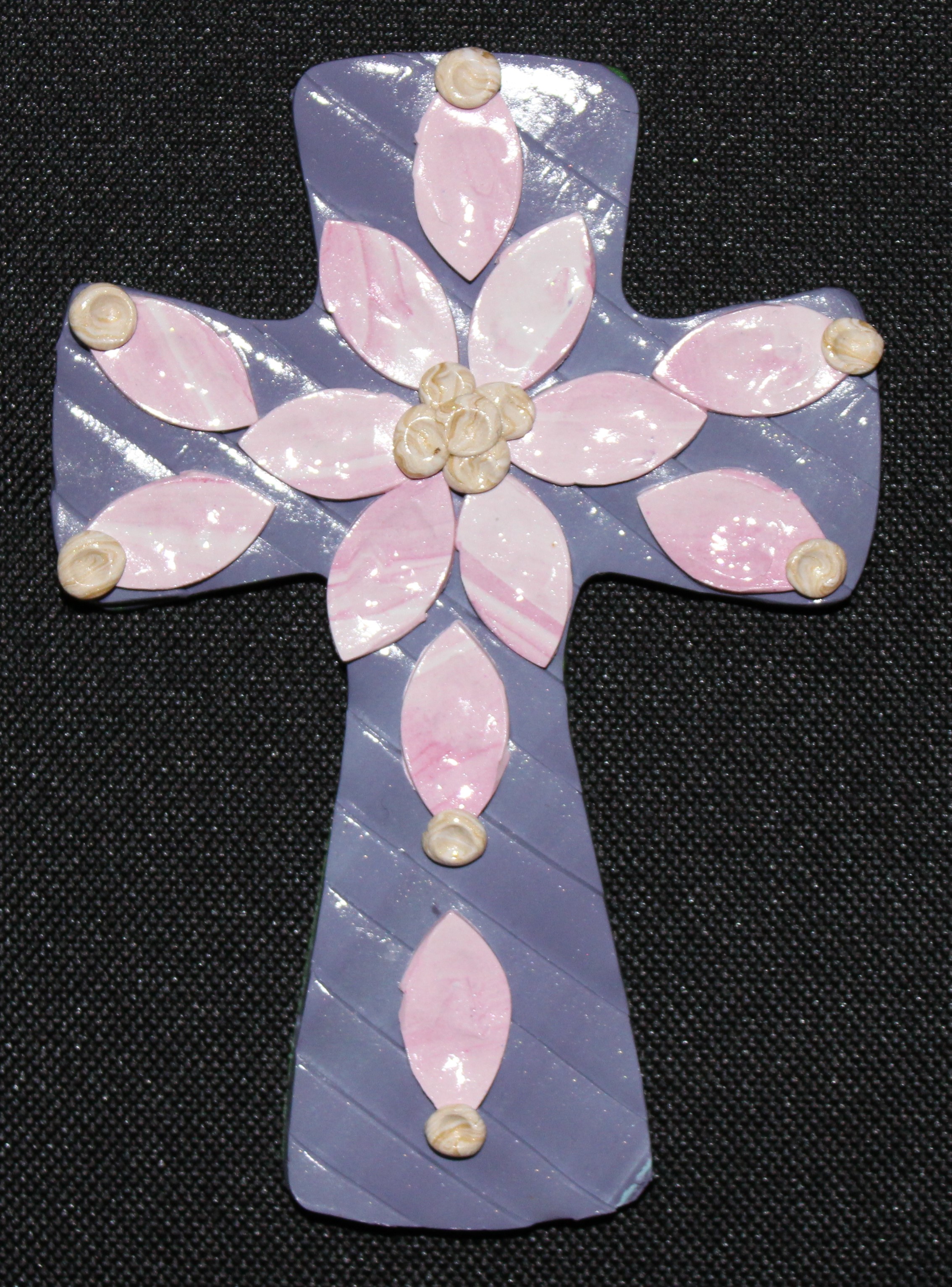
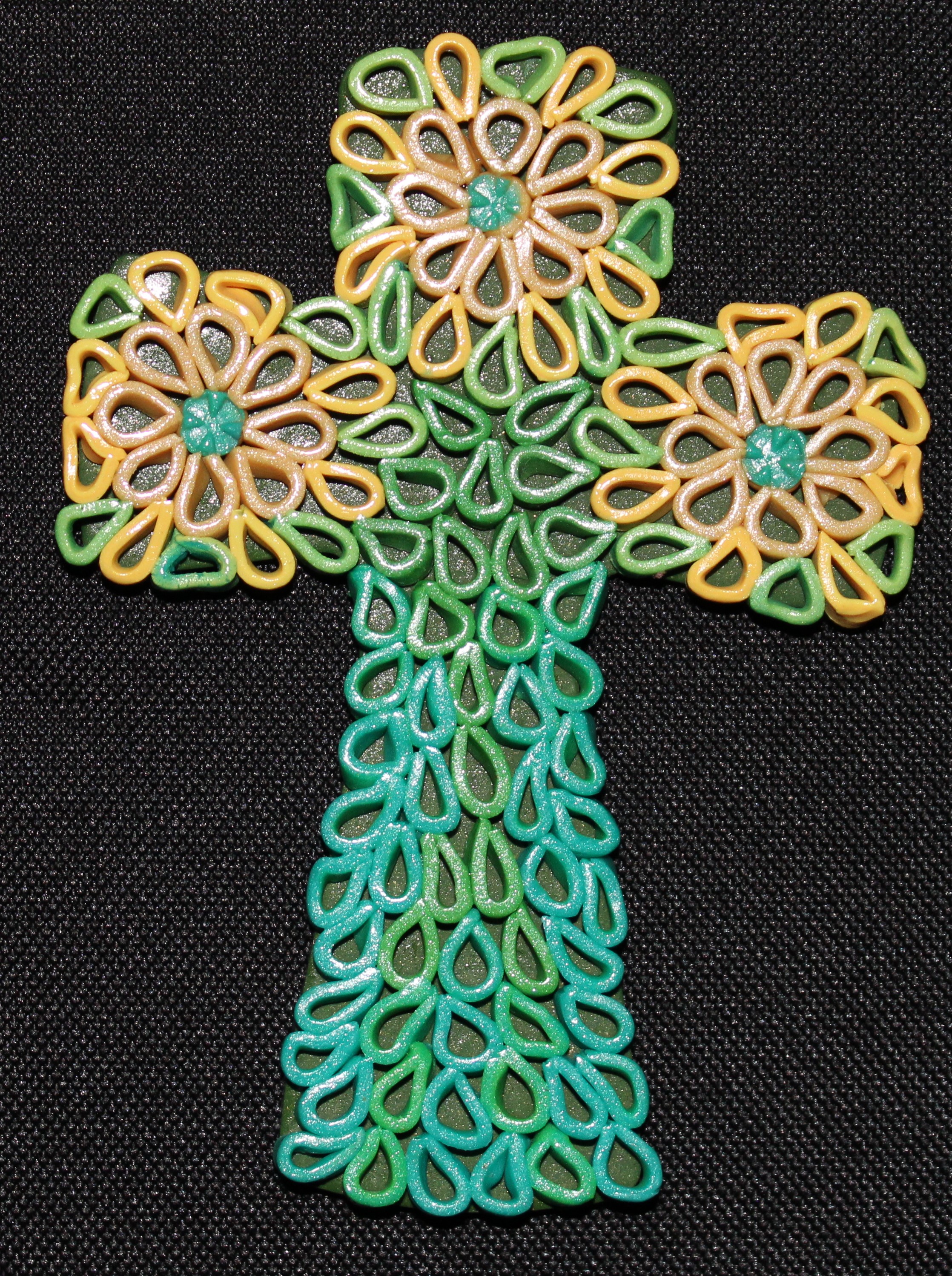
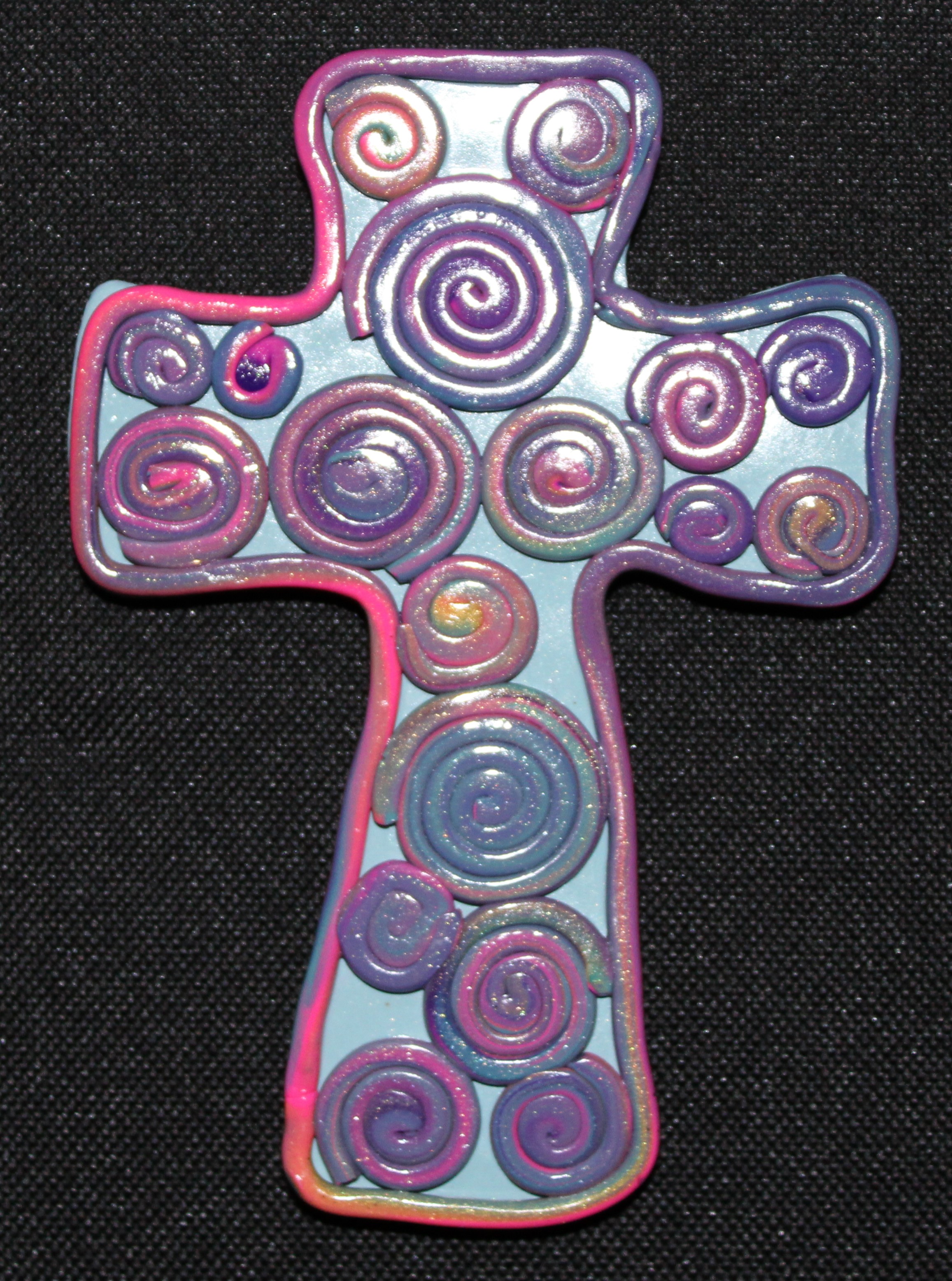
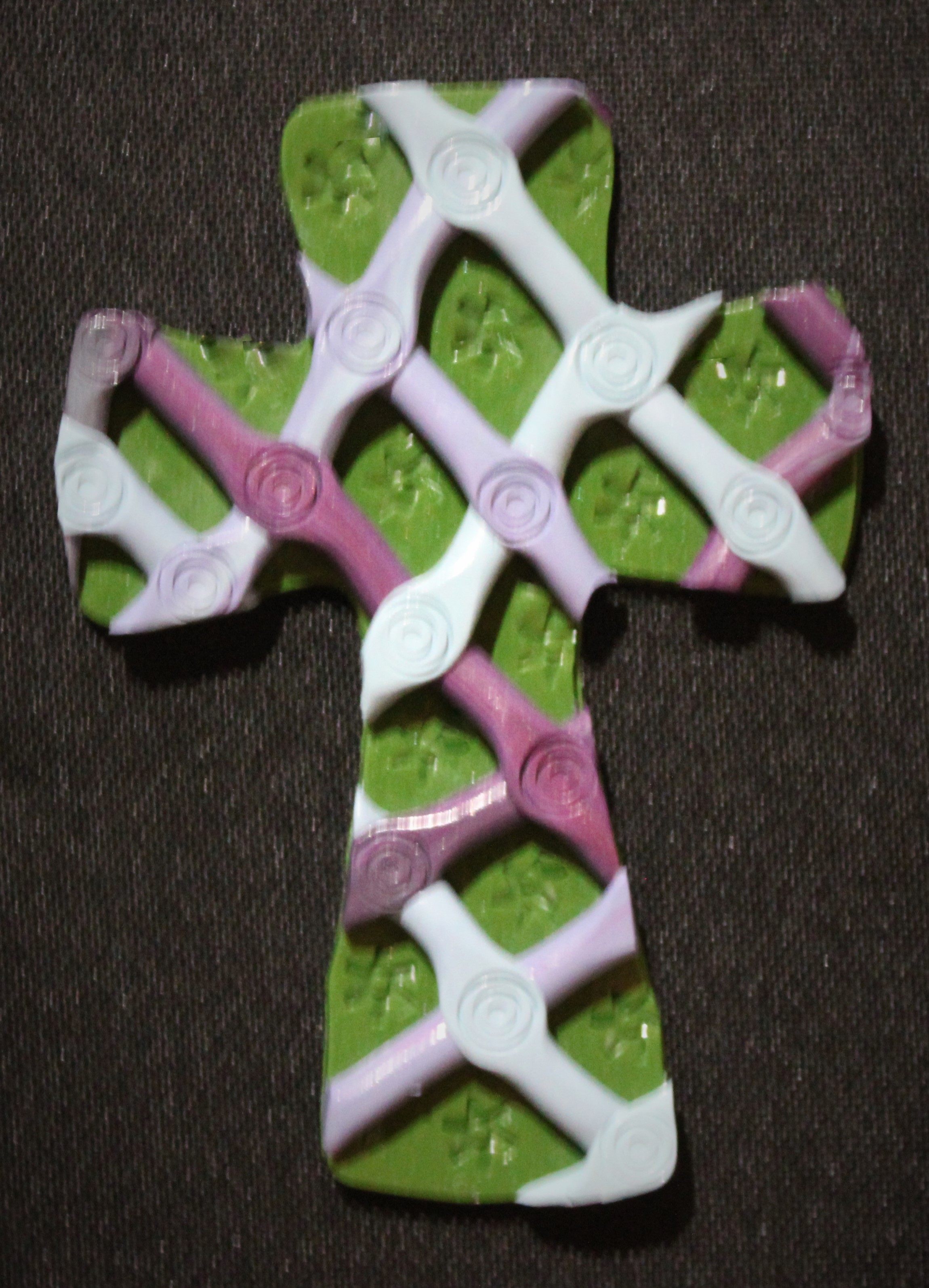
I spent some time creating crosses from polymer clay, which was left over from all of the other polymer clay projects.

First the pretty crosses:

IMG_0925 (2)IMG_0926 (2)IMG_0929 (2)IMG_0930 (2)IMG_0947 (2)

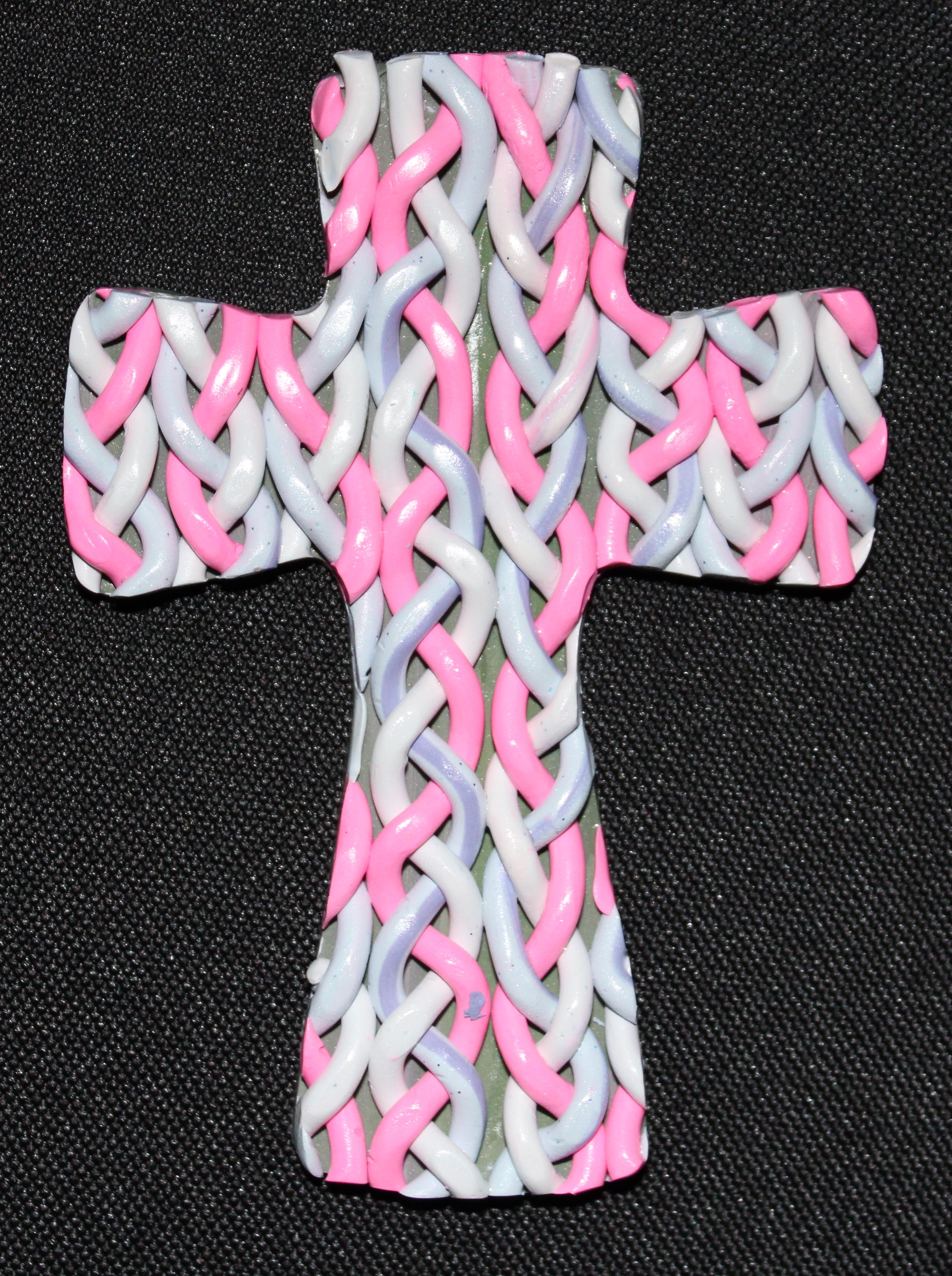
The difficult cross:

Folding clay and braiding clay is a little bit challenging.

IMG_0910

IMG_0944 (2)

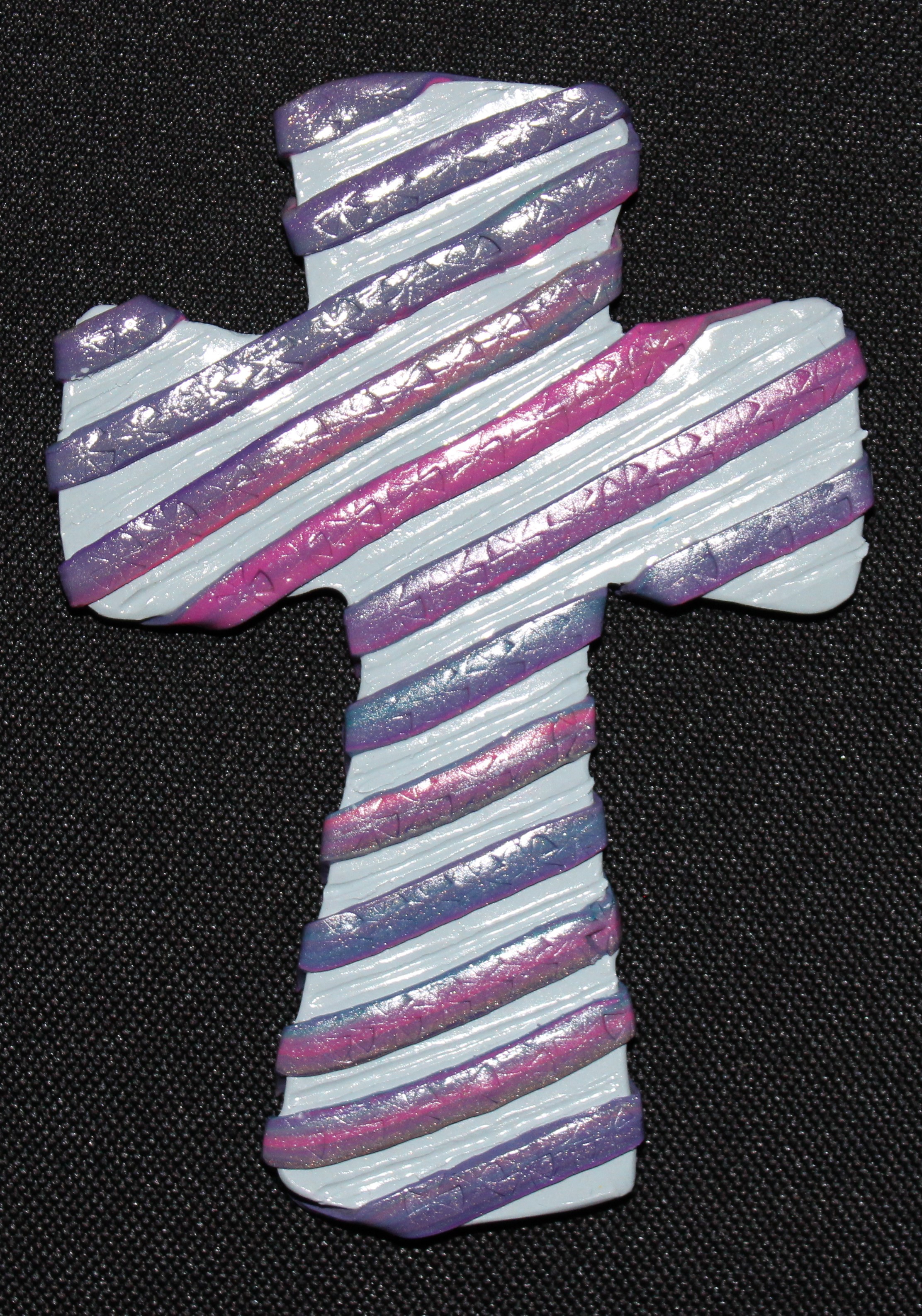
Interesting Crosses:

IMG_0934 (2)IMG_0935 (2)IMG_0932 (2)

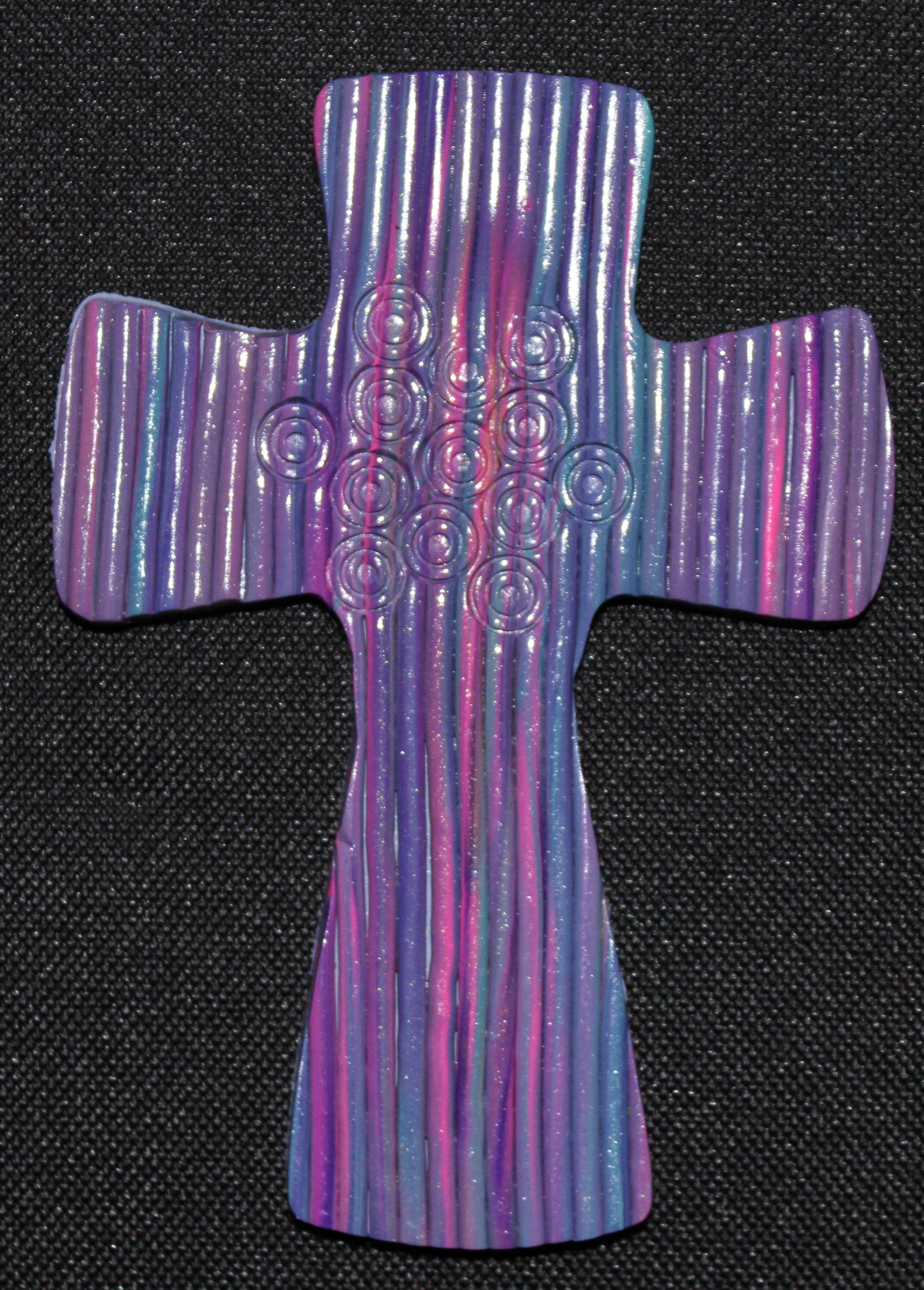
The weird ones:

IMG_0933 (2)IMG_0937 (2)IMG_0939 (2)

IMG_0942 (2)

Do You See the Butterflies?

IMG_0940 (2)IMG_0908 (2)

Experiment: Epson Fine Art Paper

As soon as I felt the Epson Fine Art Paper, I wondered if I could use it for some of my coloring page.  Over the last week, I have experimented with the paper.

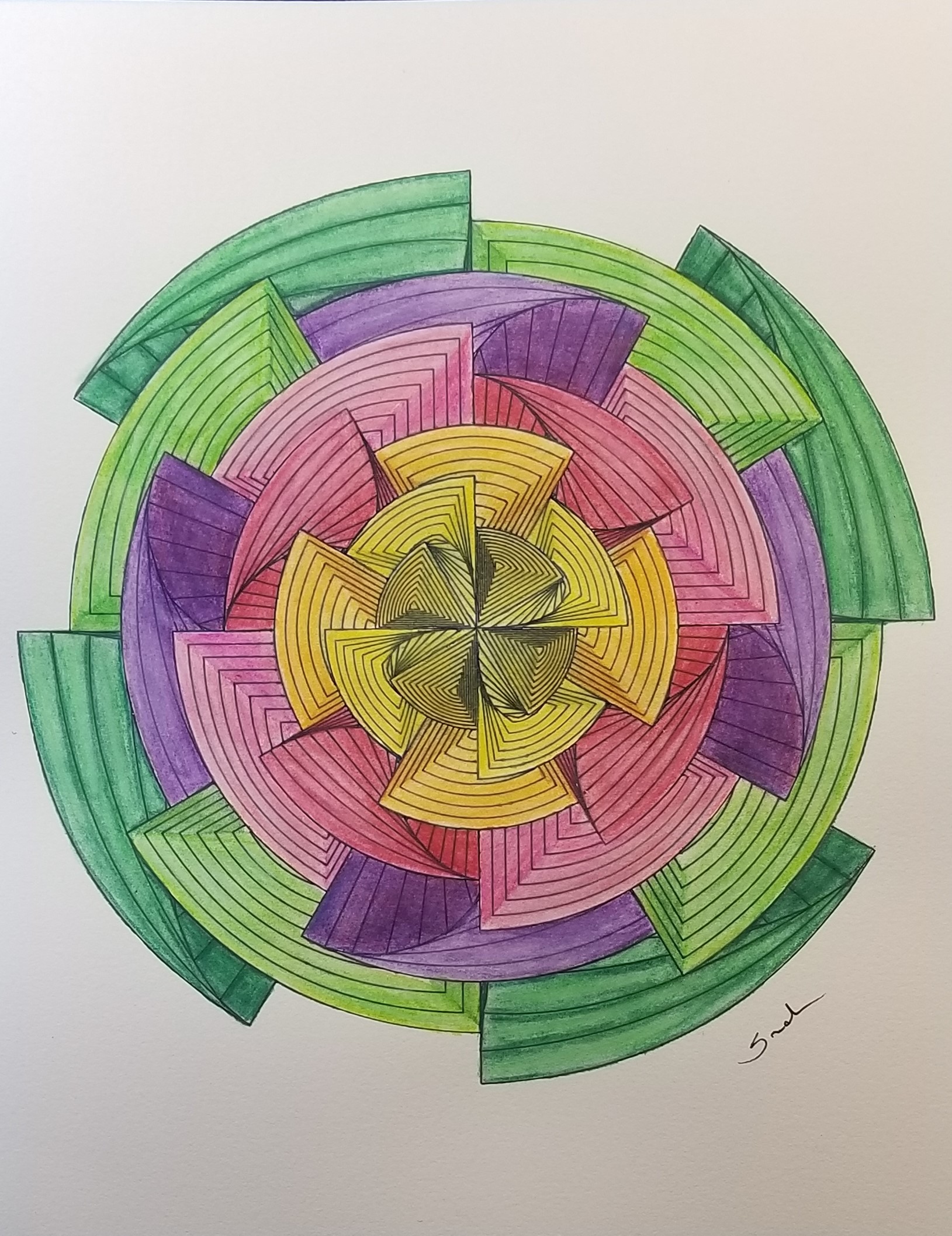
This is the drawing I decided to use for the experiment.  It was designed using CorelDraw.

geo flower twirl

It is also one of the first of my coloring pages I printed.  It was printed using my Epson printer, on Epson Fine Art paper, with the thick-paper setting turned on.  It printed nicely, but I did notice the lines in the middle were very close together.

I thought my first attempt to color it would be with color pencils; instead, I used watercolor pencils, with a water brush, and a light touch.  The black line appeared to bleed a little, but I kind of liked that effect.  The more color I added to the paper, the less the black lines appeared to bleed.  The paper did really well with the water, there was minimum wrapping of the paper.  Below is the results:
20190120_163242

My testing of the color pencils did not go well.  The color went on the paper like I expected, nice blending was accomplished.  However, when you apply multiple layers of color with the pencil, wax bloom happens.   Little specks from the color pencils gets all over the drawing.  One method to get rid these little specks, is to use a kneed eraser.

The Fine Art paper, absorbed the gray color from the kneed eraser.  It also absorbed the pink from the pink eraser and any color left from previous erasing off of a white eraser.  There are two ways I can see to get rid of these little specks for future projects when using this paper:  first, to clean the white eraser every time before touching it to this paper; or use can air to blow the specks off the paper.  I am will probably go with the can of air.

Since I created the drawing in CorelDraw, I had to color it in CorelDraw.  When I saved it out as a JPEG file, I though the background provided additional shine to the colors.  Below is the piece of art.

geo flower twirl color

It you would like to color this design, I have posted a PDF of it on my coloring page.