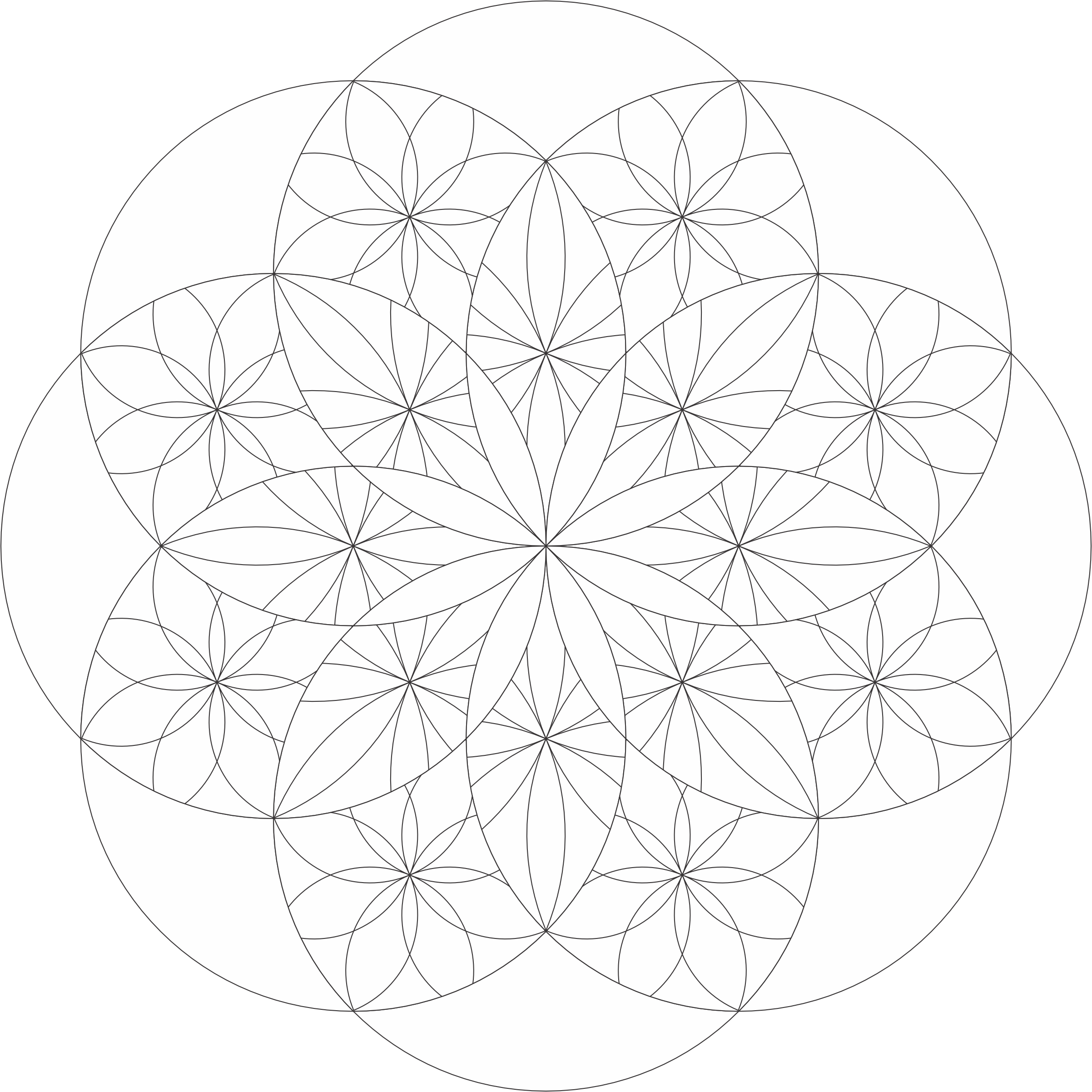
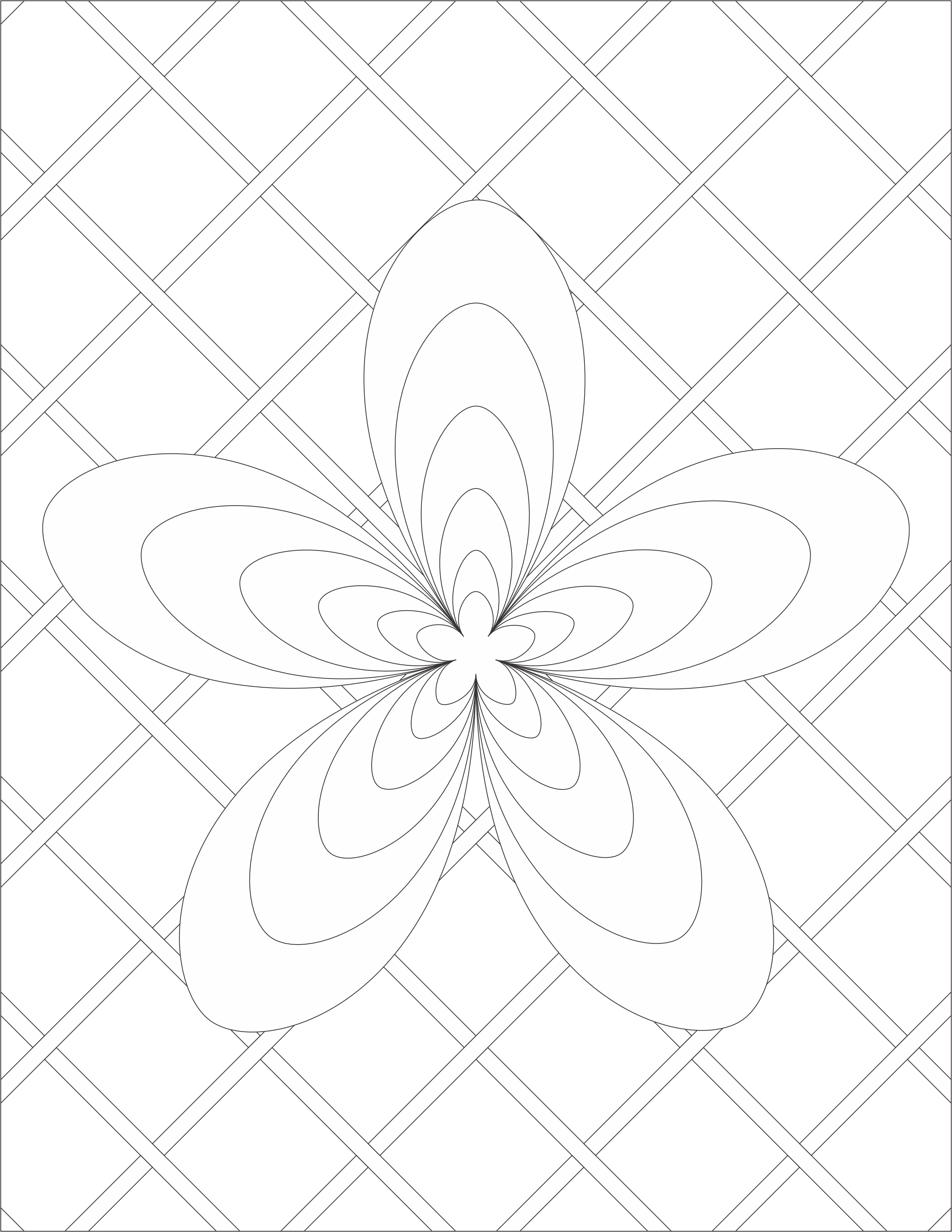
I named this coloring page “Stars at 45” because each circle is at a 45-degree angle. Below is an example how I colored the “Stars at 45” template using CorelDraw.
Stars at 45 Template: You can download the template from the coloring page or click the link. Coloring it or tangle it. I know you can make it beautiful.
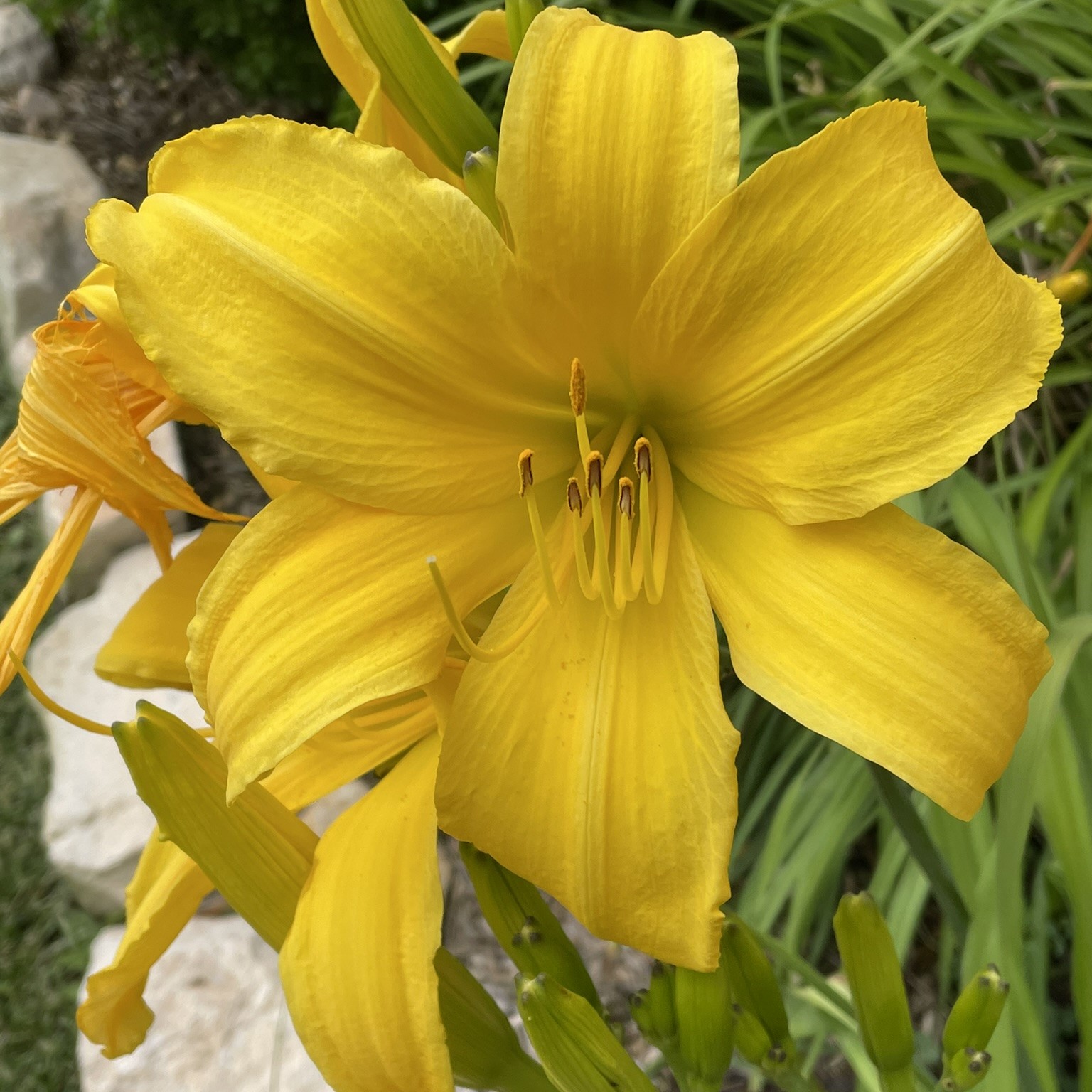
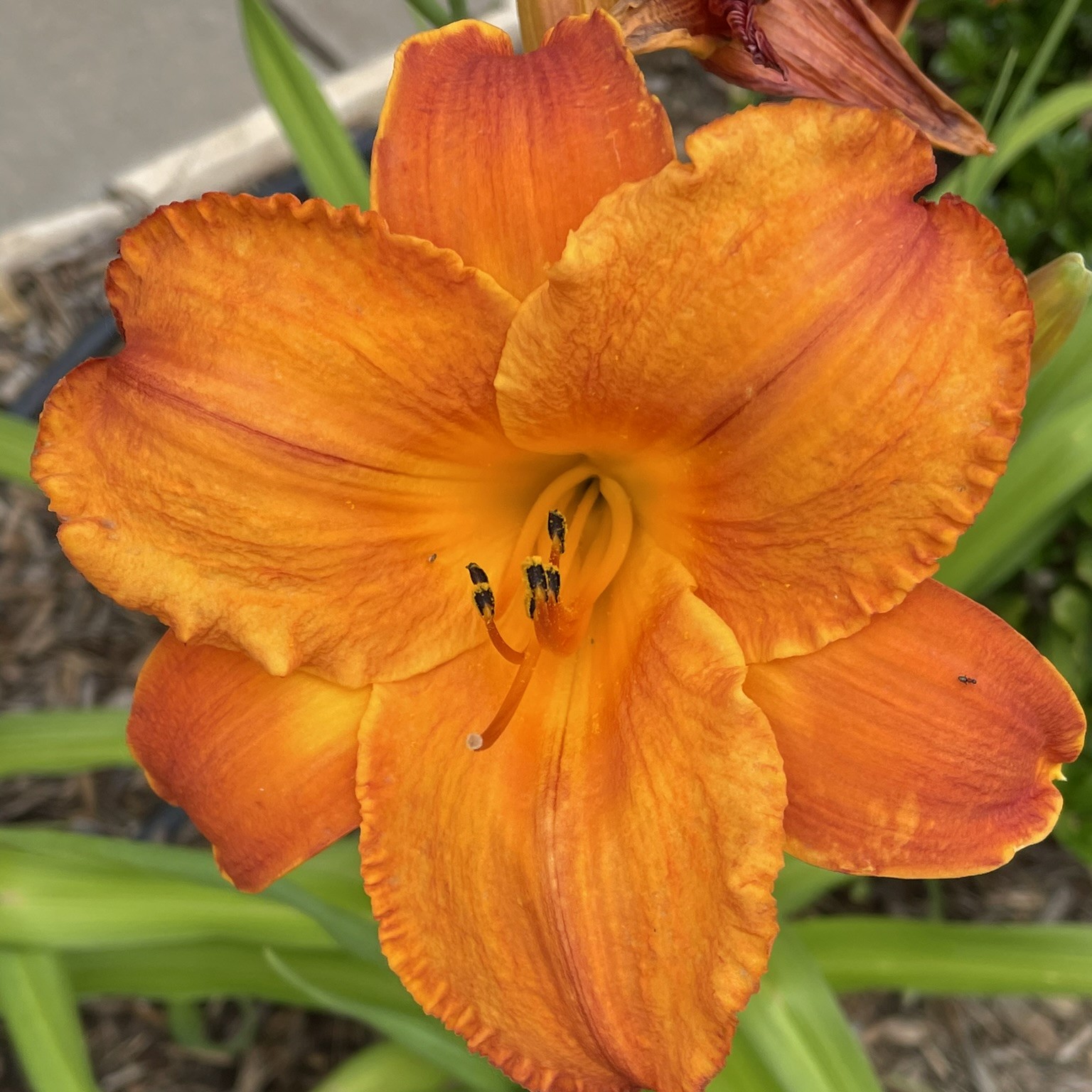
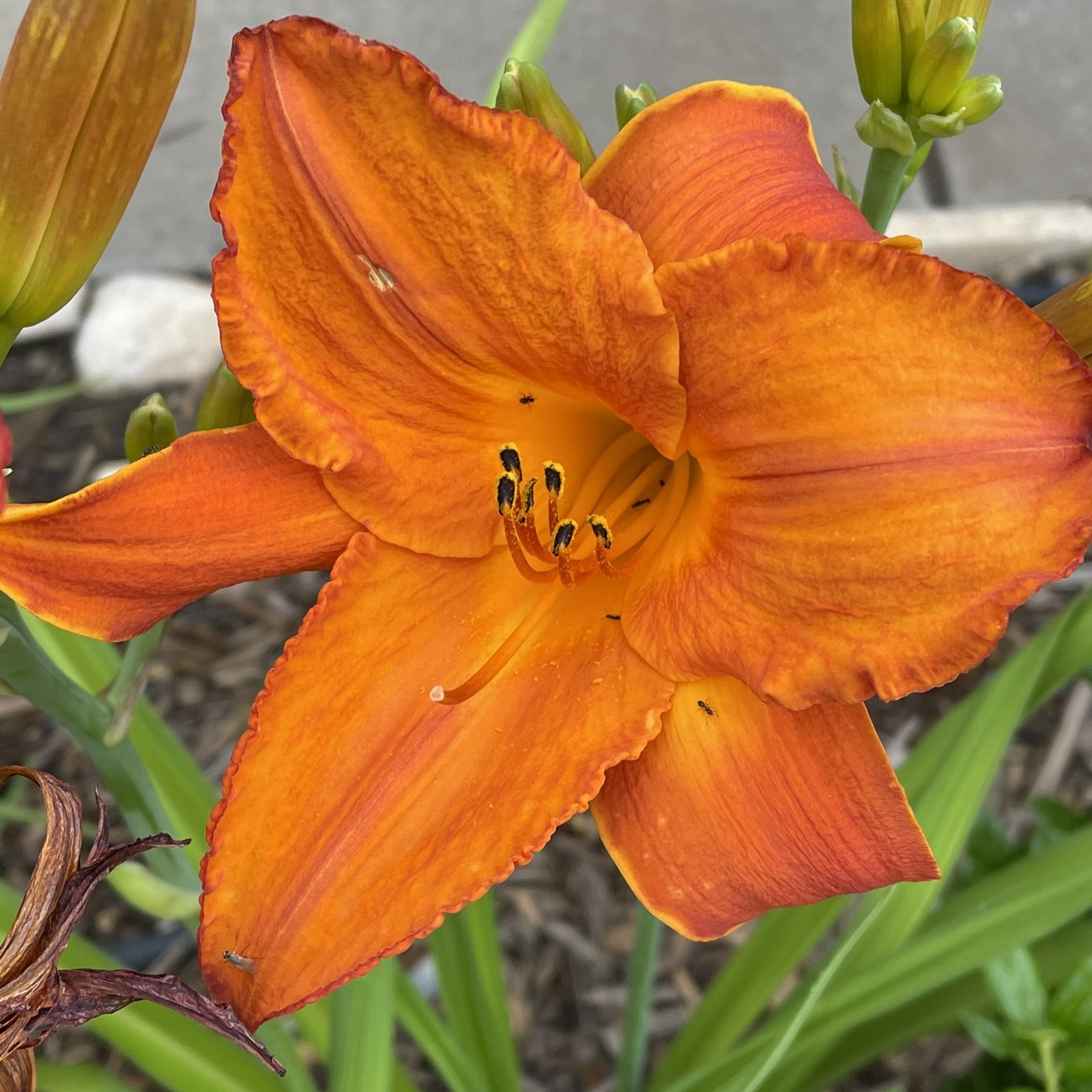
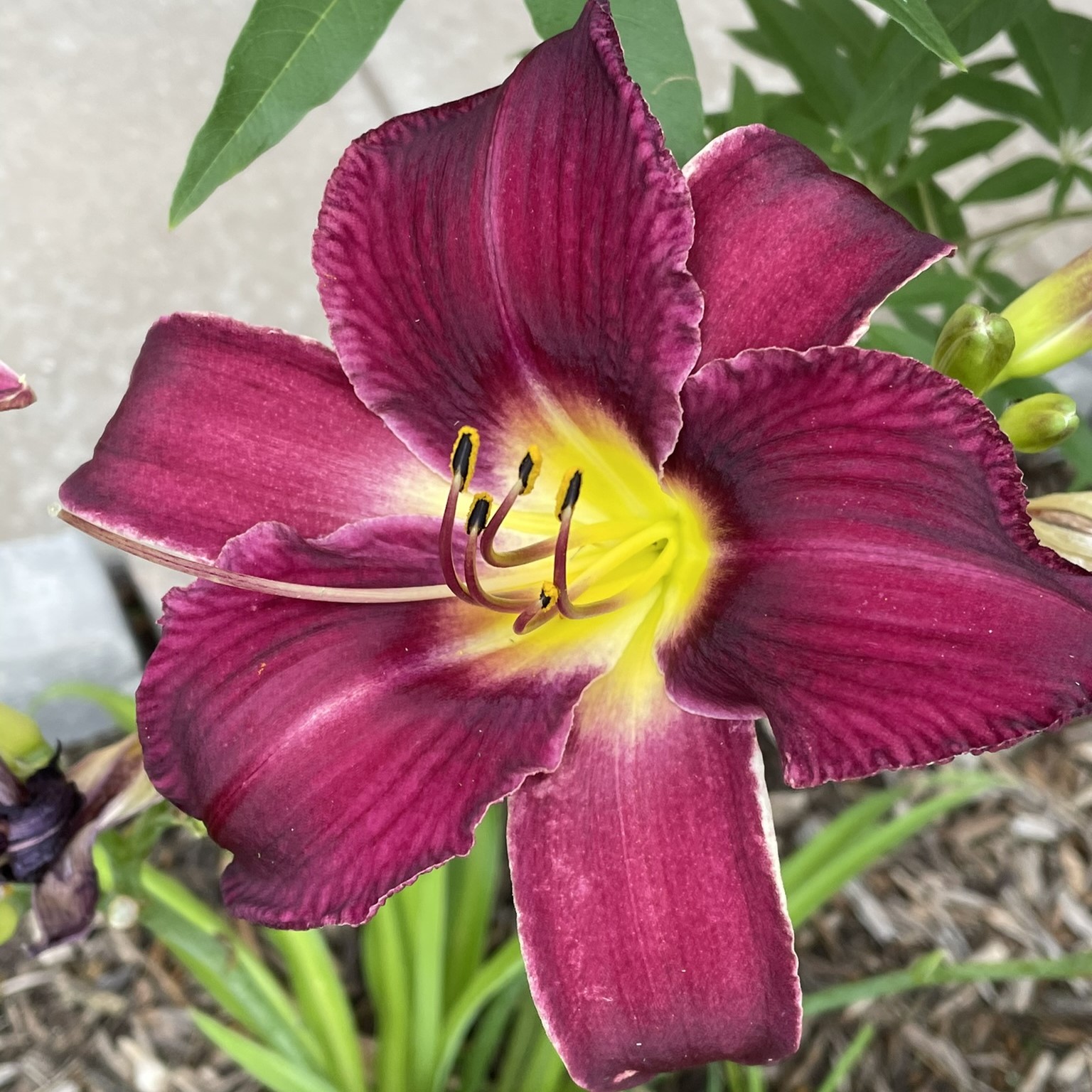
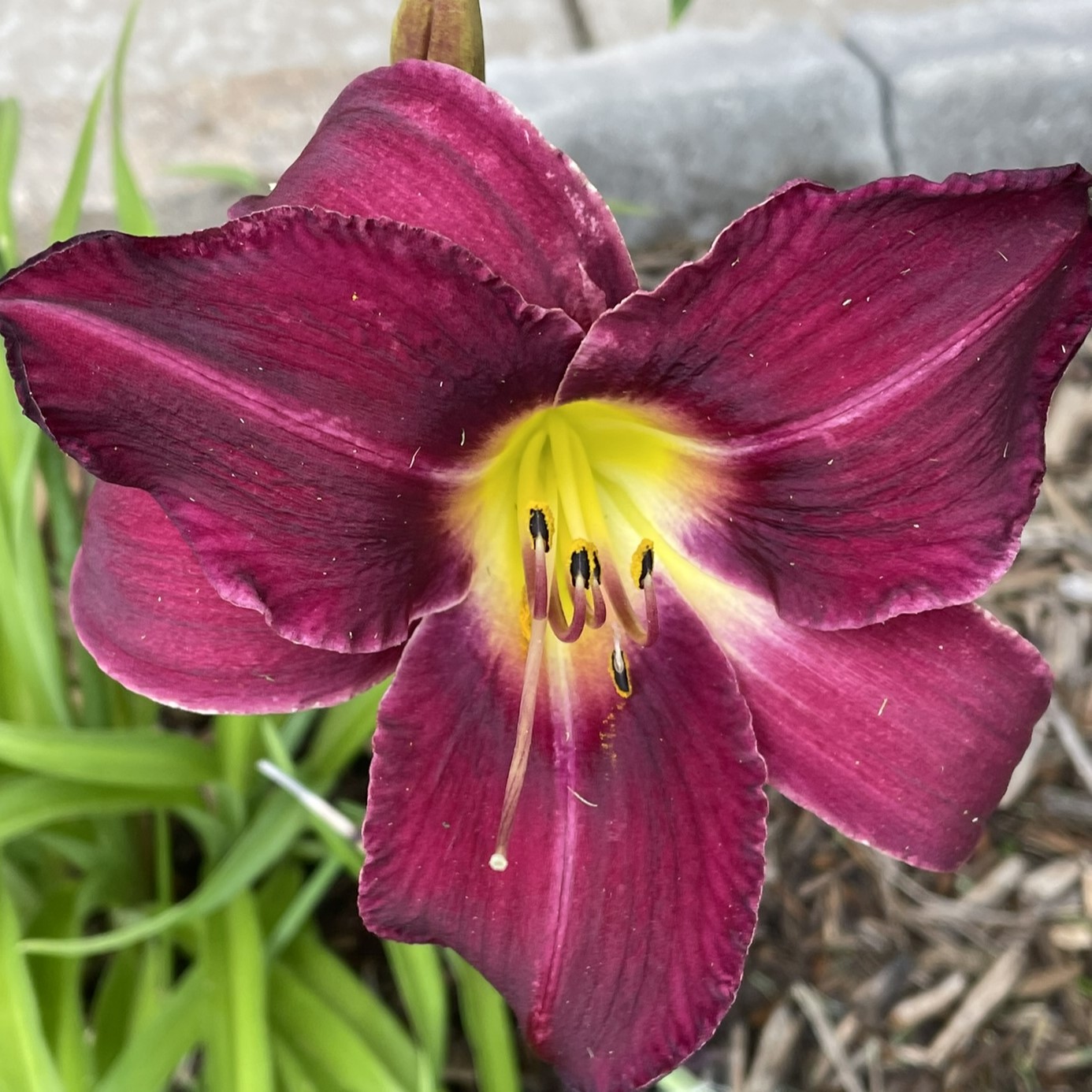
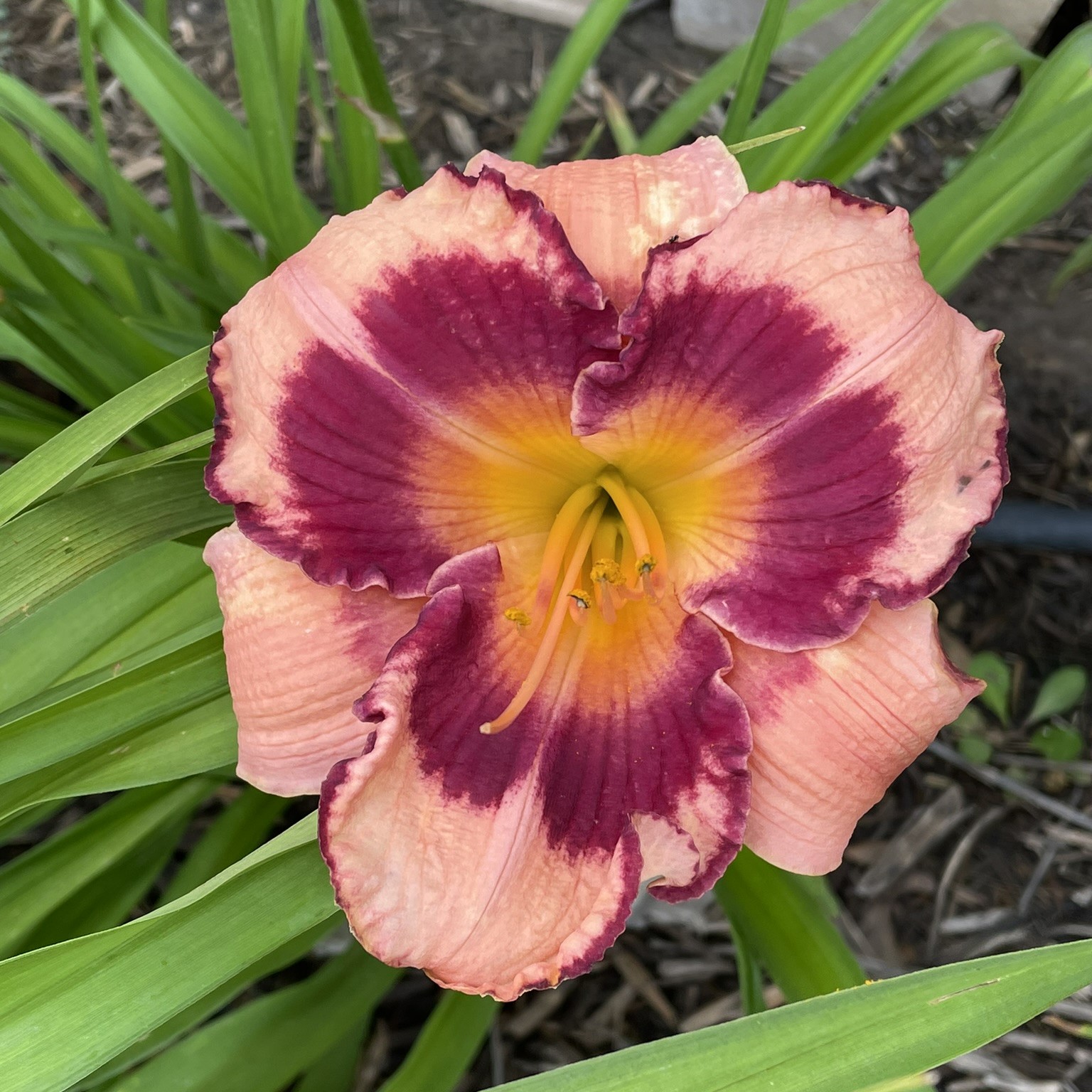
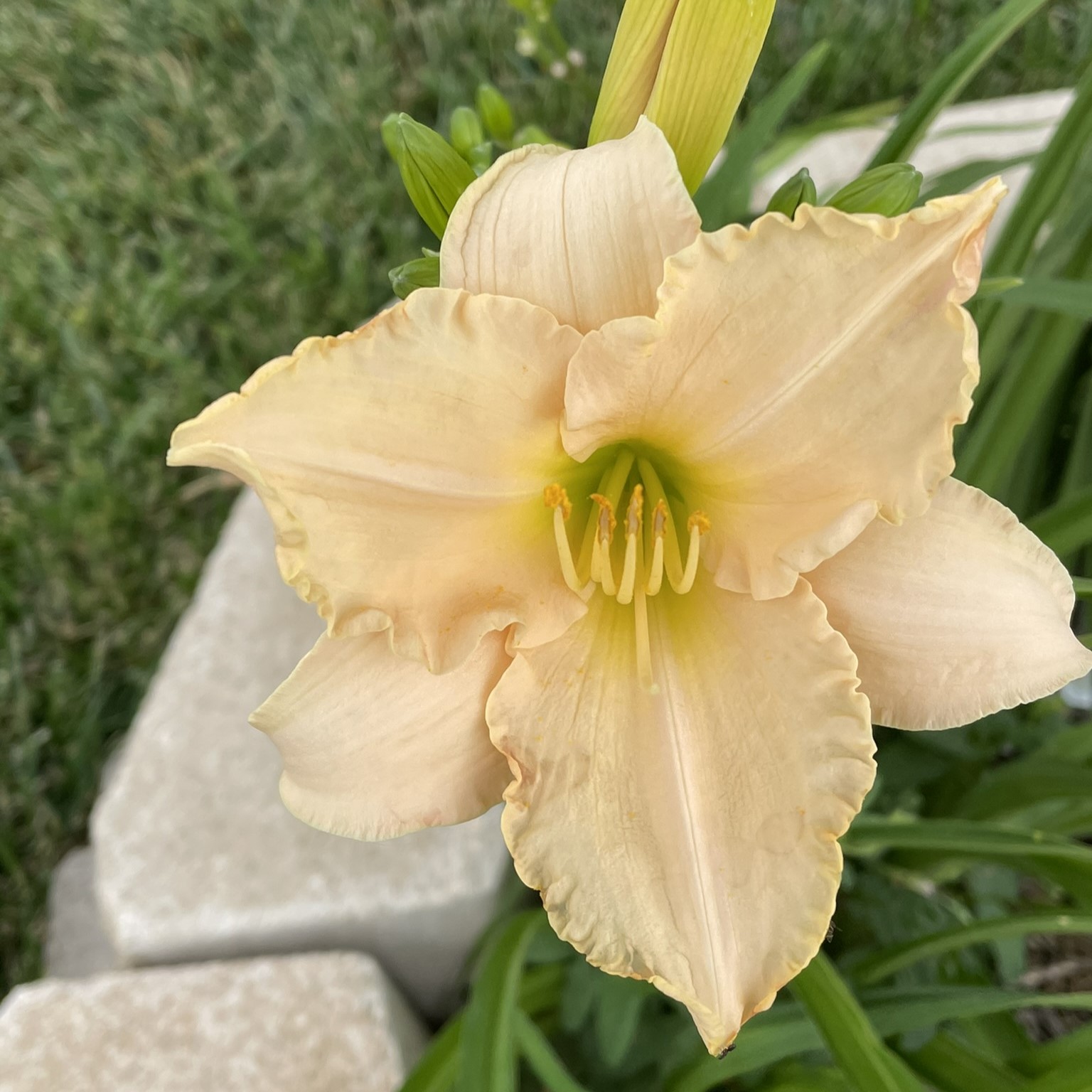
Last year, I planned some daylilies in my yard. Why daylilies? Because they are very low maintenance, and they produce beautiful flowers. I purchased them from Oakley Daylilies because their website allowed me to purchase the correct ones for my region. Last year, they were beautiful. This year, they are gorgeous.
Last year, I also planted a one-gallon Crape Mrytle, and it was a wimp. It hasn’t grown much in a year, but the blooms this year are fantastic. I have a lot of fond memories of climbing the crape mrytle in my backyard, including falling out of the tree. Once I caught my breath, after falling out of the tree, I gave it a dirty look, and climbed in again.
Yes, Roses are beautiful. But, I am developing an extreme dislike for rose bushes, especially the ones in my yard. There is nothing you can do to stop the thrones from sticking you. It doesn’t matter what gloves you have on, or how careful you are. If you attempt to trim them, they will attack.
If you would like to know the name of them flowers, check out Up Close to Flower blog.
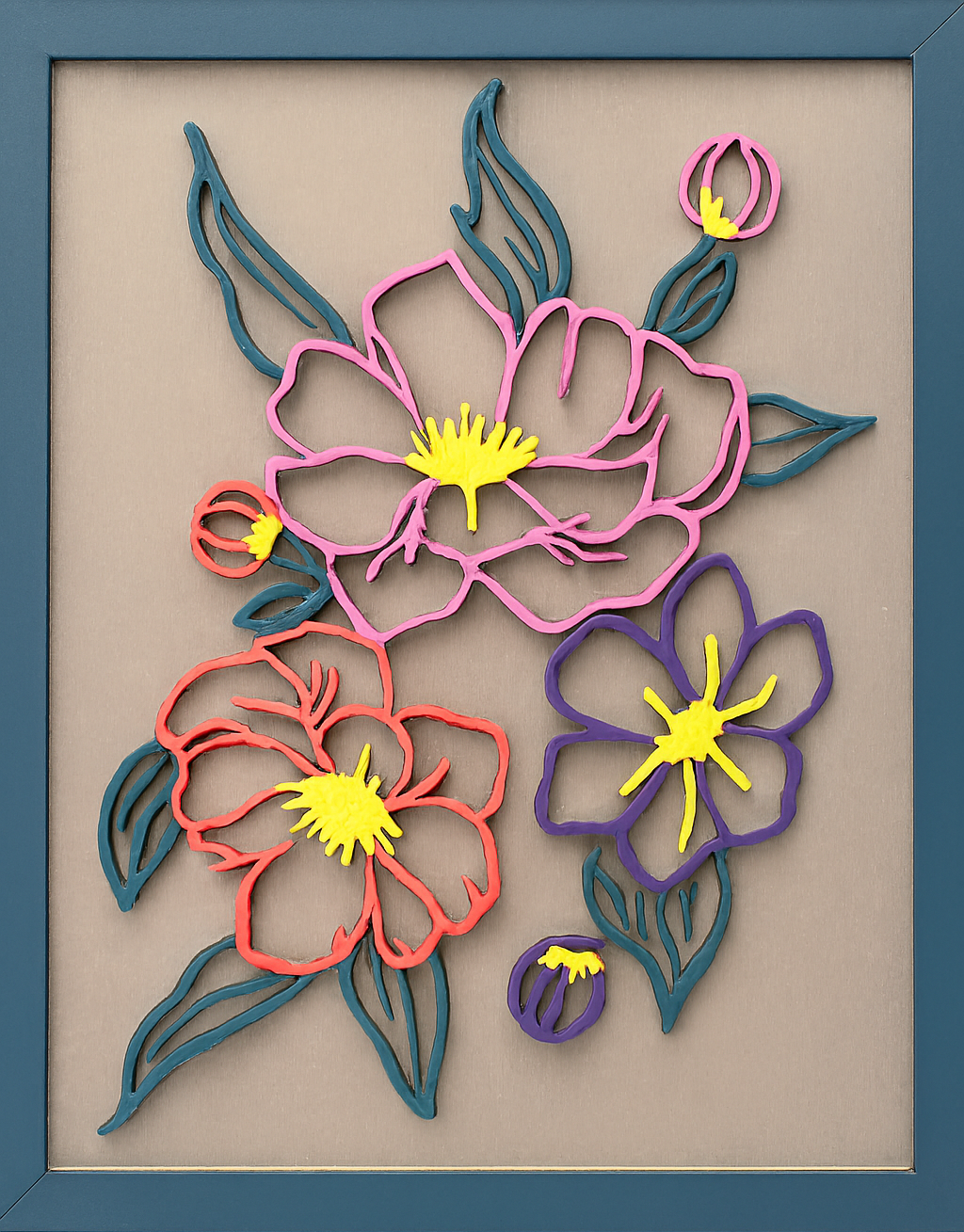
Six new coloring pages are available for download. All of the new pages are based on flowers. Below are the links to the PDF files, and examples of how I colored each of the designs.
Did you know I have a flower blog? It is named “Up Close to Flowers“. It only contains pictures of flowers, with my best attempt to identify them. There are hundreds of flower pictures posted on the blog. Sometimes it just nice to stop and see that large variety of beautiful colors.
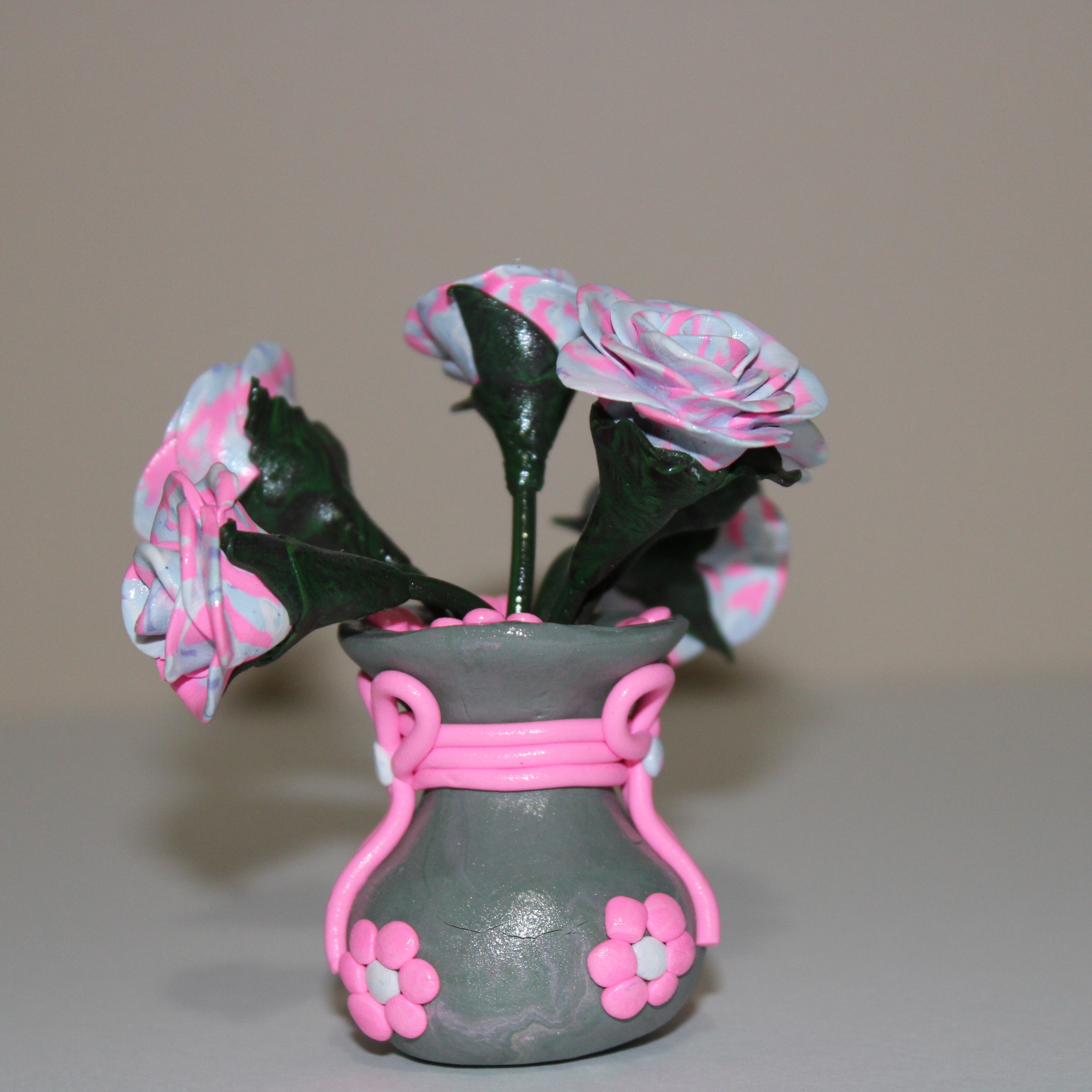
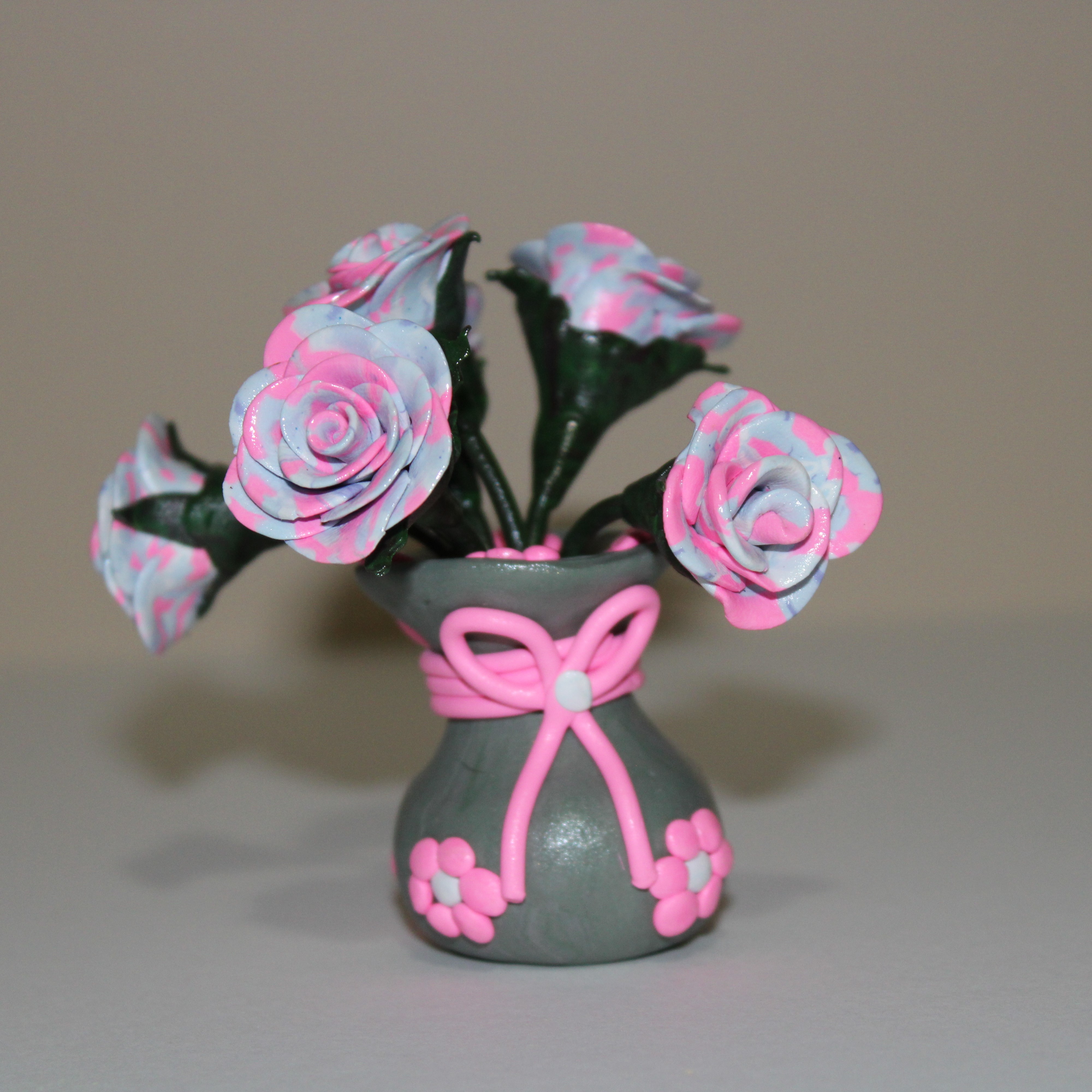
The parts for this tiny vase have been laying in my craft area for a long time, and I finally got around to assembling flower arrangement. It was made with left over Sculpey clay and baked in the oven. I sprayed the arrangement with polyacrylic varnish. The flower arrangement is approximately 4″ tall.
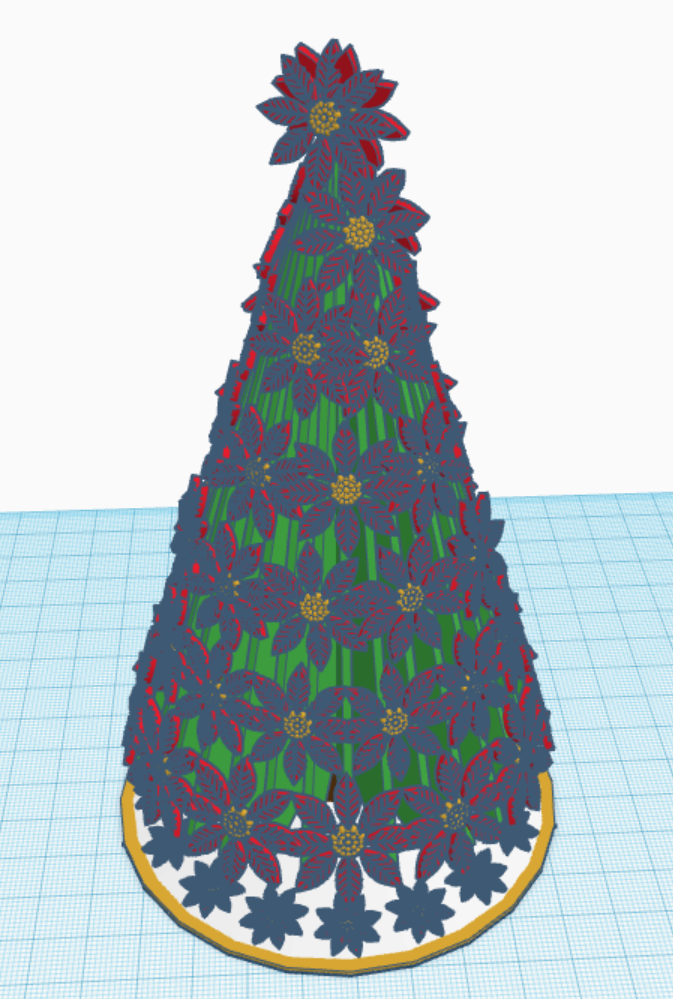
Merry Christmas! To celebrate I created a Christmas Tree with Flowers that is available for coloring. You may download the coloring page from this link Coloring Pages.
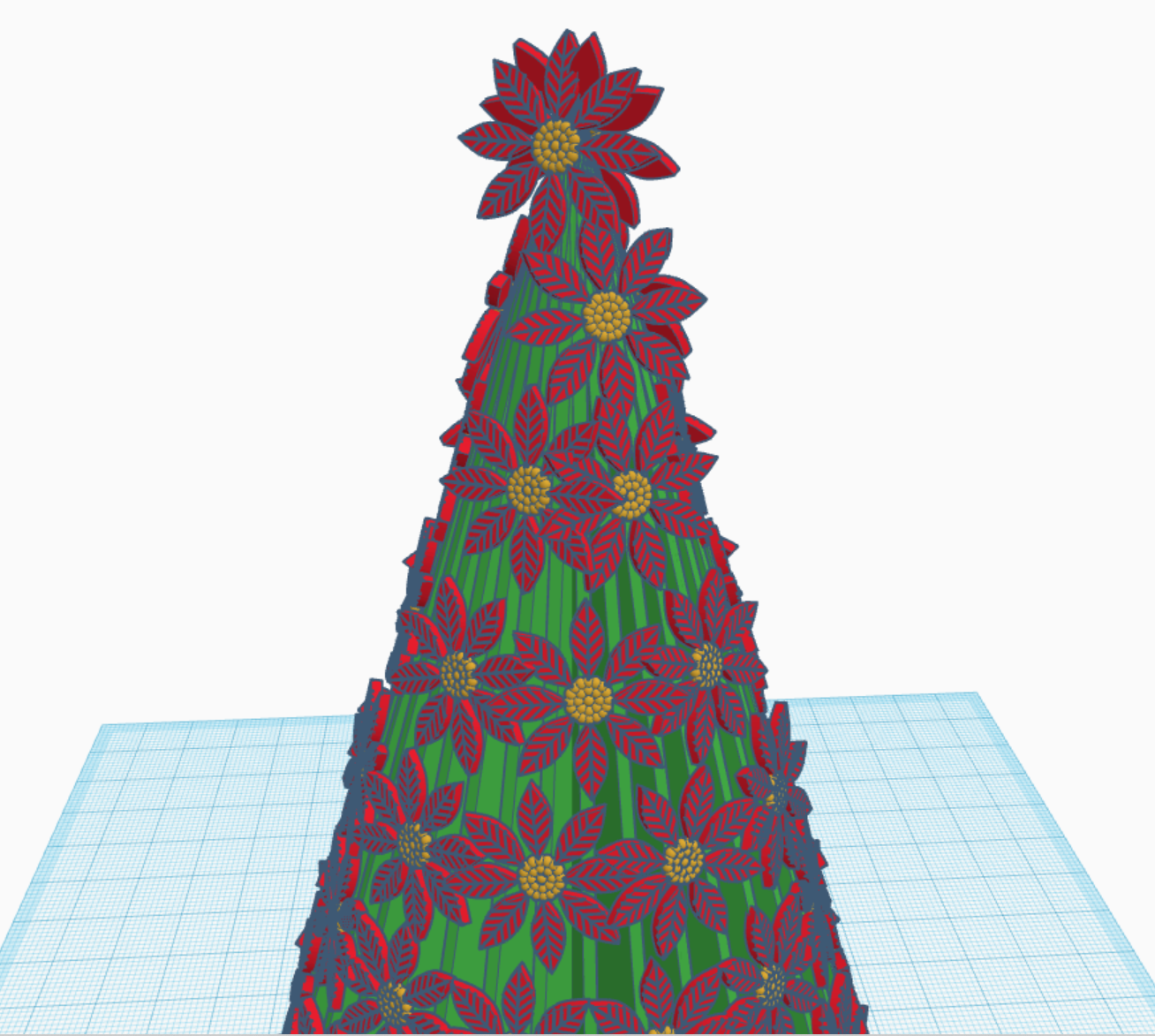
After the coloring page was completed. I decided it would be fun to recreate the tree in Tinkercad as a 3d Design. You may view, copy, change the 3D Design by using this link Christmas Tree with Flowers. If you have any question, please leave them in the comments.
Made with TinkercadUp close view of Christmas Tree with Flowers
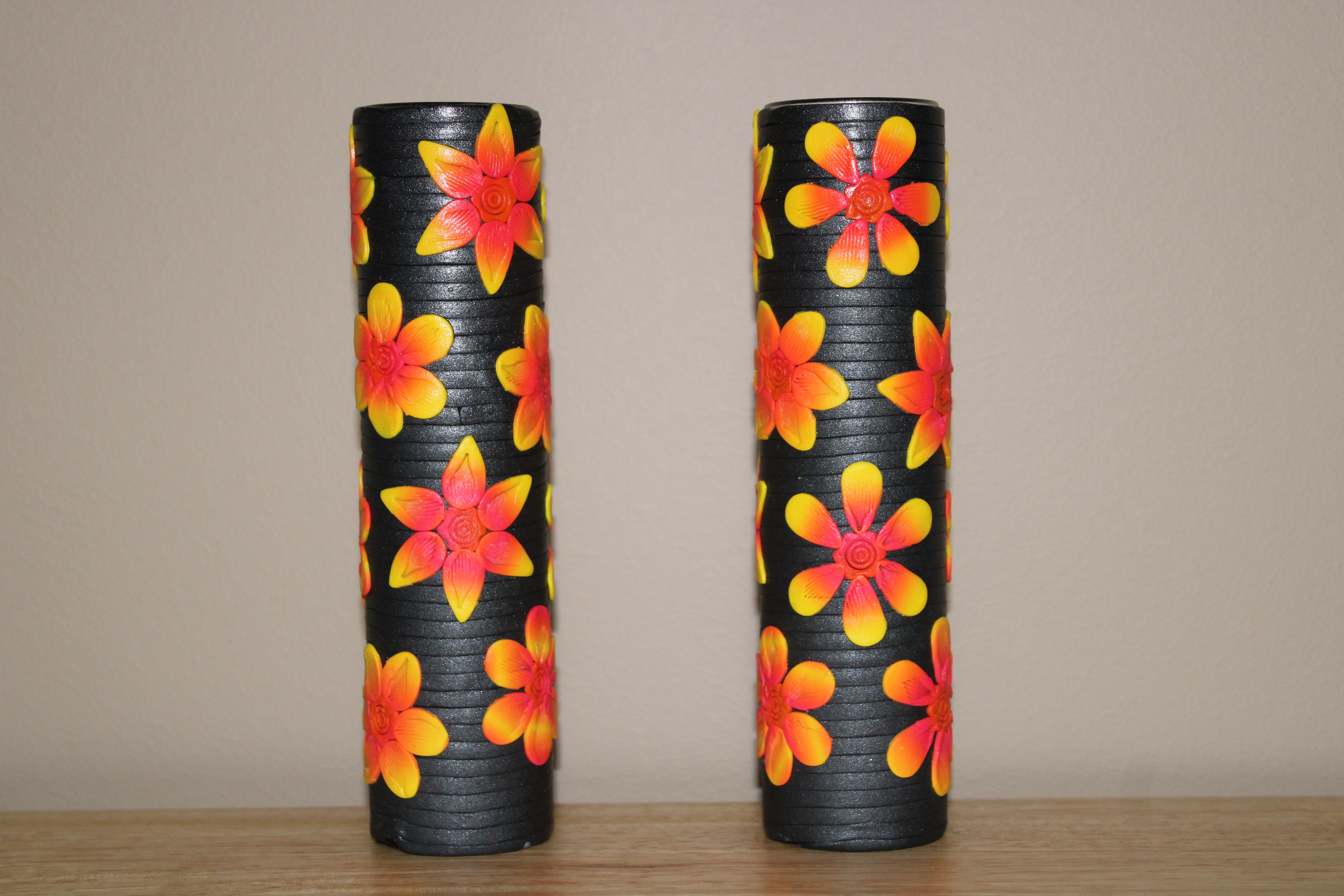
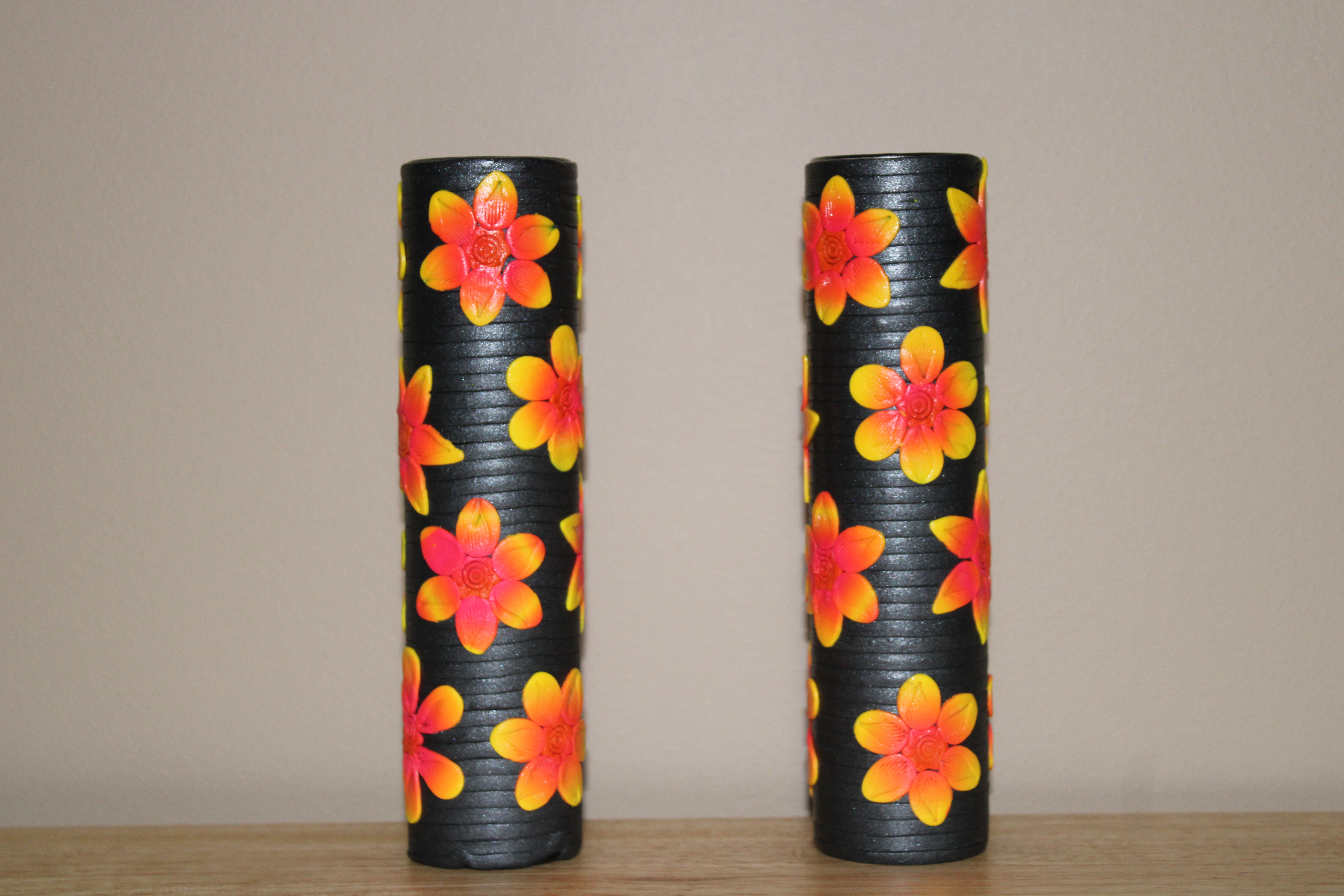
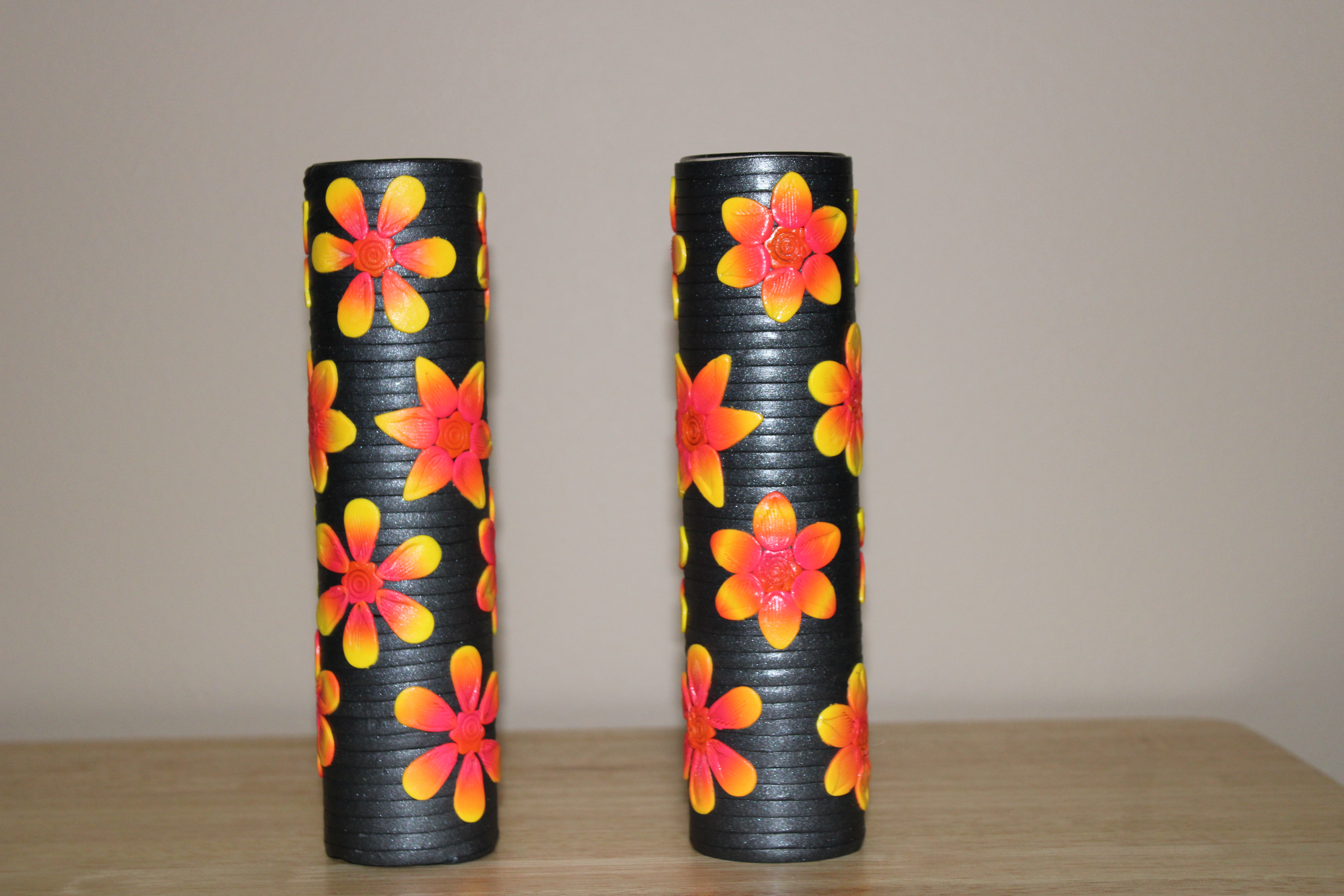
I can’t believe I am finally posting a couple of my vases. They have been done for over a year; sitting, waiting for their pictures to be taken so I could show them off in my blog. Other items were finished and posted after these vases were made. I thinks they are camera shy and hid everything I went to take pictures.
Some of my favorite flowers are the one that has multiple colors, especially the ones that go from yellow, to orange, to pink. My mother grew roses that were those colors and I thought they were absolutely beautiful.
I covered two glass vases with black Sculpey polymer clay. I blended yellow, red, and hot pink polymer clay and cut out each petal and center circles. I placed each petal on top of the black clay to make the flowers. After the flowers were formed I stamped each petal. I didn’t glue the petals on because it is clay,. Polymer clay items will stick to each other. Afterward, I baked to vases in the 275 degree over for about 10 minutes. When outside temperature was above 70 degrees, sprayed the vases with several coats of Minwax Polycrylic
The vases are not identical, but they are simular.
The roses were also made from Sculpey polymer clay. One day I should capture how I make roses.
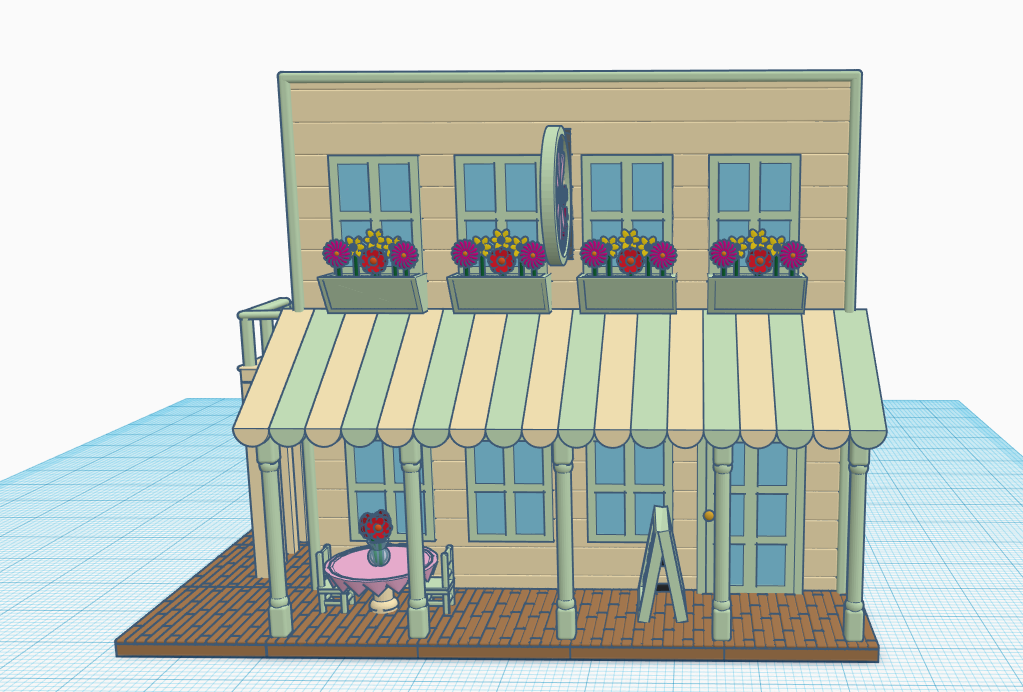
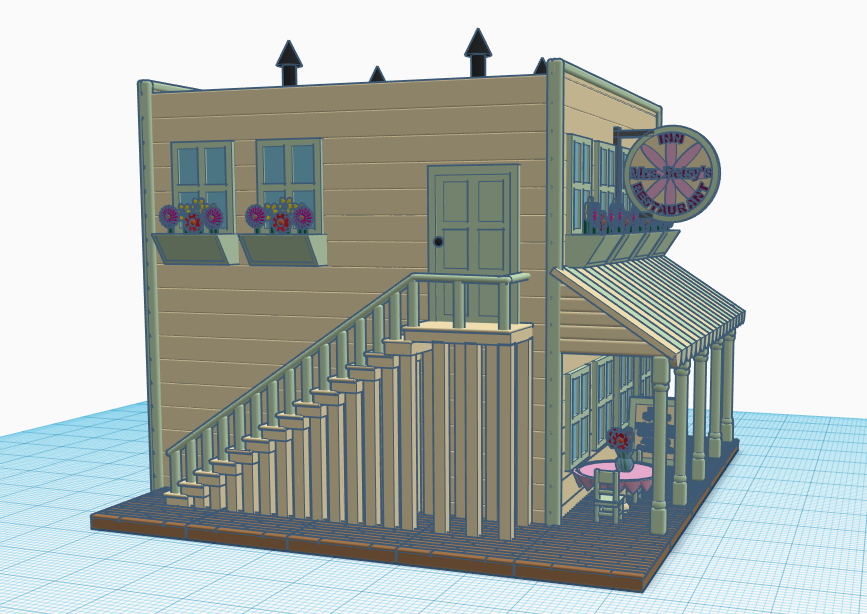
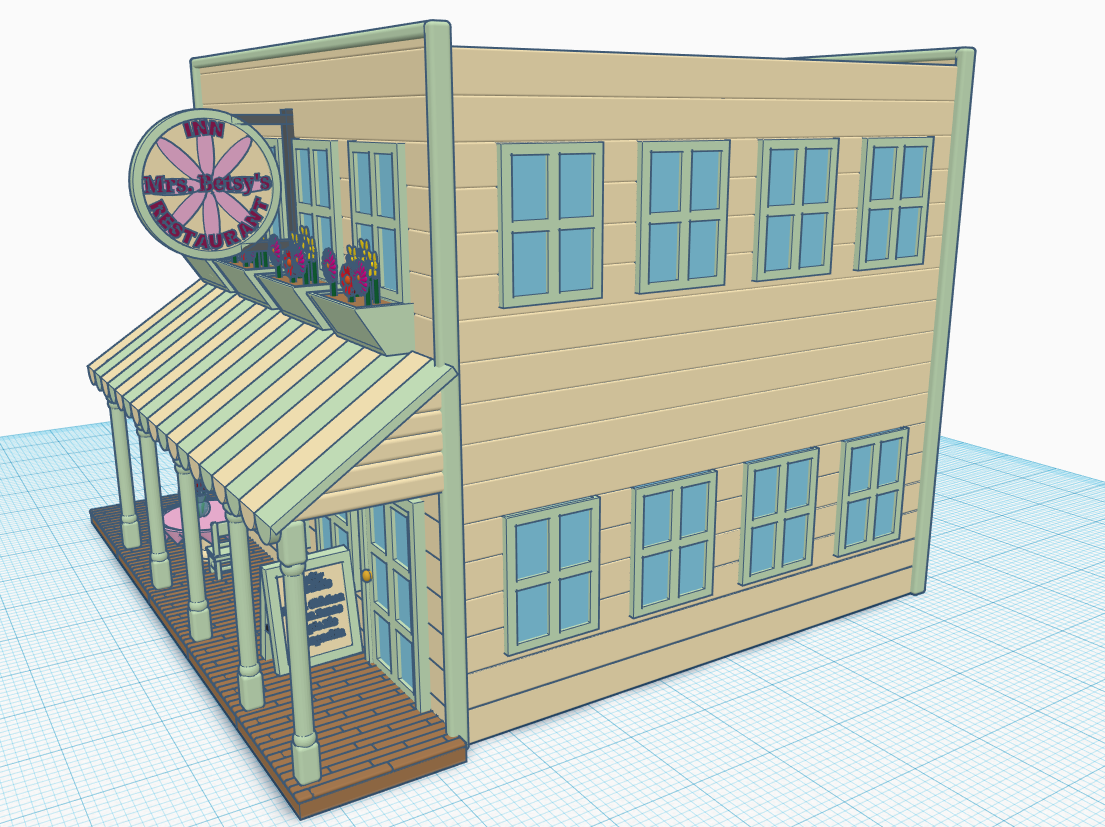
On October 15, 2020, I created a Restaurant in Tinkercad for my Railroad Town. A few days later, I made the design Public and Tinkercad designated the design as a “Favorite” As of November 23, 2020, the Restaurant has 420 likes, 141 comments, and 1000s of people copied it. Below are images of the Restaurant. You can view the Restaurant in Tinkercad at this link: https://www.tinkercad.com/things/lP7Wk4g6jI4
Tinkers from around the world has asked: “How did you make it?”, “How did you get the wood texture?”, “How …?”. Instead of recreating the Restaurant to answer their questions, I made a video when I created a Dog House in Tinkercad. It shows the basic techniques I use when creating the Restaurant.
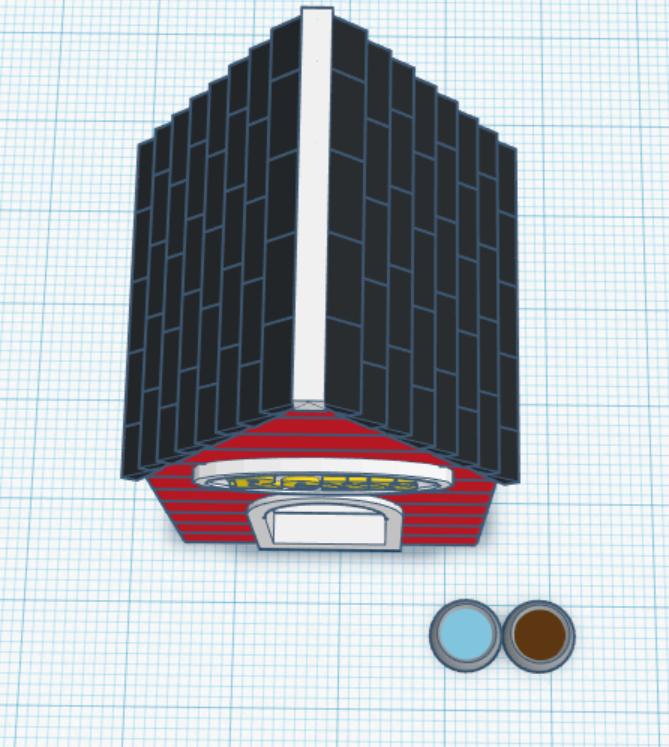
The design can be viewed on Tinkercad using this link: https://www.tinkercad.com/things/3KxOkw3RJ0H. Below are a few pictures of the Dog House. I know, I know, it needs a dog. That would be another video.
















 Sarah Cath's Adventures