Reindeer Stables

In 2020, I created Santa’s Workshop using Tinkercad. This year, 2025, I decorated one of the trees. Maybe next year, I will decorate the other tree. This is how the Santa’s Workshop looks 5 years later.

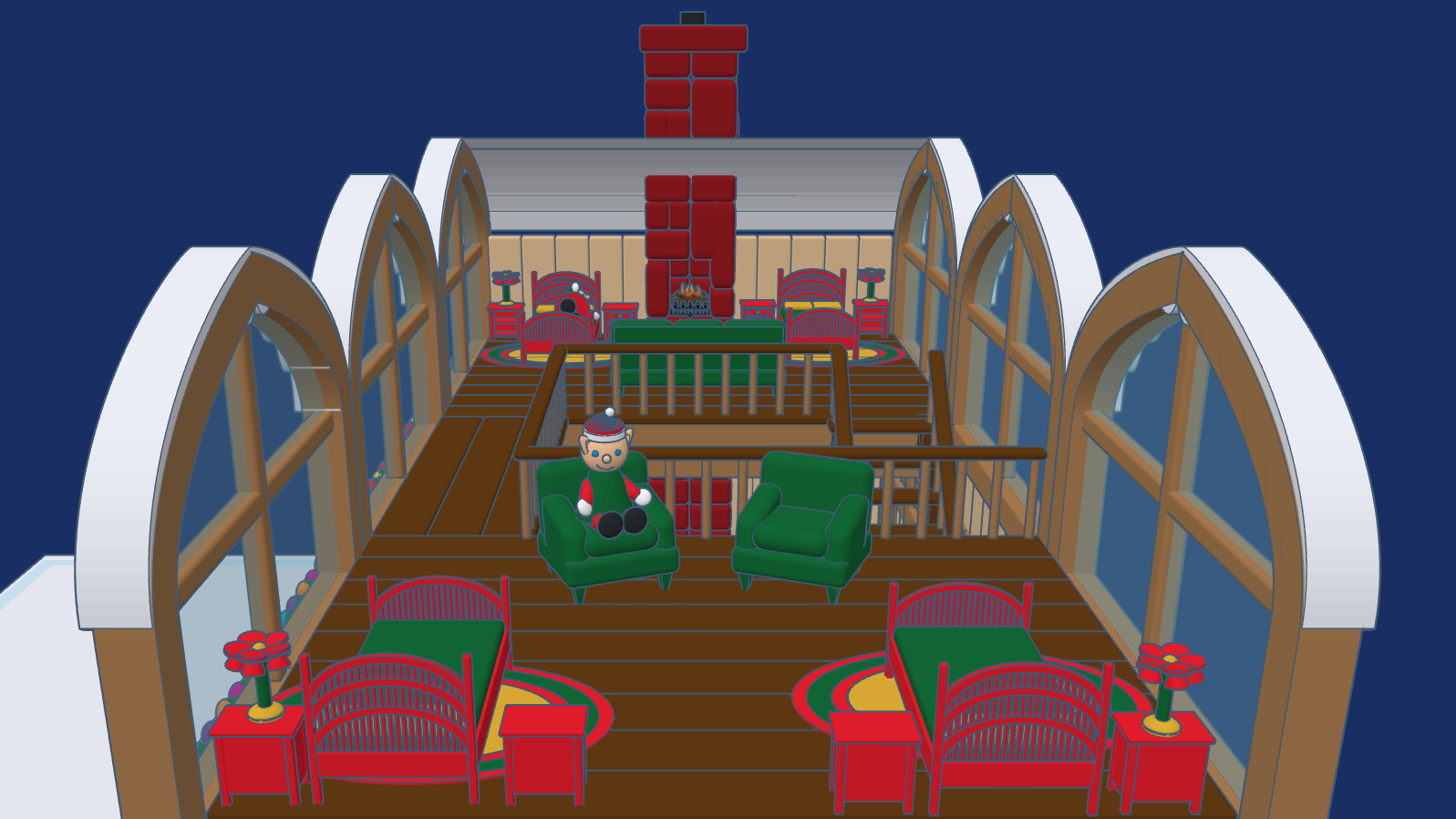
This year, 2025, after much thought I created Reindeer Stables. Every reindeer needs a place to rest. It has been a busy year for Tinkercad, they introduce the Extrude Sketch shape. Several of the objects you will see in the design was created using this feature.

The Stables are designed for the reindeer to freely come and go. Above the stables, is where some of the elves, who take care of the reindeer rest. The loft has large windows to so the elves can watch the reindeer play their games.

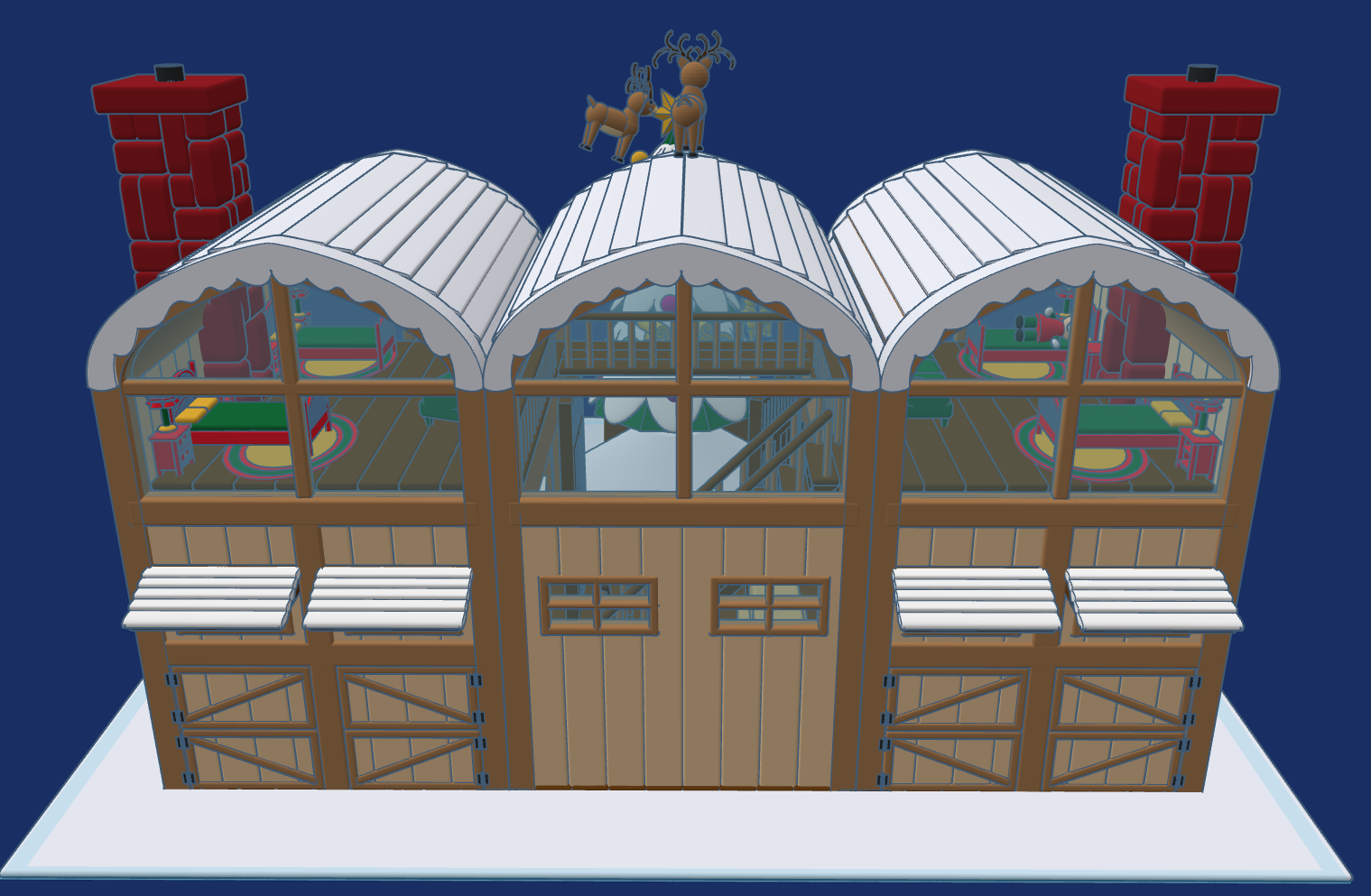
This design, Reindeer Stables, is available to the public to copy and tinker with.

Don’t forget while are in Tiwww.tinkercad.comnkercad to check out my other Christmas related designs.
North Pole Post Office

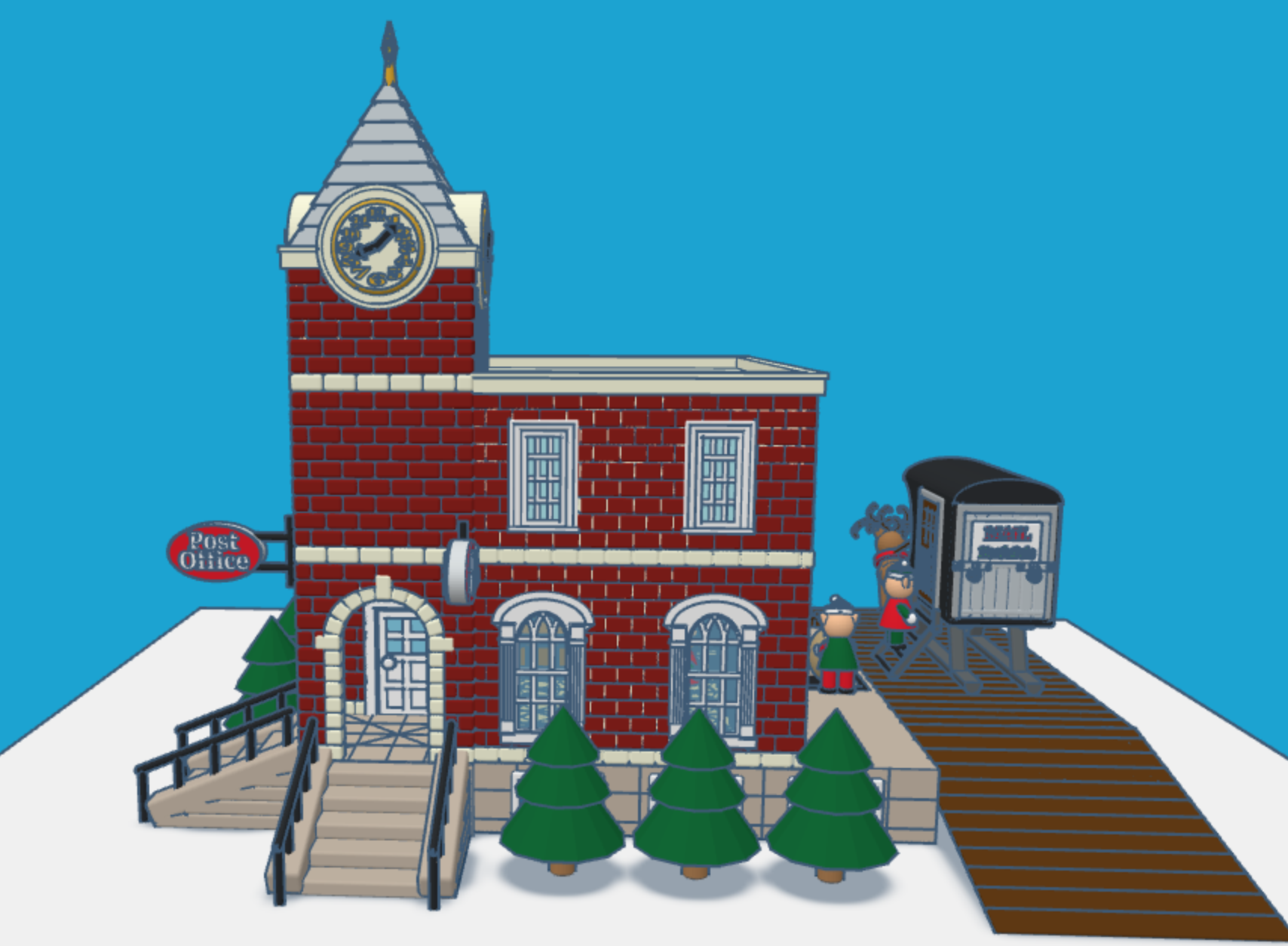
It is that time of the year again. Children all over the world are putting pencil, pen, or crayon to paper and writing a letter to Santa. This year I envisioned what Santa’s North Pole Post Office would look like. Looking at pictures of old-fashioned post offices I decided on the design and used Tinkercad to create a Post Office.

You can get a 3D view of the North Pole Post Office at this link: North Pole Post Office.

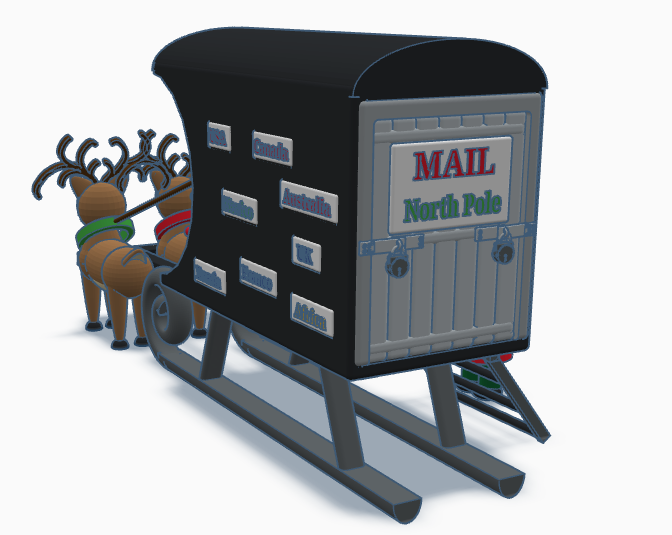
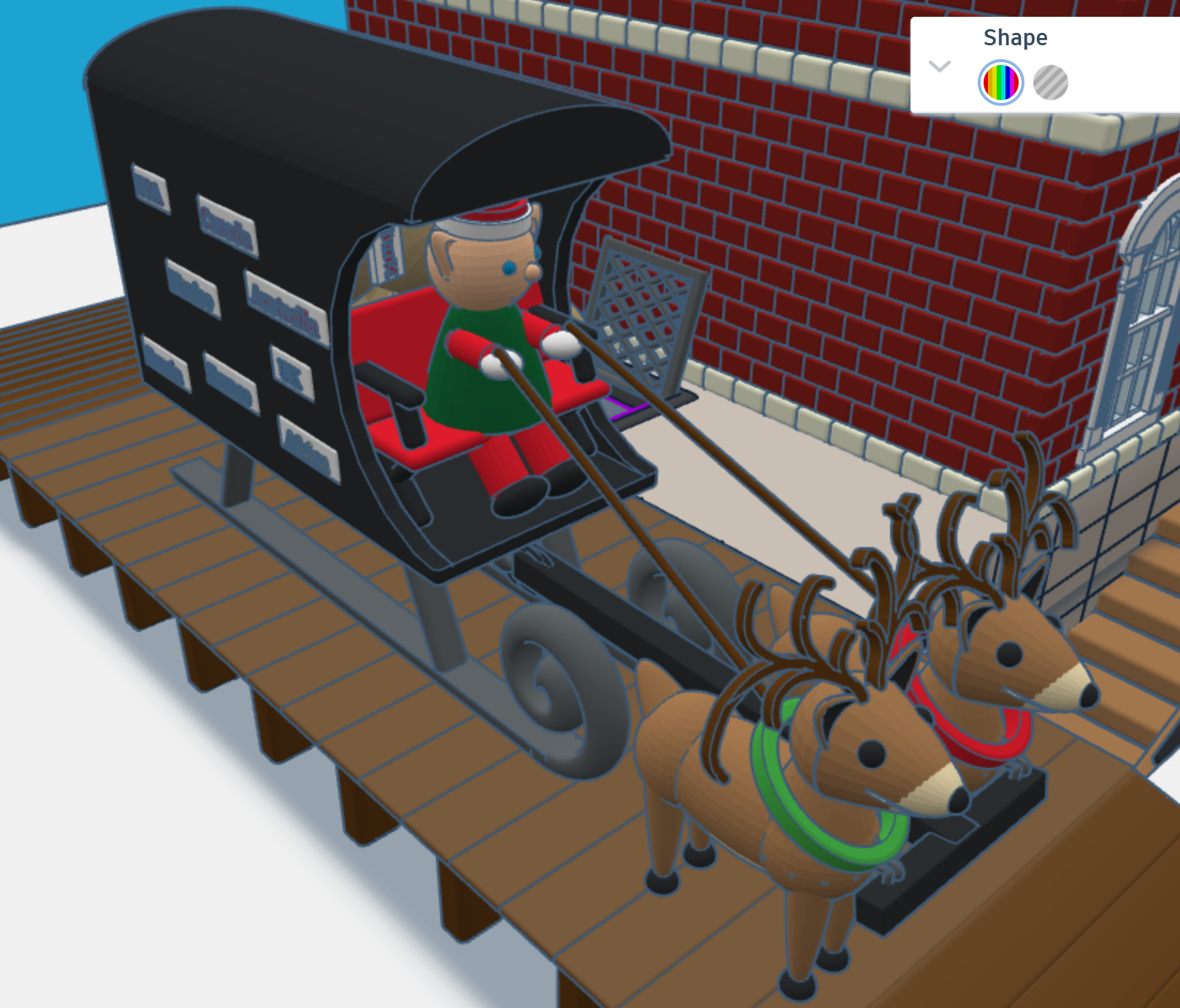
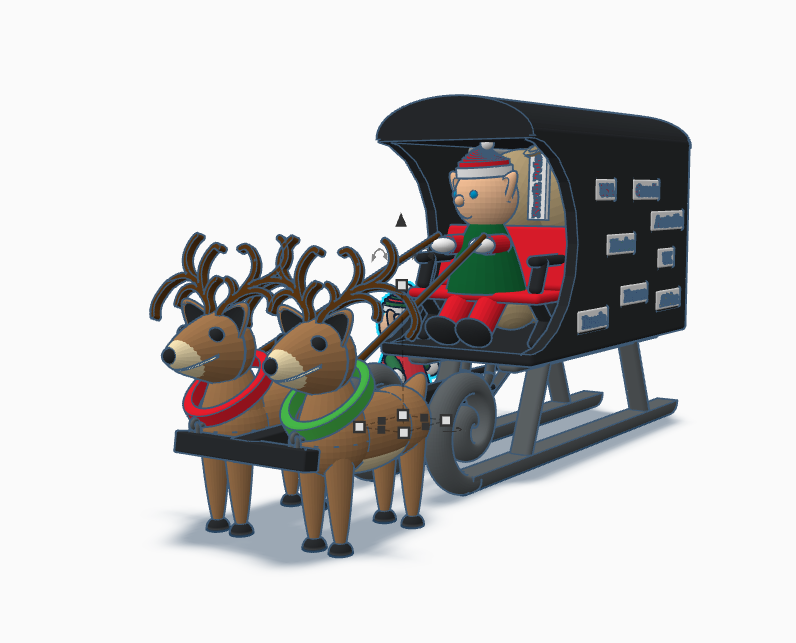
First, I needed a mail truck to deliver mail to the North Pole. A truck with wheels would have trouble delivering mail in the snow. I needed some reindeer and a converted sled to deliver the mail. One the side of the mail carrier, you will see signs from different countries. If you create a sign for your country, just make your sign design public/copyable and tag #sarahcath. I will put the sign on the mail carrier and give you credit. You can get a 3D view of the mail carrier at this link: North Pole Mail Carrier

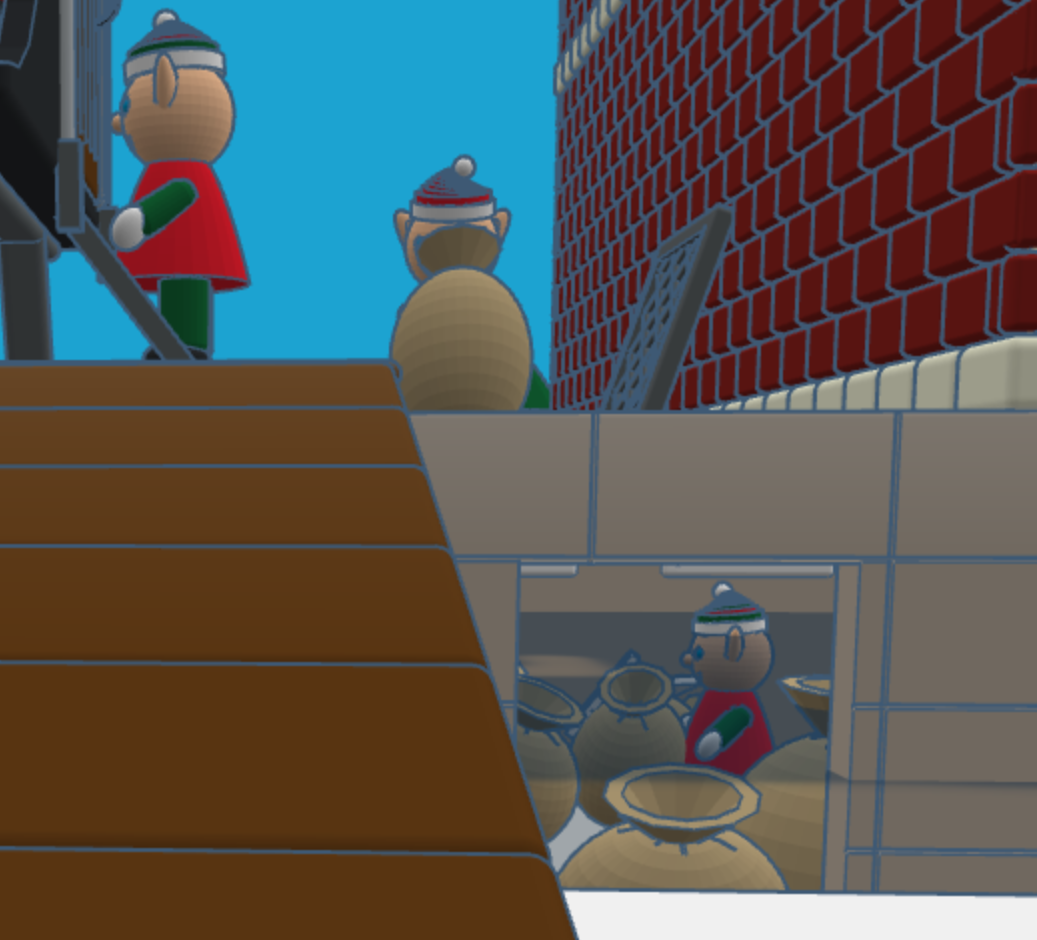
For the design of the post office I decided on a corner building, with two entrances/exits and a clock tower. Plus, I wanted the post office to have a basement, where the elves would place the sacks of mail.

After the mail is delivered, a sack is sent upstairs for sorting by country. Santa typically delivers mail by country. The first floor also allows the elves to ship letters and packages.

After the mail is sorted, it is sent to the second floor to be opened and read by Santa. The second floor also has mailboxes for the elves. Yes, elves do get mail.

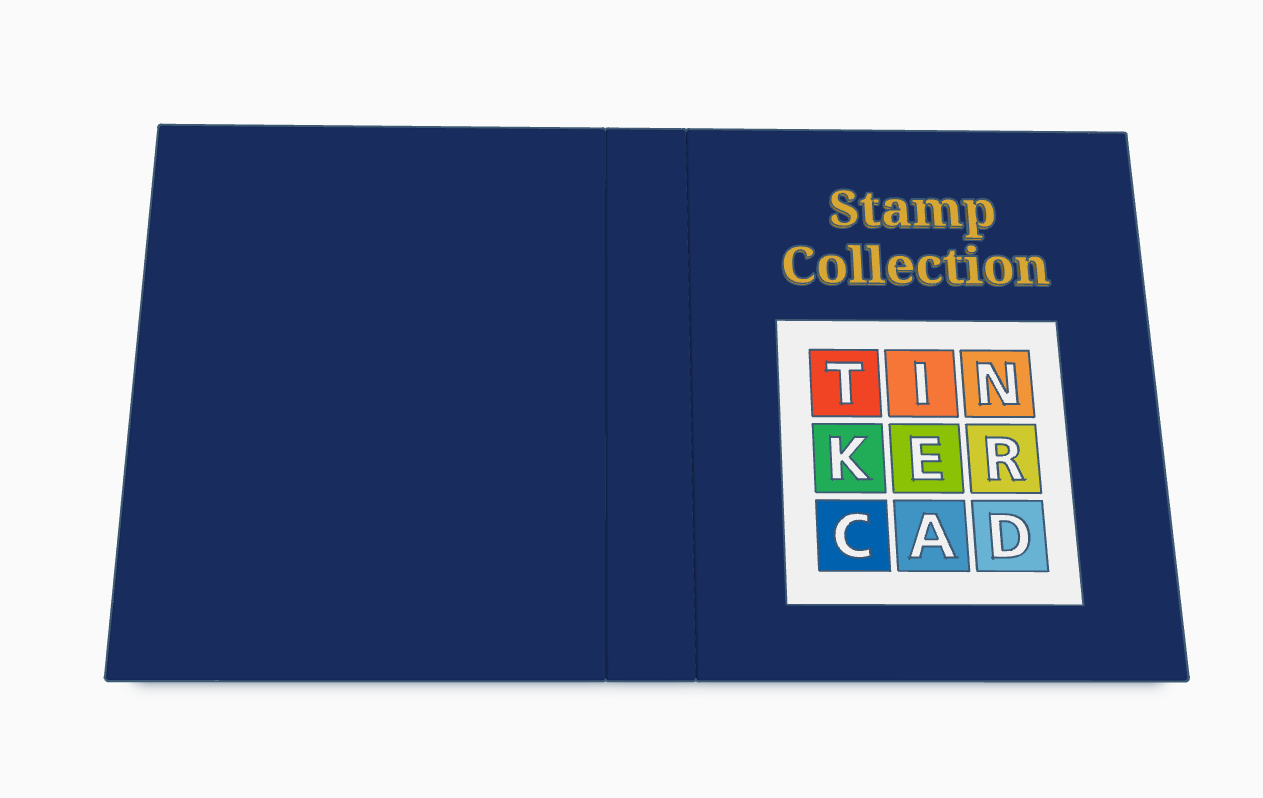
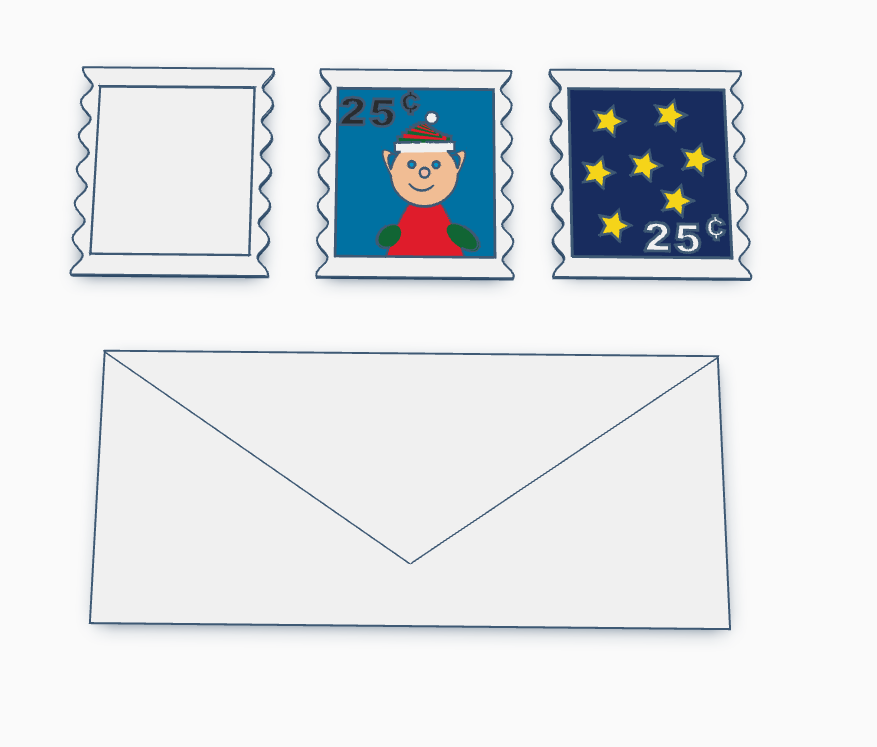
Santa’s Elves are collecting stamps. If you create a stamp, using Tinkercad, and I will paste it into the Stamp Collecting Book and give you credit for your stamp. You can either create the stamp from scratch or use my stamp template. Just make the stamp design copyable/public and tag #sarahcath when you are done. The scribble shape in Tinkercad maybe great for making a stamp.

Santa Workshop is also available to copy. For 2024, I added a mailbox.

Don’t forget while are in Tinkercad to check out my other Christmas related designs”

Tinkercad Contest and more…

To support all the tinkers that hosted contests during this holiday season and Tinkercad’s TinkerTogether, I created the following designs:

TinkerTogether Design Challenge #25: Winter

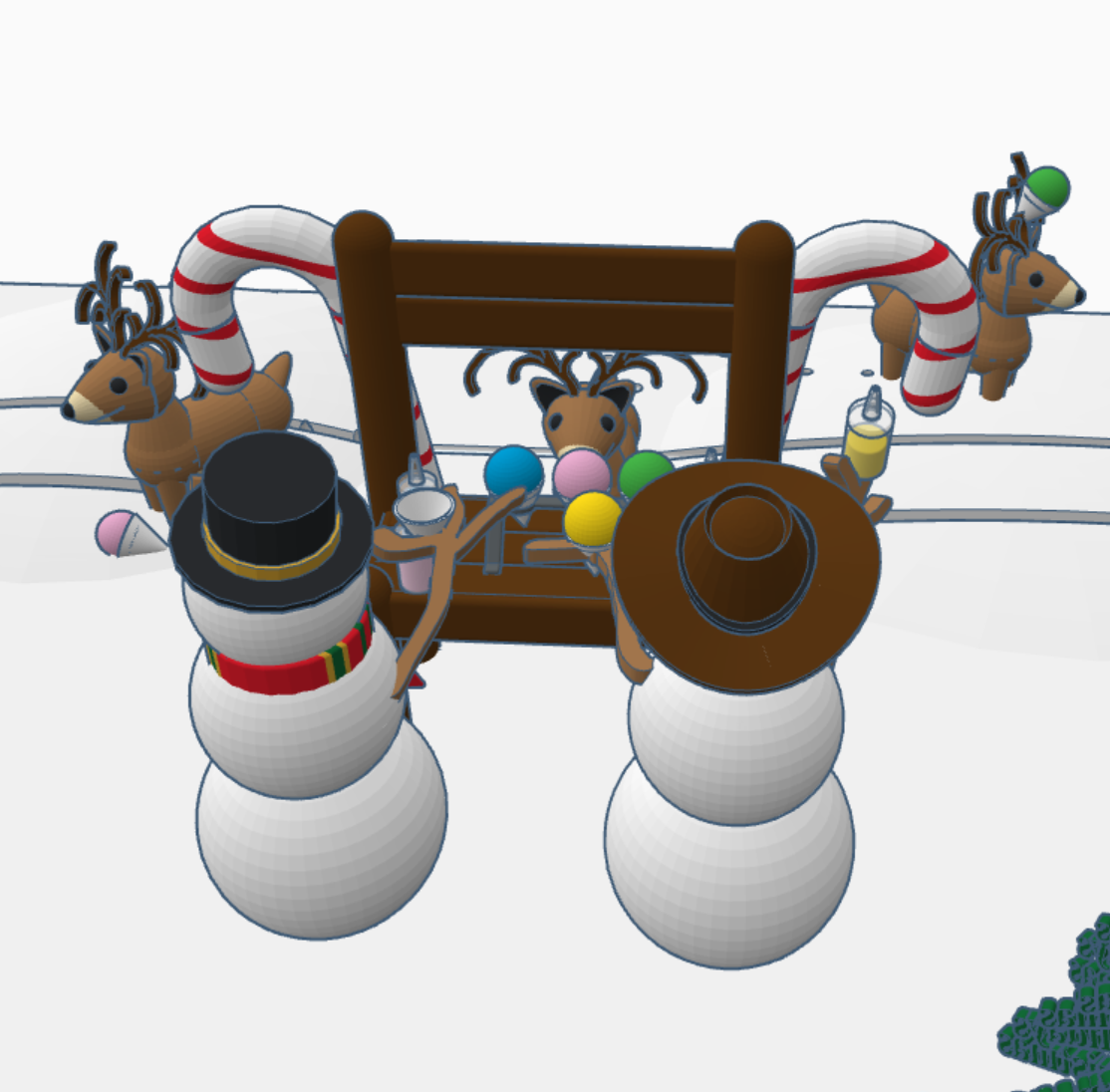
Snowcones for Sell

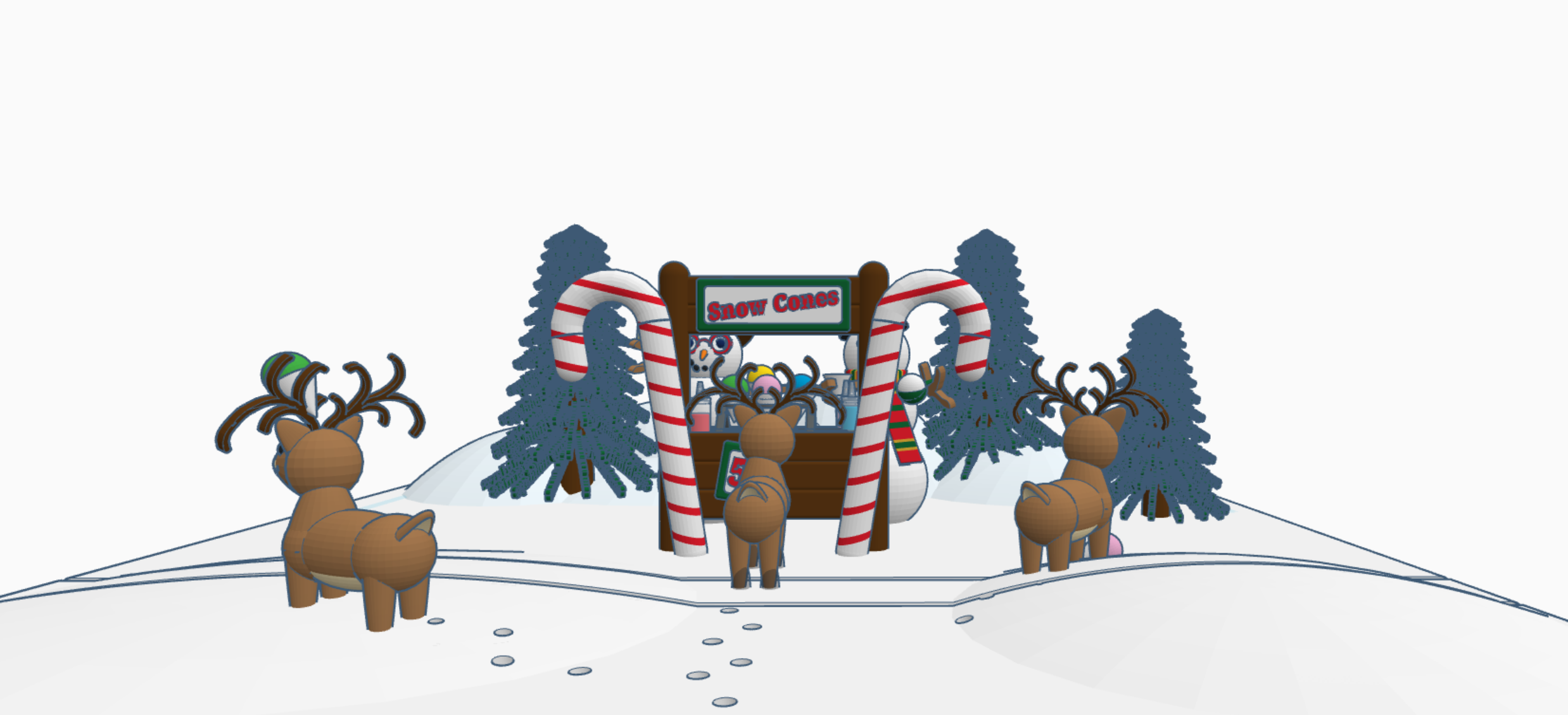
Snow Cones for Sell: In this design we have two snowman selling snow cones to a few reindeer. If you look closely at the ground, it appears that Santa Sled has been through. The hats, the reindeer and the candy cane are available in Tinkercad’s Shape Menu.

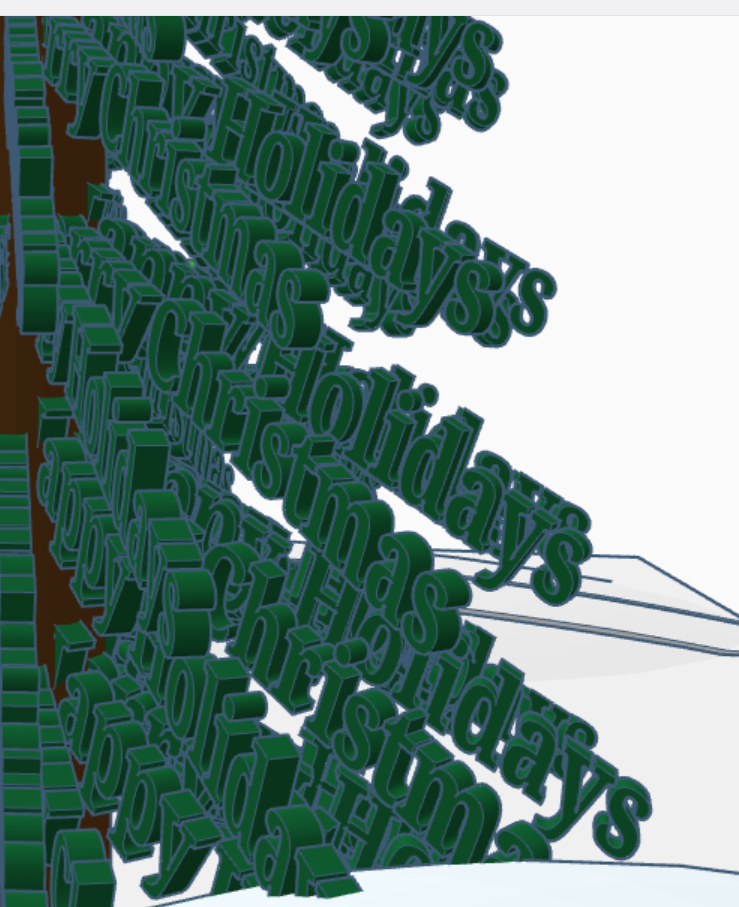
Take a close look at the trees, what do you see?

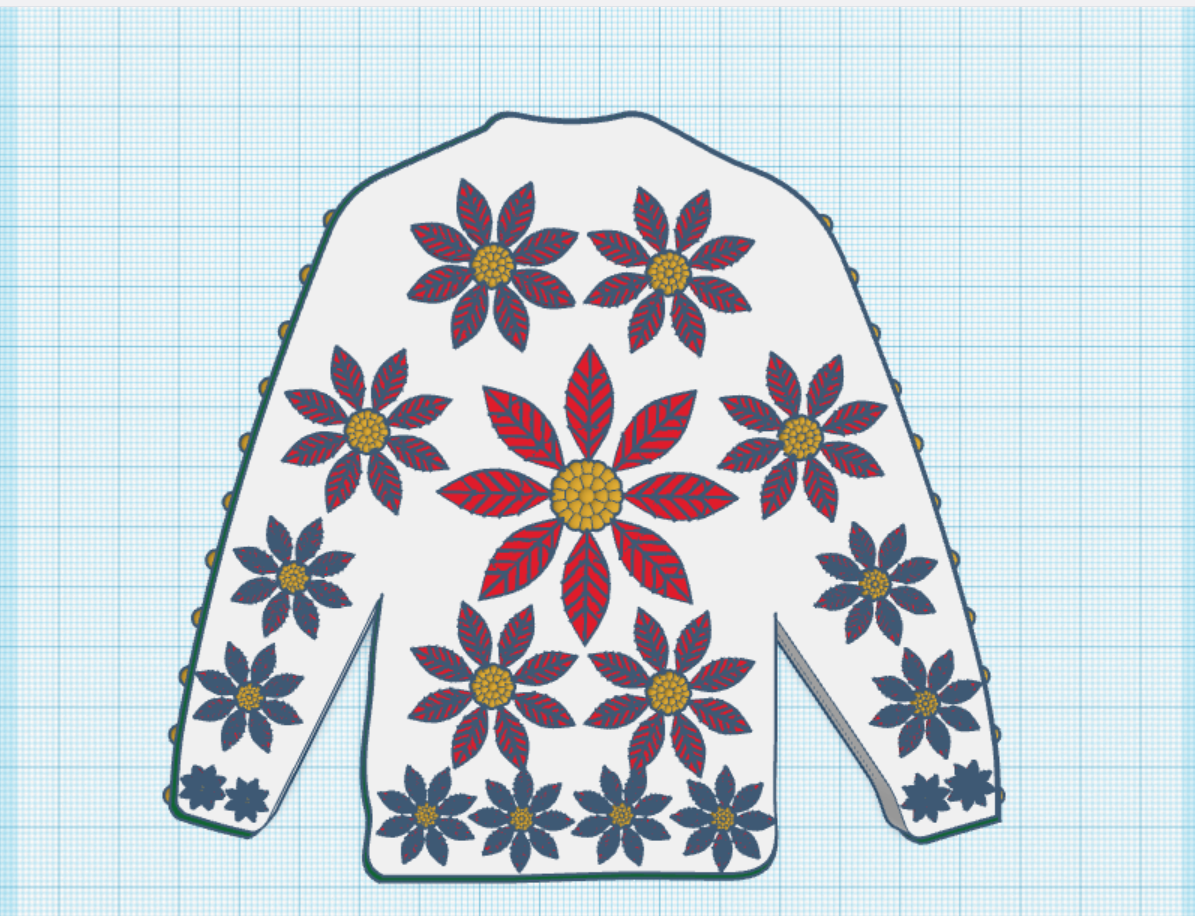
Create an Ugly Christmas Sweater: I used the template provided.

Contest: Design an Ornament – I could have created a typical ball ornament, but I wanted something that looked fragile. Do you see the snowflake inside?

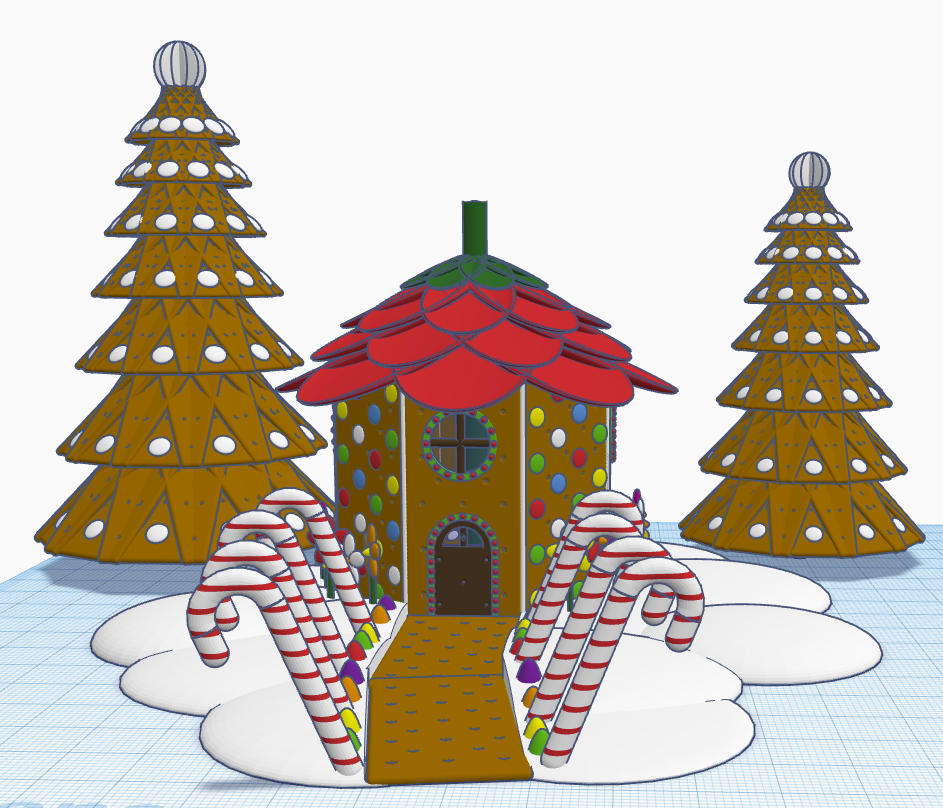
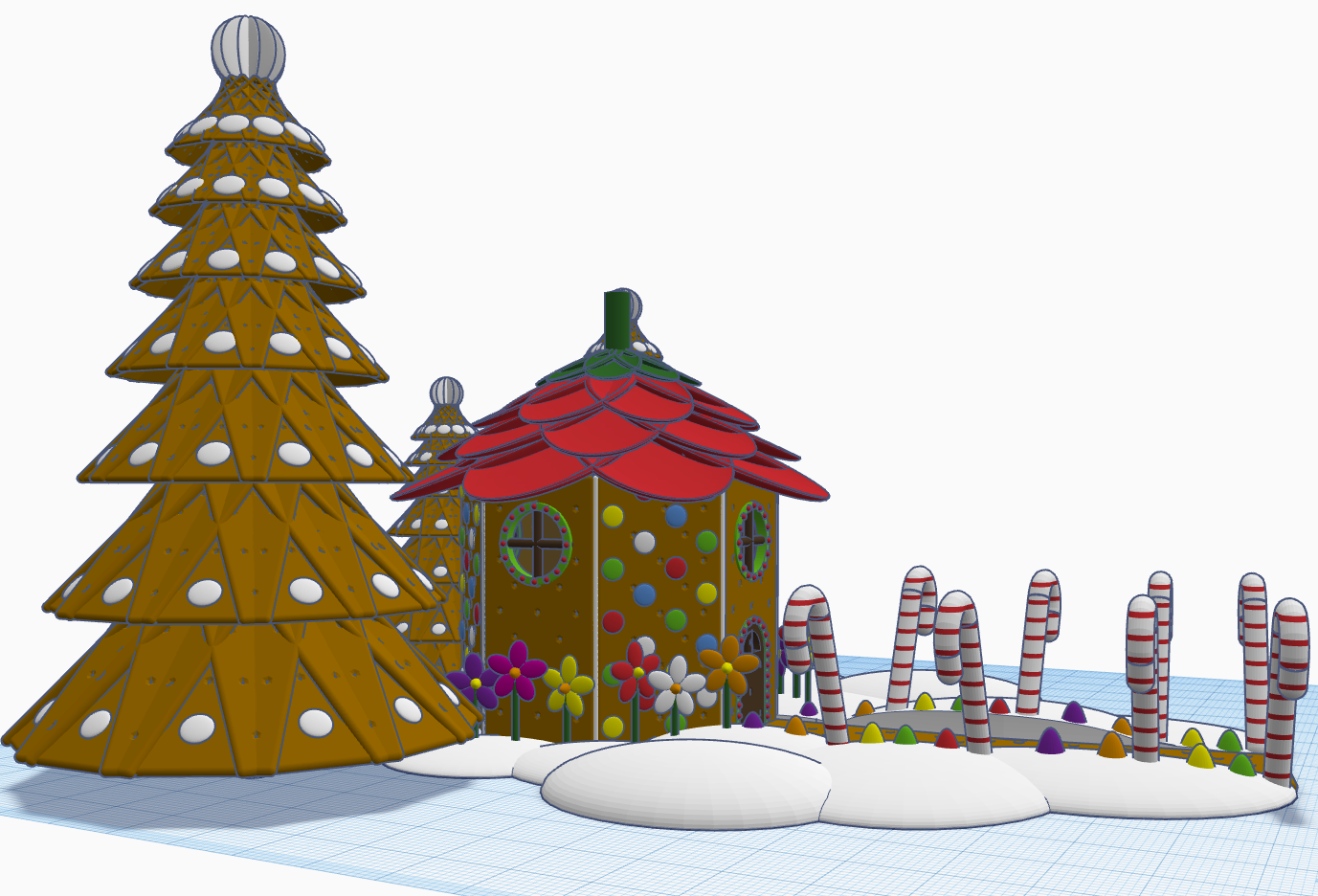
Contest: Create a Gingerbread House – I created a Gingerbread Fairy House. The roof of the house is a candy strawberry, and the path is lined with candy canes and gum drops.

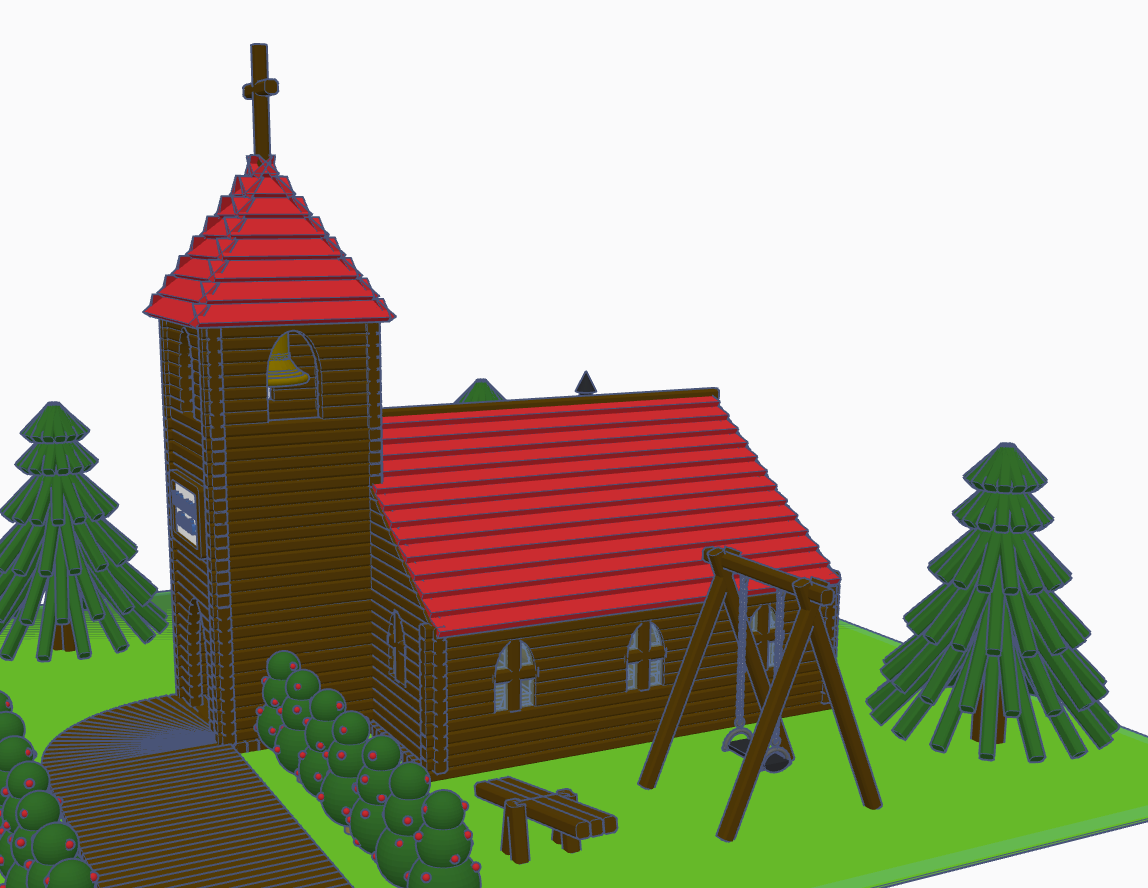
Contest: Create a Log Cabin using the TinkerLogs created by HLModTech – I created a TinkerLog Church. The building and most of the items, including the trees, were created using the TinkerLogs that HLModTech created. I kept the width and height of the TinkerLogs, and only change the length.

TinkerTogether Design Challenge #26 – Party: For this challenge, I created a Bouncy Castle and Balloon Animals. Can there be a party without these items?

Contest: Create a Christmas Plushie – my contest entry was me. For years, I had a certain way of creating a stick figure of me. I decided for this contest I would create a Plushie of Me. Notice the Santa Hat, it came out looking pretty awesome.

You can see all these items in 3D view from my profile or clicking the links above: SarahCath

The Choir vs. Bass Pro

My niece asked me to come listen to her sing for Santa at Bass Pro Shop in Denham Springs.  I recorded the choir singing some of their Christmas songs.  Here they are singing Jingle Bells.

DSCN6403

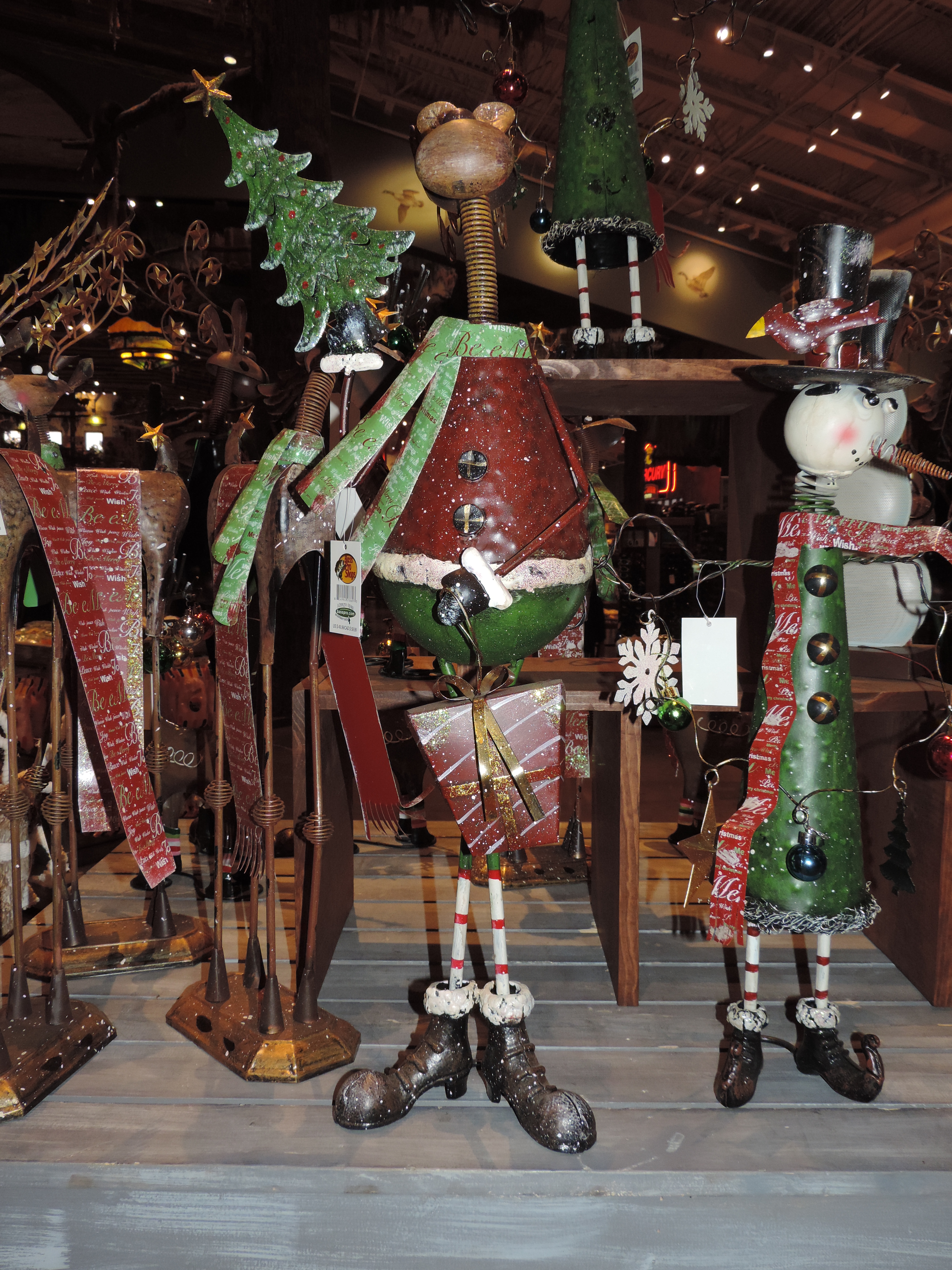
While I was waiting for Santa to arrive, here are some of the things I found at Bass Pro.

A few snowmen. What is Winter without snowmen.

DSCN6417

A reindeer in his cute boots.

DSCN6418

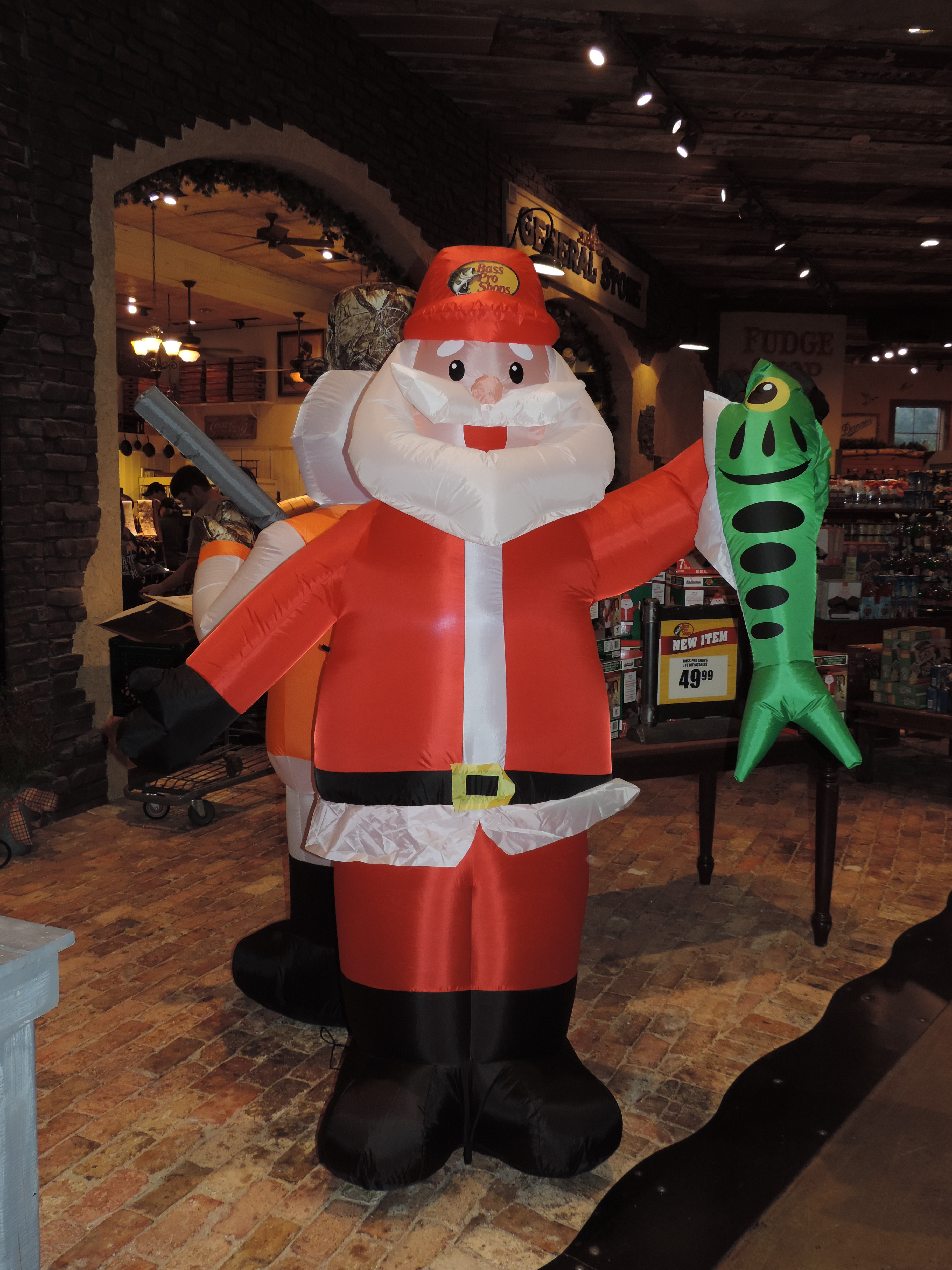
I’ve learned what Santa does while the elves are making toys. I bet you thought he was sleeping.

DSCN6419

And, I found out how those reindeer are actually keep in line.