North Pole Post Office

It is that time of the year again. Children all over the world are putting pencil, pen, or crayon to paper and writing a letter to Santa. This year I envisioned what Santa’s North Pole Post Office would look like. Looking at pictures of old-fashioned post offices I decided on the design and used Tinkercad to create a Post Office.

You can get a 3D view of the North Pole Post Office at this link: North Pole Post Office.

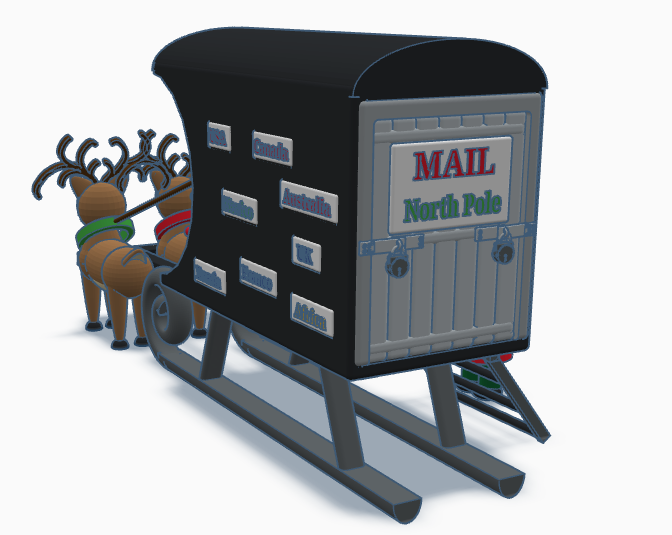
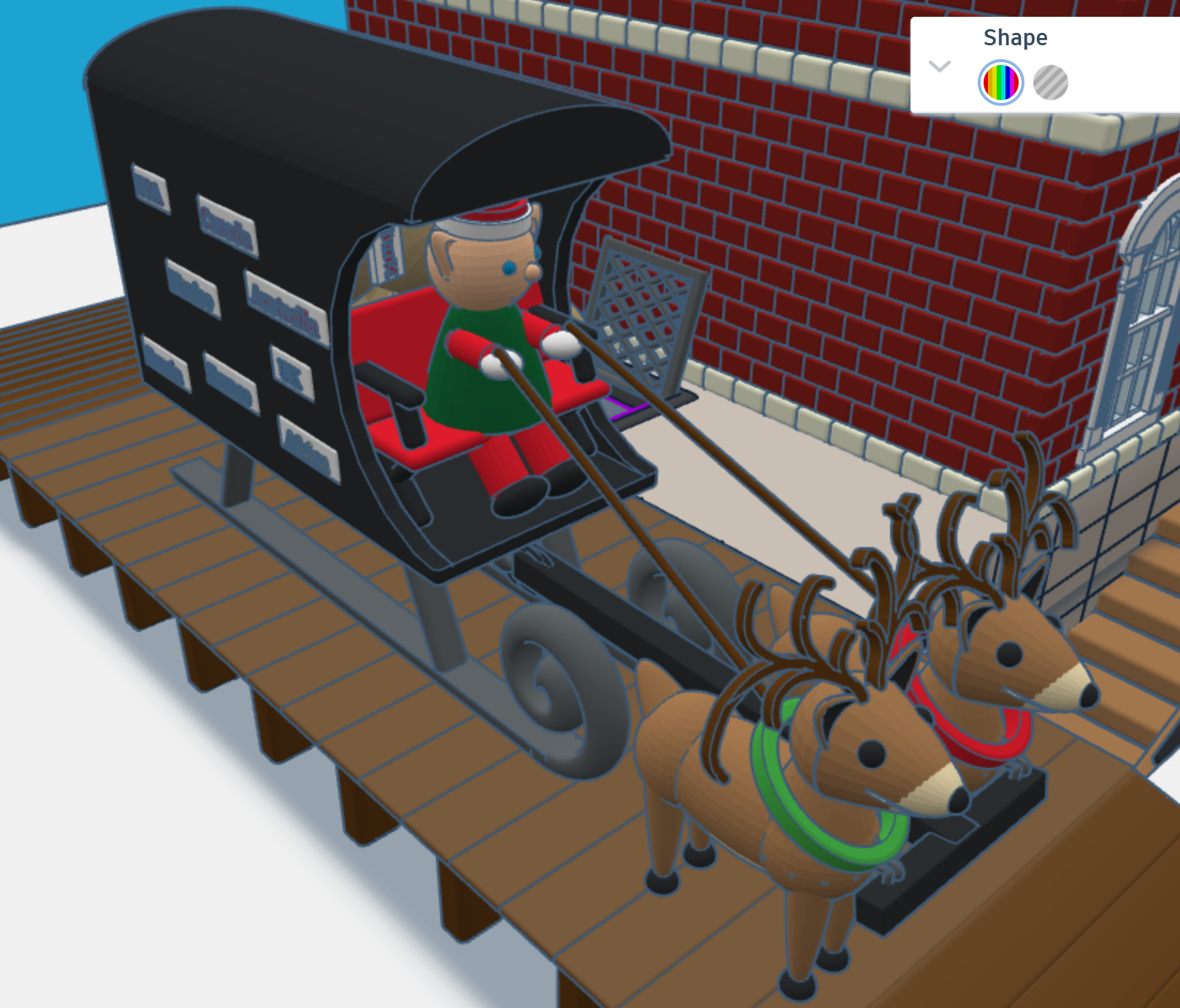
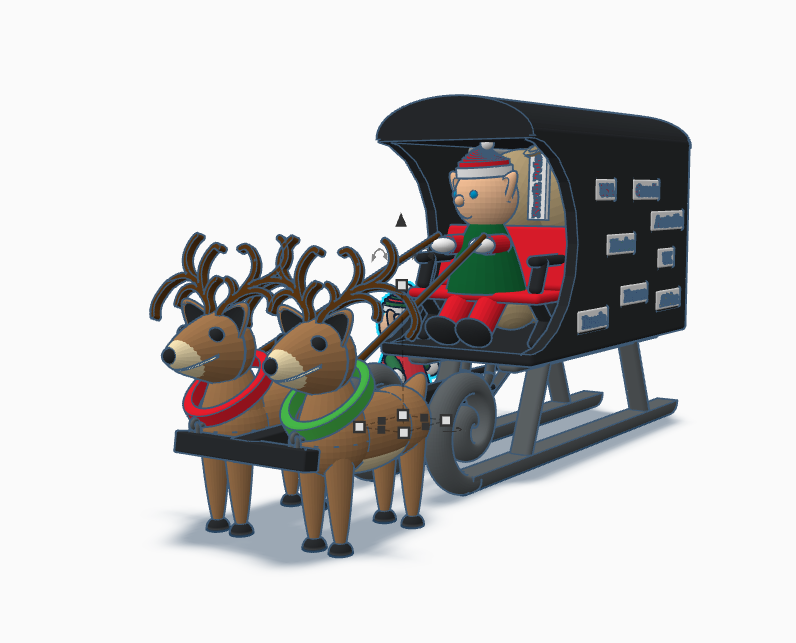
First, I needed a mail truck to deliver mail to the North Pole. A truck with wheels would have trouble delivering mail in the snow. I needed some reindeer and a converted sled to deliver the mail. One the side of the mail carrier, you will see signs from different countries. If you create a sign for your country, just make your sign design public/copyable and tag #sarahcath. I will put the sign on the mail carrier and give you credit. You can get a 3D view of the mail carrier at this link: North Pole Mail Carrier
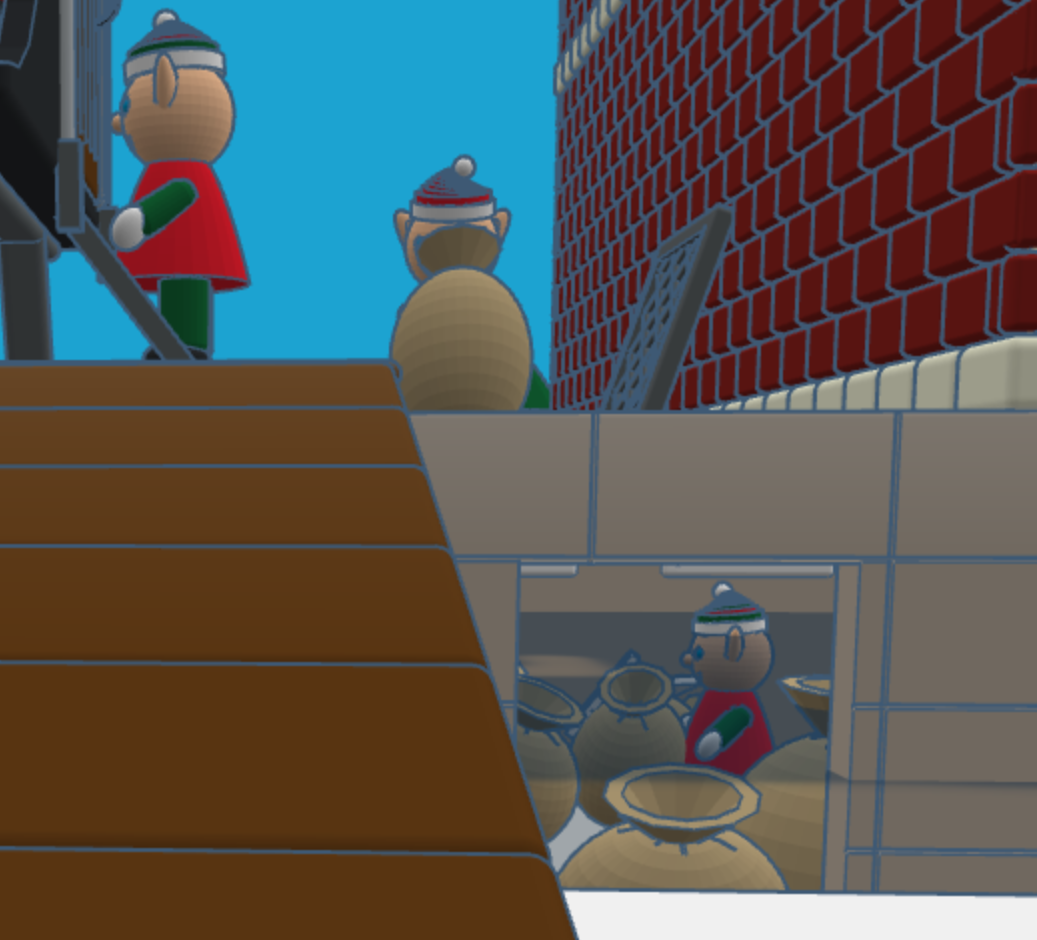
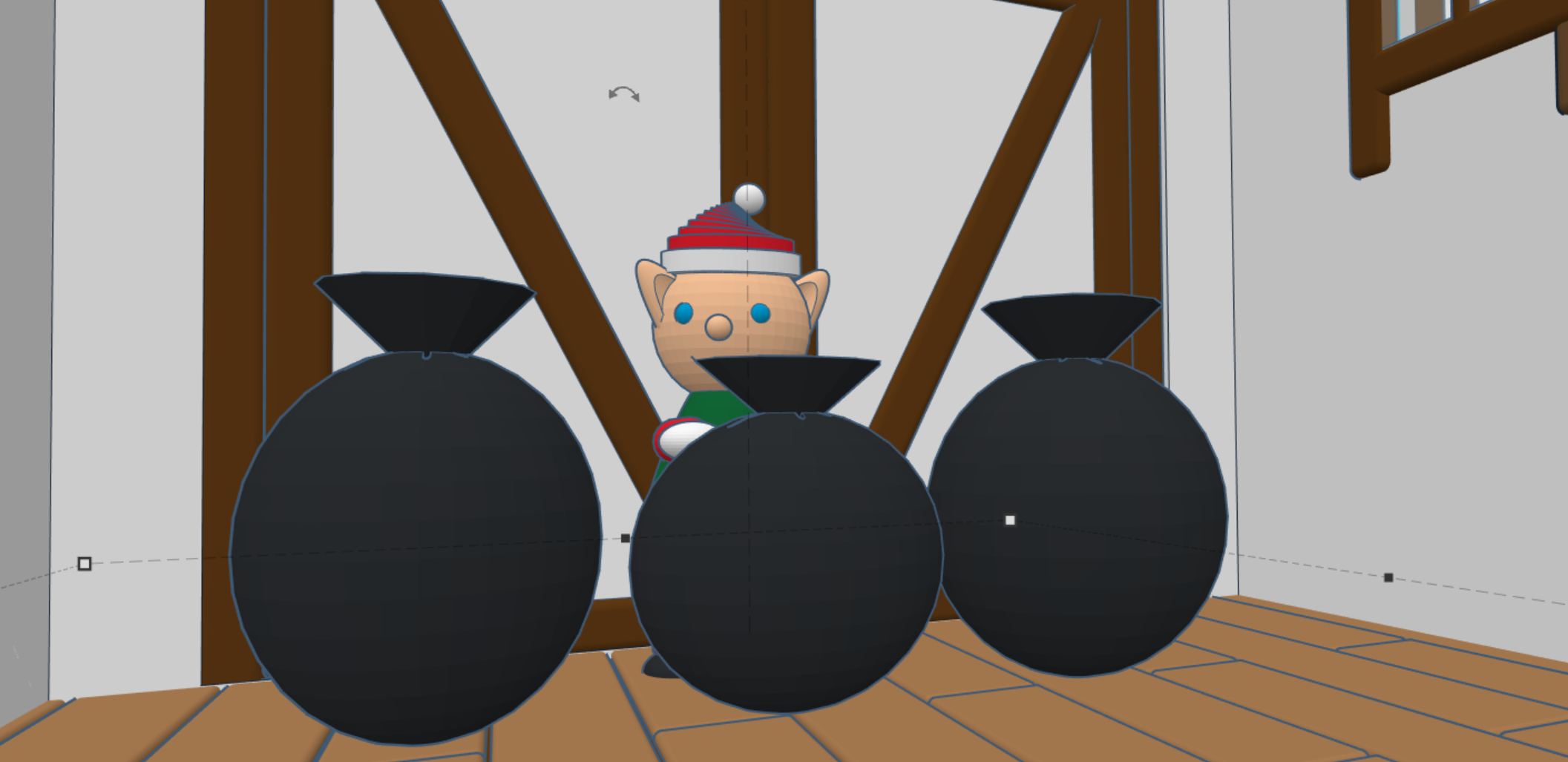
For the design of the post office I decided on a corner building, with two entrances/exits and a clock tower. Plus, I wanted the post office to have a basement, where the elves would place the sacks of mail.

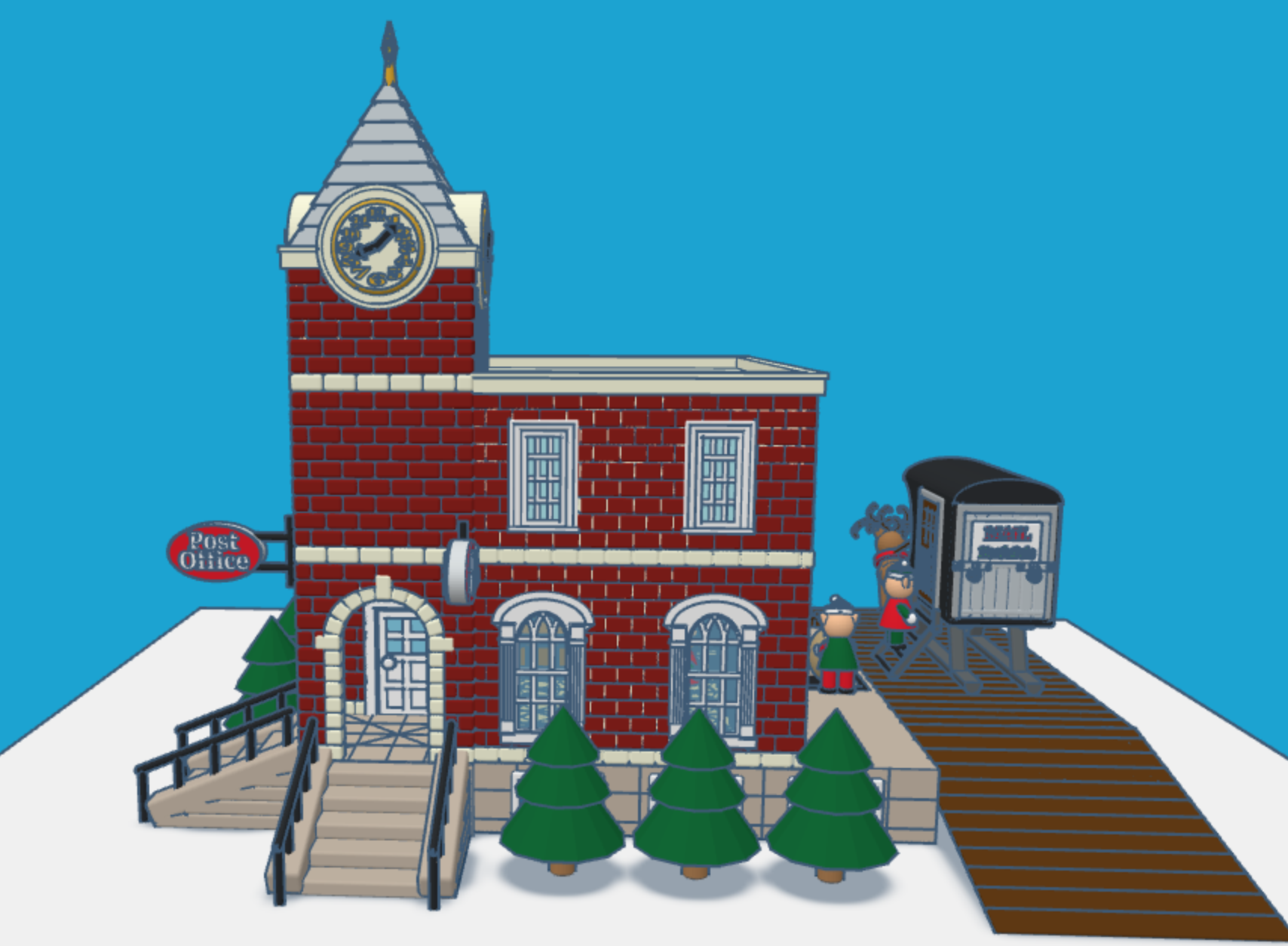
After the mail is delivered, a sack is sent upstairs for sorting by country. Santa typically delivers mail by country. The first floor also allows the elves to ship letters and packages.

After the mail is sorted, it is sent to the second floor to be opened and read by Santa. The second floor also has mailboxes for the elves. Yes, elves do get mail.

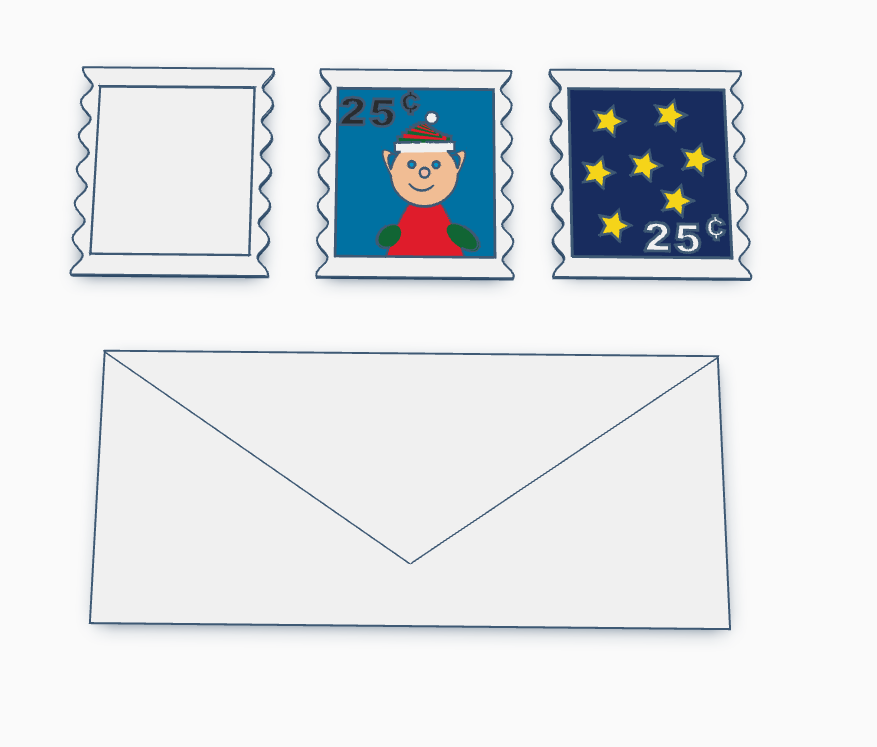
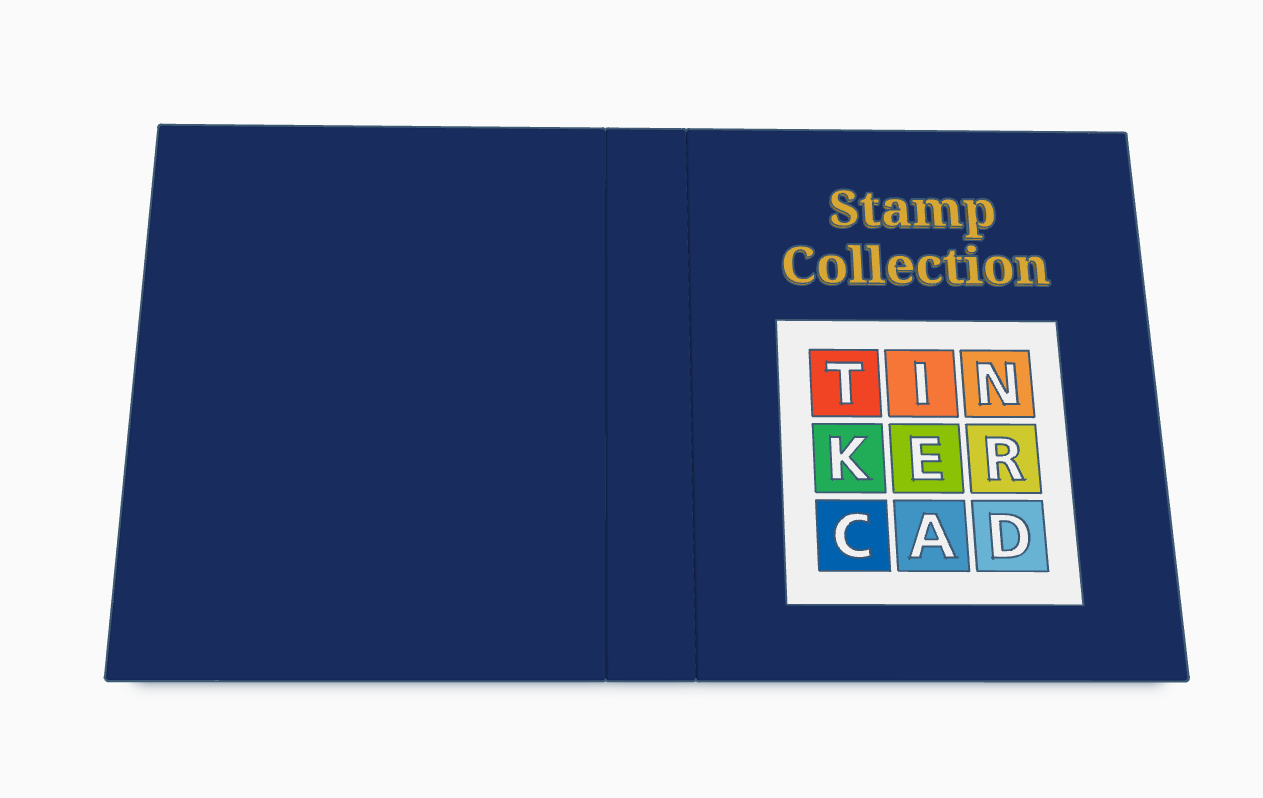
Santa’s Elves are collecting stamps. If you create a stamp, using Tinkercad, and I will paste it into the Stamp Collecting Book and give you credit for your stamp. You can either create the stamp from scratch or use my stamp template. Just make the stamp design copyable/public and tag #sarahcath when you are done. The scribble shape in Tinkercad maybe great for making a stamp.

Santa Workshop is also available to copy. For 2024, I added a mailbox.

Don’t forget while are in Tinkercad to check out my other Christmas related designs”
Santa Workshop 2023

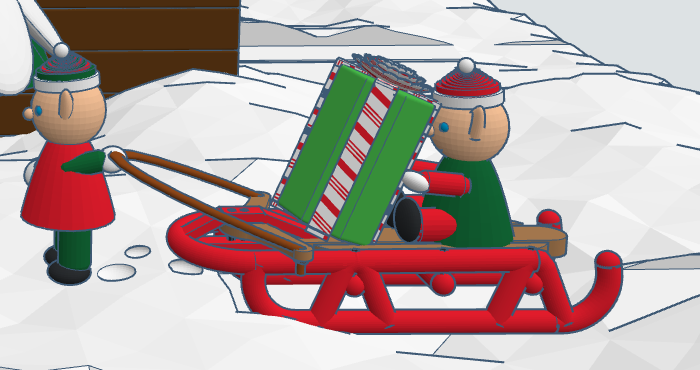
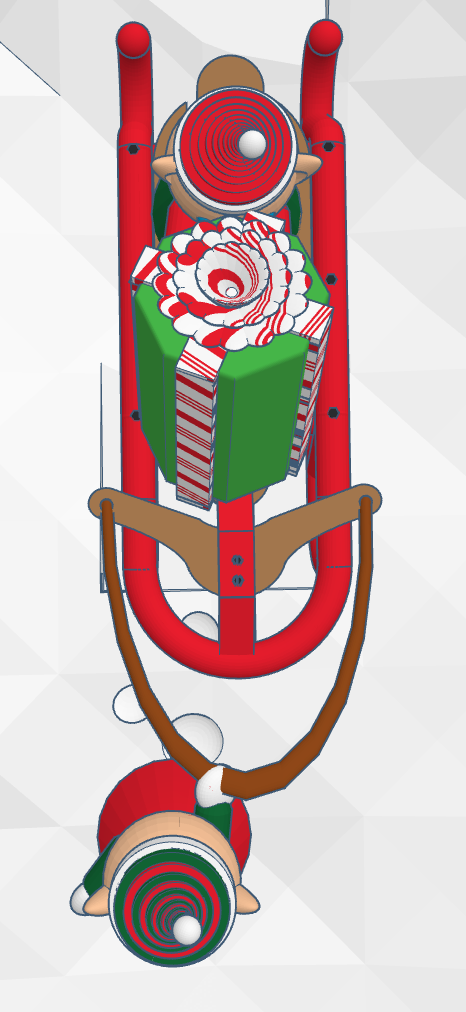
My Tinkercad design’s Santa Workshop can now be copied through Christmas. The 2023 changes to the design include a sled, a present, and elves pulling and riding the sled. Because the design is detailed, I decided to keep the changes minimal.

The sled can be seen in 3d or copied from this link: Red Sled

For the present, I wanted to give the ribbon and bow a candy cane pattern. I created a gradient Candy Cane gradient block. I can copy and used to give almost any design a candy cane coloring. Link: Candy Cane Gradient.

Christmas with Tinkercad Codeblocks

My biggest adventure this year was moving. Not a move across town, but a move to a different State over 500 miles away. I cannot recommend moving. While I was sitting in front of the TV at night, during my breaks from unpacking boxes and organizing, I decided to relax with some coding in Tinkercad Codeblocks.

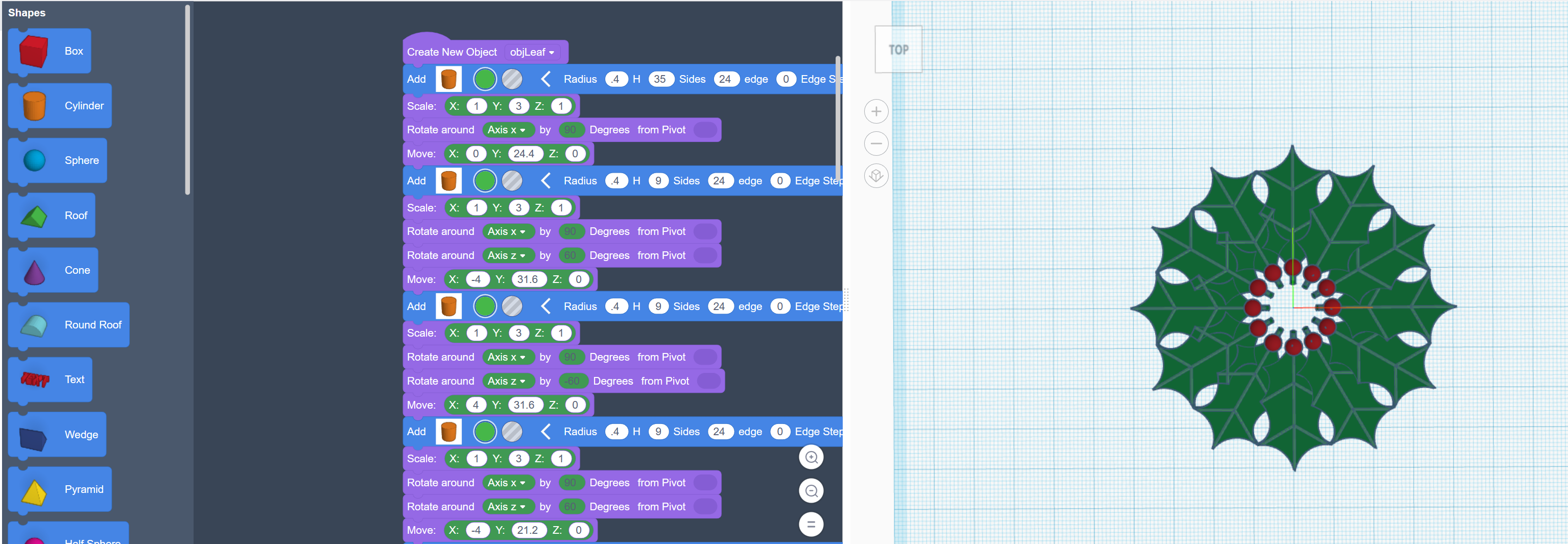
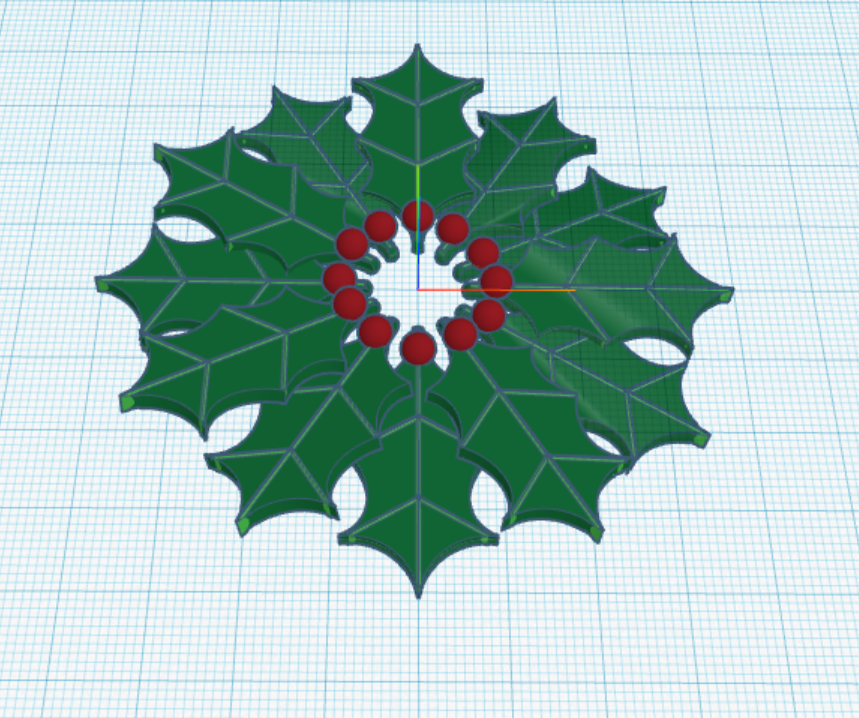
The first thing I coded was a Christmas Wreath:

First, I coded one holly leaf with all the details. Then I copied and rotated each leaf along the x, y and z axis.

The rotation around the x and y axis is random, so the wreath will look a little different every time the program in run.

You can copy and run the program on Tinkercad Codeblock: https://www.tinkercad.com/codeblocks/2ZZut9sL86G

The second Christmas design I created with code block, was Santa. https://www.tinkercad.com/codeblocks/hPyeQnEmdV5

He was coded from the feet up. The beard is randomly generated, so it will look different every time the program is run.

After you create a design using Codeblocks, you can export the design as a Shape and use it in Tinkercad 3D Design.

The Santa may have looked better if I used 3D Design, but he does have a level of cuteness to him.

Santa’s Workshop

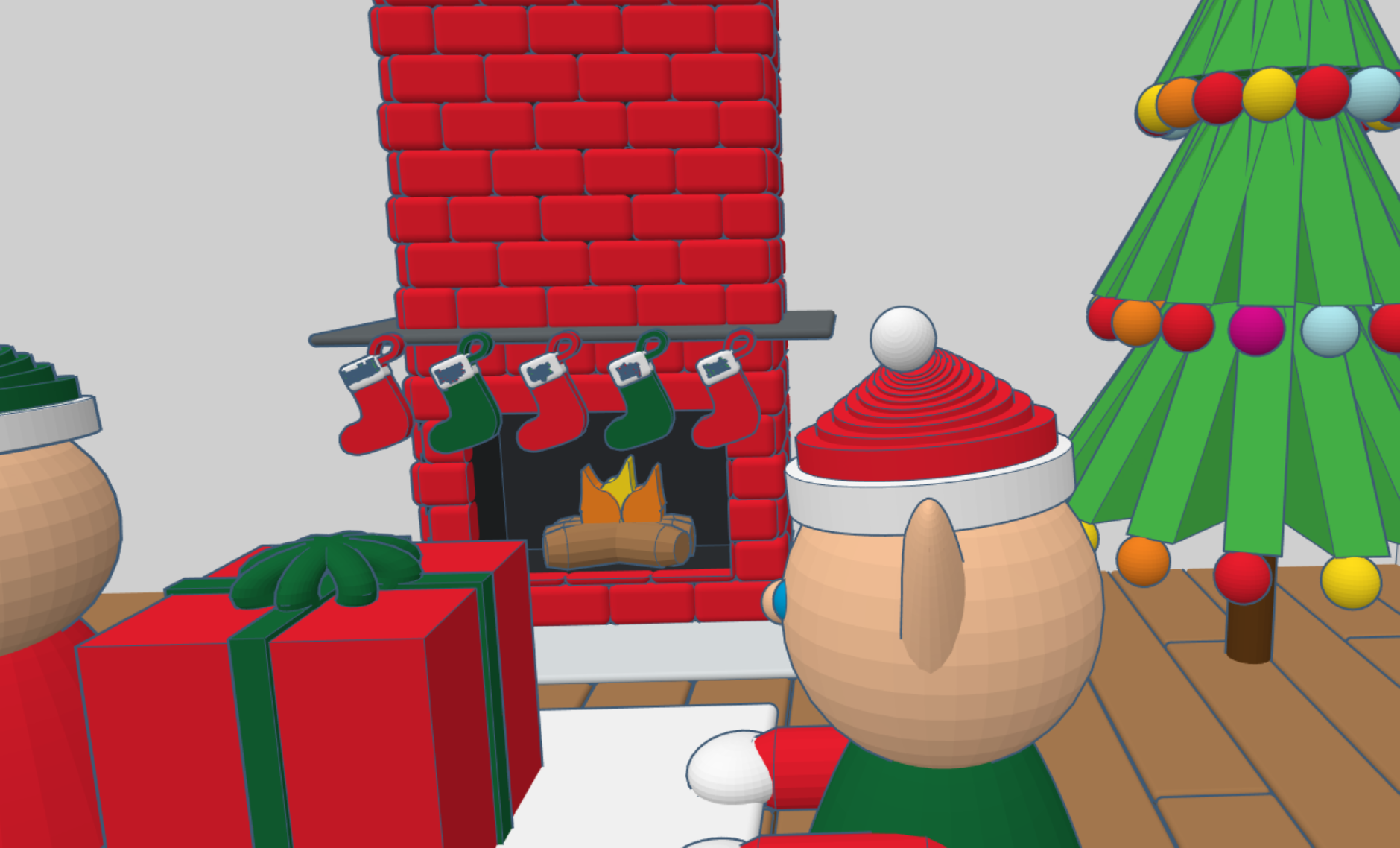
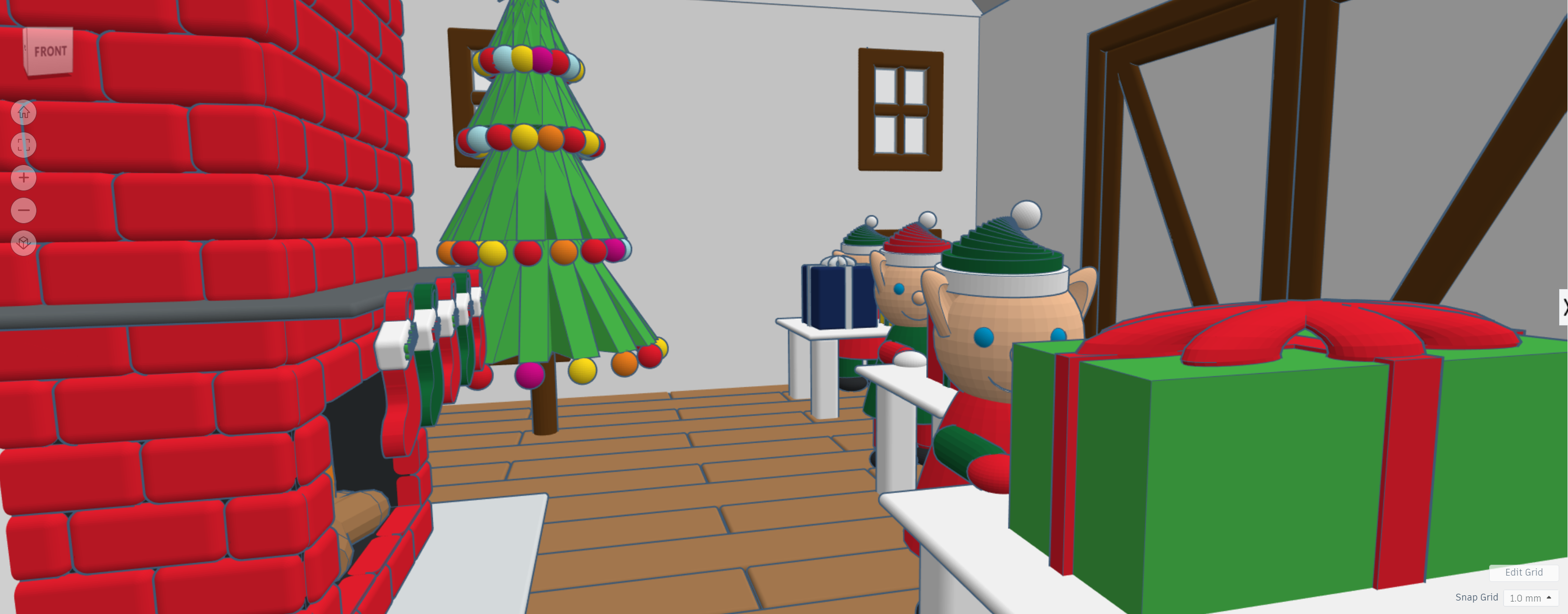
During 2020, I have spent a lot of time in Tinkercad designing 3D buildings and other items to go with the buildings. Here is probably my final design for 2020, my version of Santa’s Workshop. I created the flooring first, then the decorating inside the building. Afterwards, I created the walls, windows, doors and finally the outside décor.

Yes, I made the elves, stockings, and presents too. You can view the 3D design on Tinkercad: https://www.tinkercad.com/things/hH70mNuXMGZ

The Choir vs. Bass Pro

My niece asked me to come listen to her sing for Santa at Bass Pro Shop in Denham Springs.  I recorded the choir singing some of their Christmas songs.  Here they are singing Jingle Bells.

DSCN6403

While I was waiting for Santa to arrive, here are some of the things I found at Bass Pro.

A few snowmen. What is Winter without snowmen.

DSCN6417

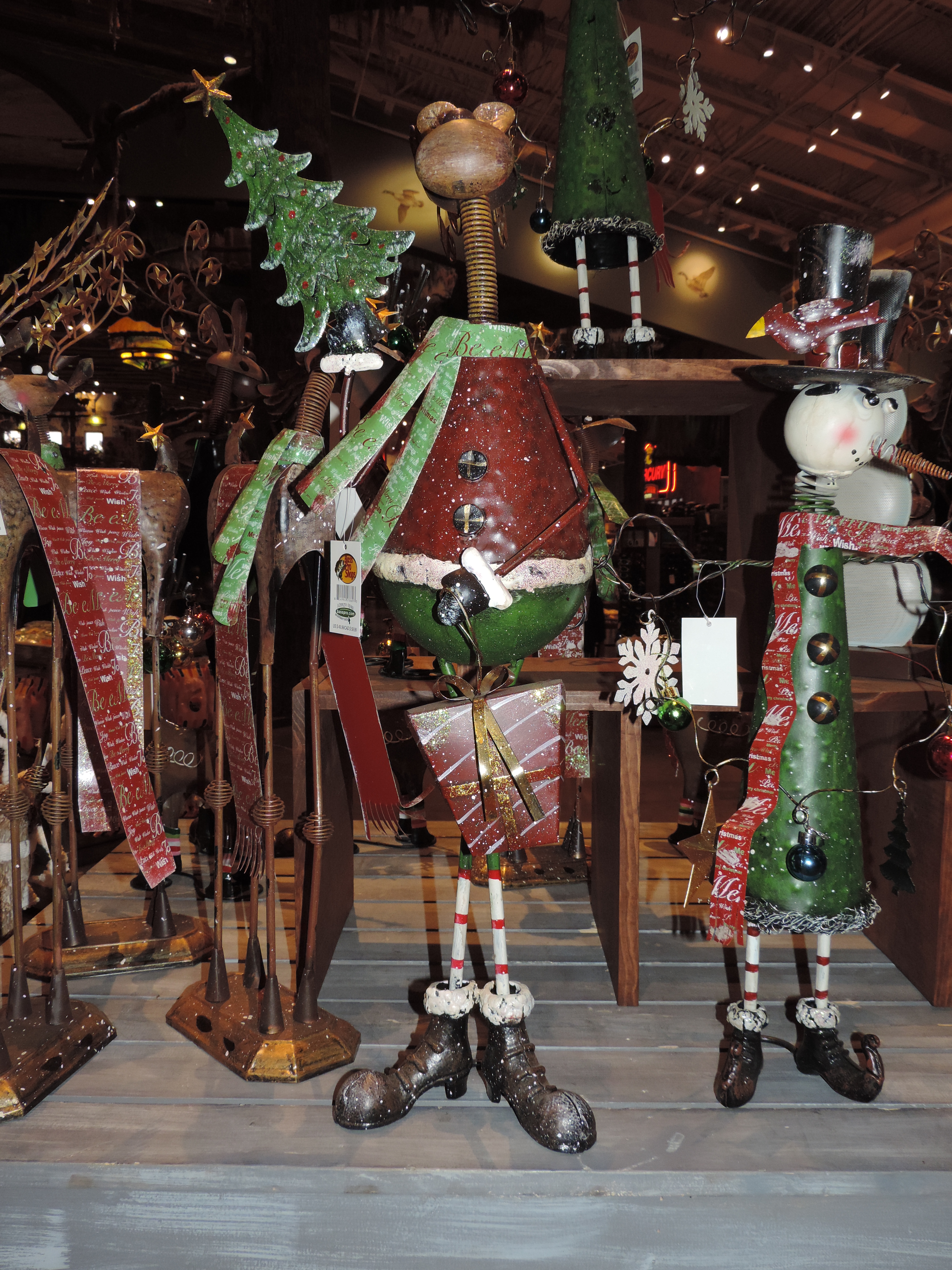
A reindeer in his cute boots.

DSCN6418

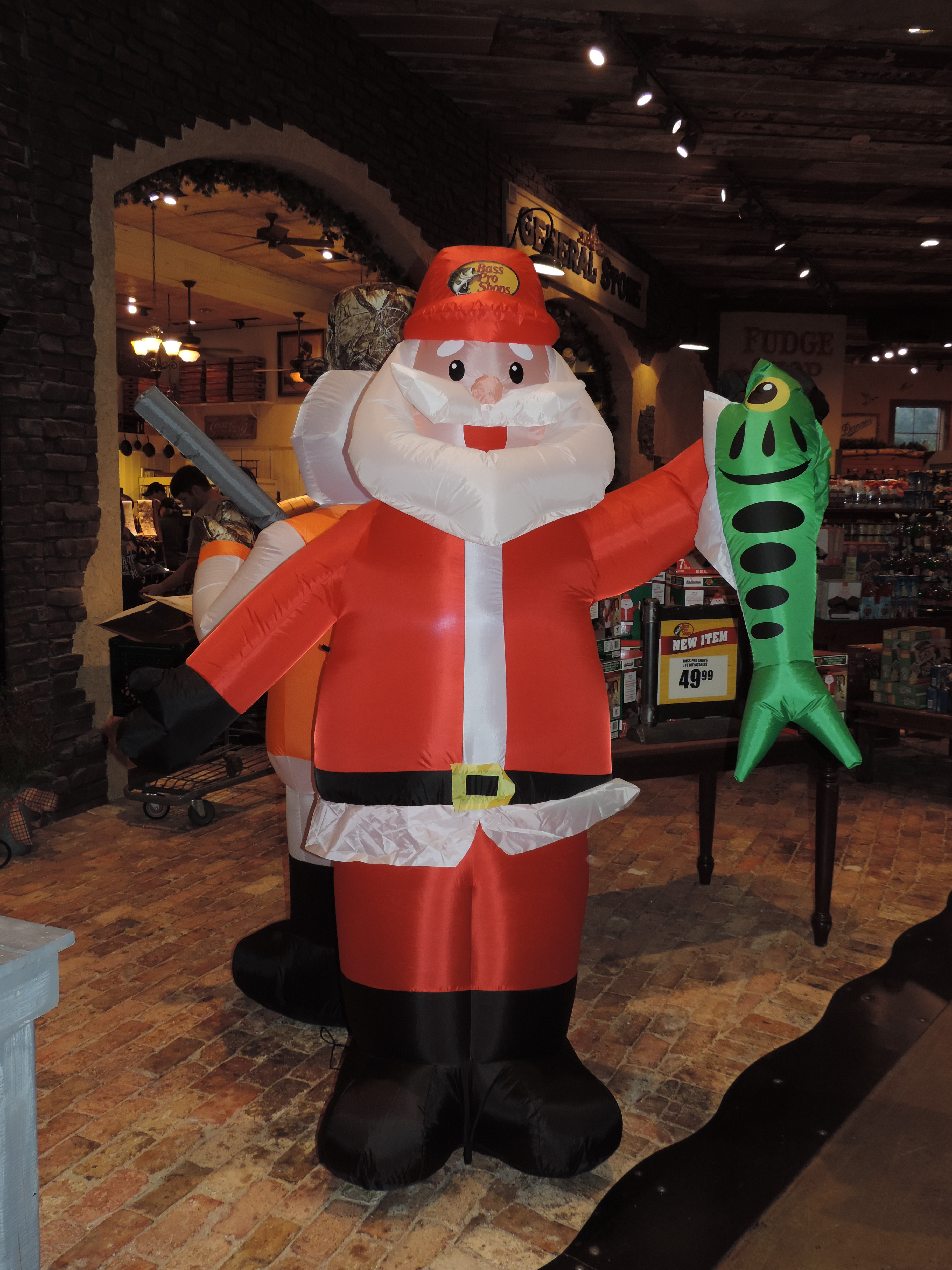
I’ve learned what Santa does while the elves are making toys. I bet you thought he was sleeping.

DSCN6419

And, I found out how those reindeer are actually keep in line.