Sharpies Creative Markers Review

Recently, Sharpie, you know the company that is famous for making permanent markers, released acrylic markers they claimed would “Boldly Mark on Most Surfaces.” I thought it was very interesting and decided to give the Sharpie Creative Color Markers a workout. I purchased both sets, the brush set and bullet set.

My first attempts were on black and white paper. The colors were brilliant and look good on both colors of paper and did not bleed through. The markers would probably look good on any color of paper, because the provide good coverage.

I did not try it on glass. Being water based acrylic markers, they would wash off of glass.

My second, third, and fourth attempts were on wood.

Puzzle One: This design used the both the bullet and brush markers. I was able to obtain blending effects by either painting areas white on the background or blending two colors before they completely dried.

Notice how well the black markers went over the other colors. I did not have to go over the black multiple times to get the effect. The white stars were placed by gentle touching the surface after it dried.

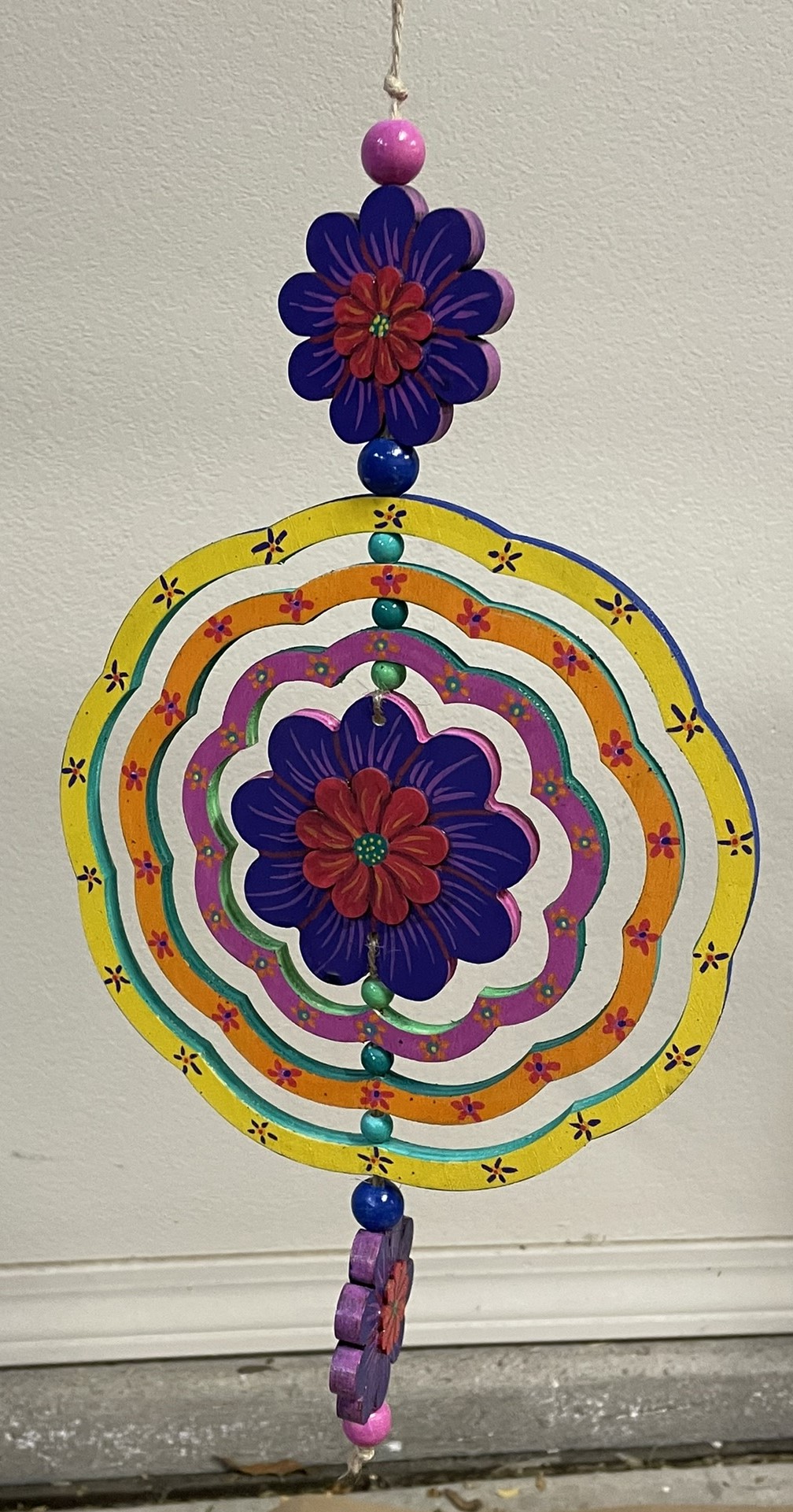
Wind Spinner: Another project using only the Sharpies Creative Color Markers. On this project, after the paint had dried, I noticed that purple color for the brush marker was slightly lighter than the bullet marker. I was able to go over the bullet marker purple with the brush marker purple to get a uniform color.

Every yellow paint I have ever encountered has done a very poor job of covering other colors. The Creative Color Marker yellow also did a poor job of covering other colors. I have an easy solution; I just cover it with white first then go over it in yellow.

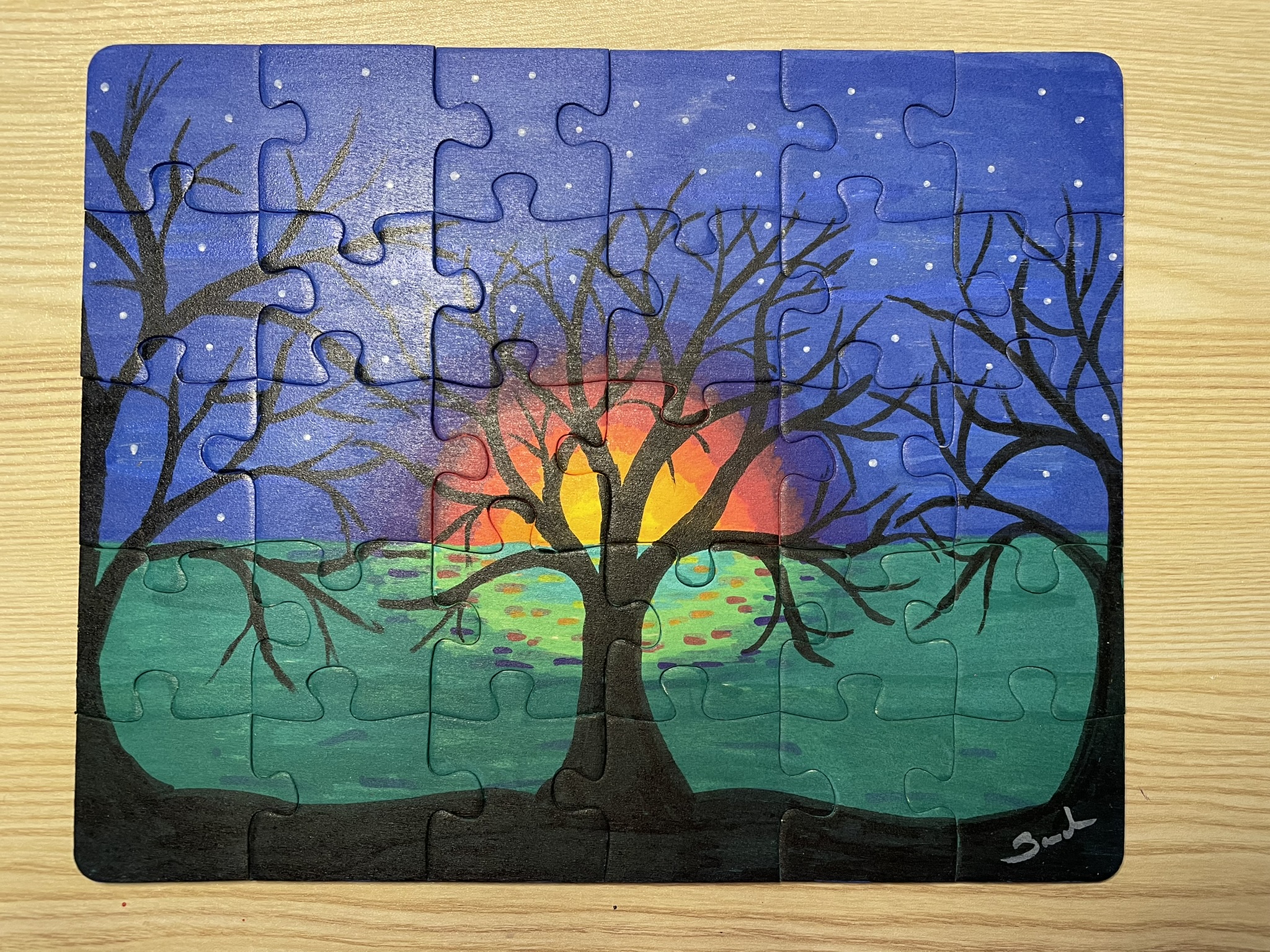
Tree Puzzle: For the base of the tree puzzle, with the exception of the tree, I did not use the Creative Color Markers. I used acrylic paint. The surface was large, and I did not like the idea of having the paint the entire surface with the markers. The tree and flowers were made with the markers.

The background and the tree on the puzzle were all done with the Creative Color Markers. The blending of multiple colors provided the tree with a brown look.
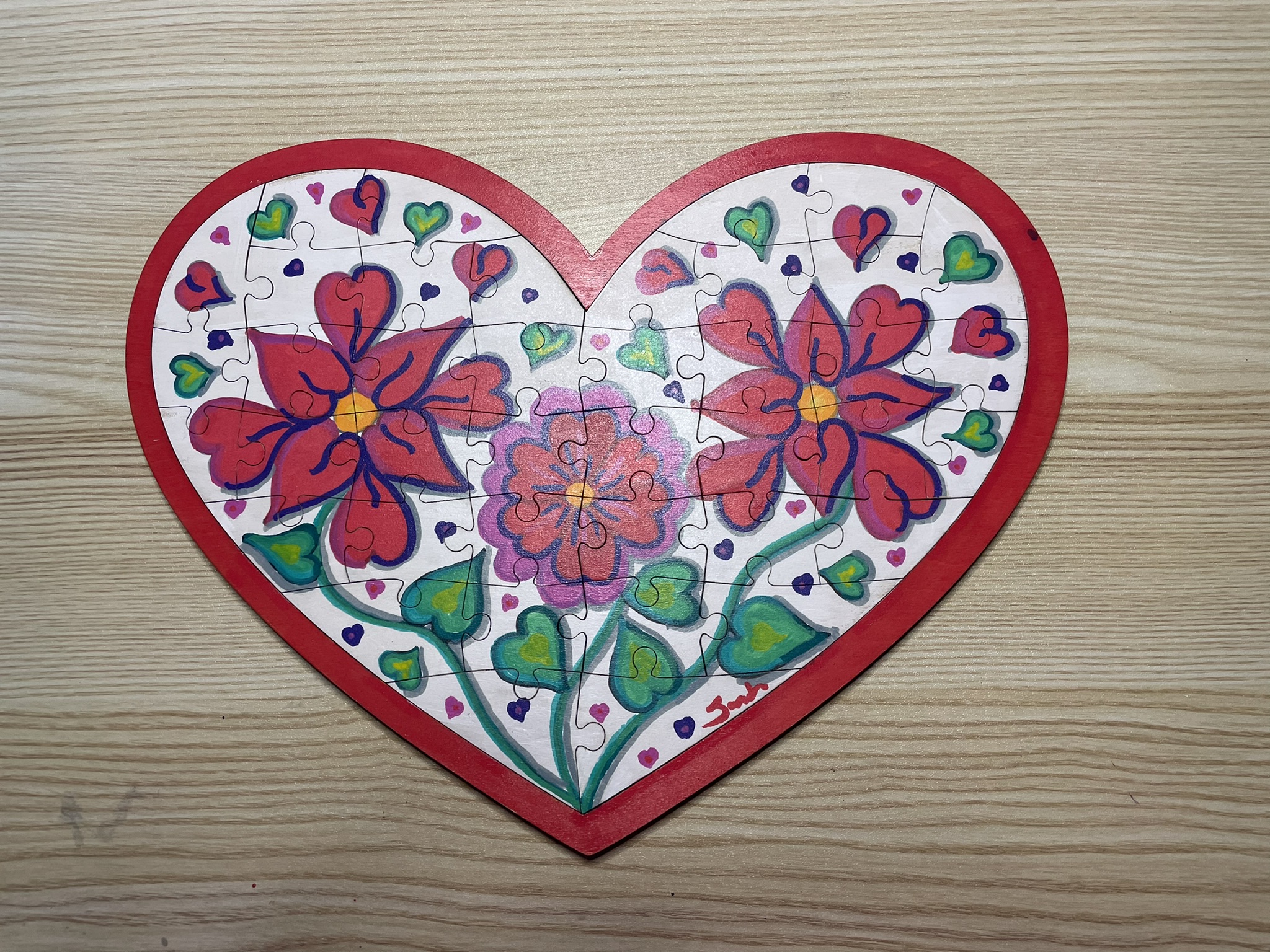
Heart Puzzle: Can you see where I messed up? Probably not because the markers were able to hide my mistakes well. The first design I placed on the heart puzzle I did not like. So, I covered the entire puzzle with Gesso and started a new design. The white marker and the Gesso were almost the same shade. I used the white marker to cover up small mistakes on the white background.
The red and pink marker when placed next to each made it difficult to tell where one color ended, and the other color started. Once touches of purple and black was placed around them, they pop off the canvas.

The edge of the base and the back of the base was covered using red acrylic paint.

All the projects were varnished using the Polyacrylic. Some were sprayed and other were brushed. My only desires concerning these markers are: I would like more colors; and I would like to some fine point markers.

I do not see using the markers every day, but they will definitely fit in with some of my projects.

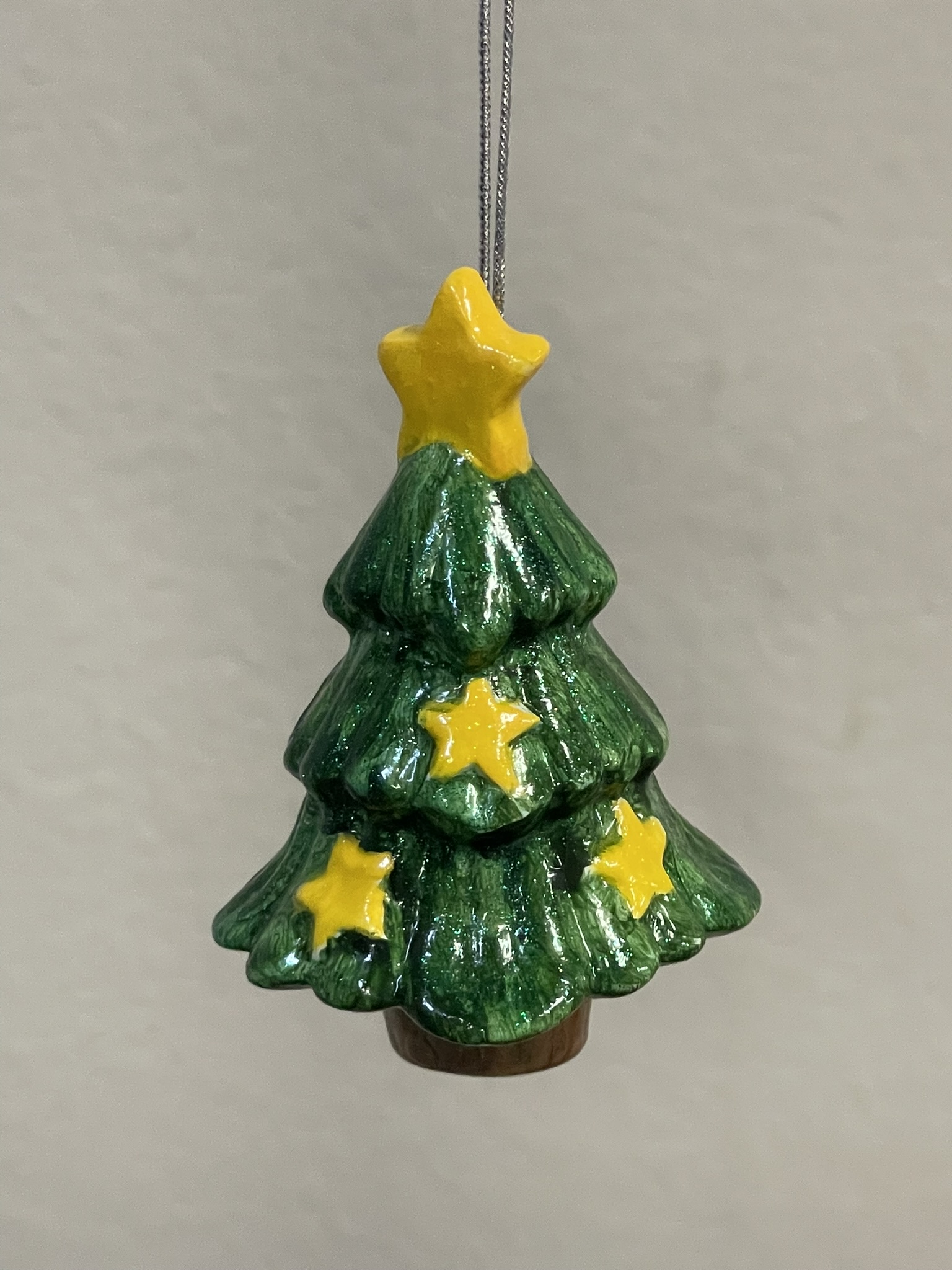
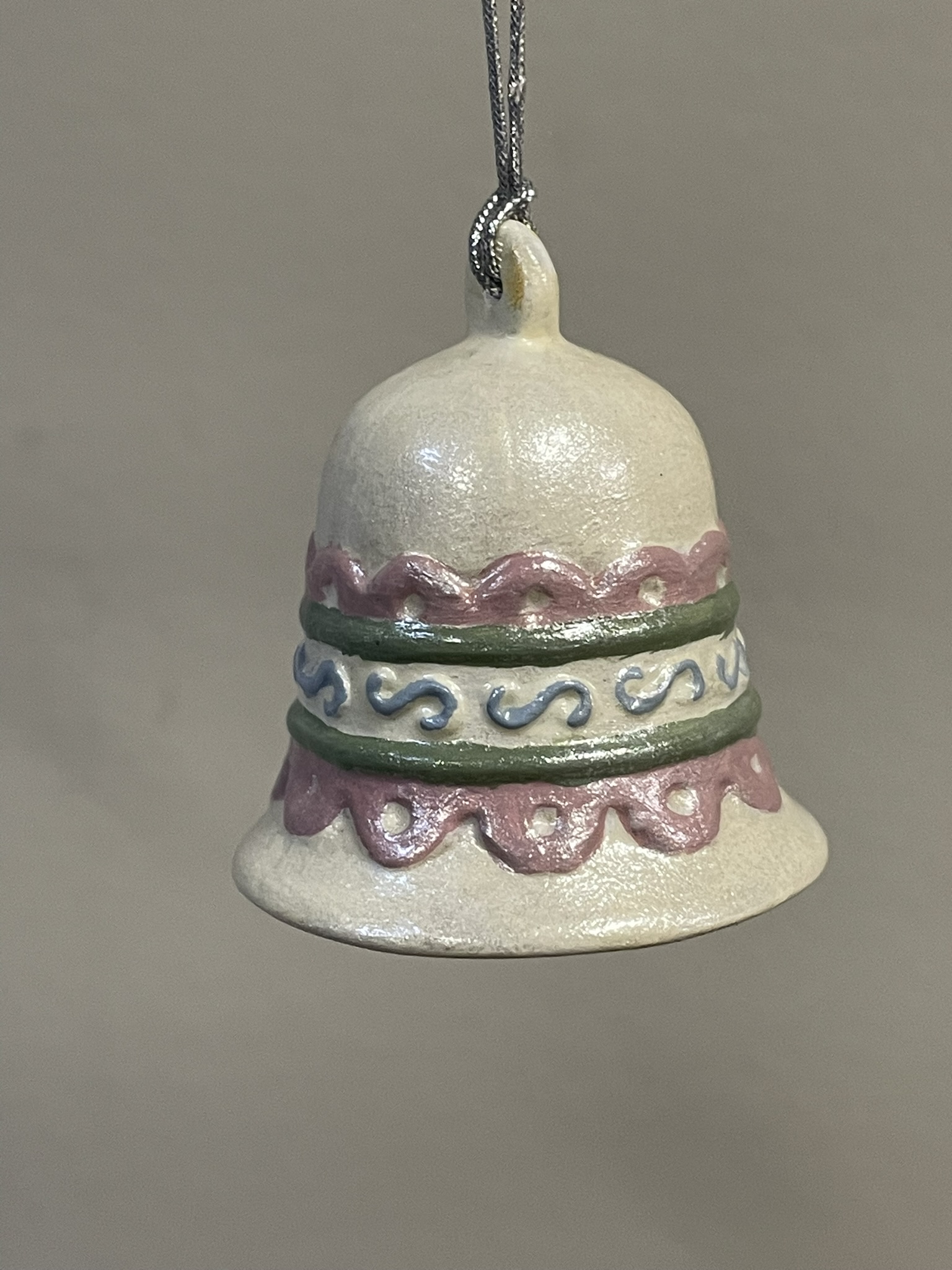
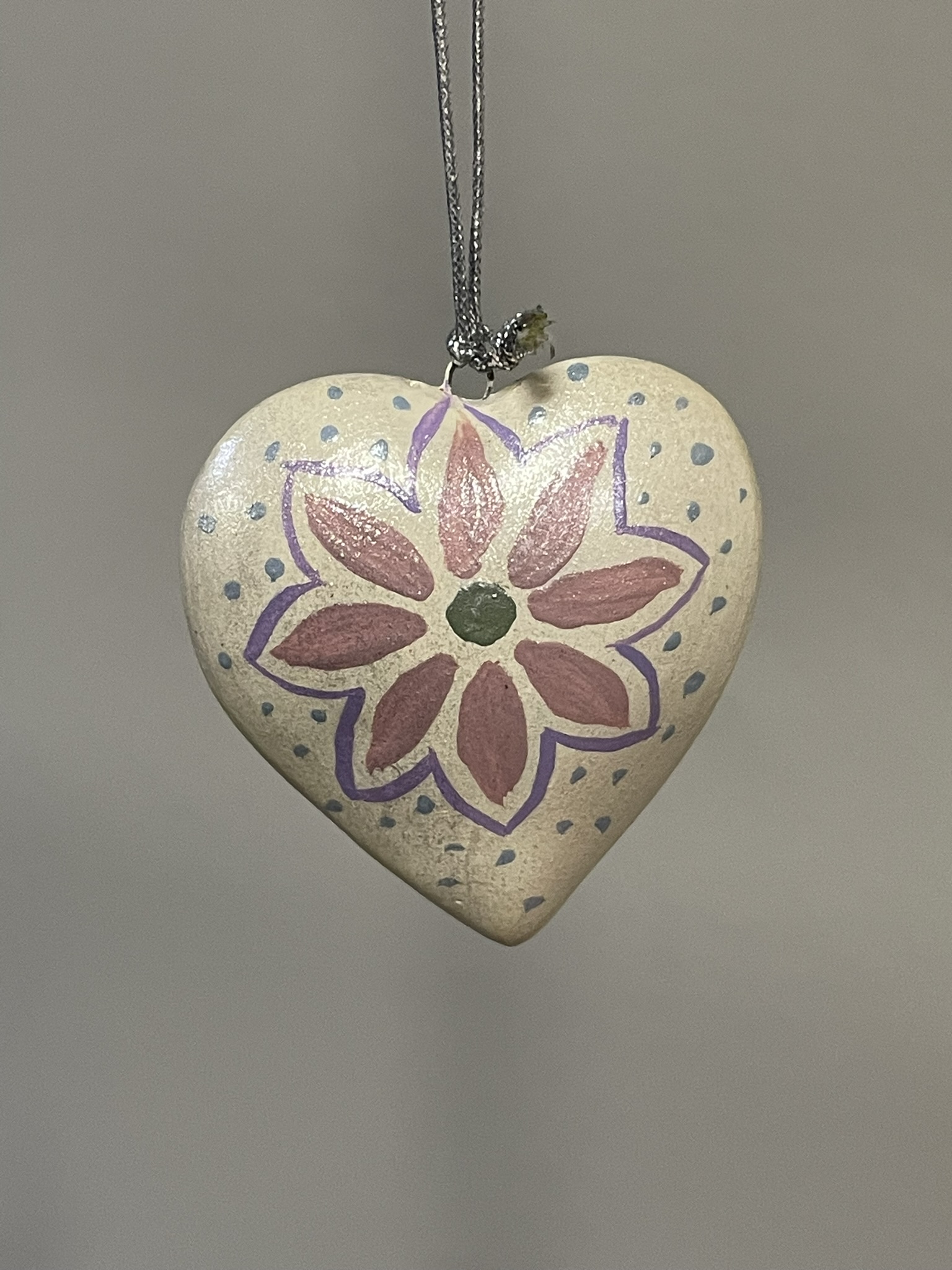
Ornaments 2024?

I painted these ornaments in 2023 around Christmas. However, they have been hanging for months, and months, and months waiting to be varnished. The ornaments got a coat of varnish when I varnished every other project I was working on.

North Pole Christmas Tree Farm

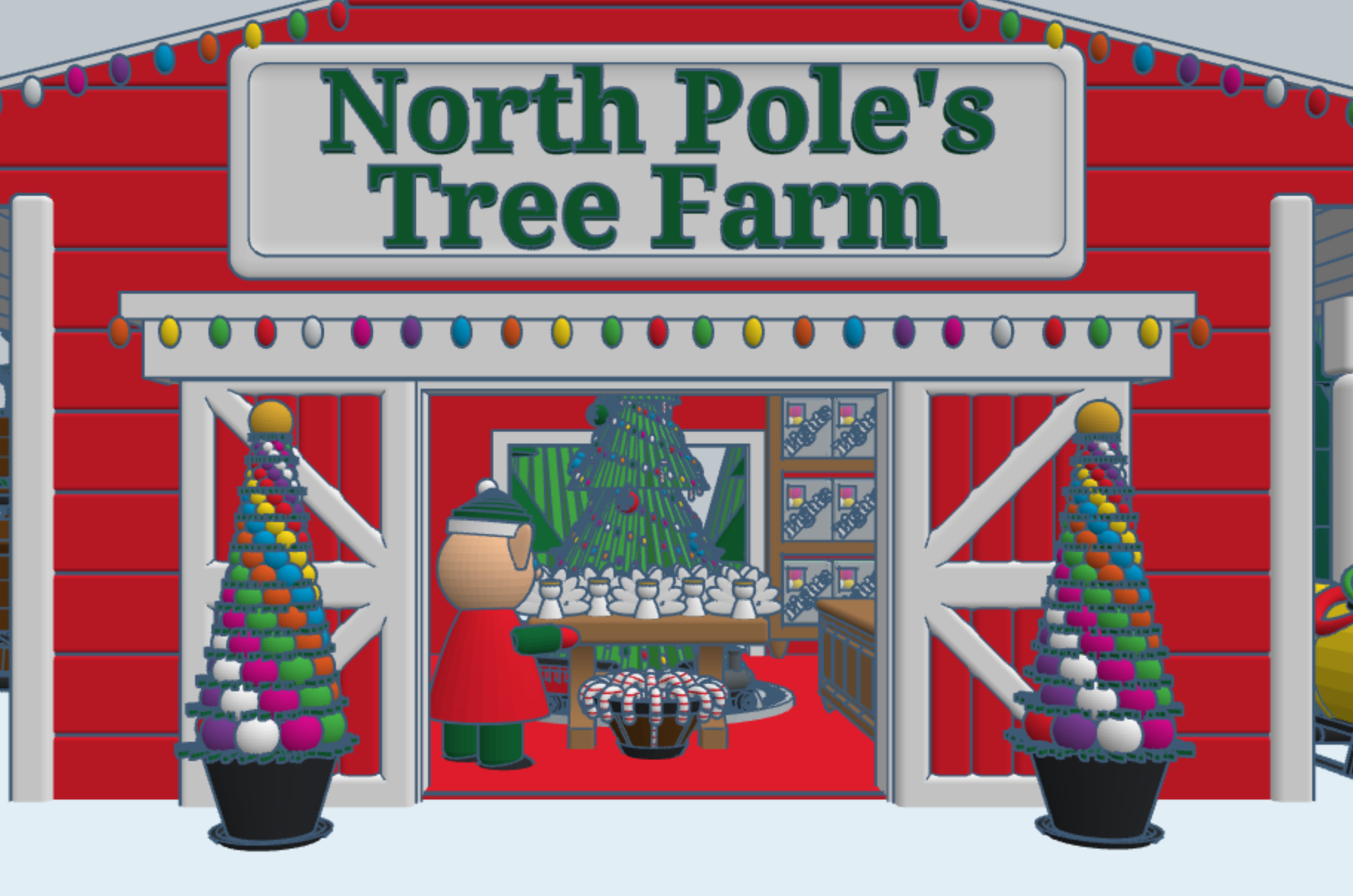
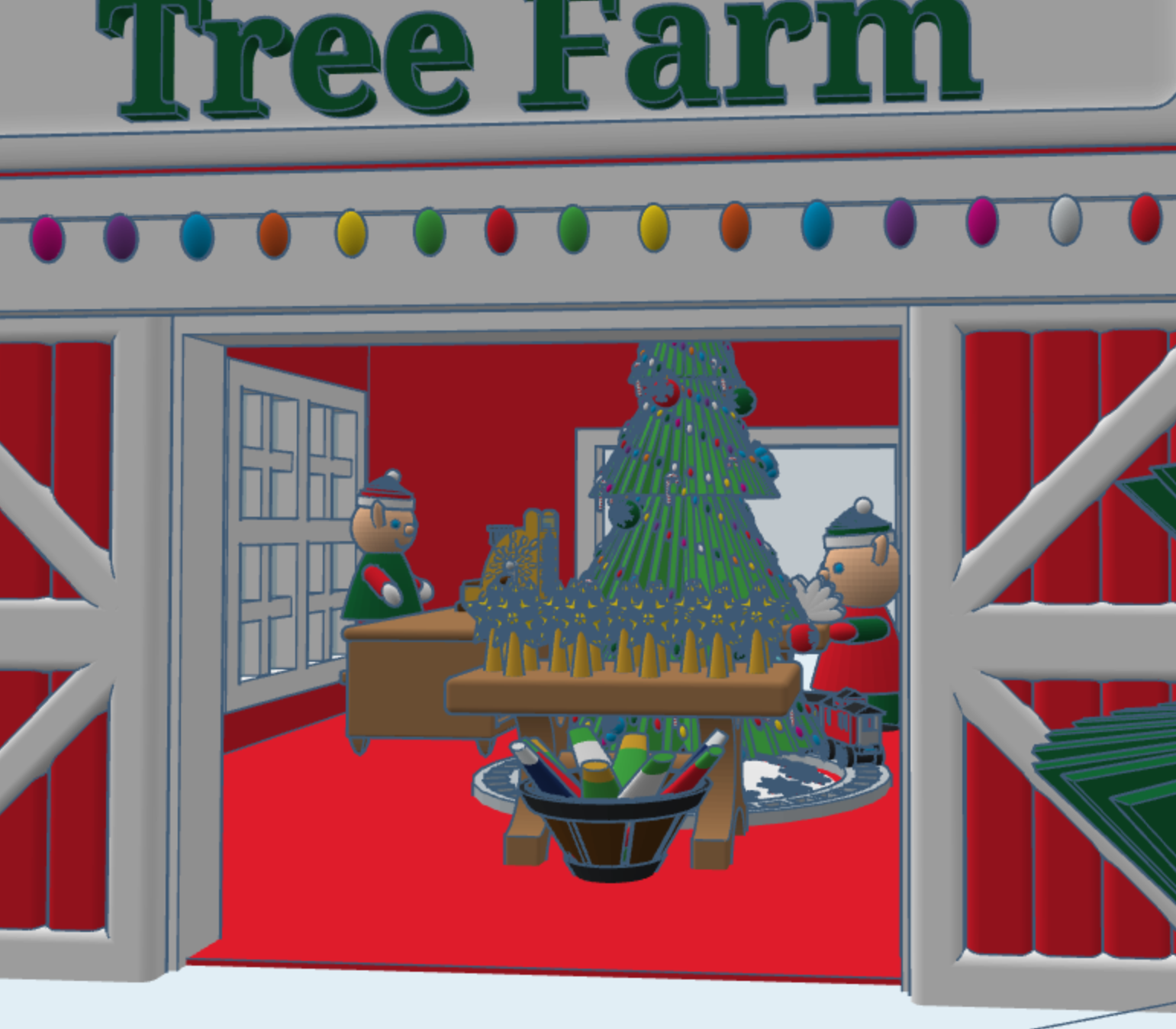
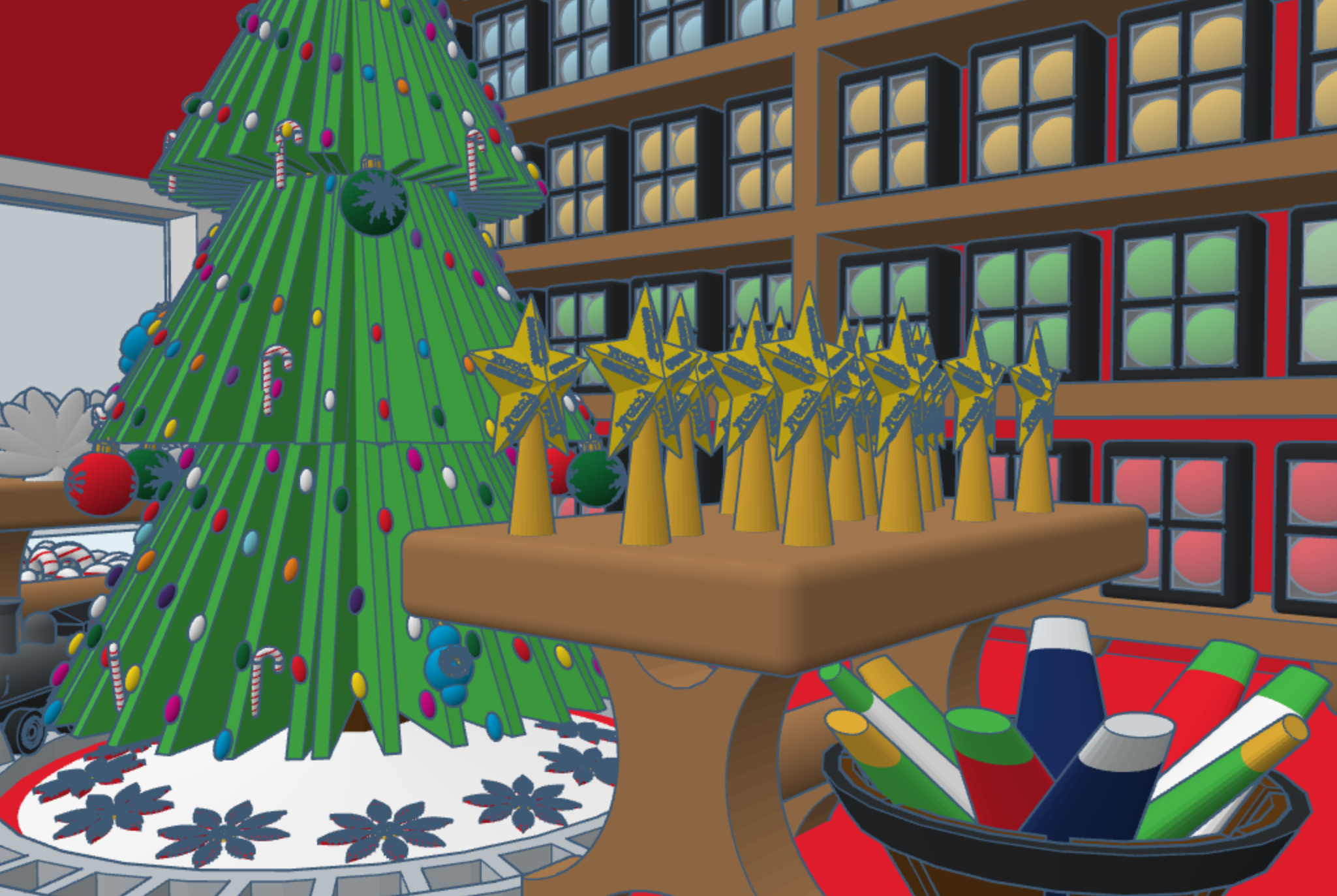
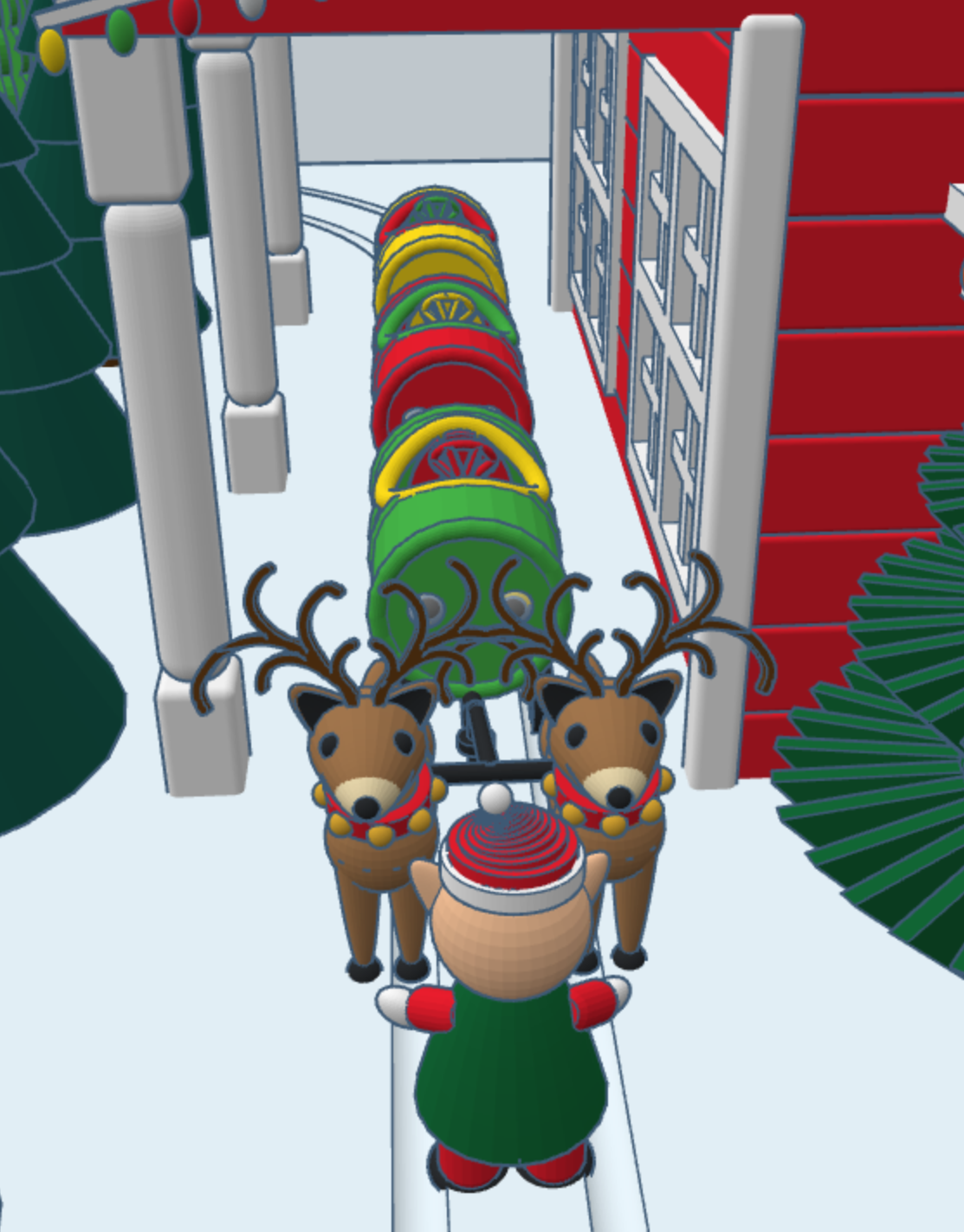
This year, for Christmas, I decided to design a North Pole Christmas Tree Farm in Tinkercad, with a barrel train to take visitors around the farm. I placed the shop inside the barn, I guess some of the reindeer gave up their lodging for the season. The shop sells tree decorations. You can copy this design and add your own objects to Tree Farms.

The barrel train was created in a different design. One train set has skids for use on snow, and another train set has wheels for use on the ground. You can copy the train, but you will have to design your own form of propulsion.

Wildcat Bluff Nature Center

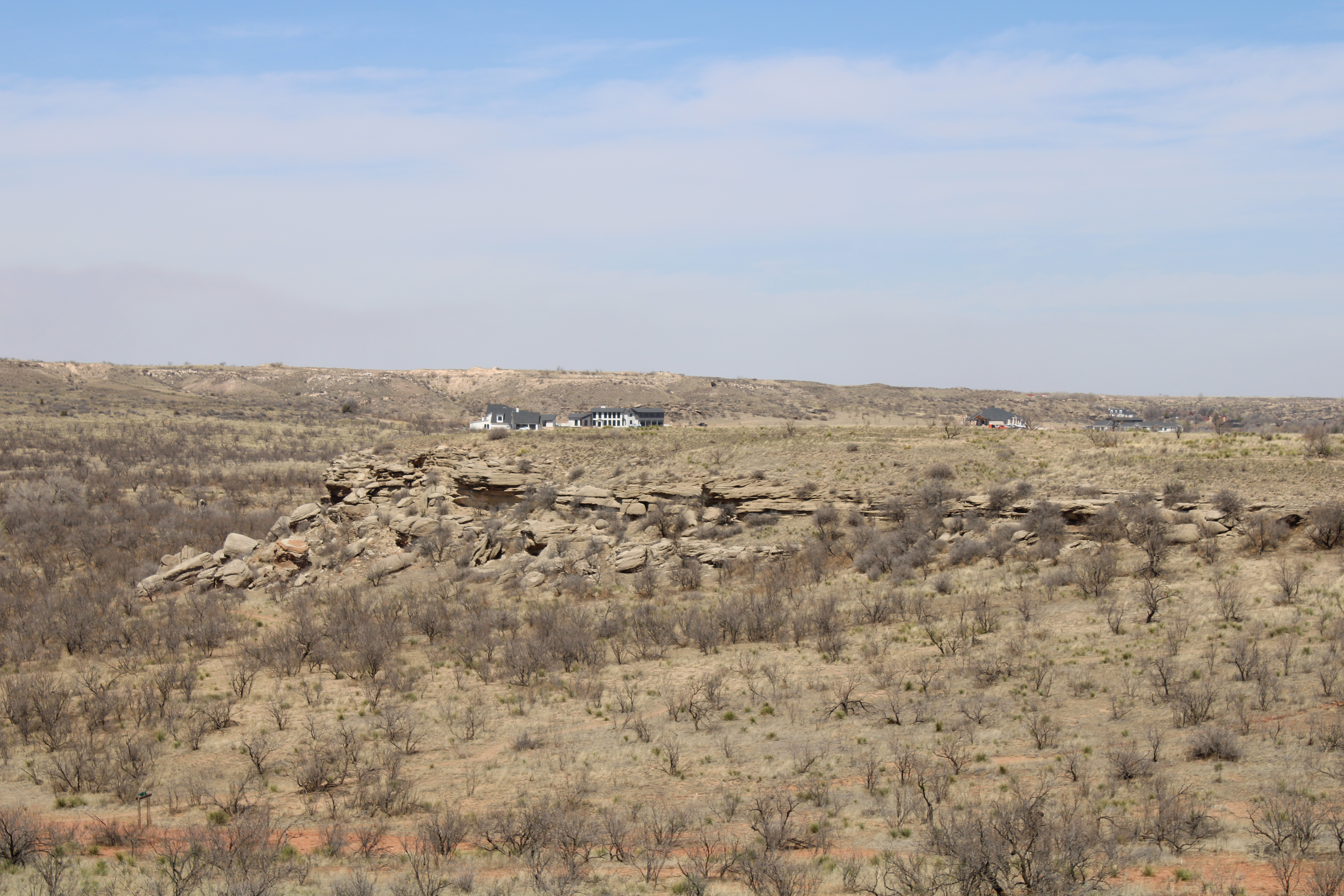
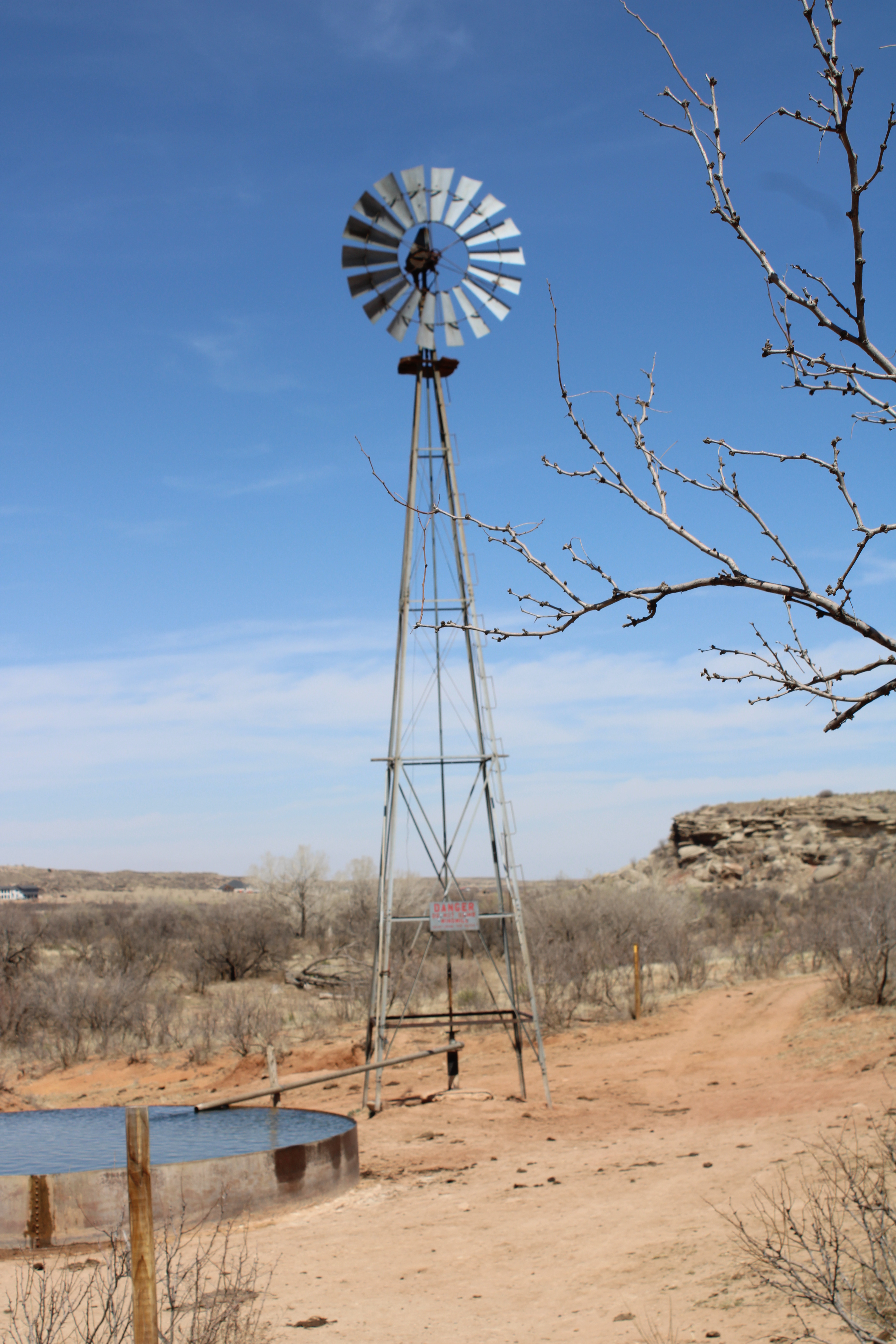
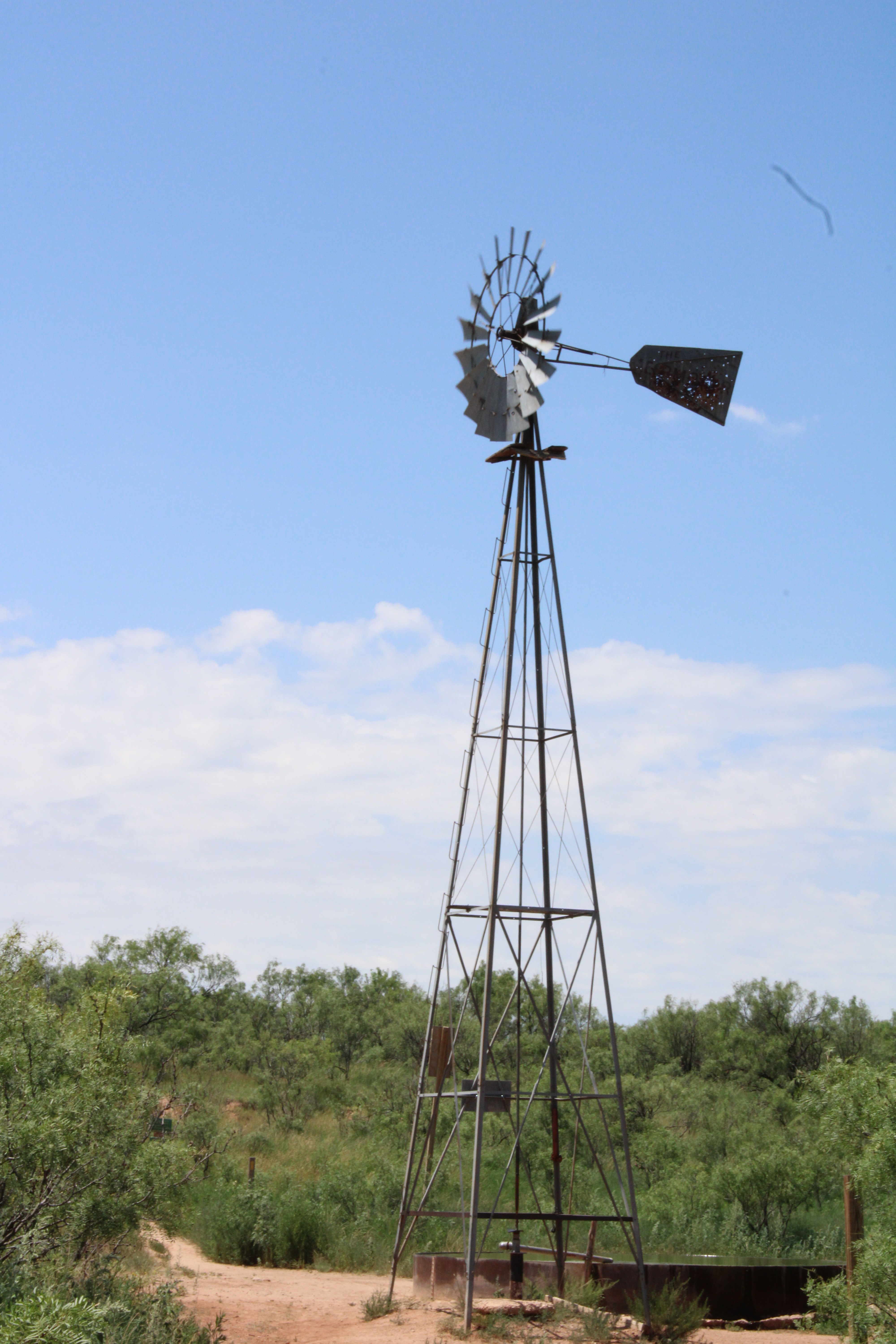
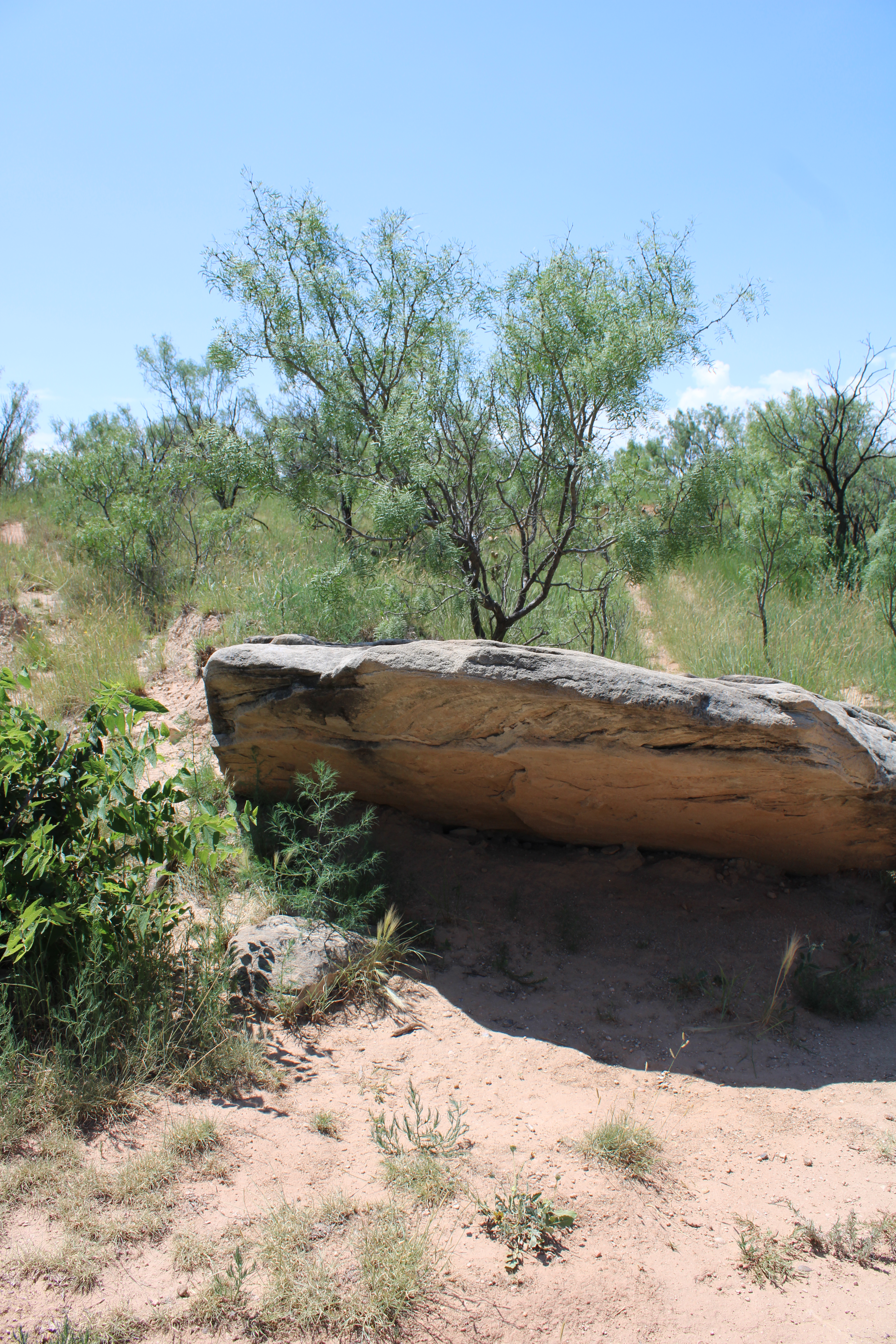
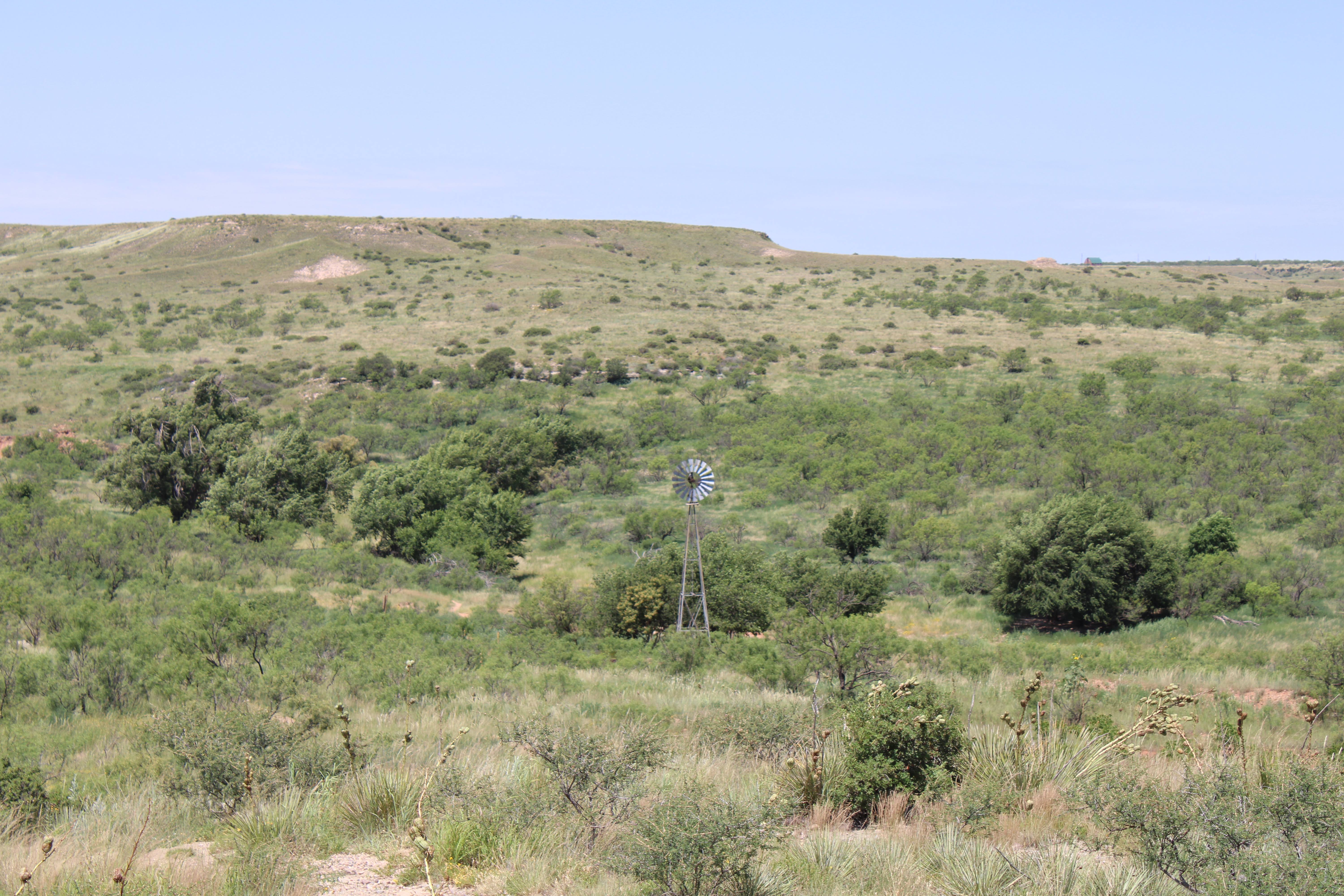
Wildcat Bluff Nature Center in located in Amarillo, Texas. It has three main nature trails that are under a mile to the windmill. There are other trails, paths, that you can take around the area. It is open year around, and what a difference 3 months makes.

No matter what time of year it is, it is well worth the hike to see this view.

The windmill is the meeting point for the three main trails.

Such a beautiful area.

Tinkercad Contest and more…

To support all the tinkers that hosted contests during this holiday season and Tinkercad’s TinkerTogether, I created the following designs:

TinkerTogether Design Challenge #25: Winter

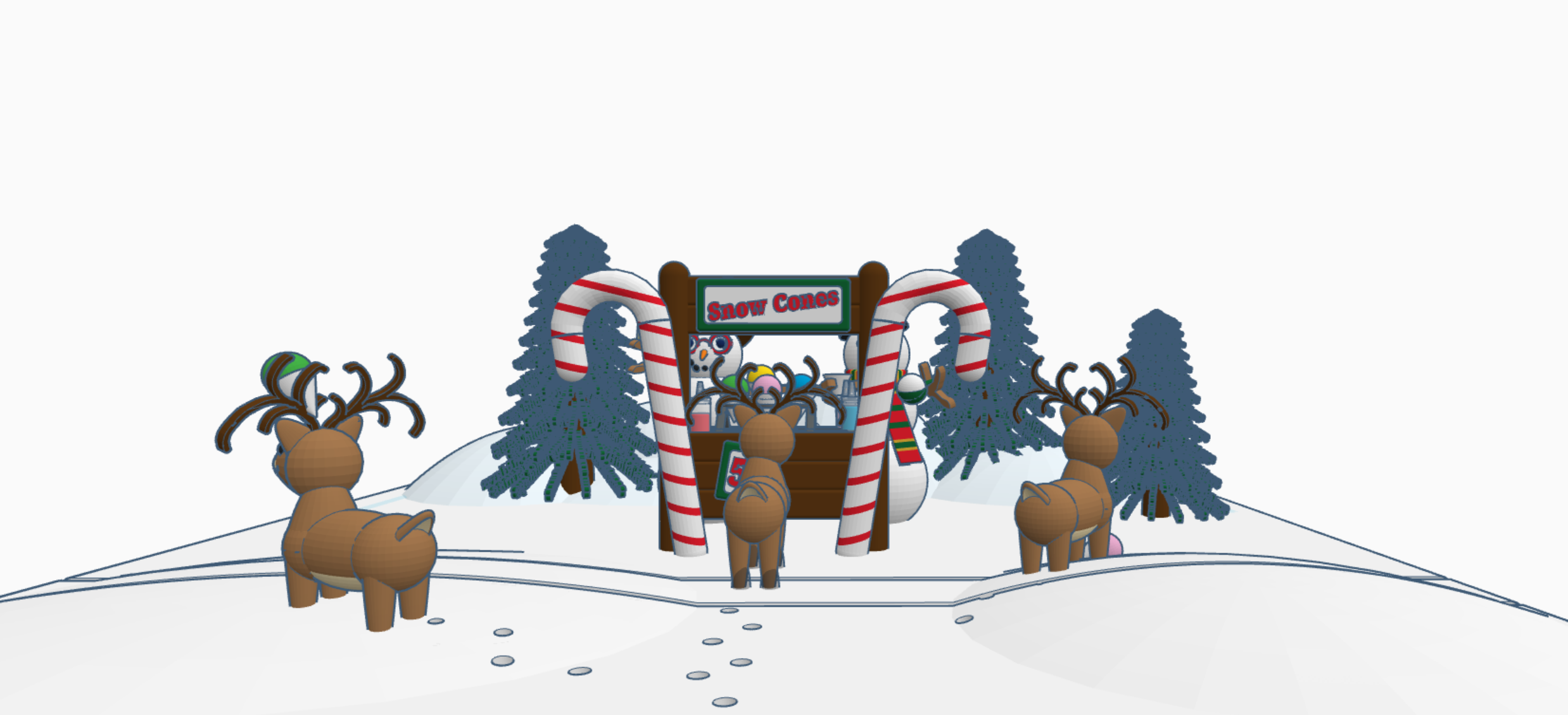
Snowcones for Sell

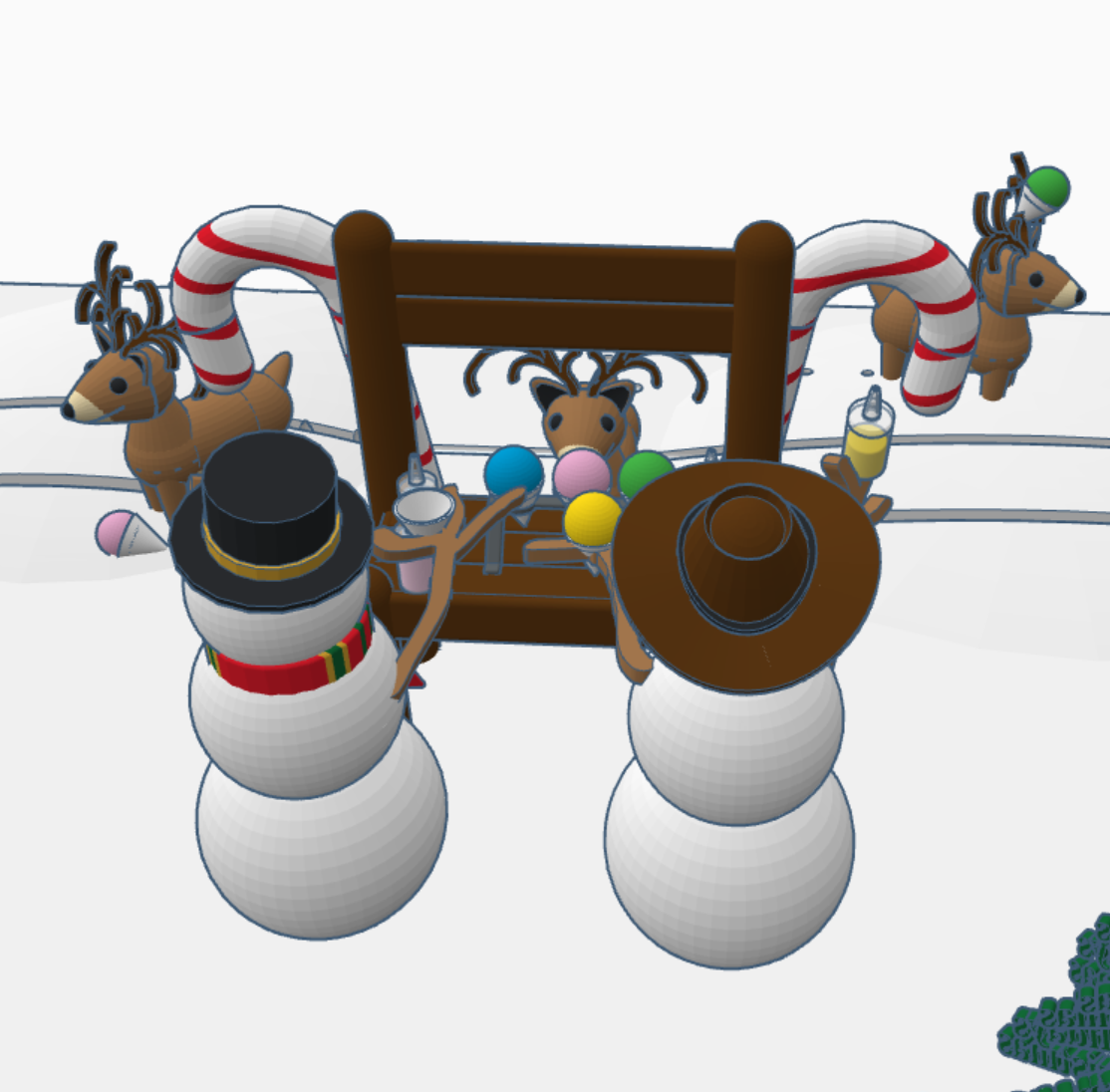
Snow Cones for Sell: In this design we have two snowman selling snow cones to a few reindeer. If you look closely at the ground, it appears that Santa Sled has been through. The hats, the reindeer and the candy cane are available in Tinkercad’s Shape Menu.

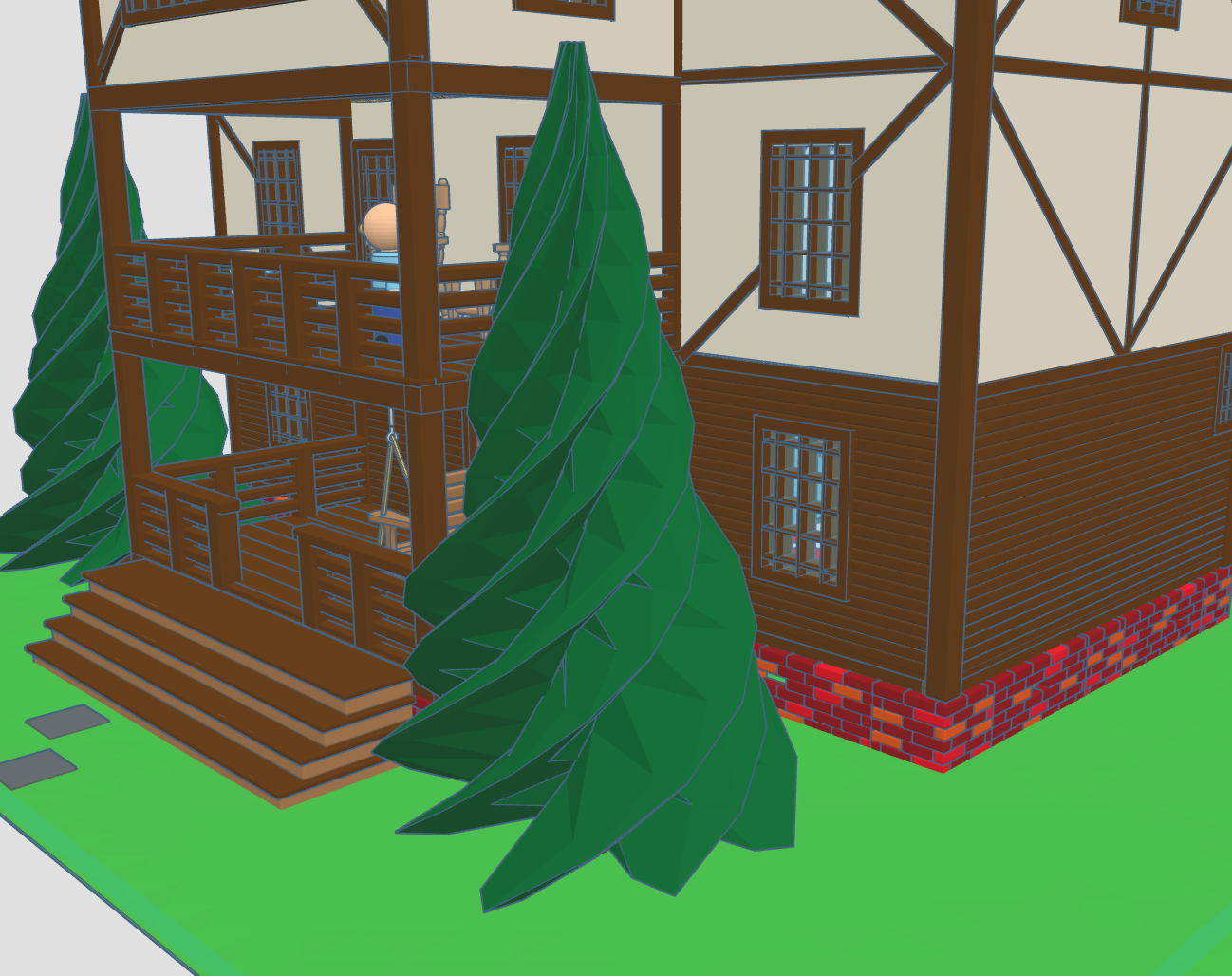
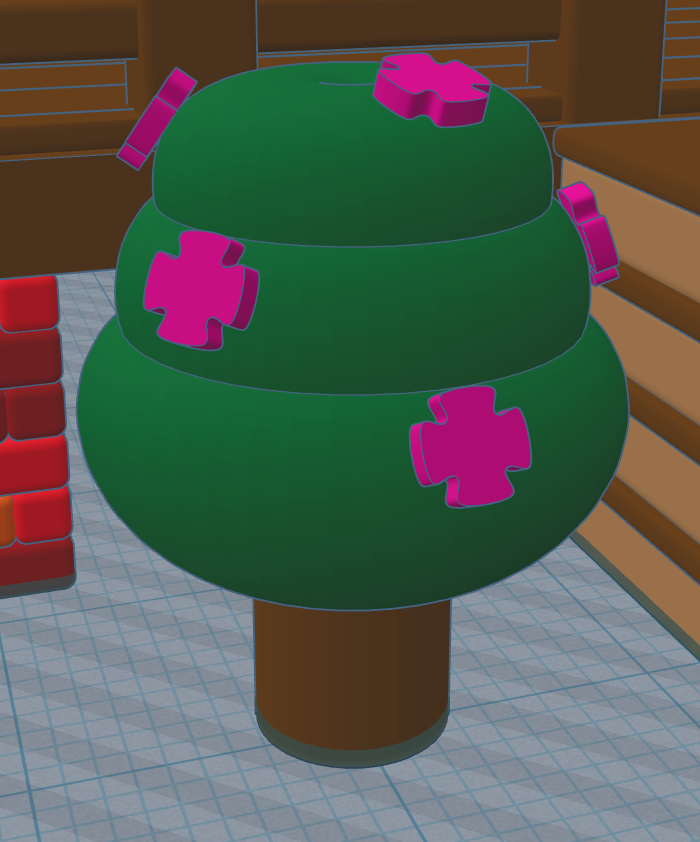
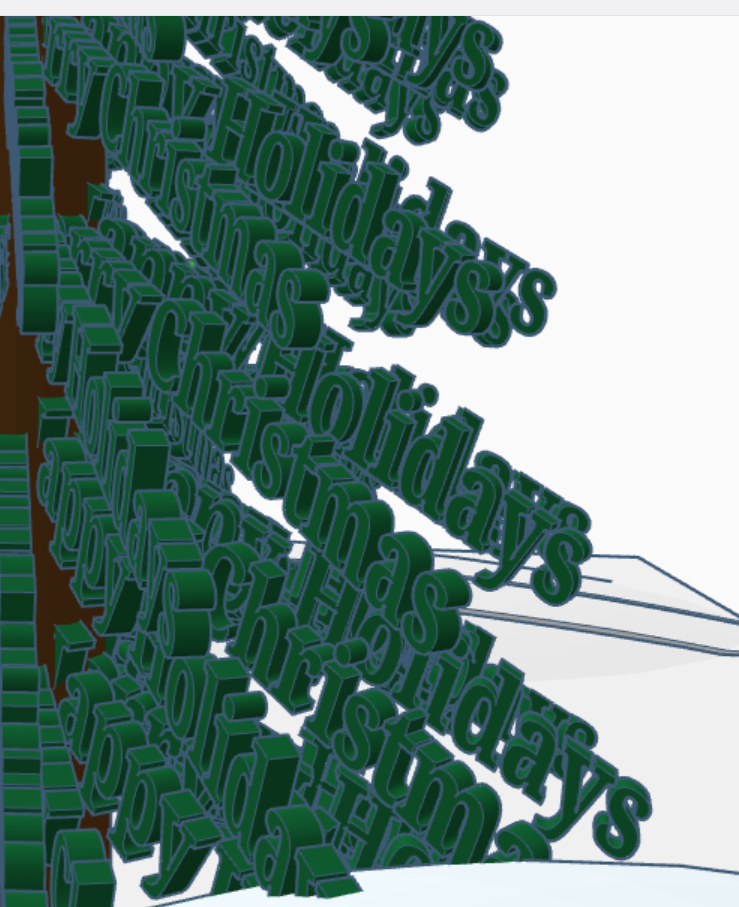
Take a close look at the trees, what do you see?

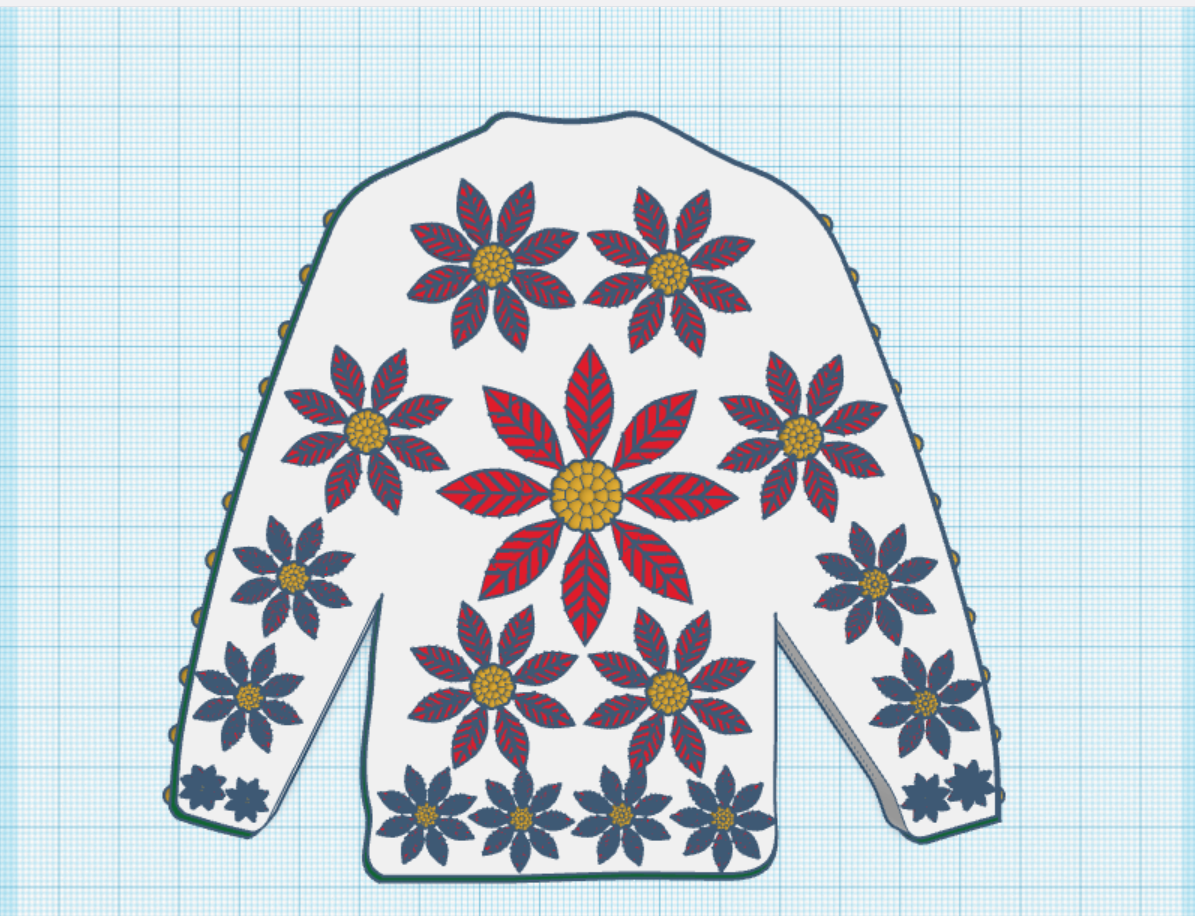
Create an Ugly Christmas Sweater: I used the template provided.

Contest: Design an Ornament – I could have created a typical ball ornament, but I wanted something that looked fragile. Do you see the snowflake inside?

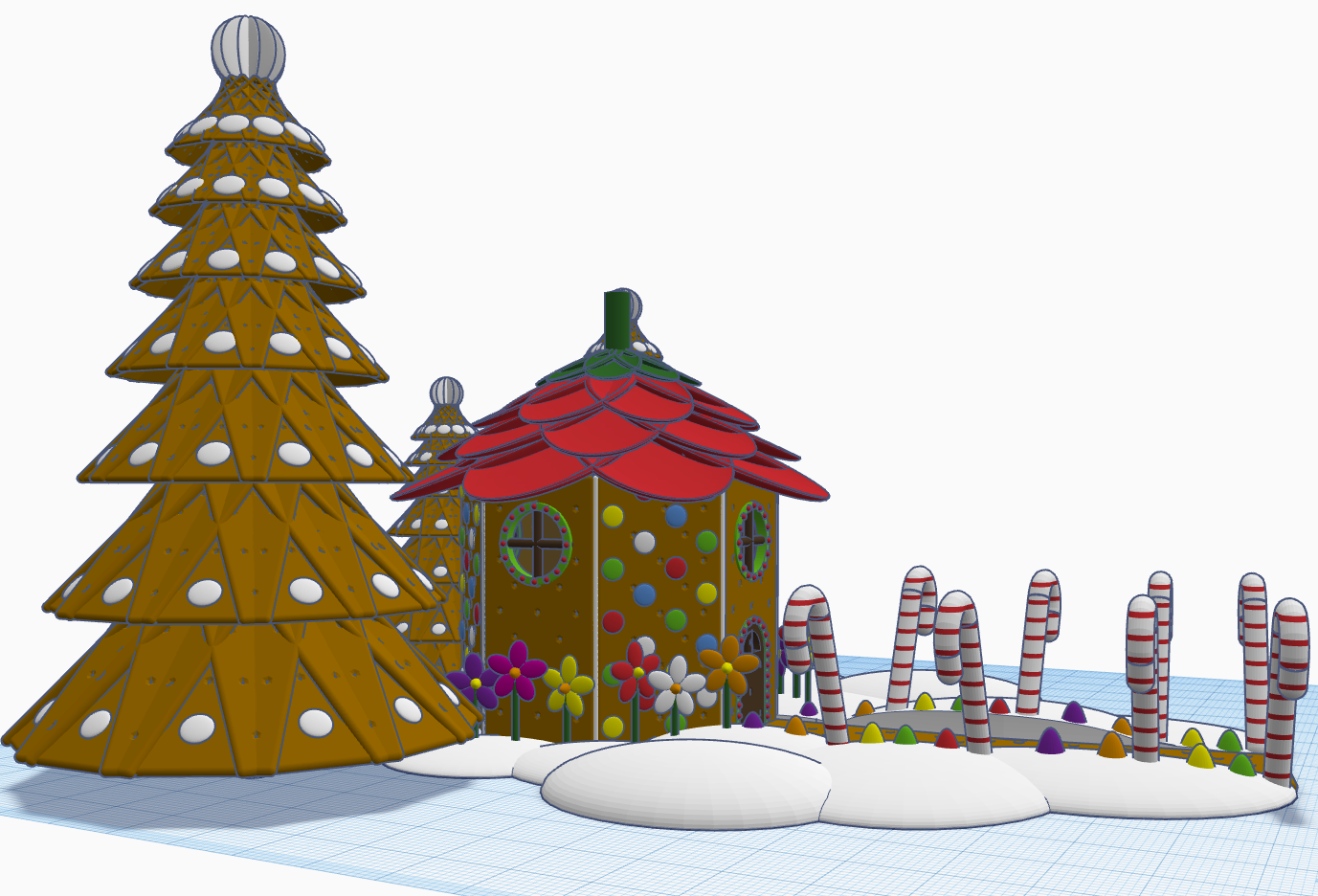
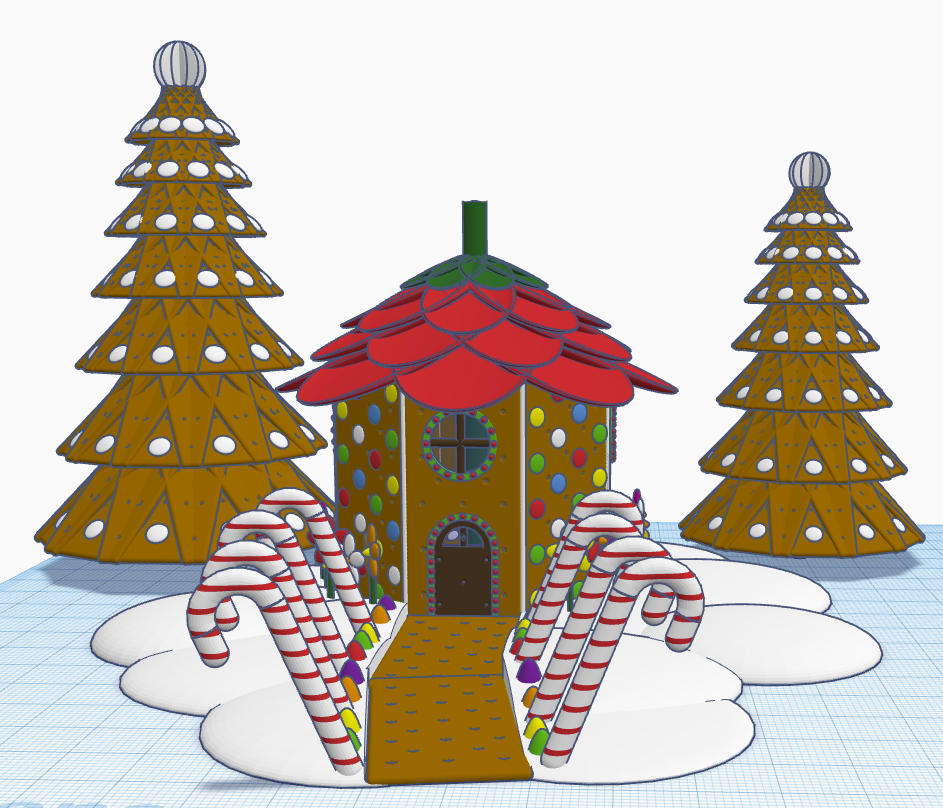
Contest: Create a Gingerbread House – I created a Gingerbread Fairy House. The roof of the house is a candy strawberry, and the path is lined with candy canes and gum drops.

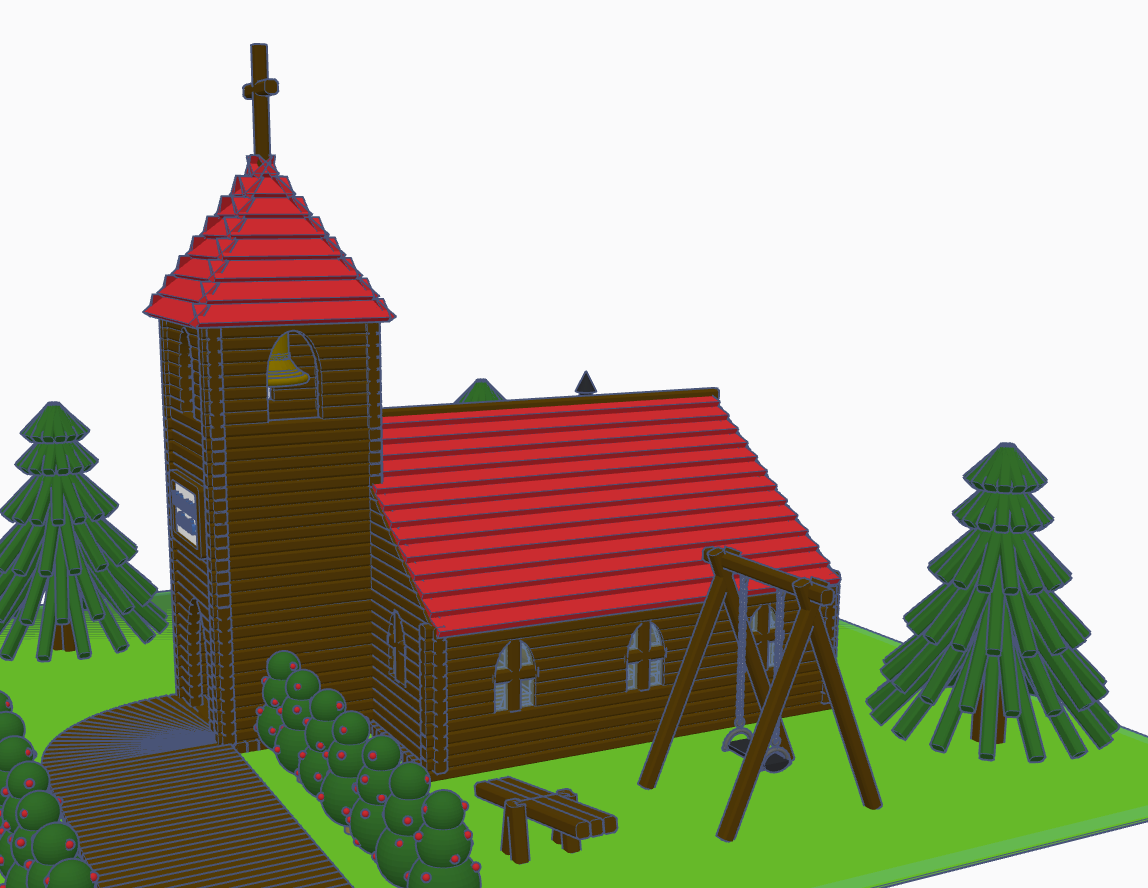
Contest: Create a Log Cabin using the TinkerLogs created by HLModTech – I created a TinkerLog Church. The building and most of the items, including the trees, were created using the TinkerLogs that HLModTech created. I kept the width and height of the TinkerLogs, and only change the length.

TinkerTogether Design Challenge #26 – Party: For this challenge, I created a Bouncy Castle and Balloon Animals. Can there be a party without these items?

Contest: Create a Christmas Plushie – my contest entry was me. For years, I had a certain way of creating a stick figure of me. I decided for this contest I would create a Plushie of Me. Notice the Santa Hat, it came out looking pretty awesome.

You can see all these items in 3D view from my profile or clicking the links above: SarahCath

Merry Christmas 2022

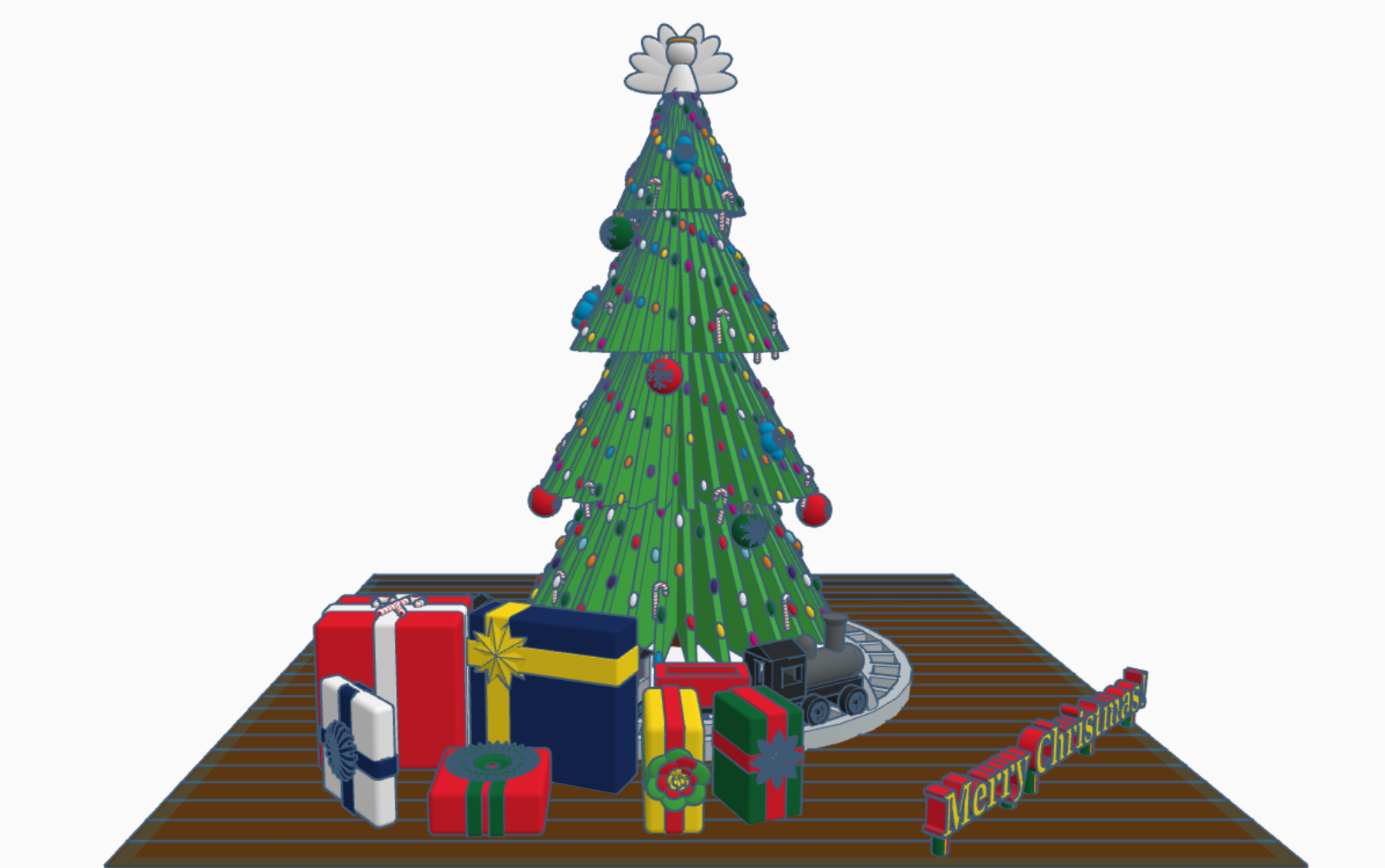
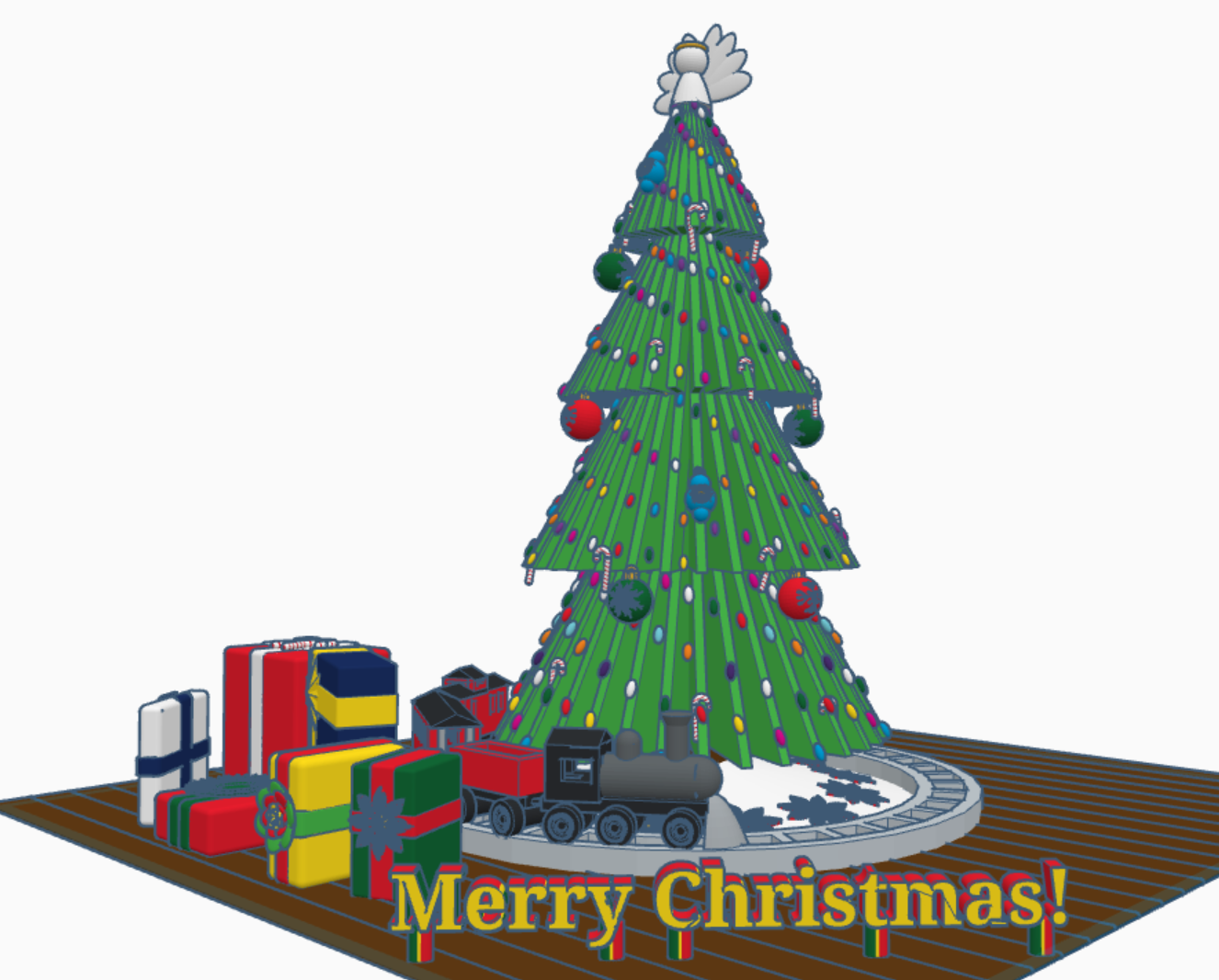
Merry Christmas from Sarah, or Sarahcath, as I use it a lot for my handle. Link: Merry Christmas 2022. For all the Tinkercad users; both past, present, and future; I created a Christmas 2022 scene with a tree, a train, and presents. Each present under the tree contain a gift. It is not just a pretty box. To open the gifts, you will need a Tinkercad account. Copy the design and ungroup the box from around the present. If the gift is too small, you are using Tinkercad, you can make the gift larger.

The tree came from my Instructable on Designing a Christmas Tree with Tinkercad. The train came from my 2016 Design We Wish You a Merry Christmas. The poinsettia I plucked off of last year Christmas Tree with Flowers. I created the Candy Cane, saved it as a shape, and uploaded into Tinkercad’s shape library. The big red, blue, and green ornaments are a work in progress.

I you would like to add a present to this tree. Either reach out to me and follow the directions in the design profile. Link: Merry Christmas 2022

Santa’s Workshop

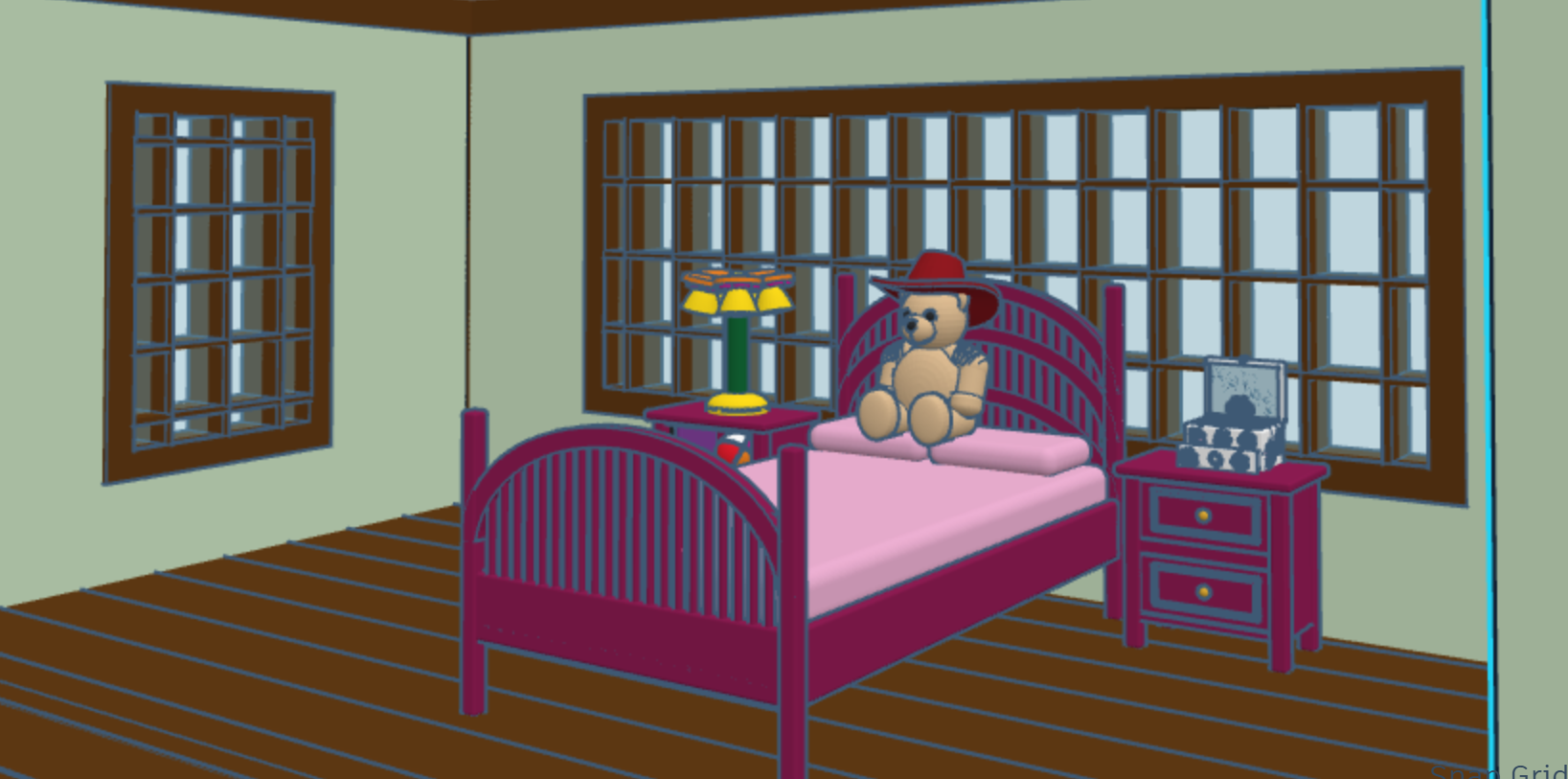
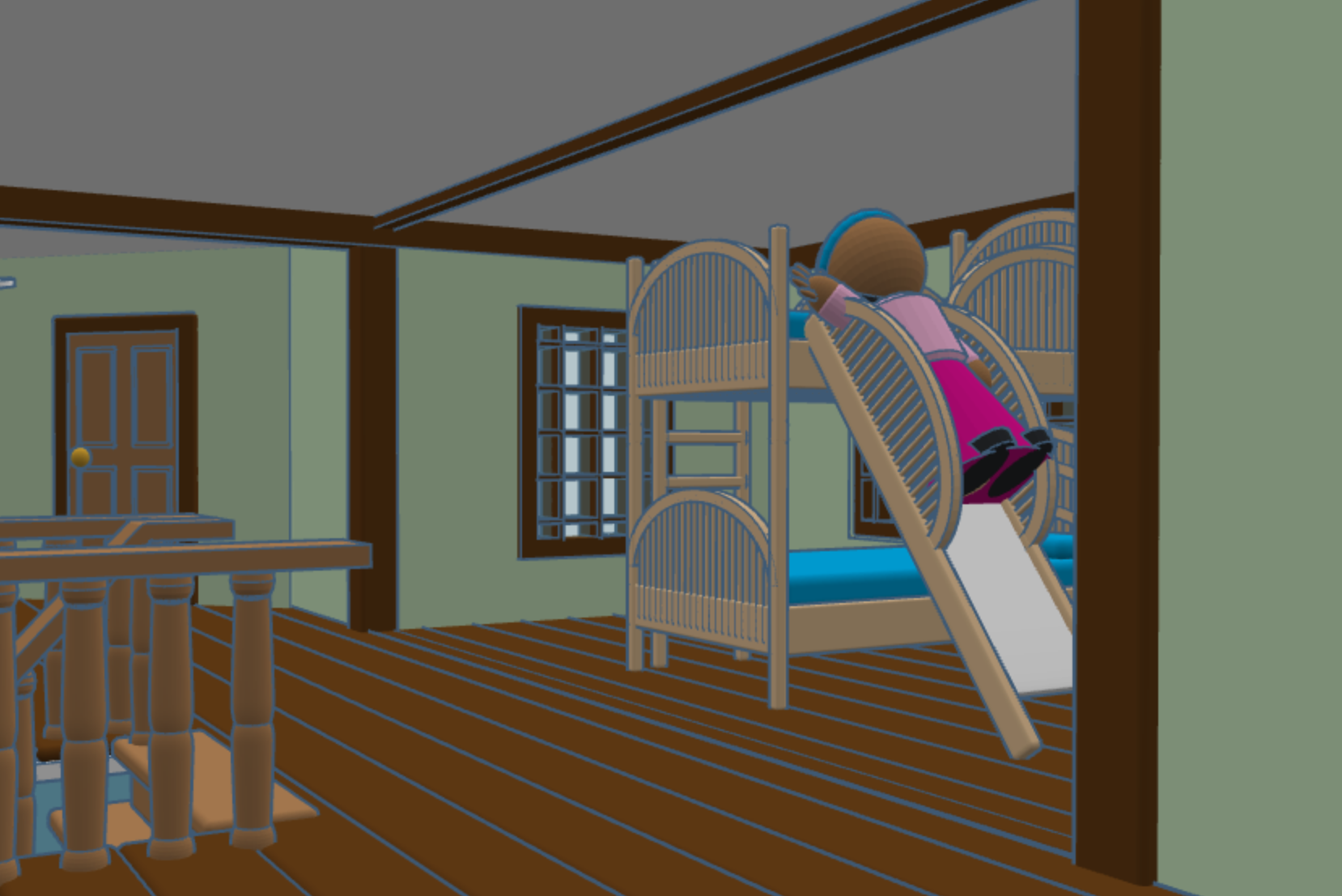
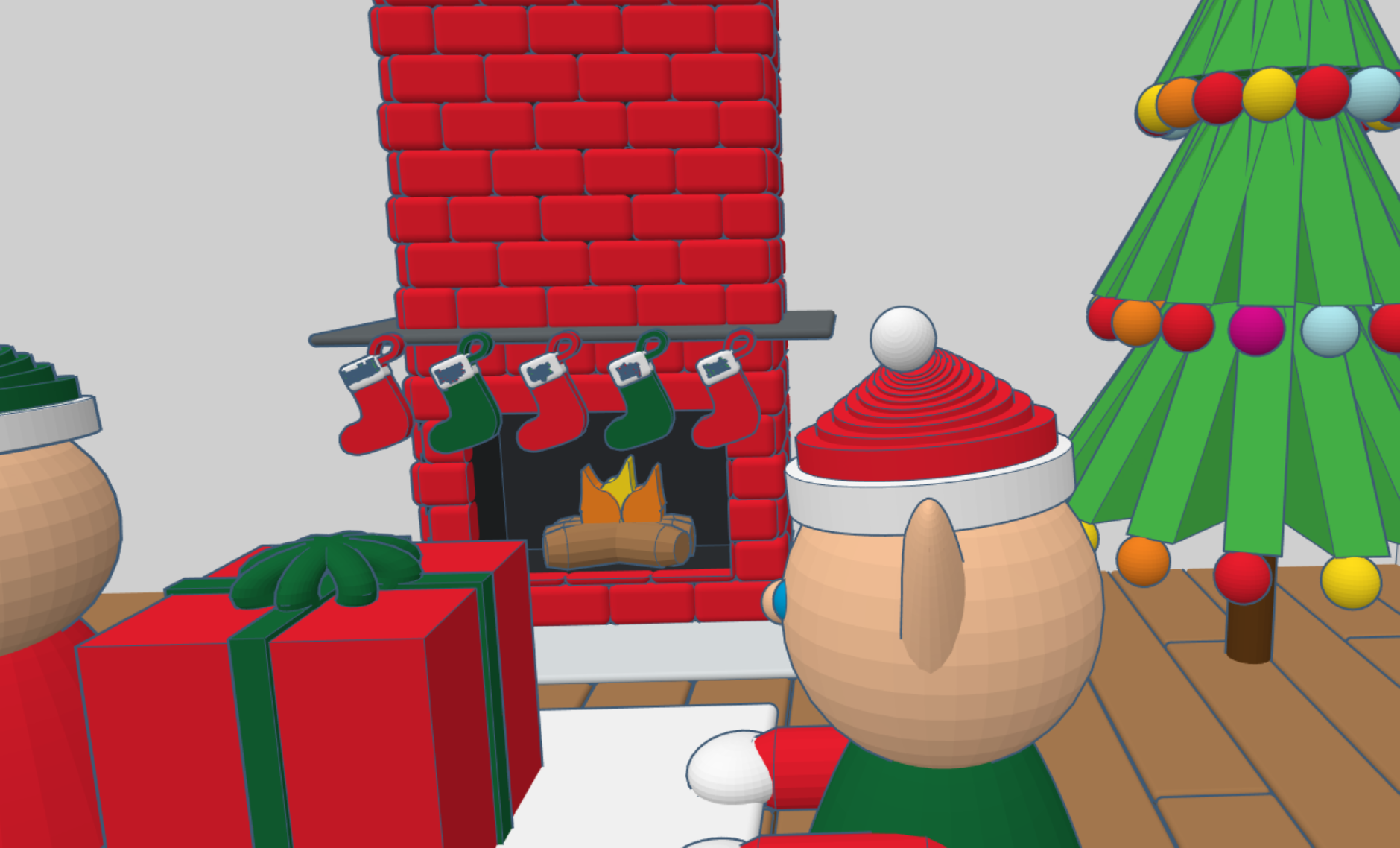
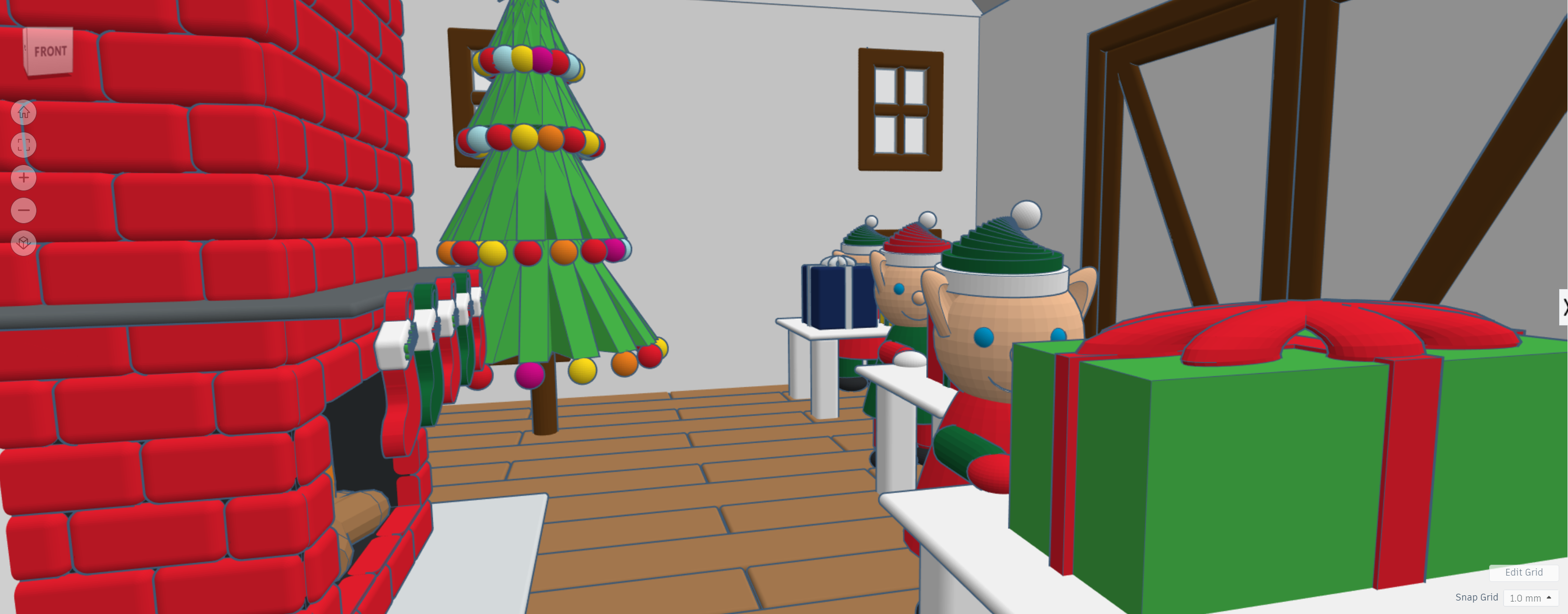
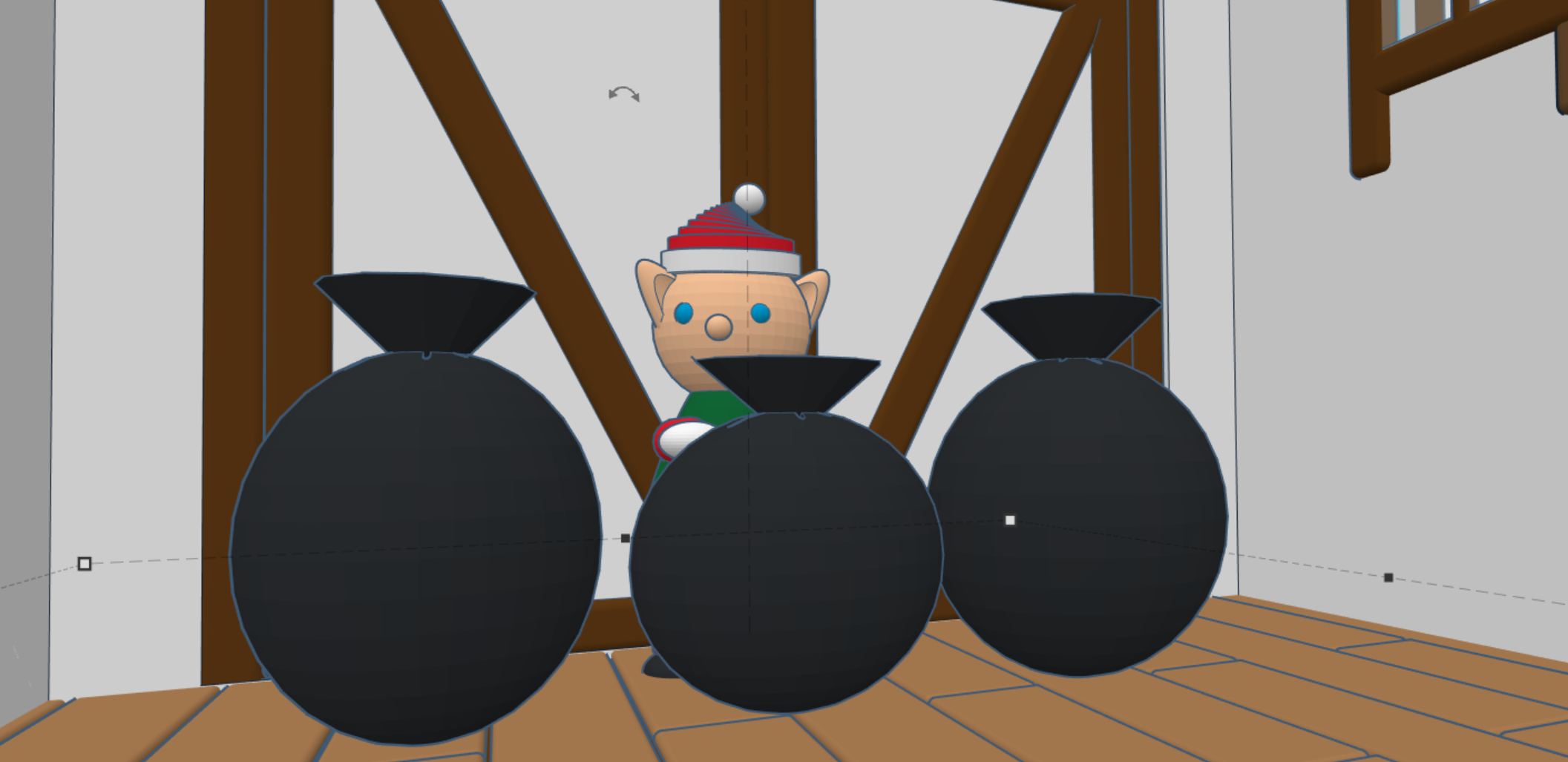
During 2020, I have spent a lot of time in Tinkercad designing 3D buildings and other items to go with the buildings. Here is probably my final design for 2020, my version of Santa’s Workshop. I created the flooring first, then the decorating inside the building. Afterwards, I created the walls, windows, doors and finally the outside décor.

Yes, I made the elves, stockings, and presents too. You can view the 3D design on Tinkercad: https://www.tinkercad.com/things/hH70mNuXMGZ

The Carpenters Tree

I do not know the official name of this tree at the Stuhr Museum, but I am calling it the Carpenters Tree.  It gets a special mention because of the uniqueness of the decorations.

20181221_132031

At first, all you really see is Home Deport cards.  If you look closers, you will see ornaments made from nails and screws.


Also, on the tree is wood panels each paint with a different design.

Christmas Antique Shop

I found some Christmas gift ideas at the antique shops.

A Christmas Tree everyone needs.

Toy refrigerator, stove, and sink for those budding cooks.

Jewelry hanger. Yeah, I think it had another purpose originally.

A piggy bank that weighs about 20 pounds without the coins.

A can for your baking needs.

Donald Duck pull toy.

Where’s the chips?

A button snowflake. They had at least 6. They must be popular.