Checker Flower – Coloring Page

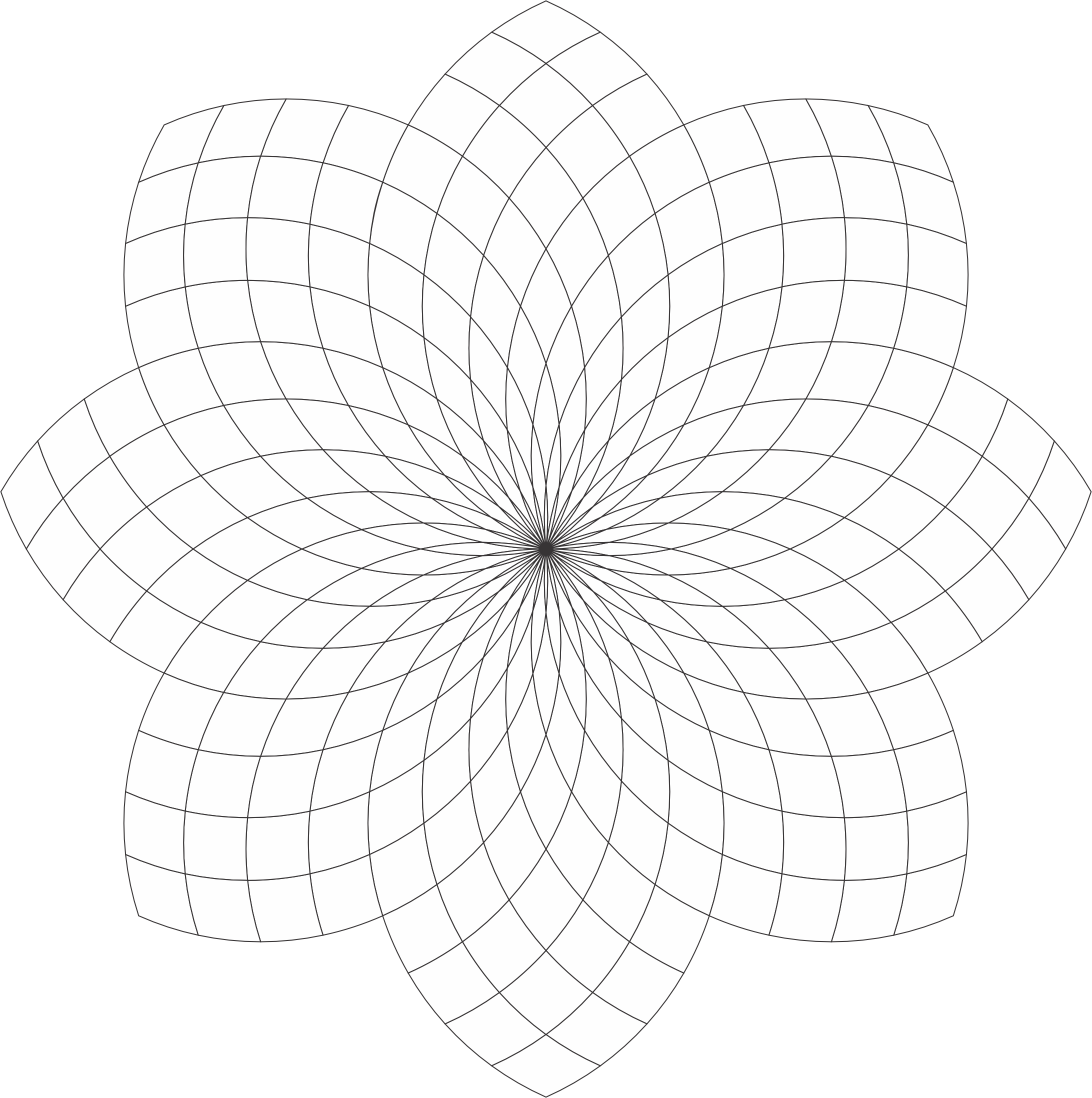
The Checker Flower coloring page has a lot of potential to be beautiful. You are welcome to download it from the link or my Coloring Page. Color it! Or, use it as a template for a tangle.

I created this coloring page using CorelDraw and here are some examples of how I colored it.

Checker Flower:

Checker Flower: With Awesome Background. The shading really brings out the flower.

Checker Flower: Shades of Gray

Checker Flower: Example of the Template being tangled. With Zentangle and other tangles. Remember the shading really bring out the art.

Swirls by Sarah – Coloring Page

The Swirls by SarahColoring Page is available on my blog for download. It is a simple drawing, but there is so much that you can do with it. If you are familiar with the creating Zentangles, each section could be used for a different tangle.

Swirls by Sarah

It could also be used from the annual October Drawing Challenge, where you draw something every day. Below are some of the drawings I created with this template.

In Shades of Red
Natures Wonder

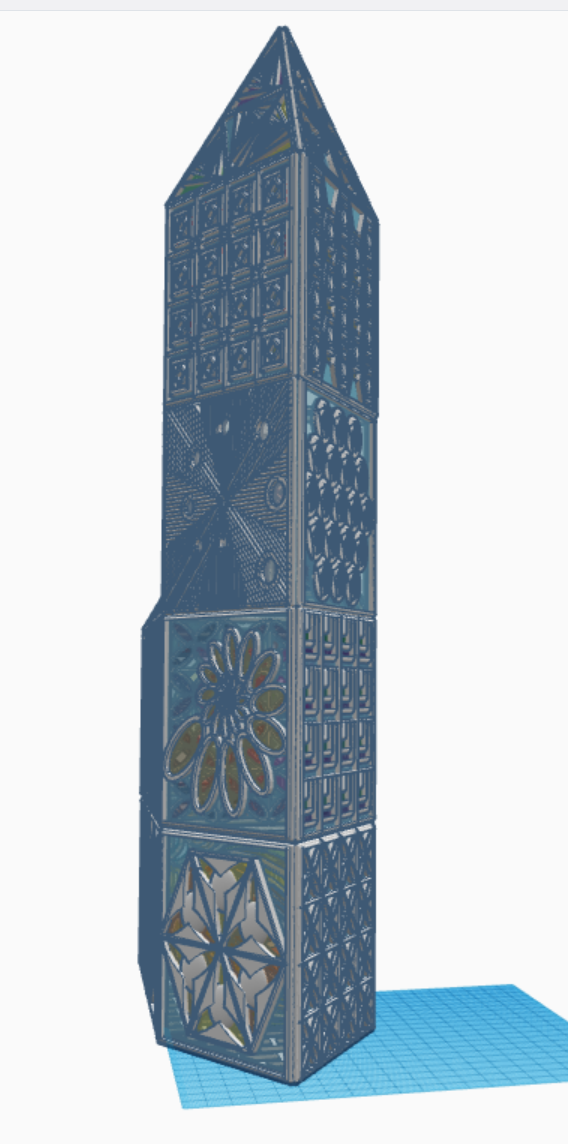
Glass Tower

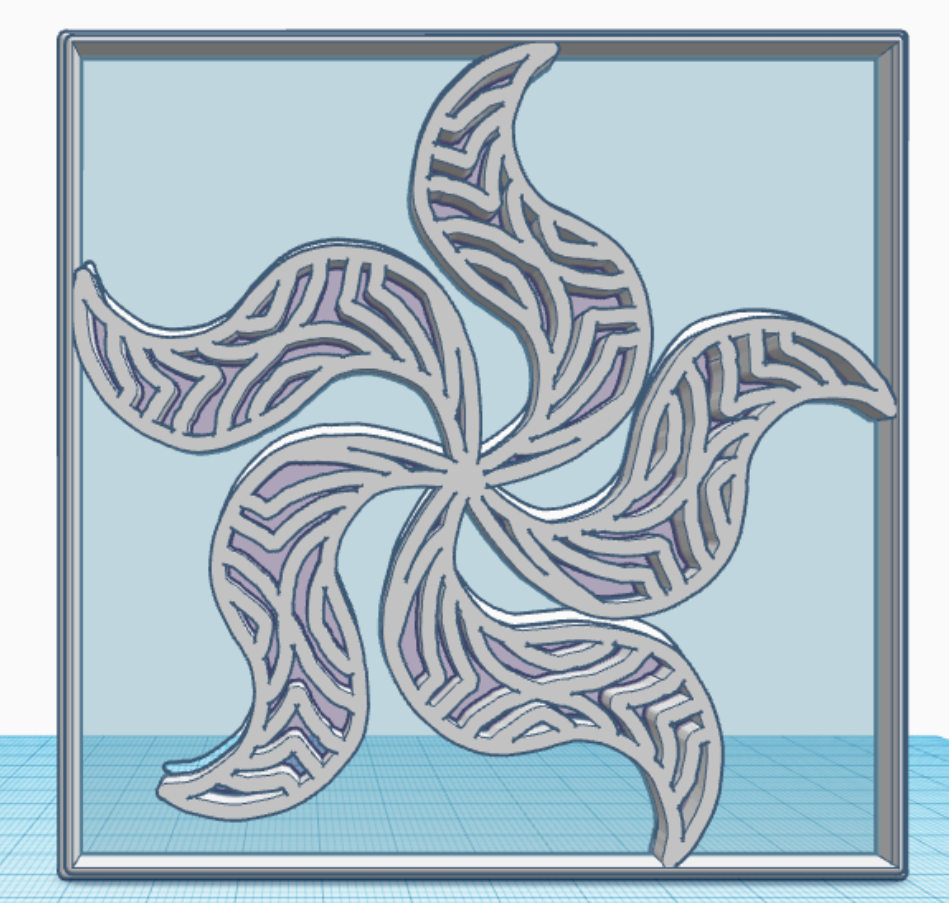
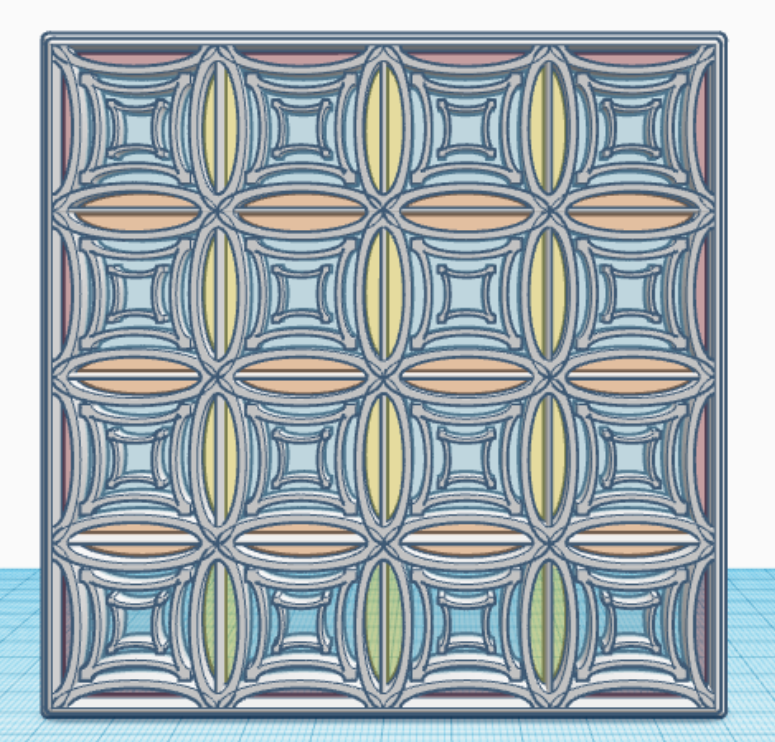
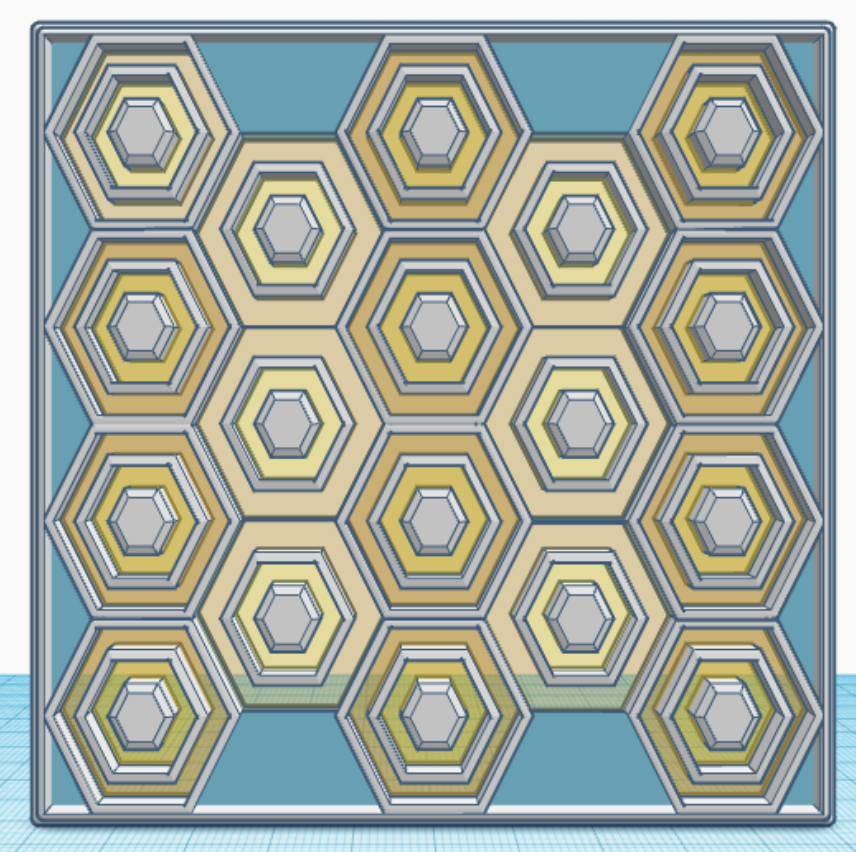
In January, I created one tile/design/pattern/window a day for 31 days. Each tile is 4″ x 4″ x 0.252″ or 101.6mm x 101.6mm x 6.4mm, which should work very well for 3d Printing. Here are examples of some of the tiles I created. They are just designs and patterns, there is no hidden meaning behind a tile.

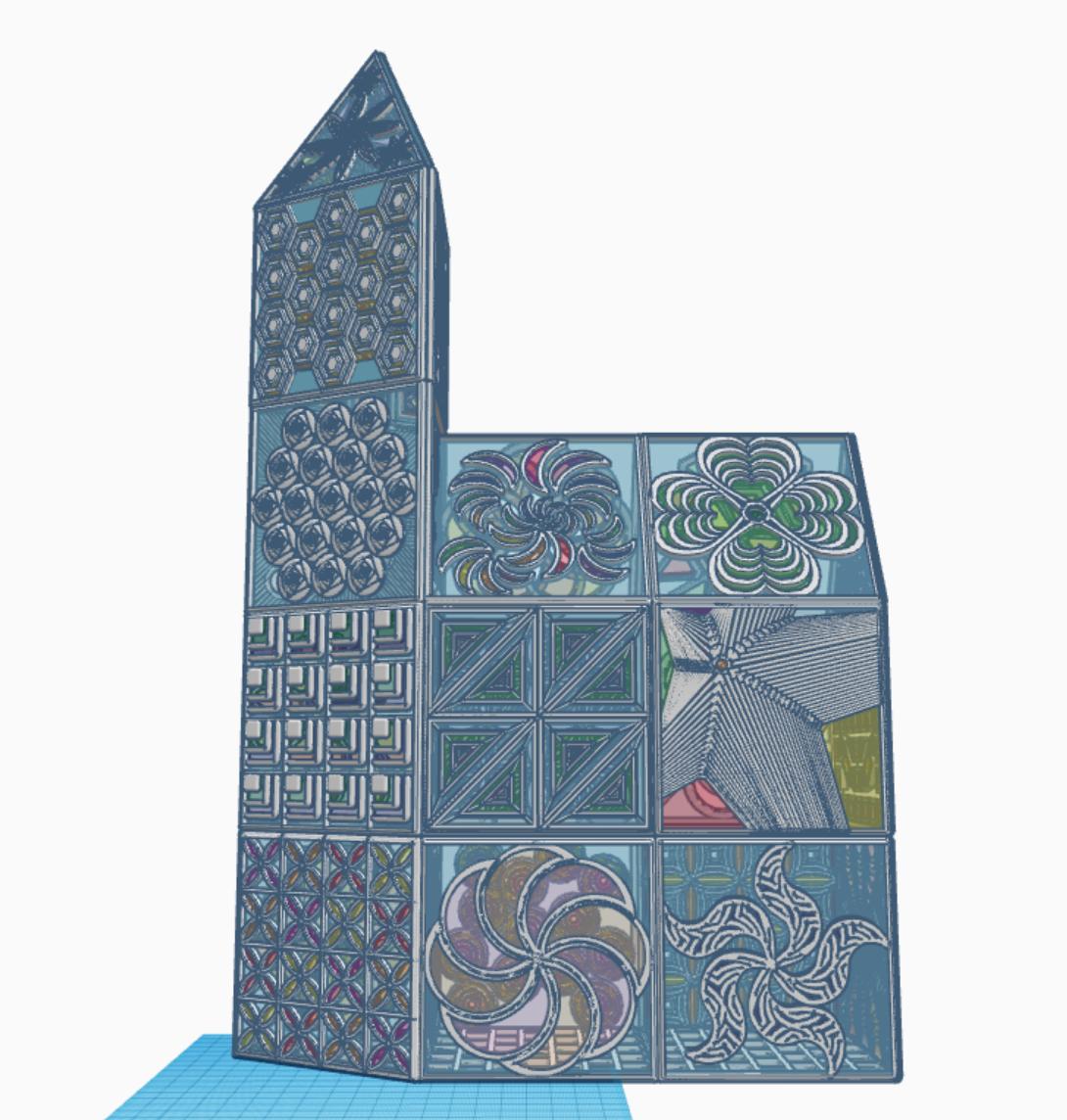
What can you create with these tiles? I created a Glass Tower in Tinkercad with the 31 tiles. The only tile I reused was the last tile, the bottom tile, the tile I used for the floor. Below are pictures of my Glass Tower. The 3D view is available at this link: Glass Tower

All the tiles are available for copying and tinkering on Tinkercad. What can you make with these tiles? A square, a window in a building, a charm for a necklace. Just use your imagination and log on and search for sarahcath under People to find a design.

Experiment: Epson Fine Art Paper

As soon as I felt the Epson Fine Art Paper, I wondered if I could use it for some of my coloring page.  Over the last week, I have experimented with the paper.

This is the drawing I decided to use for the experiment.  It was designed using CorelDraw.

geo flower twirl

It is also one of the first of my coloring pages I printed.  It was printed using my Epson printer, on Epson Fine Art paper, with the thick-paper setting turned on.  It printed nicely, but I did notice the lines in the middle were very close together.

I thought my first attempt to color it would be with color pencils; instead, I used watercolor pencils, with a water brush, and a light touch.  The black line appeared to bleed a little, but I kind of liked that effect.  The more color I added to the paper, the less the black lines appeared to bleed.  The paper did really well with the water, there was minimum wrapping of the paper.  Below is the results:
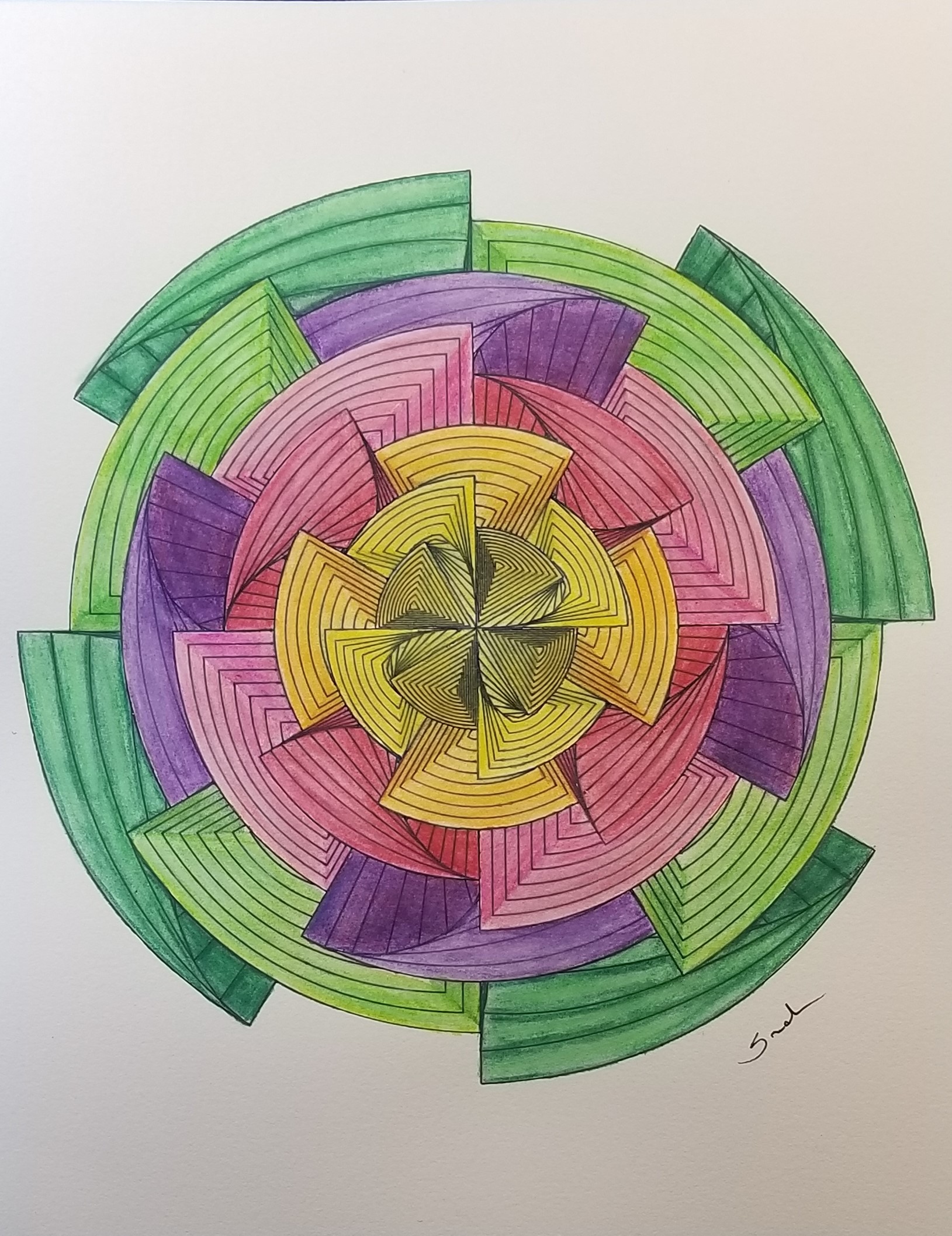
20190120_163242

My testing of the color pencils did not go well.  The color went on the paper like I expected, nice blending was accomplished.  However, when you apply multiple layers of color with the pencil, wax bloom happens.   Little specks from the color pencils gets all over the drawing.  One method to get rid these little specks, is to use a kneed eraser.

The Fine Art paper, absorbed the gray color from the kneed eraser.  It also absorbed the pink from the pink eraser and any color left from previous erasing off of a white eraser.  There are two ways I can see to get rid of these little specks for future projects when using this paper:  first, to clean the white eraser every time before touching it to this paper; or use can air to blow the specks off the paper.  I am will probably go with the can of air.

Since I created the drawing in CorelDraw, I had to color it in CorelDraw.  When I saved it out as a JPEG file, I though the background provided additional shine to the colors.  Below is the piece of art.

geo flower twirl color

It you would like to color this design, I have posted a PDF of it on my coloring page.
2018 Christmas Card

My Christmas Cards are mailed.  Enough time has passed that most of the cards should have reached their destinations.  Now, I can share the cards on my blog.

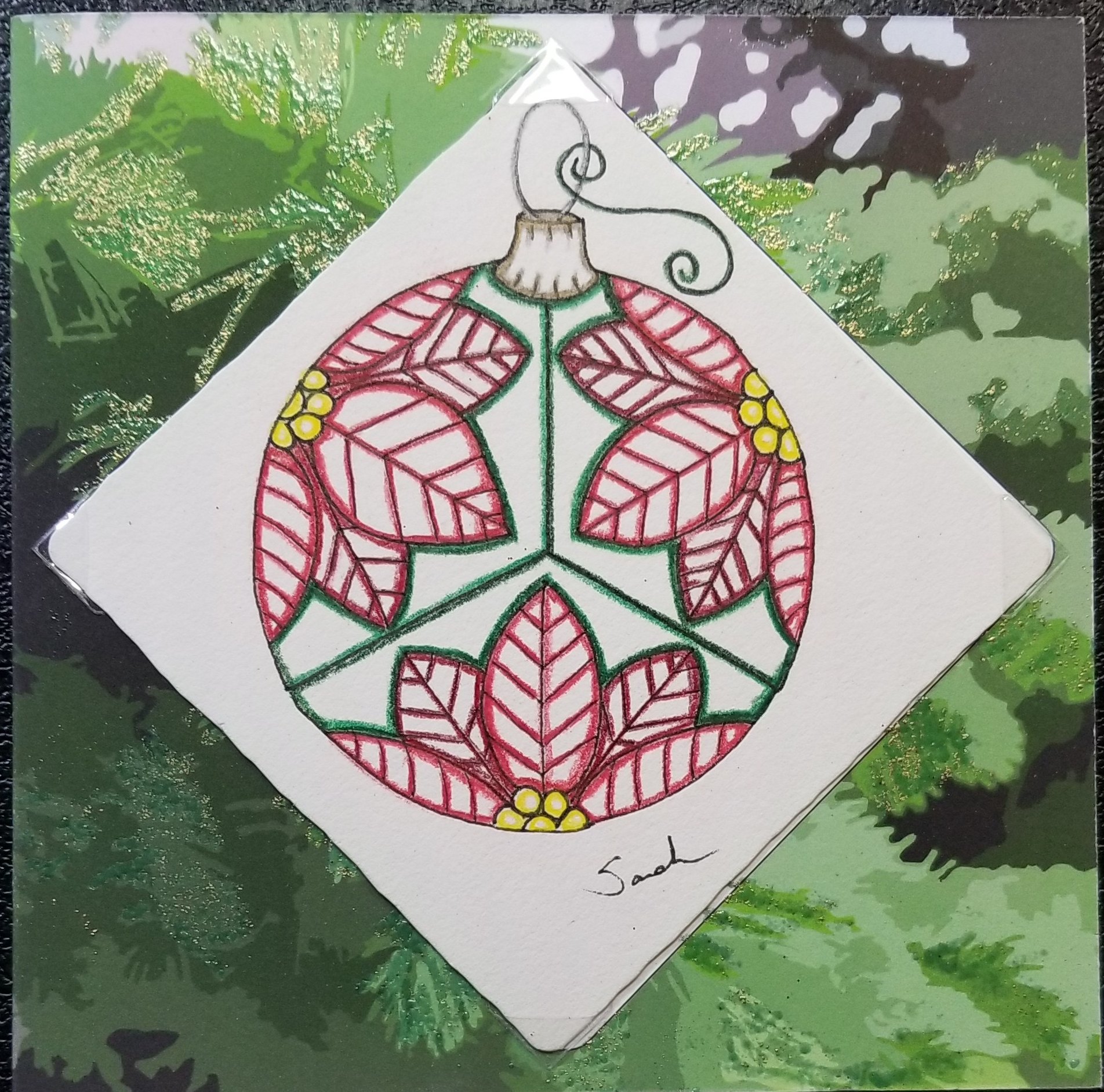
This year I drew ornaments on 3.5″ square tiles.  I selected the high quality tiles, because I wanted to color on the tiles.  I keep the color to a minimum because I wanted the ornaments to look delicate like glass Christmas ornaments.  Below are a few of the tiles.  All of the tiles are located on Drawing page.

20181121_091905.jpg20181121_091838.jpg20181121_091634.jpg

I designed the card in CorelDraw.  I converted the picture below to an outline drawing to use as a background on the card.

DSCN7799

I created an area on the card to put the tile.   I have been placing the same symbol with my name on all the back of all my cards since 2004.

2018 Christmas Card Outside

Outside

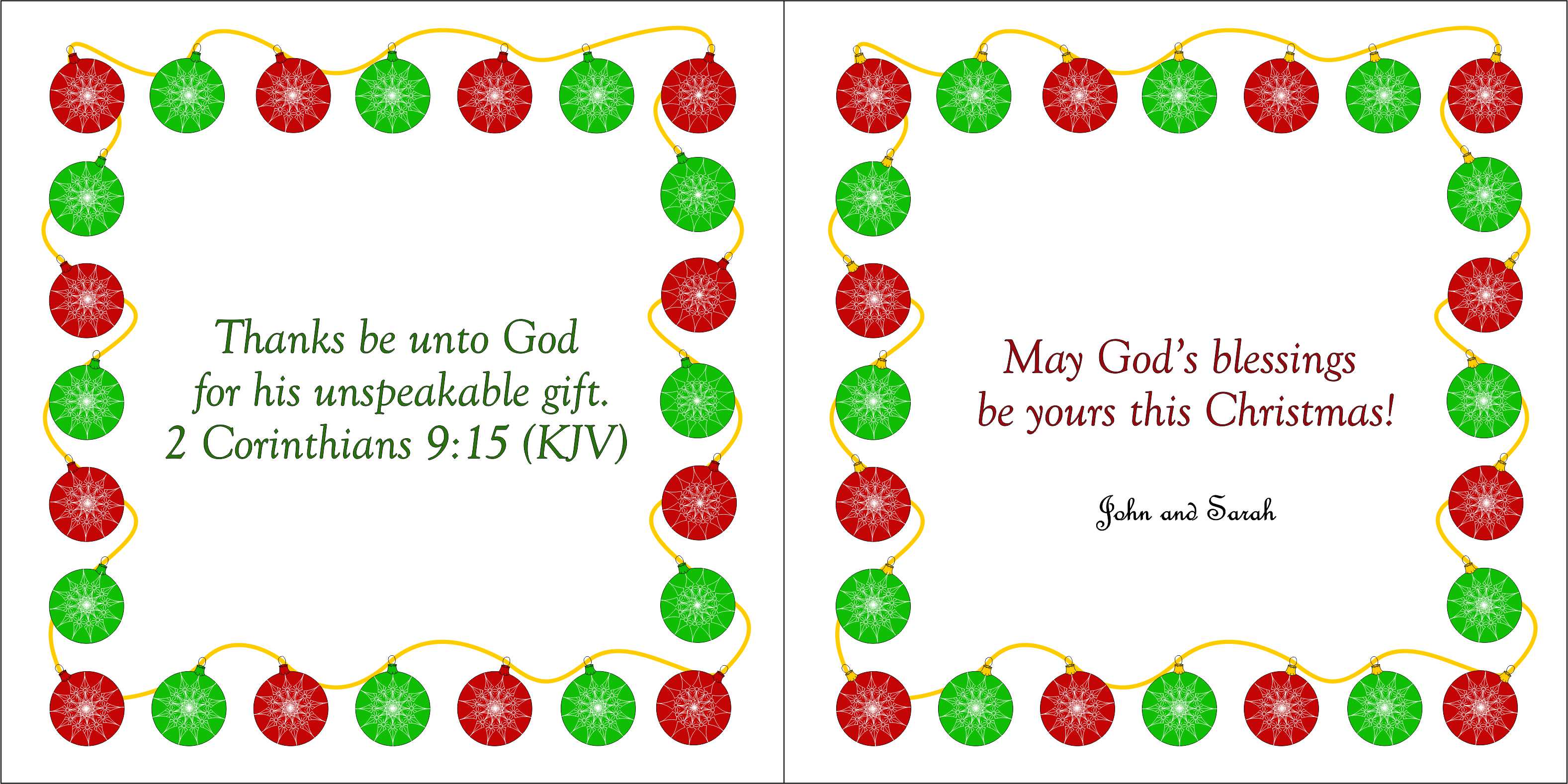
2018 Christmas Card Inside

Inside

The folded card measures 5.25″ square.  I embossed several stems on the front of the card, and attached the tiles to the cards with photo corners.  I wanted the recipient to be able to remove the tile without damaging the tile.   Below is one of the finished cards.

20181129_120454