Art of Concentration: Day 7

Sometimes, with art, you need to break the rules to create amazing pieces.

The Art of Concentration rules are:

  1. Draw lines on a page.  Circles, squares, squiggly lines, it does not matter.
  2. Color every other section.  Start anywhere.  Use any color.
  3. If you desire, use multiple colors.  Sections of the same color can not touch.

The extreme line drawing.

AofC x-treme

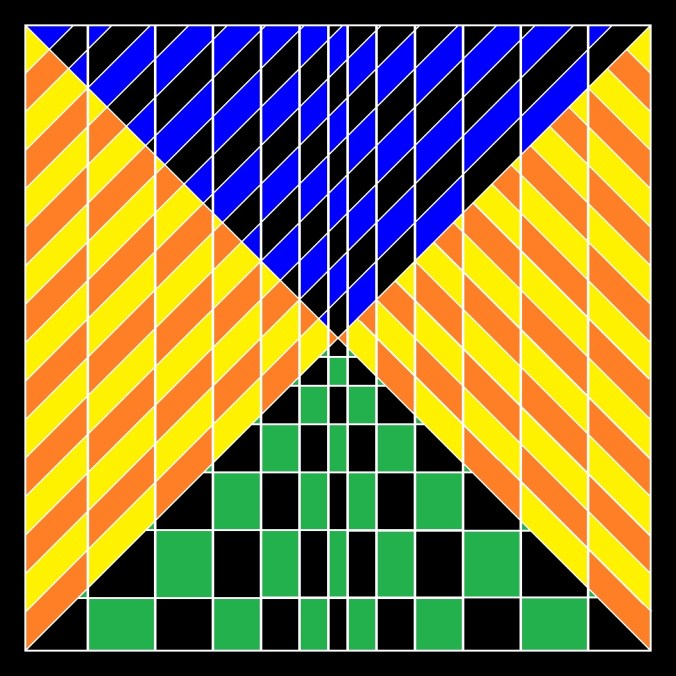
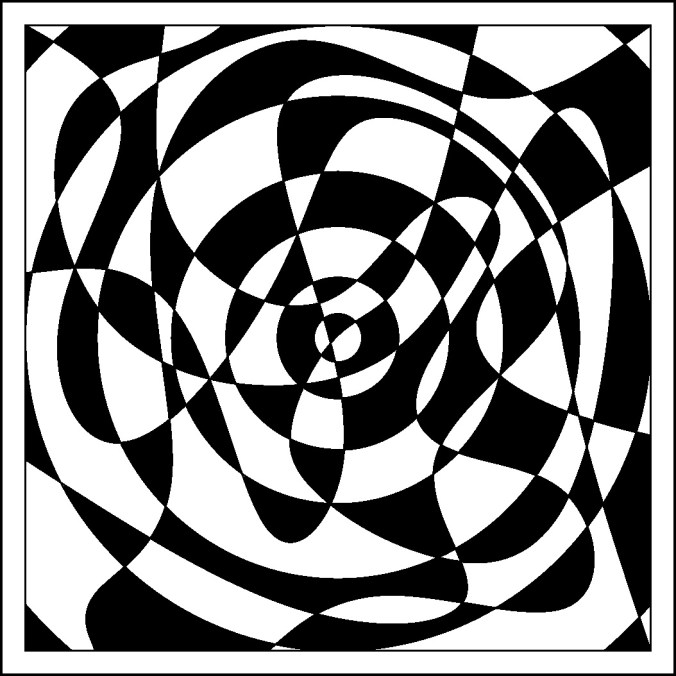
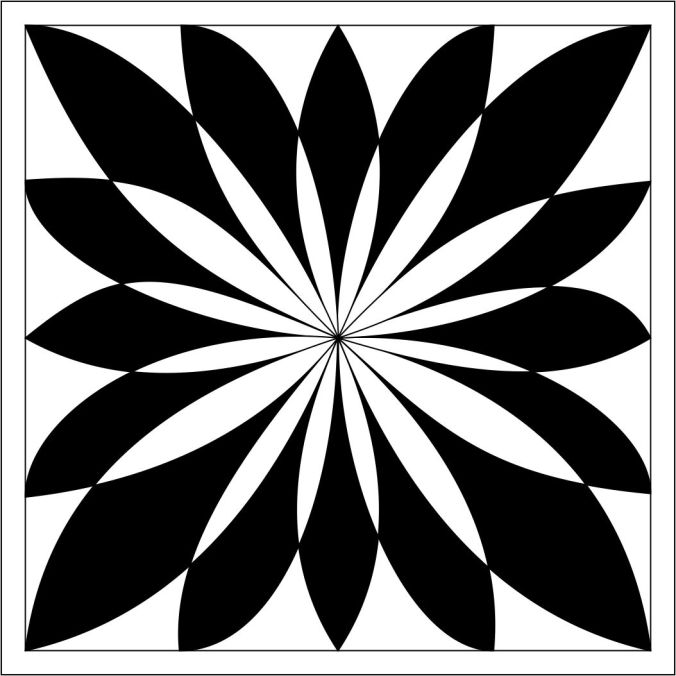
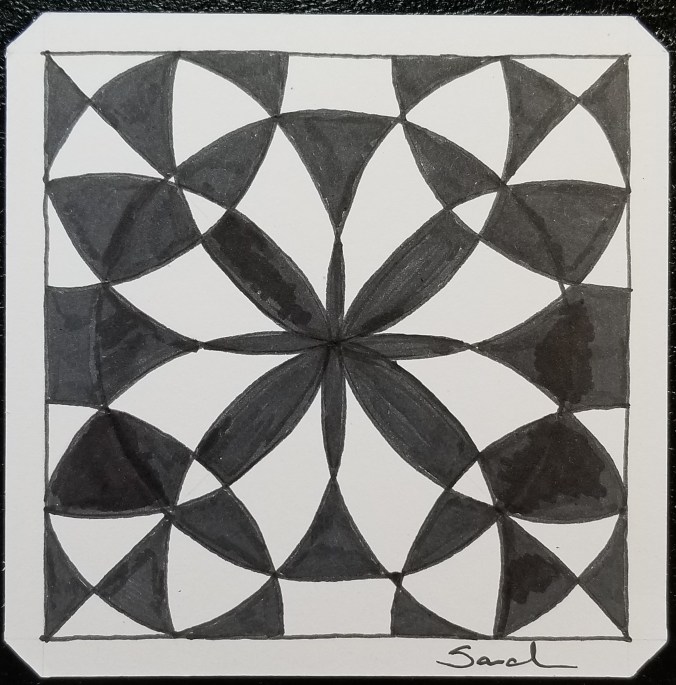
Rule three does not work for black and white drawings.  If  you follow the line from the bottom right corner to the center, there are occurrences of one section touching two sections.    It may be more obvious on the black and white example below.  Even though the rule is broken, you still can get lost in the drawing, or dizzy.

AofC x-treme color 1

To follow the rule, I used multiple colors on the one below.

AofC x-treme color 2

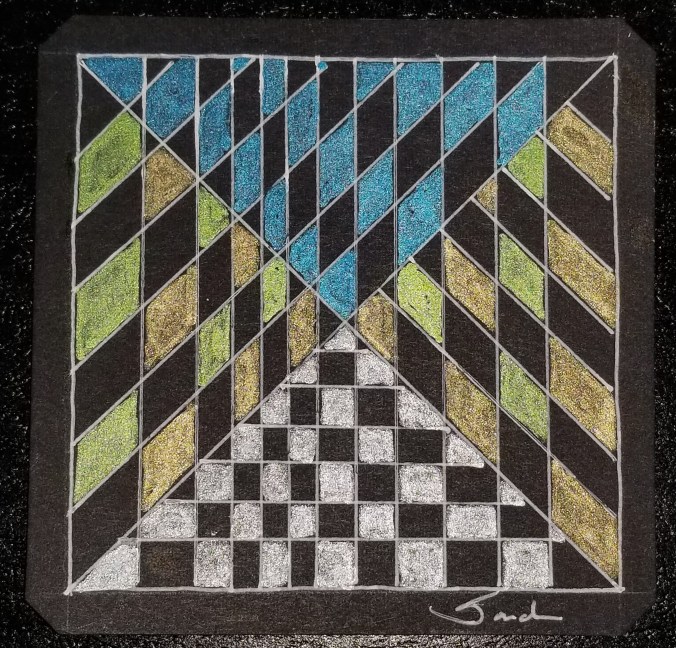
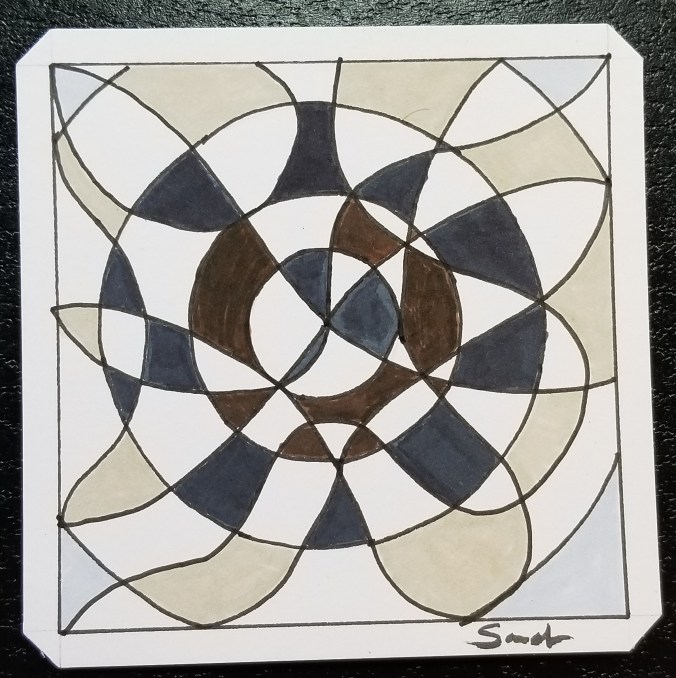
This is the original had drawing done on a black Studio Series Artist Tile with Sakura pens.

20180407_091855.jpg

The X Divides

Click here for a PDF version of the line drawing.   It is also available on the Coloring Page.

Art of Concentration: Day 6

The ability to create something beautiful is a wonderful experience.

The Art of Concentration rules are:

  1. Draw lines on a page.  Circles, squares, squiggly lines, it does not matter.
  2. Color every other section.  Start anywhere.  Use any color.
  3. If you desire, use multiple colors.  Sections of the same color can not touch.

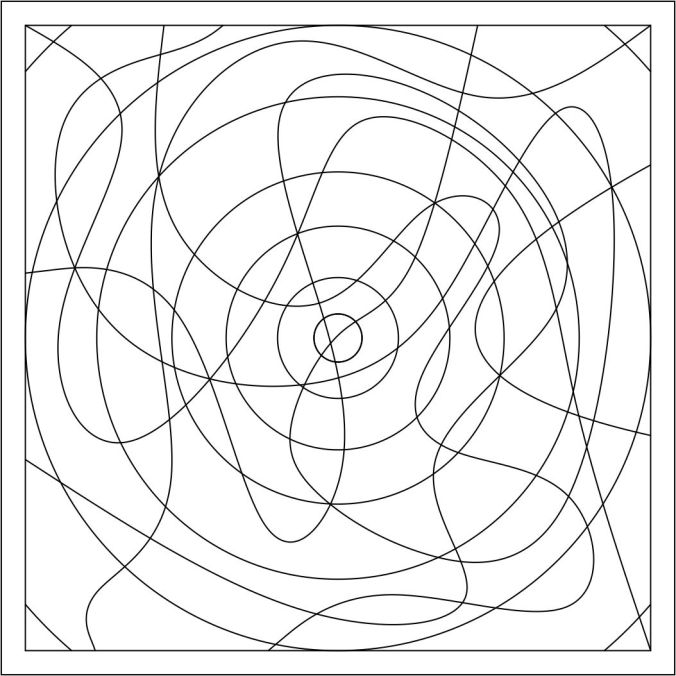
What started out as a page with a mess of lines, can turn into something beautiful.  Here is the line drawing from today.  If you look closely, you will see some circles.

AofC circle mess

First, the line drawing was colored using just black.

circle mess color 1

Next, I colored the line drawing using four colors.  Remember the rule, the same color can not touch each other.  If the colors were placed differently, it could had a completely different look.  See how different it looks from the black and white version.

circle mess color 2

Here is the hand drawn version:

20180406_091009.jpg

Circle Mess

Sometimes, when the black lines gets close, you will need to assume the blank space between the lines, e.g. lower right corner.

Click here for to download a PDF version of the line drawing.  PDF copies of the line drawings are available on the Coloring Page.


Art of Concentration: Day 5

Take a look at the Circle and Swirl line drawing shown below.  This drawing presents an optical illusion.  Why?  The circles appear to be ovals.  They are circles which are drawn off center from each other that gives the illusion.

AofC circle swirl 2

The Art of Concentration rules are:

  1. Draw lines on a page.  Circles, squares, squiggly lines, it does not matter.
  2. Color every other section.  Start anywhere.  Use any color.
  3. If you desire, use multiple colors.  Sections of the same color can not touch.

AofC circle swirl 2 color alt1

I normally do not color in the order as shown in a rainbow.  I normally color using the color wheel.   I will pick a color. Sometimes I go around the color wheel, at other times I will go across the color wheel (complementary colors).  Sometimes my colors are in harmony and sometimes they are contrasting.

On the Circle and Swirl line drawing I used colors that were next to each other on the color wheel.  Except for black.  Black is not a color, black lacks light and color.

AofC circle swirl 2 color alt2

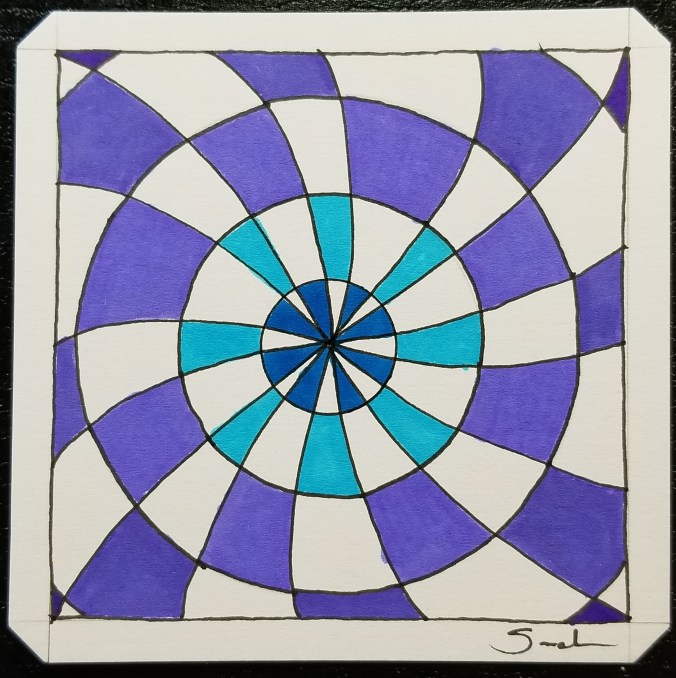
With this hand drawing, I did not break rule 3.  None of the same color sections are touching.  It was done on a Studio Series Artist Tile using Sakura Gel Pens.  Colored with Prismacolor pencils.

20180405_080401.jpg

Color Goes Round

Click here to download a PDF copy of today’s Circles and Swirl.  It is also available on the Coloring Page.

Art of Concentration: Day 4

The Art of Concentration can be a game, and it can a experience in the creation of art. The purpose is to help you focus while creating a masterpiece.

The rules are:

  1. Draw black lines on a page.  Circles, squares, squiggly lines, it does not matter.
  2. Color every other section.  Start anywhere.  Use any color.
  3. If you desire, use multiple colors.  Sections of the same color can not touch.

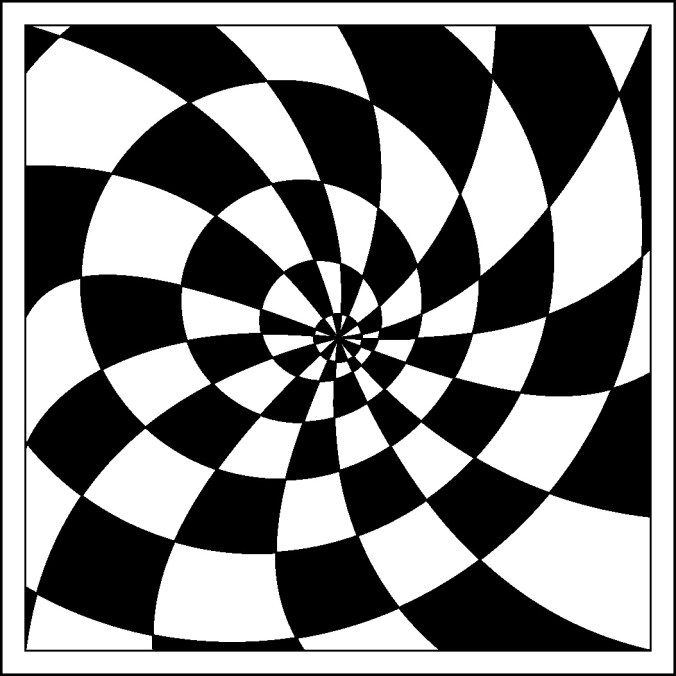
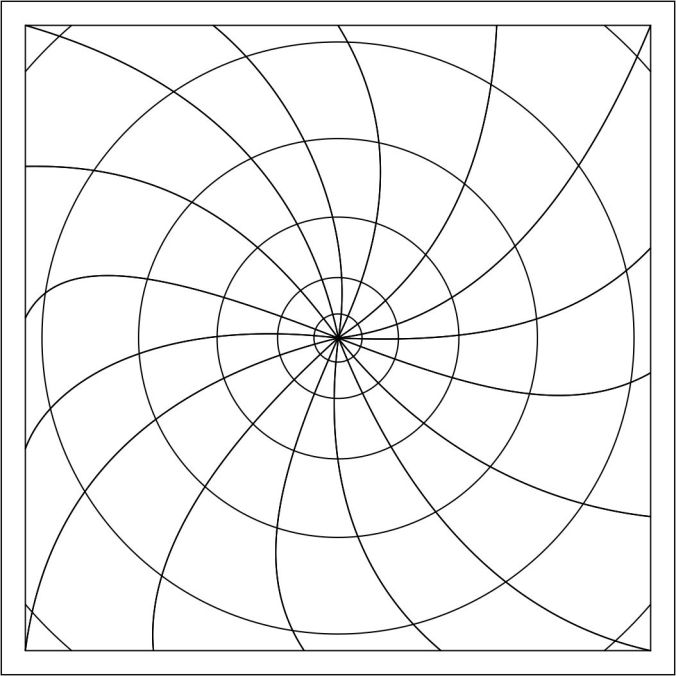
Circles and Swirls is probably one of the easiest, even though it may look complicated.  Today, was the first day, I did not turn the tile over and start again on the reverse side.

AofC circle swirl

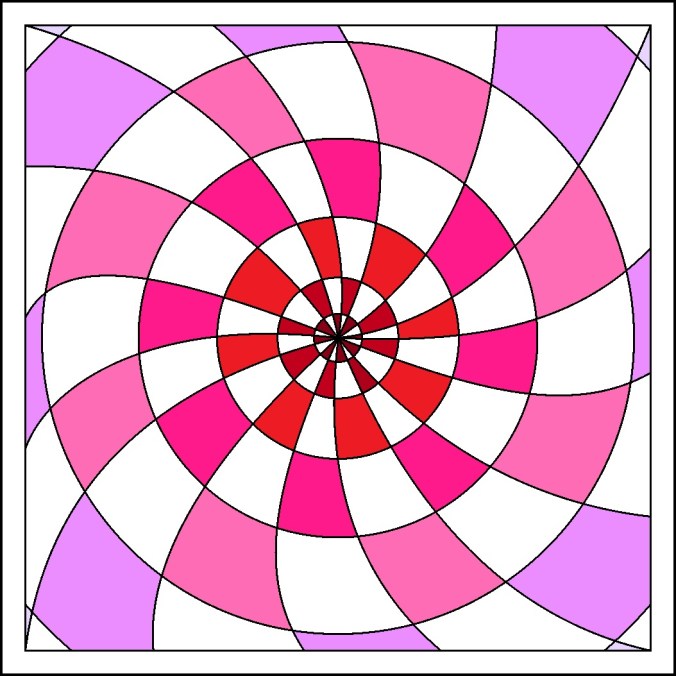
This is a fun line drawing.  For today’s coloring, I decided to use the same line drawing to create two pieces..  One, I did in gray scale.  The other was colored in shades of red.  Yes, I believe pink to be a shade of red.

circle swirl color 1

The grayscale version appears to me that everything is falling into a funnel.  Where the shades of red piece, has a different effect.  Both were created in Corel Draw, export as a bitmap, and colored in Microsoft Paint.

circle swirl color 2

My hand drawn piece was done on a Studio Series Artist tile with brush marker and a Micron pen.

20180404_112821.jpg

Swirl to Purple

Click here to download a PDF copy of today’s Circles and Swirl.  It is also available on the Coloring Page.


Art of Concentration: Day 3

All tasks requires some form of concentration, even tasks that are habits like eating.  If your concentration dips while eating, you may drop your fork or bite yourself.  With art, if you get distracted while creating your master piece, you may pick up wrong color or apply color to the wrong spot. While it is true, there are no mistakes in art.  There are things we would really like to hide.

Today’s Art of Concentration is the double swirl.  One swirl it going clockwise, the other swirl is going counter clockwise.  It maybe a little more complicated then yesterday’s swirl.  Yes, it does look like a flower.

The rules are:

  1. Draw black lines on a page.  Circles, squares, squiggly lines, it does not matter.
  2. Color every other section.  Start anywhere.
  3. If you desire, use multiple colors.  Sections of the same color can not touch.

The line drawing created in Corel Draw:

AofC swirll 2

Double Swirl colored:  Notice is this example I started with the tips.

AofC swirll 2 Color Alt 2

This drawing shows a different starting point, along the edge.  Even though, both have identical line drawings, they have a different feel.

AofC swirll 2 Color Alt 1

The hand drawing of the Double Swirl, created on a Studio Series Artist Tile using Sakura gel pen.

20180403_071753.jpg

Double Swirl

Click here to download a pdf line drawing of the double swirl. It is also available on the Coloring Page.

The Art of Concentration: Day 2

Today, I selected an easier design (The Spiral) for my “Art of Concentration” project.  The rules for designing and coloring the drawing is simple:

The rules are:

  1. Draw black lines on a page.  Circles, squares, squiggly lines, it does not matter.
  2. Color every other section.
  3. If you desire, use multiple colors.  Sections of the same color can not touch.

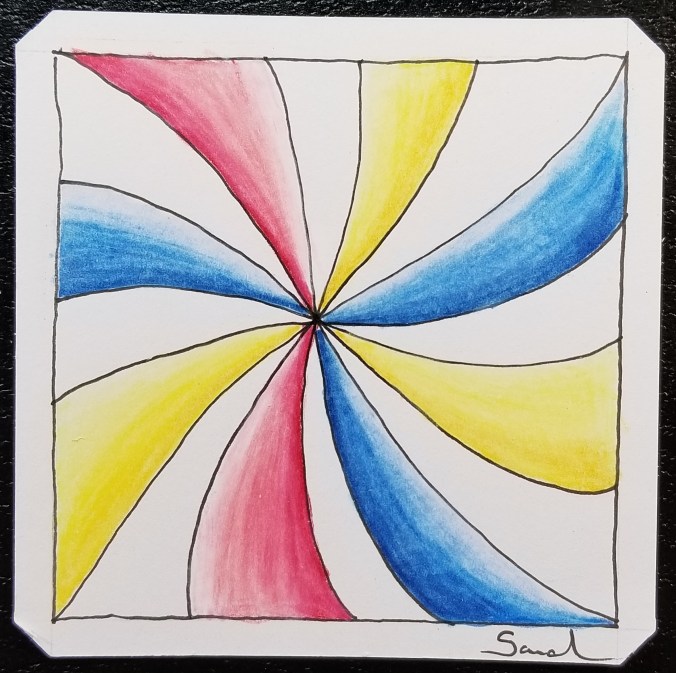
Since the outline was simple, I decided to use some shading.

Created and colored by hand using Pigma Micron pen and Prismacolor pencils:

20180402_130235.jpg

The Swirl

The outline created on the computer using Corel Draw:

AofC spiral

The drawing colored in Corel Draw.  I did not use Microsoft Paint today to color the drawing, because I like the gradient done in Corel Draw.

color of spiral

For a copy today drawing, The Spiral, click here.  You may also for this and other drawings on the Coloring Page.

The Art of Concentration: Day 1

For many years, I did not doodle in meeting.  I did not doodle in classes.  I did not doodle in my spare time.  What I did, was grab a piece of paper (any size) draw some black lines on a page, and color every other section on the page until the page was full.  During computer classes, I would open up Microsoft Paint and do the same thing.

Some people may call it OP Art, Optical Art.  I never got that detail.  I never tried to create an optical illusion.  It just was lines on a page.  It was like a game.  If helped me from falling asleep in meetings and classes.  I could do this task and still pay attention to what was going on around me.  In computer classes, the people sitting behind me would watch my monitor as I was creating a piece.  Microsoft Paint was always installed on the computers, even if games or the internet was not.

The rules were:

  1. Draw black lines on a page.  Circles, squares, squiggly lines, it did not matter.
  2. Color every other section
  3. If you were brave, use multiple colors.  Sections of the same color not could touch.

I am going to try over the next few days to repeat this experiment.  I am going to call it the Art of Concentration.  Even though, this art work sound simple enough, it requires concentration.  You have to figure out what section to color.  If you lose concentration, you may color the wrong section.

Today’s piece, I thought is was something simple.  Wrong!

20180401_080146.jpg

Now to color every other section:  Where did I go wrong?

20180401_083927.jpg

Flower Madness

To figure it out, I created the line drawing in Corel Draw and created a bitmap.

AofC Flower BMP

I opened the line drawing in Microsoft Paint and colored the page.  Paint vs. paper – if you mess up in Paint, you can correct it.

AofC Flower

If you would like to try coloring the page, I have created a PDF.  Click Here.  You do not have to color the same section that I colored, just pick a section to start.

You can also find it on my newly created Coloring Page.

3D Printing – The Easter Egg

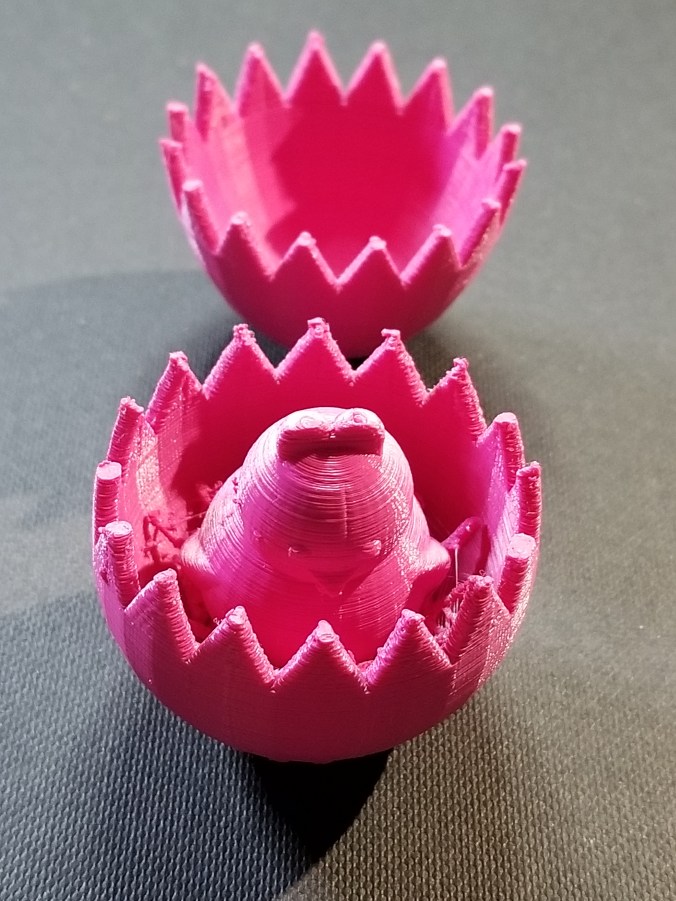
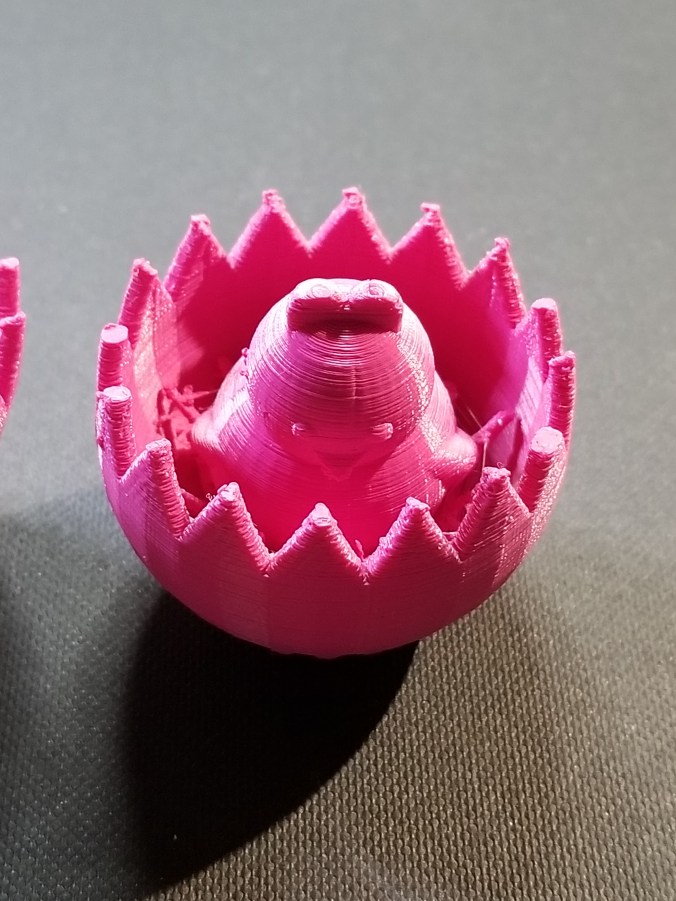
Yesterday, I designed an Easter Egg using Tinkercad.  Today, I printed the Easter Egg.  Creating the Egg in Tinkercad is easy.  They have a egg object.  Hollowing out the egg is easy; copy egg, reduce the size, make it a hole, align the solid egg with the hole egg, and group.

20180329_154702.jpg

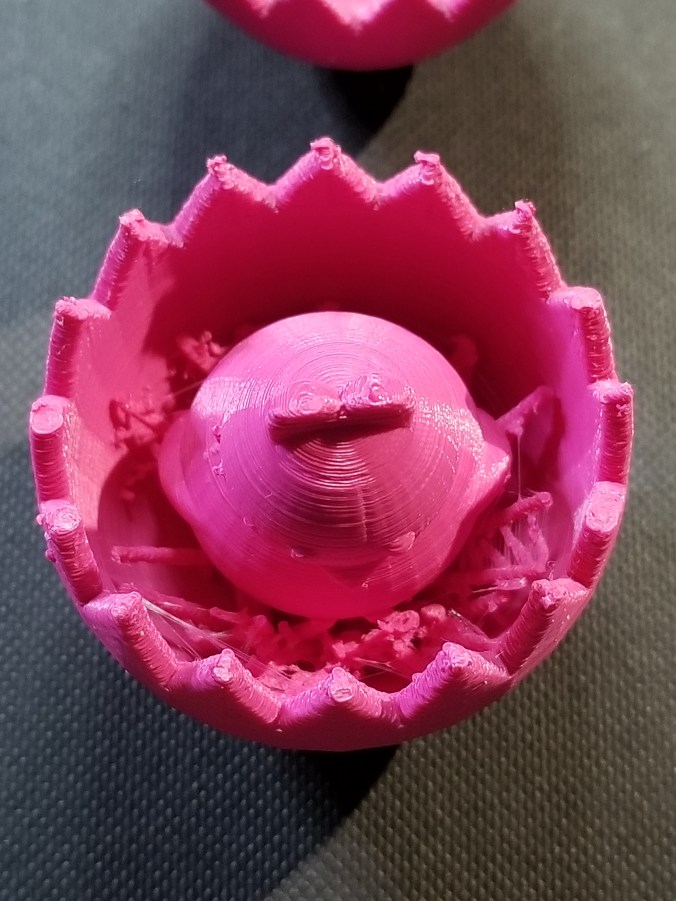
Making the two egg halves with the crack was more complicated than making the chick.  The chick is two circles for the body, two circles for the eyes, two flatten and stretched trapezoid for the wings, the heart shape for the head, and Tinkercad’s  chicken foot object for the feet.

To see how I created the crack in the egg, check it out here.  Note:  I am working on other cool chicks, so the design my change.

20180329_154747.jpg

I probably could have made the chicken bigger, maybe I will.

20180329_154733.jpg20180329_154756.jpg

The egg was printed on Ultimaker 2+ printer.  I read that beta version of the Cura Software allows more control over supports.  Yay!

Tinkercad – the free, online 3D CAD app

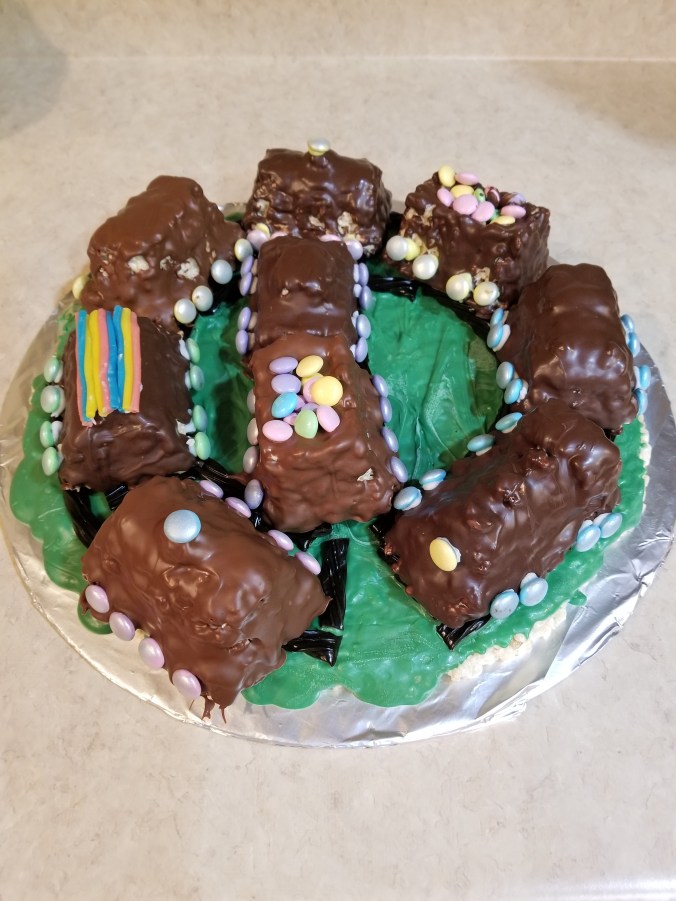
Rice Krispy Train

Today’s project was to make a Rice Krispy Train. Someone in the household needed a snack for work, so I came up with this idea.

Step One: Buy a Nordic Ware Train pan and wait for Amazon to deliver said pan.

Step Two:  Buy the Rice Krispy, Marshmallows, M&Ms, chocolate, spray icing.

Step Threes:  Unpack the box from Amazon and say “So, pretty!  Yay!”  Wash the pan.

Step Four:  Wait until Wednesday, so the “someone” can bring it to work on Thursday.

Step Five:  Make the Rice Krispy Treat mixture and spray the pan with pam.  Stuff the Rice Krispy treat mixture into the pan.

Step Six:  Make more Rice Krispy Treat mixture, because the first batch did not fill up the pan.

Step Seven:  Fill the pan with mixture and use the left over to make ground.

Step Eight:  Go to Walmart to buy more decorations because now you have ground.

Step Nine: Buy green candy melt and licorice.

Step Ten:  Cut licorice, melt green candy melt, pour over ground, and spread out.  Wait, ground is not smooth.  Make little slashes in candy melt to make it look like grass.  Put licorice on candy melt so it looks like railroad tracks.  That candy melt dried quickly.

Step Eleven:  Microwave first batch of chocolate (dark chocolate) and spoon over Rice Krispy Train cars.  That chocolate is drying fast.  This is as much fun and pouring paint over canvases.

Step Twelve:  Microwave second batch of chocolate (milk chocolate) and spoon over Rice Krispy Train cars.  This chocolate is not drying.  Time to wait to see if chocolate dries.

Step Thirteen:  Put wheels on train.  (The M&M that were sprayed with Silver Icing – oh, that was done around step five.)  The milk chocolate cars have not dried – put wheels on those trains cars first.

Step Fourteen: Put remaining decoration on dried train cars, and place on train track.

Step Fifteen:  Talk to the cable repairman, wait while his fixes the cable.

Step Sixteen:  Yay!  The other cars are dry.  Place on train track.

Step Seventeen:  Take pictures.

20180314_134745.jpg20180314_134758.jpg20180314_134808.jpg20180314_134820.jpg20180314_134841.jpg

The Rice Krispy recipe is on the back of boxes of Rice Krispy and the Marshmallows bags.

The melting instructions for the candy melt and chocolate are on the back of the bag/container.

Not the best train in the world. If you want to see a nice train, click here.