My favorite type of day to take pictures; lots of sun and a blue sky.


My favorite type of day to take pictures; lots of sun and a blue sky.
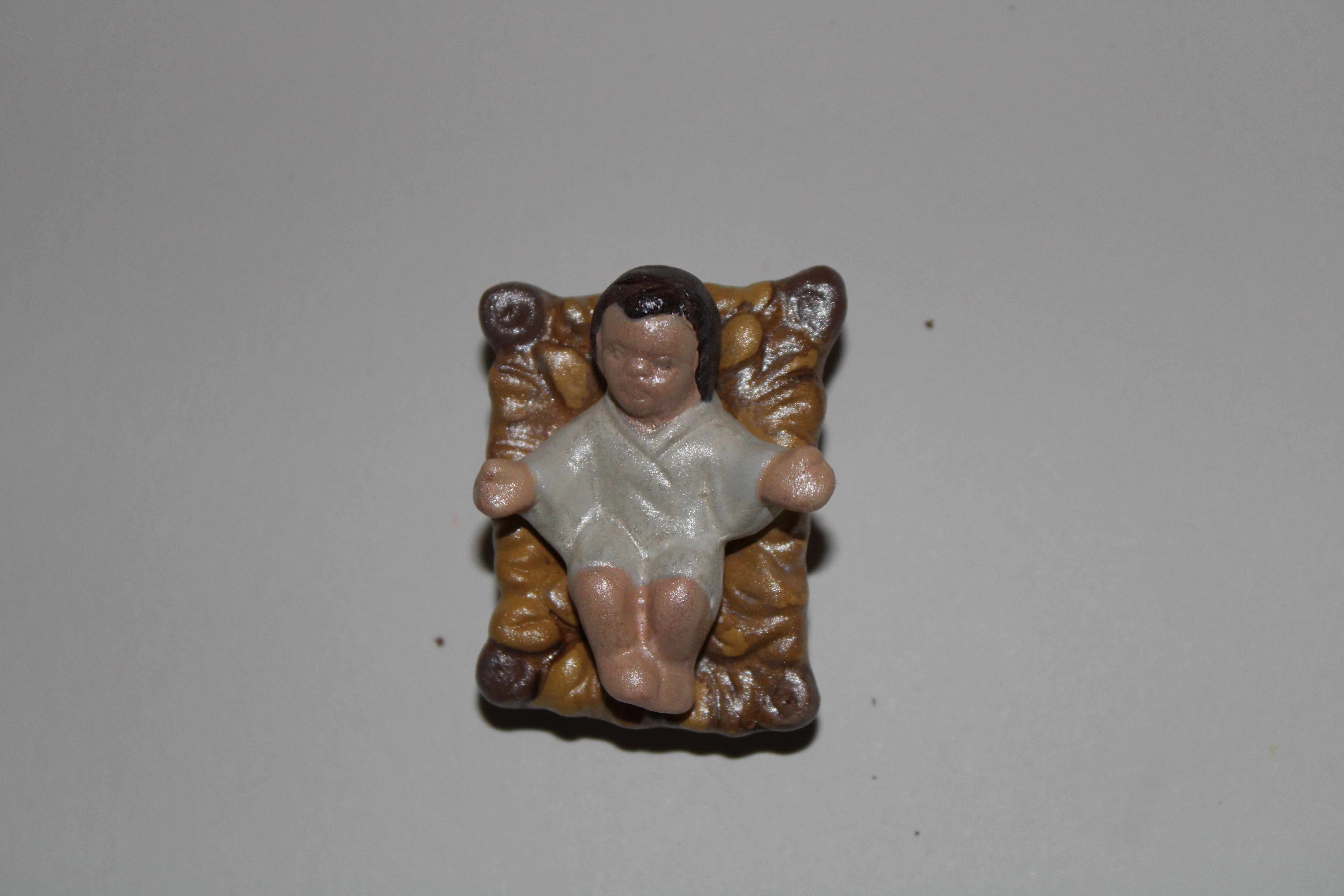
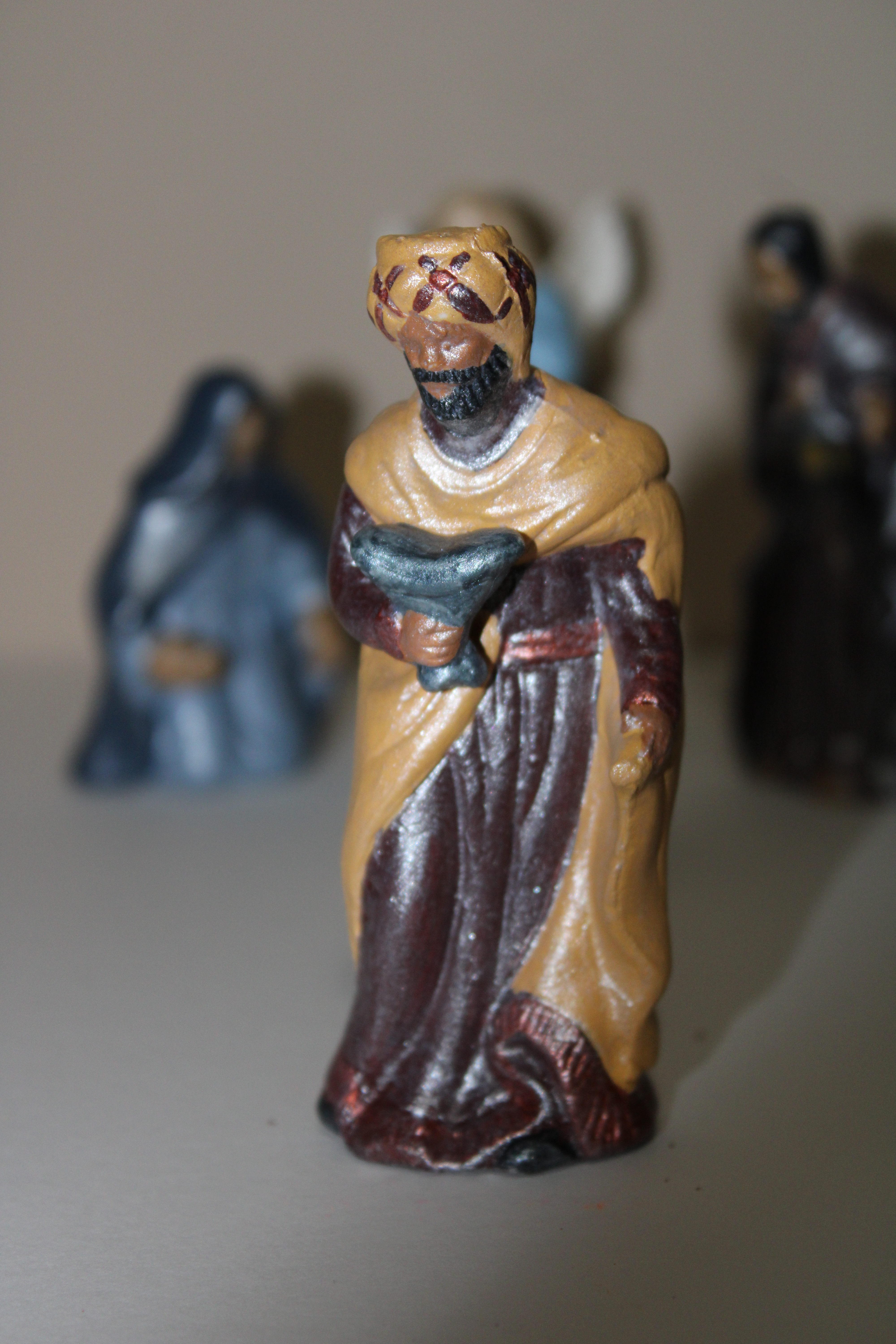
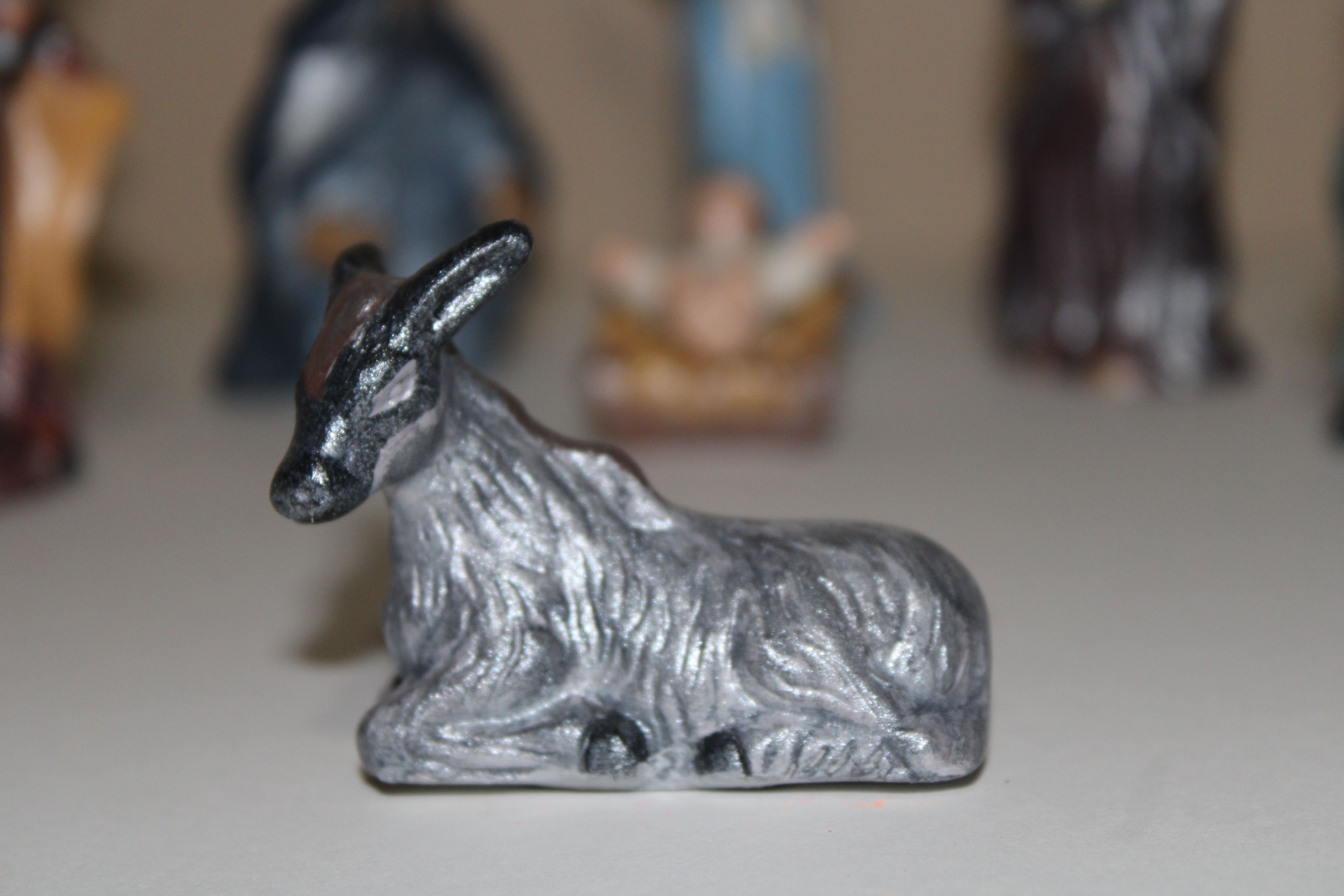
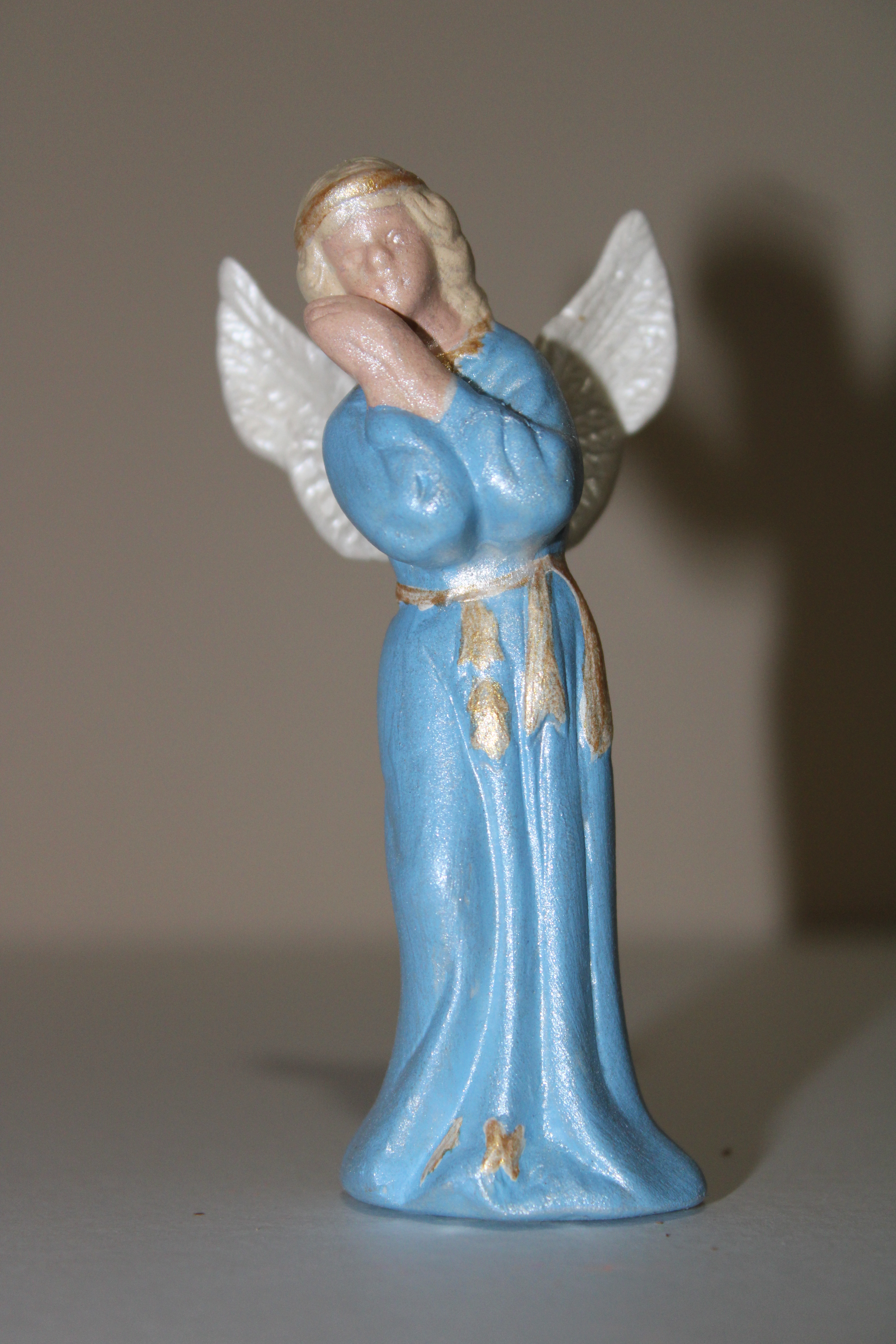
I was looking through my boxes, yes boxes, of crafts I had not finished for my next project, and I found the nativity set. I opened the top cover of the box, and everything looked yellow. Then I removed the plastic cover, and the pieces was still white and in great shape. The price tag on the box had the year of 2004. This set survived a flood and traveled over 1100 miles to it new home.
I painted each piece with acrylic paint, but I wanted the pieces to sparkle. After the paint dried, I applied pearl glaze over each piece. Usually, the pearl glaze is added to the painted, but using it like varnish, gave the pieces the shine I wanted. To seal the pieces, I sprayed each with polyacrylic varnish.





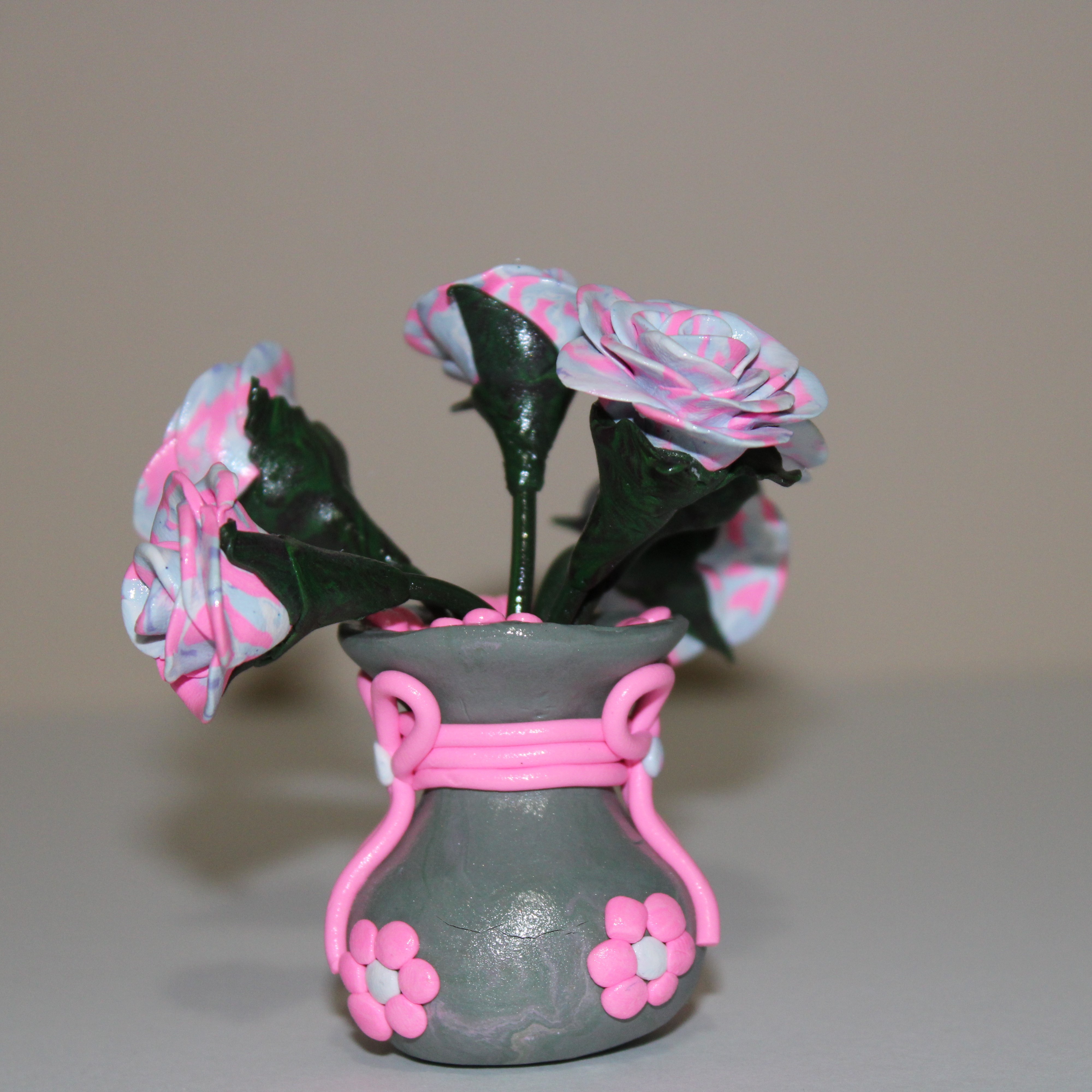
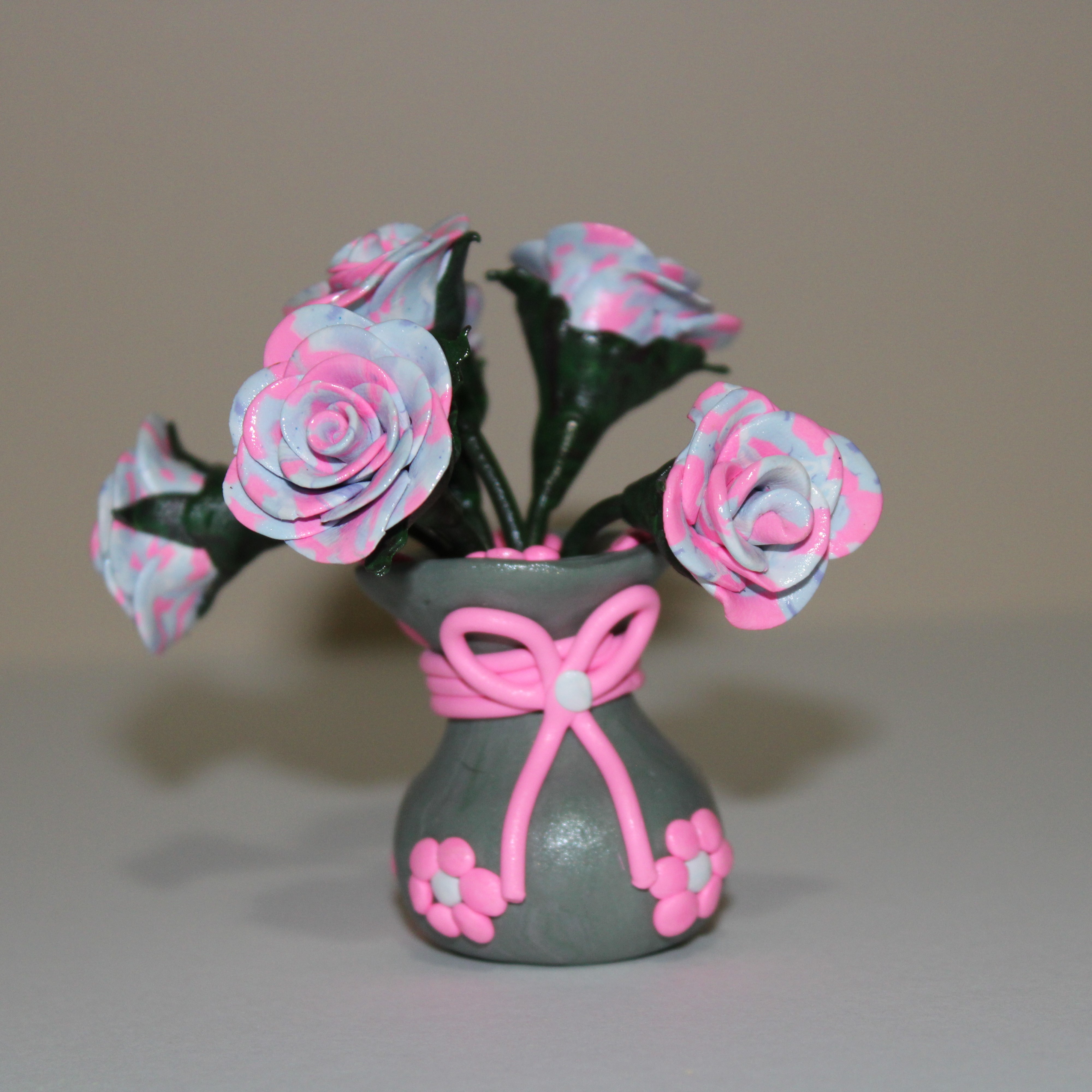
The parts for this tiny vase have been laying in my craft area for a long time, and I finally got around to assembling flower arrangement. It was made with left over Sculpey clay and baked in the oven. I sprayed the arrangement with polyacrylic varnish. The flower arrangement is approximately 4″ tall.


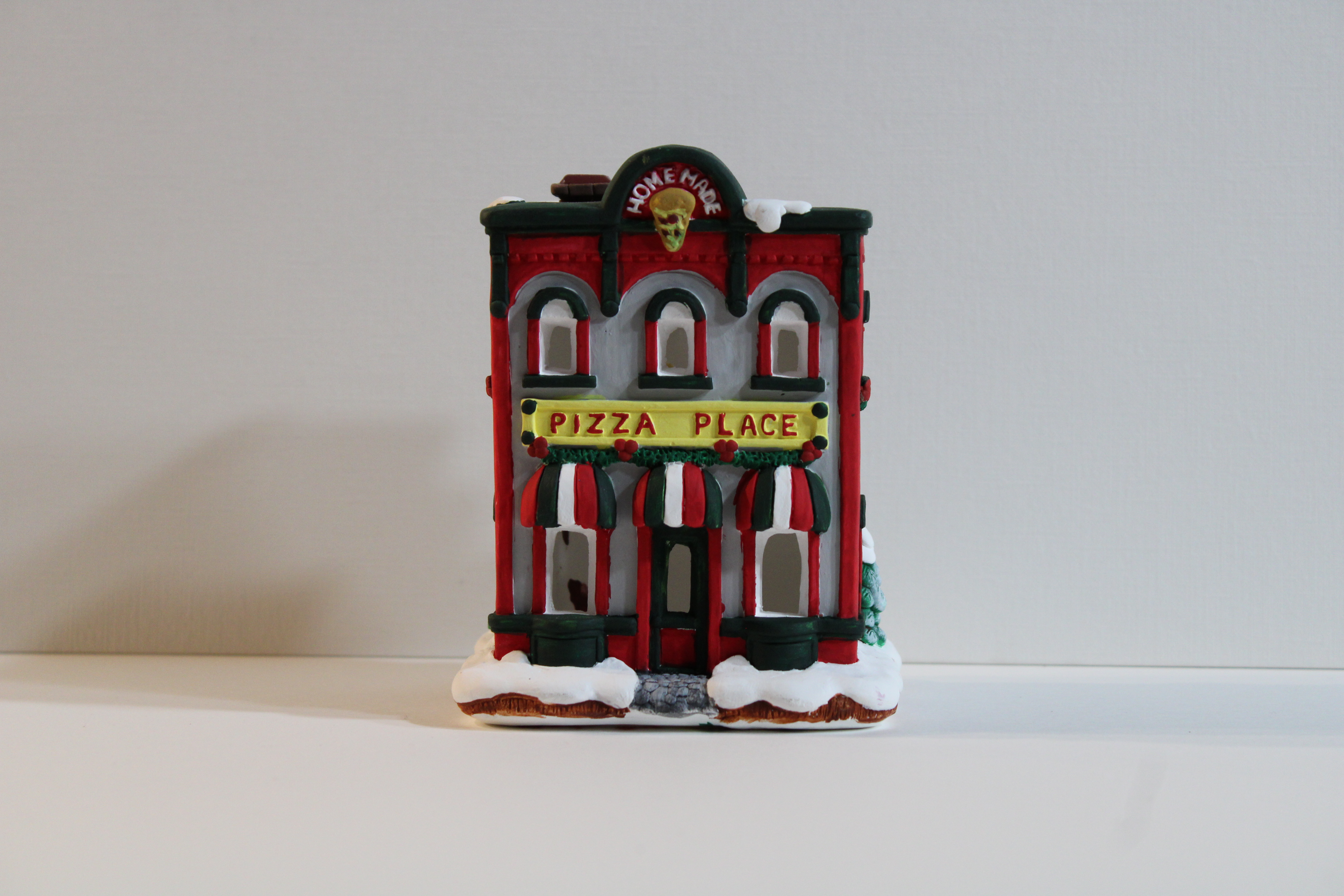
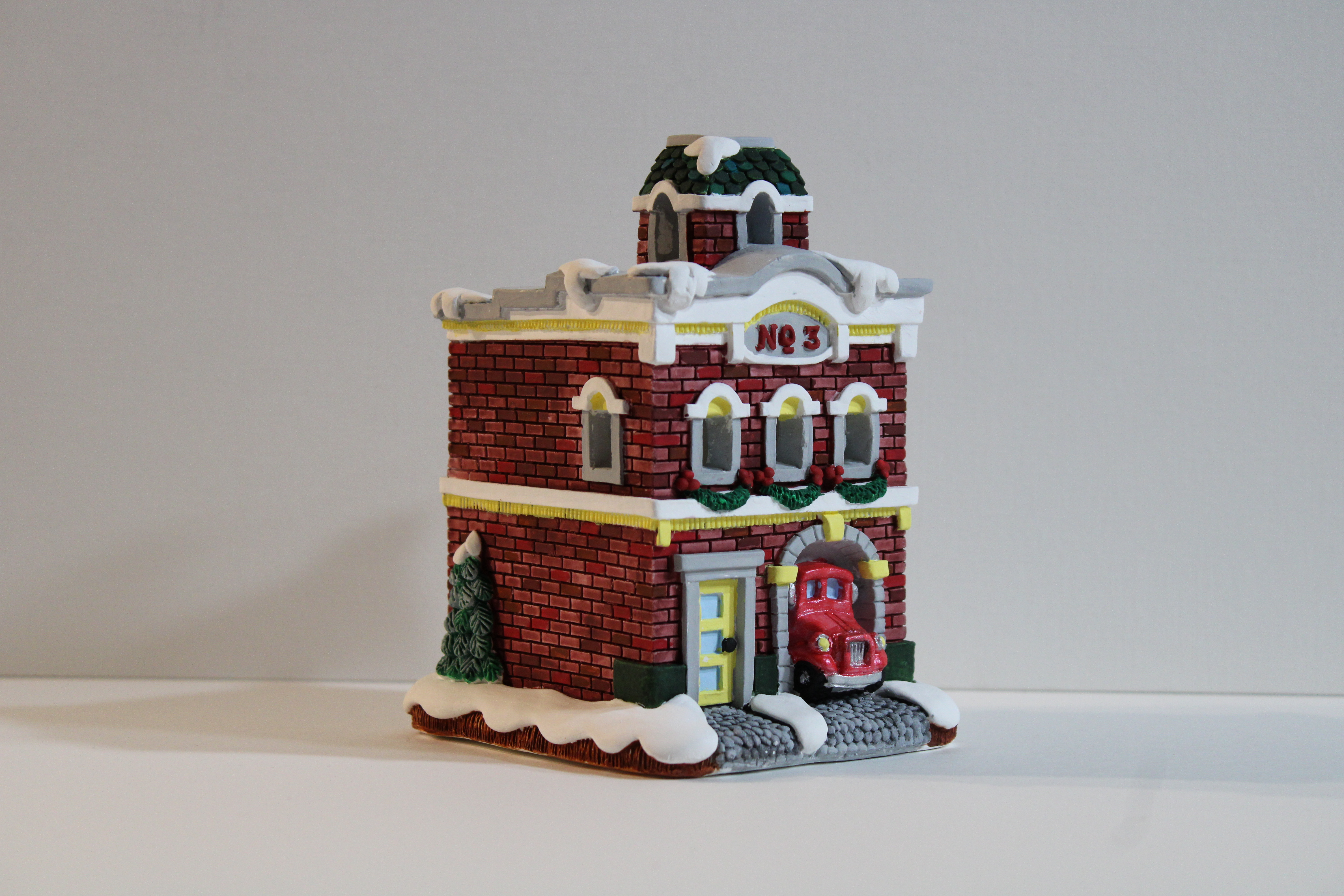
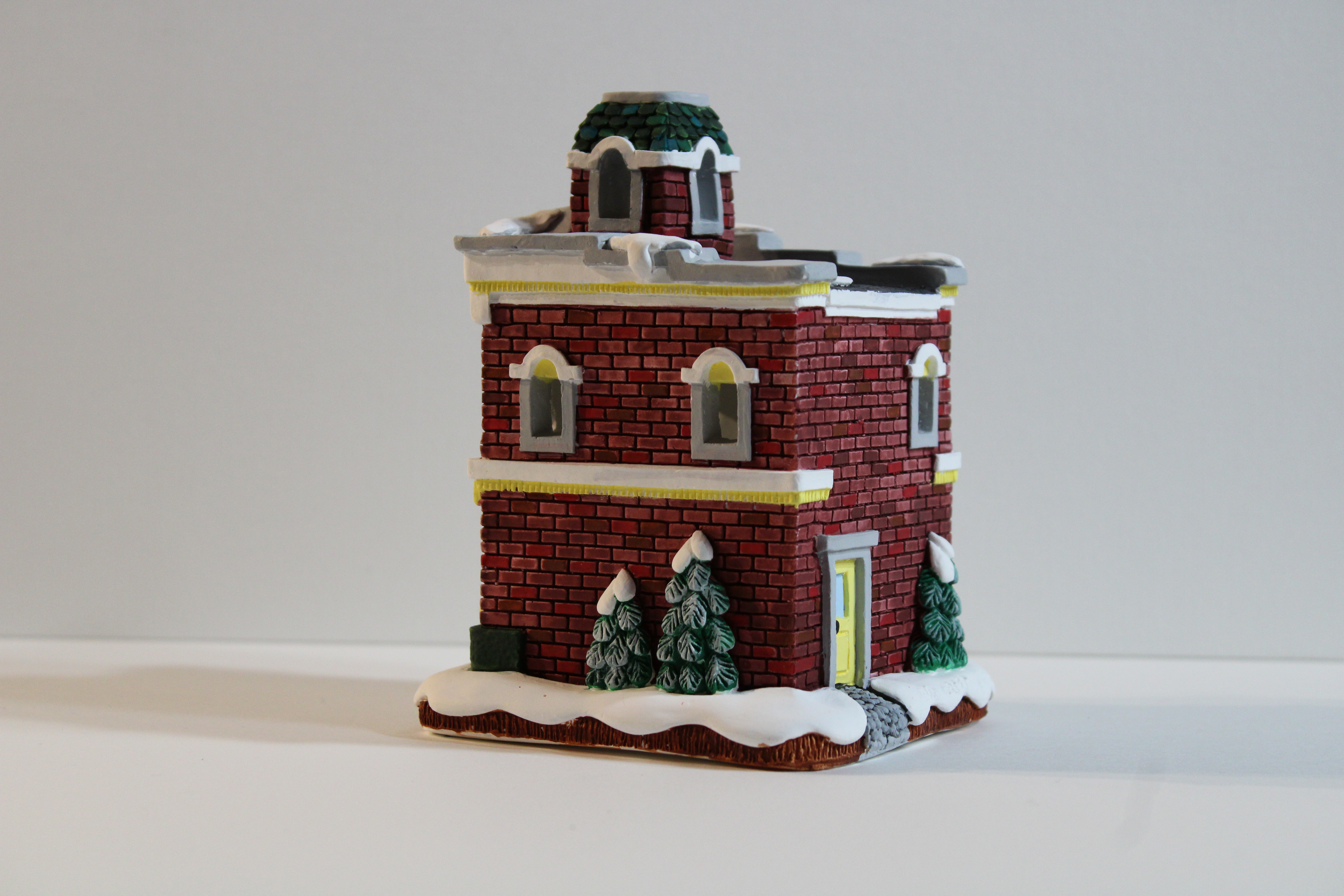
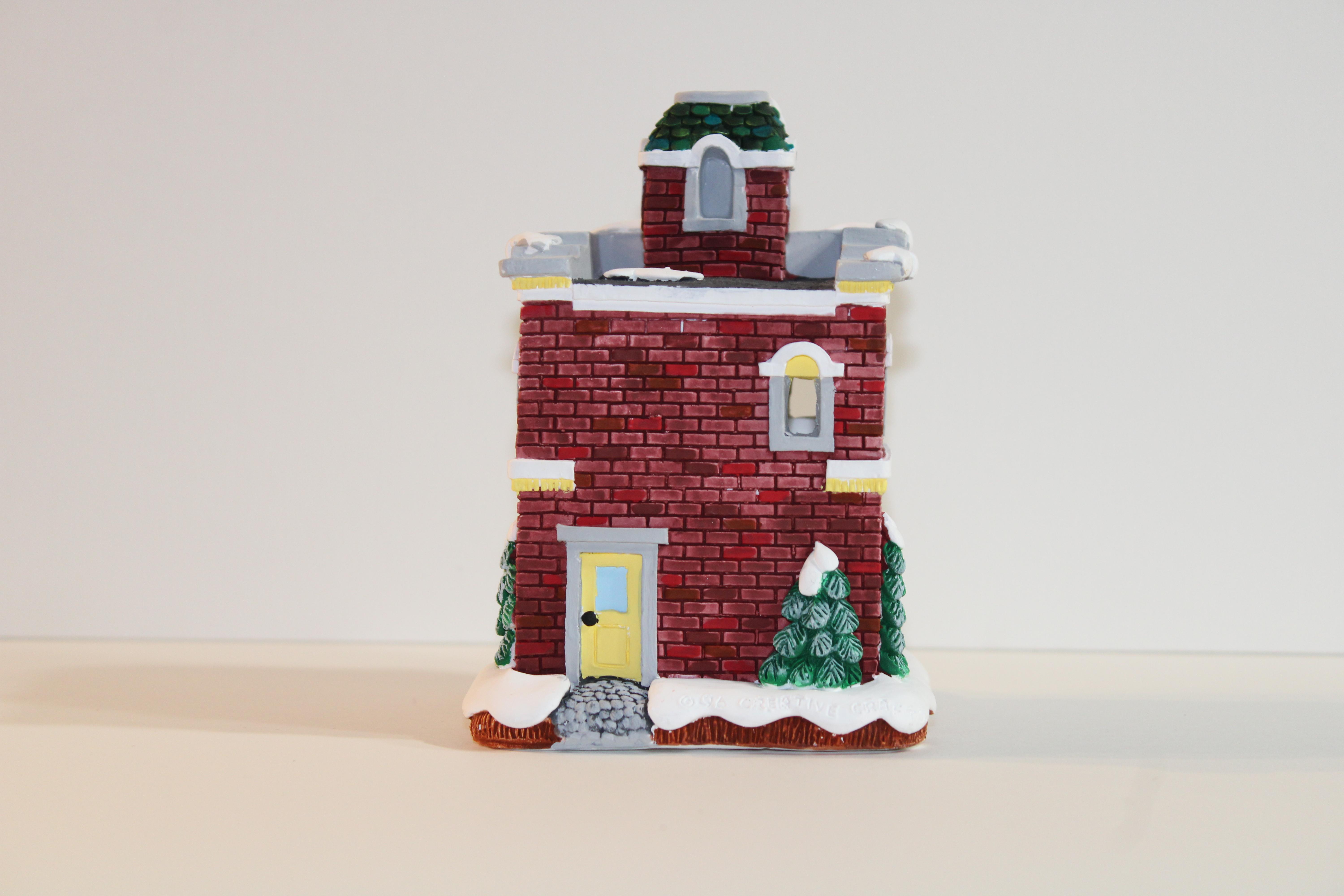
Yes, it took me a long time to start and finish the latest Plastercraft houses. These houses were produced by California Creation, (which has gone out of business), and painted by me. The houses are painted with acrylic paint and sealed with gloss varnish.
Pizza Parlor


Fire Station

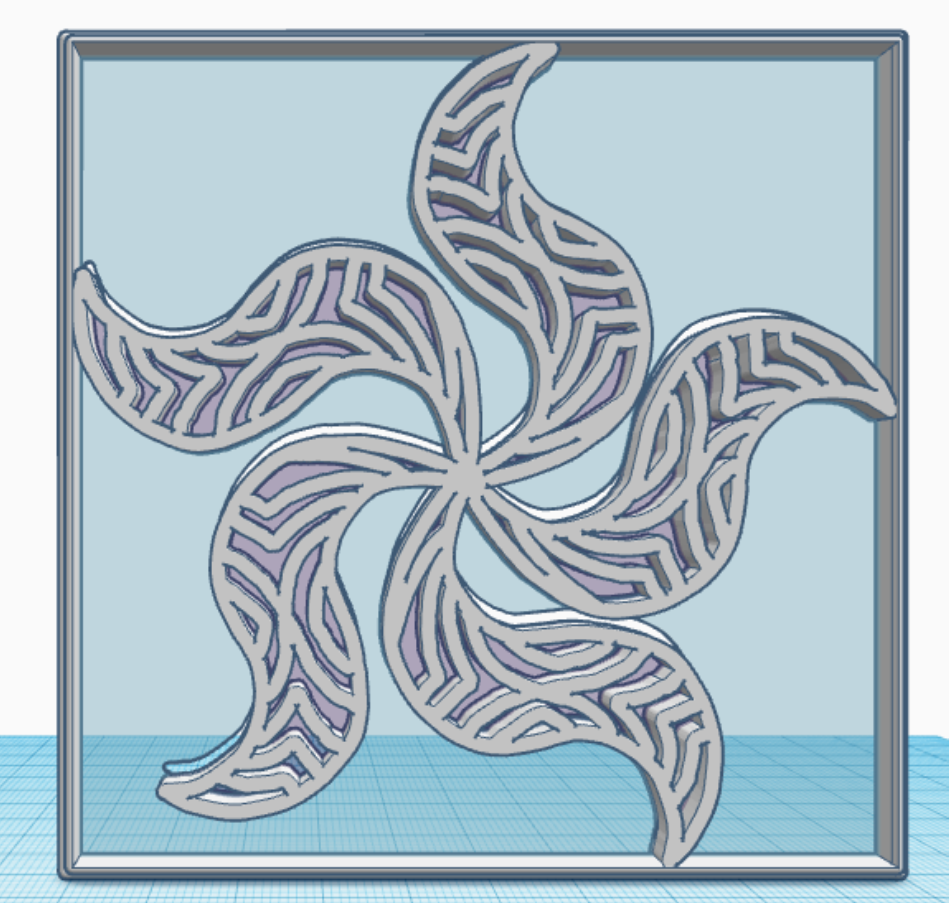
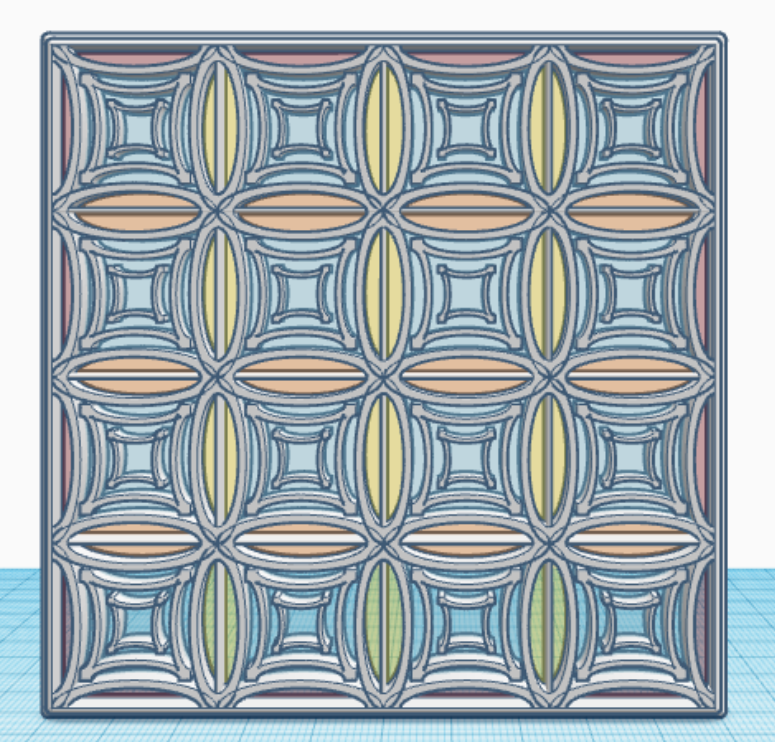
In January, I created one tile/design/pattern/window a day for 31 days. Each tile is 4″ x 4″ x 0.252″ or 101.6mm x 101.6mm x 6.4mm, which should work very well for 3d Printing. Here are examples of some of the tiles I created. They are just designs and patterns, there is no hidden meaning behind a tile.




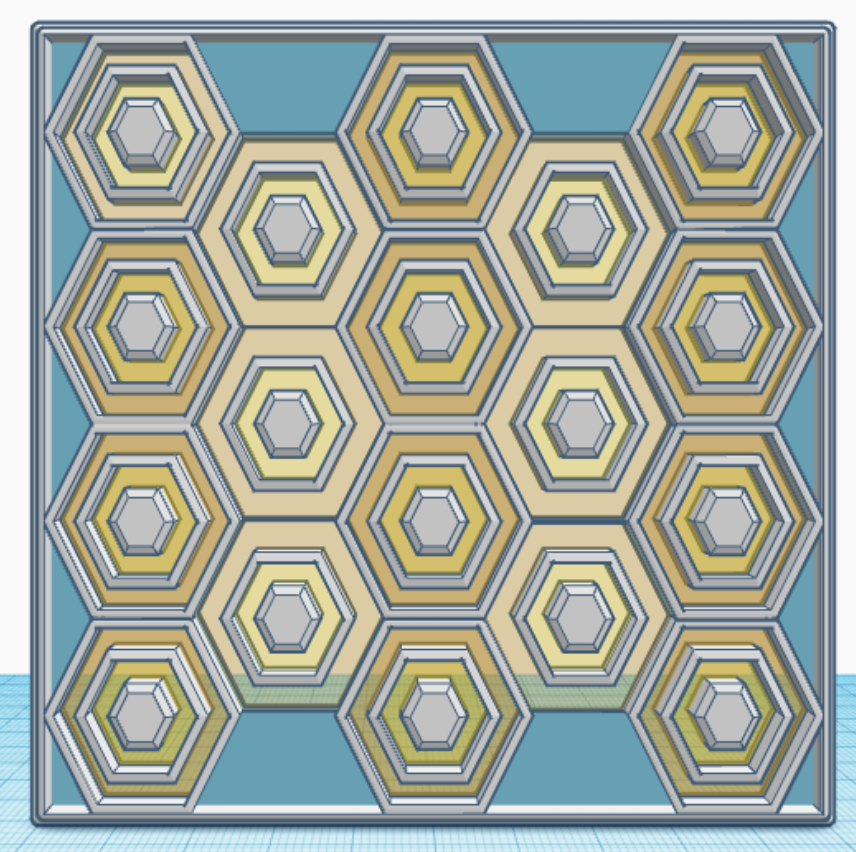
What can you create with these tiles? I created a Glass Tower in Tinkercad with the 31 tiles. The only tile I reused was the last tile, the bottom tile, the tile I used for the floor. Below are pictures of my Glass Tower. The 3D view is available at this link: Glass Tower
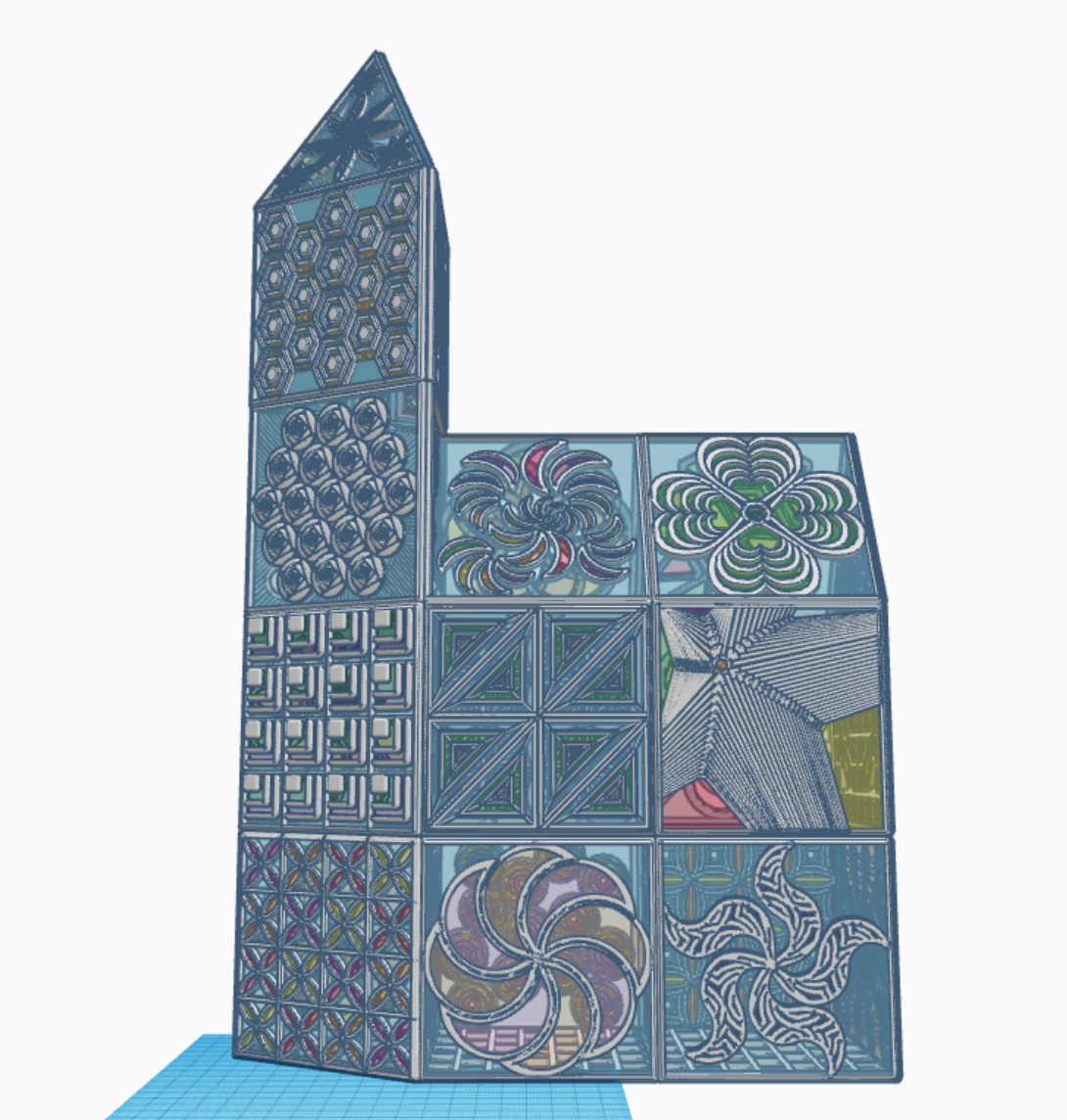

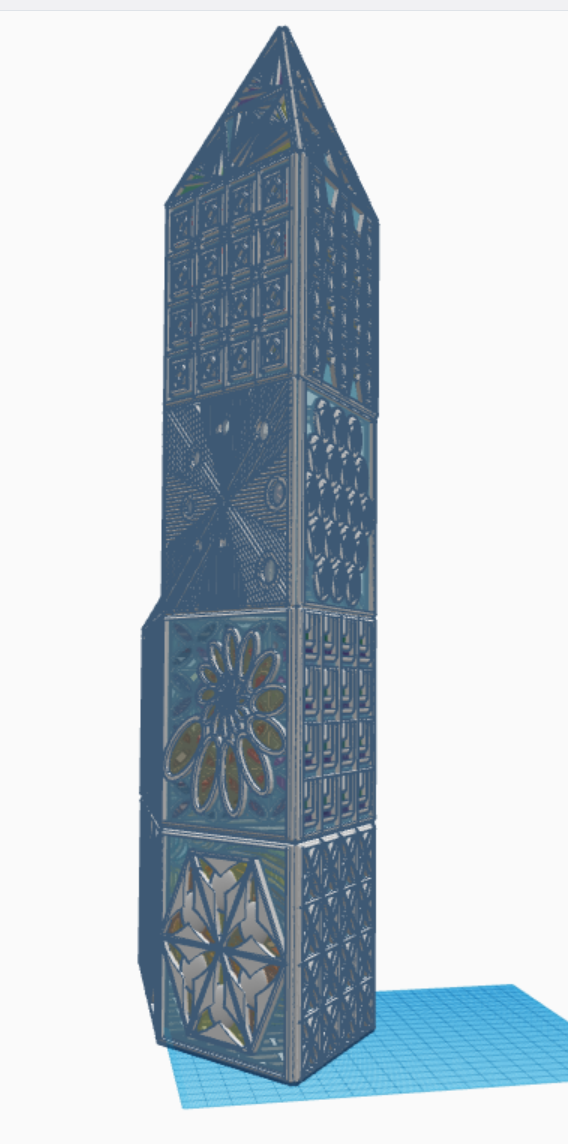


All the tiles are available for copying and tinkering on Tinkercad. What can you make with these tiles? A square, a window in a building, a charm for a necklace. Just use your imagination and log on and search for sarahcath under People to find a design.
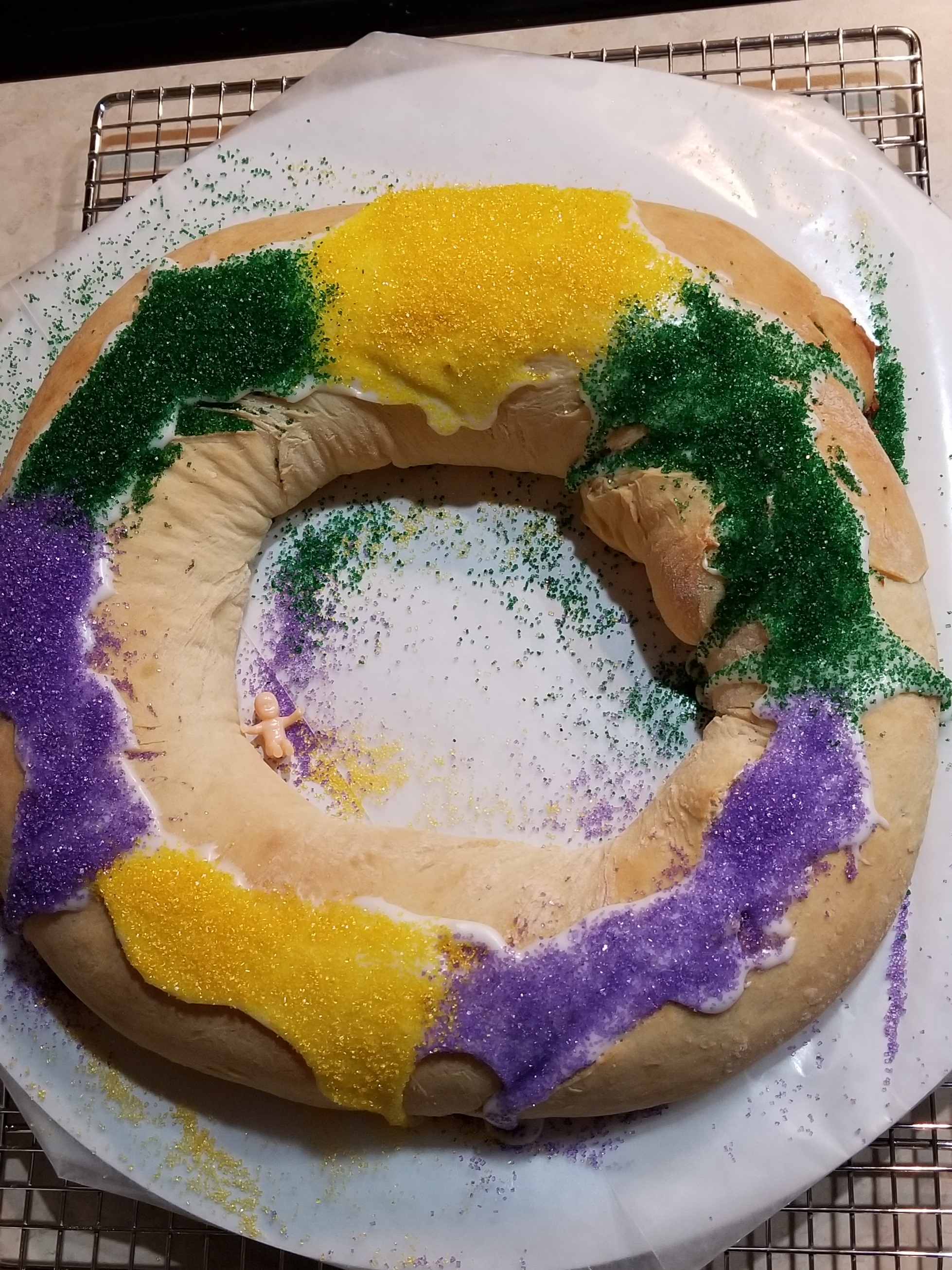
When you are from Louisiana, but don’t currently live in Louisiana, and King Cake Season rolls around you need a King Cake. You have two options available for your King Cake need: 1) Spend $50 to have one ship to you. Oh, they are so good, it may be worth it. Or, 2) Make your own King Cake. I decided to make my own.
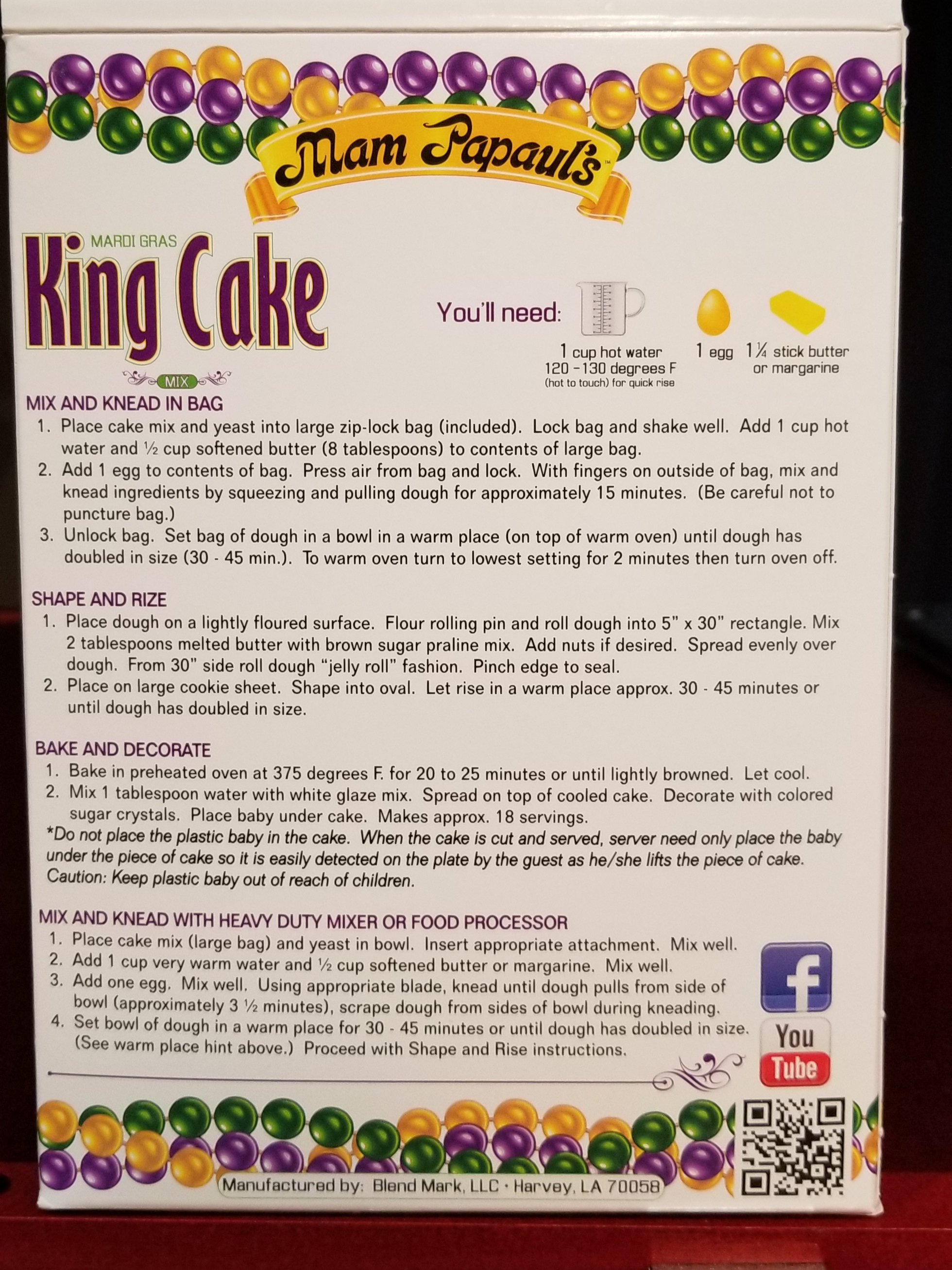
Below is my recipe for a King Cake:

Follow the directions on the back of the box. You could try just using the bag method, but I had the bag break during the kneading process and had to switch to the hand mixer. That was a lot of work. I now use my stand mixer.
The extra flour is for light dusting during the rolling and shaping stage. If you add too much water to the icing, you can thicken it up by adding some extra powder sugar and stirring well.
Let cool and decorate.
In 2015, I received a 3D Printer for Christmas. Instead of printing designs that other people created, I wanted to create my own items. I found Tinkercad. It has lessons that taught me the basics of using Tinkercad. The first building I created was a Church. If you look inside the building, you can see the pews, podium, altar, flowers, and on back of the pews you can see hymn books and pencils.
After I created my Two-Story House, the next major design I did was of a Train Engine. Afterwards, I designed a coal car, caboose, passenger car, and livestock car. I had a complete train that was designed to Gn15 Model Train scale. The livestock car design gave birth to one of my most copied designs, the Cow. Currently, the 3D printed train and a bunch of cows are sitting on a shelf.
In 2020, I started working on buildings for a town that my train could make a stop. The first build was the Train Station followed by eight other buildings. The ninth building I created for my Railroad Town was the Barber Shop. There are a lot of pictures in the post because when you design the inside of building, it takes a lot of work to design furniture and decorated the inside.
First was the Barber Shop. Since I had people coming into my town, they would need a place to get their hair trimmed. Traditionally, the Barber Pole had three colors: Red, Blue, and White. I wanted my shop to stand out, so made the front of the building to match the Barber’s Pole. A traditional Barber Shop is not very large, so I added benches on the outside for customers to wait.


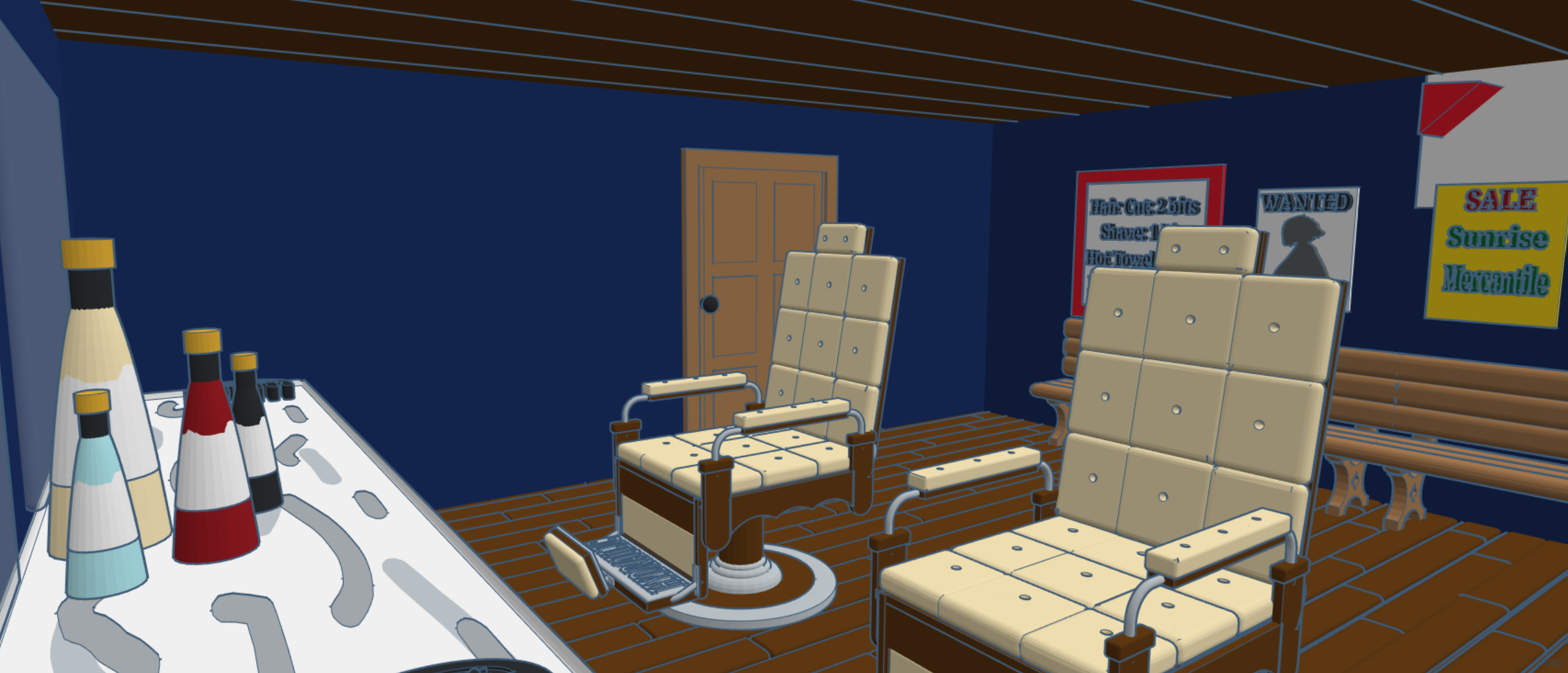
Barber Shops needs a chair. I designed an old-fashioned Barber Chair. I created combs and bottles to place on the counter. Put mirrors on the walls. Designed a coat rack and benches for customer, and place signs on the back wall, including one that had prices.

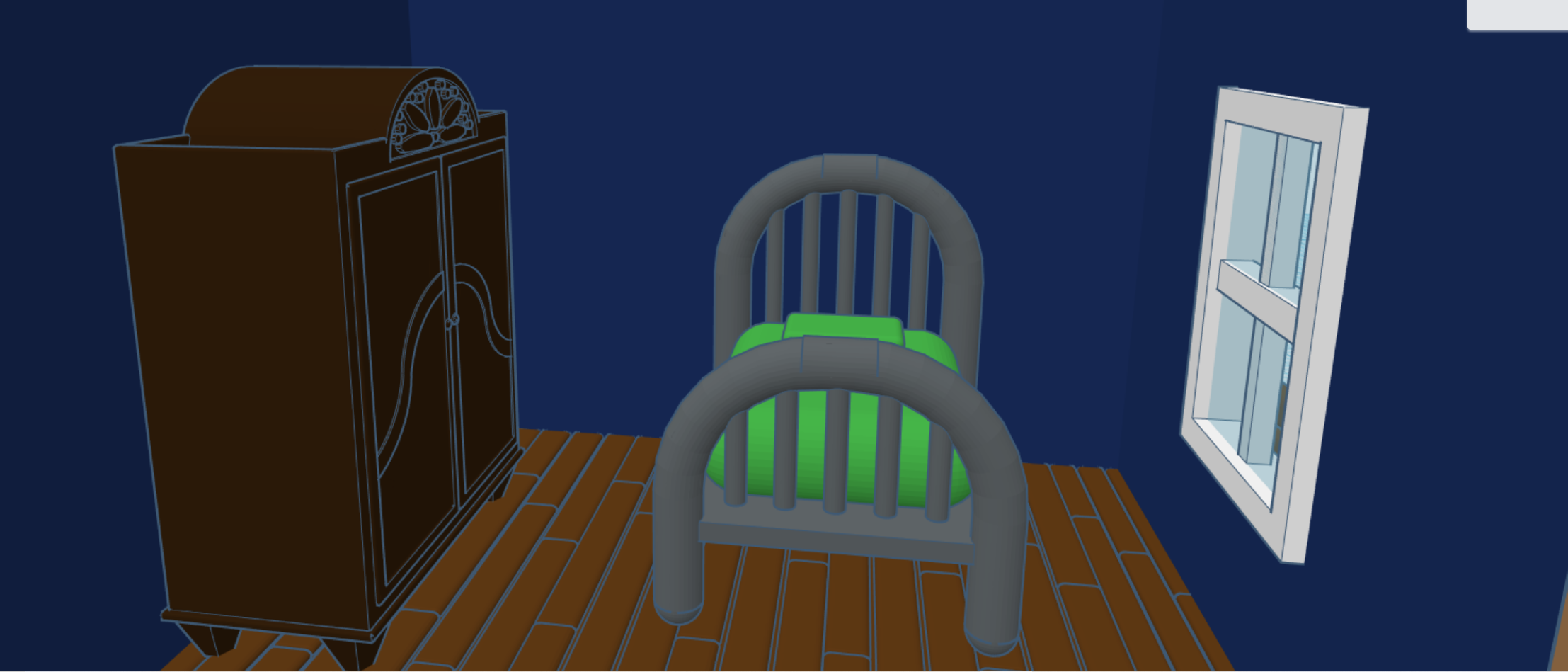
I provided the Barber a room in the back with a wardrobe and stove to keep warm.
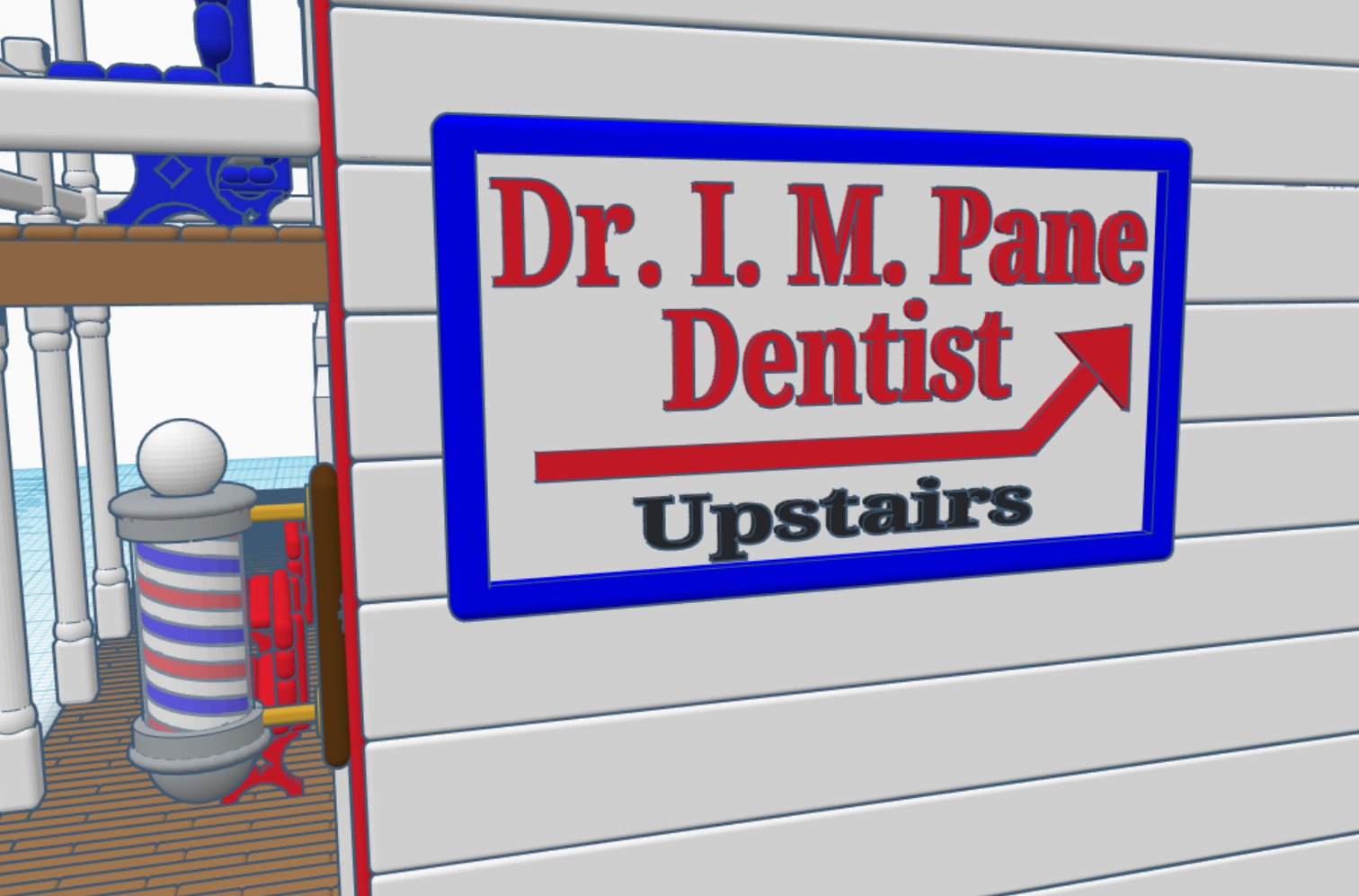
I had these nice-looking barber chair, what else could this chair be use for besides cutting hair? I got it, the town dentist. Someone will have a tooth ache one day. I placed the Town Dentist upstairs with a boarding room above the Barber Shop. A bookcase was added to the Dentist’s Quarters, because he would need reference materials.

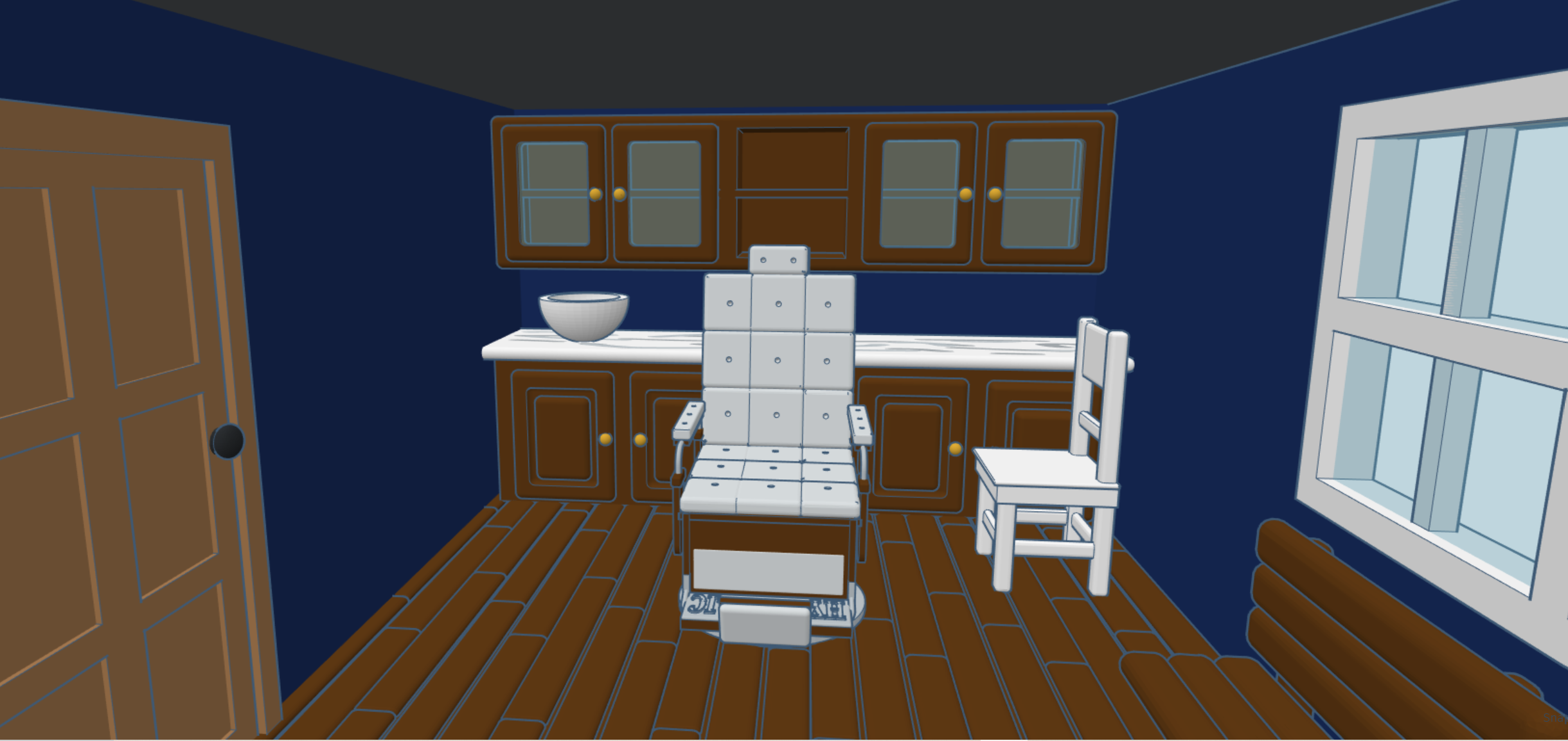
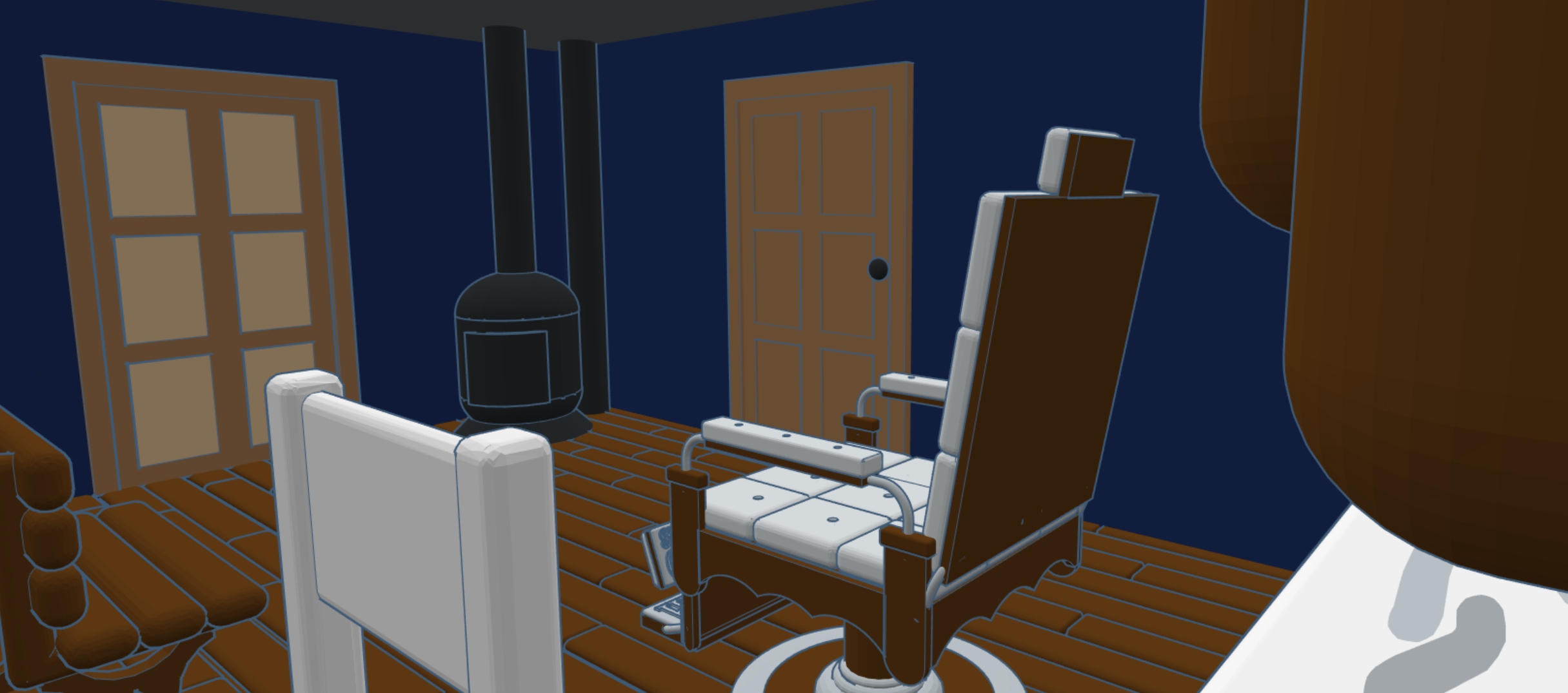


A bench and a door were added to the back of the building so the residences could enjoy the evening after a long day’s work.
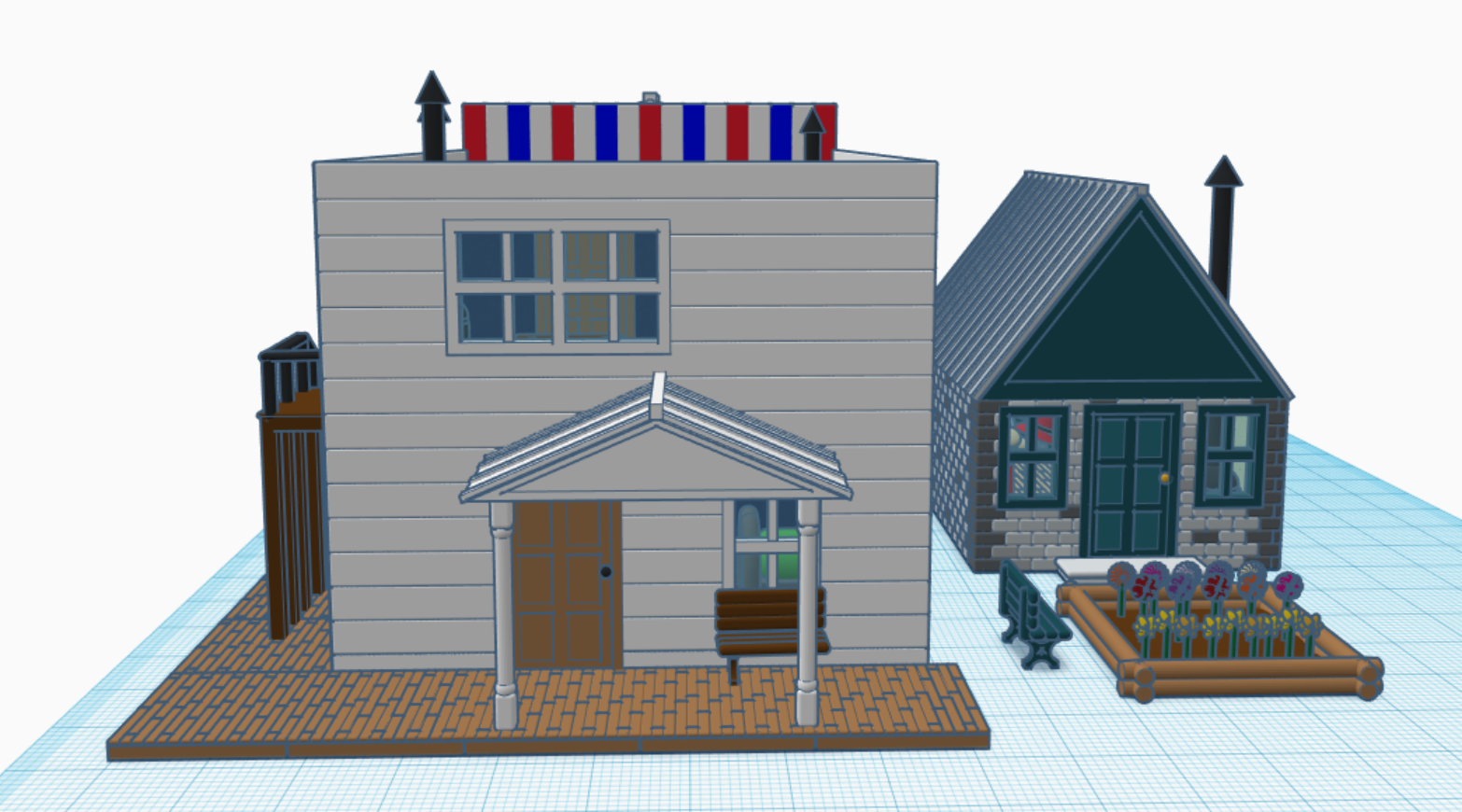
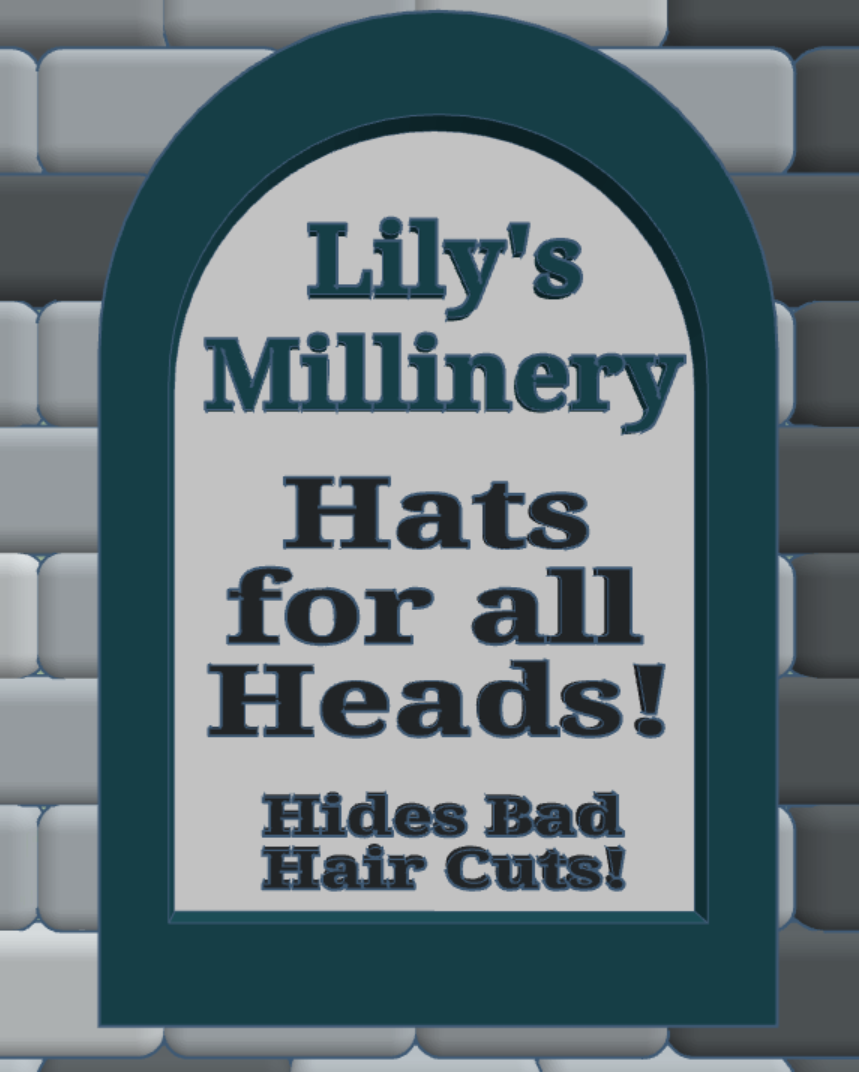
I never created a two-building design for my Railroad Town. I decided that a Millinery (Hat Shop) would go well with my Barber Shop. People without air conditioning would need a hat to keep the sun off of their heads. I designed the hats, hat rack, rocking chair, and fabric bundles for the Millinery. The flower garden was added to the back of the Millinery to give Lily a nice place to relax. Look at the sign, Lily has a sense of humor.


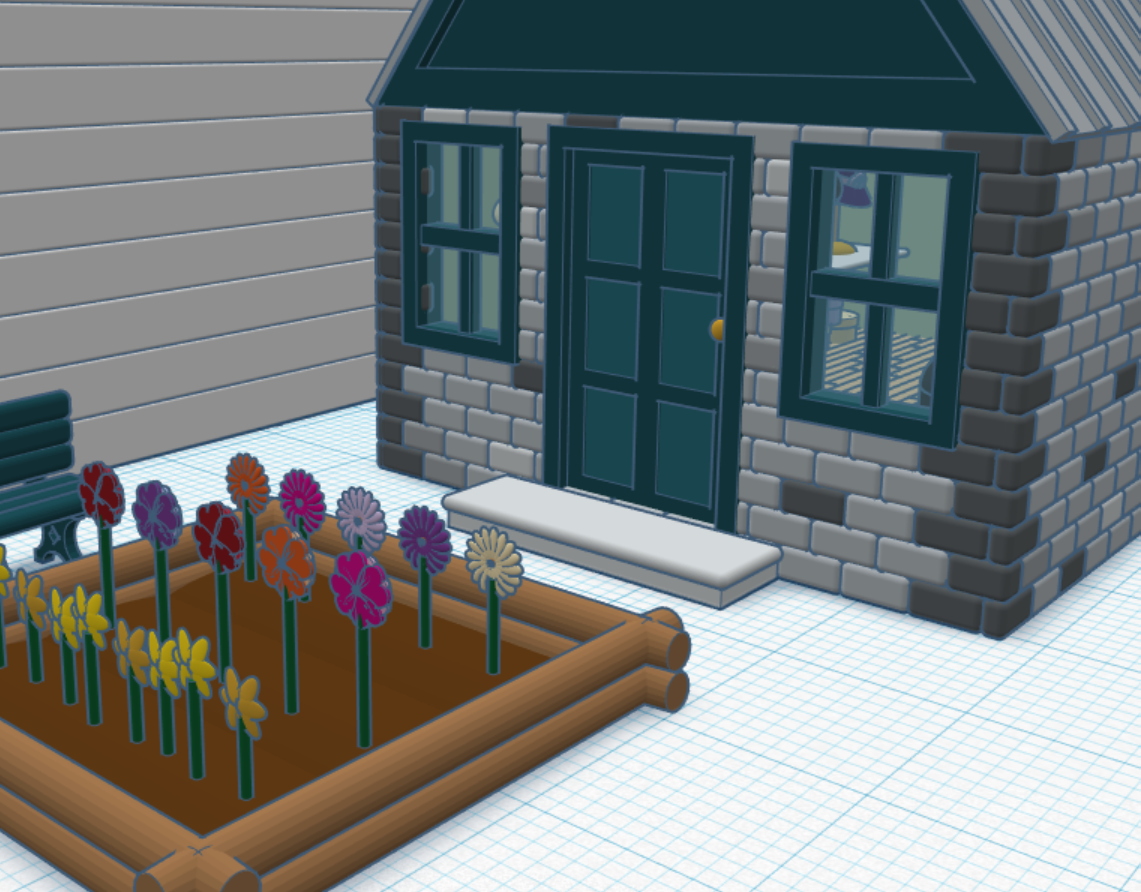

If you would like to see the 3D Design, you can view it on Tinkercad: Railroad Town Barber Shop
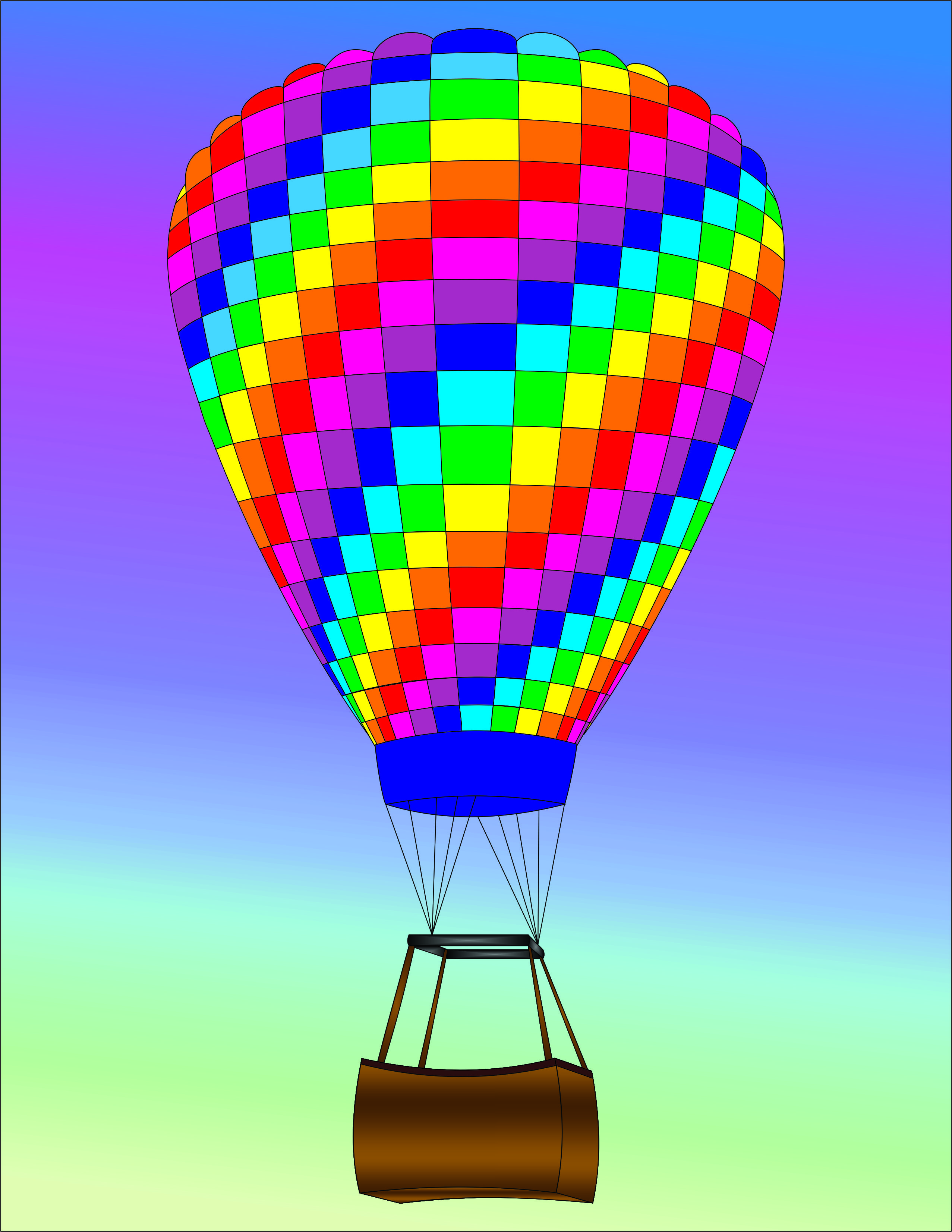
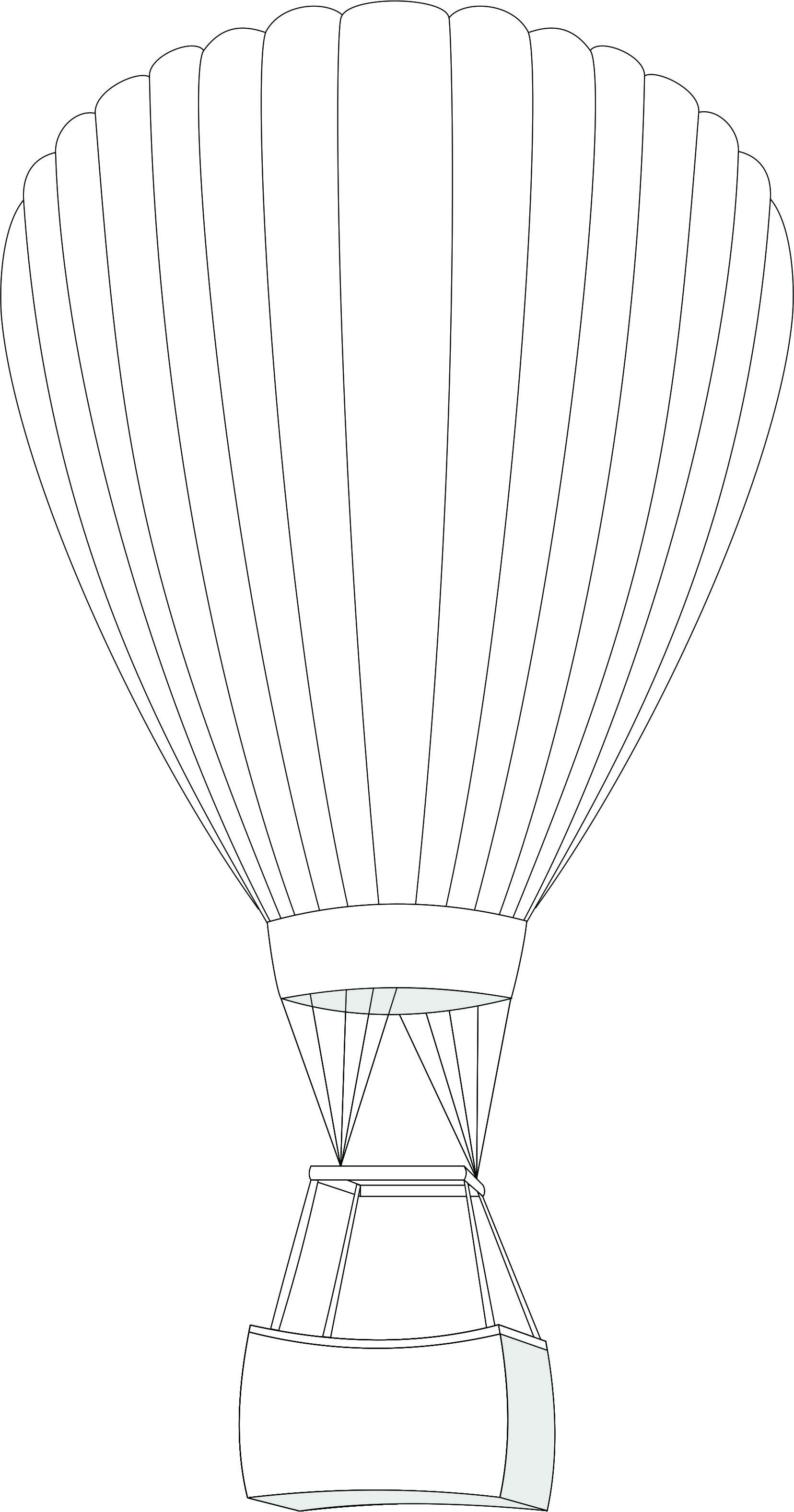
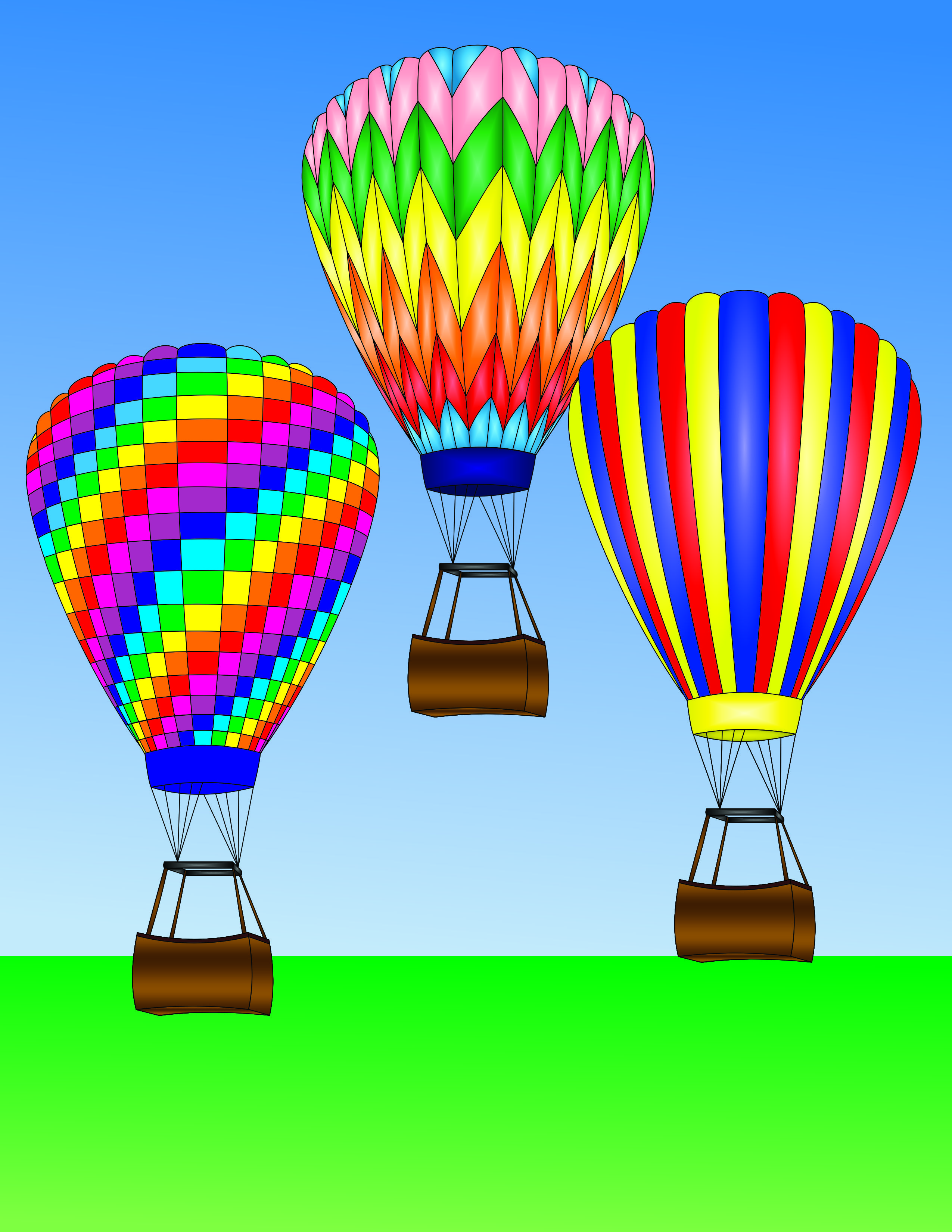
I have created four new Coloring Pages featuring Hot Air Balloons. Yes, it appears that I was in a Hot Air Balloons mood. They were all created and colored using CorelDraw and are available for download on my Coloring Page.