Stand For Fluid Painting

Fluid Painting can be messy.  You pour paint over the canvas and it drips over the edges.  What a mess!  I am not a clean freak, just a person working in limited space and I need my table to draw and do other things.  So far, I have limited myself to 4″ canvases, and I have a 3D printer sitting right next to my work table… I decided I would design and print a stand for my pour paintings.

The maximum print size of my Ultimaker 3d printer is around 8 inches, width and length.  The height can go up to around 12 inches.  So, this project was perfect.

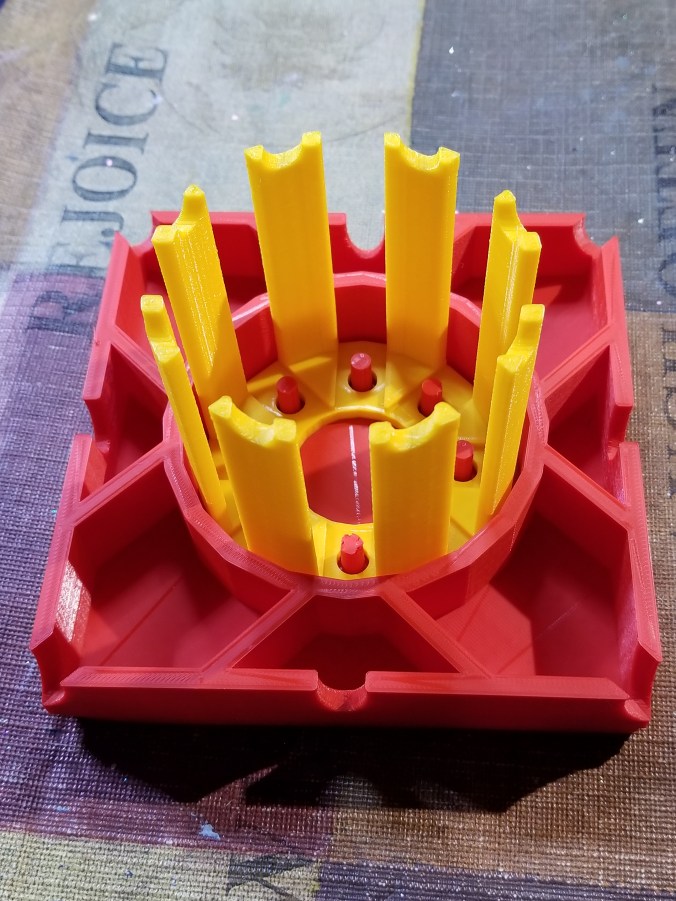
The catch basin is 5″ square, or in my design world 127mm, and 1″ (25.4mm) high.  Just in case different colors dropped from the different edges of the canvas, I divided off the catch basin and add drain notches.  It didn’t need it, but I placed pegs to hold the stand, and divided off this compartment to keep paint off of the stand.  It took around 11 hours to print.

20180228_134813.jpg20180228_134849.jpg

The design was done in Tinkercad and export as a STL file.  The file was imported into Cura and where a .gcode file was made.  I used the “normal” setting because the “fine” setting indicated it would take 23 hours to print.  Therefore, some warping occurred because of the setting and because I select not to add a Brim support.

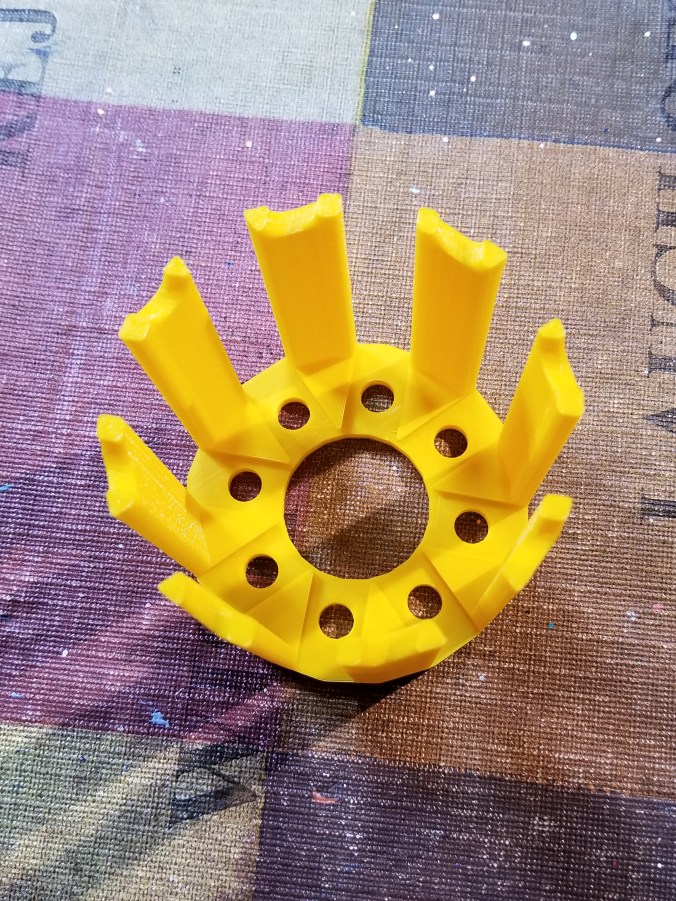
The stand was also designed in Tinkercad.  It is 3 inches high.  The break in the structure allows for air to flow under the canvas.  It took around 4 hours to print.

20180228_134859.jpg

The notches on top of the stand, allows me to put some other type of support under the canvas to lift off, in case I want to reuse the stand before drying is complete.

20180228_135052.jpg

The finished product.

20180228_135154.jpg20180228_135305.jpg20180228_135345.jpg

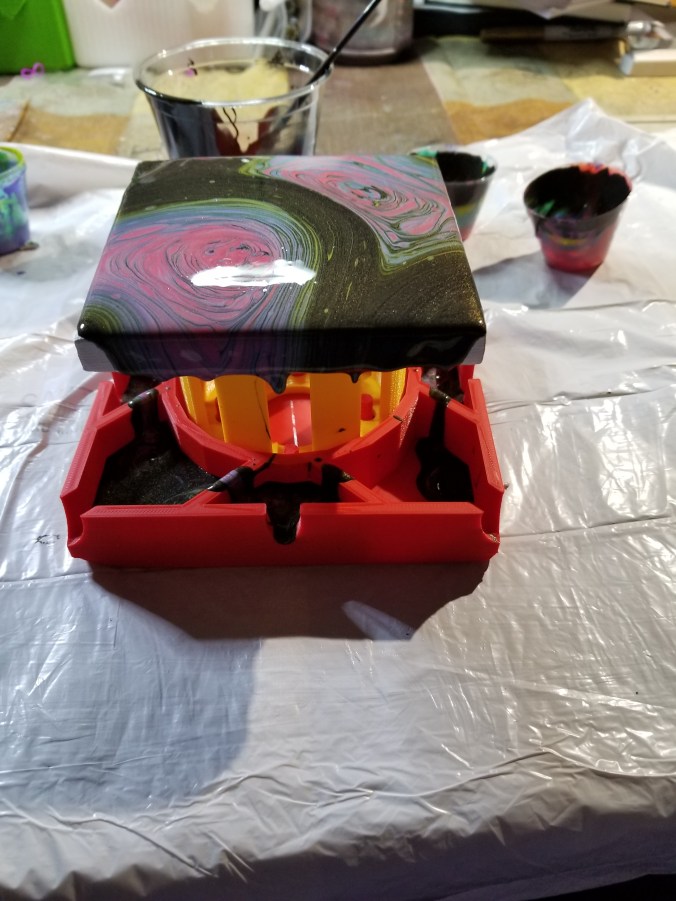
The colors, yes I used Color Shift paint by Folk Art and grab the black and 4 other colors.

20180228_150626-2.jpg

The test.

Ok, some of the holes leaked.  The center dividers should have been larger and I did not pour out of the basin as I expected.  I do not know if I am going to tweak the design and reprint it or not.  Probably.

20180228_153210.jpg

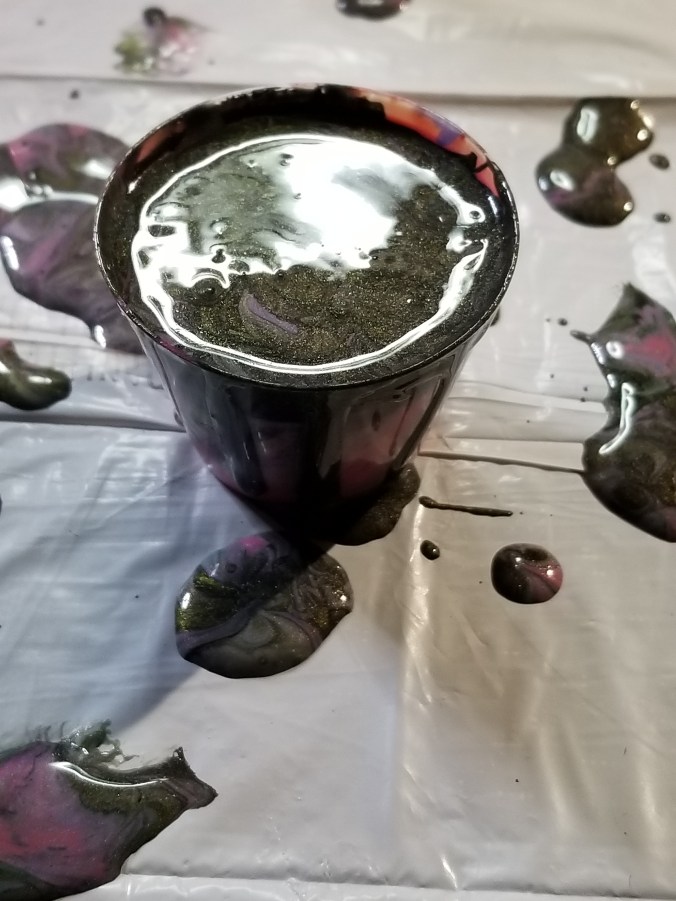
I did get a cup (one ounce) out of the basin.  It should go nicely with another pour.

20180228_154257.jpg

Christmas Card 2016

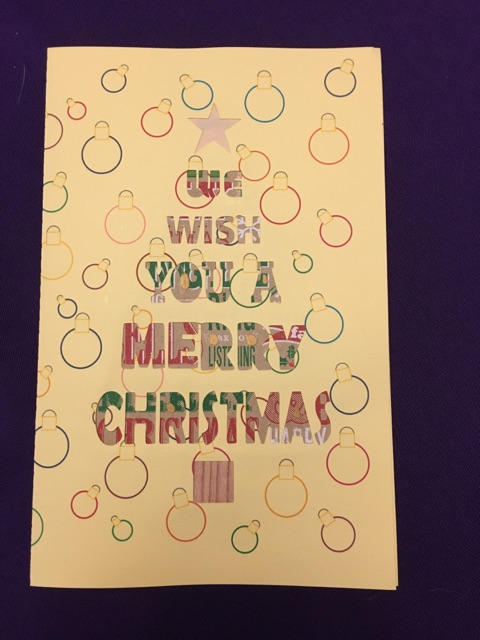
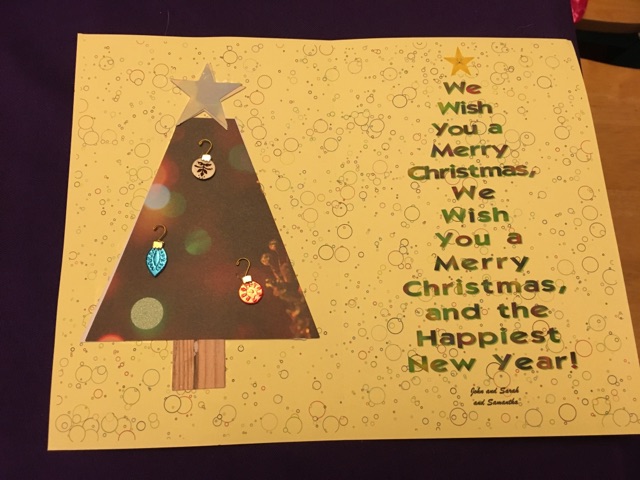
Since I was having so much trouble printing my 3D Christmas Tree card.  I created another card to send out with the card and to the others on my list.  It was designed with Silhouette Studio and cut out using the Silhouette Curio.

5051647661

I used plain cardstock, but the background was lacking.  To spruce up the background I used Corel Draw to create the background for both the card.
5051647751

My niece was excited to be “and Samantha” on the Christmas Card.  She never has been an “and Samantha” before.

Thanks to my sister, she took these picture and display the tree and the card as I imagined.

5051648951

3D Printed Tree

I know Christmas is over and the new year has started, but this was my main adventure for November and December.

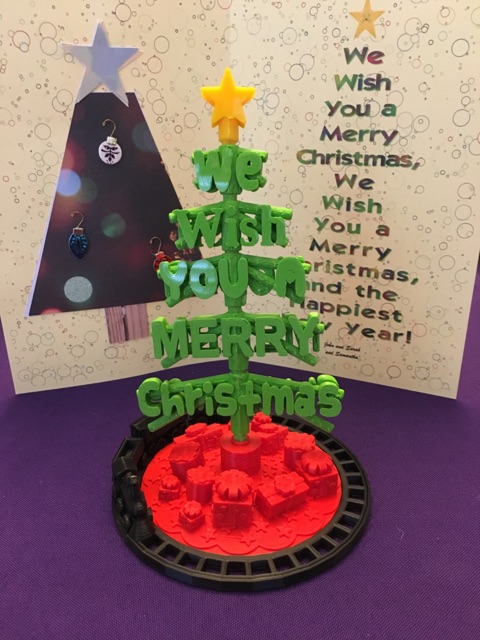
Many months ago, I got the idea that this year’s Christmas card would be 3D printed.  After many rough drafts, I decided on the “We Wish You a Merry Christmas” design.

dscn2819

The initial design phase went smoothly.  And then, I had more ideas.  The words on the tree should turn, so the tree would look like it had stagger branches.  The words on the tree should be readable from any angle.  Oh, it need a tree skirt and the simplest design would have stars on the skirt.

It then occurred to me the tree needed a train going around it.  Well, the train could not literally go around it, because the size of the train.  My printer would not be able to print the tiny detail the train would need to allow it’s wheels to turn.

dscn2820

I still was not entirely happy with the tree skirt.  The tree needed presents.  I designed three unique presents and place them under the tree scaling them to different sizes and placing them under the tree at different angles.

Designing the tree was the easy part.  Printing the tree out, proved to be the most challenging part.  The filament started grinding.  I regularly had be dismantle the extruder box to remove filament.  I also had to dismantle and reassemble the printer head on no  least three occasions to correct issues.  That is why only 6 of these Christmas tree were sent to friends and family.

dscn2828

There were eight .stl files created to print the tree.

The .stl files can be downloaded from youmagine.com.

https://www.youmagine.com/designs/we-wish-you-a-merry-christmas-tree/embed

Tinkercad – the free, online 3D CAD app

3D Print – Passenger Car

This is the Passenger Car in my Train Series.

DSCN7371

The wheel assemble was printed with the side shown on printer plate, which provided for the smooth finish.  I designed little lanterns and put them by the door on both ends of the car.

DSCN7377

I designed the seating without the arm rails because I believed it may have been too delicate to provide a good result.

DSCN7383

The train is now longer then the white cutter where I took the previous pictures. Soon, it will be too long for the shelf it is sitting on.  But, the wheels are spinning and the locking devices are functioning.

DSCN7387

Object Size (W, D, H): 27.75, 146.43, 56 mm

I made the Passenger Car slightly longer than the Caboose.  The extra width was due to the roof over hang.

Passenger Train

Tinkercad – the free, online 3D CAD app

3D Print – Caboose

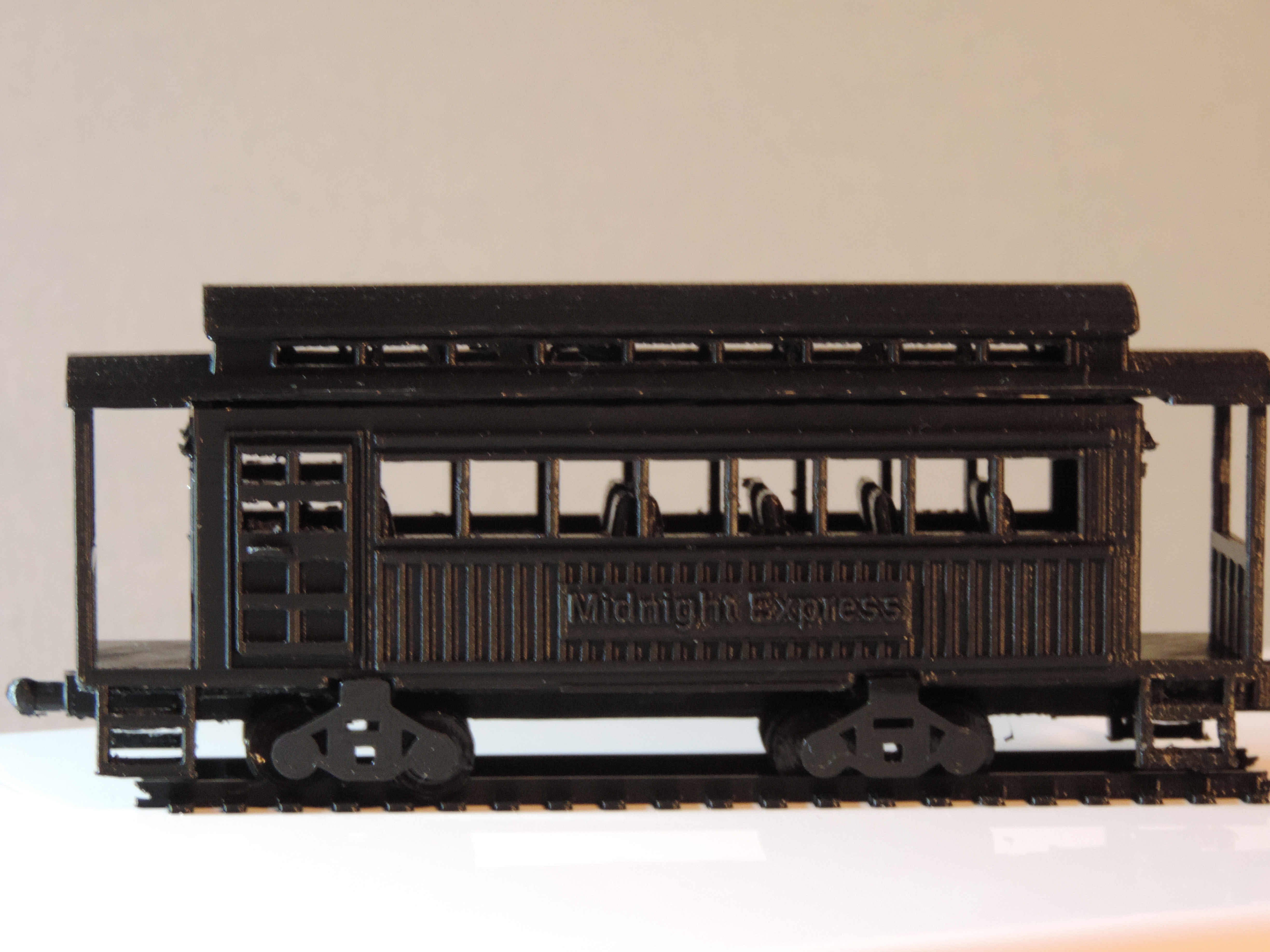
Even though it is the last car on a train, it is the 3rd car in my train series, the Caboose.  After looking several train cars, I redesign the wheel attachment.  I named the train the “Midnight Express” because the entire train will be print in black.

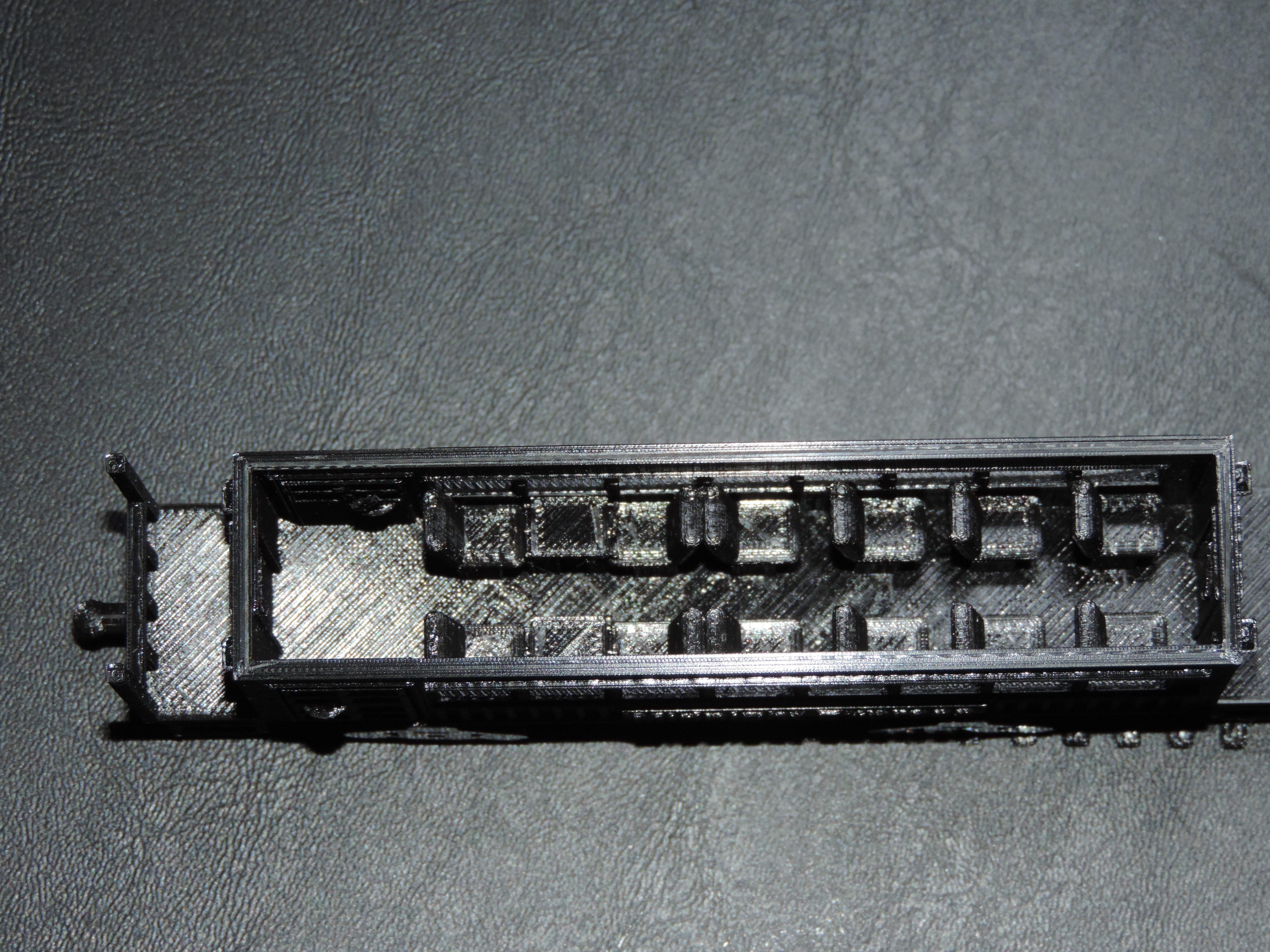
I place items inside the car.  Table chairs, stove, sink, bench, barrels, crates, and platforms to look out the top windows to view the entire train.

DSCN7343

DSCN7349

The ladders are not fitting together quite right, but these are delicate.

DSCN7356

The next car will be the passenger car.  I believe the train will need a box car and a cattle car.  Do I need a tank car?  Were they in use when trains ran off of coal.  May be a log car and a sleeper car.  There many of choices.

Object Size (W, D, H): 27, 136.43, 62.51 mm

Caboose in Tinkercad

Tinkercad – the free, online 3D CAD app

3D Print – Two Story House

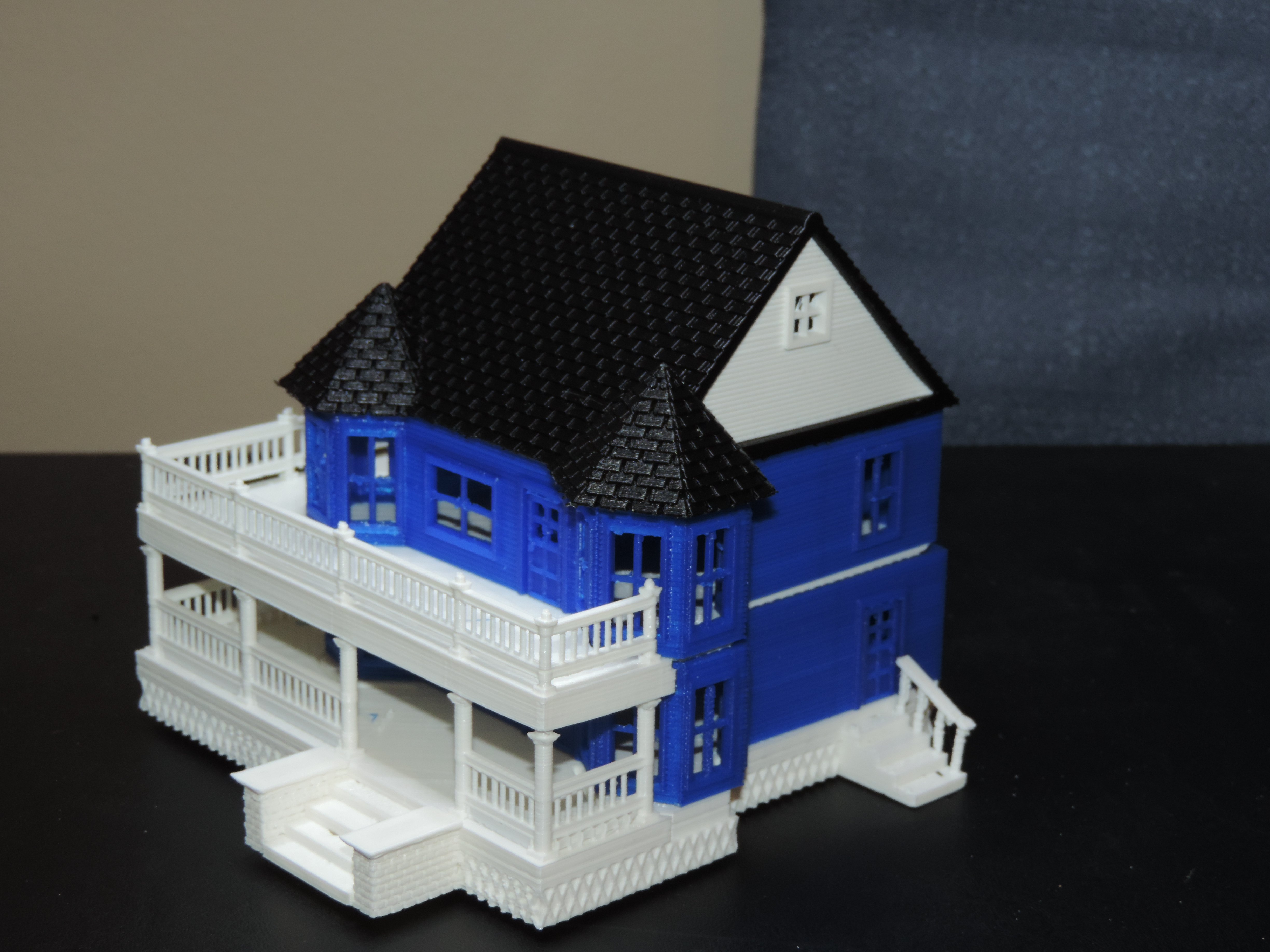
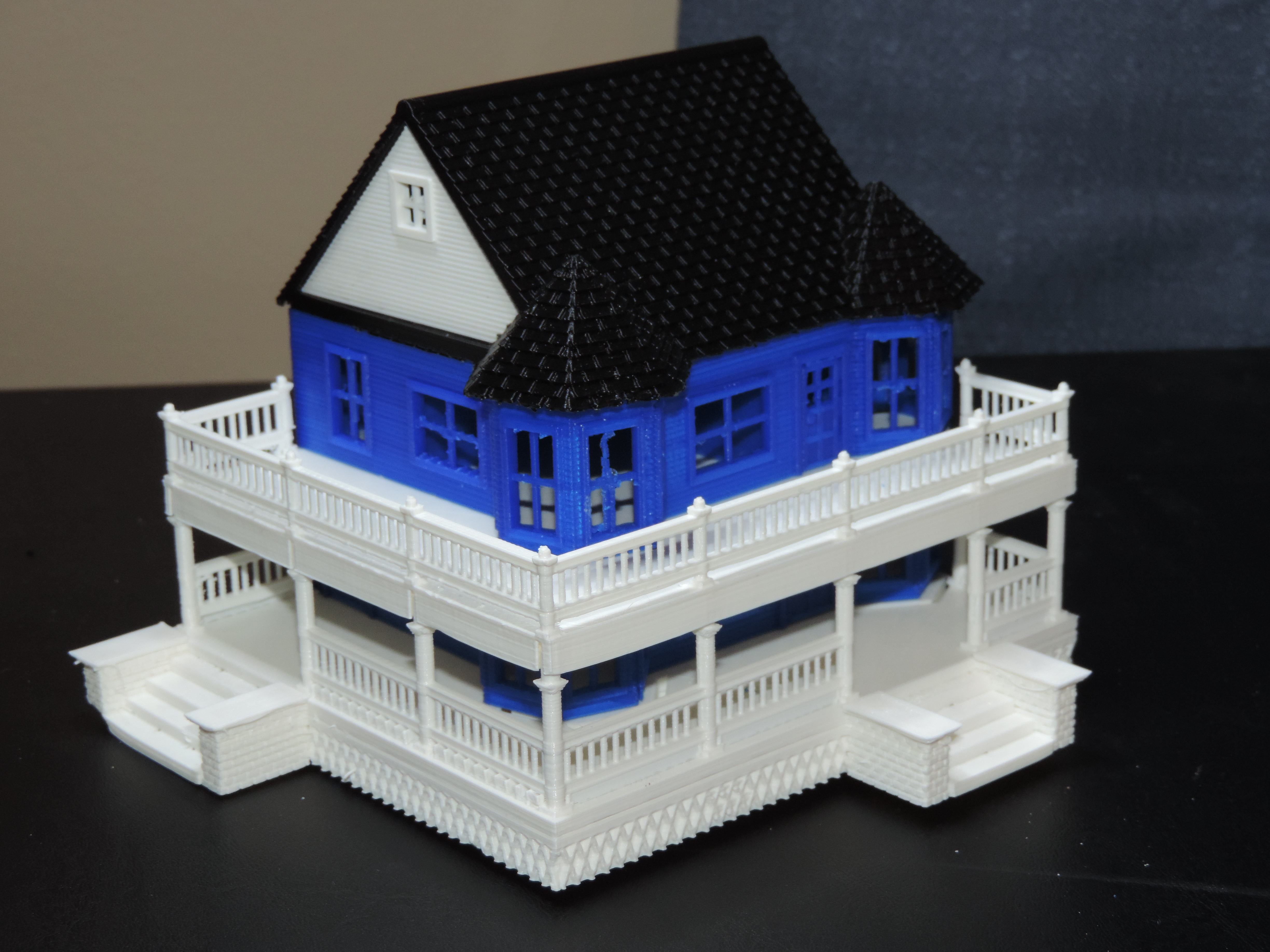
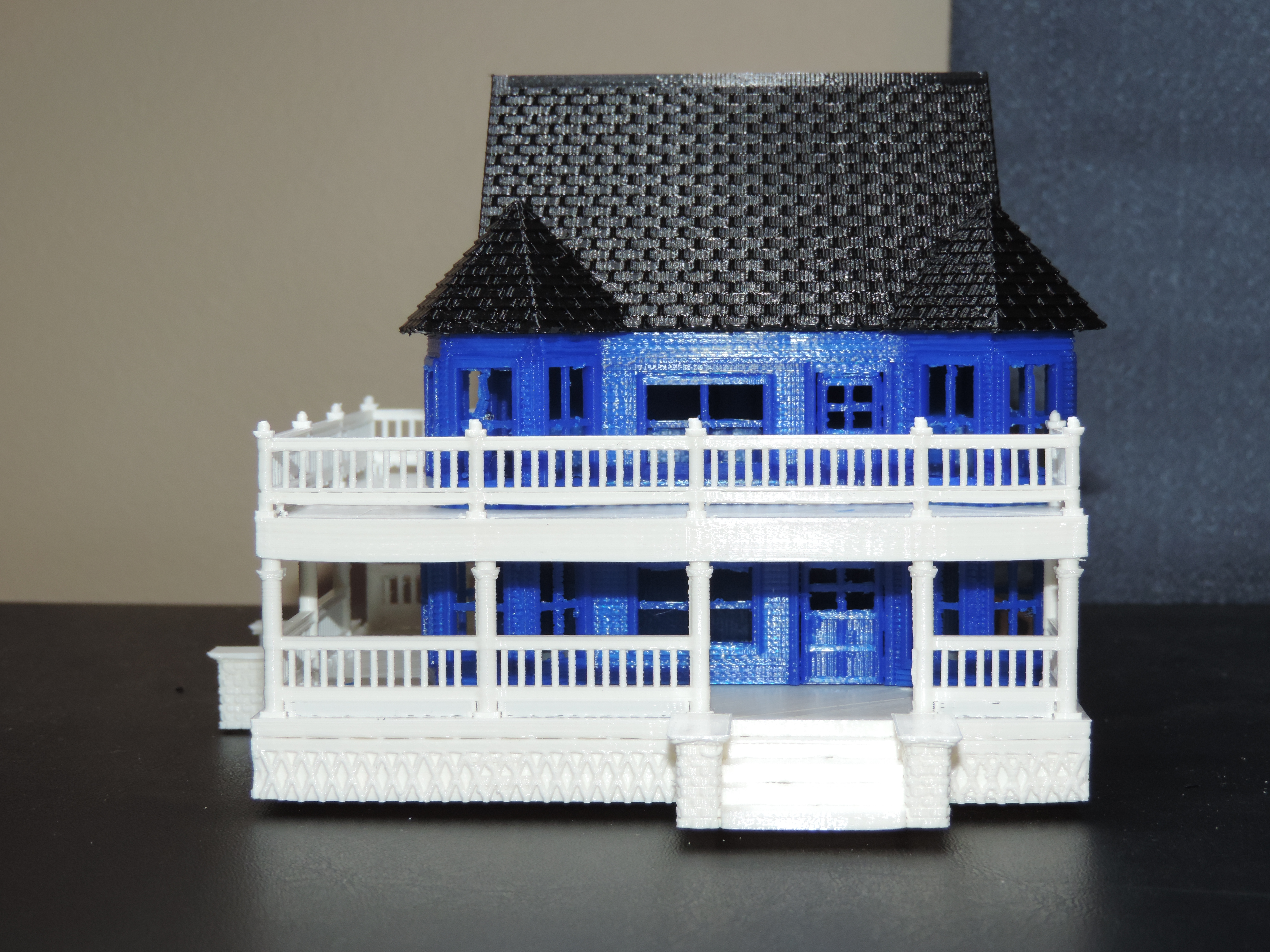
My 3D printed house. It was fun to design and a challenge to print. Instead of printing it in six sections, the next time I believe I will be printing it in four sections and if I want it in multiple colors, I will paint it.. The six sections were; foundation, 1st floor, balcony, 2nd floor, roof, and roof siding.

The roof siding fit into it designed location without much effort.

DSCN7320

The next house I will print on normal print vs. fast print.  Even if the sections take 11 hours each or more to print.  With the details in the house, I believe it is needed.

DSCN7319

I do not know why the corner next to the steps appears to be melted.  Maybe some oils from my fingers were on the build plate that prevented proper adhesion.

DSCN7317

The roof came out great. And, the railing printed nicely.  Whoops, it looks like I didn’t remove some of railing structure before taking the pictures.

DSCN7322

The house was designed using Tinkercad.com; link Two Story House.

Object Size (W, D, H): 161.19, 133.06, 112.14 mm  (approximately)


Tinkercad – the free, online 3D CAD app

3d Print – Train Engine

One of my projects in the 3D Printing world is to design and print a train; Train Engine, Coal Car, Passenger Car, Cargo Car, etc.    I am not particularly into trains, but I thought it would be a fun project.  I’ve based the size of the train after Gn15 Model Train scale.  It specifies a train track gauge of 16.5 mm.

Only two of the cars have been completely designed and just finished printing the Train Engine, after several false starts.  The train is not a copy of any one train.   I used components I liked from many trains and incorporated them into the design.

A colored version of the Train Engine can be viewed on Tinkercad link: Train Engine.  Minor modifications where made for a successful print of the train.  The train was printed using supports (everywhere settings).  The carefully removal of the supports took time.

DSCN7283

The wheels of the train were printed separately because I wanted them to be able to spin.

DSCN7287DSCN7293DSCN7290DSCN7286

I even put chairs and gauges in the car to give the train character.  The grid on the platform was not part of the designed.  It was remnants of the support structure.  Instead of smoothing it out, I thought is provided a nice effect.

Train Engine:

Print Time: 3 hours 53 minutes
Filament: PLA – 4.11 meters 33 grams
Layer height: 0.1 mm
Shell Thickness: 0.8

Object Size (W, D, H): 33.468, 151.55, 60.503 mm

Wheels:

Print Time: 55 minutes
Filament: PLA – .45 meters 4 grams
Layer height: 0.1 mm
Shell Thickness: 0.8

Once I completed the entire train, I will make the .STL files available on youmagine.com.

Tinkercad.com deserves created for provide me the resources to create!

Tinkercad – the free, online 3D CAD app