#Tinktober the next 10 Days

This year Tinkercad is hosting a #tinktober event to provide design prompts to their tinkers. Here are the designs I have created for days 11 through 20. Not all days have designs.

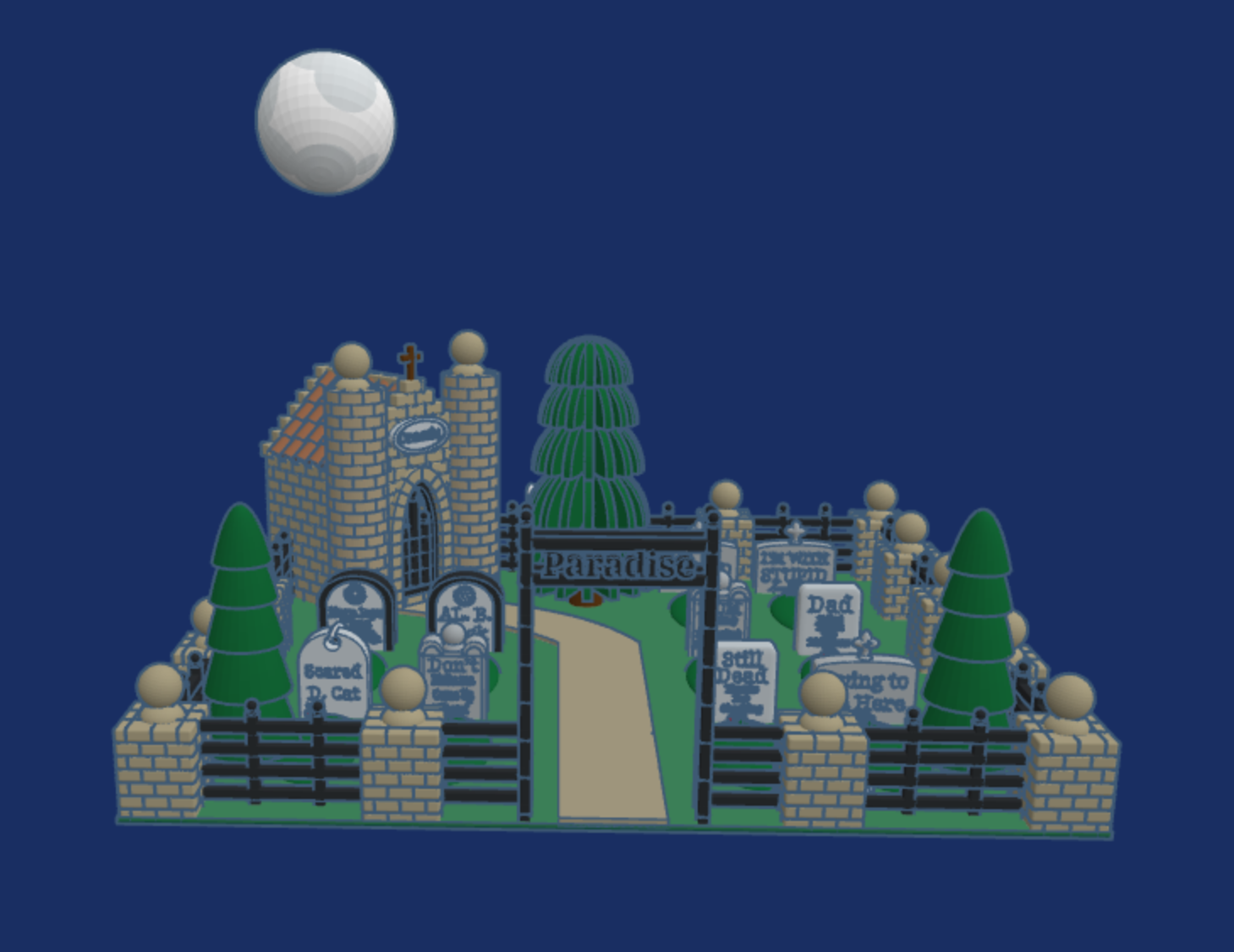
Day 17: Cemetary – Click the link to read the tombstones.

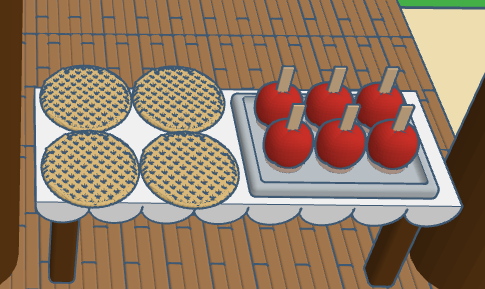
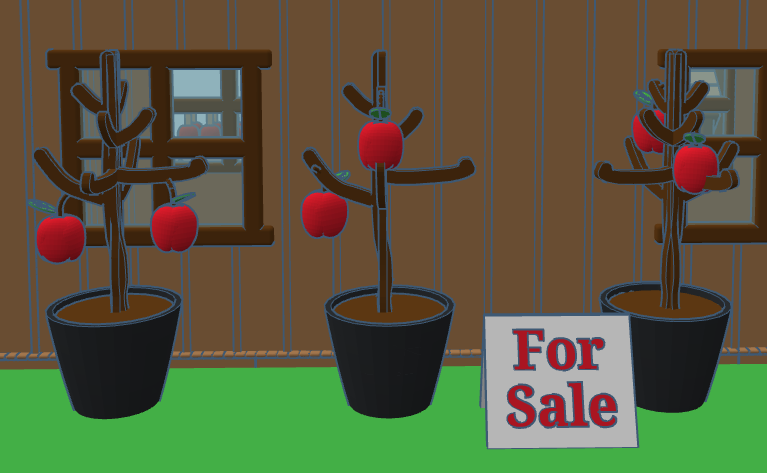
Day 15: Apples – The Apple Store sells all things apple.

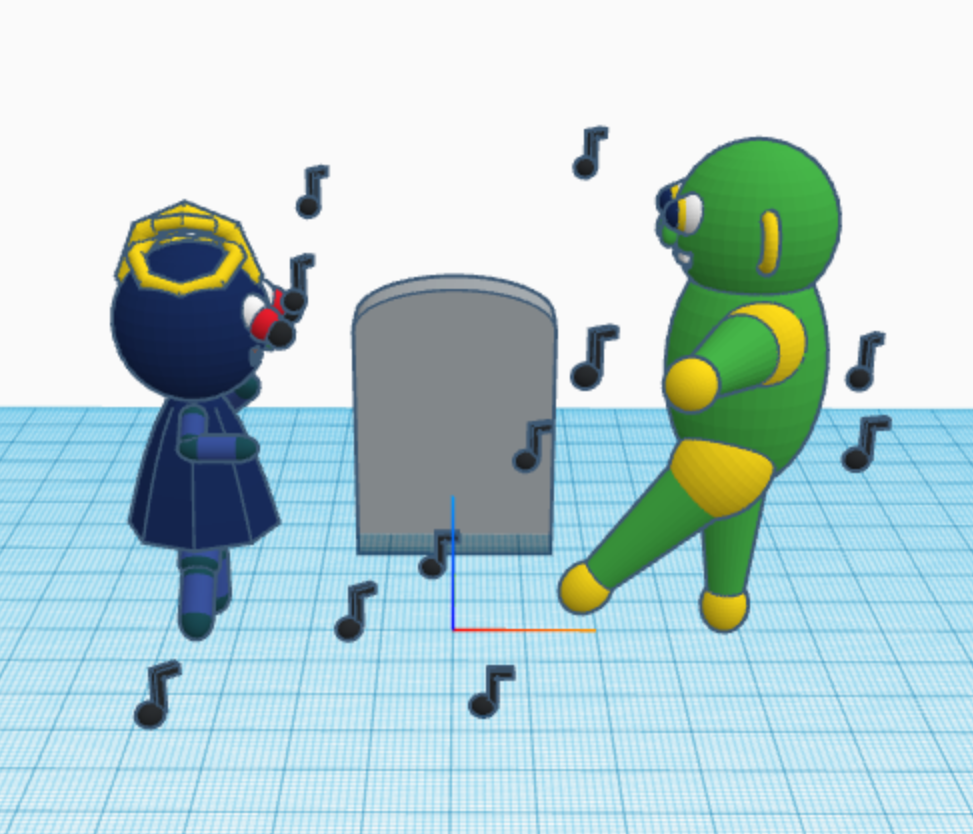
Day 14: Skeleton – The skeleton come up from out of the grave to witness the solar eclipse on October 14. He protected his eye sockets by wearing appropriate black out glasses.

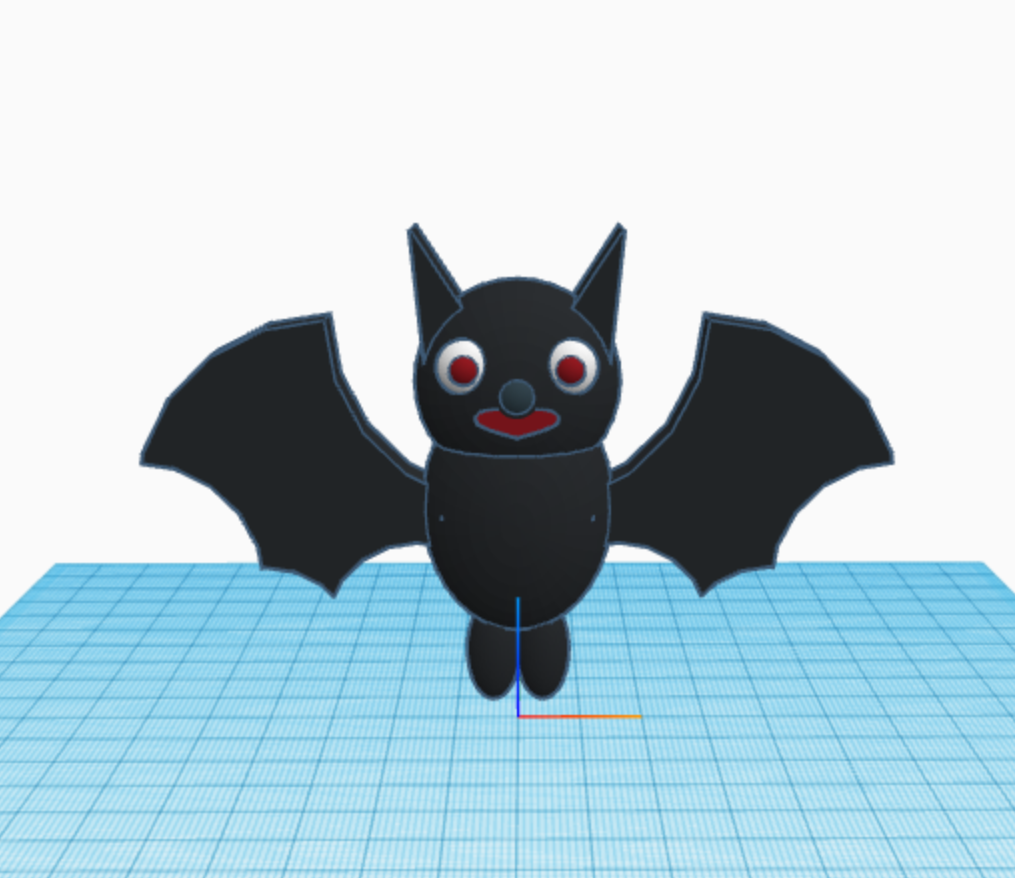
Day 13: Friday the 13th – When I think of Friday the 13th, I do not think of the scary movie, I think of my sister who was born on Friday the 13th.

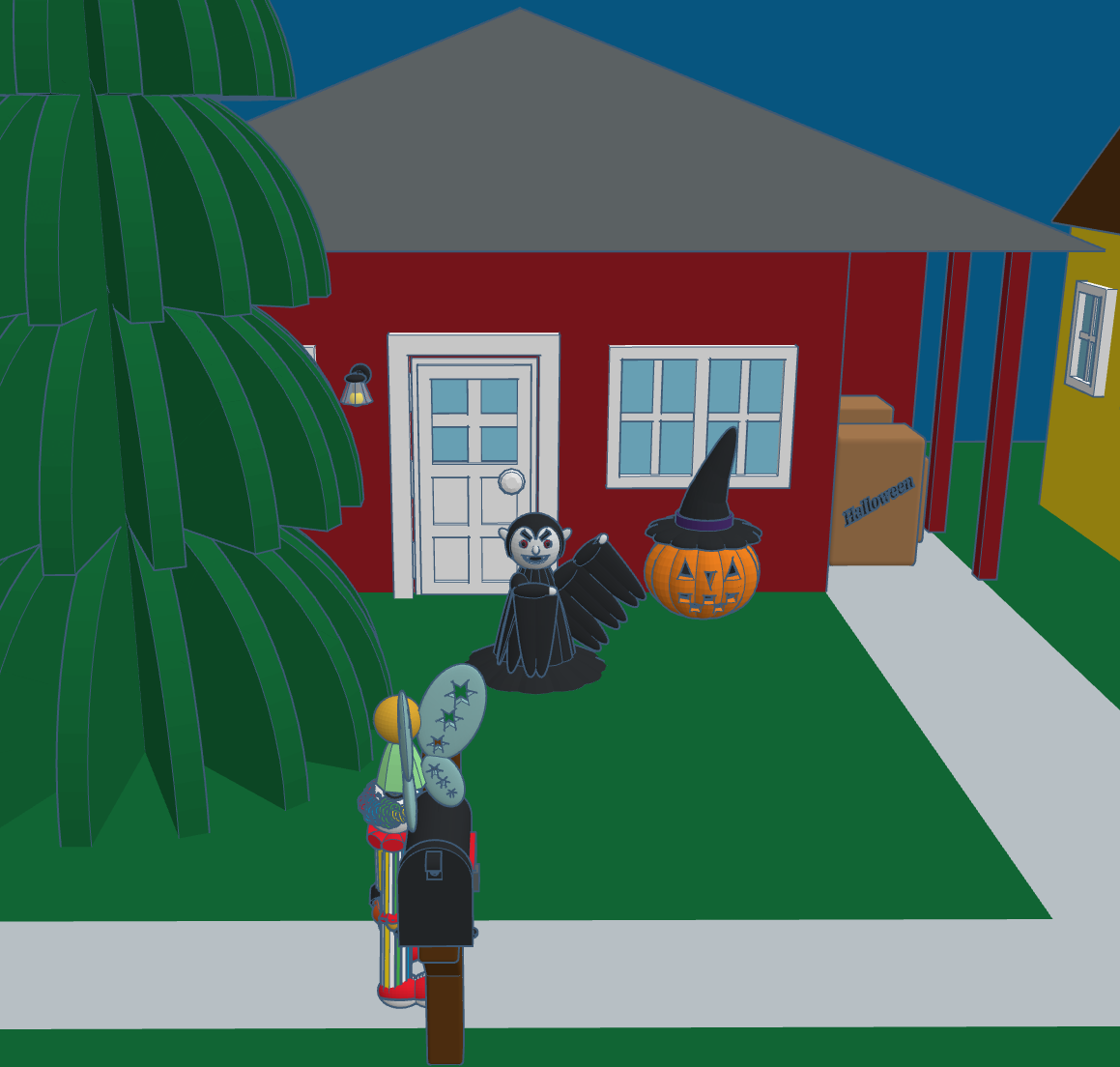
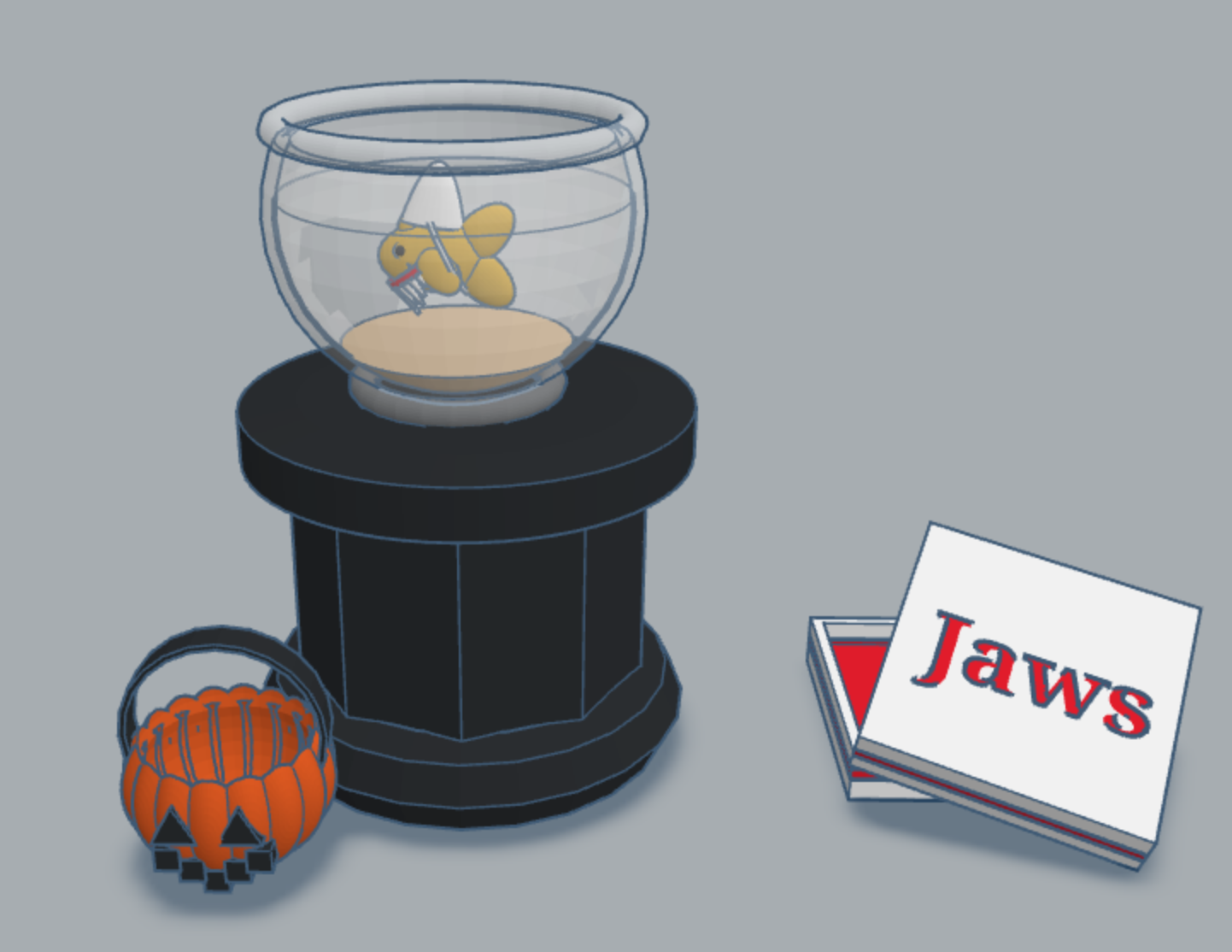
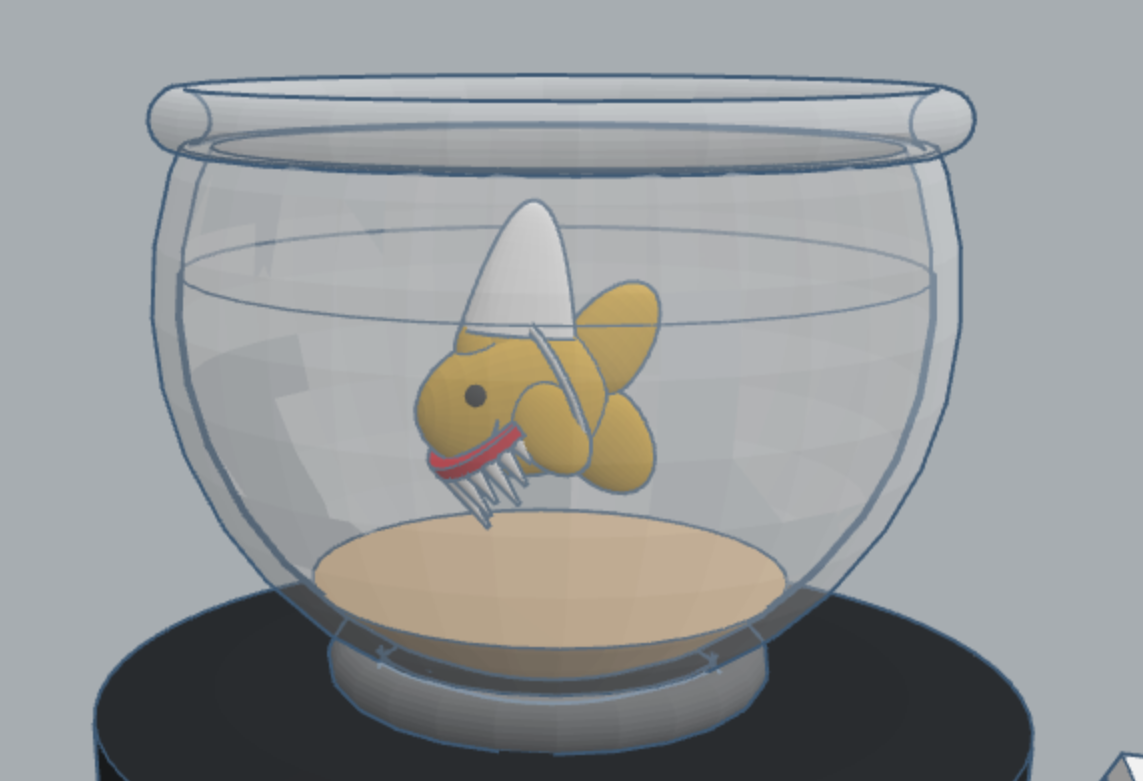
Day 11: Pet Costume – last year I created a fish in Tinkercad. This year I created a pet costume for the fish.

#Tinktober the First Ten Days

This year Tinkercad is hosting a #tinktober event to provide design prompts to their tinkers. Here are the designs I have created in the first ten days.

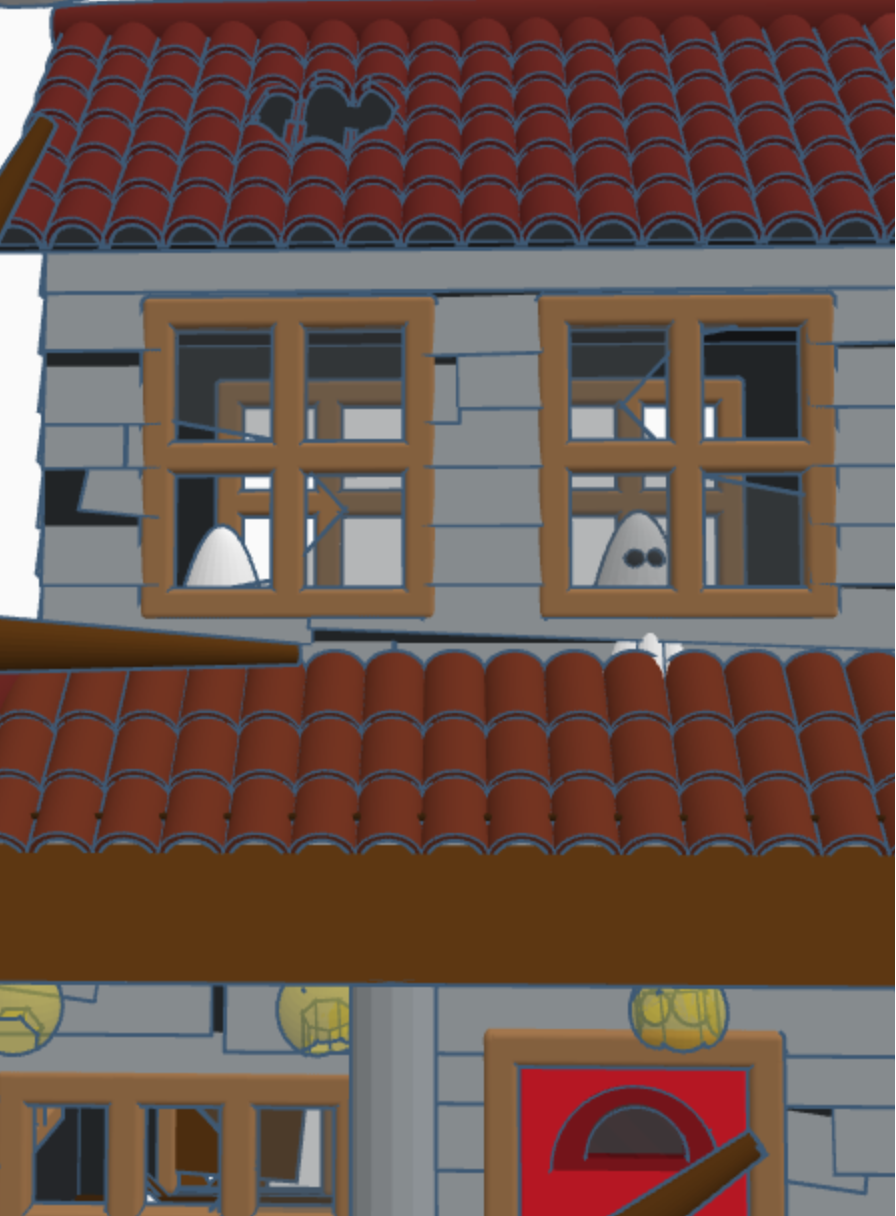
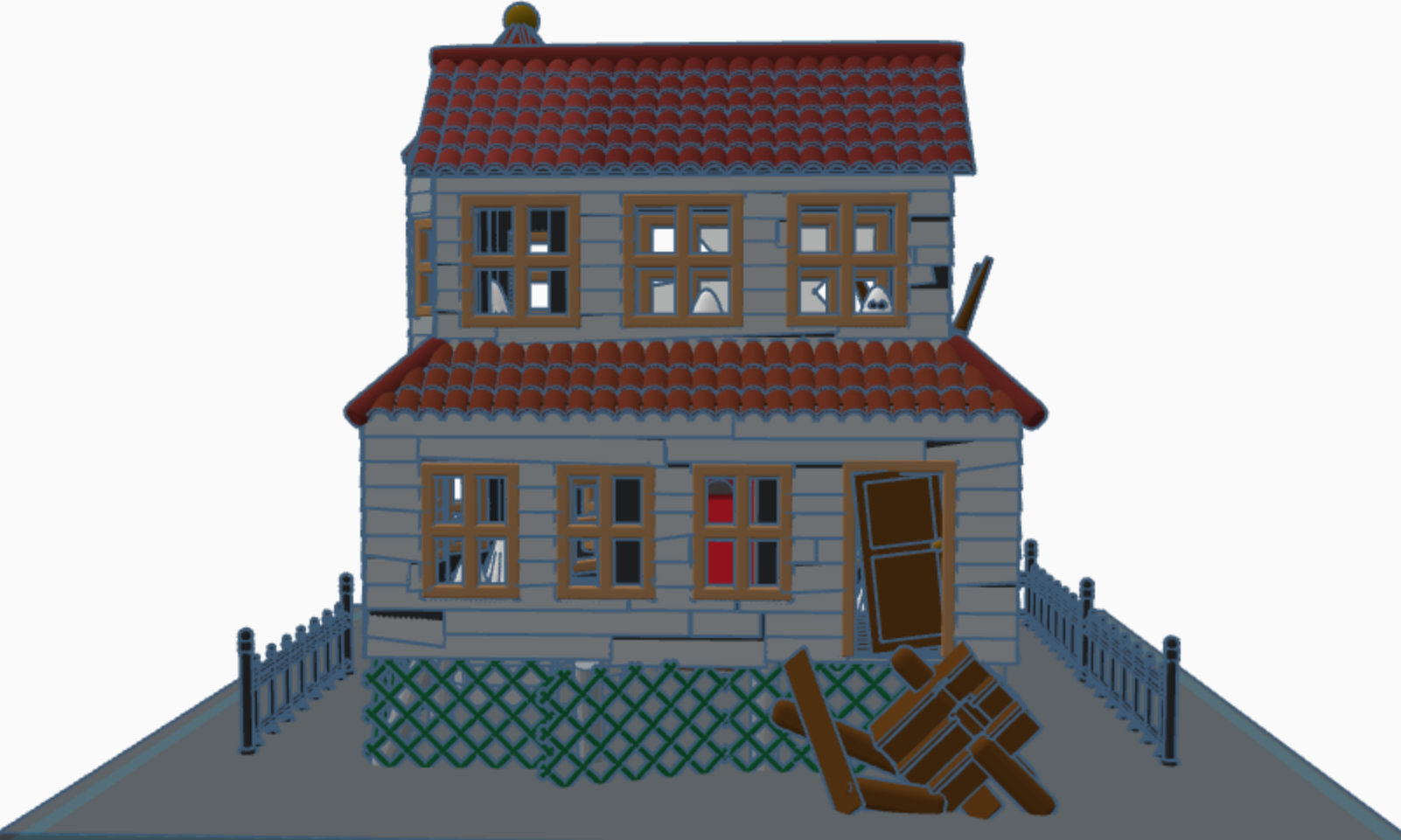
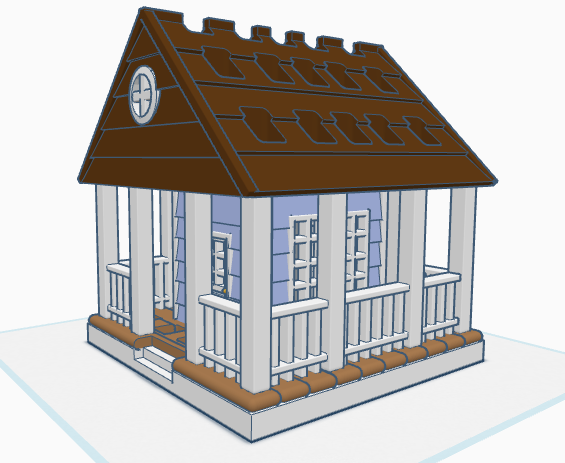
Haunted House – Day 10: Notice the ghosts in the windows. If someone really wanted to, they could fix up the house and rid it of the ghosts. Or, they could make it scarier.

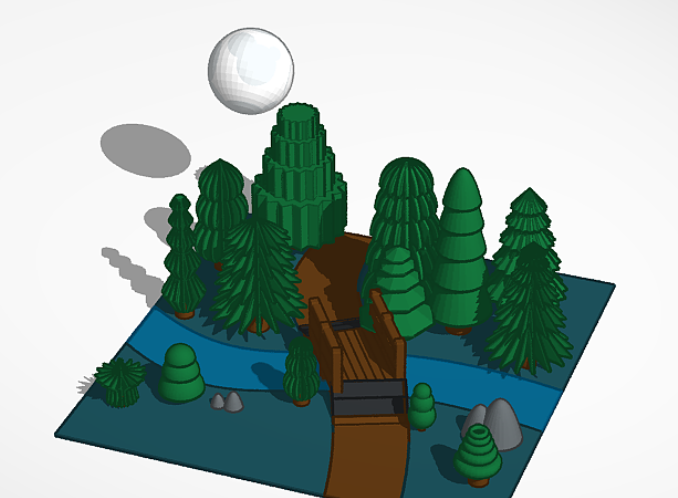
Full Moon – Day 6: Each of the trees are made with at different basic Tinkercad shapes.

Pumpkin Carving – Day 4: Check out Day 2 to see where I got the idea for the carving. I also placed a candle on the inside of the pumpkin.

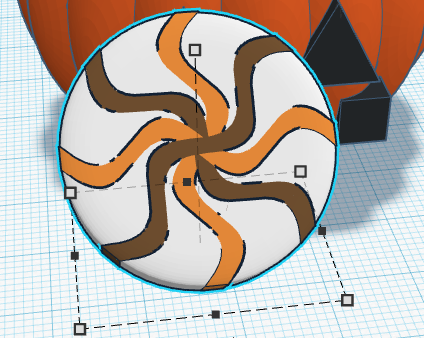
Candy – Day 3: Don’t forget to dump out the candy so you can see what types are inside.

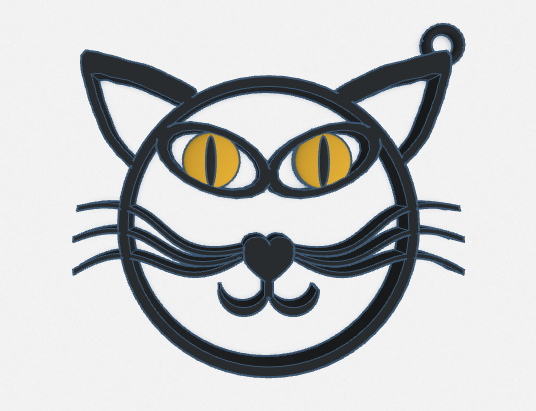
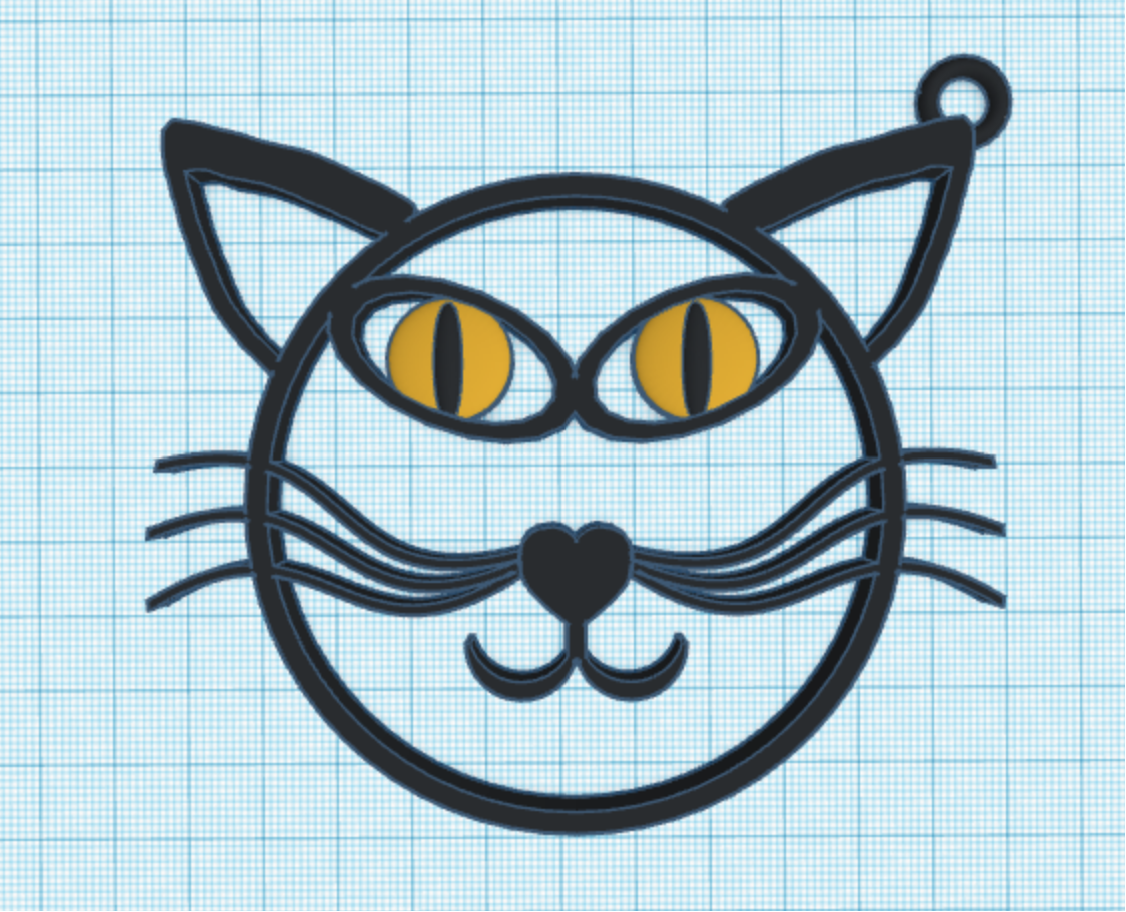
Black Cat – Day 2: Okay, it is just an outline of a black cat, but I added a loop so it can be used as a keychain or a charm. You can easily print this design. The others would be a little bit tricky.

Costume – Day 1: I decided to design a fairy costume. Since my fairy lives in a forest, the costume was made out of leaves.

I did not participate in all 10 days, because there were some prompts that I wasn’t interested in recreating, like bugs.

Let’s Go To the Beach

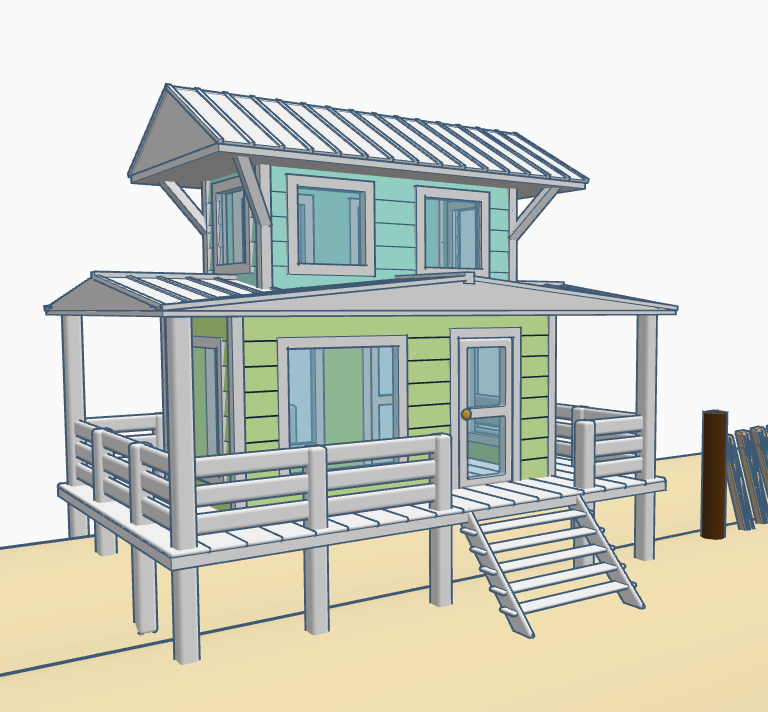
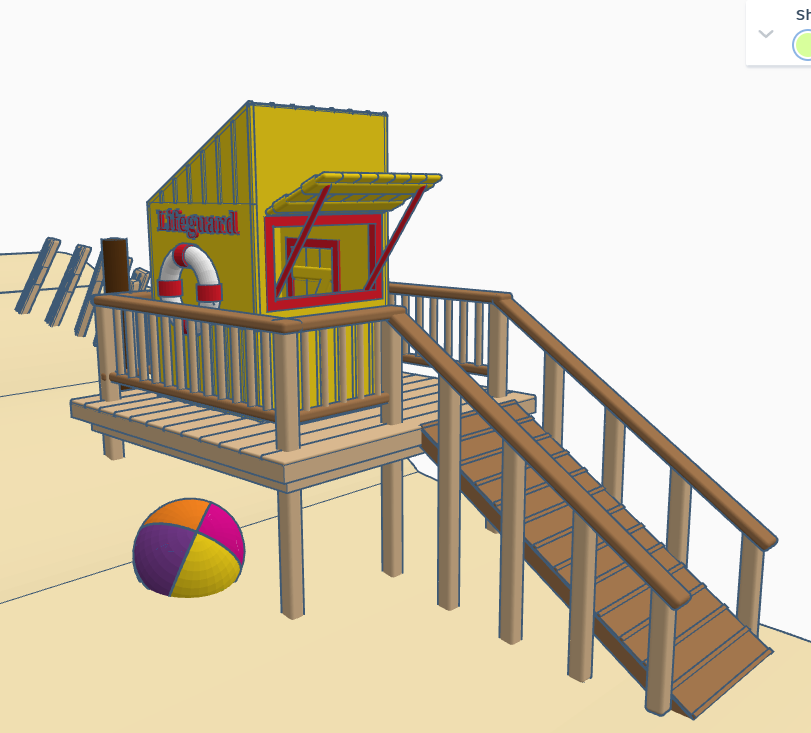
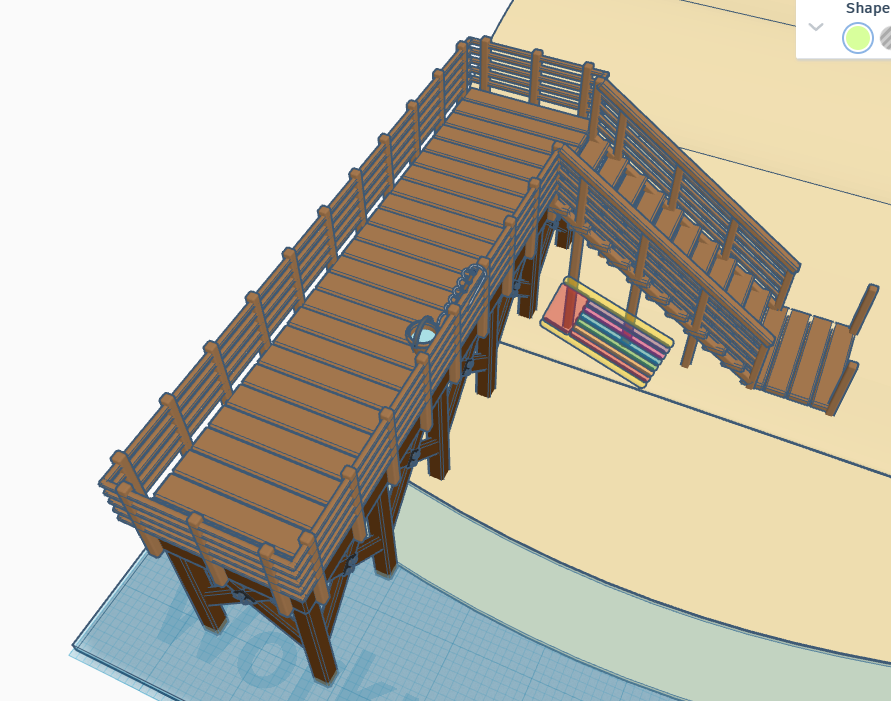
Summer is dwindling down. All the kids are headed back to school. Let’s enjoy summer a little longer and head to the beach without leaving our rooms. Below is a beach scene I made in Tinkercad. It has a house, lifeguard station, pier, changing rooms and a sandcastle, with a moat. There is so much more that this beach needs. Where are the boats, the people, the beach chairs? Looking inside the beach house, there is no furniture. Looking at the lifeguard station, the first aid kit is missing. There are no chairs on pier and nor fish in the water. How are the missing people supposed to catch fish?

Solution: I have made this design available so anyone that has a Tinkercad account can go an edit this design. For instructions on how to edit this design, check out my posting on InstructablesLet’s Go to the Beach.

For those experienced with Tinkercad, here are the links your will need.

Swirls by Sarah – Coloring Page

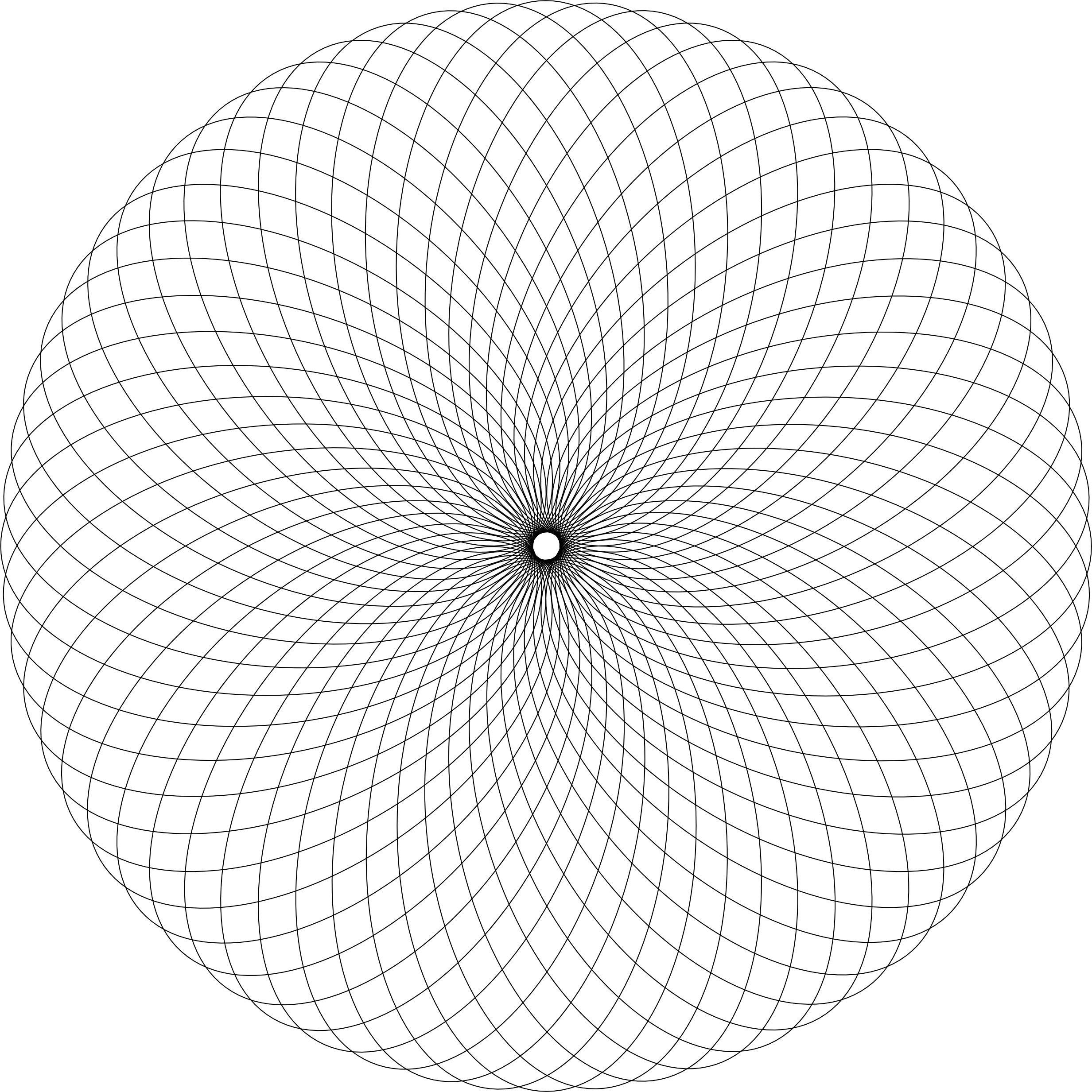
The Swirls by SarahColoring Page is available on my blog for download. It is a simple drawing, but there is so much that you can do with it. If you are familiar with the creating Zentangles, each section could be used for a different tangle.

Swirls by Sarah

It could also be used from the annual October Drawing Challenge, where you draw something every day. Below are some of the drawings I created with this template.

In Shades of Red
Natures Wonder

One Piece at a Time Coloring Page

There is so many ways the new coloring pageOne Piece at a Time” can be colored. I can easily see stars and flowers in the design. How would you color this page?

One Piece at a Time

Below is my first coloring attempt of this page:

One Piece at a Time

This is my third attempt. The second attempt, I did not like so I deleted it and started over. Warning, when you are doing art, you are your worst critic. I named it “Wheel of Color” because it shows the use of a lot of colors on the color wheel, starting with yellow and ending with yellow.

Wheel of Color

Amazing Paradox Coloring Page

A new coloring page is now available. I called it Amazing Paradox.

I know it looks like a star, but I named it Amazing Paradox because of drawing I created with CorelDraw. The entire drawing uses the Zentangle pattern Paradox. The black and white drawing turned out awesome.

Amazing Paradox – Black and White Version

But, once I added color, it became amazing. I thought the black background would emphasize the colors.

Amazing Paradox

My second drawing using the template was a little different. I used two Zentangle patterns. Before I colored it, I thought the drawing had a Native American feel to it. I researched some color palettes and selected colors from the Cherokee Color palette.

Star of Paradox

These are just examples of what I did. I sure your coloring page will turn out just amazing.

Paintbrush Holder

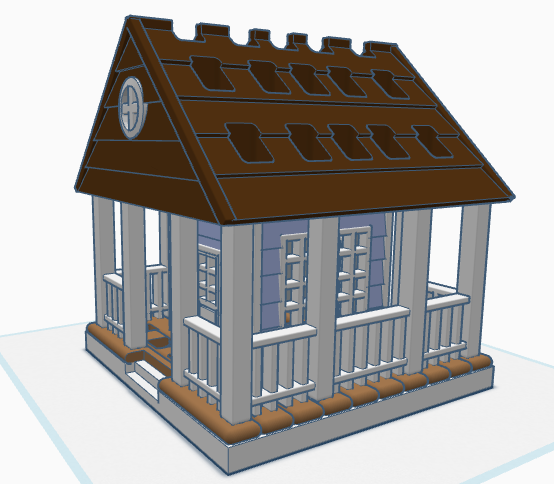
If you have seen some of my previous posts, you know that I paint little plaster houses. While I was painting a new set of houses, I decided it would be nice if I had a paintbrush holder. Yes, I could have purchased one on Amazon, but what is the fun in that. I decided to design a paintbrush holder that looked like a house. The size was not important as long as I could print the design on my 3D printer. The base is 120 mm or 4.724 inches x 120 mm x 8 mm. It provided the design with enough weight and support to prevent it from tipping over. This is the final version of the design in Tinkercad. It was tweaked several times for printing. Paintbrush Holder – Tinkercad

If I printed the design as shown in the picture, it would require a lot of support. My first attempt to print, I split the design into two pieces; roof and building. The roof I selected the Support Type of Tree. There is a lot that can go wrong with printing something for hours and hours, however the roof printed beautifully, and the supports detached easily.

The next print was the bottom piece. Again, a lot can go wrong when something prints for hours and hours and hours. First, after 12 hours the printer would not allow me to pause the print. Second, when the print finished the build plate did on return to its lower position, so extra filament built up on its final print location. Third, the support around the railing was impossible to remove without damaging the railing, which was 2mm in diameter. I went back to Tinkercad and tweaked the design.

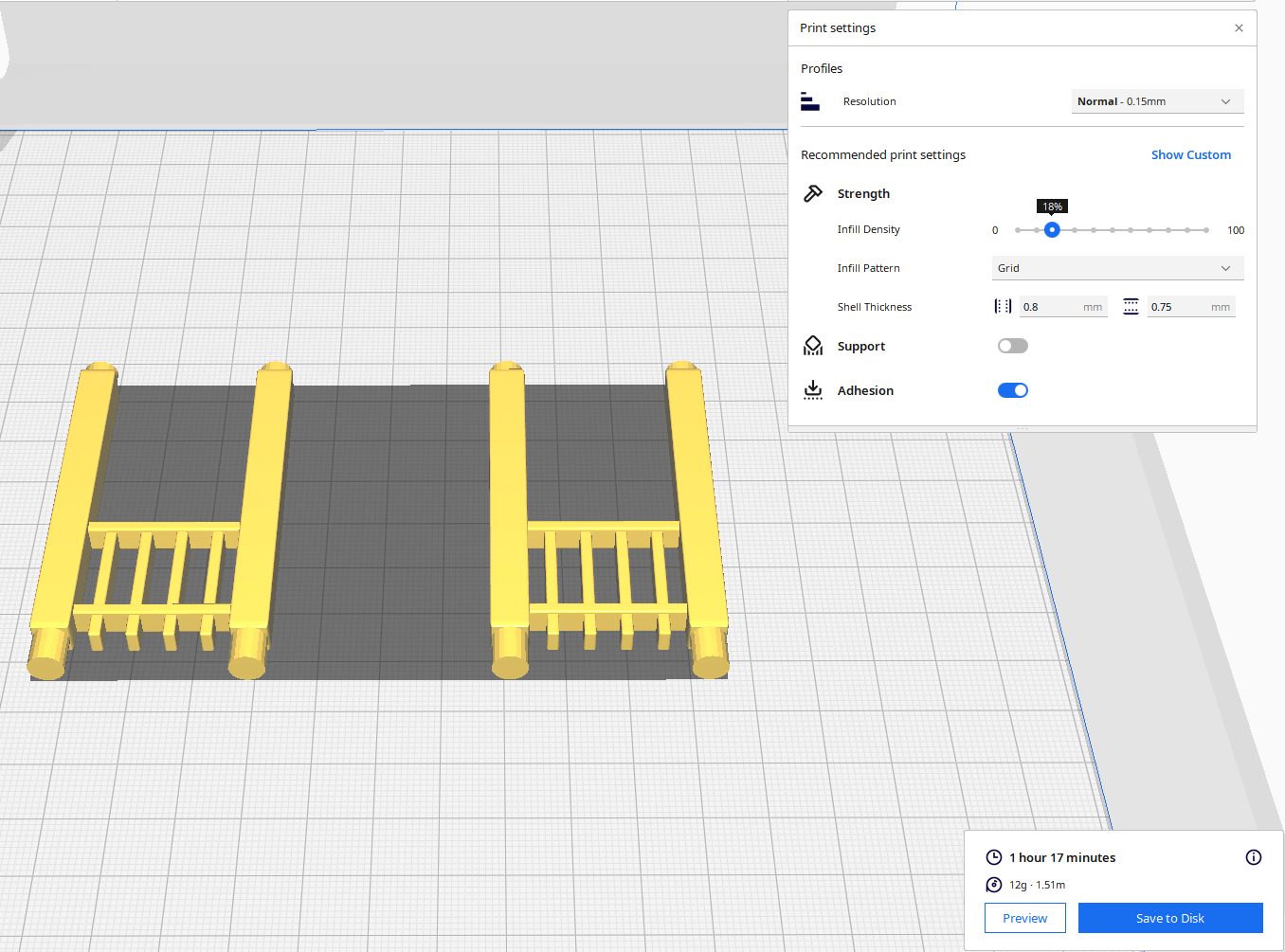
For the second attempt, I made the railing detachable. With detachable railing, I could lay it flat on the print bed and not use any supports. After it was printed, I could assemble the design.

Front and Back Railing – I printed two copies. Note, I went from round to square railing.

Front Railing Printed Two

Side Railing – I printed two copies.

Structure – I printed one copy with Normal Supports.

The STL files for this design are available on Thingiverse: House Shaped Paintbrush Holder

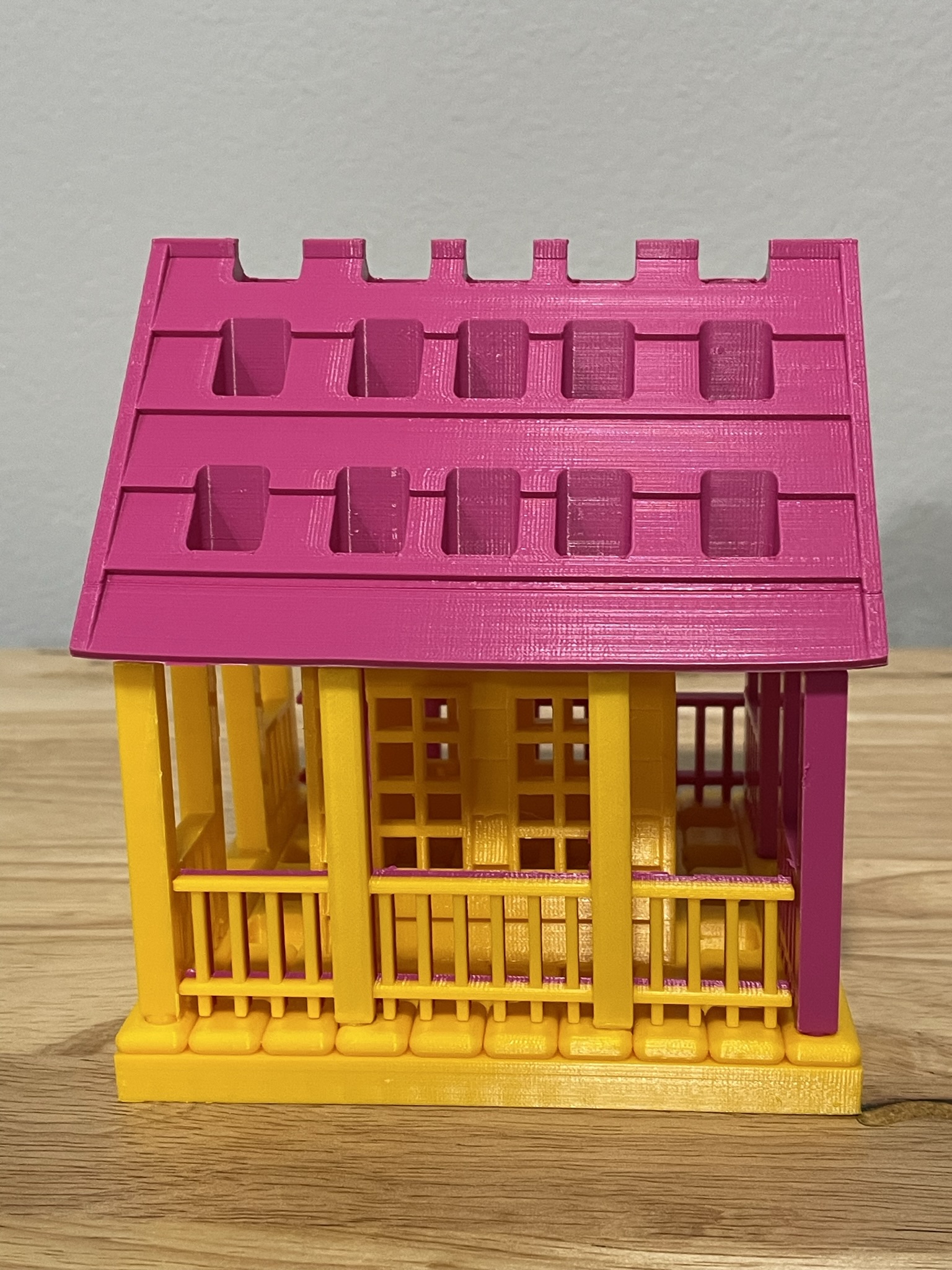
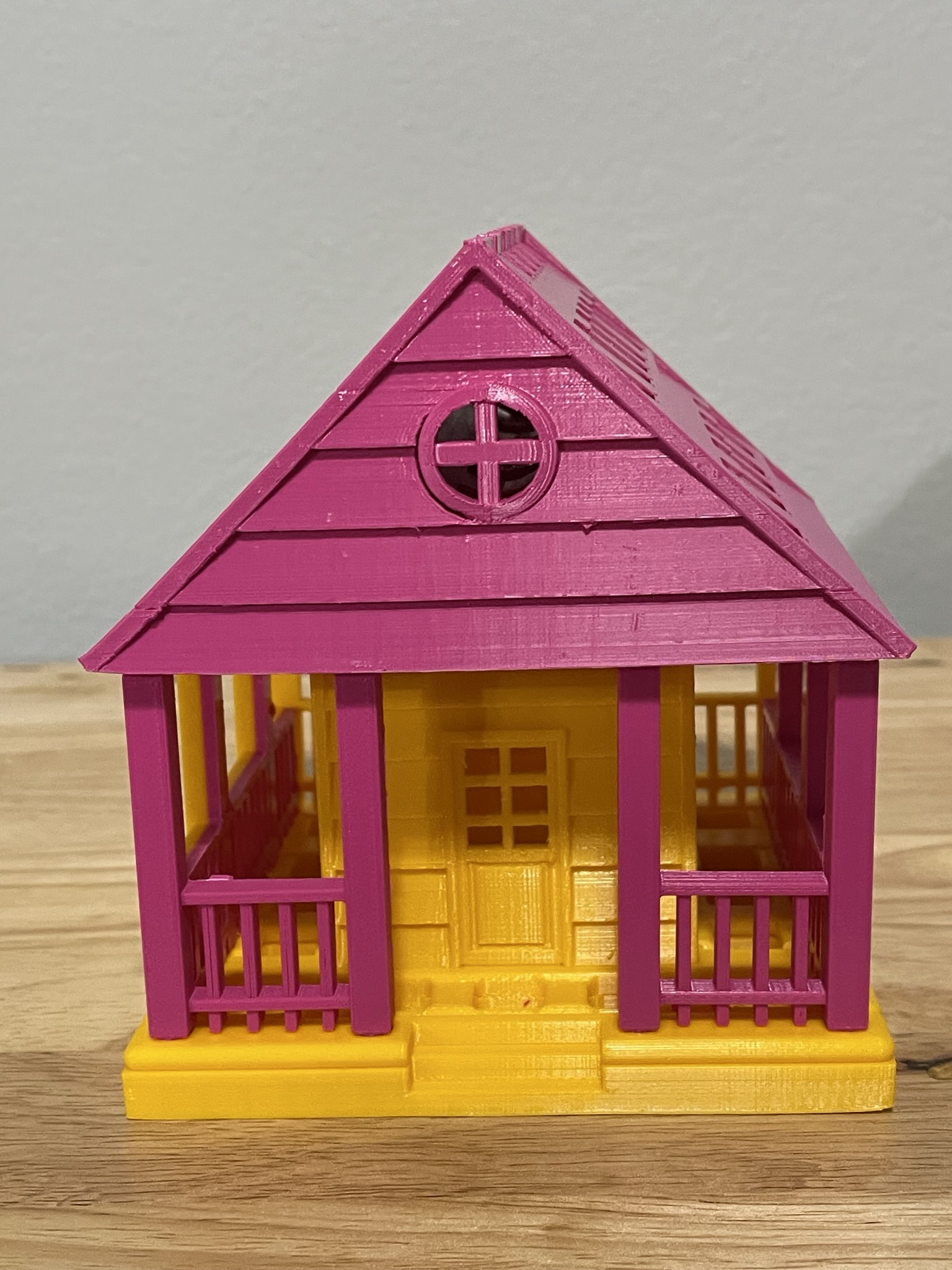
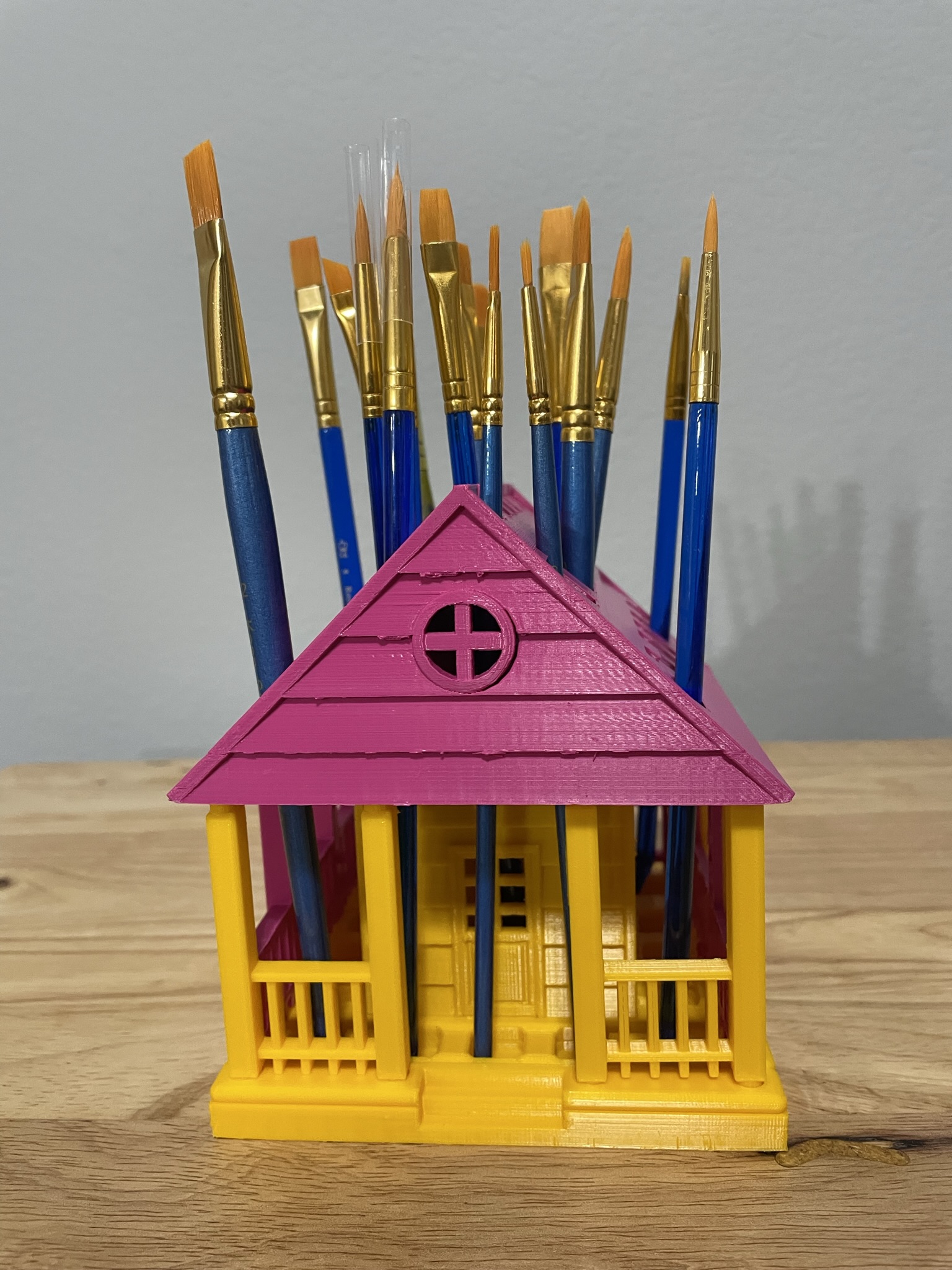
Below is the printed version of my new paintbrush holder. It was printed in two different colors because I ran out of the pink filament. The design was easy to assemble, and gluing was not required.

The Dress

After spending a lot of time making drapes, I wanted to see if I could sew something that wasn’t rectangle. So, I attempted to sew a dress, using an idea that was in my head. This isn’t the first dress I’ve attempted; it is the second one. I was in high school, and I got so frustrated with the first dress, my sister ended up finishing it for me.

To make a dress: First, I found pretty denim fabric. It was on sale for 70% off, a definite plus. I purchased 1.5 yards of denim fabric. Had no clue how much I needed. A pattern for another dress I looked at said it needed 1.5 yards.

Professional seamstress recommends washing the material first. I did not, I thought even if I stitch the edges of the fabric, it would unravel in the wash. I did iron the material. I have learned that ironing is a key component to sewing.

For the top of the dress width, I took my measurements, hips, waist, and chest to determine which was the largest. I wanted to be able to pull the dress over my largest body part, I added a couple of inches to the largest of these measurements for the seams. I divided this measurement by 2 to get the cut width for the top of the dress.

Determining the length of the dress was next. I took a measurement from my arm pit to the floor. Subtracted a couple of inches so it would be above my ankles. Keeping in mind, the dress would have at least a 3/4″ hem at top and bottom.

It occurred to me at this point if I wanted to move in the dress, the dress would need to have some flare to it. Or else, I would not be able to sit, bend over, kneel down, or walk normally. To add the flare, the bottom needed to be wider than the top. I added 8″ inches to the top width measurement for the bottom of the dress measurement. I then divided that measure by 2 to get the cut width for the bottom of the dress.

Here is the pattern I had in my head for the dress.

The length of the dress with seams was shorter than the length of the material. My first cut to the fabric was for the length of the dress. I wanted to make a belt for the dress, and I could use the extra fabric for the belt.

I folded the material in half and tried to match the pattern. Okay, I am not that good of a seamstress. That endeavor was quick abandoned.

I marked the top and bottom of dress measurements onto the center of the fabric and drew a chalk line from the top of the fabric to the bottom of the fabric on both sides. I pinned both sides, checked that the top and bottom measurements were correct, and cut the material.

I sewed the hem on the bottoms of both pieces of fabric.

I needed some shoulder straps to hold the dress up. I am not flexible enough to determine the exact length of the shoulder straps I would need, so I decided to make straps I could ties. I cut eight pieces from the fabric scraps about 18″ long and 3″ wide. After sewing the fabric together, I had four 2″ straps.
How do I determine where to place the straps on the dress? I could Google is, but every woman is a different size. Then I realized; I had the measurement on me, I would measure the distance between my bra straps. I took this measurement, center the measurement on the top of the dress and marked the location for the straps on both pieces of fabric. I pinned the straps into the top seam of the dress, then I sewed the seams at the top on both pieces of fabric, which sewed the straps into the seam.

I then sewed the sides of the dress together. I officially, had a dress.

However, my last task was to sew the belt. The belt finished width was 2.5″ wide and 54″ long. Yes, I used the entire width of the fabric, plus some to make the belt. I wanted to be able to wrap the belt around the waist multiple times.

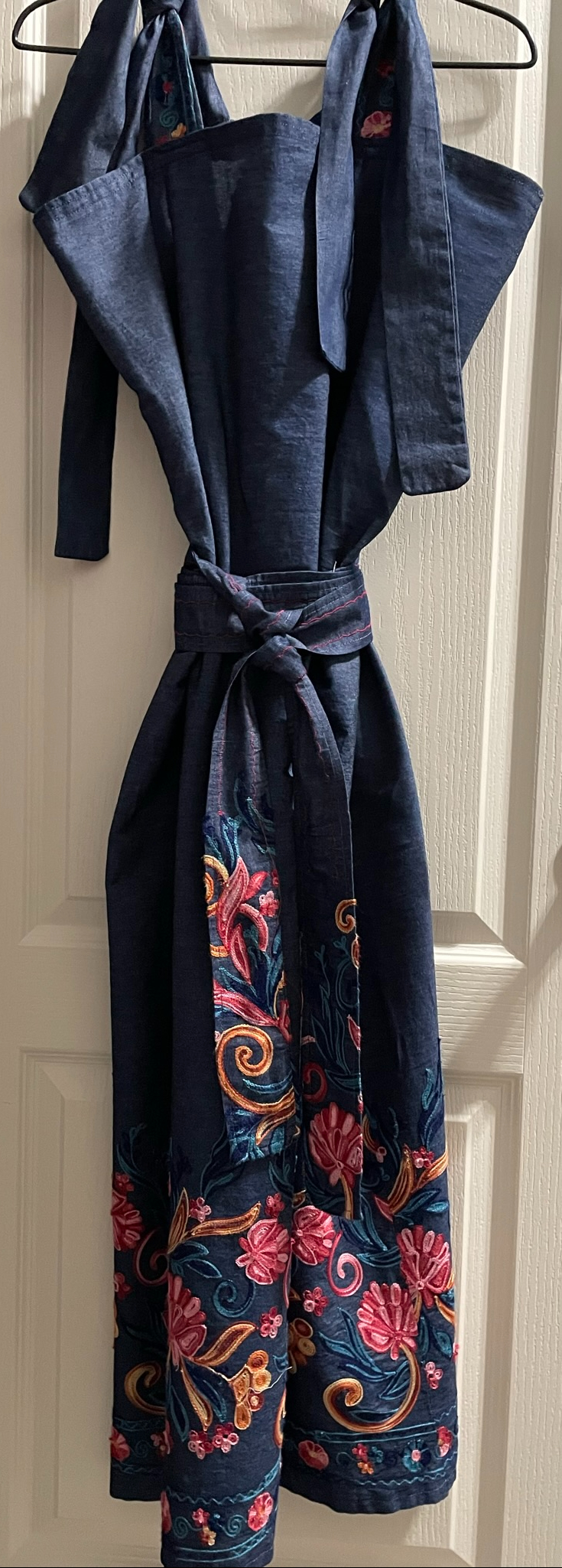
The Dress:

The Move Adventure

We moved! Well at least part of the site has moved, and it been an adventure that has lasted several weeks. I decided to move some of my artwork, or what I consider works of art to a new site named sarahcath.art. I know the domain name isn’t very exciting but describes what is being hosted on that site.

On the new site, sarahcath.art, you can find my drawings, paintings, and wood projects. Along with all my travels and everything related to technology, this site will continue to host the coloring pages, plastercraft houses, and my clay projects. If you would like to continue to see my artwork, you are welcome to follow my art site.

More adventure coming soon, but here is a little look at the past adventures.

Tinkercad Contest and more…

To support all the tinkers that hosted contests during this holiday season and Tinkercad’s TinkerTogether, I created the following designs:

TinkerTogether Design Challenge #25: Winter

Snowcones for Sell

Snow Cones for Sell: In this design we have two snowman selling snow cones to a few reindeer. If you look closely at the ground, it appears that Santa Sled has been through. The hats, the reindeer and the candy cane are available in Tinkercad’s Shape Menu.

Take a close look at the trees, what do you see?

Create an Ugly Christmas Sweater: I used the template provided.

Contest: Design an Ornament – I could have created a typical ball ornament, but I wanted something that looked fragile. Do you see the snowflake inside?

Contest: Create a Gingerbread House – I created a Gingerbread Fairy House. The roof of the house is a candy strawberry, and the path is lined with candy canes and gum drops.

Contest: Create a Log Cabin using the TinkerLogs created by HLModTech – I created a TinkerLog Church. The building and most of the items, including the trees, were created using the TinkerLogs that HLModTech created. I kept the width and height of the TinkerLogs, and only change the length.

TinkerTogether Design Challenge #26 – Party: For this challenge, I created a Bouncy Castle and Balloon Animals. Can there be a party without these items?

Contest: Create a Christmas Plushie – my contest entry was me. For years, I had a certain way of creating a stick figure of me. I decided for this contest I would create a Plushie of Me. Notice the Santa Hat, it came out looking pretty awesome.

You can see all these items in 3D view from my profile or clicking the links above: SarahCath