Amazing Paradox Coloring Page

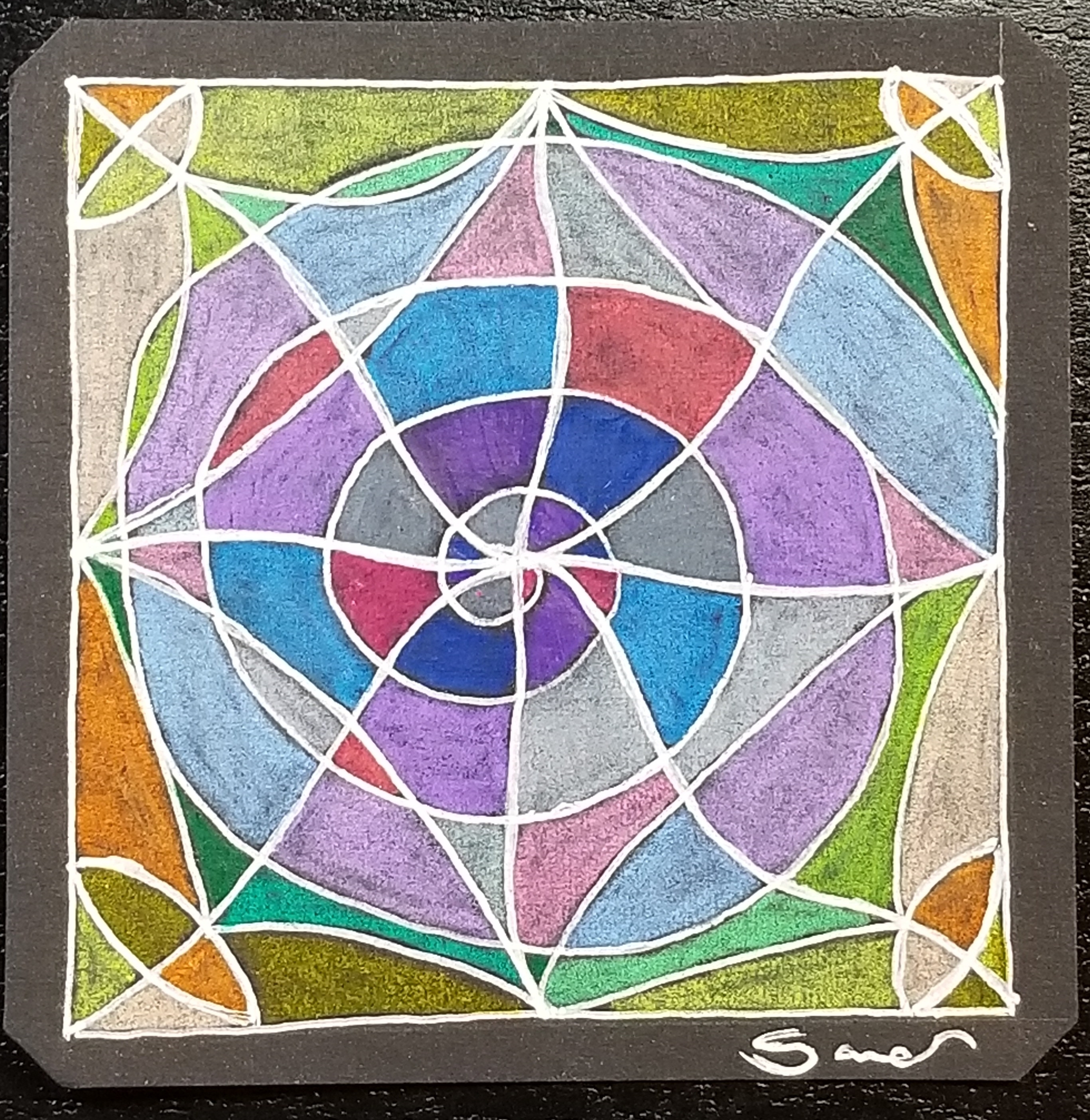
A new coloring page is now available. I called it Amazing Paradox.

I know it looks like a star, but I named it Amazing Paradox because of drawing I created with CorelDraw. The entire drawing uses the Zentangle pattern Paradox. The black and white drawing turned out awesome.

Amazing Paradox – Black and White Version

But, once I added color, it became amazing. I thought the black background would emphasize the colors.

Amazing Paradox

My second drawing using the template was a little different. I used two Zentangle patterns. Before I colored it, I thought the drawing had a Native American feel to it. I researched some color palettes and selected colors from the Cherokee Color palette.

Star of Paradox

These are just examples of what I did. I sure your coloring page will turn out just amazing.

Art of Concentration: Day 12

Another spiral!  Why?  Because figuring things out, what works and doesn’t work is fun.  I have fun drawing spirals and making something of them.

Below is today’s line drawing:

AofC another spiral

I learned that using two colors with at line drawing was impossible.  Three colors would be difficult, not impossible, but fun. The first approach to coloring the line drawing was to color the individual square (or four point stars) with a different set of colors, but still following the rules.

The Art of Concentration rules are:

  1. Draw lines on a page.  Straight line, squiggly lines, circles, squares, triangles, stars, it does not matter.
  2. Color every other section.  Start anywhere.  Use any color.  Typical you will only have a black pen, or a pencil, those are fine.
  3. If you desire, use multiple colors.  Sections of the same color can not touch.

AocC another spiral color 2

You probably did not notice, but I tried to use a pattern for the colors.  Here is the pattern I choose for the second color drawing.  It is easier to show you than explain.

AofC color example one

The vertical and horizontal pattern was: pink, blue, and white.  Picking a pattern, made it easier to color without having the same color sections touching.

The results:

AocC another spiral color 1

With the hand drawing, I used the four colors: pink, blue, purple and gray, and changed to a darker color as it got closer to the center.

20180412_141010.jpg

Around the Spiral

You can download a PDF version of the line drawing from the Coloring Page, or click here.

The Art of Concentration: Day 1

For many years, I did not doodle in meeting.  I did not doodle in classes.  I did not doodle in my spare time.  What I did, was grab a piece of paper (any size) draw some black lines on a page, and color every other section on the page until the page was full.  During computer classes, I would open up Microsoft Paint and do the same thing.

Some people may call it OP Art, Optical Art.  I never got that detail.  I never tried to create an optical illusion.  It just was lines on a page.  It was like a game.  If helped me from falling asleep in meetings and classes.  I could do this task and still pay attention to what was going on around me.  In computer classes, the people sitting behind me would watch my monitor as I was creating a piece.  Microsoft Paint was always installed on the computers, even if games or the internet was not.

The rules were:

  1. Draw black lines on a page.  Circles, squares, squiggly lines, it did not matter.
  2. Color every other section
  3. If you were brave, use multiple colors.  Sections of the same color not could touch.

I am going to try over the next few days to repeat this experiment.  I am going to call it the Art of Concentration.  Even though, this art work sound simple enough, it requires concentration.  You have to figure out what section to color.  If you lose concentration, you may color the wrong section.

Today’s piece, I thought is was something simple.  Wrong!
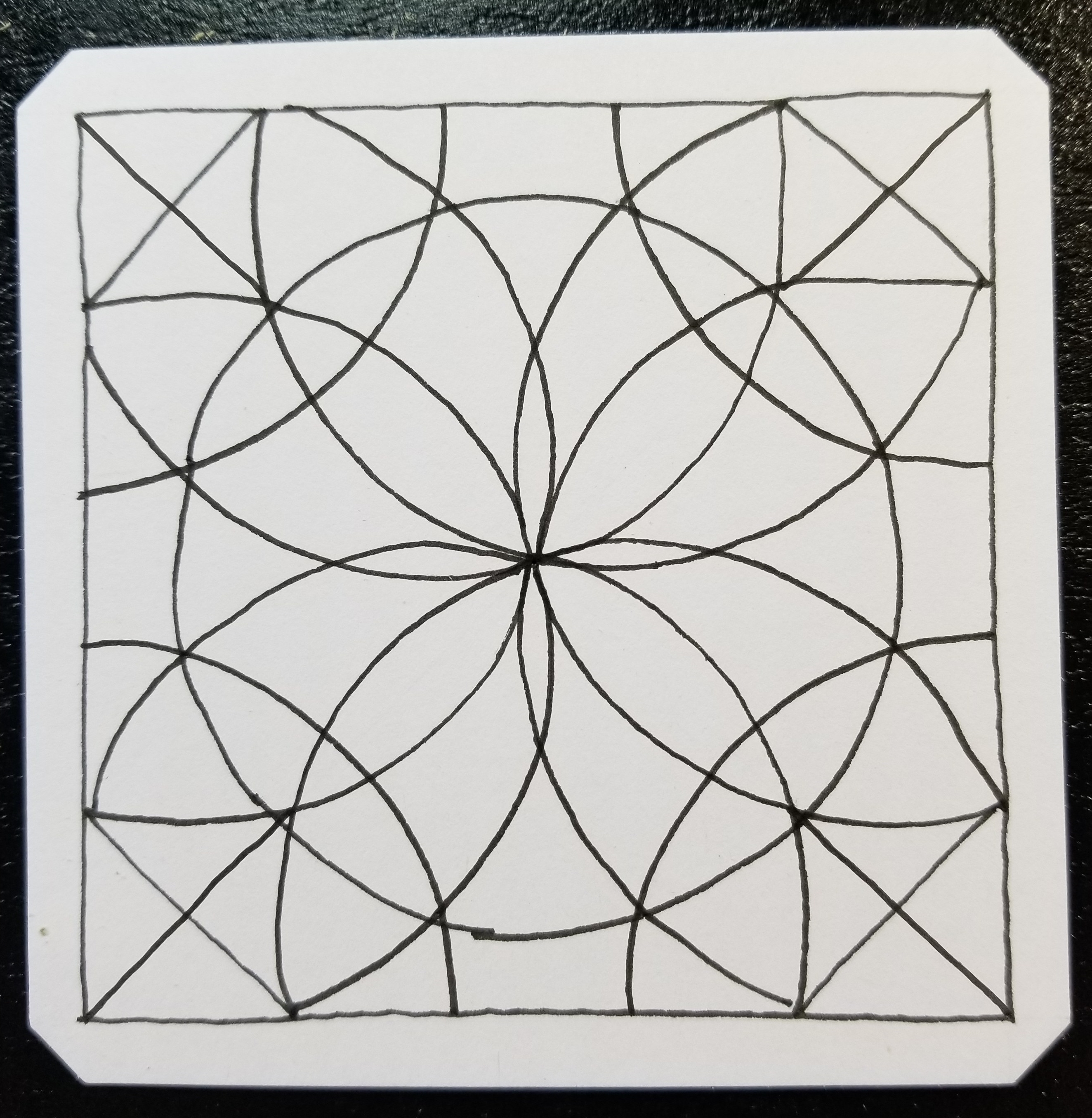
20180401_080146.jpg

Now to color every other section:  Where did I go wrong?
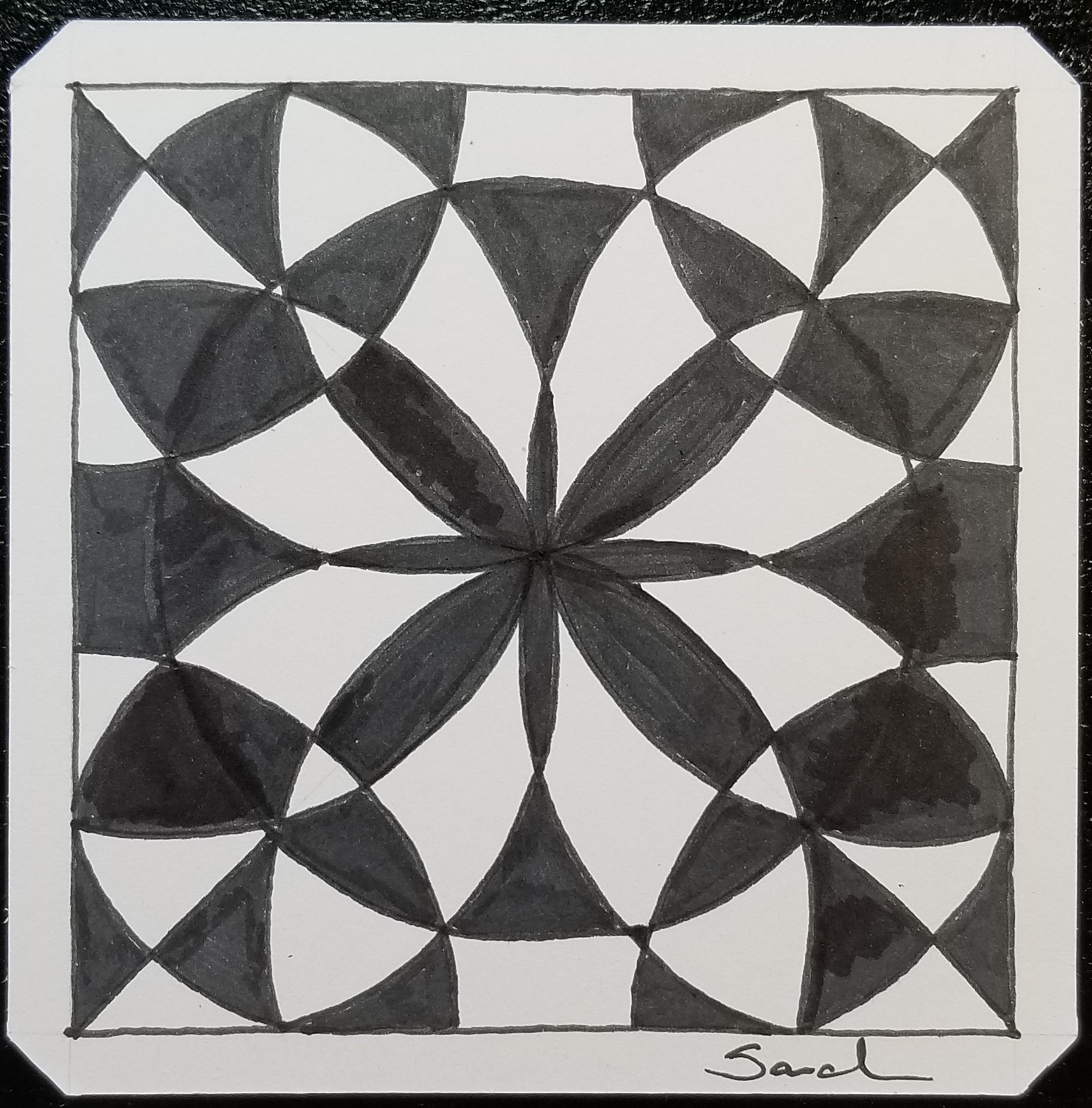
20180401_083927.jpg

Flower Madness

To figure it out, I created the line drawing in Corel Draw and created a bitmap.
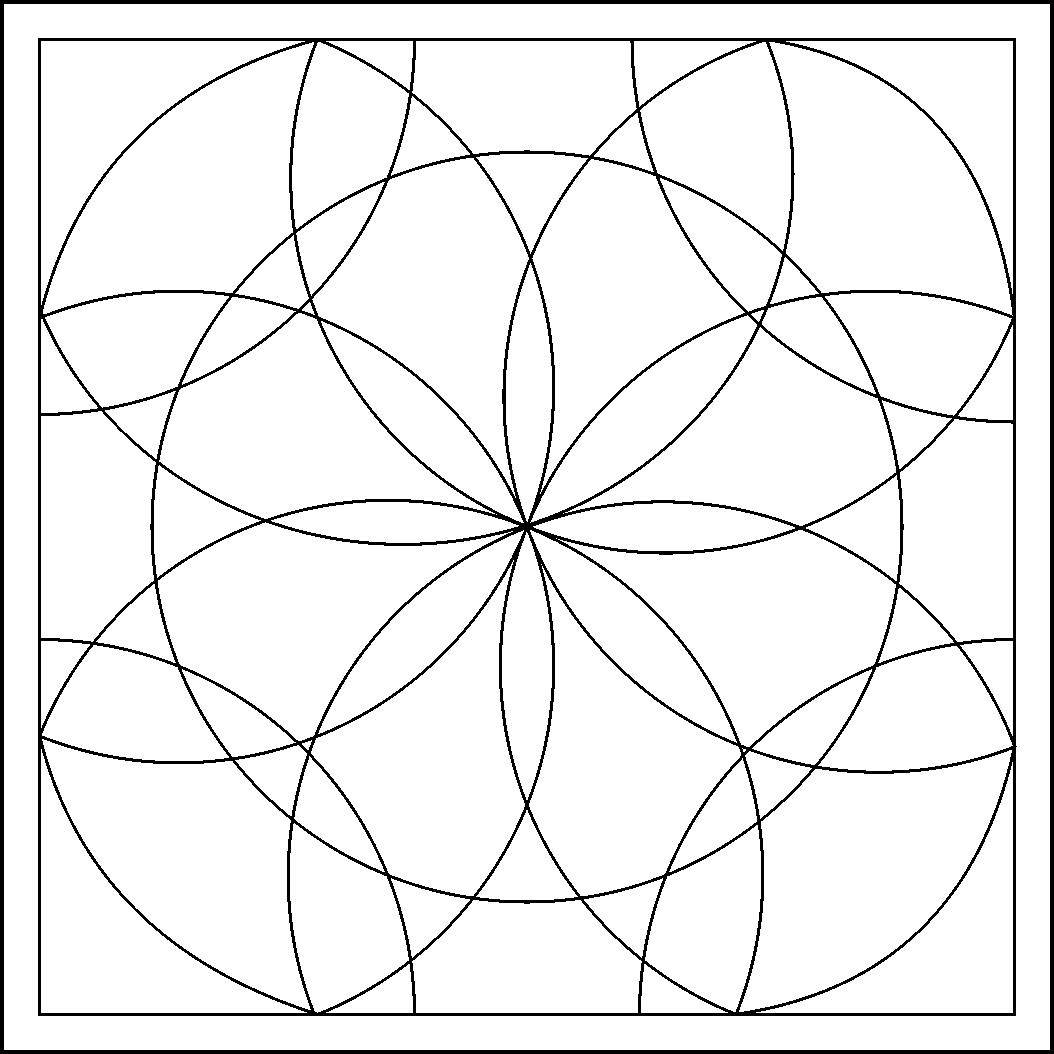
AofC Flower BMP

I opened the line drawing in Microsoft Paint and colored the page.  Paint vs. paper – if you mess up in Paint, you can correct it.

AofC Flower

If you would like to try coloring the page, I have created a PDF.  Click Here.  You do not have to color the same section that I colored, just pick a section to start.

You can also find it on my newly created Coloring Page.