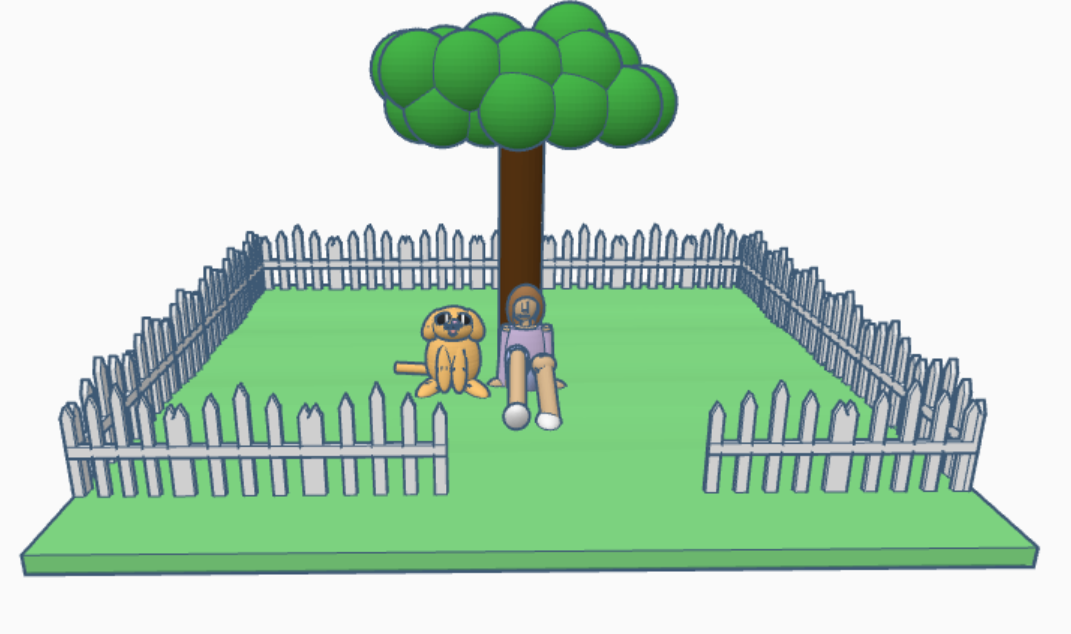
There are so many designers in Tinkercad that never get recognized, so I decided that I would start recognizing them on my blog. Ella Zhong’s designs are awesome. The designs shows that she is not only creative in creating the designs, but writing the story behind the design. Ella Zhong profile states:
Hi there, and welcome to my profile! I’m a fifth grader, and I like reading books, messing with designs and also science. All my designs are made by me, no copies! (Unless I’m in a contest.)
If you look closely, every design has my hibiscus-based flower badge hidden in it! If you find it, tell me in the comments the approximate location, so others can find it too. For example: “The flower is hidden in a tapestry in your house.”
You can see all of Ella Zhong’s designs on Tinkercad.
A peaceful community garden designed to remind us of the beauty of nature, featuring detailed birdhouses, benches, bird feeders, and a water wheel you can spin! (Somehow this makes me nostalgic for the warmer months.)A fun, original water bottle, in the shape of a rainbow unicorn’s horn, when printed the right size, it can hold 1 liter of water. The lid works by strong magnets, but don’t worry, they are contained properly. Its shape allows it to fit easily in a small container, with a loop for easy carryingAnother attempt with curved bodies with wave dupe, and something I made just to satisfy my need to make something new. Perfect for storing reactive or strong solutions, this bottle is covered and carved with lock jewels that prevent any chance of theft. The small staring dragon is poised to attack at the first thief it spots, and the stardust gold stopper further increases the strength. There are less than 500 remaining, since these bottles are ancient.
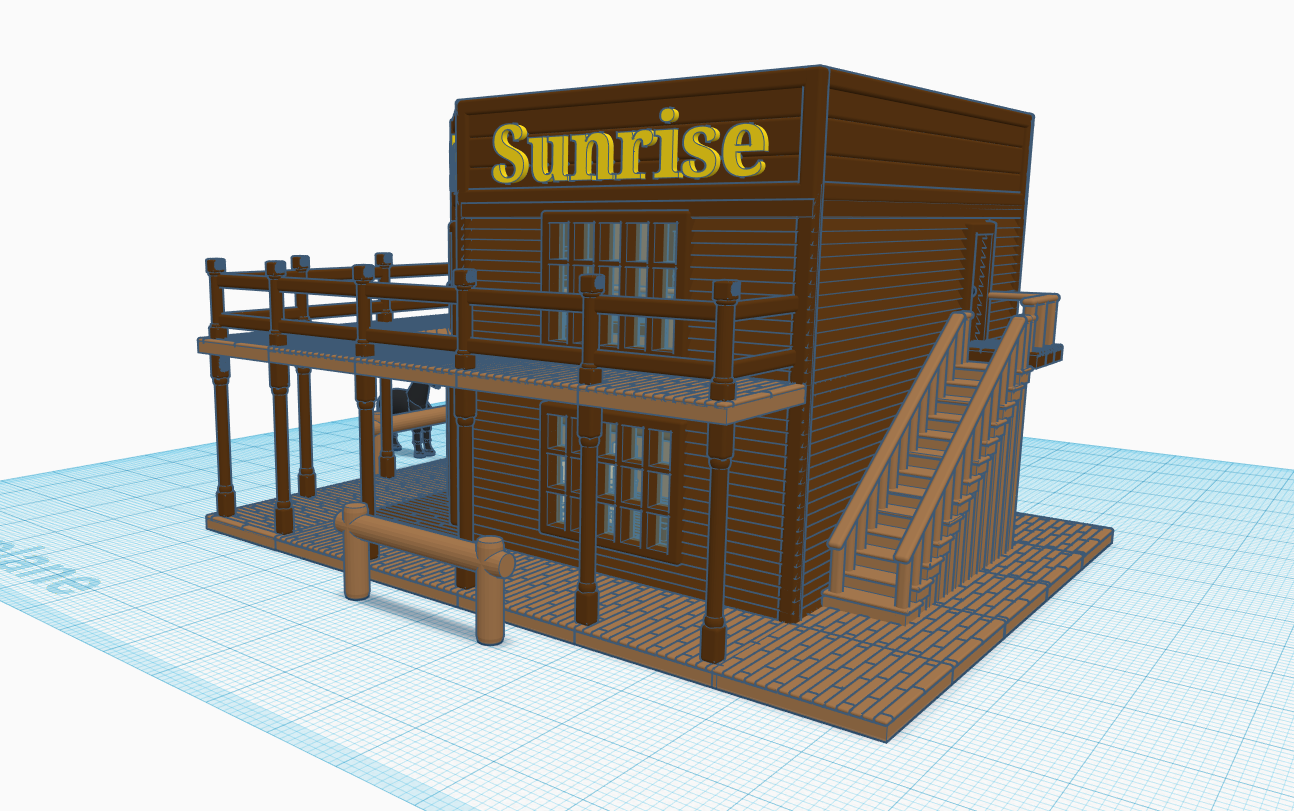
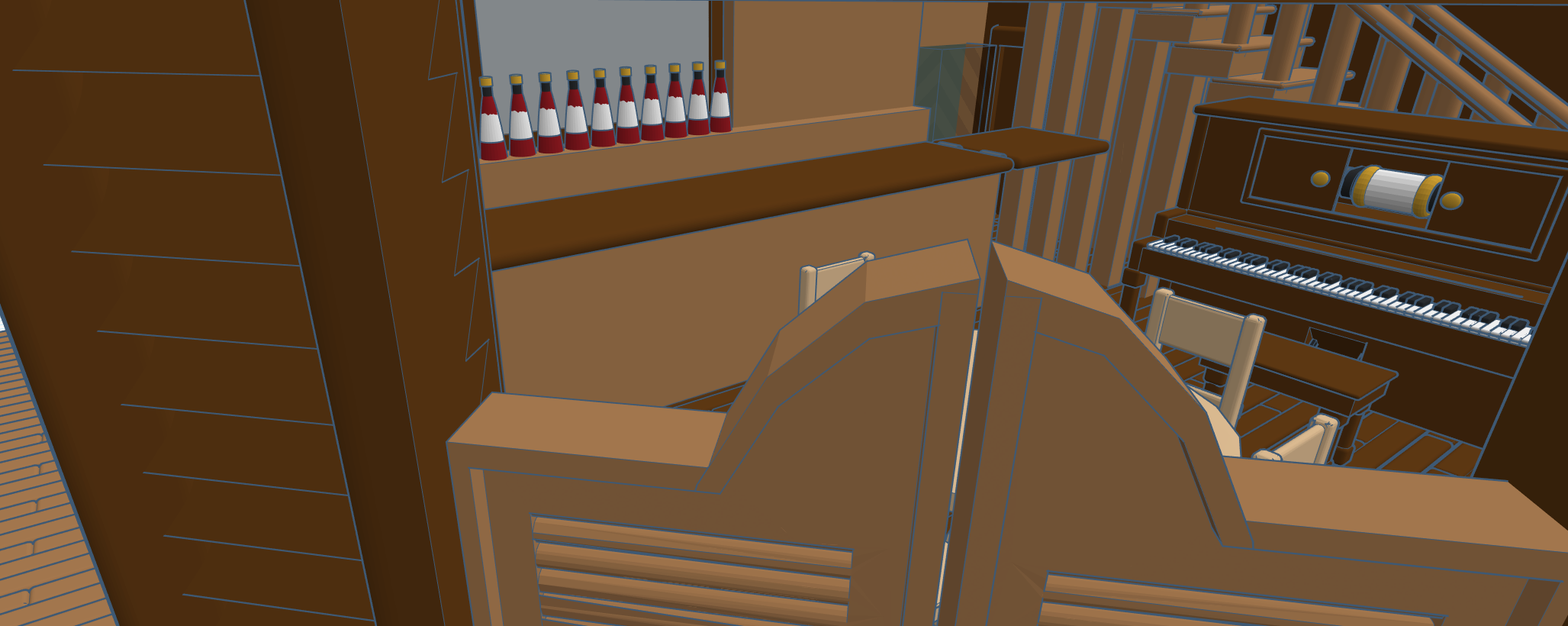
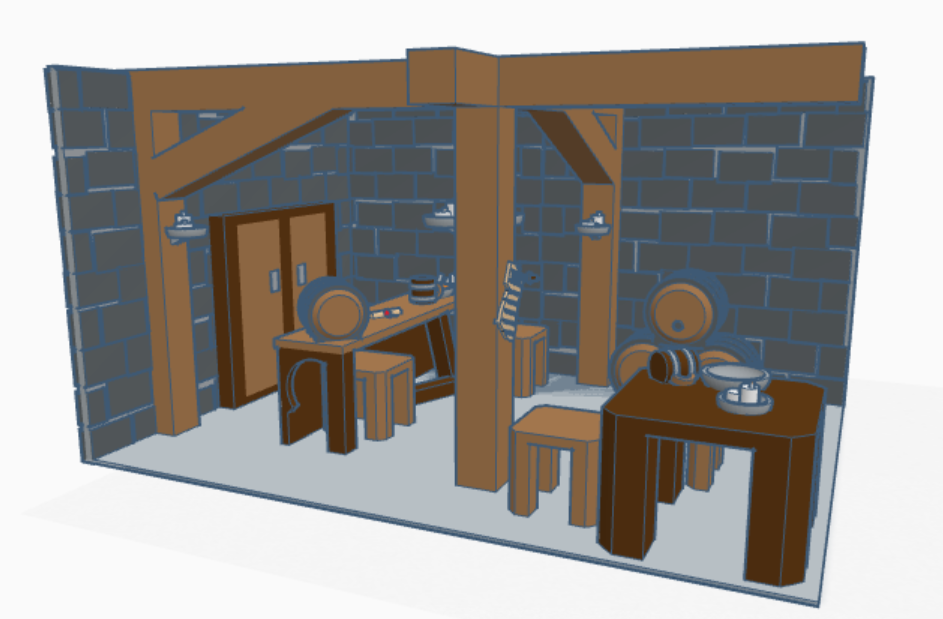
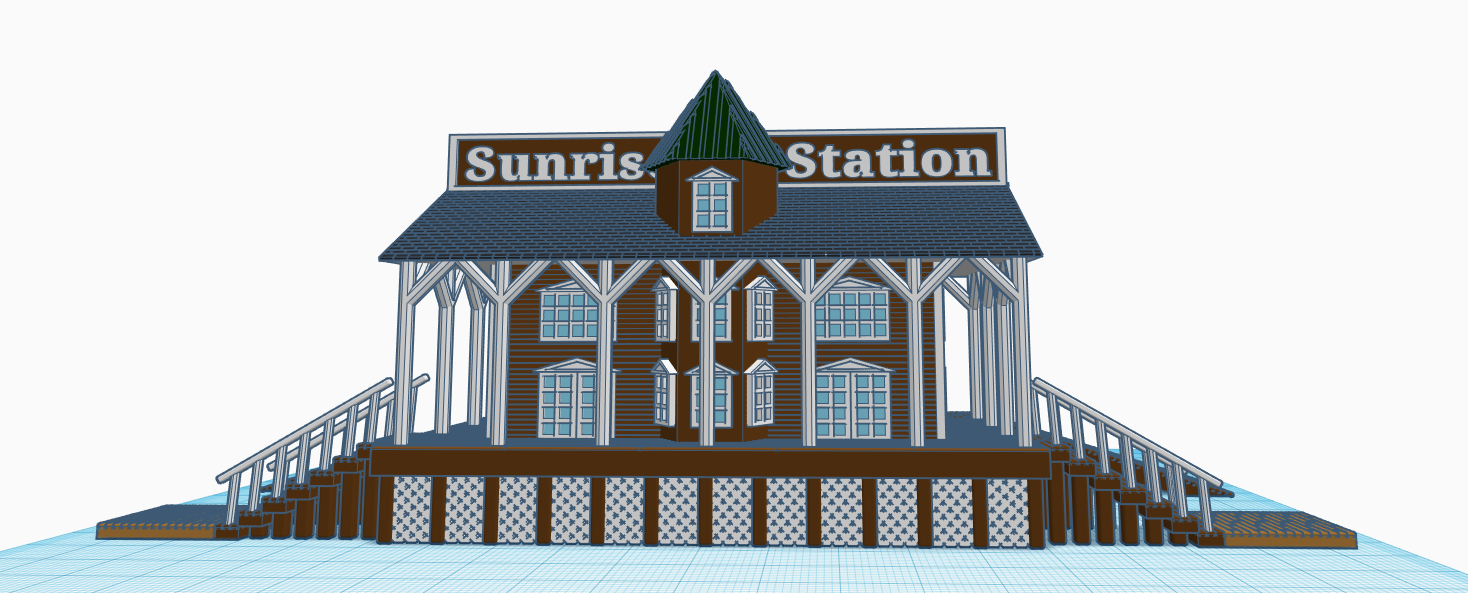
The next building I designed for my Railroad Town and the Saloon. I now had the Train Station were people disembark, these people needed some place to relax. I decided to design some of the interior of the Saloon. It needed tables and chairs, a bar, and a player piano.
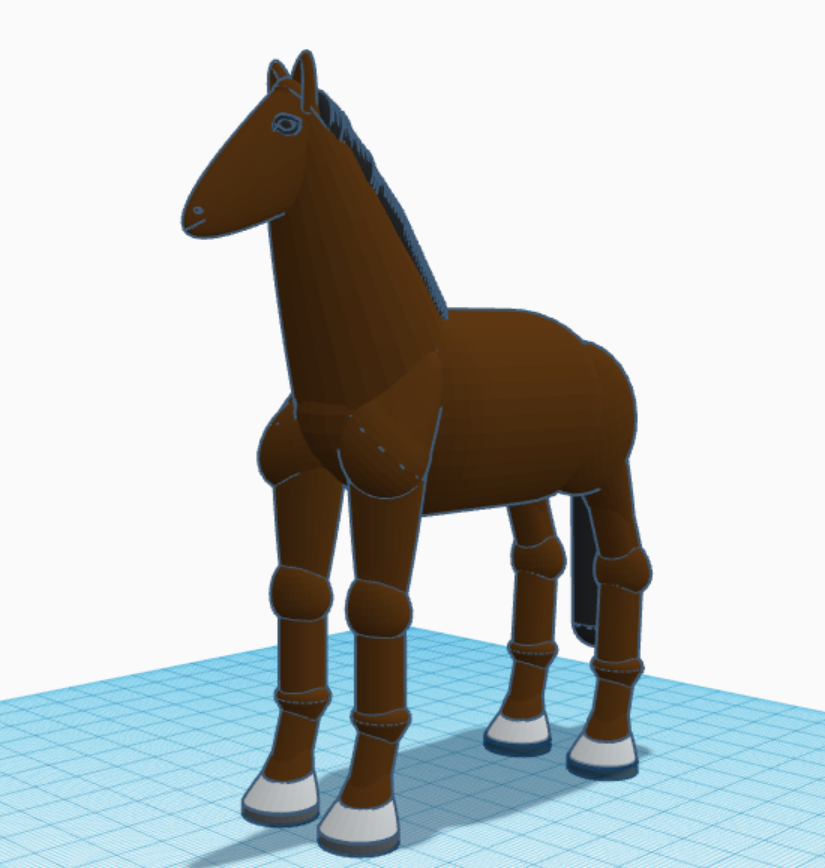
The horse was export as a STL and imported into this design. I changed it color to black.
There are so many designers in Tinkercad that never get recognized, so I decided that I would start recognizing them on my blog. Neufra has created some awesome detailed designs. Neufra has been using Tinkercad since February 2017. Link: https://www.tinkercad.com/users/cdQtpKnz4av-neufra
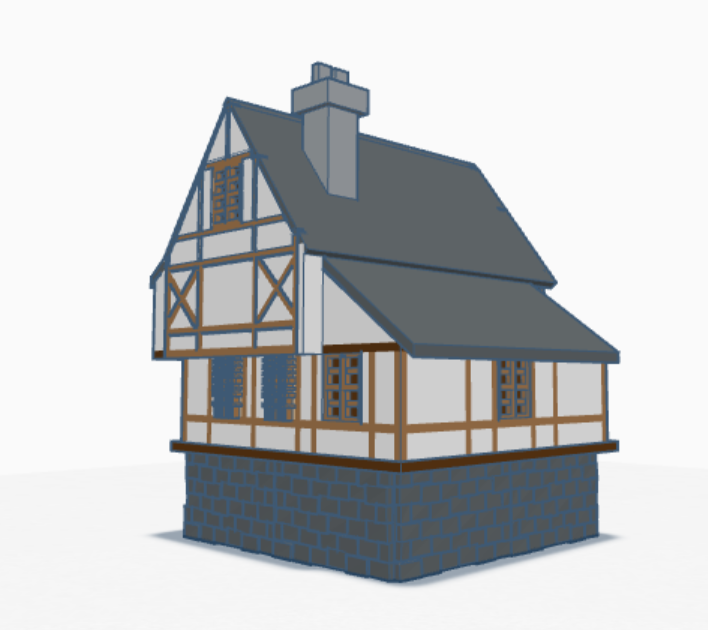
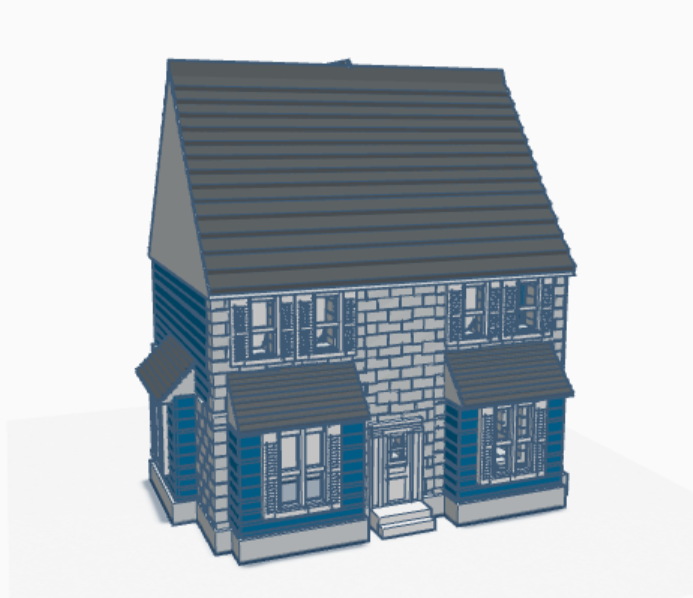
There are so many designers in Tinkercad that never get recognized, so I decided that I would start recognizing them on my blog. N/A12121 has done some amazing work on his medieval buildings and Japanese Gardens. N/A12121 profile states “I enjoy making 3-d builds, mainly Japanese and Medieval”. You can really tell in the designs that N/A12121 really enjoys designing. Link: User N/A12121 | Tinkercad
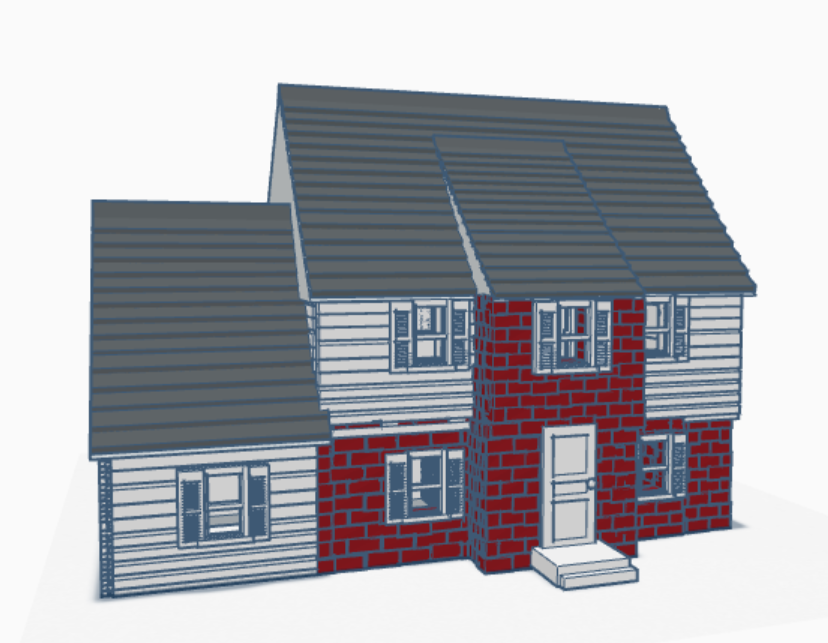
There are so many designers in Tinkercad that never get recognized, so I decided that I would start recognizing them on my blog. This designer obviously loves buildings as much as I do. They have been using Tinkercad since January 2020. There profile states: “I custom design HO scale homes, scenery items and much more for model railroads or dioramas. My designs are based on 20th century Americana style homes to capture true-to life realism in modeling.” Link: User Anderson Bihler Scale Model Company Ltd. | Tinkercad
There are so many designers in Tinkercad that never get recognized, so I decided that I would start recognizing them on my blog. The first designer in CatDreamer. They have been using Tinkercad since July 2020. Link: User CatDreamer | Tinkercad
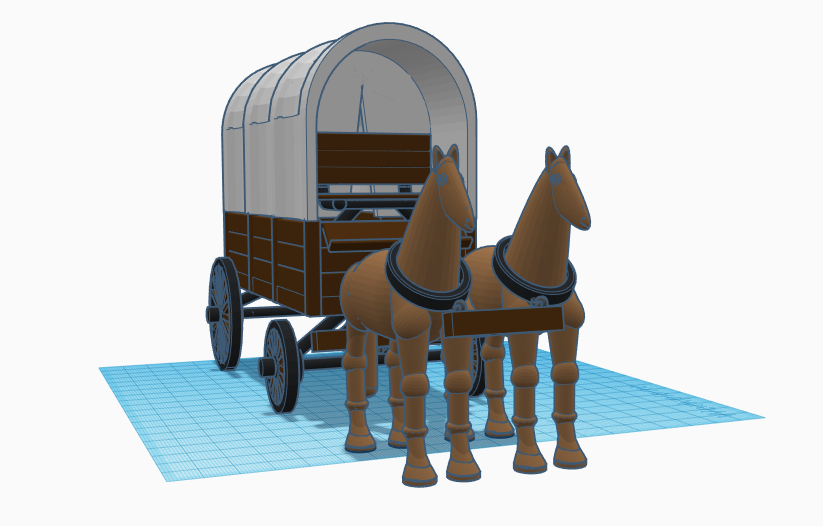
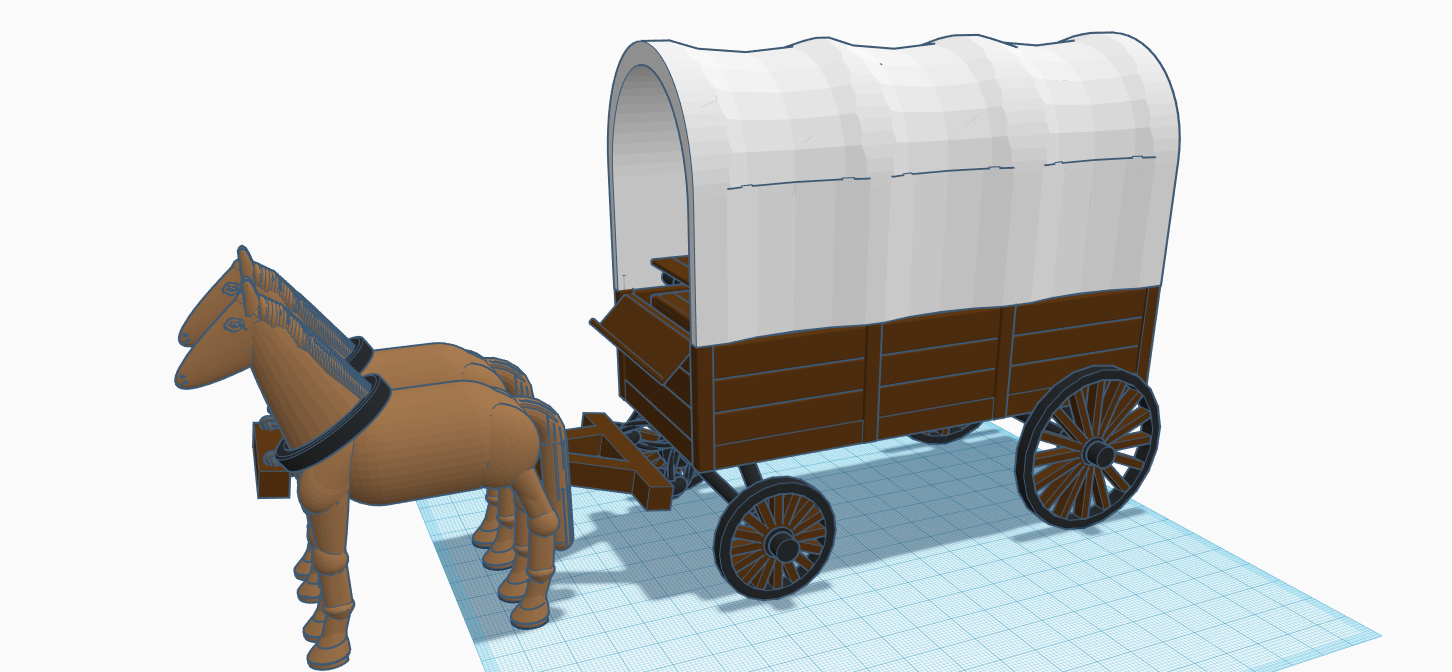
The next building I designed in my Railroad Town was the Livery. My thought were: I had the Train, the train dropped passengers for at the Train Station I designed. If the passengers wanted to travel or set up a farm, they would need some place to rent or purchase horses and wagons. So the Livery was created. But, it needed a horse, a wagon, and the building.
Yes, I made the horse a lot bigger than it needed. This helped with the details when I scaled it down. The joints are their in case I want to pose the horse in future designs. Link to view the horse in 3d: https://www.tinkercad.com/things/jTh69Npb1Eu
The water troughs and hay was taken from other designs. Yes, the wagon was designed for the canopy on the wagon to be removed. Link to the Liver in 3d: https://www.tinkercad.com/things/lGqOUWemGMK
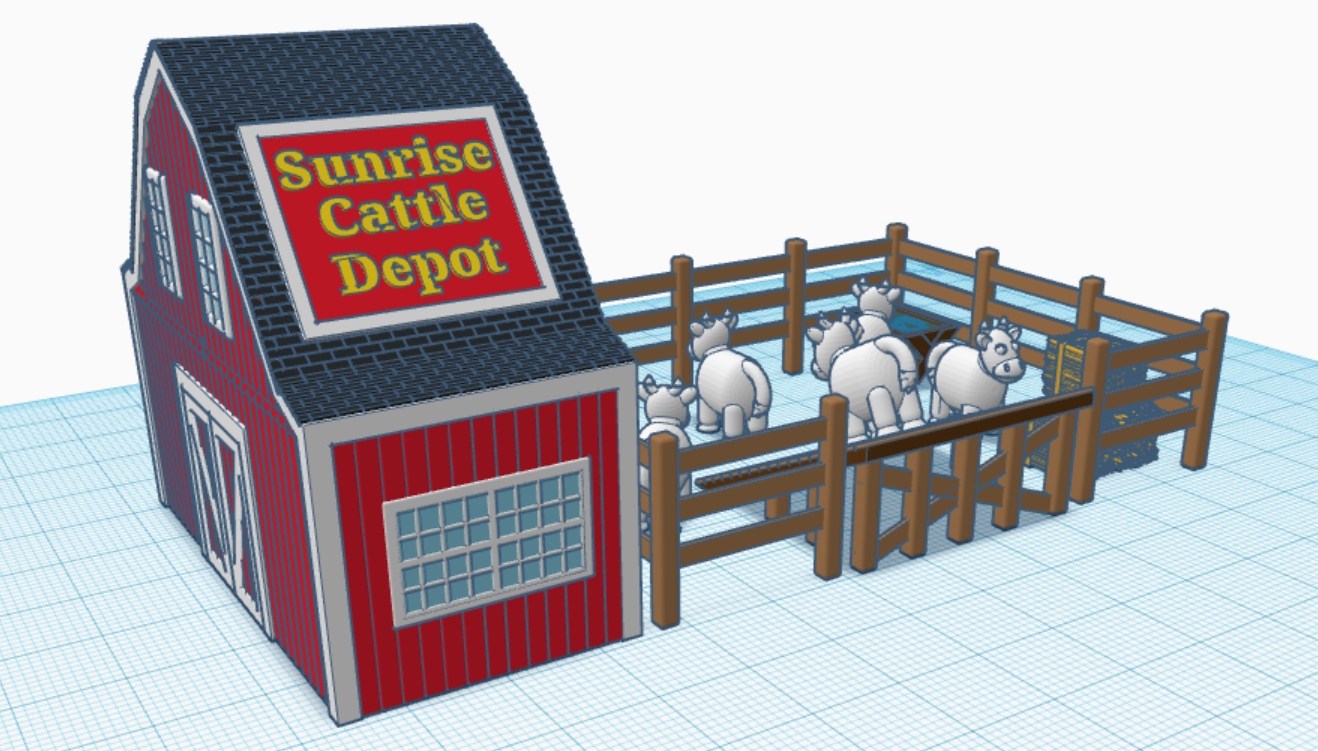
In 2016, I created a Train in Tinkercad. One of the train cars was a Livestock Car. My thoughts were: I now had a Railroad Station to drop off the passengers, therefore I needed a place to drop of the cows. The cow was created when as part of the livestock car. Here is the Cattle Depot I created. Link to 3d view: https://www.tinkercad.com/things/6m2hyWDzL7z.
The cow is one of my most popular designs. If you are wondering how I came up with the name for the Town, well the train is called “Midnight Express”.
In 2016, I created a 3d design of a Train in Tinkercad. It came complete with the train engine, coal car, passenger car, cattle car, caboose and cows. Blog post: 3d Print – Train Engine | Sarah Cath’s Adventures. Since I was prevented in 2020 from having too many adventure outside, I started creating a Railroad Town for my train.
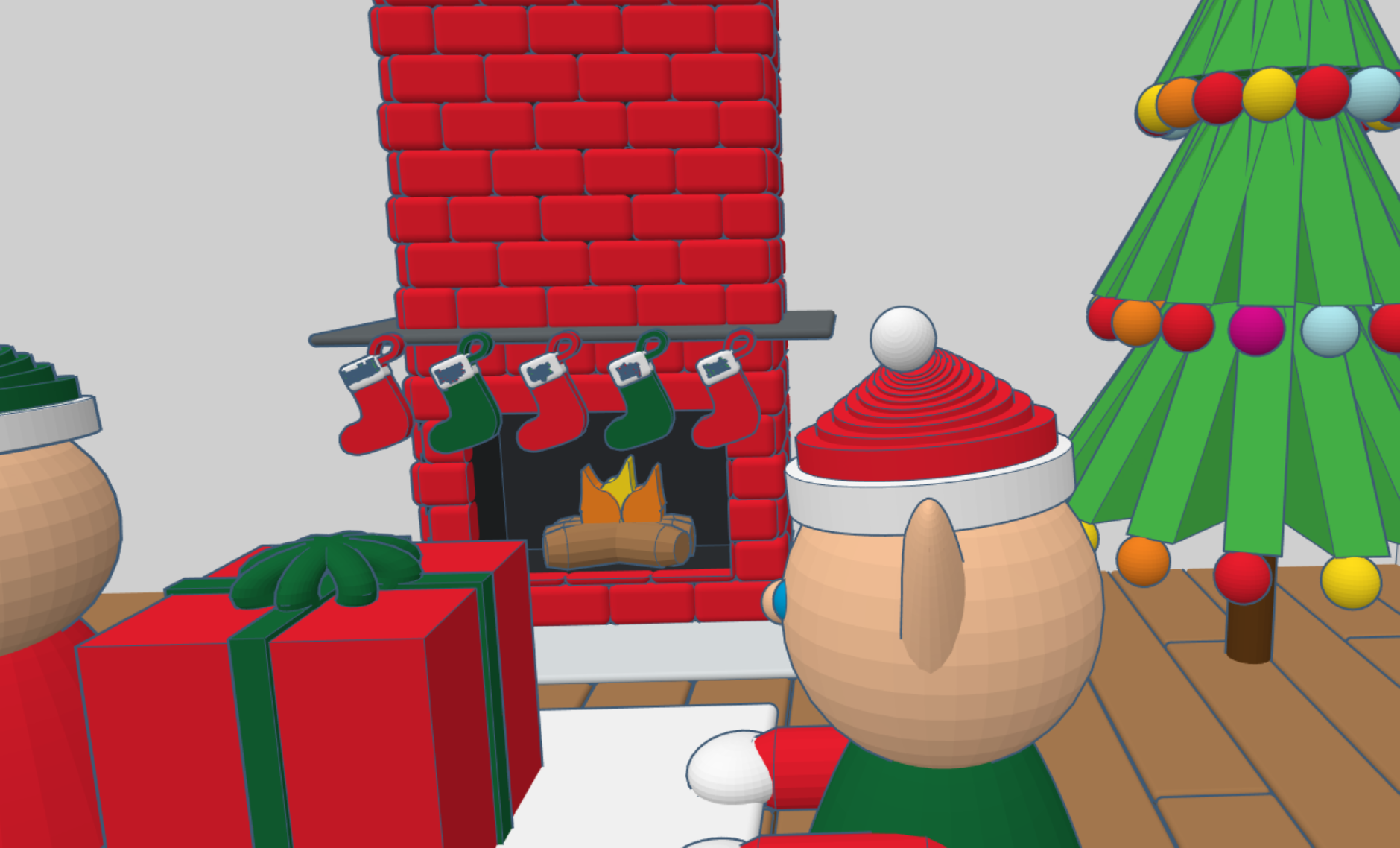
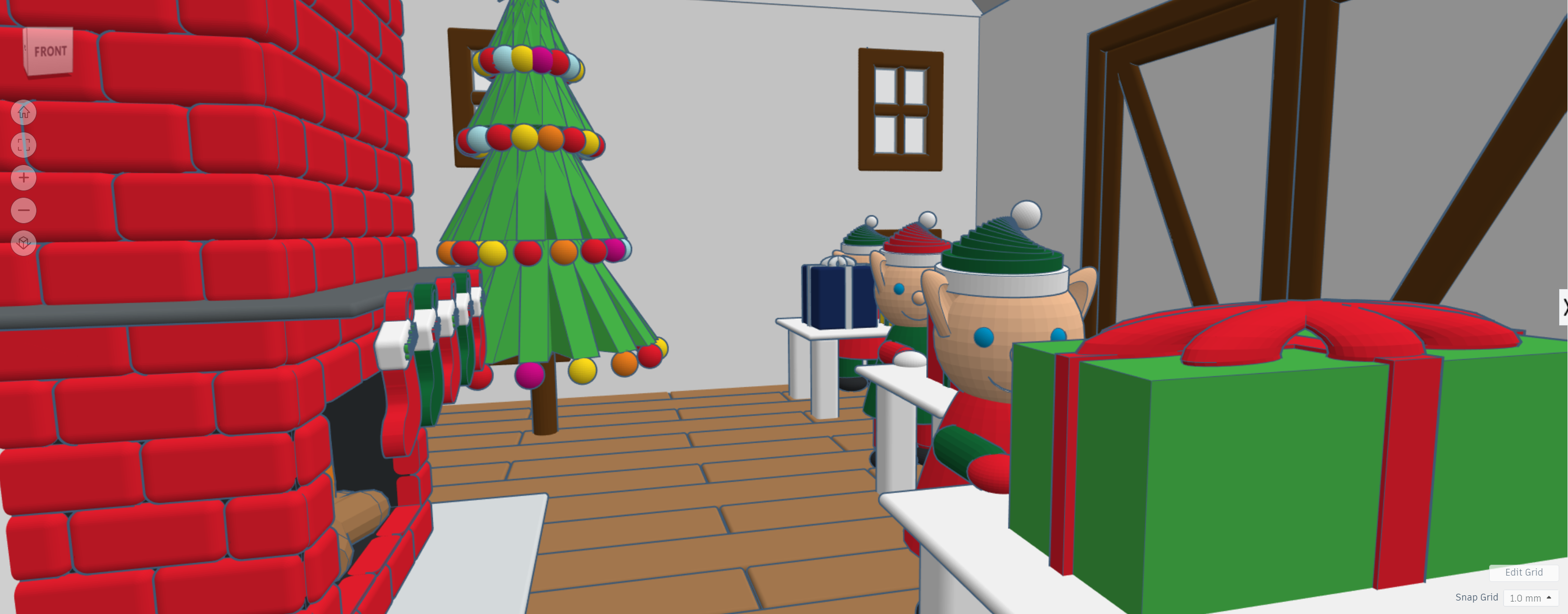
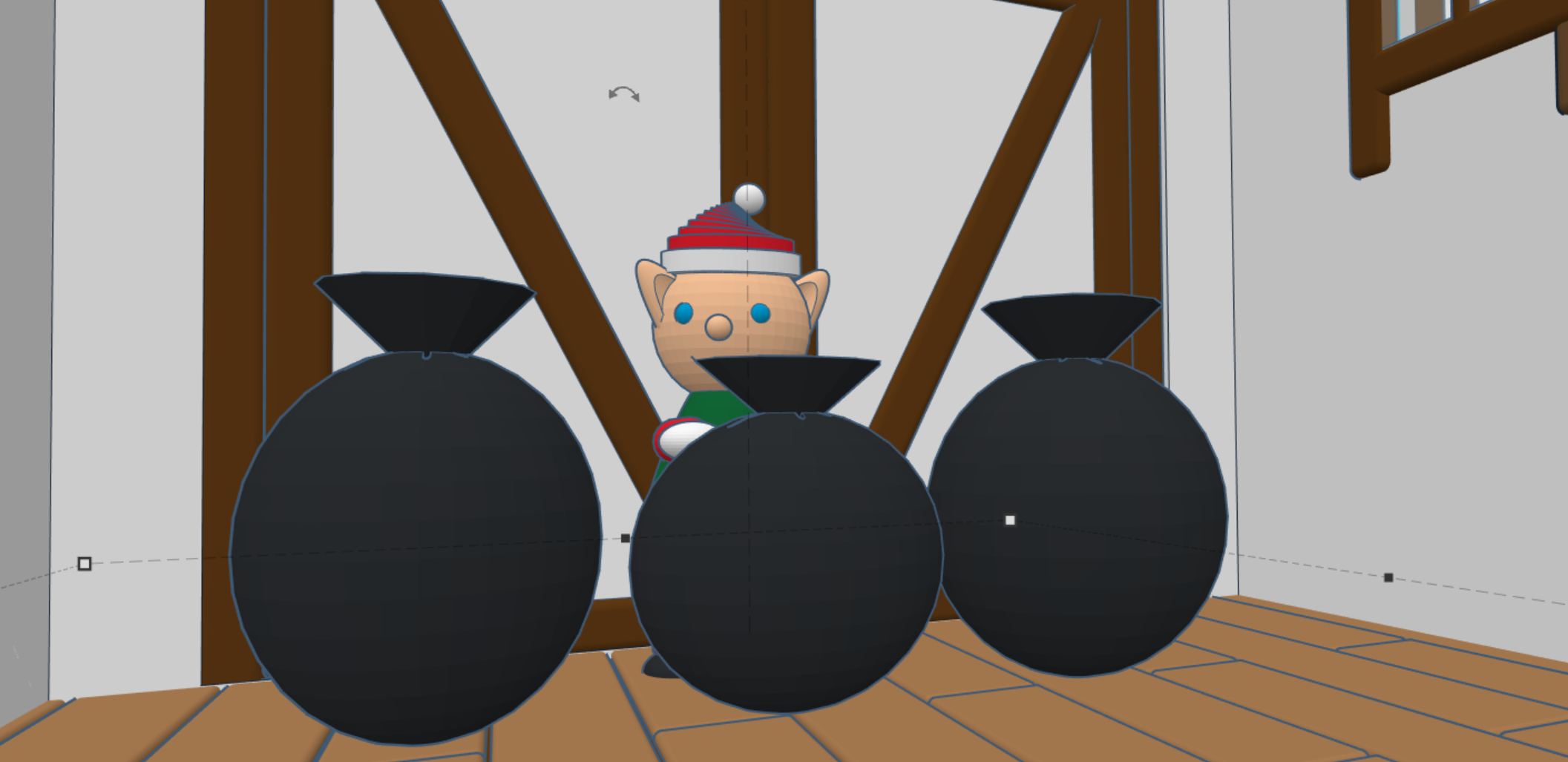
During 2020, I have spent a lot of time in Tinkercad designing 3D buildings and other items to go with the buildings. Here is probably my final design for 2020, my version of Santa’s Workshop. I created the flooring first, then the decorating inside the building. Afterwards, I created the walls, windows, doors and finally the outside décor.


















 Sarah Cath's Adventures