Creating a Snowflake in Tinkercad

I created a tutorial in Instructables on how to create a snowflake in Tinkercad. There are a several great tutorials for creating snowflakes:

This tutorial, Creating a Snowflake Using Tinkercad, focuses on using a Star shape to create a snowflake and using other shapes to put holes in the star.

I got the inspiration seeing an office that was decorated with paper snowflakes. Each one was unique because they were created by hand. If you are interested in learning how to create a paper snowflake, check out CYNICALifornia’s Paper Snowflake instructions. The first thing I did was create a paper snowflake.

The next step was creating one in Tinkercad. But I did not stop at one, I created seven snowflakes.

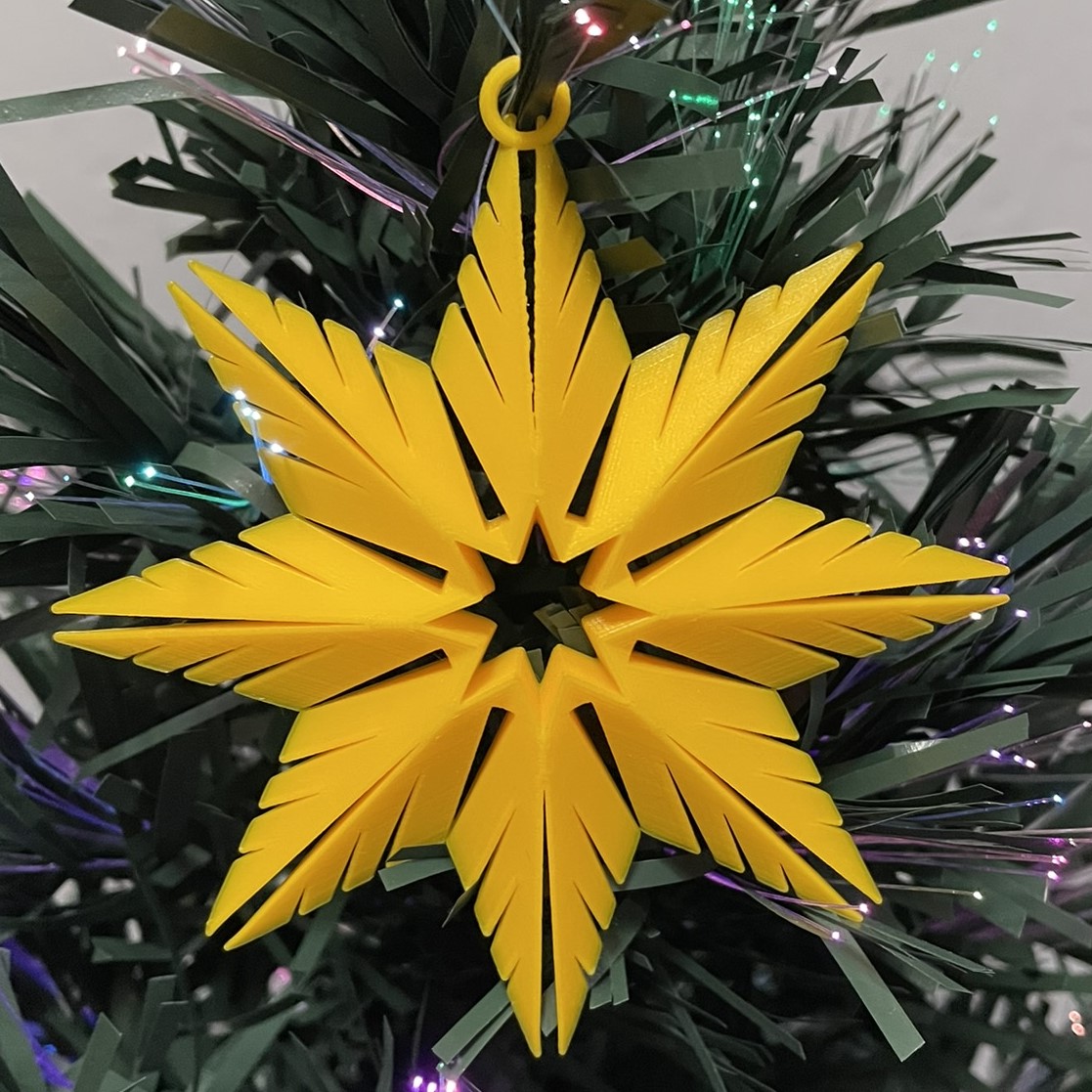
Below is the first one I created. It uses the only the Star shape and the Roof Shape. Even the back looks good.

My tutorial (Creating a Snowflake Using Tinkercad) focuses on how to create a snowflake with heart shaped holes.

This is the link (Snowflakes) to the seven snowflakes I created in Tinkercad. I encourage you to copy the design and deconstruct the snowflakes to see how they were designed. Then create your own snowflake using the tutorial and information you learned by viewing my design.

Paintbrush Holder

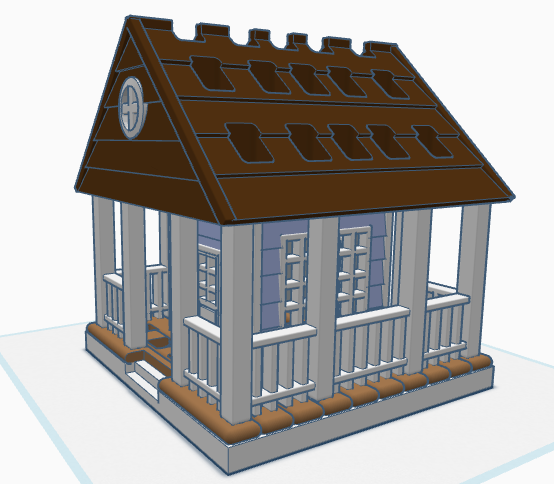
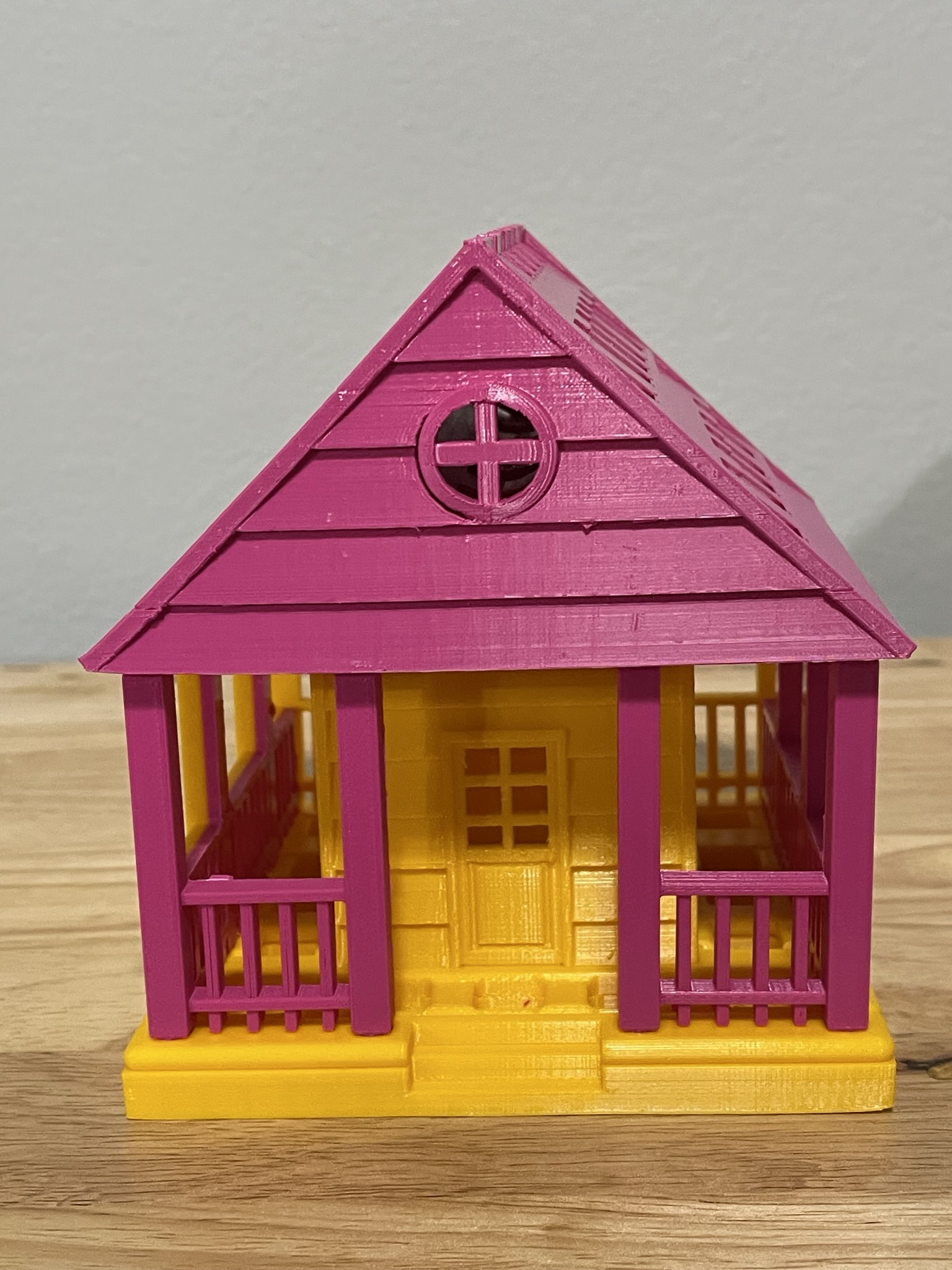
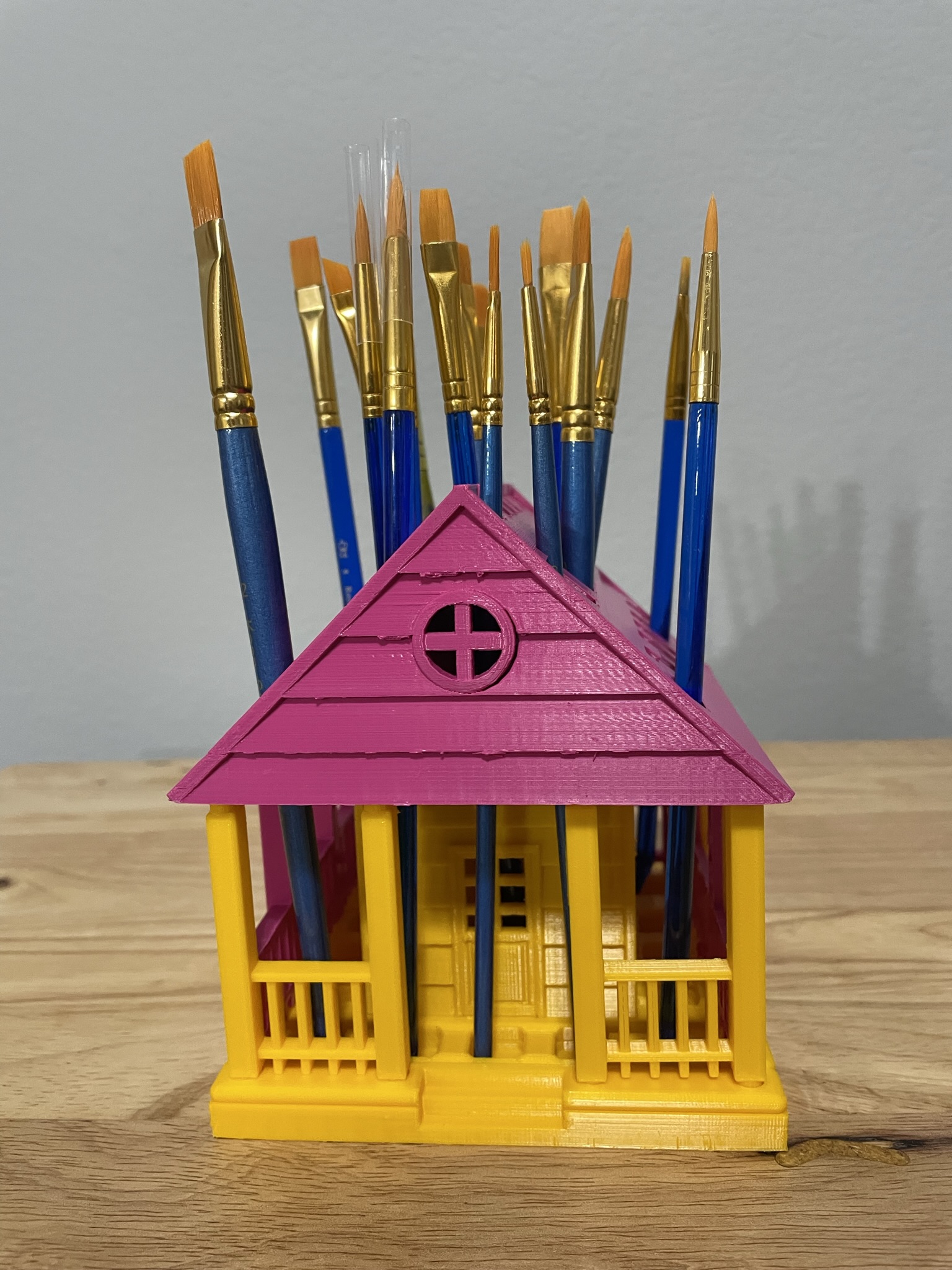
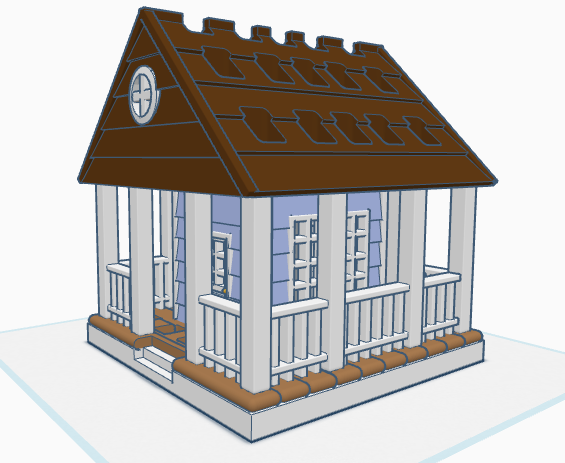
If you have seen some of my previous posts, you know that I paint little plaster houses. While I was painting a new set of houses, I decided it would be nice if I had a paintbrush holder. Yes, I could have purchased one on Amazon, but what is the fun in that. I decided to design a paintbrush holder that looked like a house. The size was not important as long as I could print the design on my 3D printer. The base is 120 mm or 4.724 inches x 120 mm x 8 mm. It provided the design with enough weight and support to prevent it from tipping over. This is the final version of the design in Tinkercad. It was tweaked several times for printing. Paintbrush Holder – Tinkercad

If I printed the design as shown in the picture, it would require a lot of support. My first attempt to print, I split the design into two pieces; roof and building. The roof I selected the Support Type of Tree. There is a lot that can go wrong with printing something for hours and hours, however the roof printed beautifully, and the supports detached easily.

The next print was the bottom piece. Again, a lot can go wrong when something prints for hours and hours and hours. First, after 12 hours the printer would not allow me to pause the print. Second, when the print finished the build plate did on return to its lower position, so extra filament built up on its final print location. Third, the support around the railing was impossible to remove without damaging the railing, which was 2mm in diameter. I went back to Tinkercad and tweaked the design.

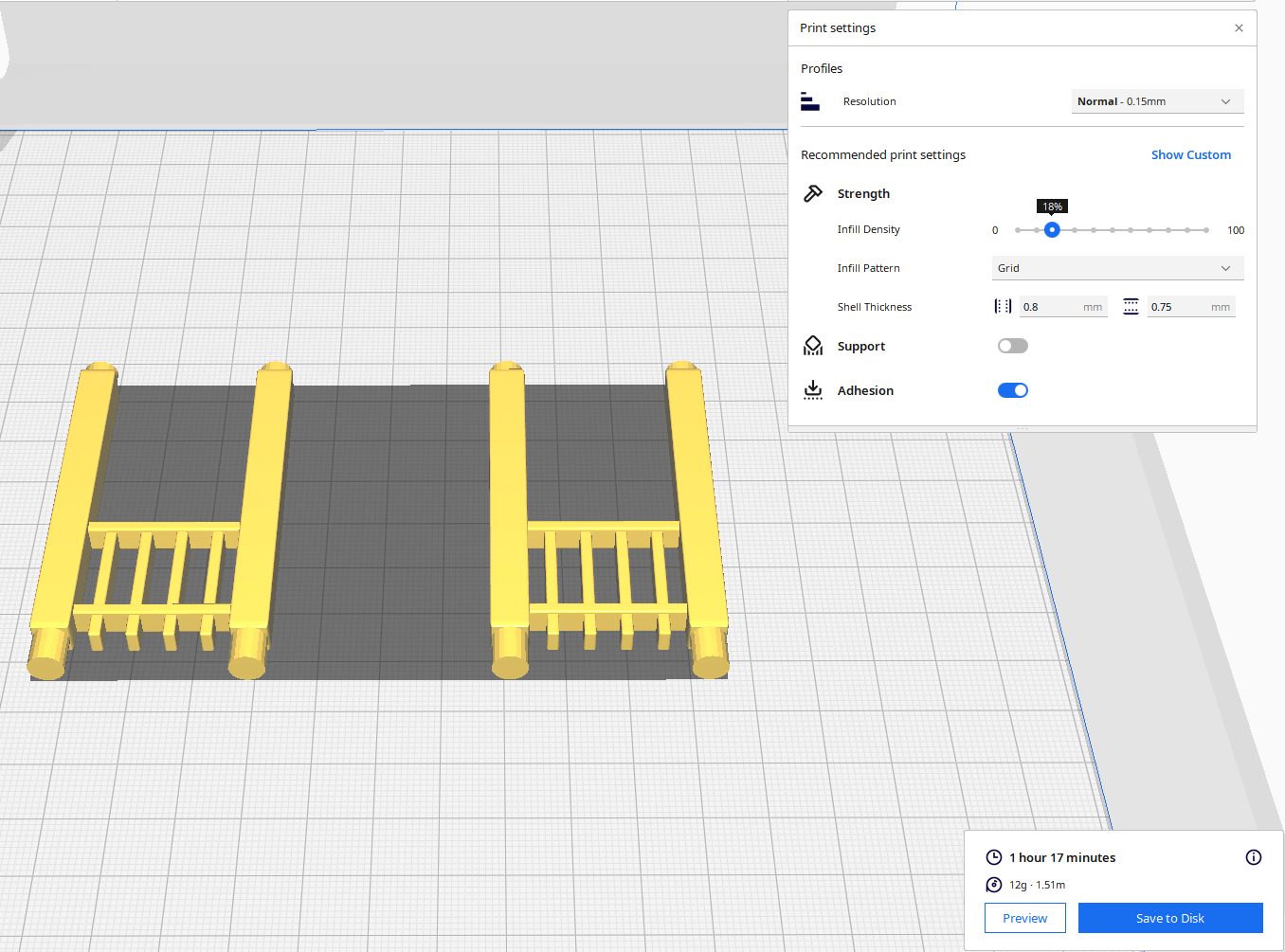
For the second attempt, I made the railing detachable. With detachable railing, I could lay it flat on the print bed and not use any supports. After it was printed, I could assemble the design.

Front and Back Railing – I printed two copies. Note, I went from round to square railing.

Front Railing Printed Two

Side Railing – I printed two copies.

Structure – I printed one copy with Normal Supports.

The STL files for this design are available on Thingiverse: House Shaped Paintbrush Holder

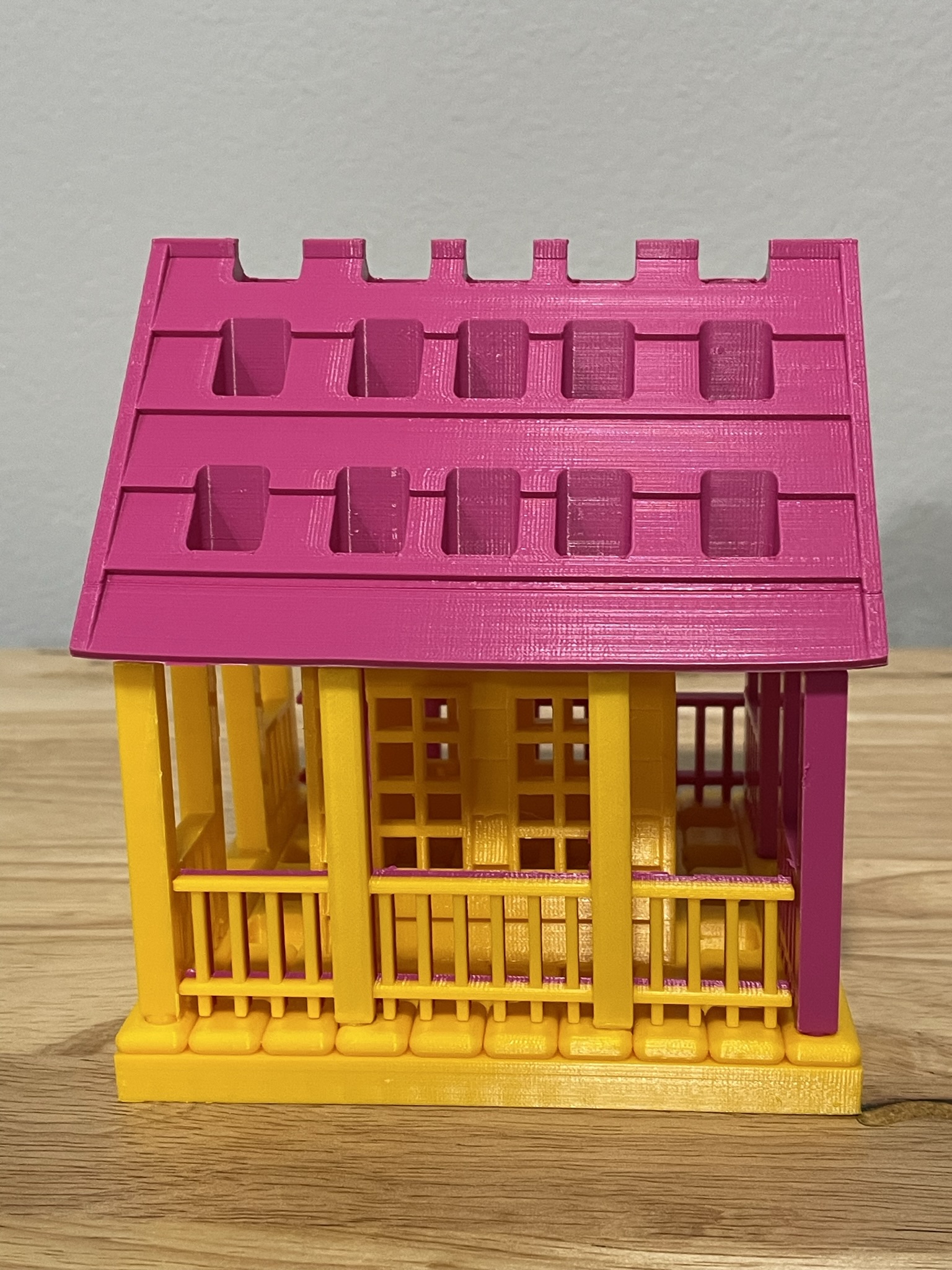
Below is the printed version of my new paintbrush holder. It was printed in two different colors because I ran out of the pink filament. The design was easy to assemble, and gluing was not required.

Seed of Life

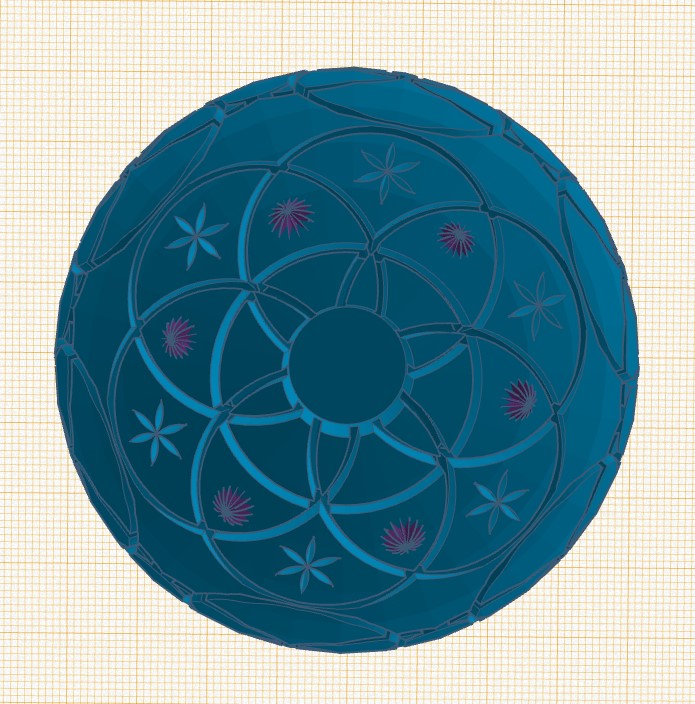
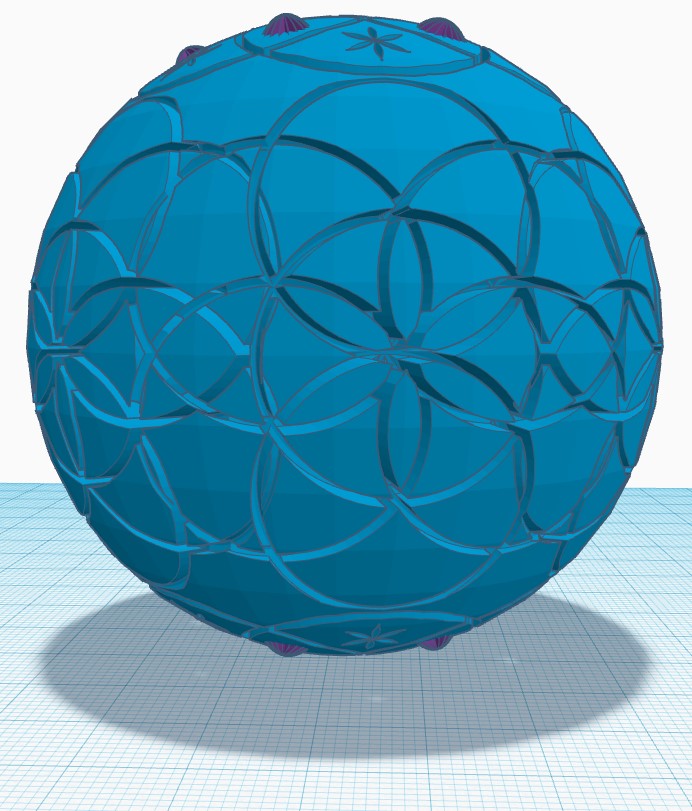
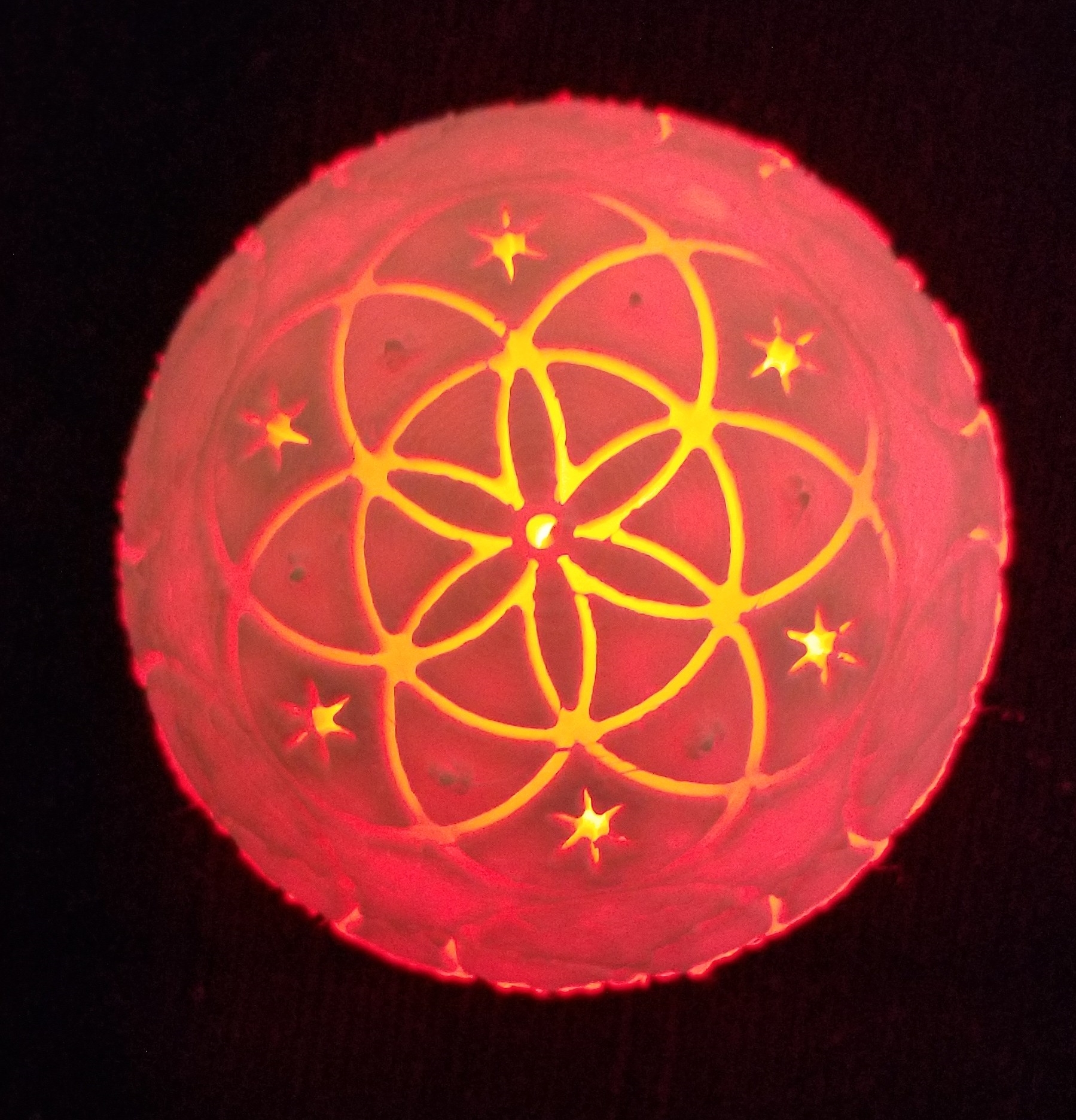
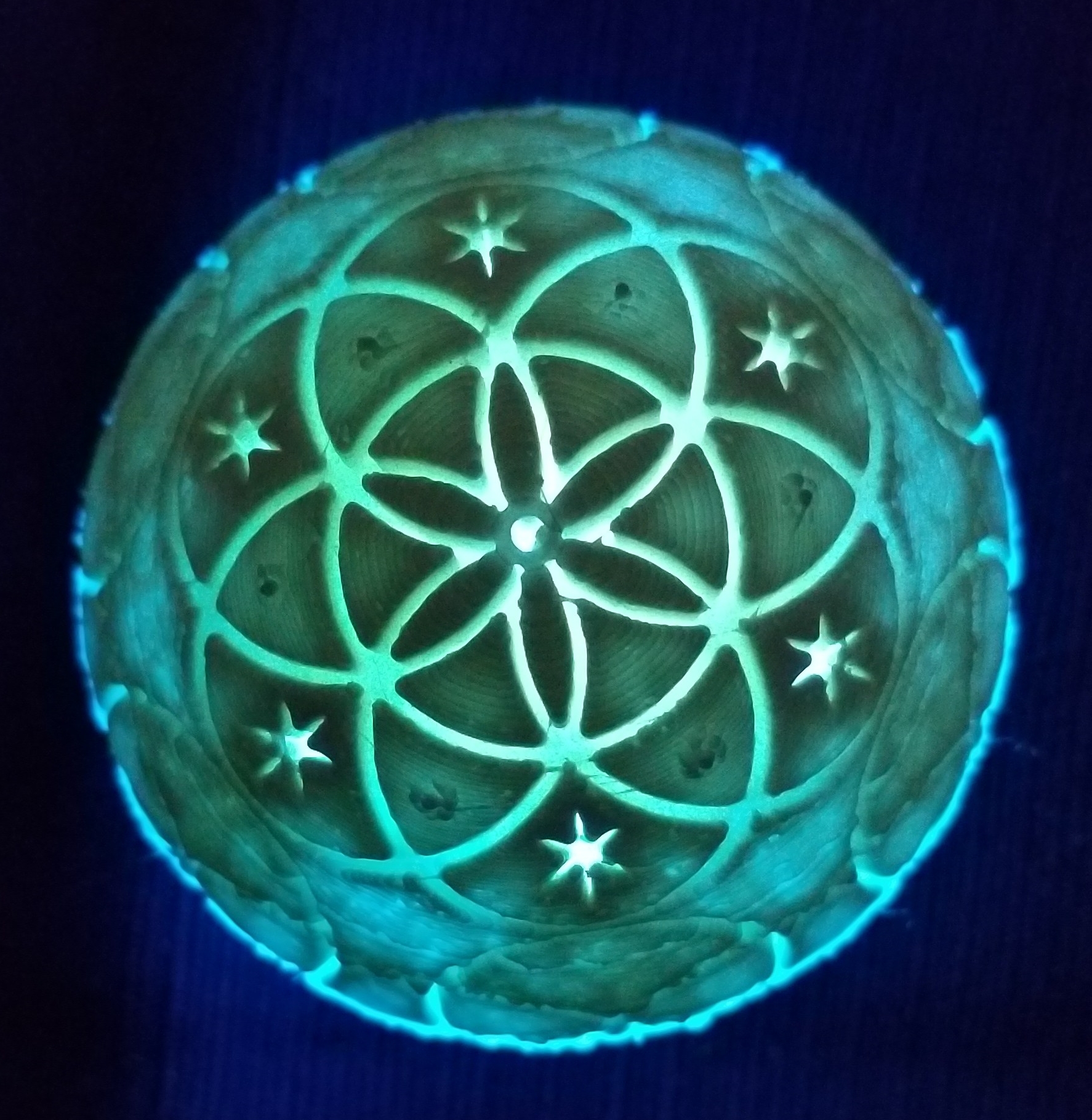
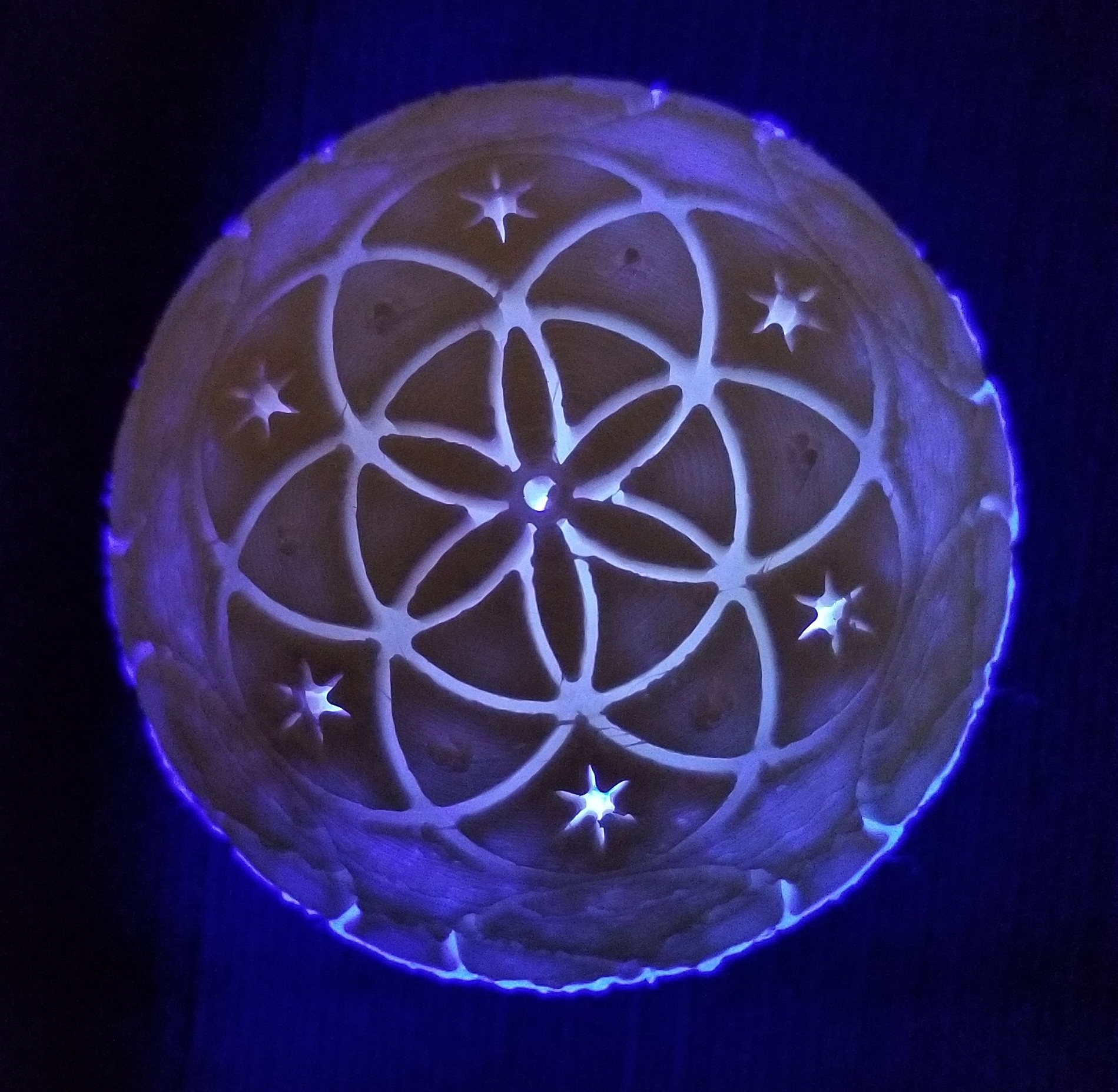
My latest 3D project was to print a sphere with the Seed of Life Design on in.  I created it in Tinkercad; Seed of Life. On the bottom of the object I left a 12 mm hole for a LED light.

Seed of Life TopSeed of Life bottonSeed of Life Side

It took me numerous attempts to get it printed.  Finally, I had to add supports to the sphere in Cura, the 3d slicing program, to get it to adhere to the plate.  Approximately 10 hours in to the 13 hours print, I noticed the translucent filament that the printer was using was about to run out.  I therefore replaced the filament with white.

Here is the final result.  The printer obviously needs some more adjusting.

20181212_125810

After I put the light in the bottom of the sphere, it look so good I made a video.  The video is posted on YouTube.  Seed of Life Video

Here are some pictures with the LED light.

20181212_12570020181212_12565720181212_12565120181212_12535520181212_125353

I posted the STL file on Youmagine for anyone to download.

3D Printing – The Easter Egg

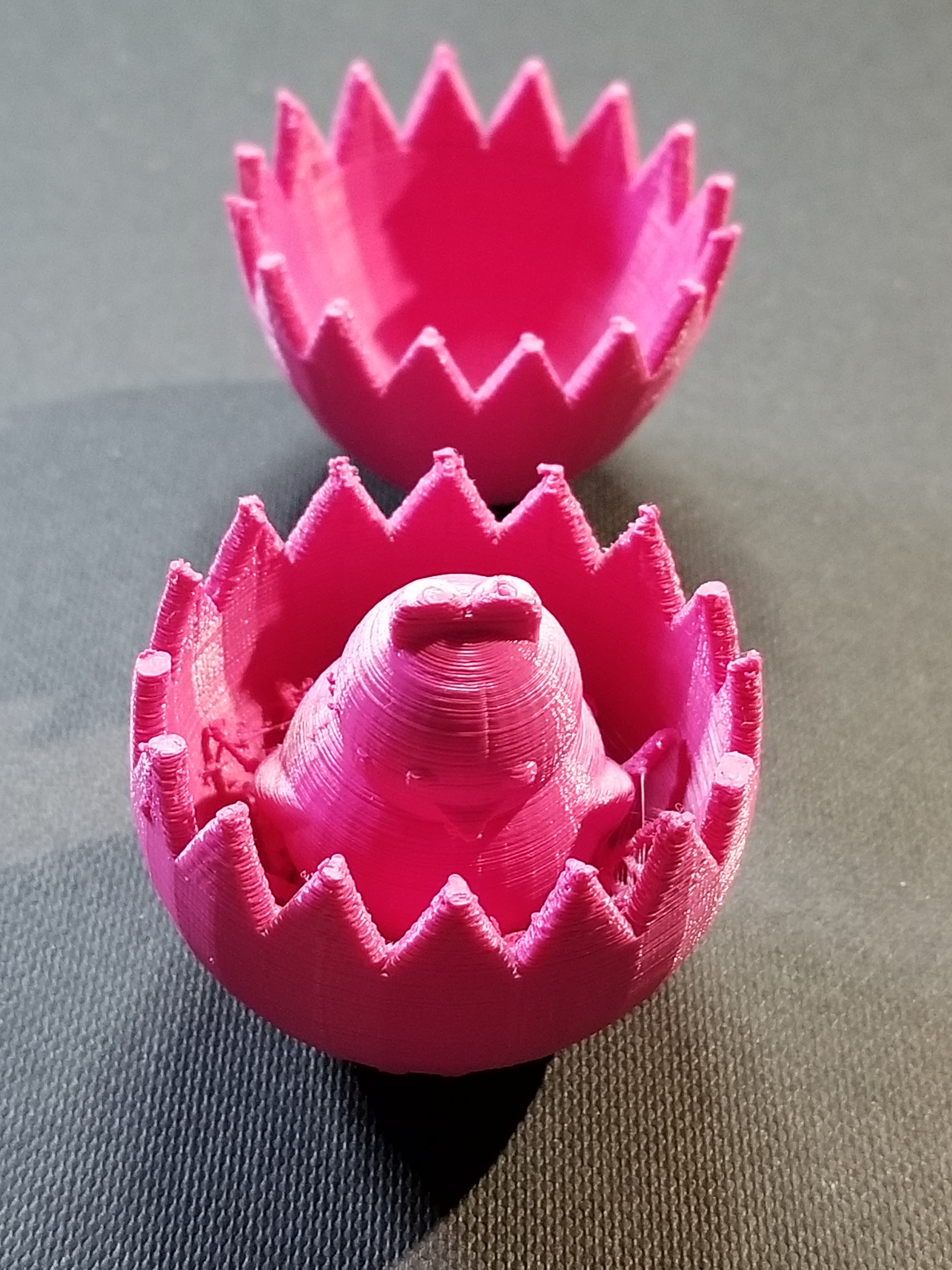
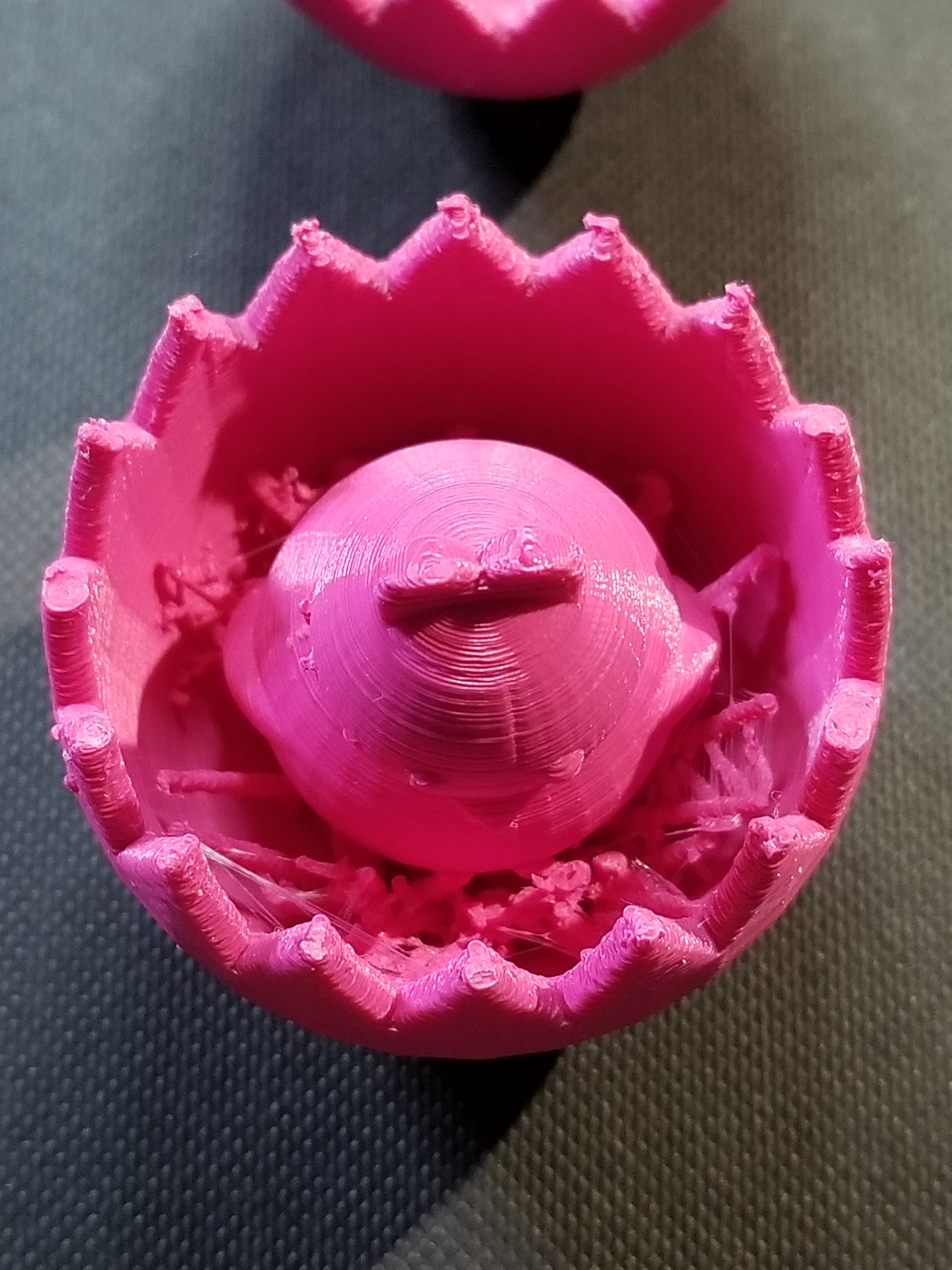
Yesterday, I designed an Easter Egg using Tinkercad.  Today, I printed the Easter Egg.  Creating the Egg in Tinkercad is easy.  They have a egg object.  Hollowing out the egg is easy; copy egg, reduce the size, make it a hole, align the solid egg with the hole egg, and group.

20180329_154702.jpg

Making the two egg halves with the crack was more complicated than making the chick.  The chick is two circles for the body, two circles for the eyes, two flatten and stretched trapezoid for the wings, the heart shape for the head, and Tinkercad’s  chicken foot object for the feet.

To see how I created the crack in the egg, check it out here.  Note:  I am working on other cool chicks, so the design my change.

20180329_154747.jpg

I probably could have made the chicken bigger, maybe I will.

20180329_154733.jpg20180329_154756.jpg

The egg was printed on Ultimaker 2+ printer.  I read that beta version of the Cura Software allows more control over supports.  Yay!

Tinkercad – the free, online 3D CAD app

Clackers

It all started on Facebook and someone saying “Do you remember…”  Yes, I do remember Clackers, they were fun to play with, but dangerous (will at least in today’s world.)  We would get hit with one or both of the glass balls and go ouch or whoops.  However, in today’s world, they are safer than the Tide Pod challenge.

My 3D printer and I were not getting along, so we both took a break from each other.  After the Facebook posting, I decided it was time to put the print back to work.  And, one of the simplest thinks to design and print would be a ball with at hole in the middle.

I used Tinkercad to design it.  5cm ball with a hole in the middle.  I then did the thing I been regretting for a while, I cleaned, oiled and balanced the printer.  The first print failed, the item was not adhering to build plate.  Failure.  I rebalanced the build plate.  Failure.  I removed the build plate and cleaned it with soap and warm water and rebalanced the build plate.  Success, I had one ball for my clackers, so I printed a second one.

The string is only nylon string with a loop tied at the top and a knot at the end of each ball.

My family have official declared me weird.


Stand For Fluid Painting

Fluid Painting can be messy.  You pour paint over the canvas and it drips over the edges.  What a mess!  I am not a clean freak, just a person working in limited space and I need my table to draw and do other things.  So far, I have limited myself to 4″ canvases, and I have a 3D printer sitting right next to my work table… I decided I would design and print a stand for my pour paintings.

The maximum print size of my Ultimaker 3d printer is around 8 inches, width and length.  The height can go up to around 12 inches.  So, this project was perfect.

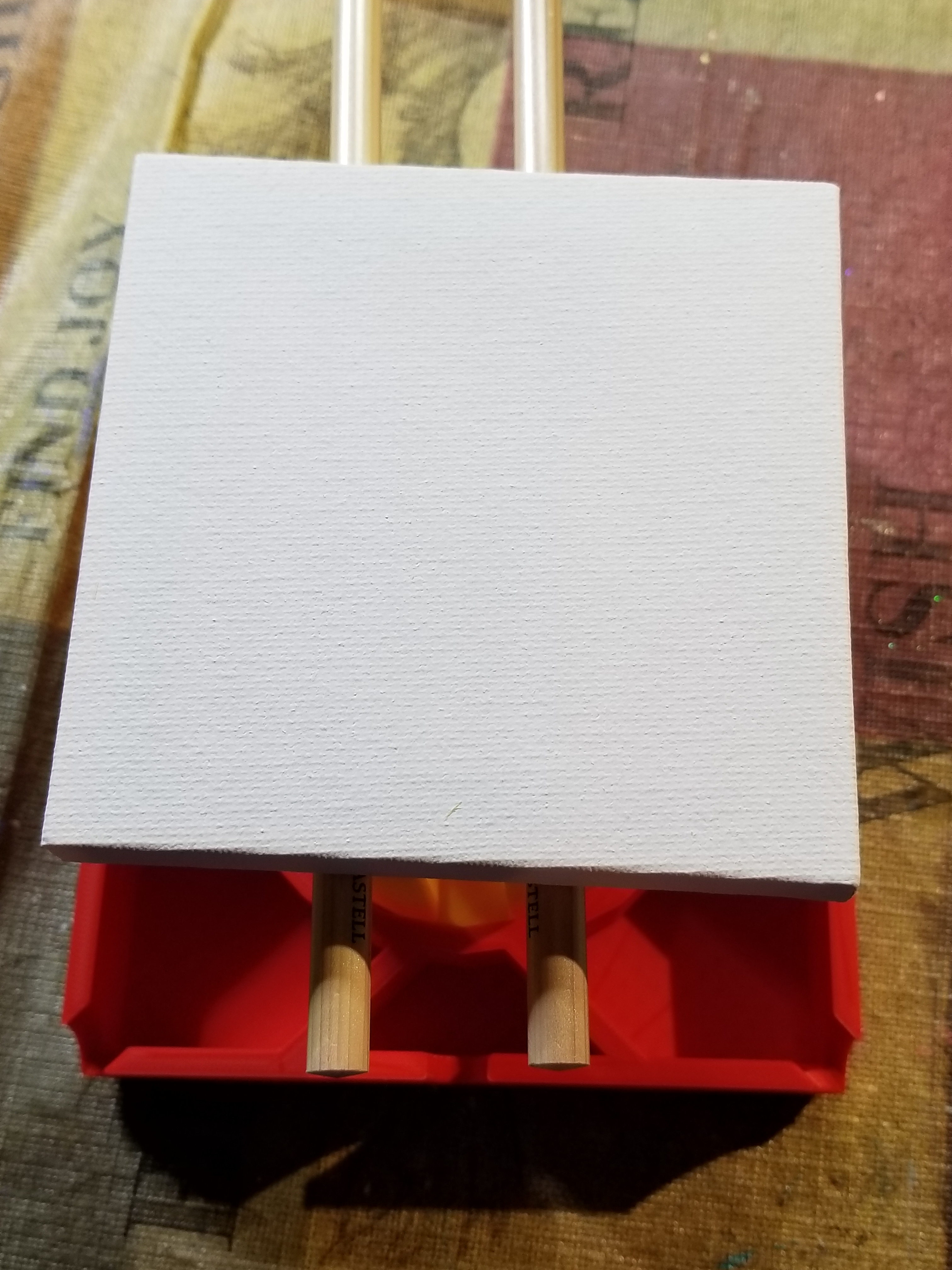
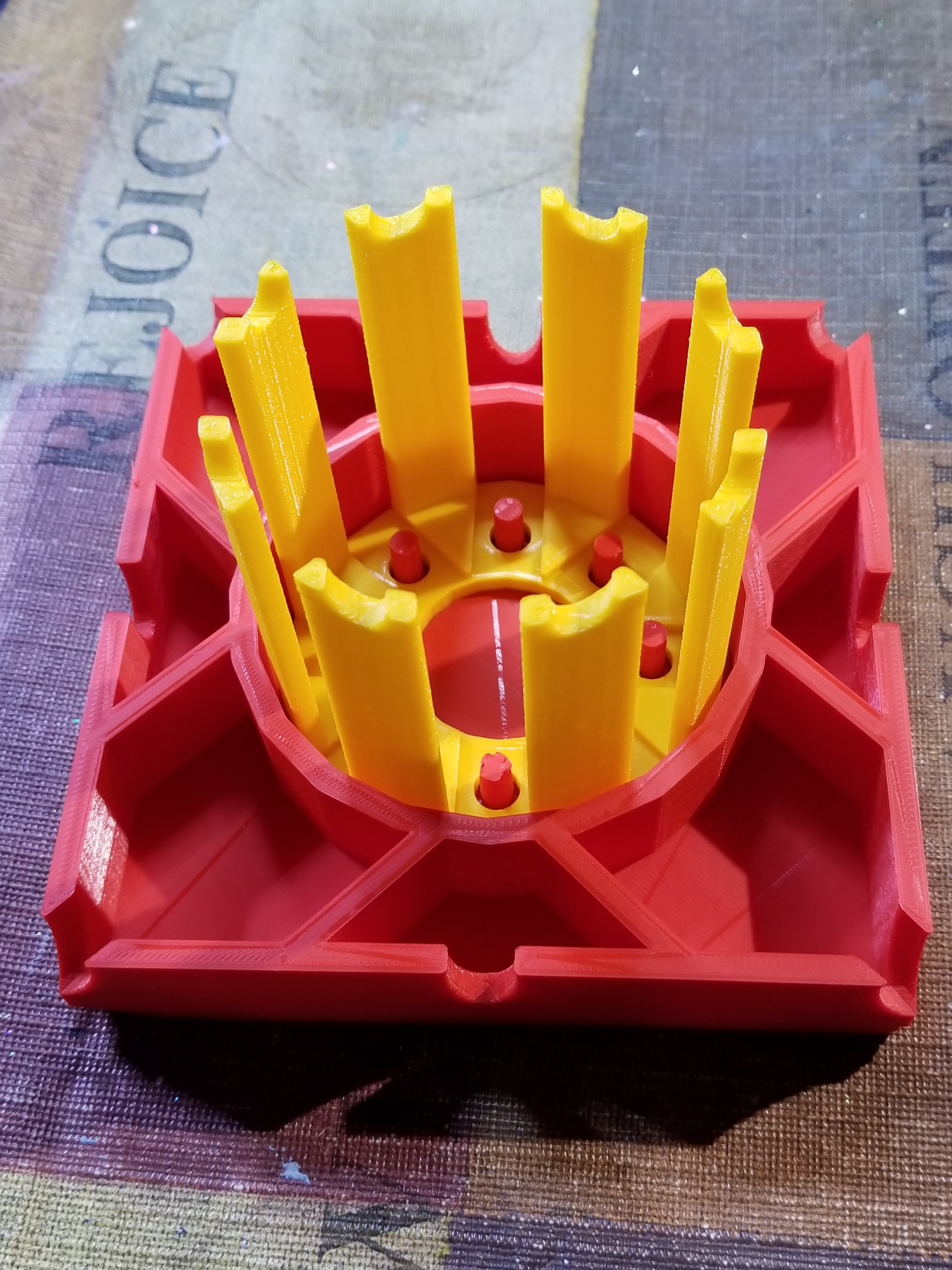
The catch basin is 5″ square, or in my design world 127mm, and 1″ (25.4mm) high.  Just in case different colors dropped from the different edges of the canvas, I divided off the catch basin and add drain notches.  It didn’t need it, but I placed pegs to hold the stand, and divided off this compartment to keep paint off of the stand.  It took around 11 hours to print.

20180228_134813.jpg20180228_134849.jpg

The design was done in Tinkercad and export as a STL file.  The file was imported into Cura and where a .gcode file was made.  I used the “normal” setting because the “fine” setting indicated it would take 23 hours to print.  Therefore, some warping occurred because of the setting and because I select not to add a Brim support.

The stand was also designed in Tinkercad.  It is 3 inches high.  The break in the structure allows for air to flow under the canvas.  It took around 4 hours to print.

20180228_134859.jpg

The notches on top of the stand, allows me to put some other type of support under the canvas to lift off, in case I want to reuse the stand before drying is complete.

20180228_135052.jpg

The finished product.

20180228_135154.jpg20180228_135305.jpg20180228_135345.jpg

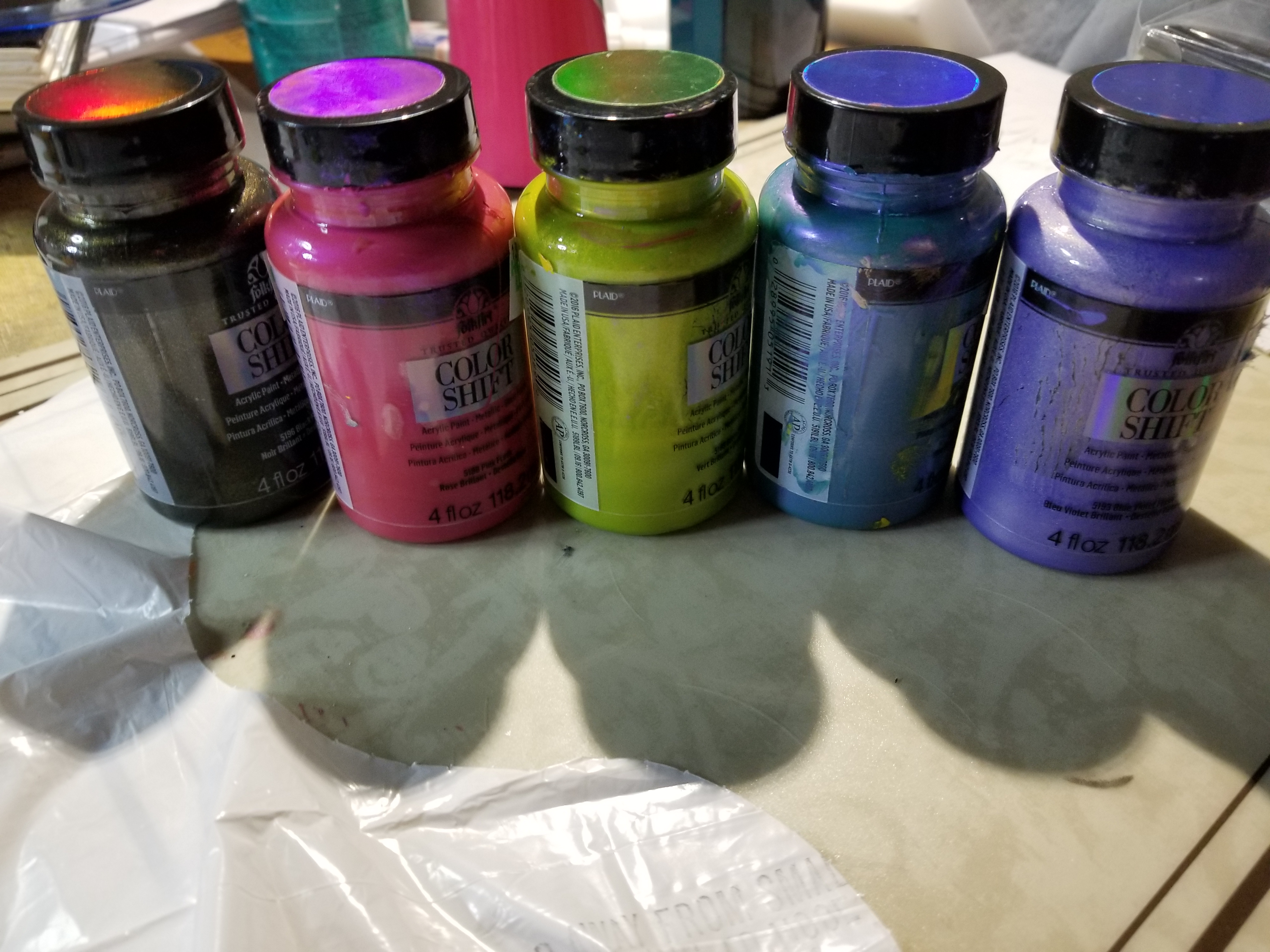
The colors, yes I used Color Shift paint by Folk Art and grab the black and 4 other colors.

20180228_150626-2.jpg

The test.

Ok, some of the holes leaked.  The center dividers should have been larger and I did not pour out of the basin as I expected.  I do not know if I am going to tweak the design and reprint it or not.  Probably.

20180228_153210.jpg

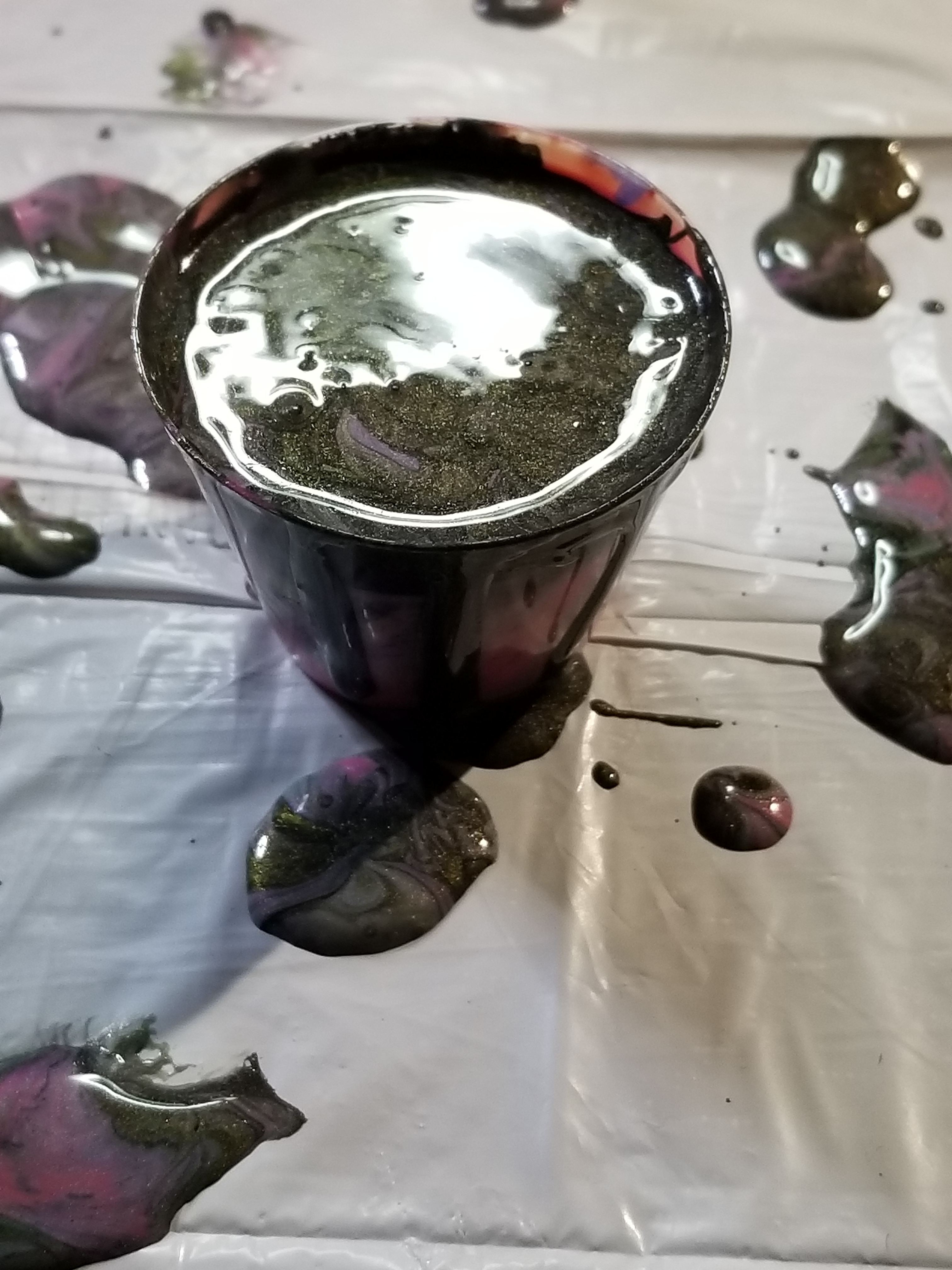
I did get a cup (one ounce) out of the basin.  It should go nicely with another pour.

20180228_154257.jpg

3D Print – Caboose

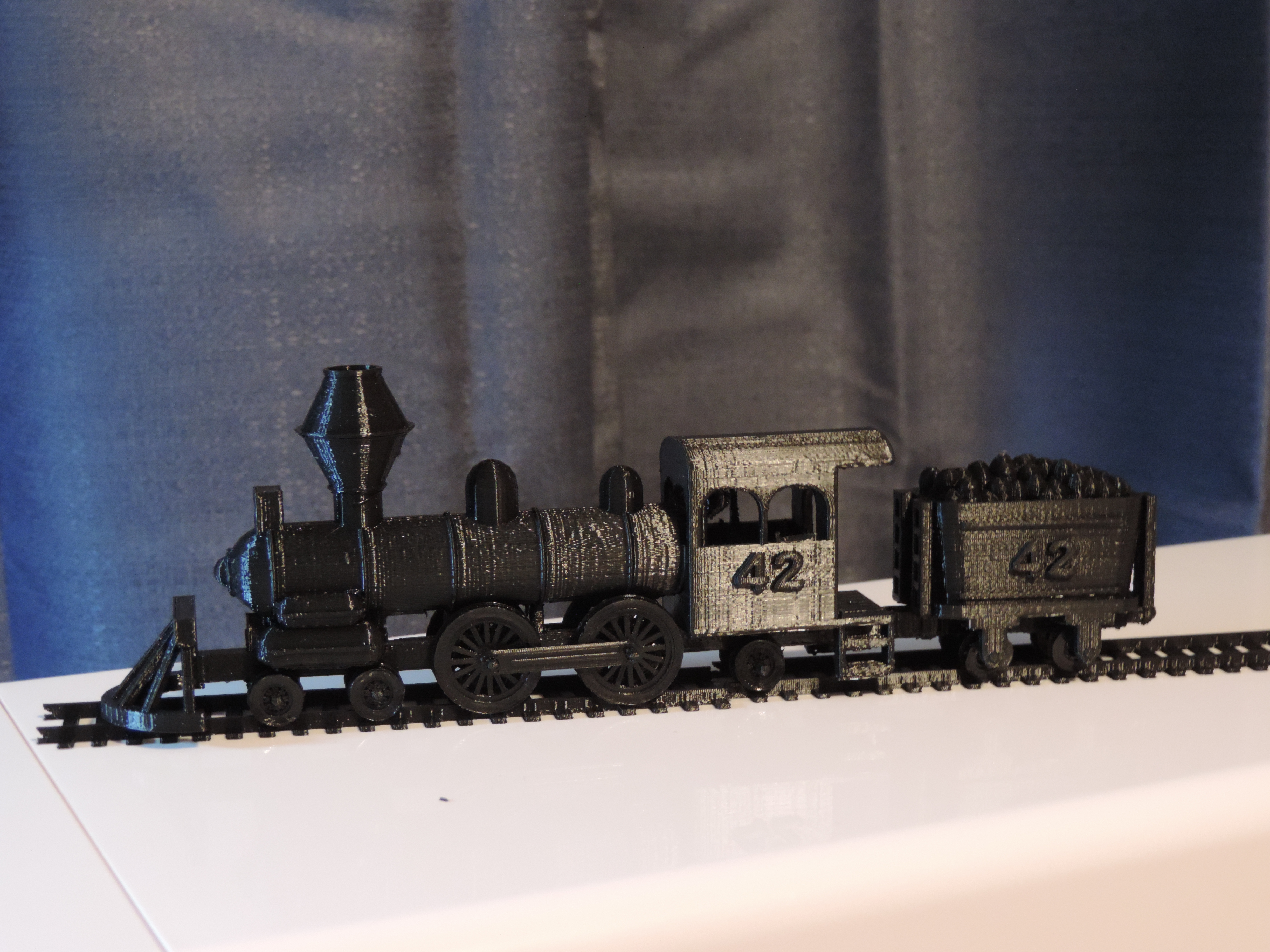
Even though it is the last car on a train, it is the 3rd car in my train series, the Caboose.  After looking several train cars, I redesign the wheel attachment.  I named the train the “Midnight Express” because the entire train will be print in black.

I place items inside the car.  Table chairs, stove, sink, bench, barrels, crates, and platforms to look out the top windows to view the entire train.

DSCN7343

DSCN7349

The ladders are not fitting together quite right, but these are delicate.

DSCN7356

The next car will be the passenger car.  I believe the train will need a box car and a cattle car.  Do I need a tank car?  Were they in use when trains ran off of coal.  May be a log car and a sleeper car.  There many of choices.

Object Size (W, D, H): 27, 136.43, 62.51 mm

Caboose in Tinkercad

Tinkercad – the free, online 3D CAD app

3d Print – Coal Car

This is the 2nd train car I designed in my effort to print a train.  The first car was the engine. Link: Train Engine

The Coal Car was fun to design.  Instead of spending hours on Tinkercad finding the right shape for the coal container (I didn’t want a box),  I duplicated the same shape and just slightly increase the size until I had the height I wanted.
DSCN7329DSCN7334

The joint to connect the Engine with the Coal Car actually worked.  It was tested previously, but to see it function was amazing.

DSCN7336

Object Size (W, D, H): 25, 55.97, 42 mm


Tinkercad – the free, online 3D CAD app

Coal Car