I created a tutorial in Instructables on how to create a snowflake in Tinkercad. There are a several great tutorials for creating snowflakes:
- Random Snowflake Ornaments by Frugha
- 3D Printed Holiday Snowflakes by mrlosik
- Designing With Algorithms in Tinkercad by Tinkercad for Education
- How to Make a 3D Printed 6 Pointed Snowflake by Penolopy Bulnick
This tutorial, Creating a Snowflake Using Tinkercad, focuses on using a Star shape to create a snowflake and using other shapes to put holes in the star.
I got the inspiration seeing an office that was decorated with paper snowflakes. Each one was unique because they were created by hand. If you are interested in learning how to create a paper snowflake, check out CYNICALifornia’s Paper Snowflake instructions. The first thing I did was create a paper snowflake.

The next step was creating one in Tinkercad. But I did not stop at one, I created seven snowflakes.
Below is the first one I created. It uses the only the Star shape and the Roof Shape. Even the back looks good.

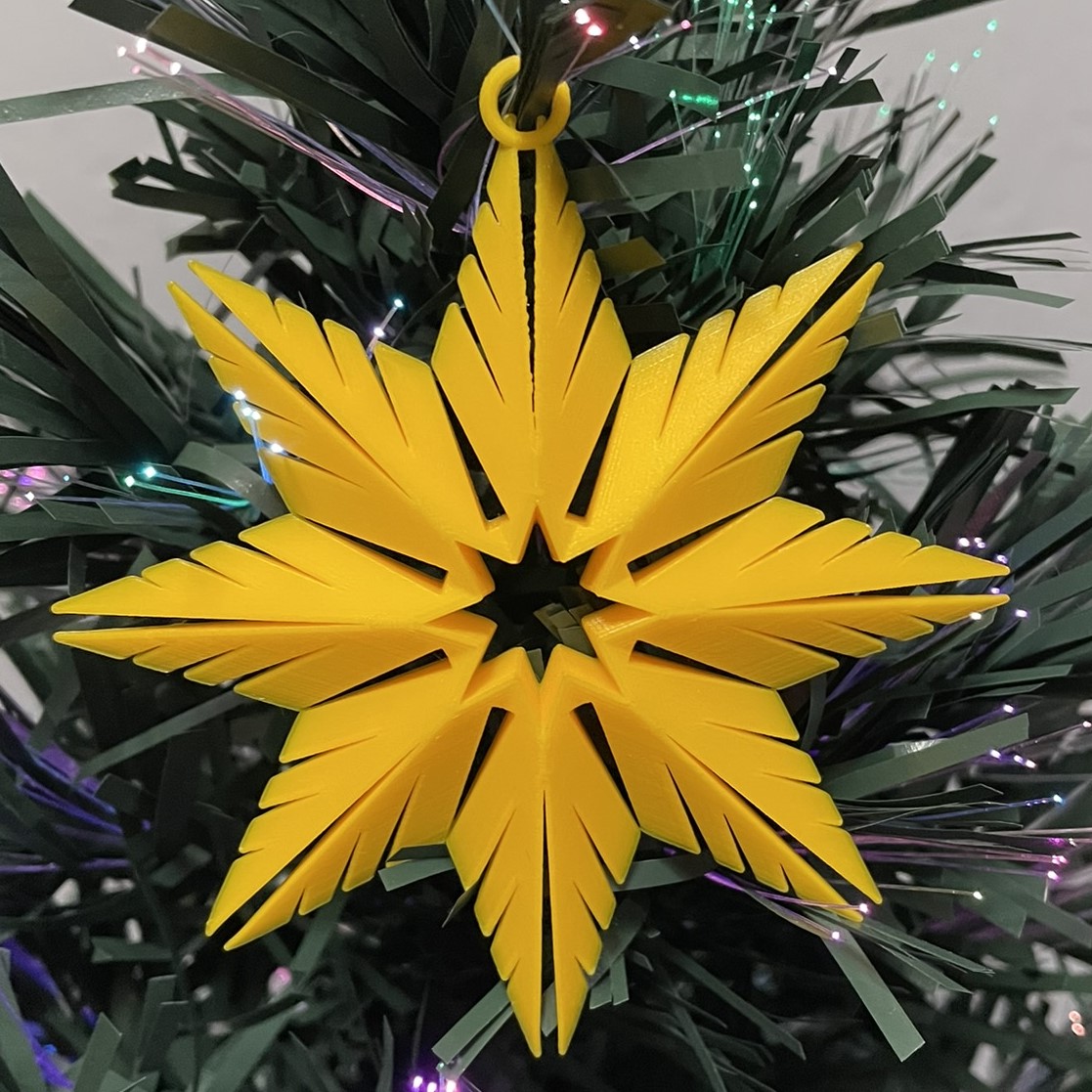

My tutorial (Creating a Snowflake Using Tinkercad) focuses on how to create a snowflake with heart shaped holes.


This is the link (Snowflakes) to the seven snowflakes I created in Tinkercad. I encourage you to copy the design and deconstruct the snowflakes to see how they were designed. Then create your own snowflake using the tutorial and information you learned by viewing my design.
 Sarah Cath's Adventures