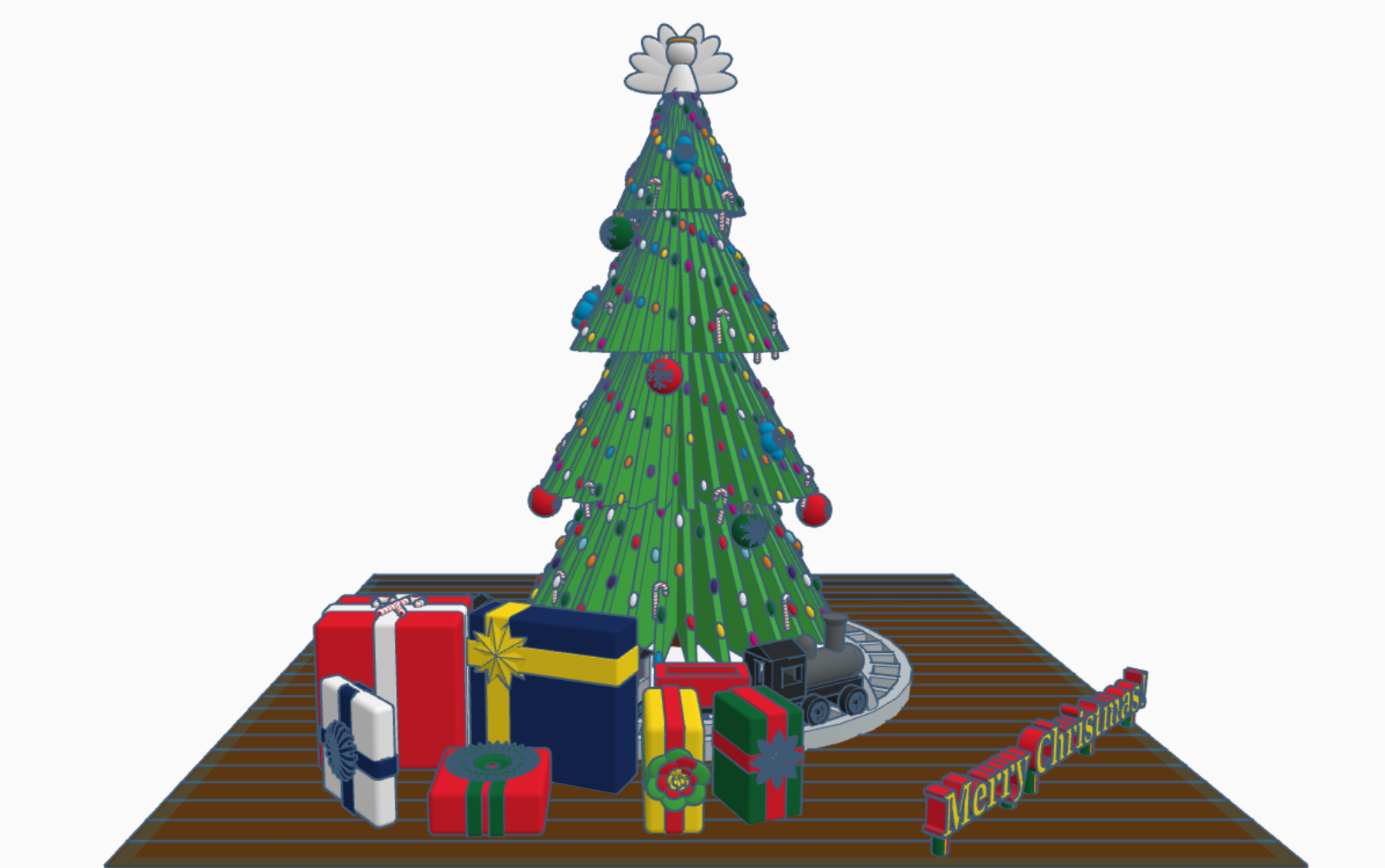
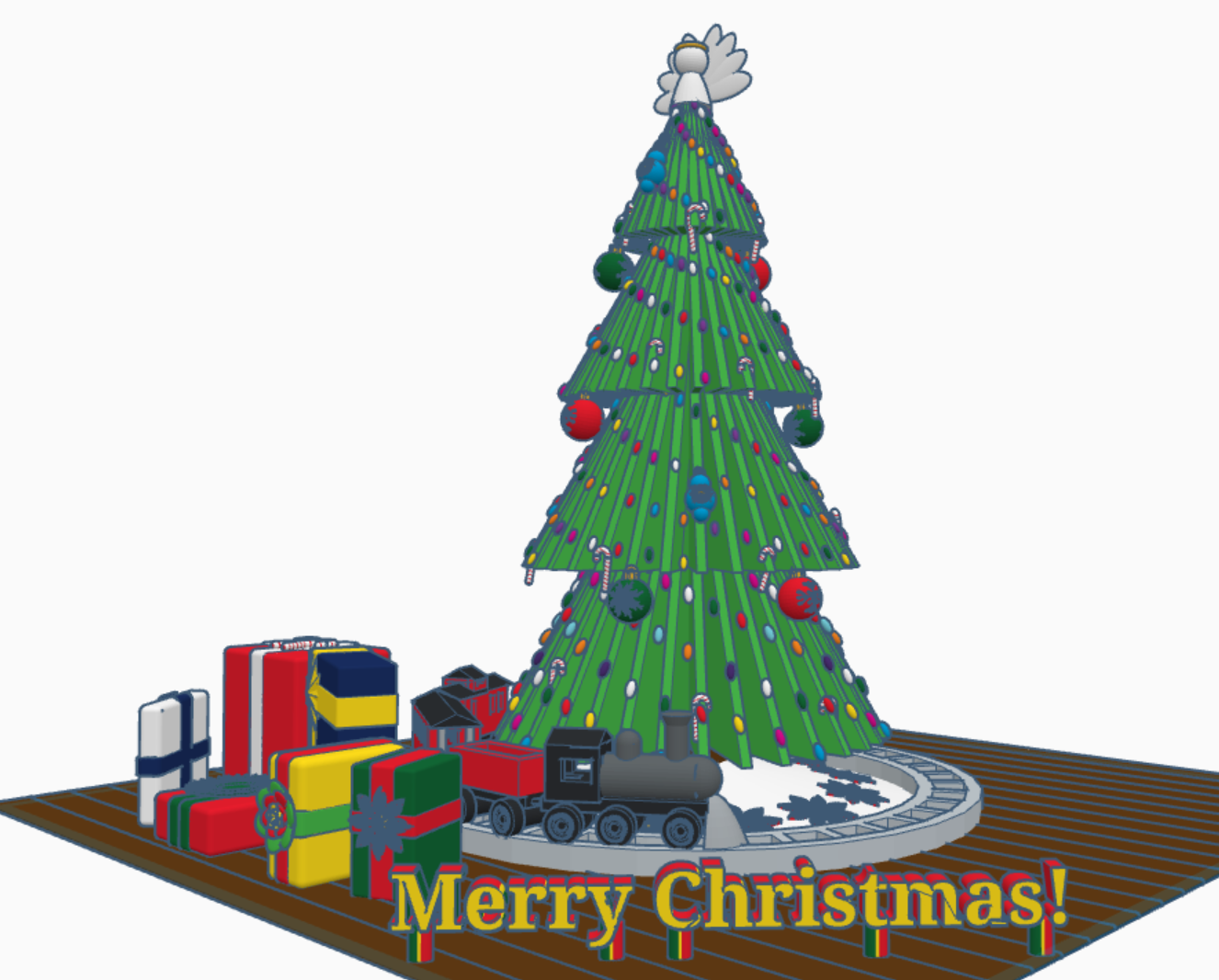
Merry Christmas from Sarah, or Sarahcath, as I use it a lot for my handle. Link: Merry Christmas 2022. For all the Tinkercad users; both past, present, and future; I created a Christmas 2022 scene with a tree, a train, and presents. Each present under the tree contain a gift. It is not just a pretty box. To open the gifts, you will need a Tinkercad account. Copy the design and ungroup the box from around the present. If the gift is too small, you are using Tinkercad, you can make the gift larger.
My biggest adventure this year was moving. Not a move across town, but a move to a different State over 500 miles away. I cannot recommend moving. While I was sitting in front of the TV at night, during my breaks from unpacking boxes and organizing, I decided to relax with some coding in Tinkercad Codeblocks.
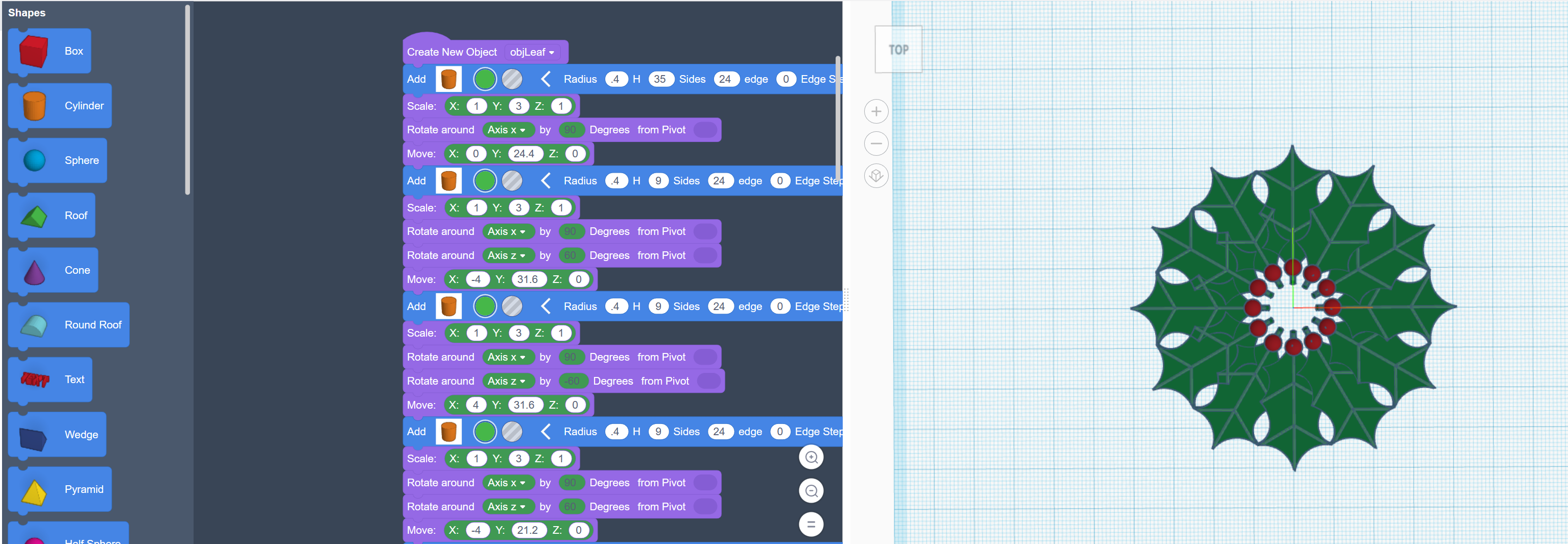
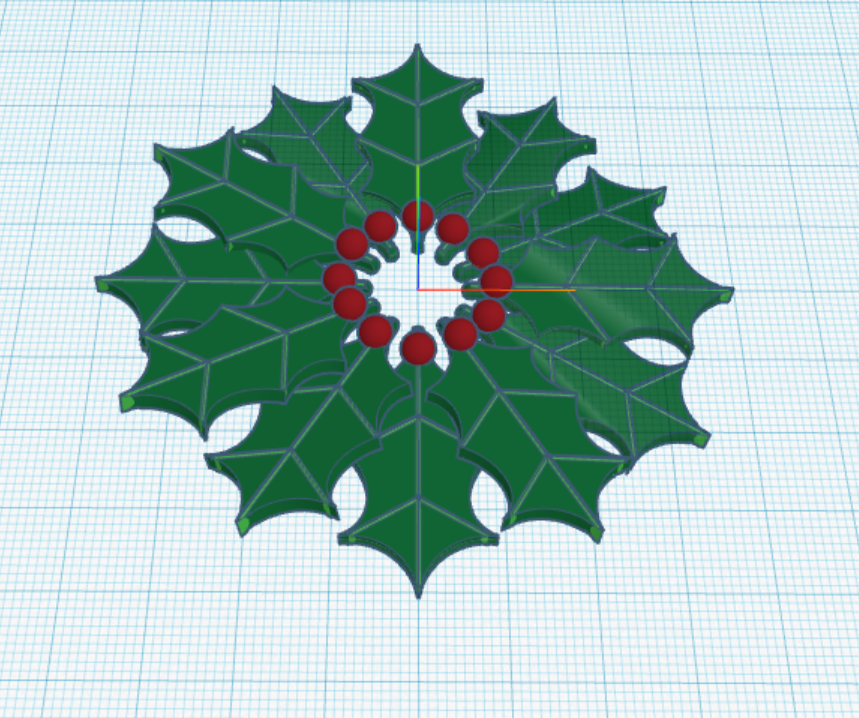
The first thing I coded was a Christmas Wreath:
First, I coded one holly leaf with all the details. Then I copied and rotated each leaf along the x, y and z axis.
The rotation around the x and y axis is random, so the wreath will look a little different every time the program in run.
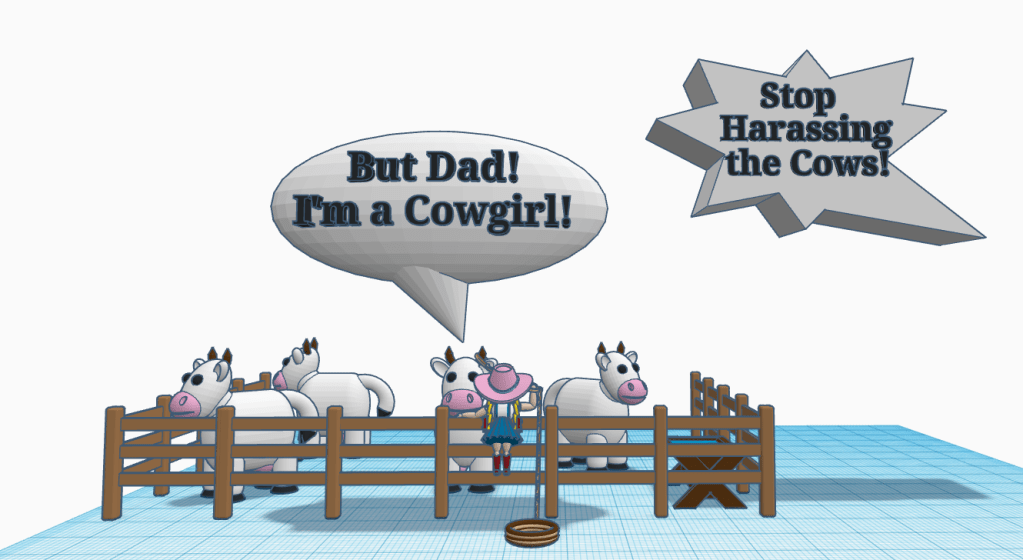
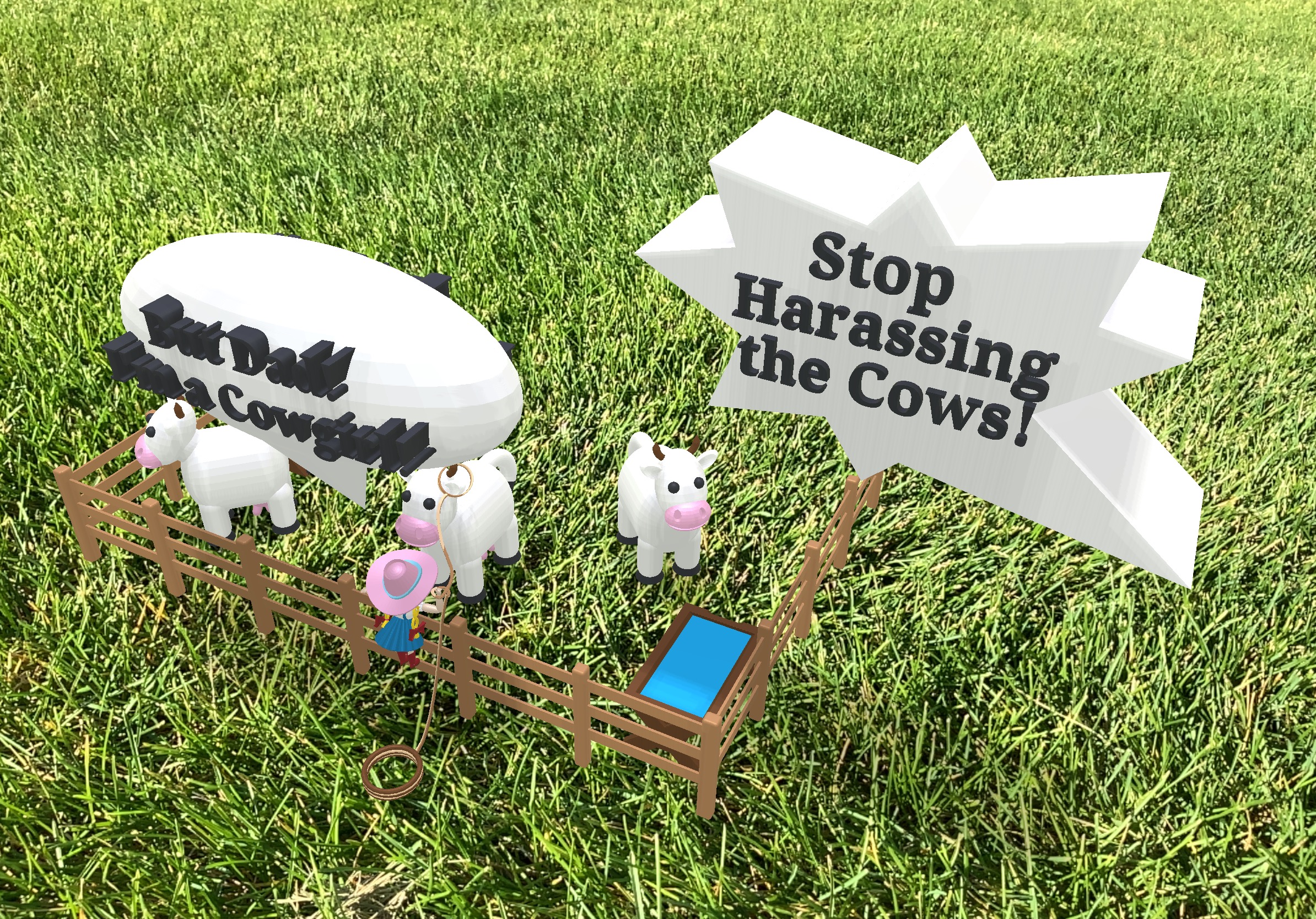
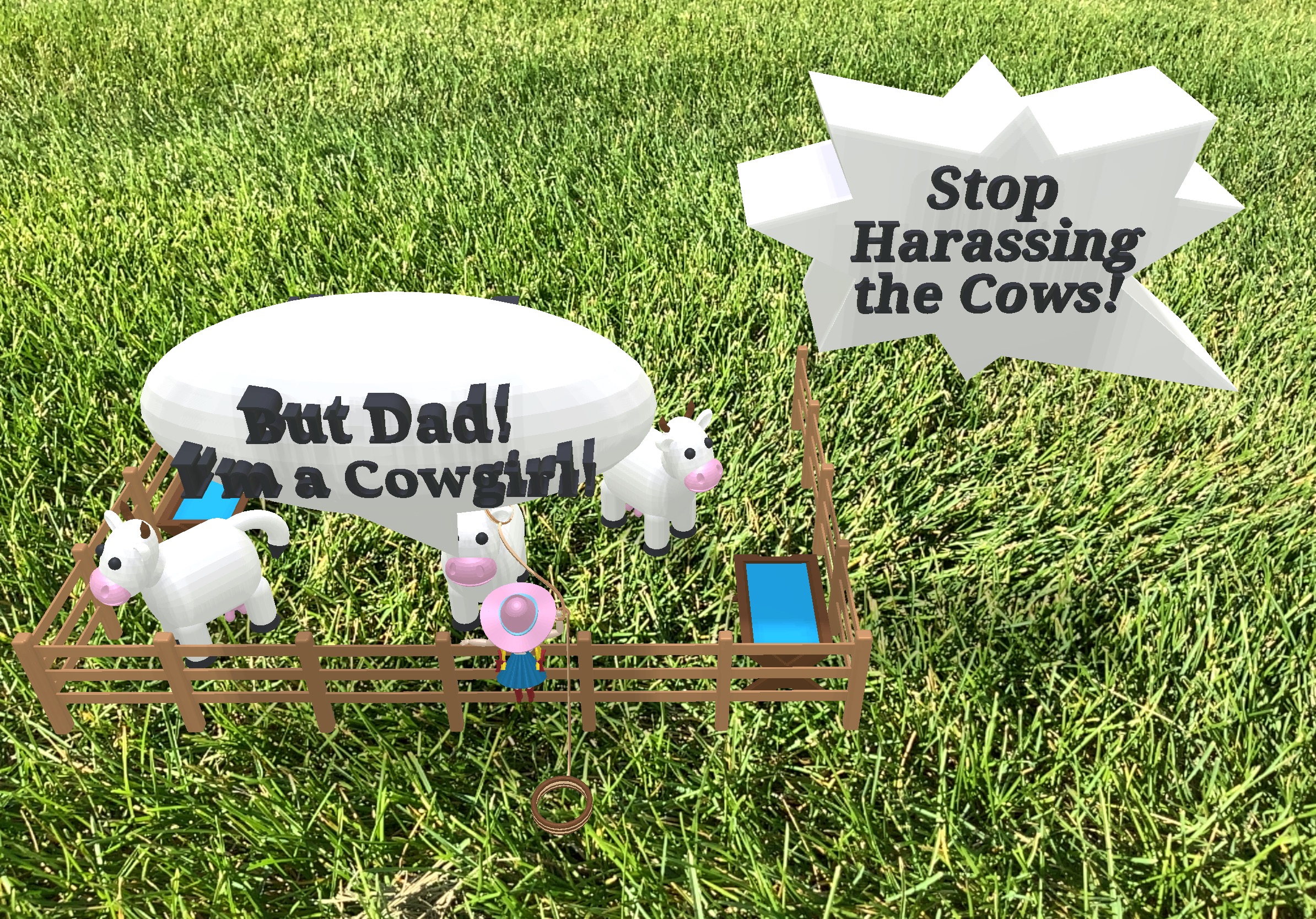
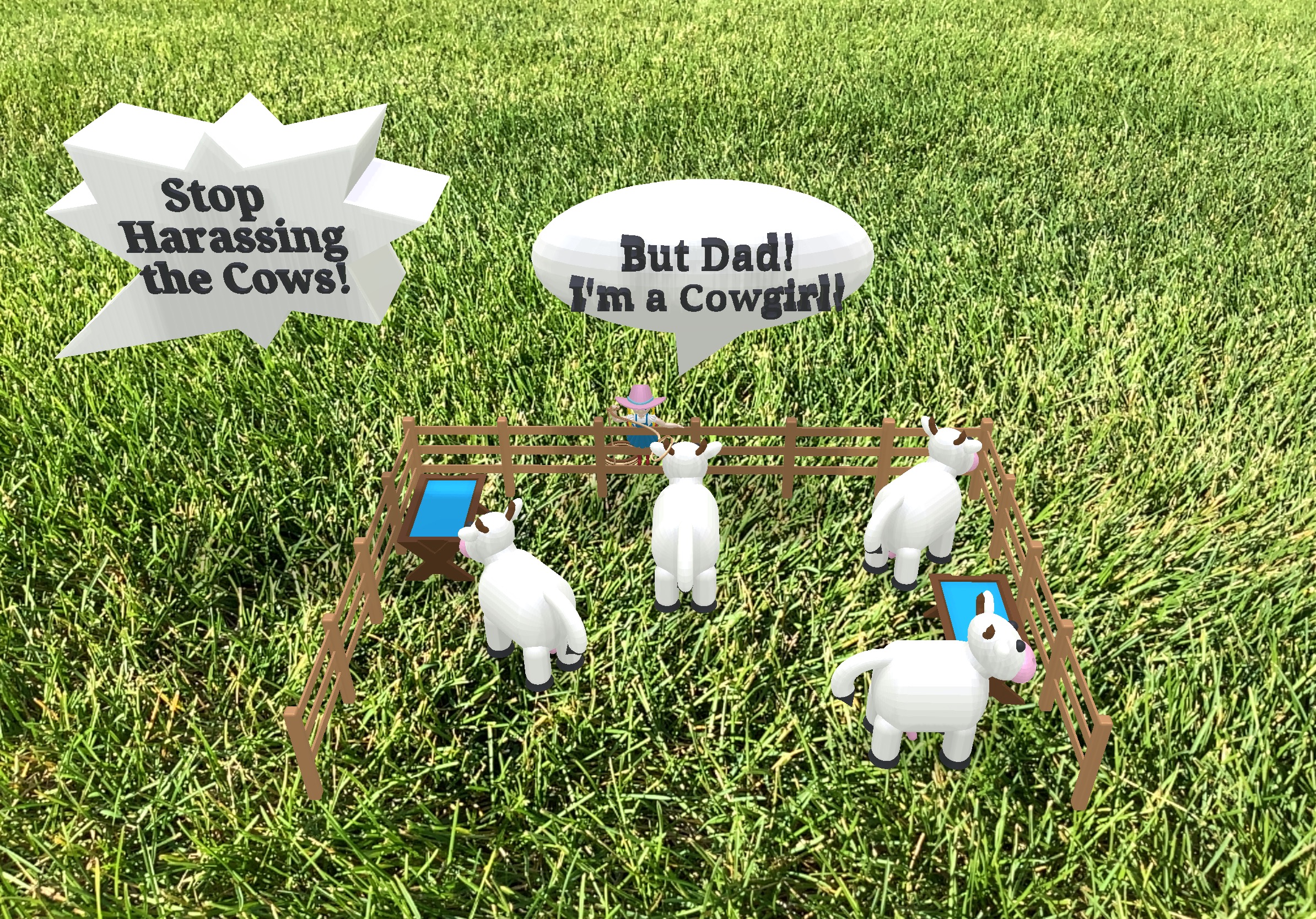
This is the first issue of my 3D comic, made in Tinkercad, that I am calling Earthling. Click on the link above to see the comic in 3D. Here are some pictures of the comic. All items in the comic were created by me, except for the grass.
Note: The AR Viewer on the IPad was used to capture the images.
Other issues will be forthcoming as I have time to develop them.
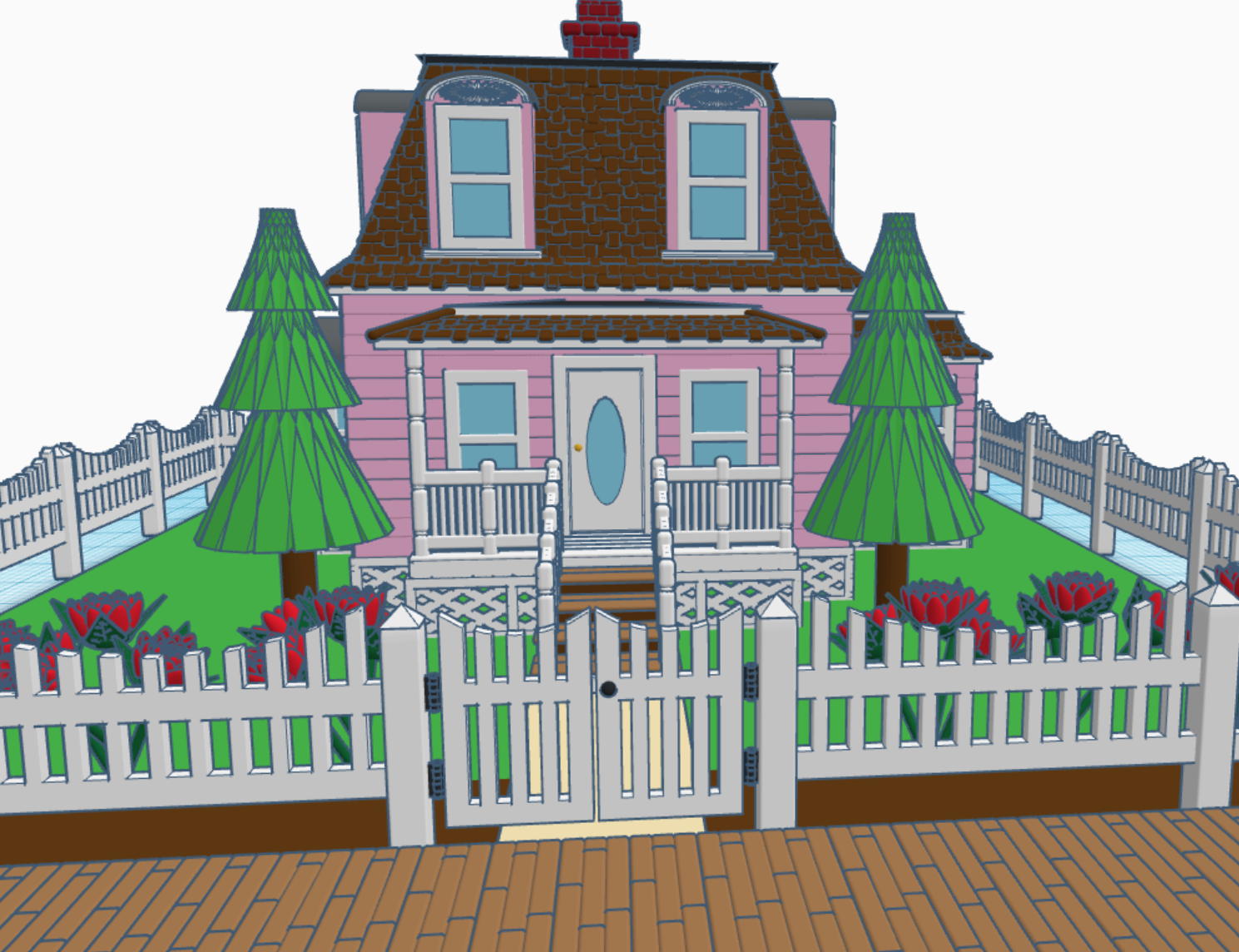
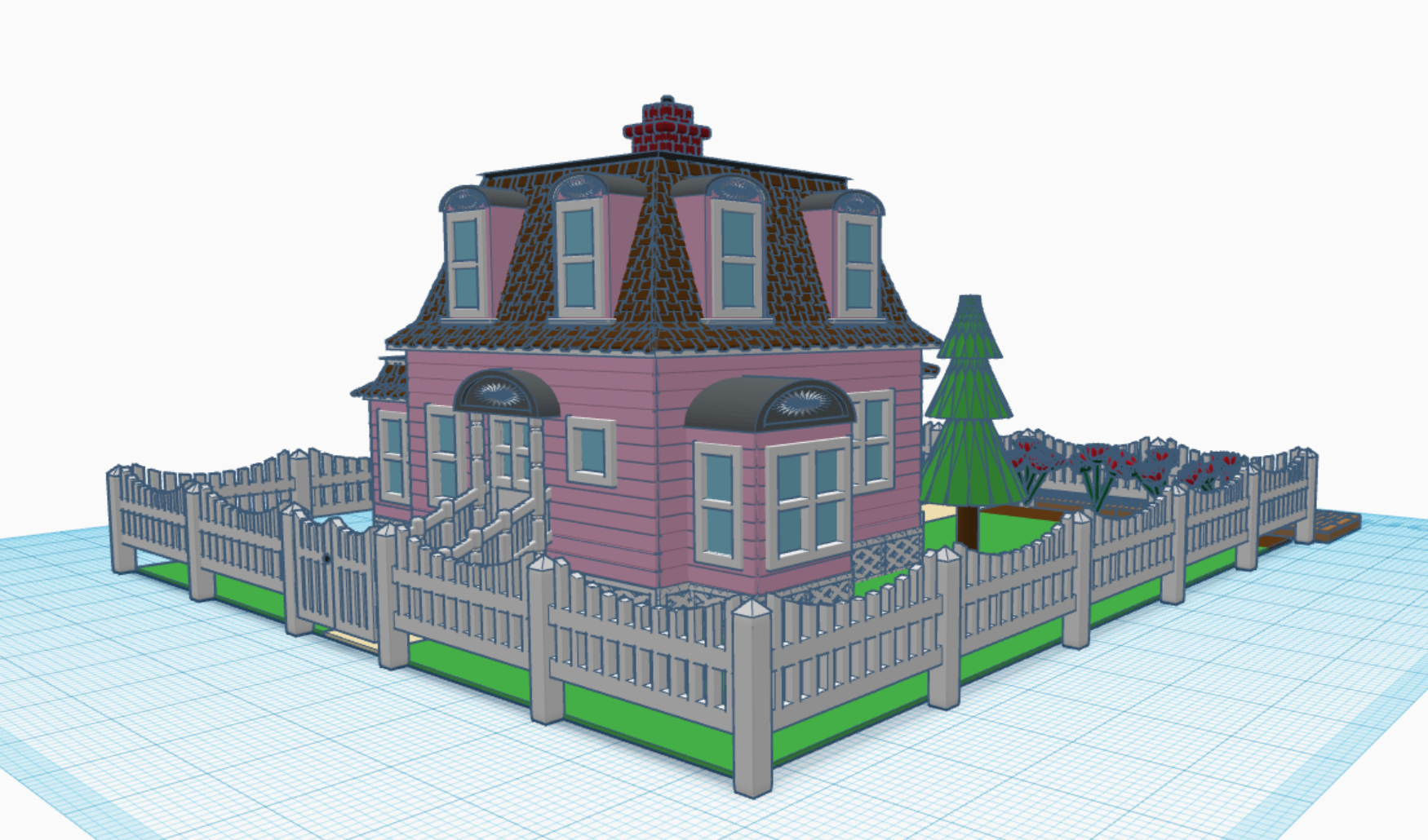
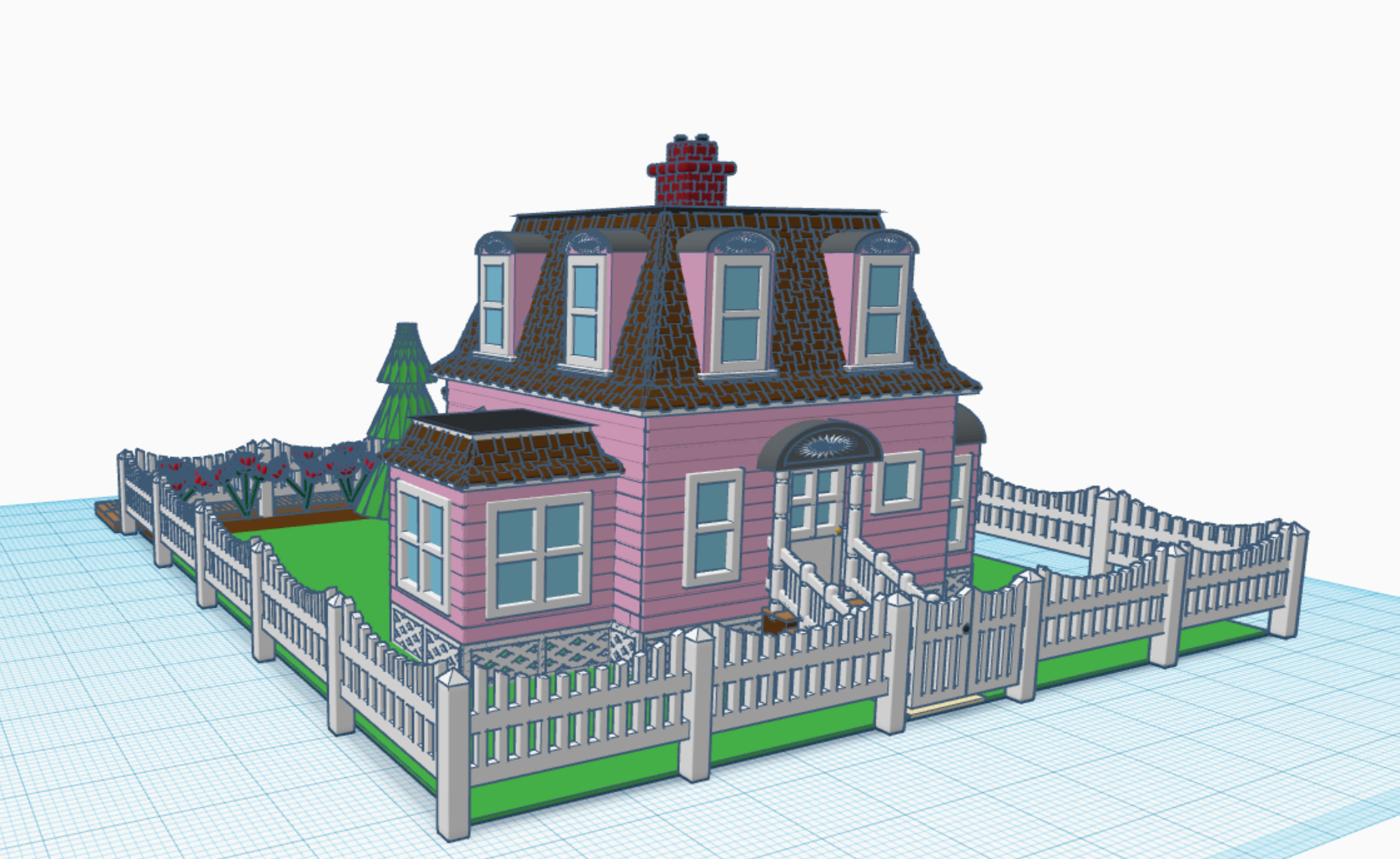
After I completed the Town Hall in Tinkercad, I knew I wanted a house for the Town’s Mayor. For months, I thought about what I wanted in the house. For example, I wanted a porch or balcony for the mayor to stand on the talk with the citizens of the town.
My inspirations come from looking at old buildings. All the pictures I saw for “Mayor House” was big opulent mansions that just did not fit my town. It wasn’t until I travel to Aurora, NE and visited their museum, that I found the style of the house I wanted for the town. Behind the museum was the Bate’s Houses. Its architecture and age was exactly what I wanted in my design. It was painted blue, but I wanted something special. I decided to color house pink with brown roofing to make it different from all other buildings in my town.
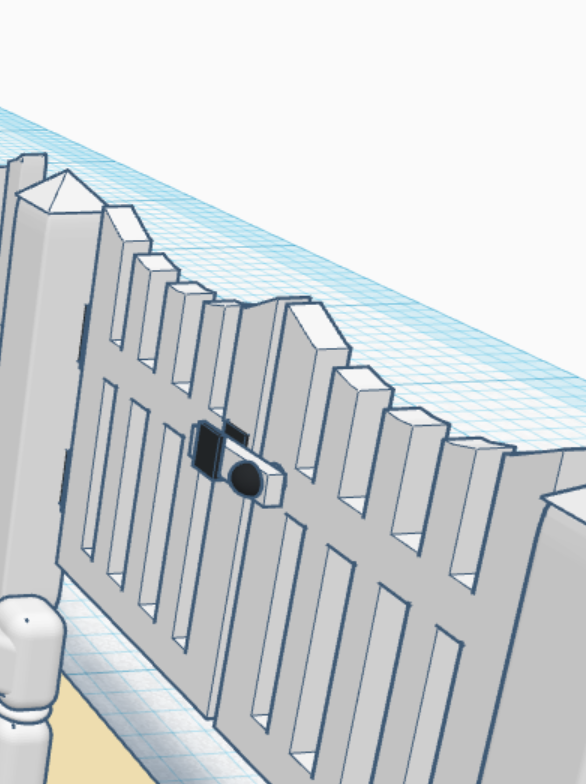
I placed the wooden path in front of the house, because the mayor’s house is located on Main Street in my Railroad Town. I placed a picket fence around the yard. I wanted the fence curved to add some character to the design.
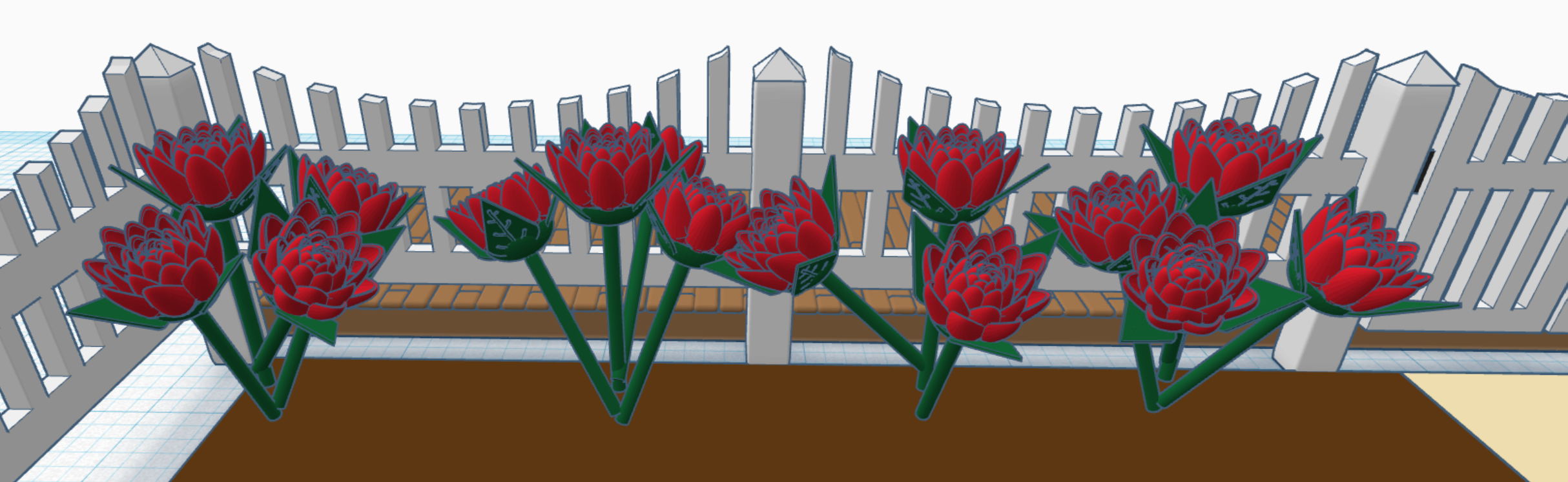
The mayor’s house needed a flower garden. I create one rose and stem; then to create the bush I duplicated it, changed the angle, rotation and position.
One detail that everyone will probably overlook is the gate. On the gate it has a latch and hinges that would actually function if they were 3D printer
You can view this design in 3D on Tinkercad at this link: Mayor’s House
Using Tinkercad I have designs buildings to create a Railroad Town. It started in 2016 when I designed a Train Engine and related train cars. They were all based off the early train designs, when trains ran on coal and steam. Two of the building I designed for my town are, a Saloon and a Sheriff Office (a.k.a. a jail). If anyone was going to spend any time in the jail, and if the town kept growing, they would a Town Hall to provide administration.
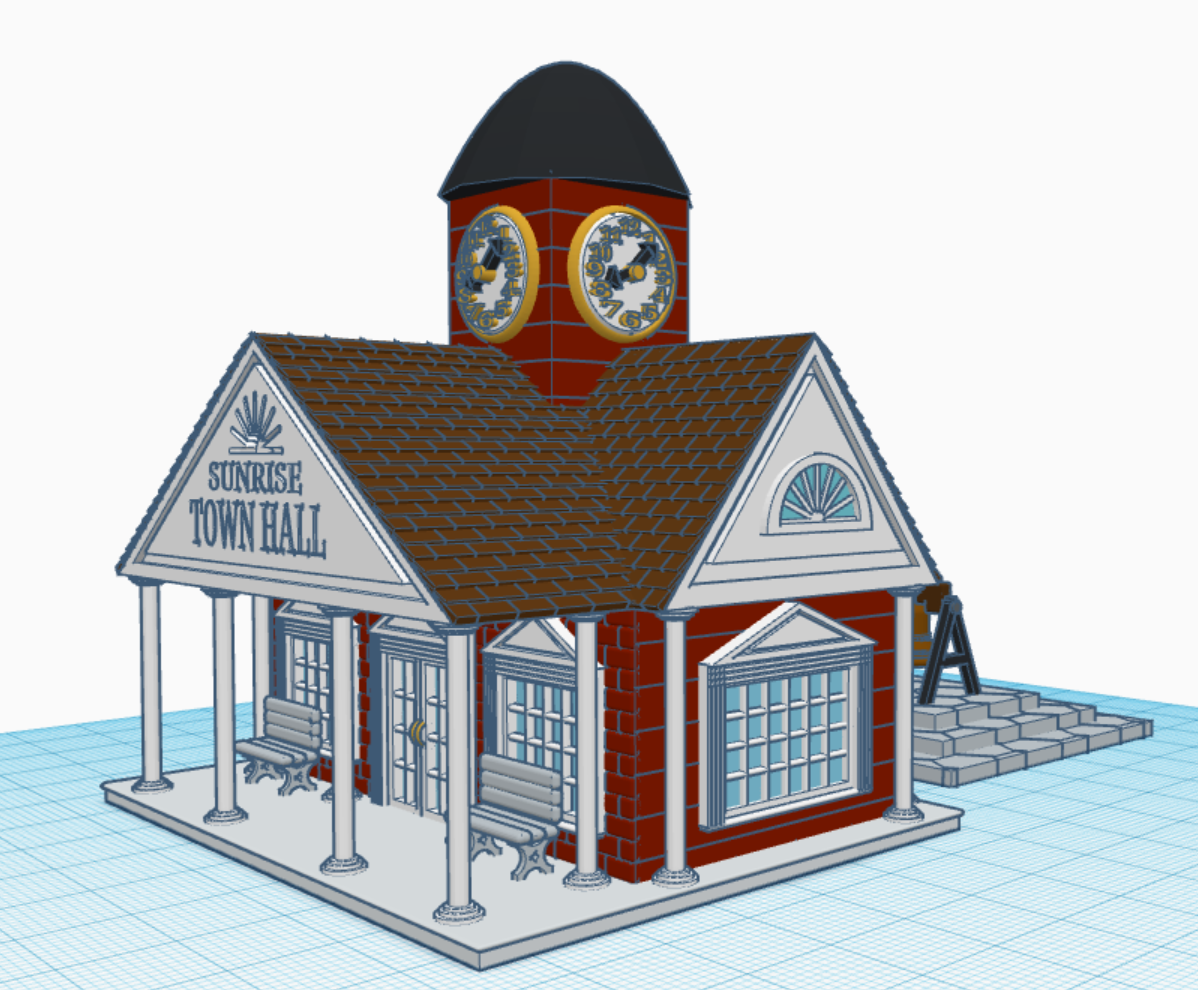
The Town Hall often had a clock tower and consisted of numerous details. I incorporated these details by adding large columns and lots of windows.
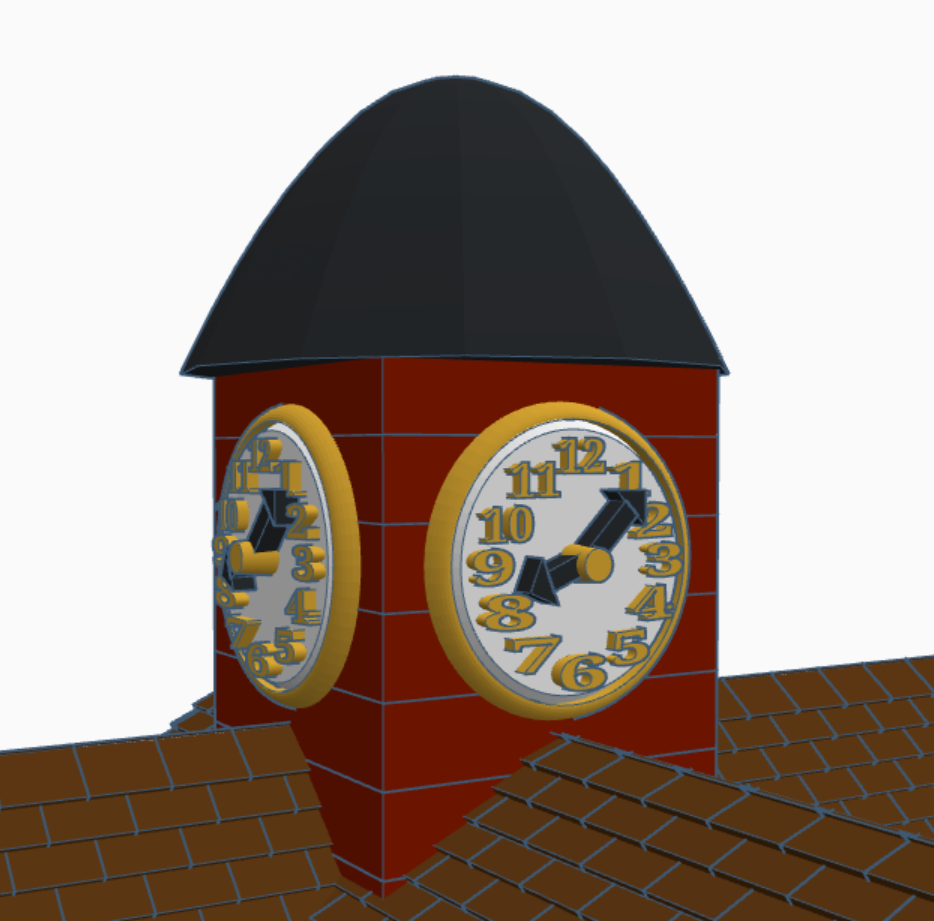
The clock tower I frame in gold and set the time to after the start of the workday. I duplicated the clock and placed it on all four sides.
Clock Tower
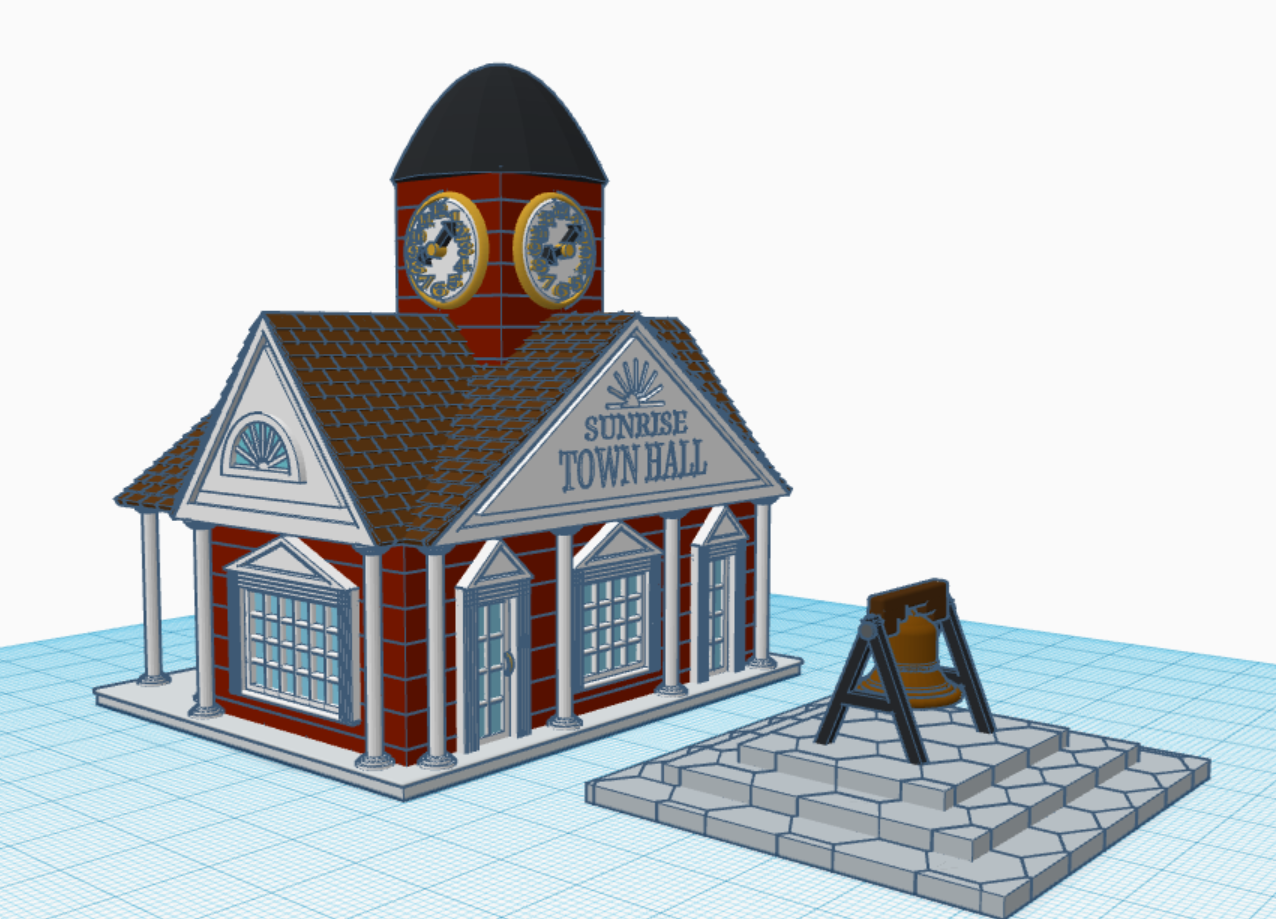
Town Halls, in the Railroad Town days, had a bell to signal the town. The building appears to be only one story, and if I put the bell in a tower, it would look out of proportion. Therefore, I placed the bell on the stone platform.
Town Hall Bell
All of the buildings for the Railroad Town are based on the same scale. The doors and windows are approximately the same height. You can see and copy the 3D version at the Town Hall at this link: Town Hall. Sometimes, you learn more about how something is designed by deconstructing it.
The way I design in Tinkercad changed on July 20, 2022, when I learned that I could create shapes from my 3D Designs. For a lot of my designs such as the Cow Depot, Saloon, Mill, Barber Shop, Houmas House… anytime I wanted to reuse a shape I would save it out as an STL file and import a copy back into the design. Now, if the design is not to complicated, I can save it as a shape in Tinkercad and use it over, and over, and over again.
The Chicken: This design answers the question of which came first, the Chicken or the Egg. The answer is the egg. Because only egg shapes were used to create the chicken, except when I used the cubic hole to cut the egg in half.
The Sheep: To create the sheep, first I made a fluff ball and saved it out as a shape and used the fluff ball to create the sheep. I also used the fluff ball to make a tail from my bunny.
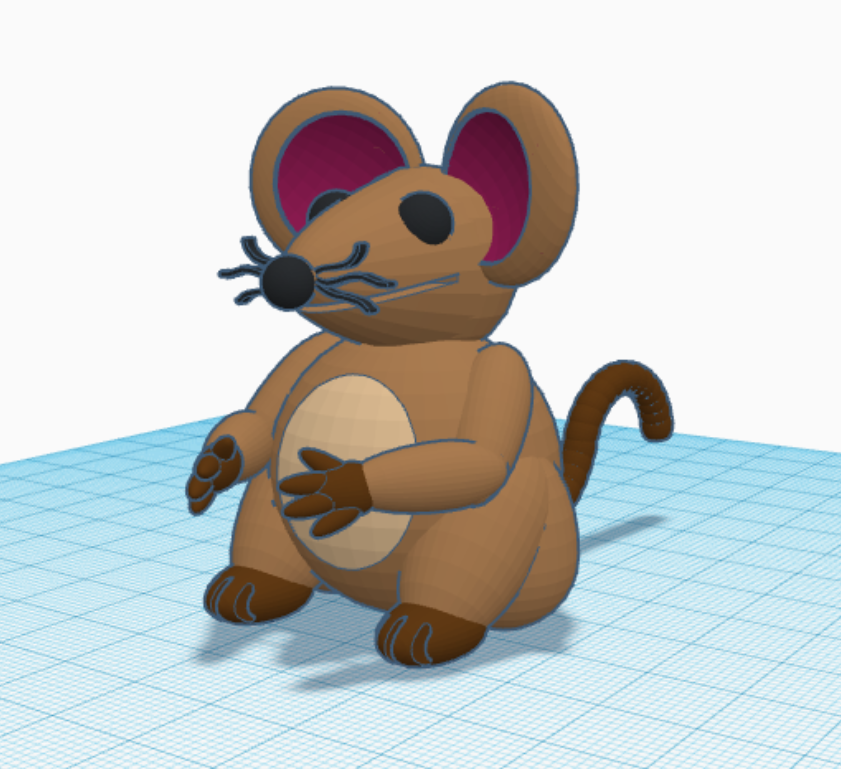
The Mouse: There is nothing really special about the mouse, except a little cuteness.
I have created a Youtube video on Creating a Shape in Tinkercad.
As I was typing this, I realized some of my buildings are not covered in the blog. So, more posts about Tinkercad are coming.
I am currently working on two projects in Tinkercad. One of the projects is huge and needs lots of parts. During the planning for this big project, I decided to create an umbrella. Not only did I create the umbrella, I also wrote instructions on how create an umbrella in Tinkercad. The instructions are available at on Instructables: Creating a Colorful Umbrella
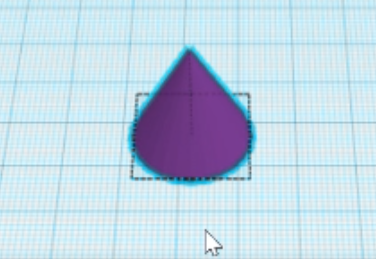
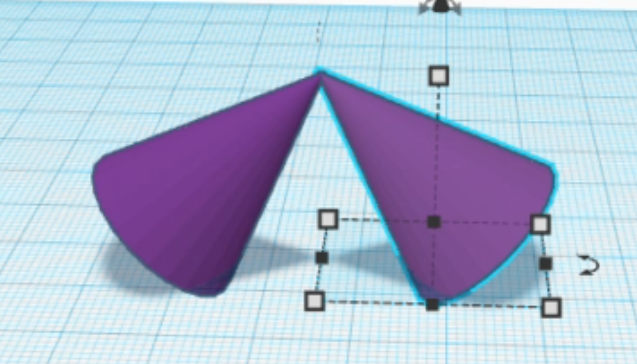
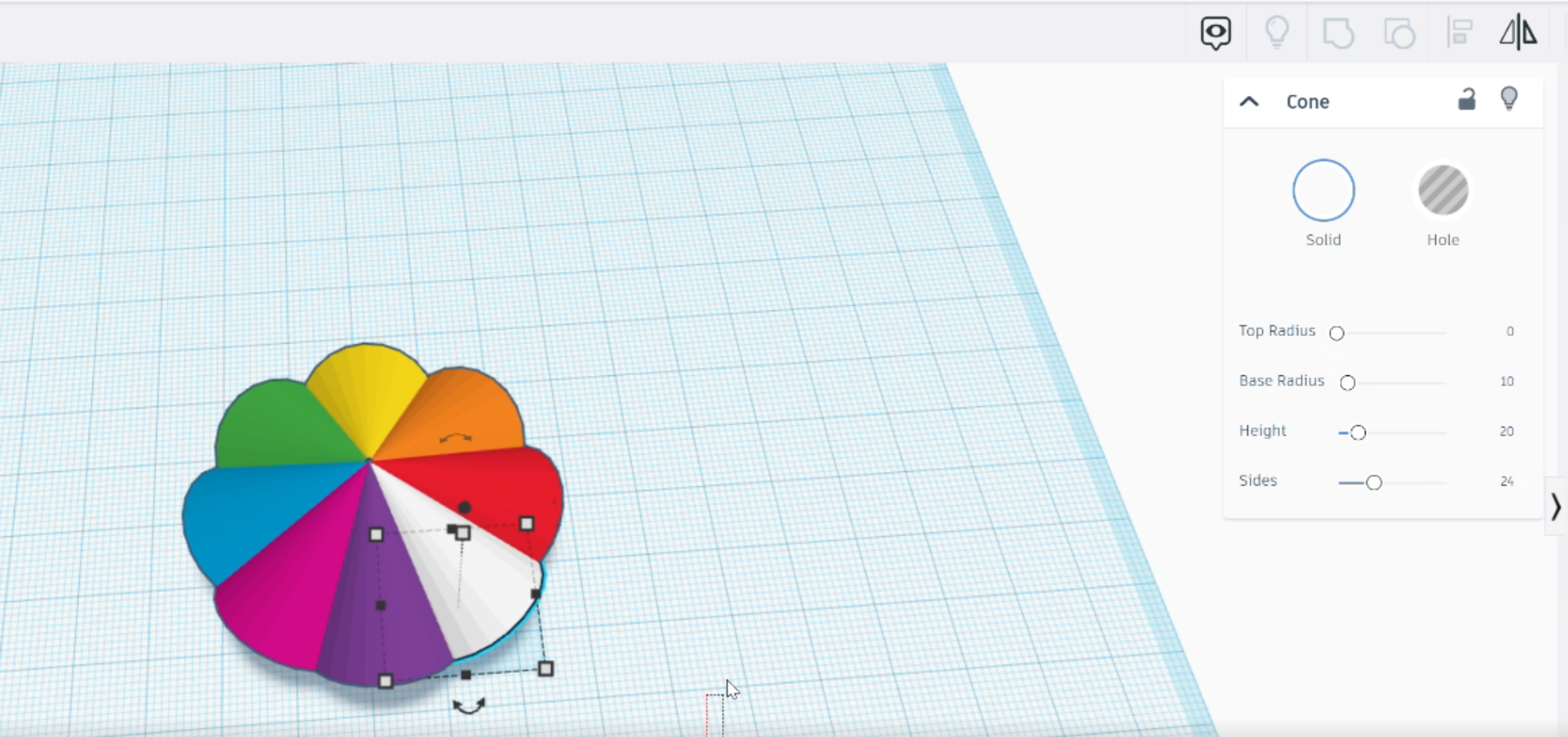
The process is simple:
Add a Cone ShapeDuplicate the ShapeChange the ColorsCreate a HoleCreate a HandleAlign the shapesAdd a little flare. You have an umbrella.
Okay, maybe it is simple for me. The video on how I created the umbrella is available on my YouTube channel.
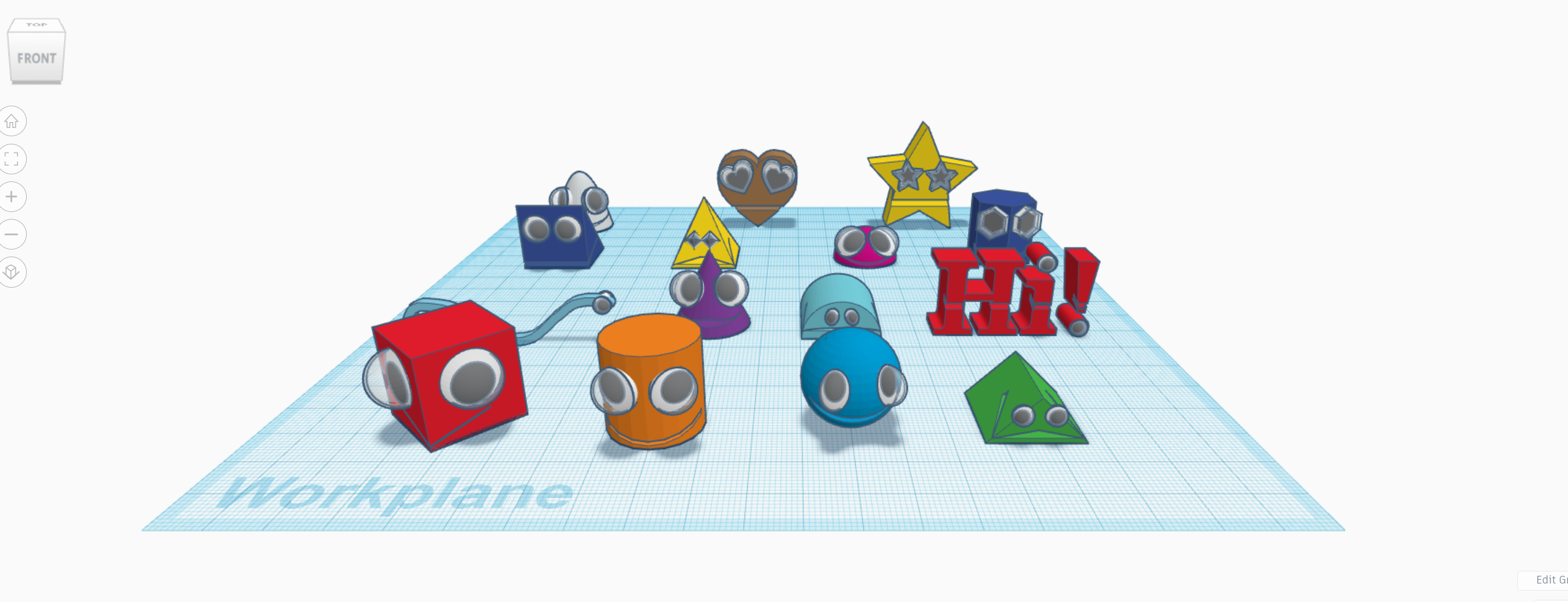
According to Wikipedia Googly Eyes are: “Googly eyes, or wiggle eyes, are small plastic crafting items used to imitate eyeballs. Googly eyes traditionally are composed of a white plastic or card backing covered by a clear, hard-plastic shell, encapsulating a black plastic disk. The combination of a black circle over a white disk mimics the appearance of the sclera and pupil of the eye to humorous effect. The inner black disk is allowed to move freely within the larger clear plastic shell, which makes the eyes appear to move when the googly eyes are tilted or shaken.”
Tinkercad has some amazing 3D Designs created by some talented people. Looking at these designs, you can’t help to say “Wow!” Instead of trying for the “Wow” factor, I went with the “Fun” factor. Googly Eyes are fun, but they can also be spooky. It all depends on how they are used.
Previously, I created a sunflower using Tinkercad Codeblocks. (You may copy the Codeblock Sunflower file.) This would be a good design for the Googly Eye instructions. I exported as a Shape to be used in 3D Design.
Googly Eyes in Tinkercad
I created a new design and place the sunflower into the design, by selecting the shape from Your Creations on the Shape Panel.
The four shapes used for Googly Eyes
Next, I created the Googly Eyes. These Googly Eyes consist of 4 shapes: three half spheres and one sphere.
Sunflower with Googly Eyes
I moved the resized and moved the Googly Eyes into position. It looked so strange with just the eyes, so I created it a mouth.
Smiley Sunflower with Googly Eyes
The mouth is a flatten sphere hole that was group with the sunflower. The Googly Eyes Sunflower file is not available for copying, because creating your own is usually fun and will be a learning experience. See the instructions or watch the videos to create you own.
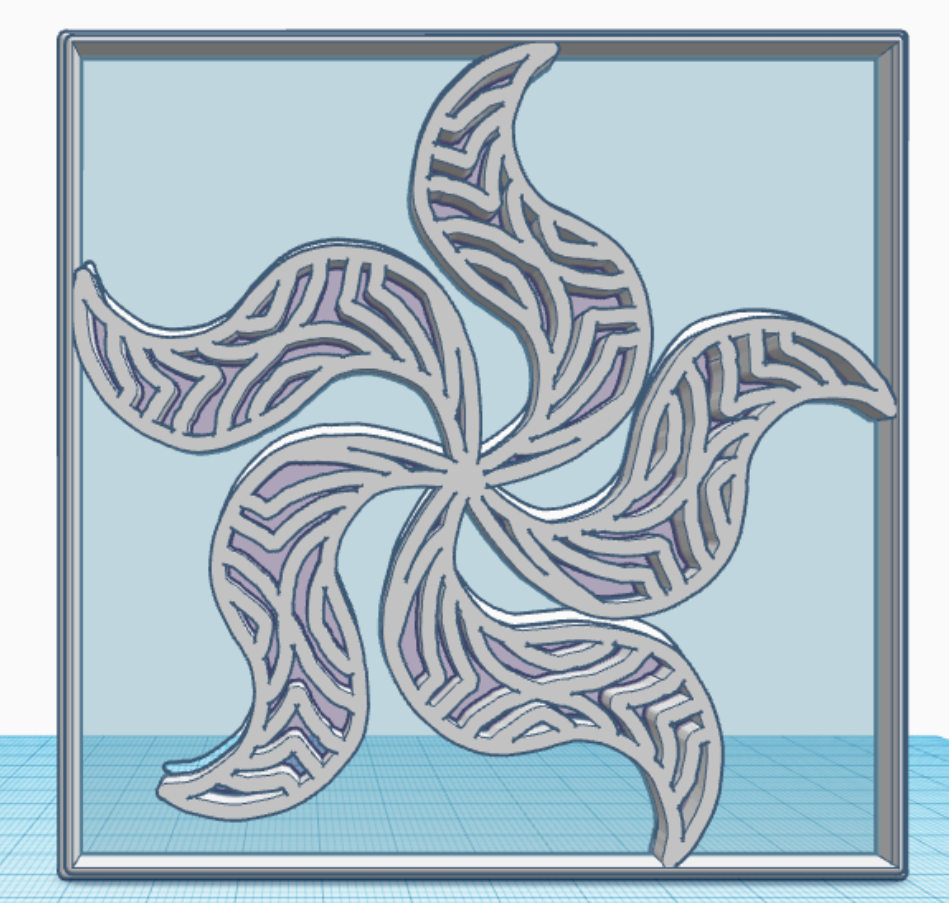
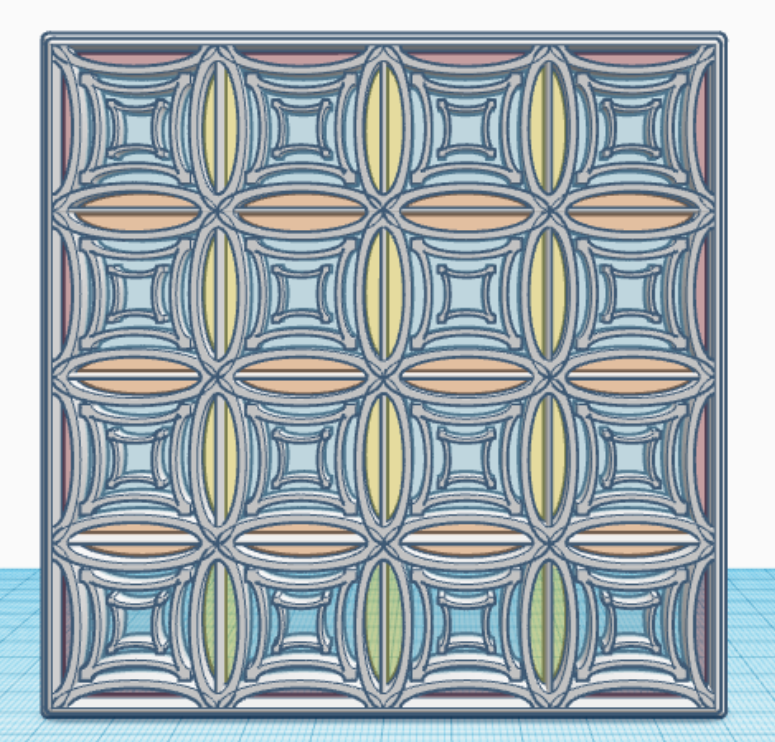
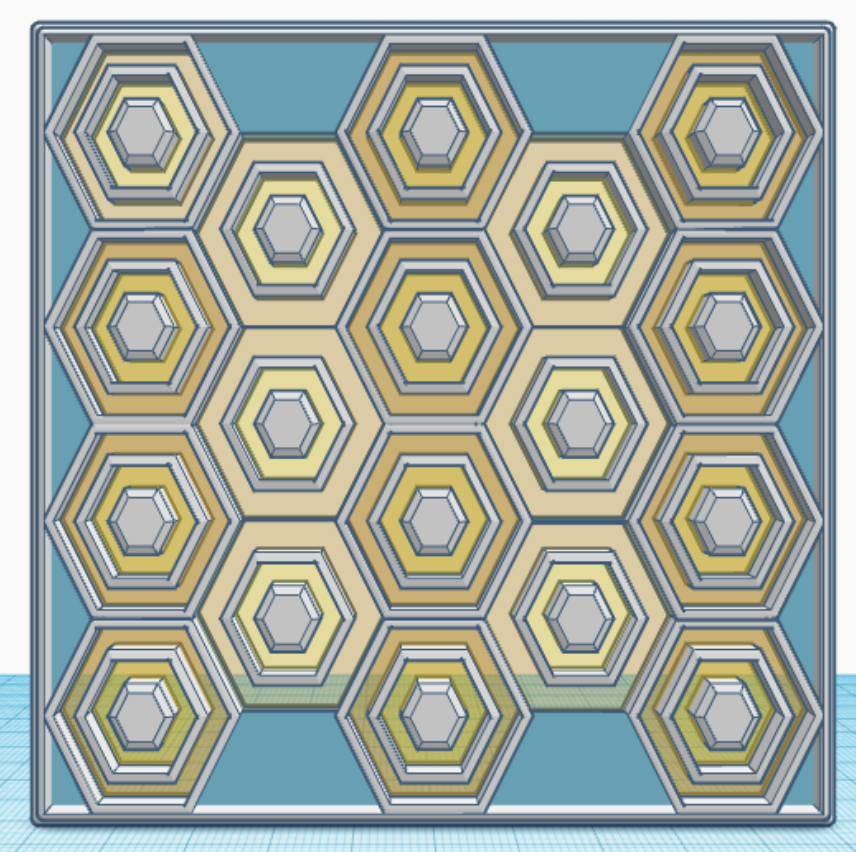
In January, I created one tile/design/pattern/window a day for 31 days. Each tile is 4″ x 4″ x 0.252″ or 101.6mm x 101.6mm x 6.4mm, which should work very well for 3d Printing. Here are examples of some of the tiles I created. They are just designs and patterns, there is no hidden meaning behind a tile.
Tiles created with Tinkercad.
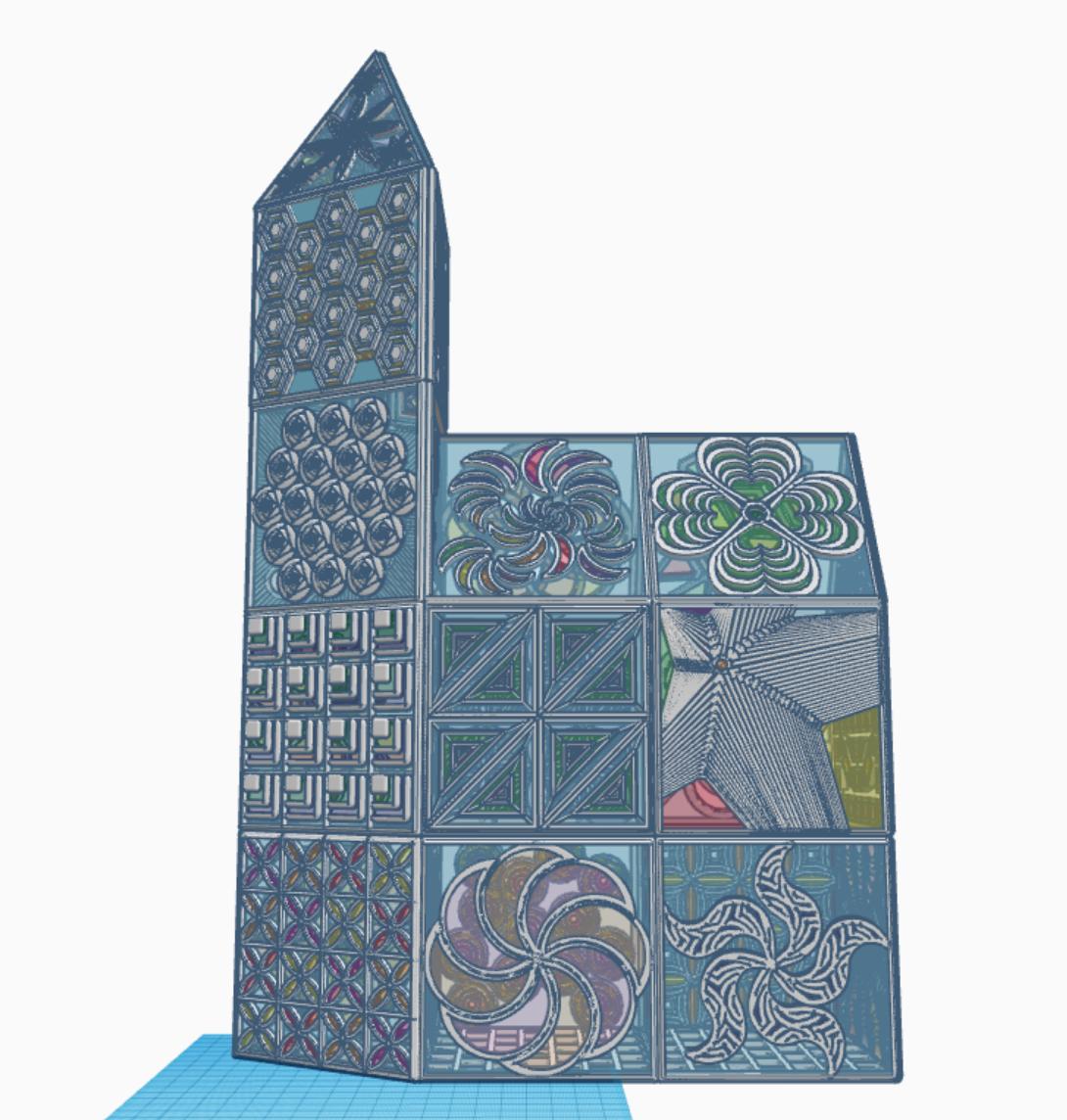
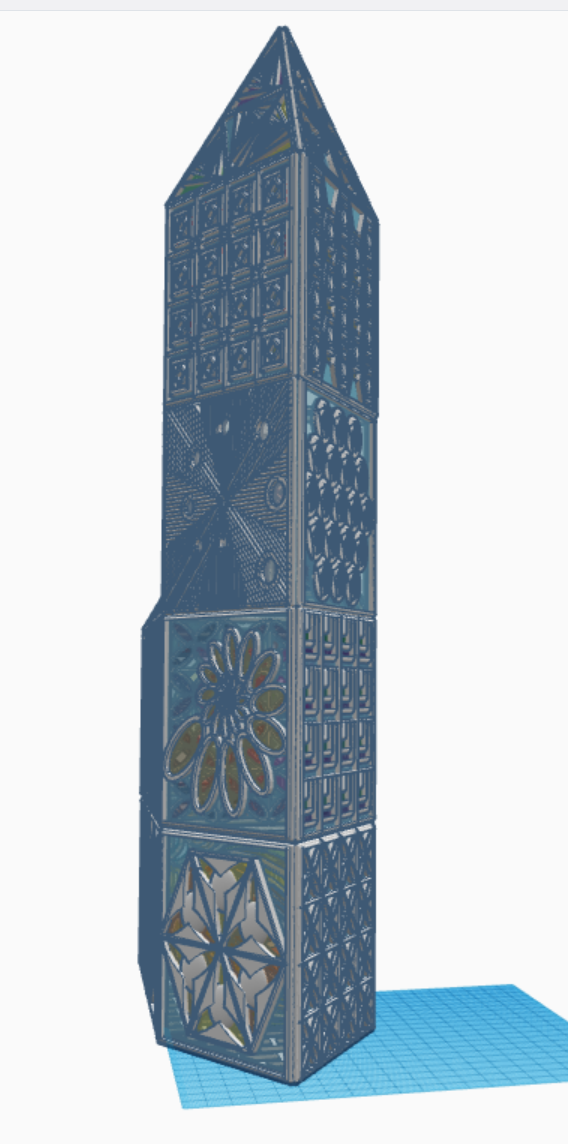
What can you create with these tiles? I created a Glass Tower in Tinkercad with the 31 tiles. The only tile I reused was the last tile, the bottom tile, the tile I used for the floor. Below are pictures of my Glass Tower. The 3D view is available at this link: Glass Tower
Glass Tower made with Tinkercad
All the tiles are available for copying and tinkering on Tinkercad. What can you make with these tiles? A square, a window in a building, a charm for a necklace. Just use your imagination and log on and search for sarahcath under People to find a design.
Regularly I get unsolicited phone calls, those are easy to handle. I normally don’t answer calls whose contact information is not in my phone. On rare occasions when I answer the phone, I found the best thing I could tell them is “I don’t do business with people who randomly calls me on the phone.”
Text messages (SMS messages) are a different story, they will appear on my phone solicited or unsolicited. Below is a recent, scam text message I received. They are trying their best to get me the click the URL link.
I will step you through the problems I found with this text message.
Most legitimate companies I deal with does not use a real phone number. They are now using a 5-digit code like “59842” to send text. Also, the text message used the country identifier “+1” for the USA. Lastly, this number was not in my address book.
Have you ever heard of NRSC Poll? They may be a legit company. If you want to fill out a survey, search for NRSC Poll and see the results. If they ask for any personal info, be cautious.
The text message provided a deadline which you must respond quickly? Probably because the hacker knows that this domain has a limited life.
Do we talk like the example in the text message? “Quick vote!” We aren’t voting, it’s a poll.
Let check out the domain! First, item 2. said it was an NRSC poll. Why doesn’t the URL contain “NRSC”?
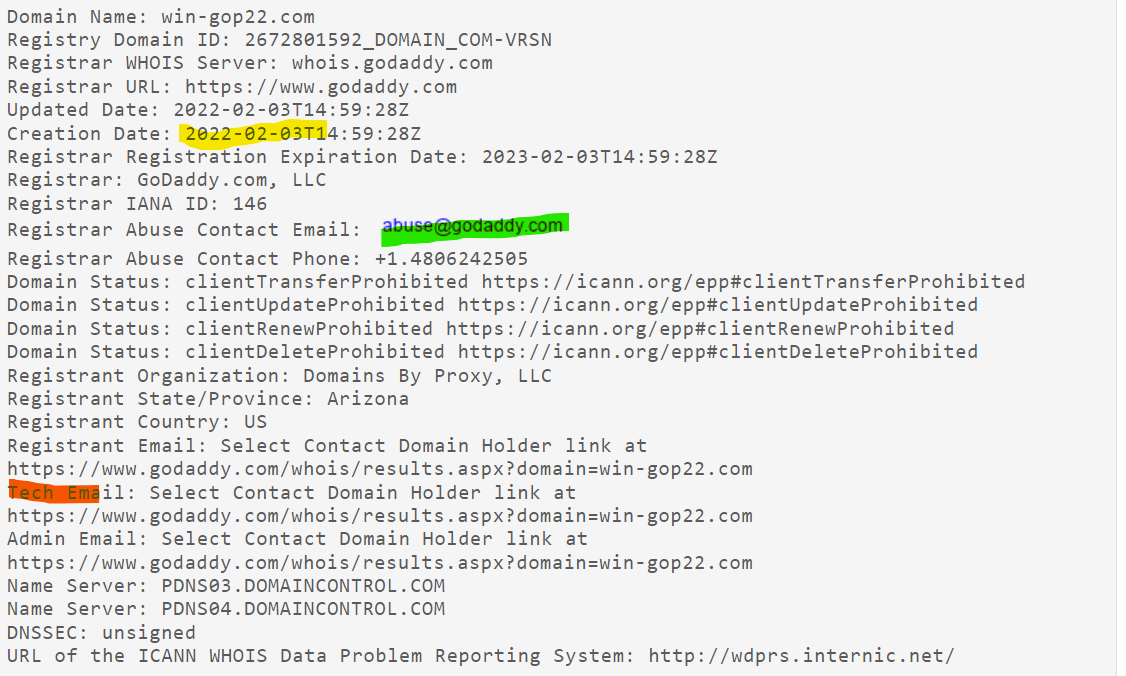
To check out domains, I use https://whois.domaintools.com/. Type the domain into the search box and press Search. Example: win-gop22.com. When I followed these steps for this domain, I found suspicious items:
Yellow highlight: The domain was created on the same day the text message was sent. This is suspicious.
Red highlight: The domain’s registrant information was redacted for privacy. Why would a legitimate company or organization need privacy? Very suspicious.
An email is provided (Green Highlight) where you can report abuse. It is different for every domain. You can’t report abuse to Godaddy if WordPress is the domain registrar. Godaddy has form to report abuse on their website: https://supportcenter.godaddy.com/AbuseReport?
Here is the text of the original text of the message. I want the search engines around the world to be able to index this page to warn other of scams:
NRSC LIVE POLL: BIDEN-HARRIS APPROVAL. We want to hear your thoughts on the DISASTROUS Biden-Harris Administration. All responses are due by MIDNIGHT. Take action RIGHT NOW, so your voice is heard. Quick vote! http://win-gop22.com/x6bpdNA
Text STOP to END




















 Sarah Cath's Adventures