Paintbrush Holder

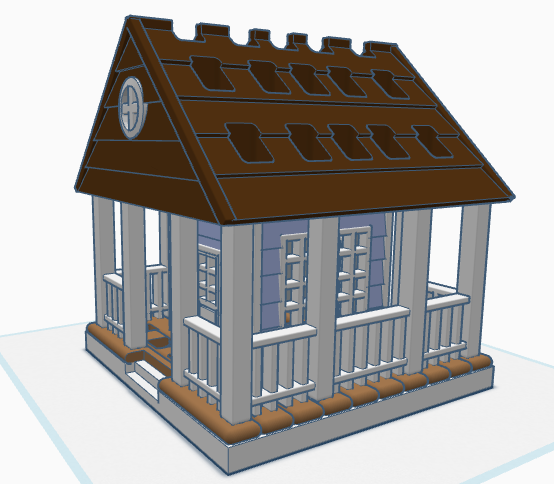
If you have seen some of my previous posts, you know that I paint little plaster houses. While I was painting a new set of houses, I decided it would be nice if I had a paintbrush holder. Yes, I could have purchased one on Amazon, but what is the fun in that. I decided to design a paintbrush holder that looked like a house. The size was not important as long as I could print the design on my 3D printer. The base is 120 mm or 4.724 inches x 120 mm x 8 mm. It provided the design with enough weight and support to prevent it from tipping over. This is the final version of the design in Tinkercad. It was tweaked several times for printing. Paintbrush Holder – Tinkercad

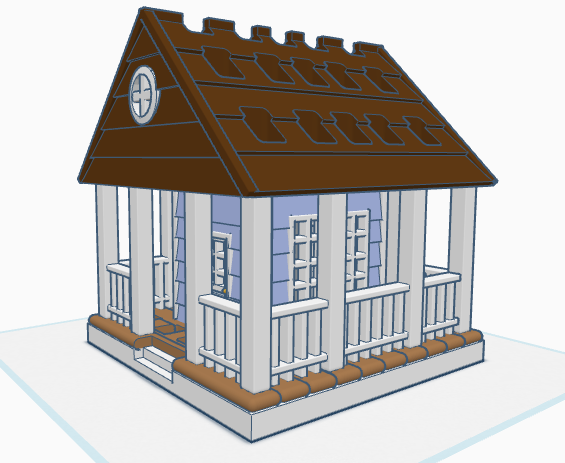
If I printed the design as shown in the picture, it would require a lot of support. My first attempt to print, I split the design into two pieces; roof and building. The roof I selected the Support Type of Tree. There is a lot that can go wrong with printing something for hours and hours, however the roof printed beautifully, and the supports detached easily.

The next print was the bottom piece. Again, a lot can go wrong when something prints for hours and hours and hours. First, after 12 hours the printer would not allow me to pause the print. Second, when the print finished the build plate did on return to its lower position, so extra filament built up on its final print location. Third, the support around the railing was impossible to remove without damaging the railing, which was 2mm in diameter. I went back to Tinkercad and tweaked the design.

For the second attempt, I made the railing detachable. With detachable railing, I could lay it flat on the print bed and not use any supports. After it was printed, I could assemble the design.

Front and Back Railing – I printed two copies. Note, I went from round to square railing.
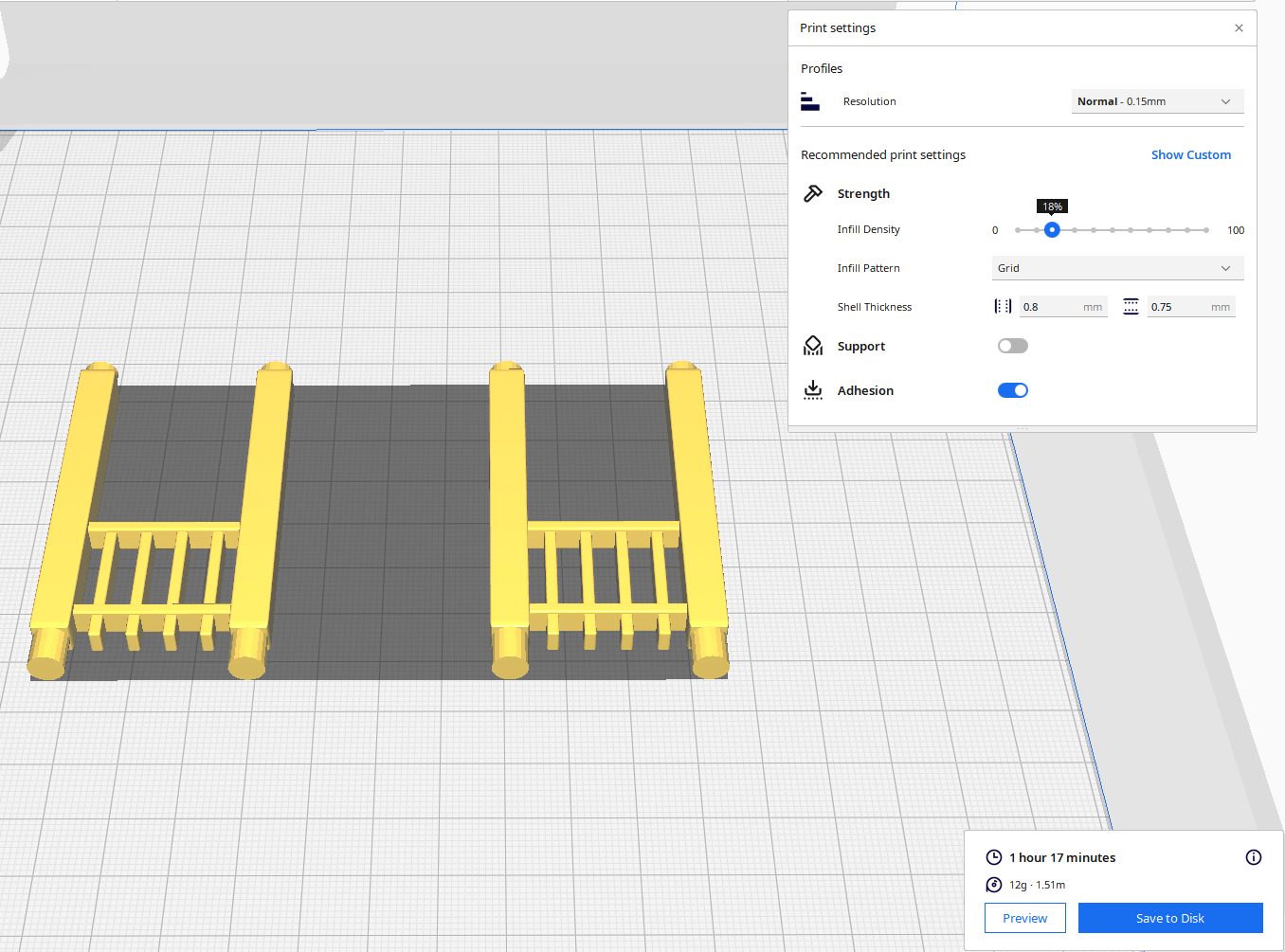
Front Railing Printed Two

Side Railing – I printed two copies.

Structure – I printed one copy with Normal Supports.

The STL files for this design are available on Thingiverse: House Shaped Paintbrush Holder

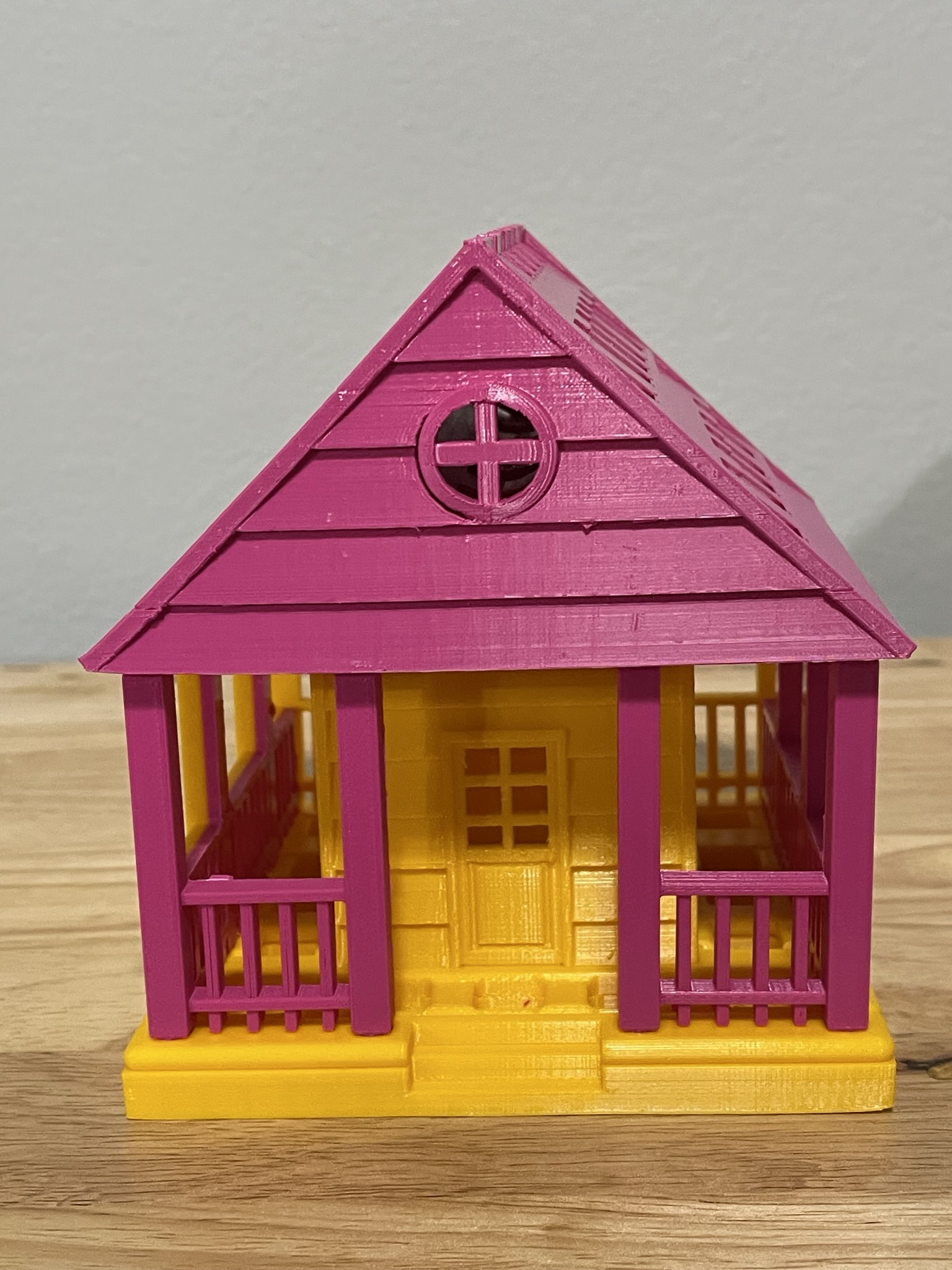
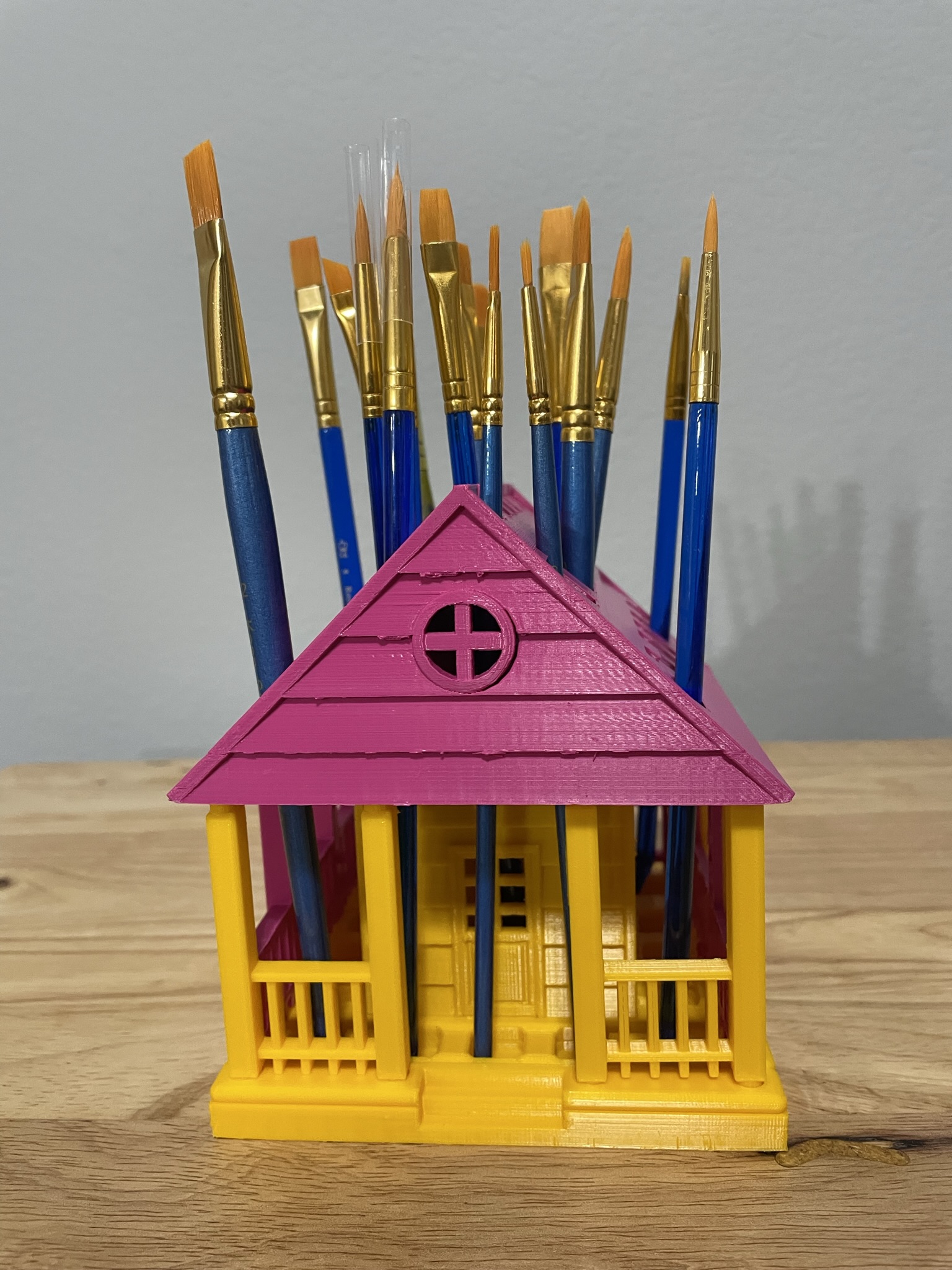
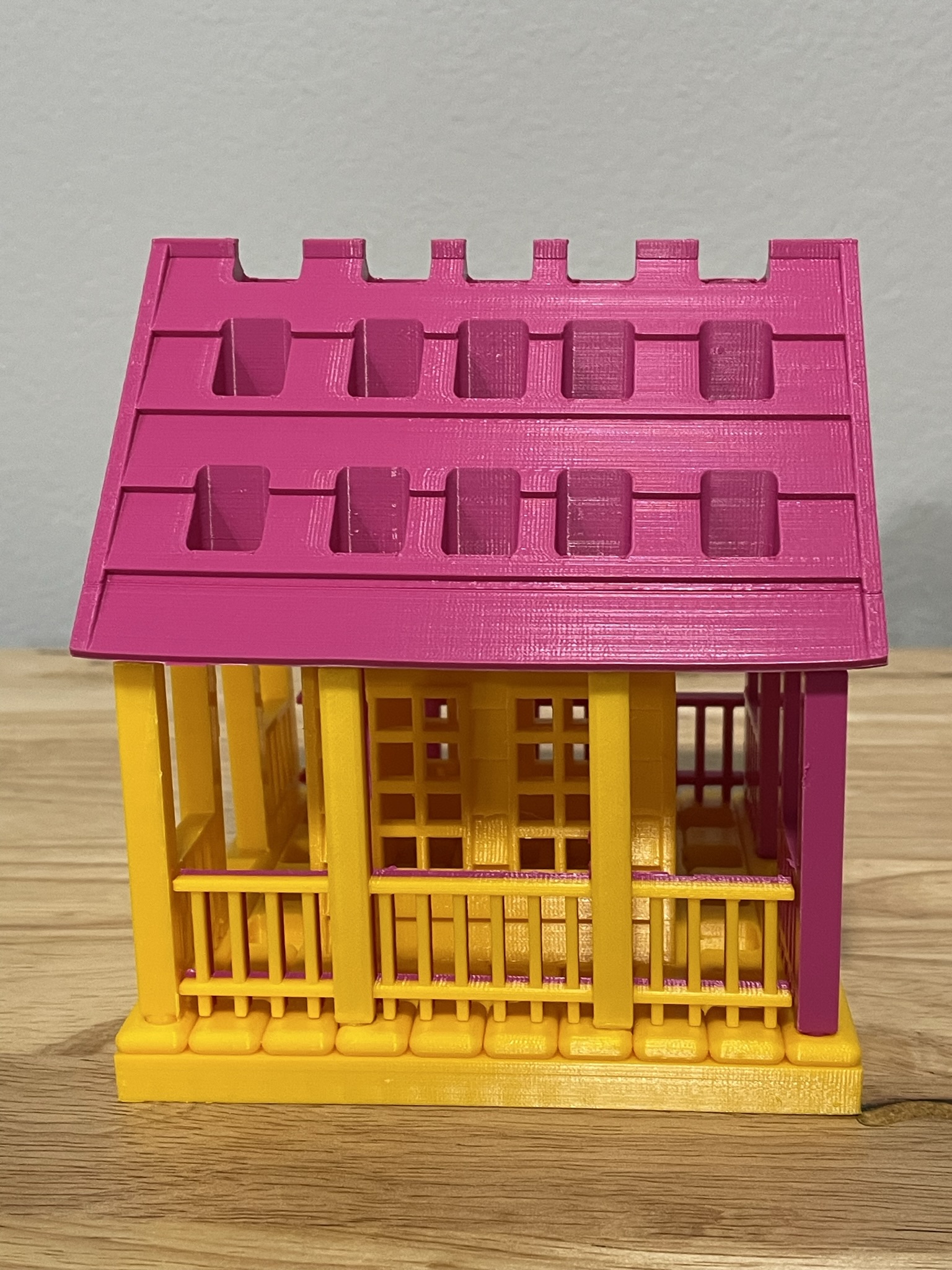
Below is the printed version of my new paintbrush holder. It was printed in two different colors because I ran out of the pink filament. The design was easy to assemble, and gluing was not required.

Spam, Spam and More Spam

No not the luncheon meat, but hackers. People wanting to get a hold of your data to cause you harm.

Occasionally, I looked through my junk mail and report the spammer. Today, there was one spammer that announced from the very first word they were a spammer. Here is the heading of the email.

Do you see the problem with it? Okay, I did highlight it. Amazon never ever refers to anyone as “Dear”. They are always blunt and to the point. Also, that red exclamation mark is another indicator. I did open the email (shame on me) to see how many times the spammer announced they were a spammer.

  1. My name is not SARAHCATH.
  2. What is “Command n & deg”? – probably something they forgot to program.
  3. Appears they can not type in Mixed Case.
  4. Oh, what is up with that date “Today , 2023.04.02 -“
  5. “Your commands” – missed something else in the program.

This was my giggle for the day. Giggle, giggle, giggle.

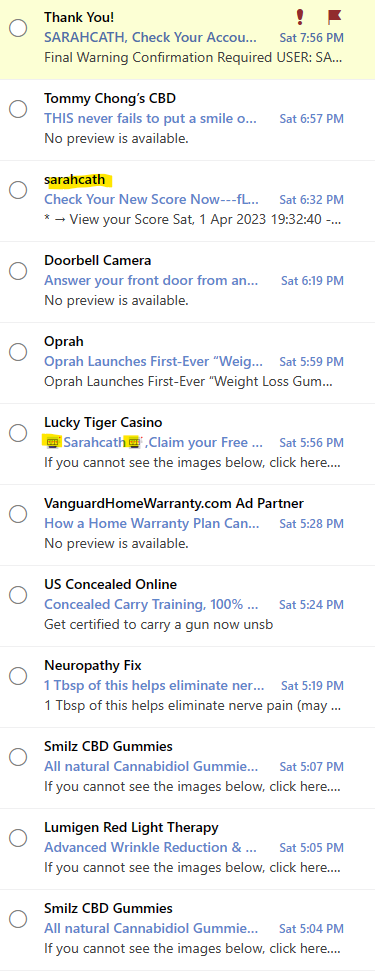
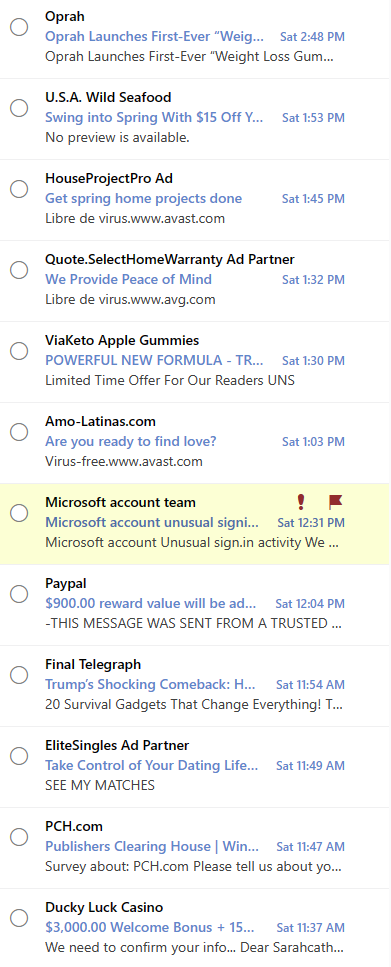
Seriously, the majority of my junk mail is from spammers. A small percent is actually from businesses I have contacted in the past. Below are just a few of the emails I have received from spammers.

How do I know they are spam without even opening the emails?

  1. Most of the companies listed I have never done business with.
  2. Again, my name is not SarahCath
  3. If is highlighted it is spam.
  4. If it has a cute little character or text, treat it like spam.
  5. Ad Partner – spam – someone pretending to be someone else.

You may wonder why I consider the apparent email from Paypal and Microsoft Account Team to be spam. Simple explanation; Paypal is not affiliated with this account. Now, the Microsoft look legit, however…

I have two-factor identification setup on my Microsoft account. But, I wanted more security on this account, so I set up the Microsoft Authenticator. It will notify me anytime someone tries to log onto my account, and I can deny their access. I can approve my access, if I am trying to log into the account from a different device. I no longer receive these emails from Microsoft, and if I did it would go directly to my inbox.

During the last week, there has been 14 attempts, from all over the world, to sign into my Microsoft account. They were all stopped from the start because they were attempting to use a very, very old password.

Broken – Outlook – Needs Emergency Fix

I have multiple email accounts. I use one, Outlook, for shopping. Why, because I can use the safe sender list to block most emails from getting to my inbox. Currently, in my Outlook Junk Mailbox, I had over 3200 emails in the Junk folder. Approximately, every 98 out of 100 emails in this box are from spammers.

This morning I woke up to numerous notifications on my phone. I did not see these notifications over night because I have “Do Not Disturb” active on my phone. But once the Do Not Disturb expired the beeping started. My Junk Mail was being routed to my Inbox.

This is a Microsoft Outlook problem. An update broke the Junk Mail routing. I don’t know what they were trying to fix, but now everyone who uses Outlook should be on guard, because Spammers and Hackers are rejoicing this morning. Their email is no longer being routed to Junk Mail and they are reaching more potential victims.

Now it is time to take precautions:

First, if you are sick of the notifications – Turn them off. On most devices you can find Notification under Settings.

Second, don’t open any email that are not from a friend, colleague, or a business where you signed up to receive emails. My security system blocked an URL this morning, because I opened an email that attempted cause havoc. Here are a few examples of Spam emails:

  • If it has Affiliate in the title.
  • If it has Associate in the title
  • If it has Gift Card in the title
  • Renewable by Anderson
  • Back Pain
  • AARP
  • ADT
  • You Won

Third, if you really want the special offer in an Email. Do not click on any links in the email (ever), go directly to company’s site and get the offer directly from their site. If the offer is not on their site, it is probably not a legit offer. Community Coffee is really good about sending emails about their offers. When I go to their site, the same exact offer is published on the top of their page.

Fourth, report the offending emails as phishing. I really hope the technology companies or working on stopping Spammers. I tracked a spammer down to a mailbox in Las Vegas. If I can do that, why can’t the tech companies?

Tinkercad Contest and more…

To support all the tinkers that hosted contests during this holiday season and Tinkercad’s TinkerTogether, I created the following designs:

TinkerTogether Design Challenge #25: Winter

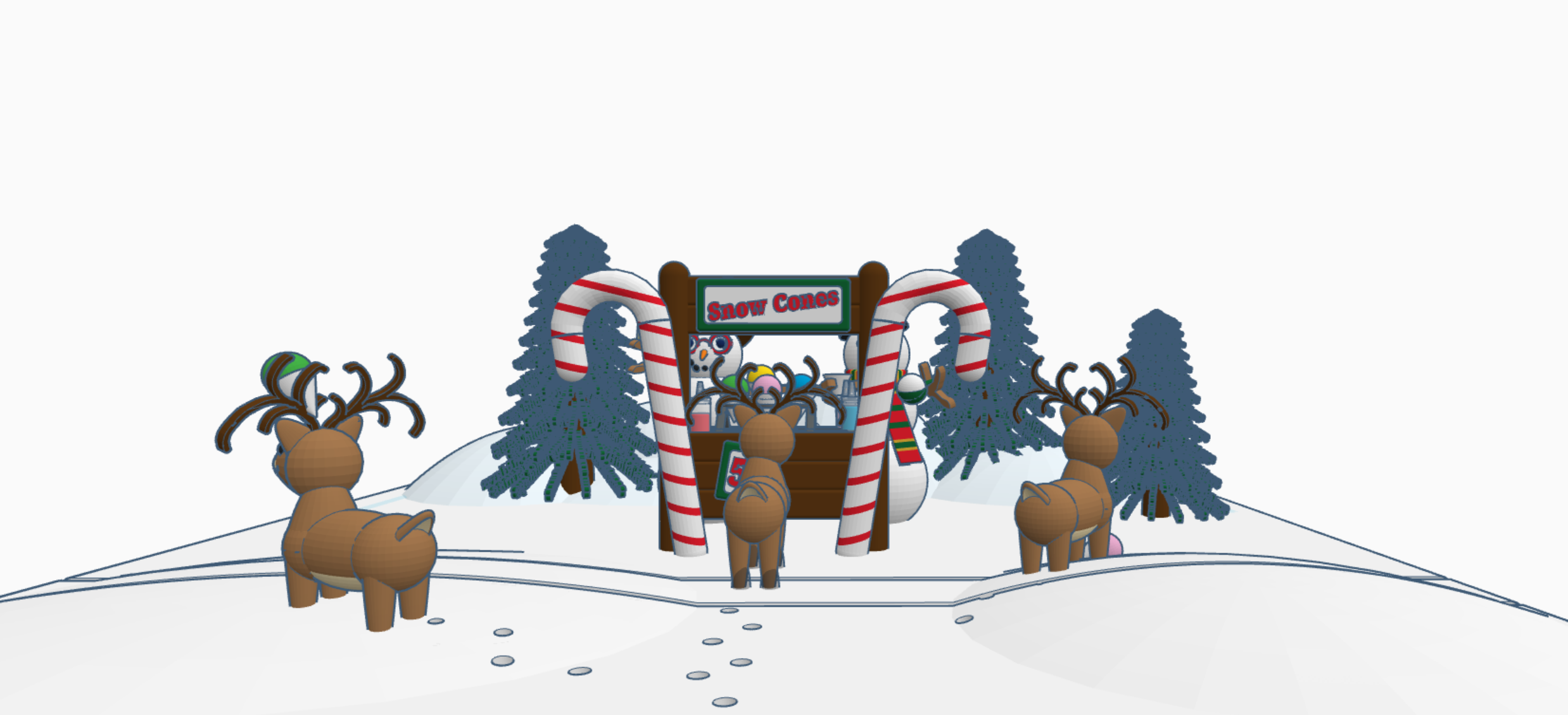
Snowcones for Sell

Snow Cones for Sell: In this design we have two snowman selling snow cones to a few reindeer. If you look closely at the ground, it appears that Santa Sled has been through. The hats, the reindeer and the candy cane are available in Tinkercad’s Shape Menu.

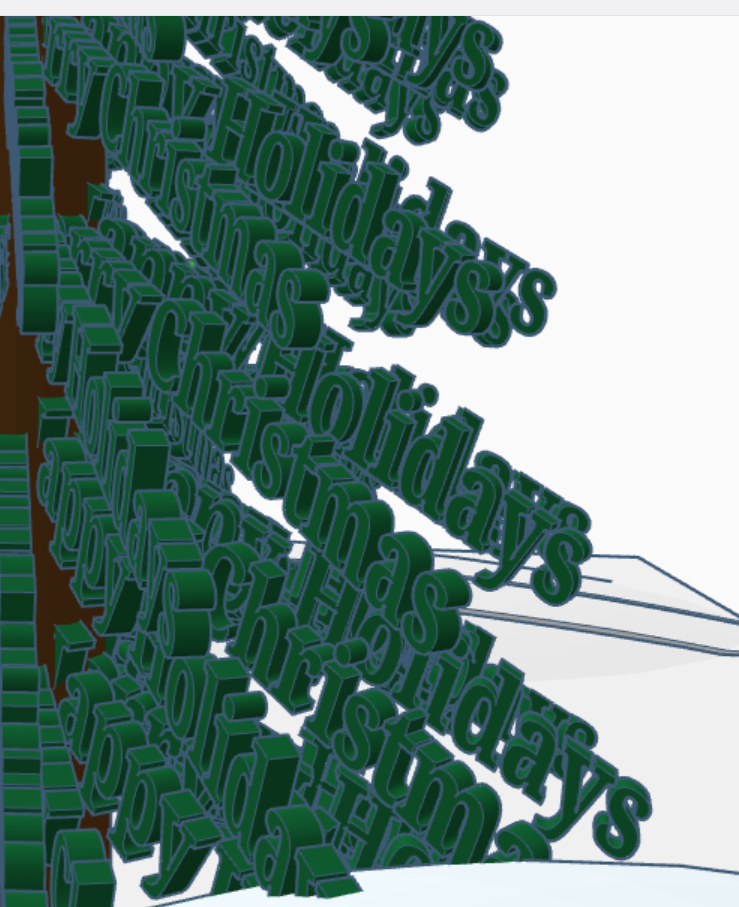
Take a close look at the trees, what do you see?

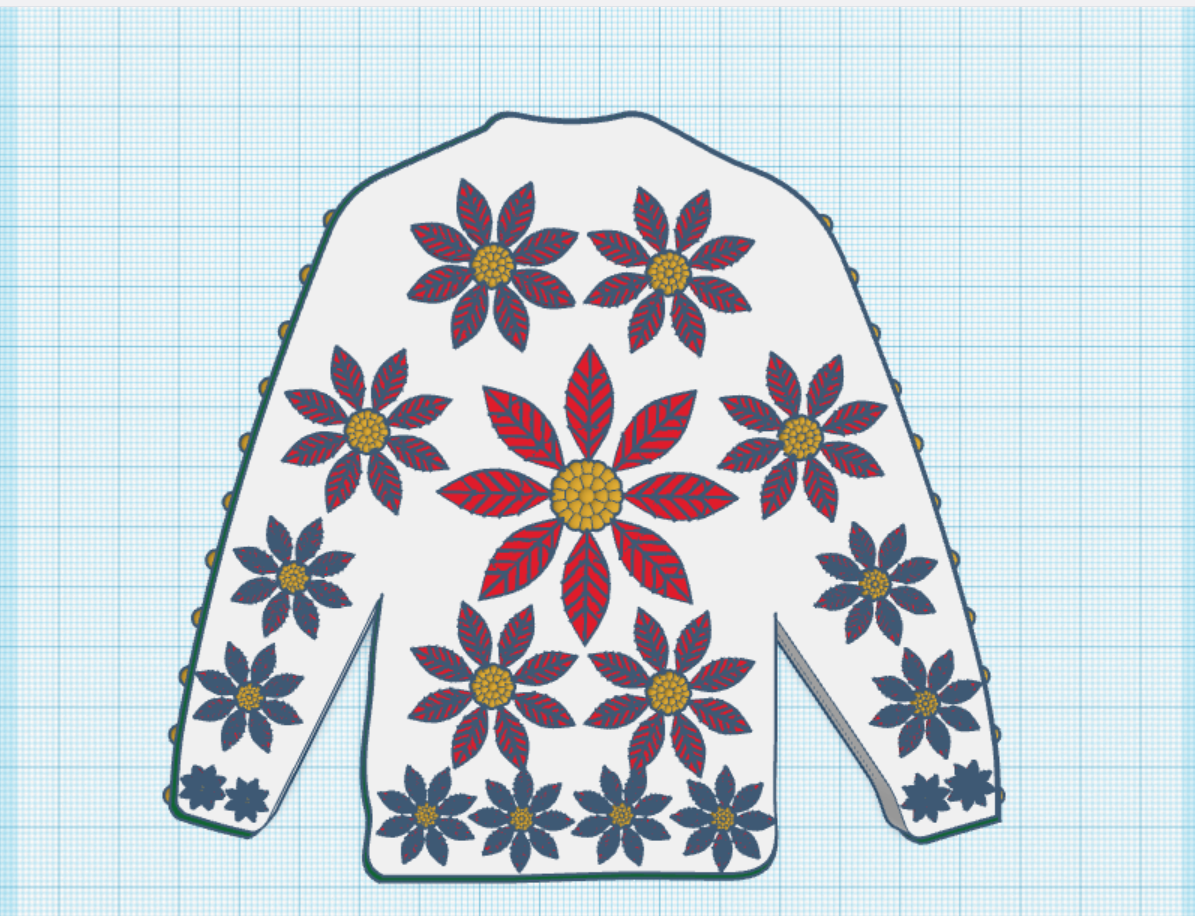
Create an Ugly Christmas Sweater: I used the template provided.

Contest: Design an Ornament – I could have created a typical ball ornament, but I wanted something that looked fragile. Do you see the snowflake inside?

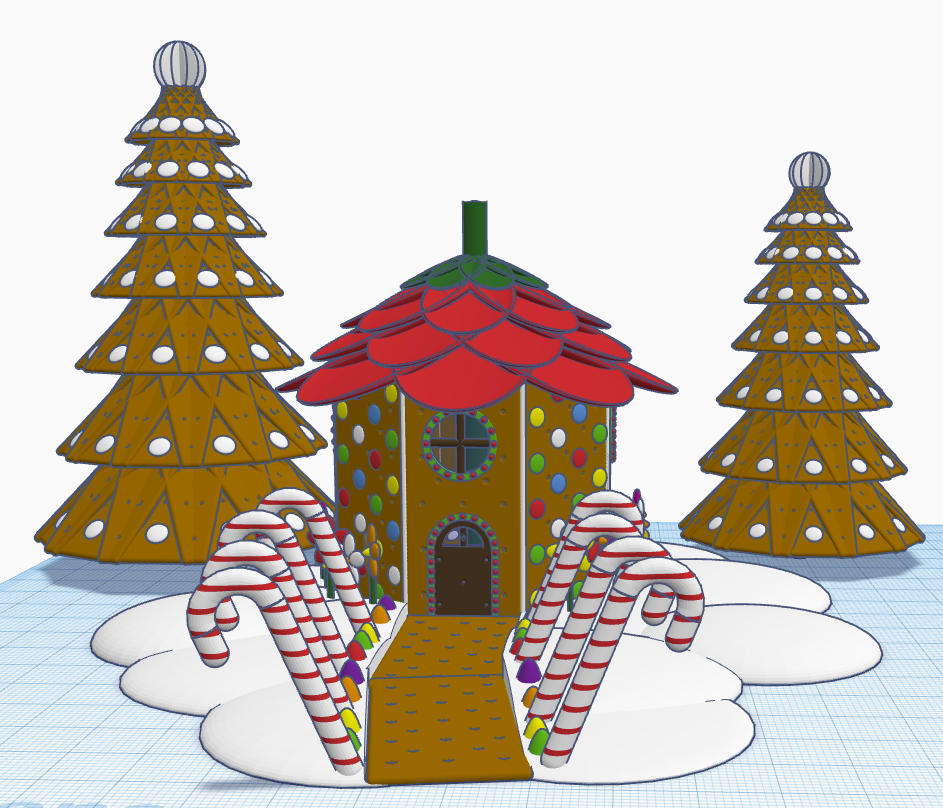
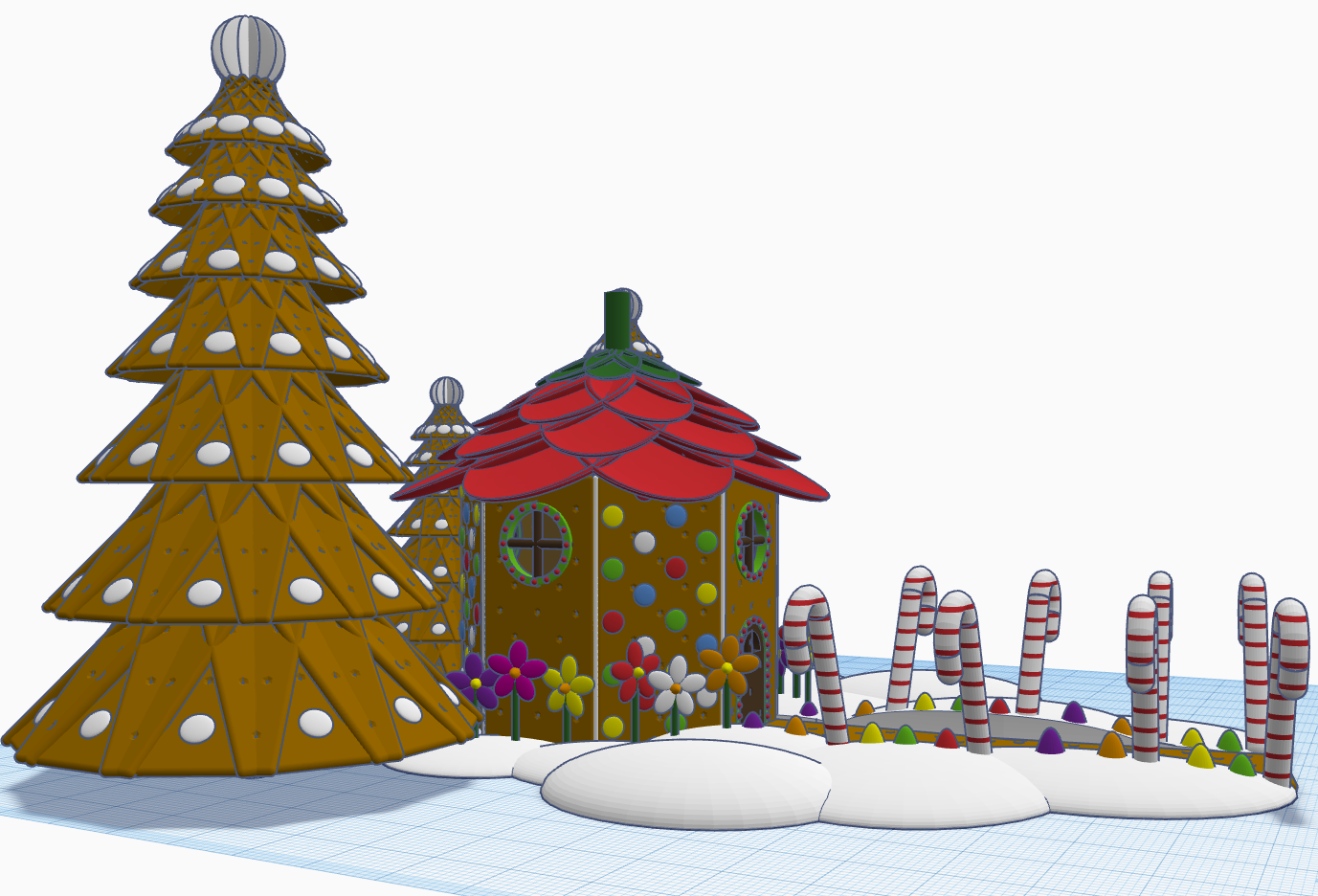
Contest: Create a Gingerbread House – I created a Gingerbread Fairy House. The roof of the house is a candy strawberry, and the path is lined with candy canes and gum drops.

Contest: Create a Log Cabin using the TinkerLogs created by HLModTech – I created a TinkerLog Church. The building and most of the items, including the trees, were created using the TinkerLogs that HLModTech created. I kept the width and height of the TinkerLogs, and only change the length.

TinkerTogether Design Challenge #26 – Party: For this challenge, I created a Bouncy Castle and Balloon Animals. Can there be a party without these items?

Contest: Create a Christmas Plushie – my contest entry was me. For years, I had a certain way of creating a stick figure of me. I decided for this contest I would create a Plushie of Me. Notice the Santa Hat, it came out looking pretty awesome.

You can see all these items in 3D view from my profile or clicking the links above: SarahCath

Christmas with Tinkercad Codeblocks

My biggest adventure this year was moving. Not a move across town, but a move to a different State over 500 miles away. I cannot recommend moving. While I was sitting in front of the TV at night, during my breaks from unpacking boxes and organizing, I decided to relax with some coding in Tinkercad Codeblocks.

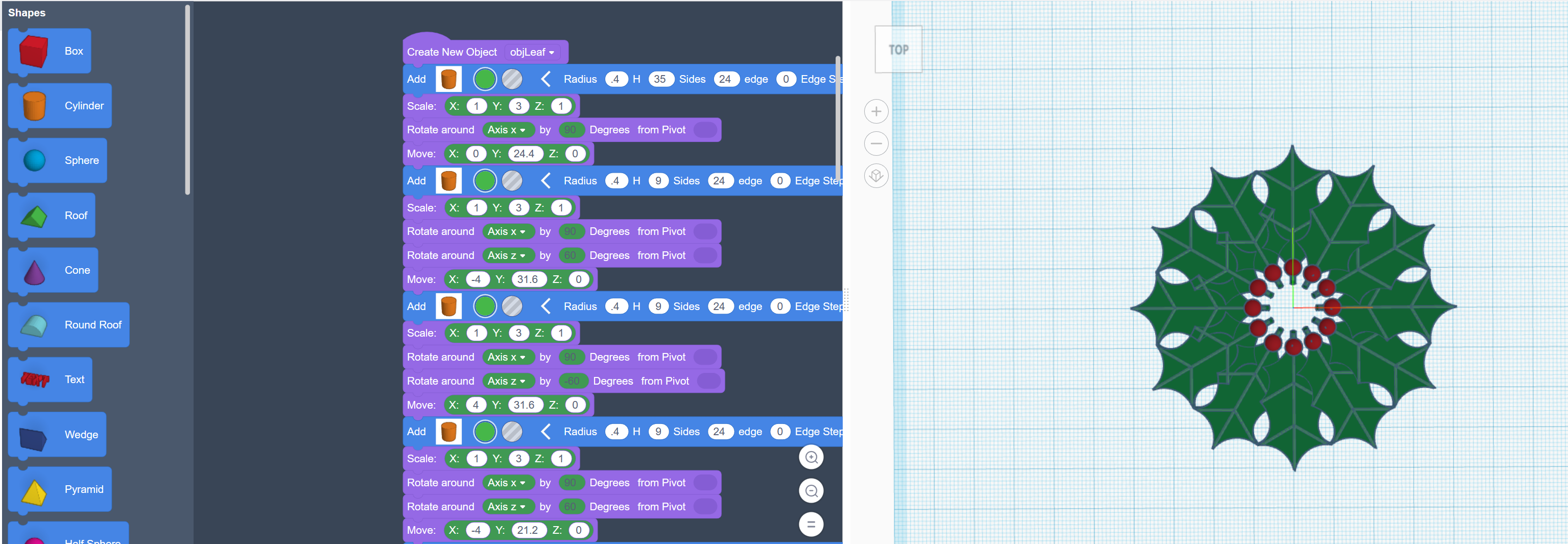
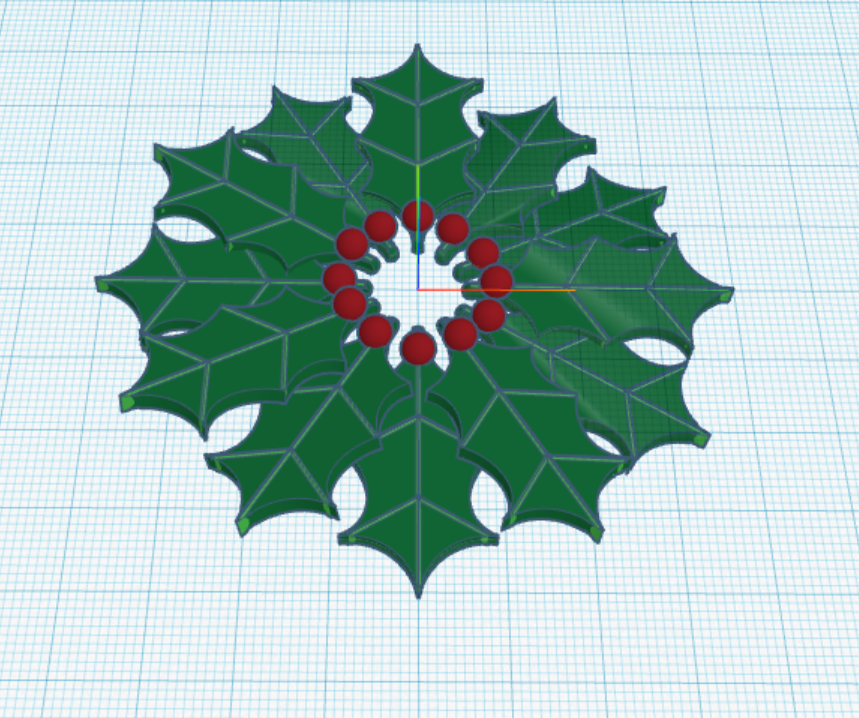
The first thing I coded was a Christmas Wreath:

First, I coded one holly leaf with all the details. Then I copied and rotated each leaf along the x, y and z axis.

The rotation around the x and y axis is random, so the wreath will look a little different every time the program in run.

You can copy and run the program on Tinkercad Codeblock: https://www.tinkercad.com/codeblocks/2ZZut9sL86G

The second Christmas design I created with code block, was Santa. https://www.tinkercad.com/codeblocks/hPyeQnEmdV5

He was coded from the feet up. The beard is randomly generated, so it will look different every time the program is run.

After you create a design using Codeblocks, you can export the design as a Shape and use it in Tinkercad 3D Design.

The Santa may have looked better if I used 3D Design, but he does have a level of cuteness to him.

Glass Tower

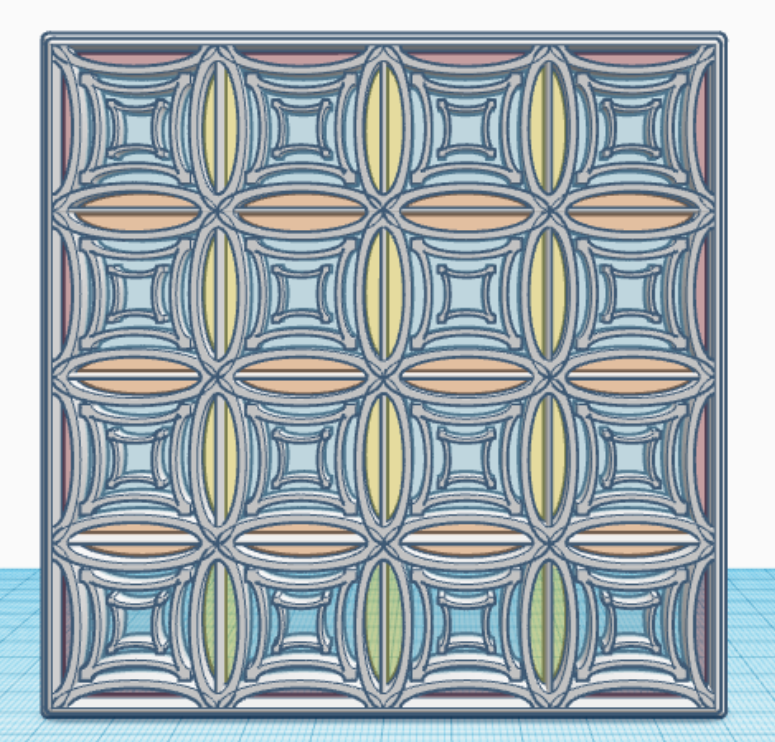
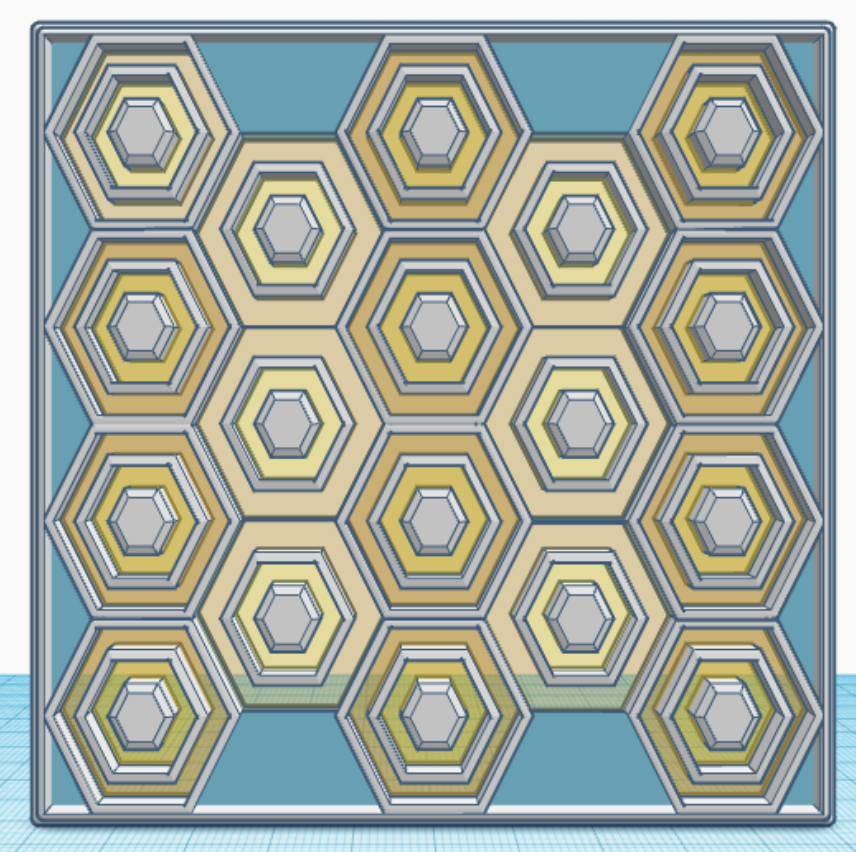
In January, I created one tile/design/pattern/window a day for 31 days. Each tile is 4″ x 4″ x 0.252″ or 101.6mm x 101.6mm x 6.4mm, which should work very well for 3d Printing. Here are examples of some of the tiles I created. They are just designs and patterns, there is no hidden meaning behind a tile.

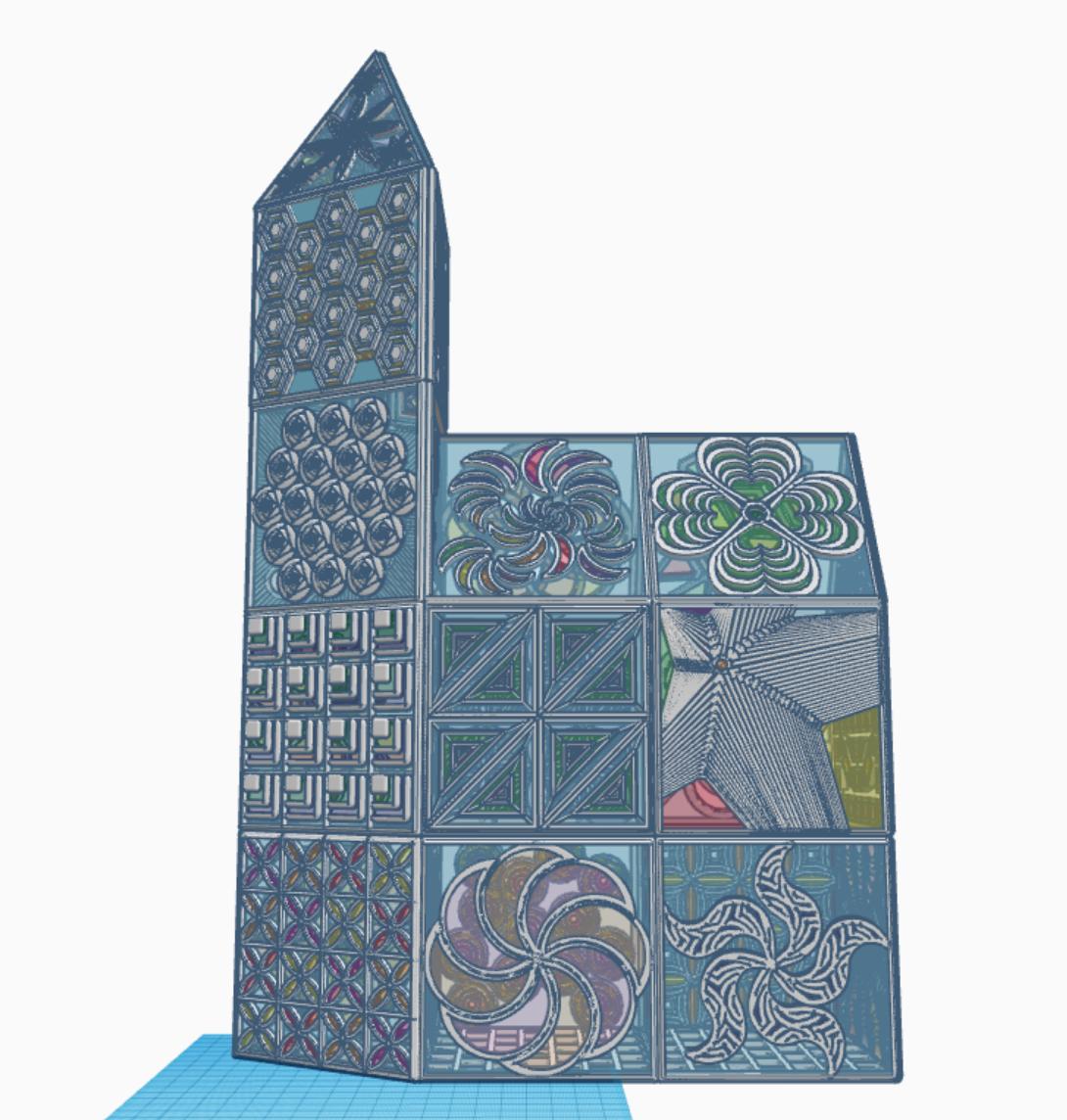
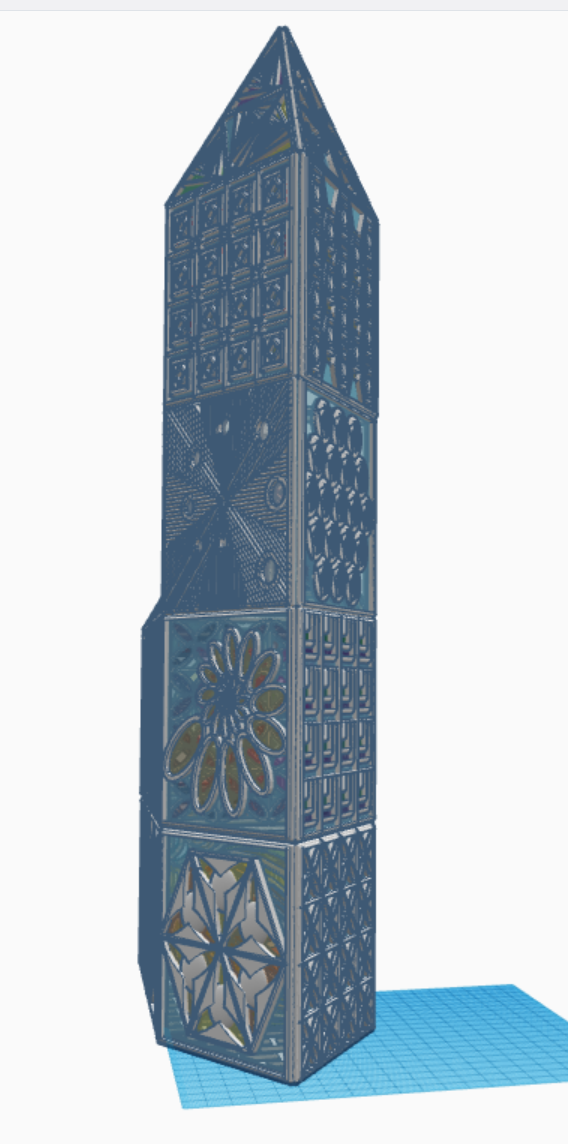
What can you create with these tiles? I created a Glass Tower in Tinkercad with the 31 tiles. The only tile I reused was the last tile, the bottom tile, the tile I used for the floor. Below are pictures of my Glass Tower. The 3D view is available at this link: Glass Tower

All the tiles are available for copying and tinkering on Tinkercad. What can you make with these tiles? A square, a window in a building, a charm for a necklace. Just use your imagination and log on and search for sarahcath under People to find a design.

Detecting Scam Text (SMS) Messages

Regularly I get unsolicited phone calls, those are easy to handle. I normally don’t answer calls whose contact information is not in my phone. On rare occasions when I answer the phone, I found the best thing I could tell them is “I don’t do business with people who randomly calls me on the phone.”

Text messages (SMS messages) are a different story, they will appear on my phone solicited or unsolicited. Below is a recent, scam text message I received. They are trying their best to get me the click the URL link.

I will step you through the problems I found with this text message.

  1. Most legitimate companies I deal with does not use a real phone number. They are now using a 5-digit code like “59842” to send text. Also, the text message used the country identifier “+1” for the USA. Lastly, this number was not in my address book.
  2. Have you ever heard of NRSC Poll? They may be a legit company. If you want to fill out a survey, search for NRSC Poll and see the results. If they ask for any personal info, be cautious.
  3. The text message provided a deadline which you must respond quickly? Probably because the hacker knows that this domain has a limited life.
  4. Do we talk like the example in the text message? “Quick vote!” We aren’t voting, it’s a poll.
  5. Let check out the domain! First, item 2. said it was an NRSC poll. Why doesn’t the URL contain “NRSC”?

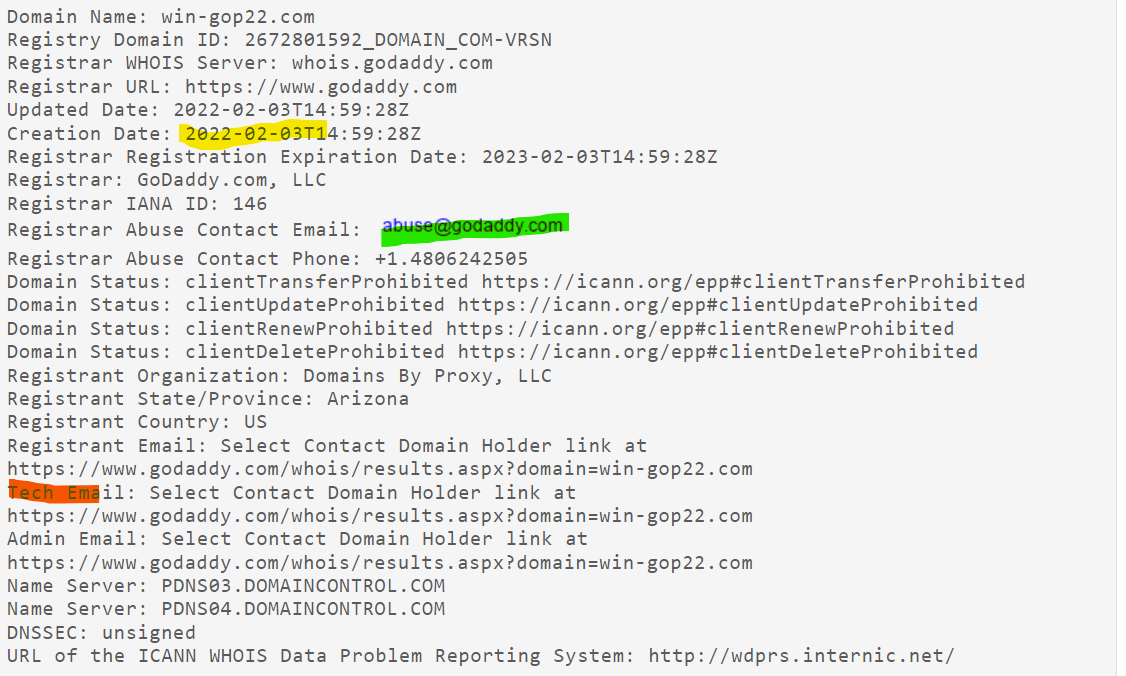
To check out domains, I use https://whois.domaintools.com/. Type the domain into the search box and press Search. Example: win-gop22.com. When I followed these steps for this domain, I found suspicious items:

  • Yellow highlight: The domain was created on the same day the text message was sent. This is suspicious.
  • Red highlight: The domain’s registrant information was redacted for privacy. Why would a legitimate company or organization need privacy? Very suspicious.

An email is provided (Green Highlight) where you can report abuse. It is different for every domain. You can’t report abuse to Godaddy if WordPress is the domain registrar. Godaddy has form to report abuse on their website: https://supportcenter.godaddy.com/AbuseReport?

Here is the text of the original text of the message. I want the search engines around the world to be able to index this page to warn other of scams:

NRSC LIVE POLL: BIDEN-HARRIS APPROVAL. We want to hear your thoughts on the DISASTROUS Biden-Harris Administration. All responses are due by MIDNIGHT. Take action RIGHT NOW, so your voice is heard. Quick vote! http://win-gop22.com/x6bpdNA
Text STOP to END

2022 Election Scam

Below is another text I received on my phone. Yes, I believe that hackers have my phone number from the Dark Web. How? There are numerous companies that have my contact information and a several of the larger companies had data breaches, such as T-Mobile, CafePress, LinkedIn, Android, Facebook… Those were just in 2021.

+1 (386) 297-5094

Message from Donald Trump Jr. -> I can't lie to you guys. This election is going to be a tough one so it is REALLY important we hear from you. We need you to take the Official 2022 Nationwide Census. Take 2 mins and get it done: https://winitback2022.org/r.wr?id=JW0FCe4l

ReplySTOPToEnd

This is why I believe it is a scam:

  1. The phone number: It a phone number, not a 5 digits text number. It has a +1 in from of the number. And, when I looked up the number it did not return a legitimate organization.
  2. The web site “winitback2022.org” was created on December 23, 2021.
  3. The web site is hosted by GoDaddy. Okay, that makes it appear to be more legitimate. But, the domains registrant’s contact information has been withheld.
  4. The domain was registered by: Domains By Proxy, LLC. If you look them up, you will find they have a very bad rating with the BBB (Better Business Bureau).
  5. Finally, there no Official 2022 Nationwide Census. The only official Census takes place every 10 years; 2000, 2010, 2020, 2030….

Again, don’t click any link in a text message. Don’t reply to a text message.

Next step, I will report it to GoDaddy as abuse.

Parcel Scam Alert

Below is a text I received on Christmas Eve, and it is a scam! Either they were phishing for information or worst:

+1 (402) 378-1378

Parcel Tracking: Hi, your package with tracking number ZZBURAHH is waiting for you to check the shipment address: spreadbrief.com/DemUgCq

It looked like it could have been legit with the a few problems:

  1. I never get text message starting in +1. I believe that to use +1 the message was probably sent from another country.
  2. I never seen a tracking number like “ZZBURAHH”. Personally, to me it sounds like “Brouhaha”
  3. I was only expecting packages from UPS or USPS.

First, I did a web search on the number. The results did not return any legitimate businesses. If a legit company was going to text me, I would expect to find their business on the web searching by their phone number.

Next I used WHOIS to look up the domain and I found problems:

  1. The domain was created the same day the text was sent.
  2. The domain owner was in another country.
  3. Most of the contact information on the domain was redacted for privacy. If you look at a legit company’s domain registration, such as UPS, they provide a mailing address and phone number.

Lastly, I emailed the text to myself and reported it to the domain provider. On WHOIS an email address is provided to report abuse.

Recommendation: Never click on a link you receive in a text or email.